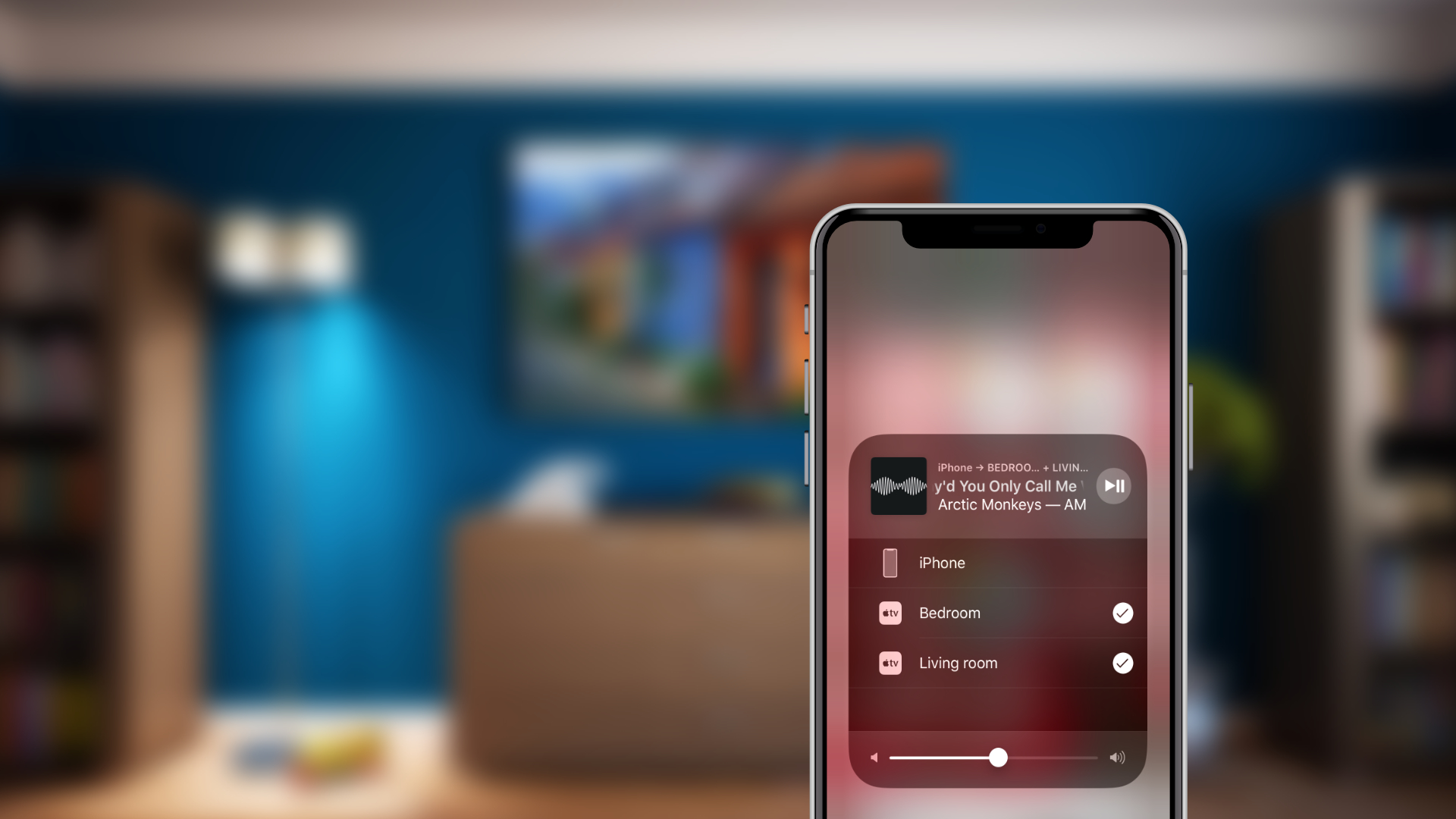
A sketchy report published Monday would have us believe that Apple is working on a more affordable HomePod model with Beats branding that would be priced below $200.
Apple may be planning a cheaper $199 HomePod under Beats brand
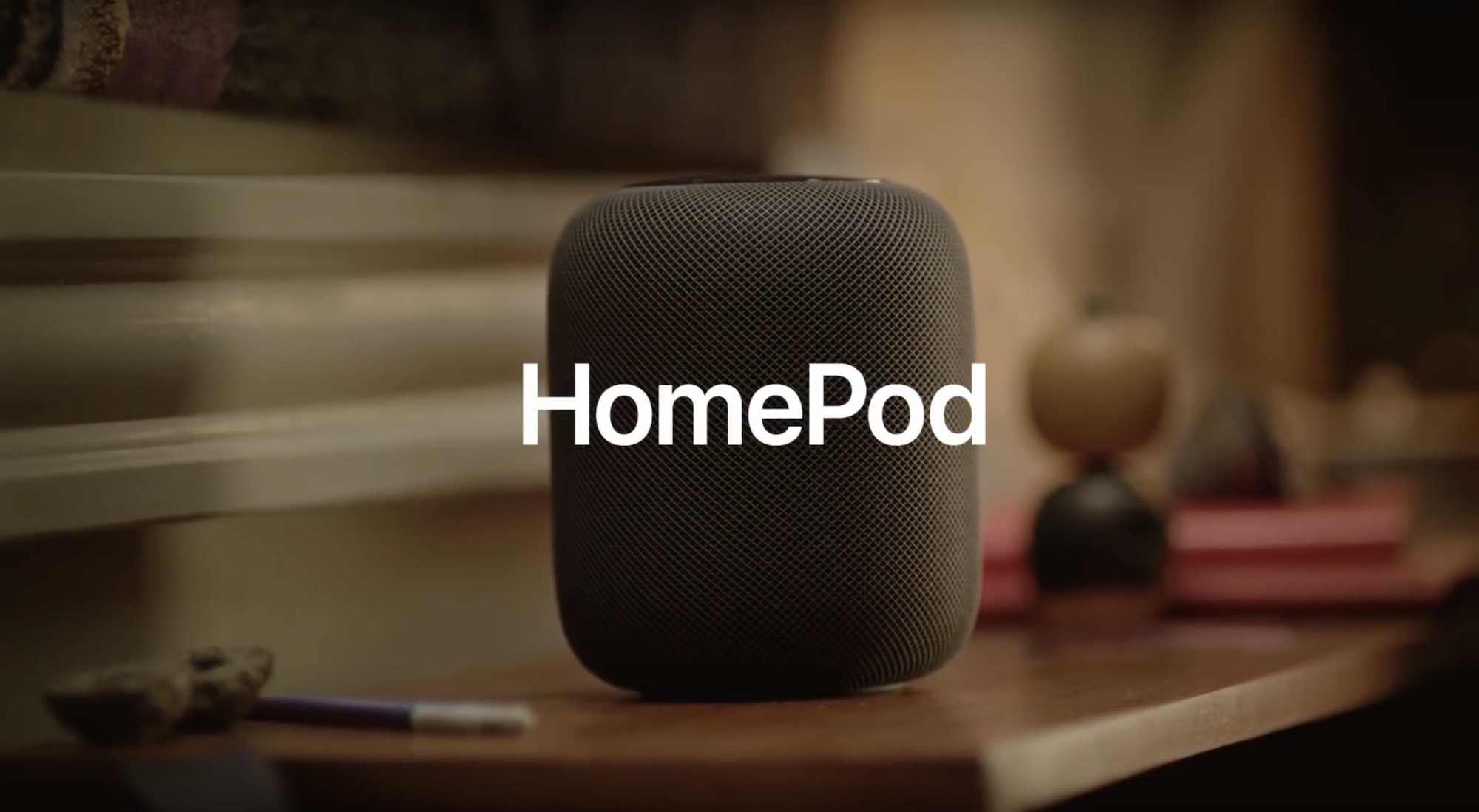
A sketchy report published Monday would have us believe that Apple is working on a more affordable HomePod model with Beats branding that would be priced below $200.
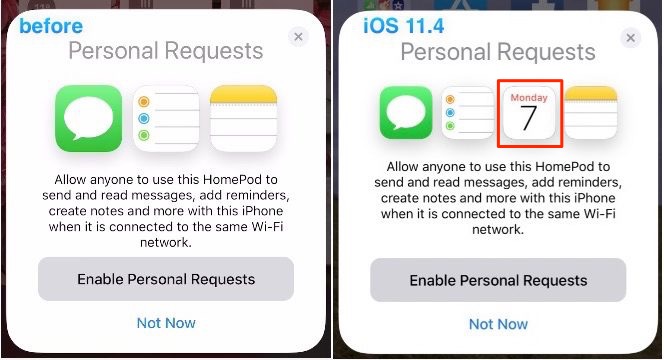
HomePod will be picking up support for the stock Calendar app with iOS 11.4.

According to Google, its Assistant now works with more than 5,000 smart home devices.

If you have ever wondered how Apple came to choose the wake word for Hey Siri function, its latest machine learning article focusing on the Siri trigger phrase provides the answer.
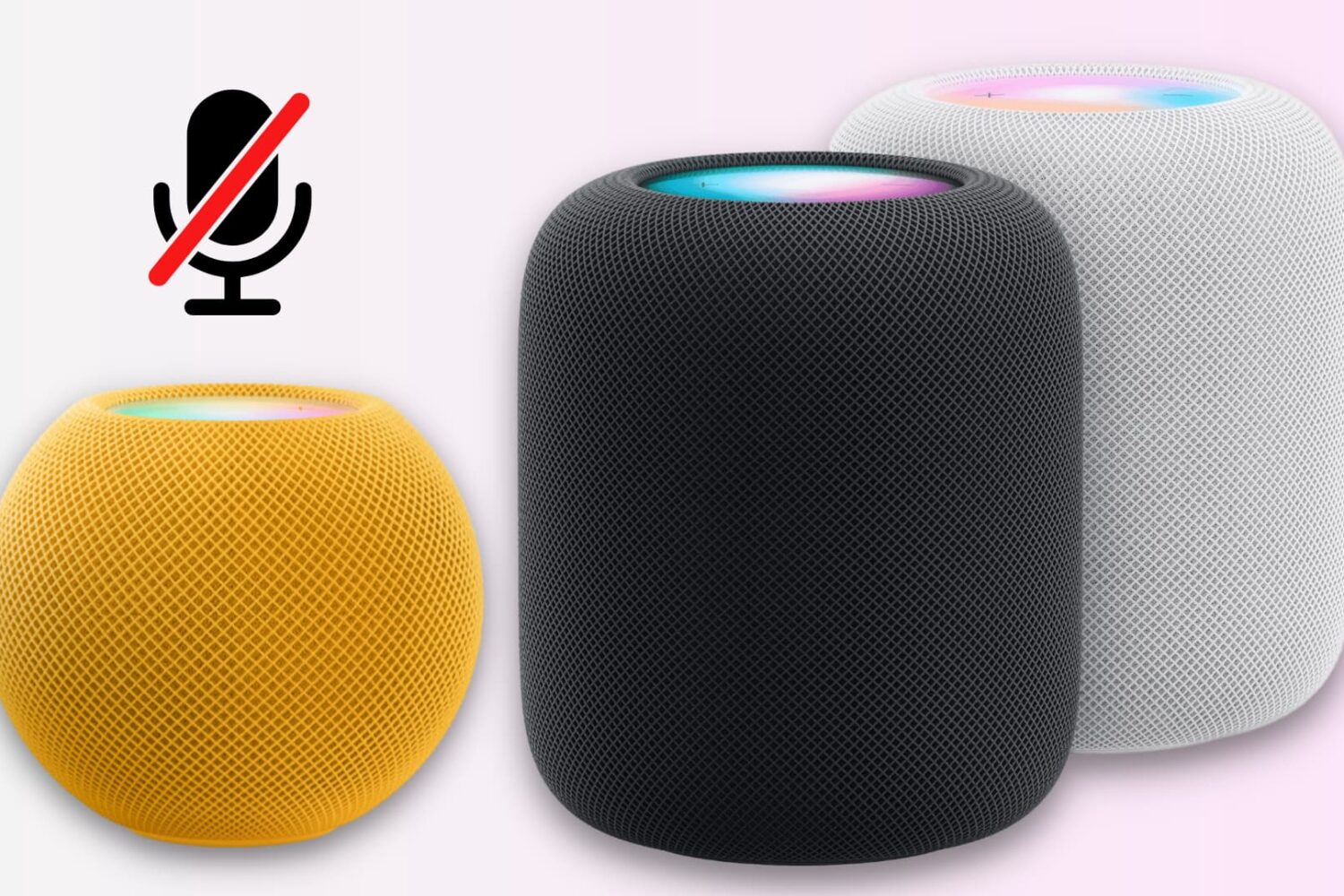
Unlike many other smart speakers, there is no physical switch to mute the HomePod’s microphone.
However, you can disable the always-on “Hey Siri” feature using the iPhone Home app or by asking the speaker. This turns off the microphone at the software level and stops it from always listening in on you.
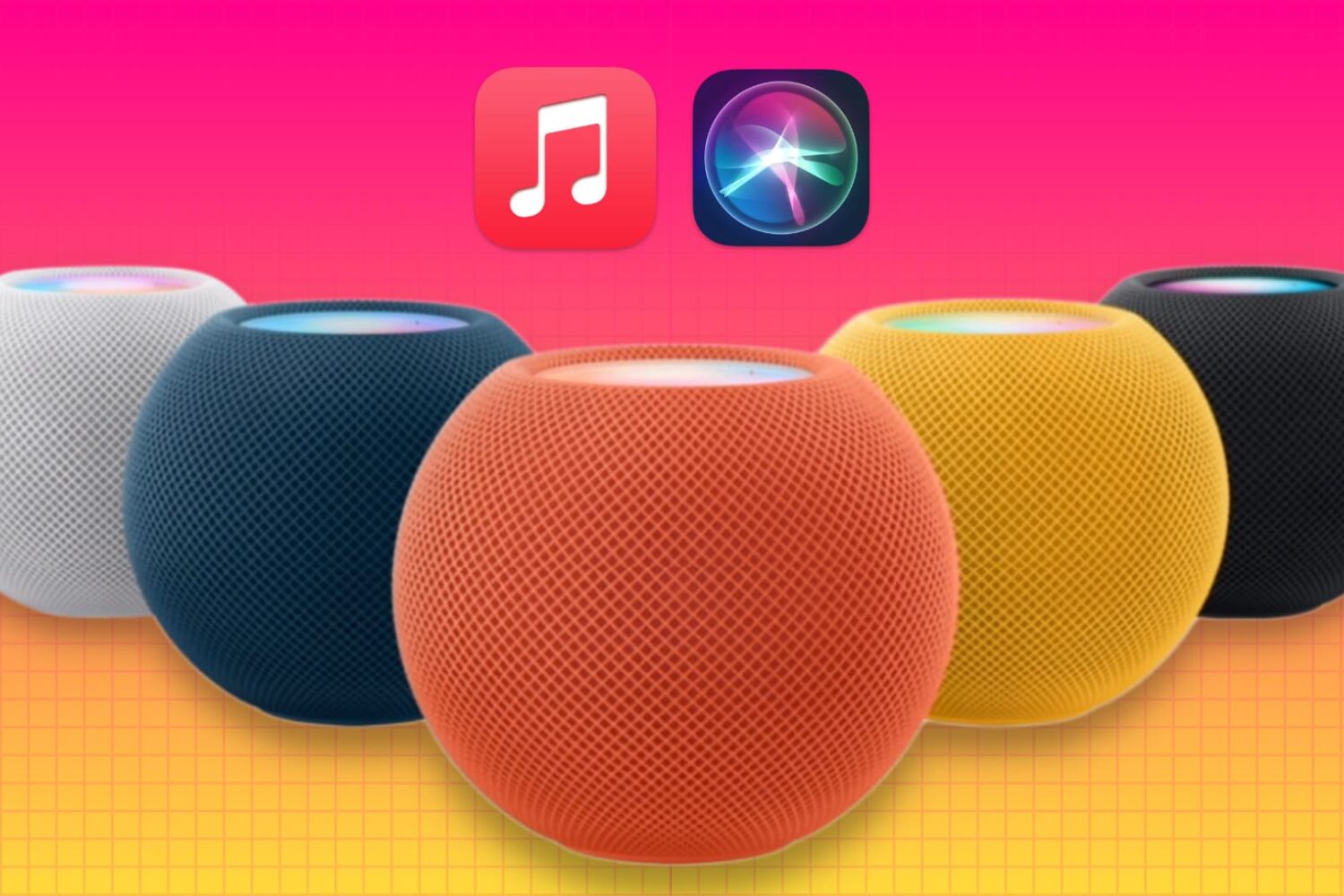
Go through these troubleshooting tips if Siri on your HomePod is unable to play specific songs, playlists, or artists on Apple Music when you ask it to.
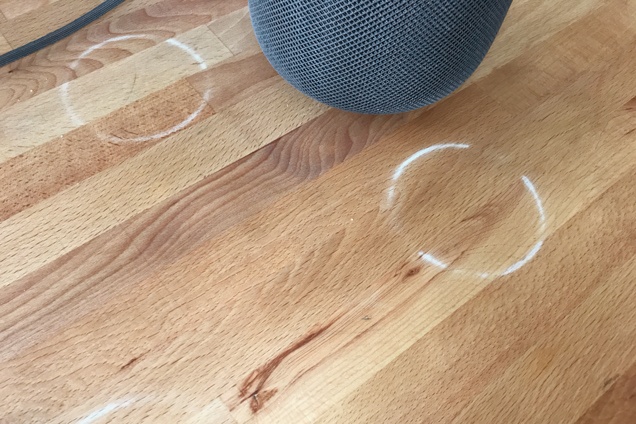
A future HomePod iteration should not leave ring marks on treated wood furniture.
A report Thursday alleged that HomePod sales have been lackluster thus far.

Apple has hired Google's chief of search and artificial intelligence John Giannandrea, reports The New York Times. The outlet has obtained an internal email from Tim Cook, who tells employees “John shares our commitment to privacy and our thoughtful approach as we make computers even smarter and more personal.”
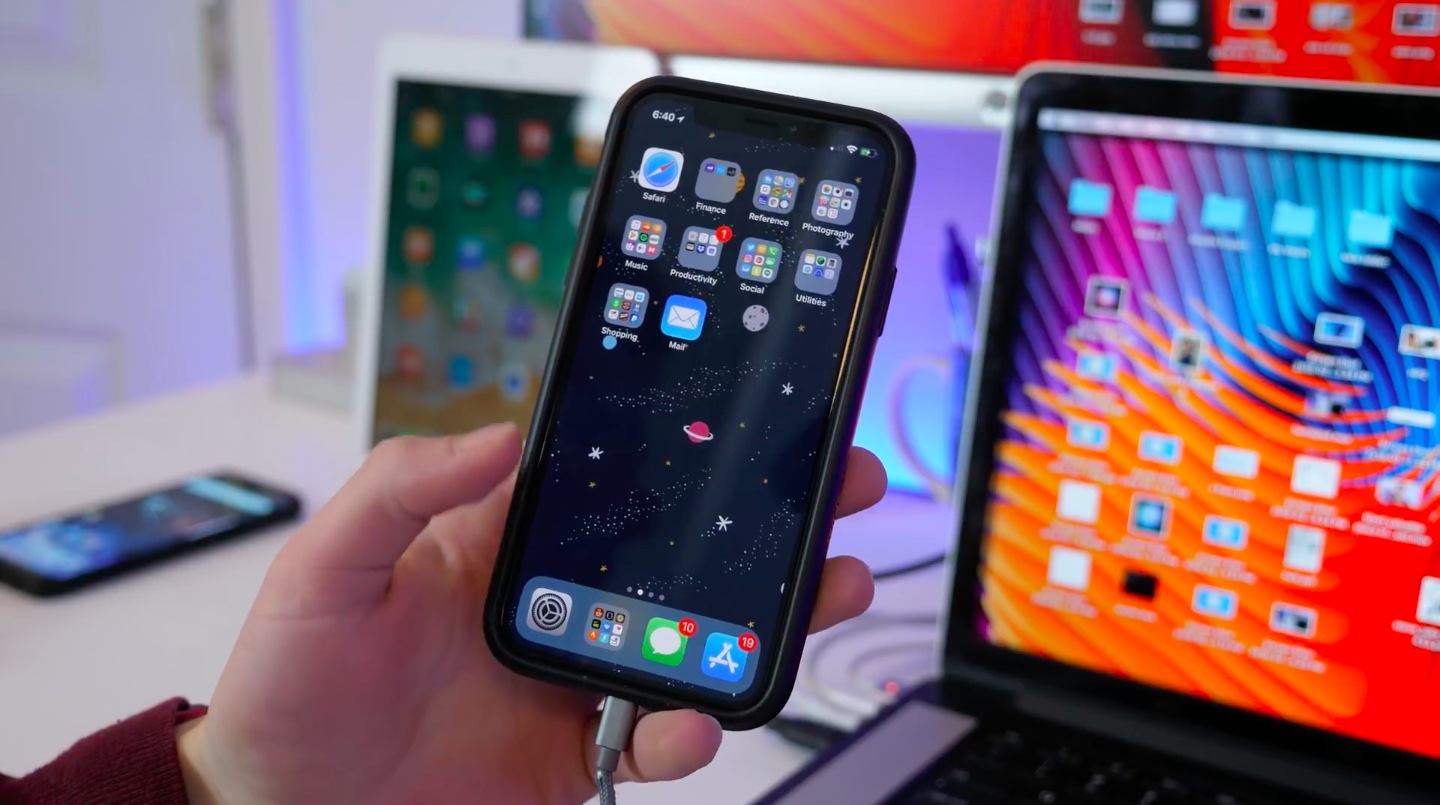
Apple yesterday seeded first developer-only betas of iOS 11.4, tvOS 11.4 and watchOS 4.3.1, with the iOS and tvOS betas reinstating a pair of missing features that we were promised at WWDC back last summer: AirPlay 2 and Messages in iCloud.
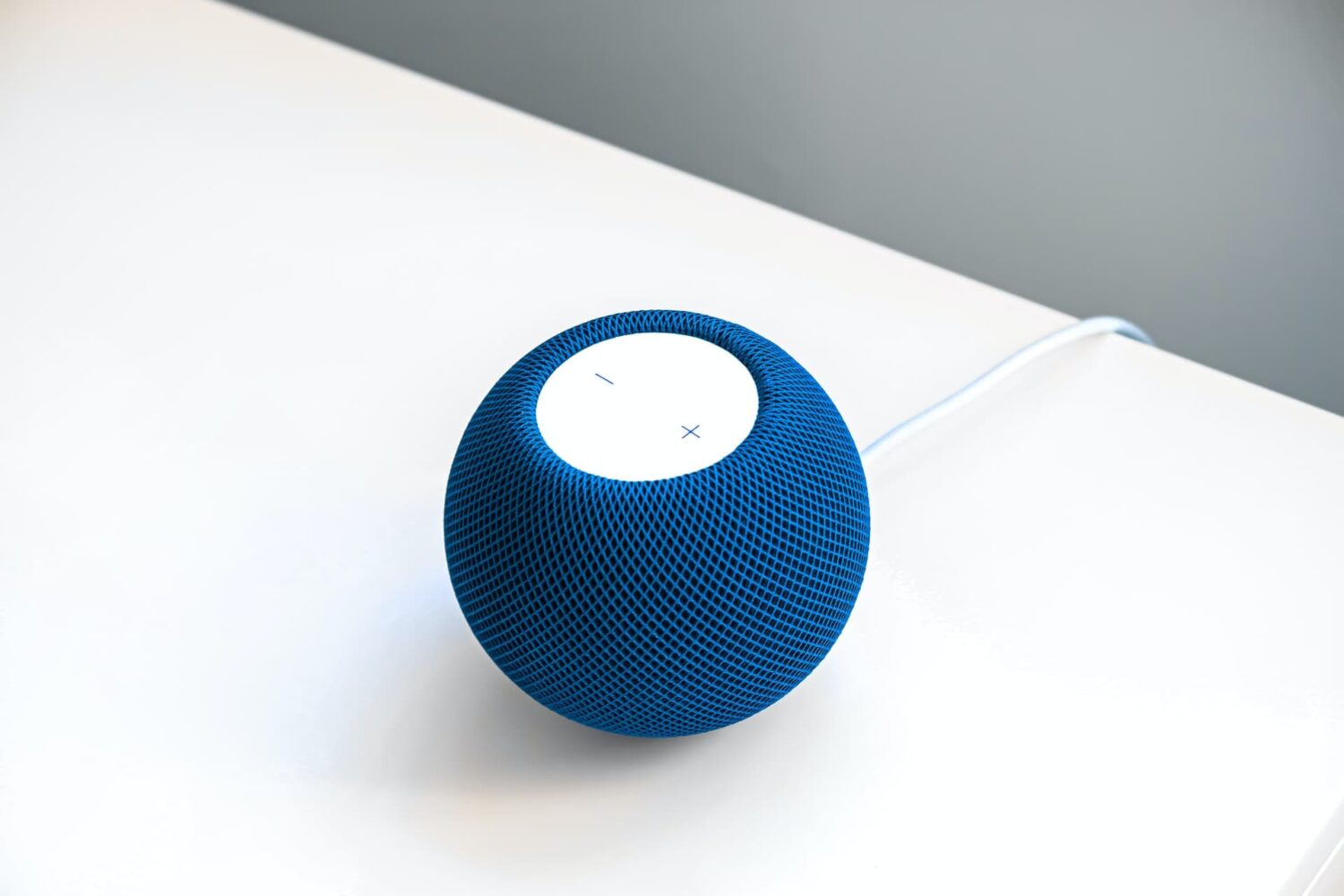
Like other Apple devices, your HomePod permits you to set custom alarms.
You can create multiple alarms using just your voice, optionally add some context to them, if you like, and more. Your Siri speaker will signal you when one of your created alarms goes off.
Siri on HomePod allows you to create as many alarms as you want, manage them, remove ones you no longer need, turn specific alarms on or off, create recurring alarms, and more.
Alarms do not synchronize across multiple devices via iCloud. Any alarms created using your HomePod will not appear on your Mac, iPhone, or other devices, and vice versa.