Push Notification

All iPhone notification settings explained so you can customize them accordingly

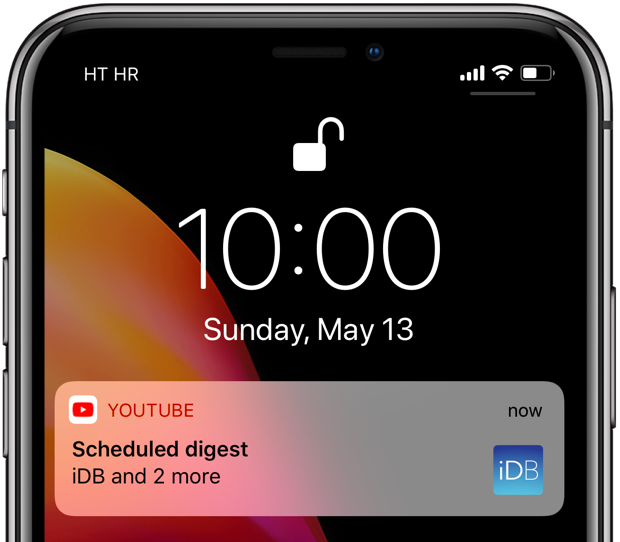
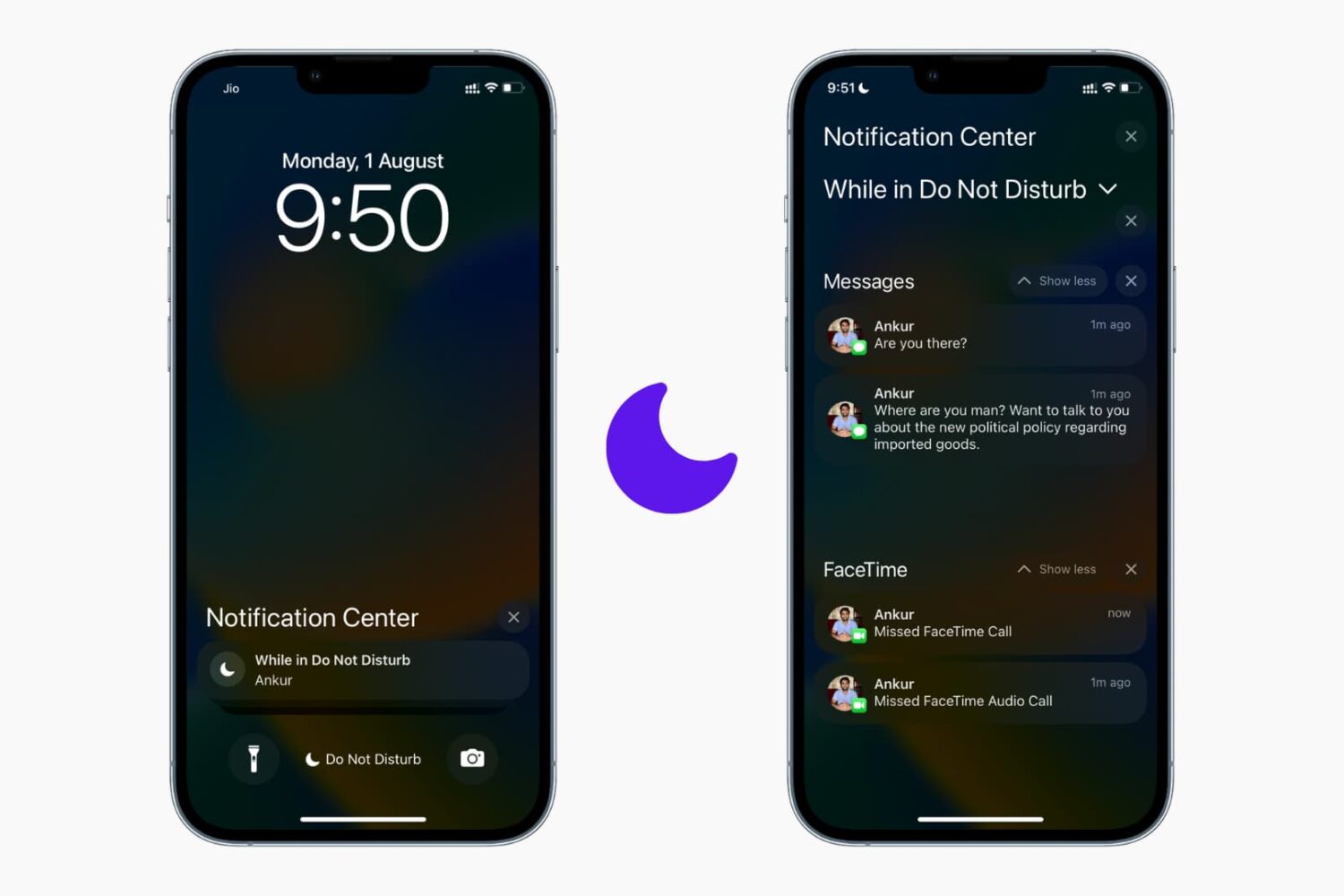
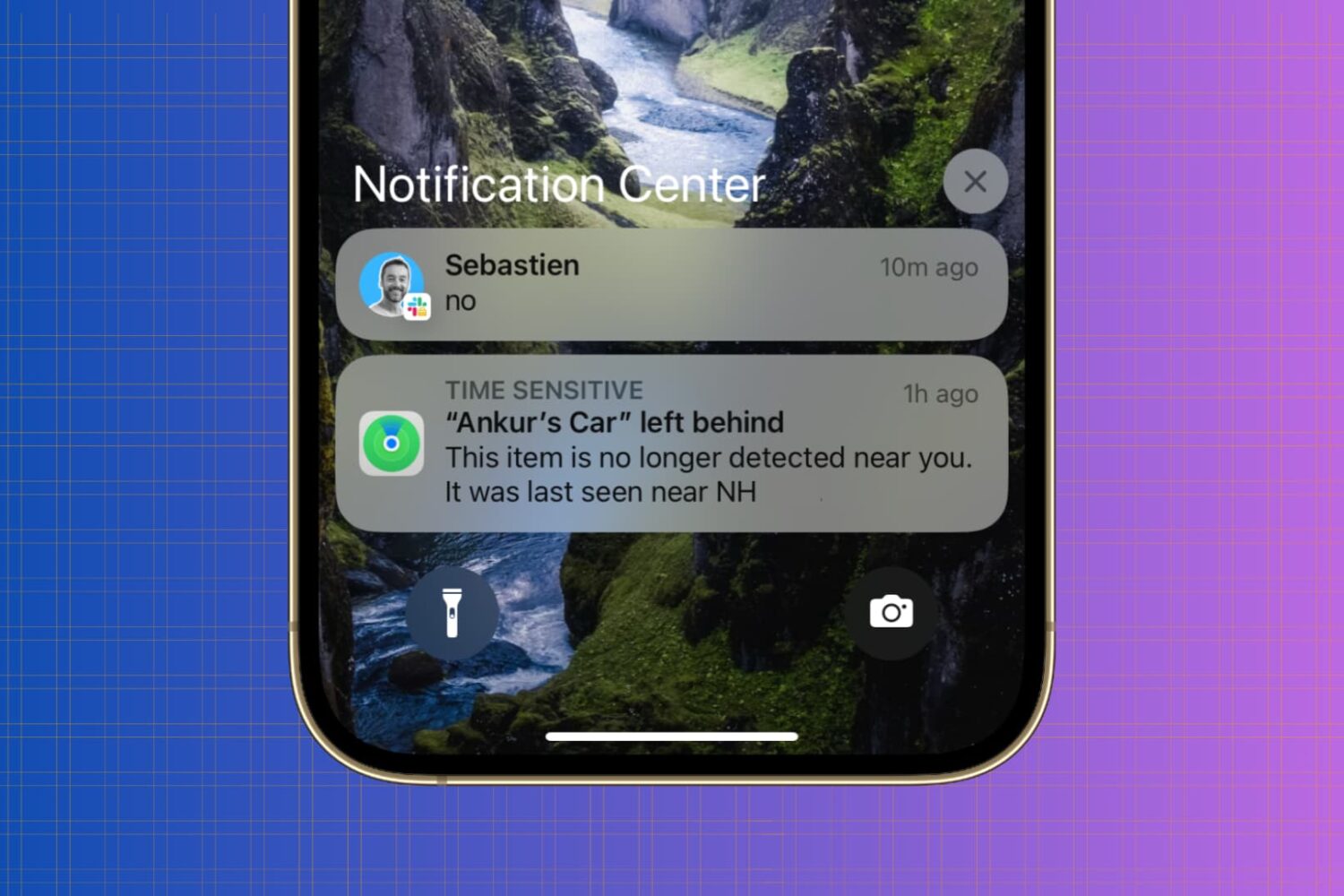
iPhone Notification Center

Whether you’re looking to silence unnecessary alerts during meetings, prioritize important messages, or simply declutter your Lock Screen, maintaining a healthy balance between staying informed and avoiding notification overload is essential.

In this article, we’ll go over your iPhone notification settings and provide a comprehensive guide on how to adjust them to best suit your needs.

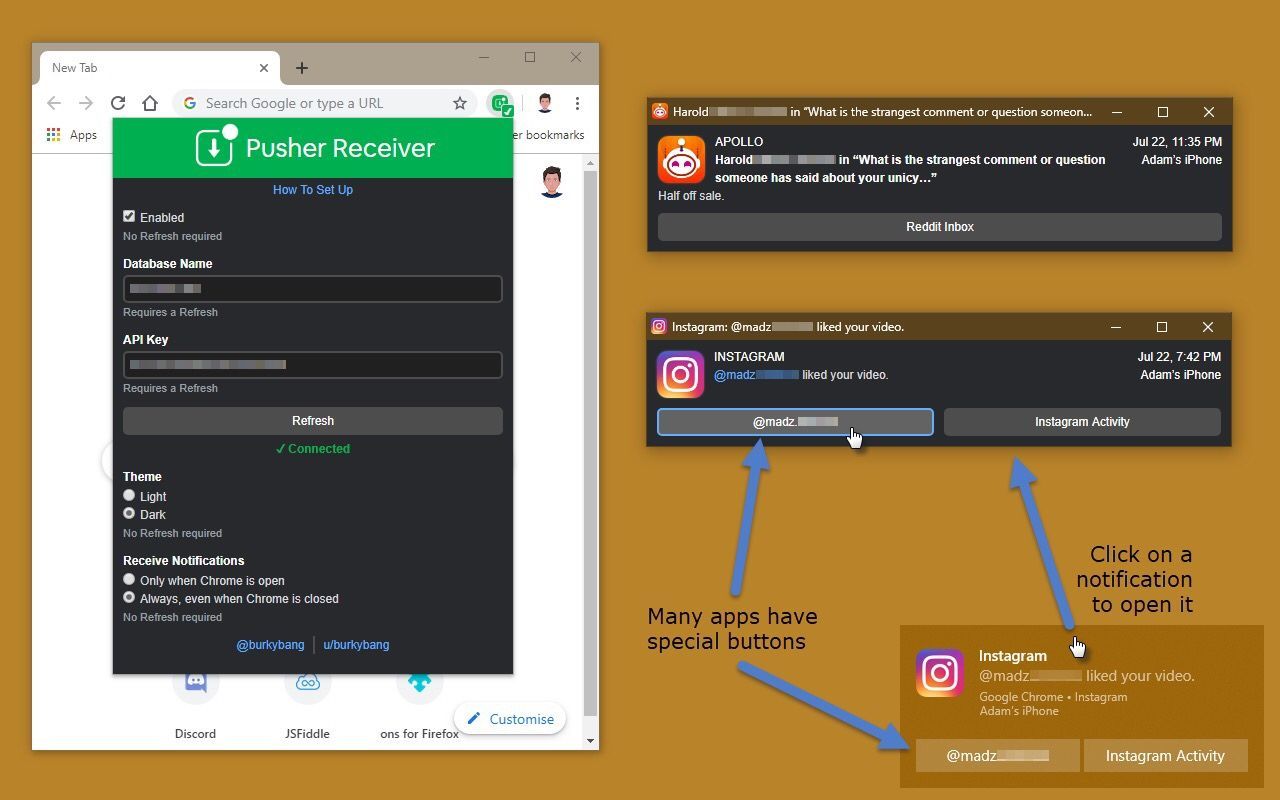
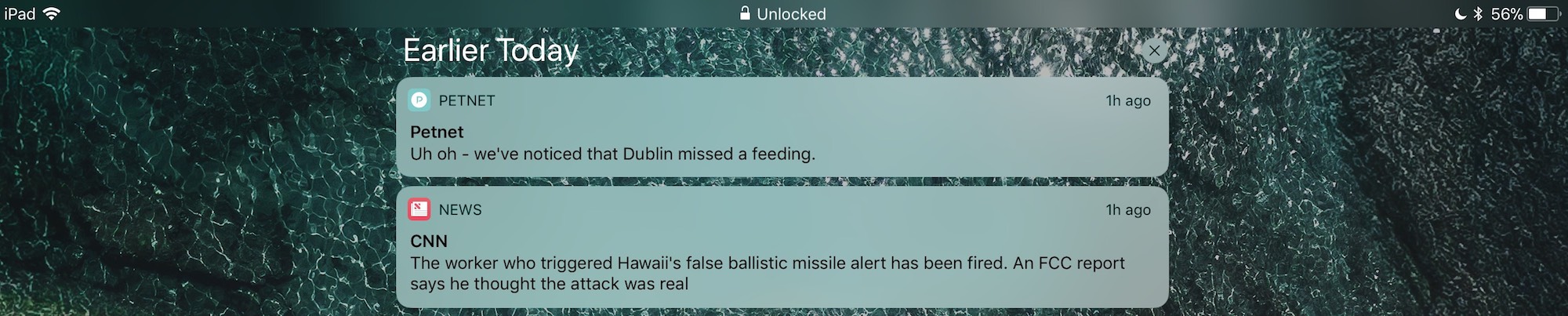
Pusher streams your iPhone’s push notifications to non-Apple devices

If all your devices – mobile and desktop alike – are of the Apple variety, then you’re probably accustomed to receiving push notifications from your apps on every one of your devices. On the other hand, this won’t necessarily be the case if you have, say, an Apple iPhone, an Android tablet, and a Windows computer.

Pusher is a newly-released jailbreak tweak by iOS developer Noah Saso that aims to help unify your push notification experience across all your devices, and astonishingly, this still applies even if your devices aren’t all manufactured by Apple.

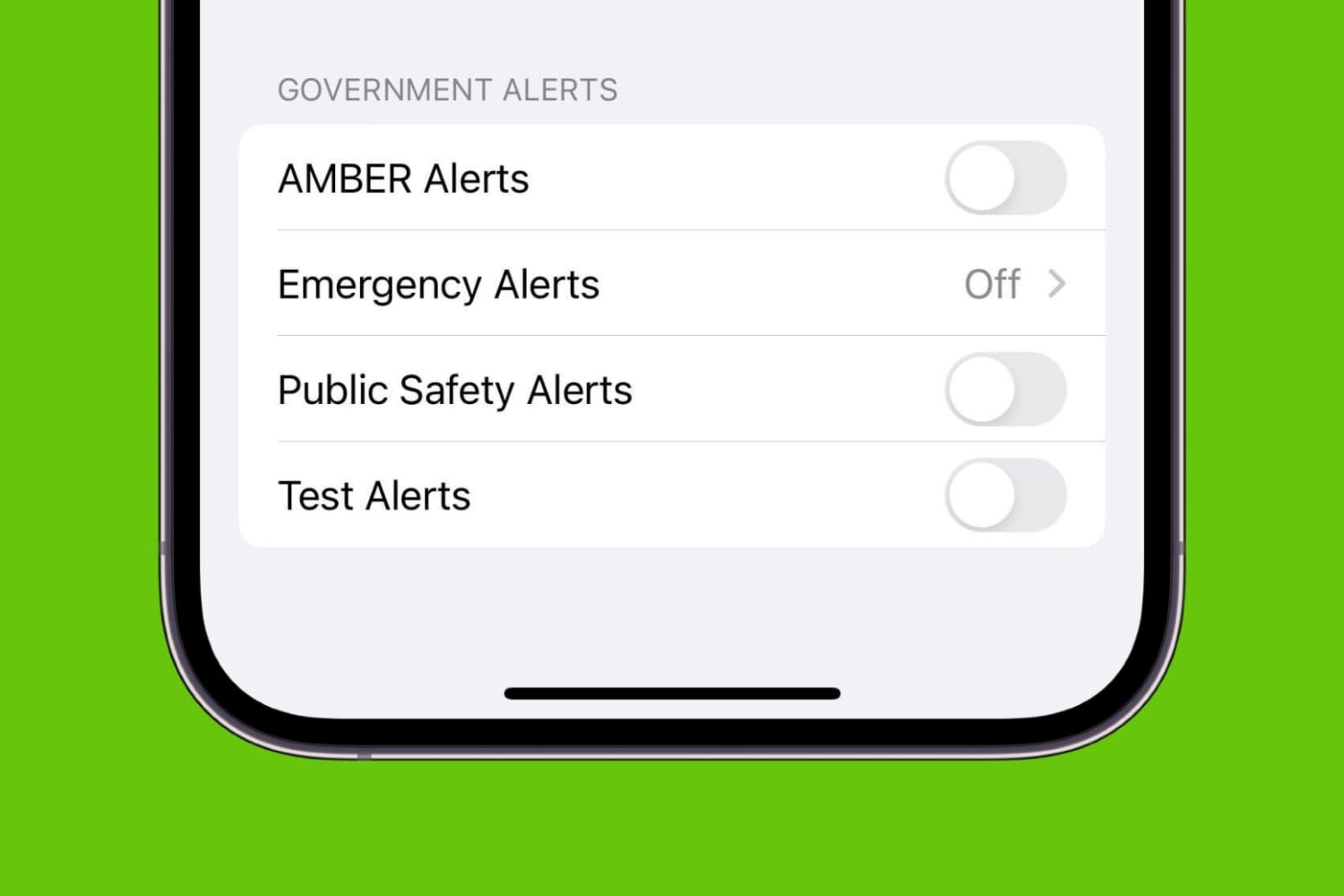
How to turn off AMBER, Emergency, Public Safety, and Test alerts on iPhone

AMBER Alerts, Emergency Alerts, Public Safety Alerts, and Test Alerts on iPhone

Your iPhone comes equipped with government notifications, such as AMBER, Emergency, Public Safety, and Test alerts. These time-sensitive notifications are pushed out to individuals by their carriers based on their location and can be useful for a variety of reasons. On the other hand, if you don’t think you’ll be using them anytime soon or you get sick of seeing them on your device, you can always disable them.