macOS Sonoma 14.6 boosts clamshell mode on the 14-inch M3 MacBook Pro by enabling dual external display support when the lid is closed.
macOS Sonoma 14.6 enables two external displays on the M3 14-inch MacBook Pro
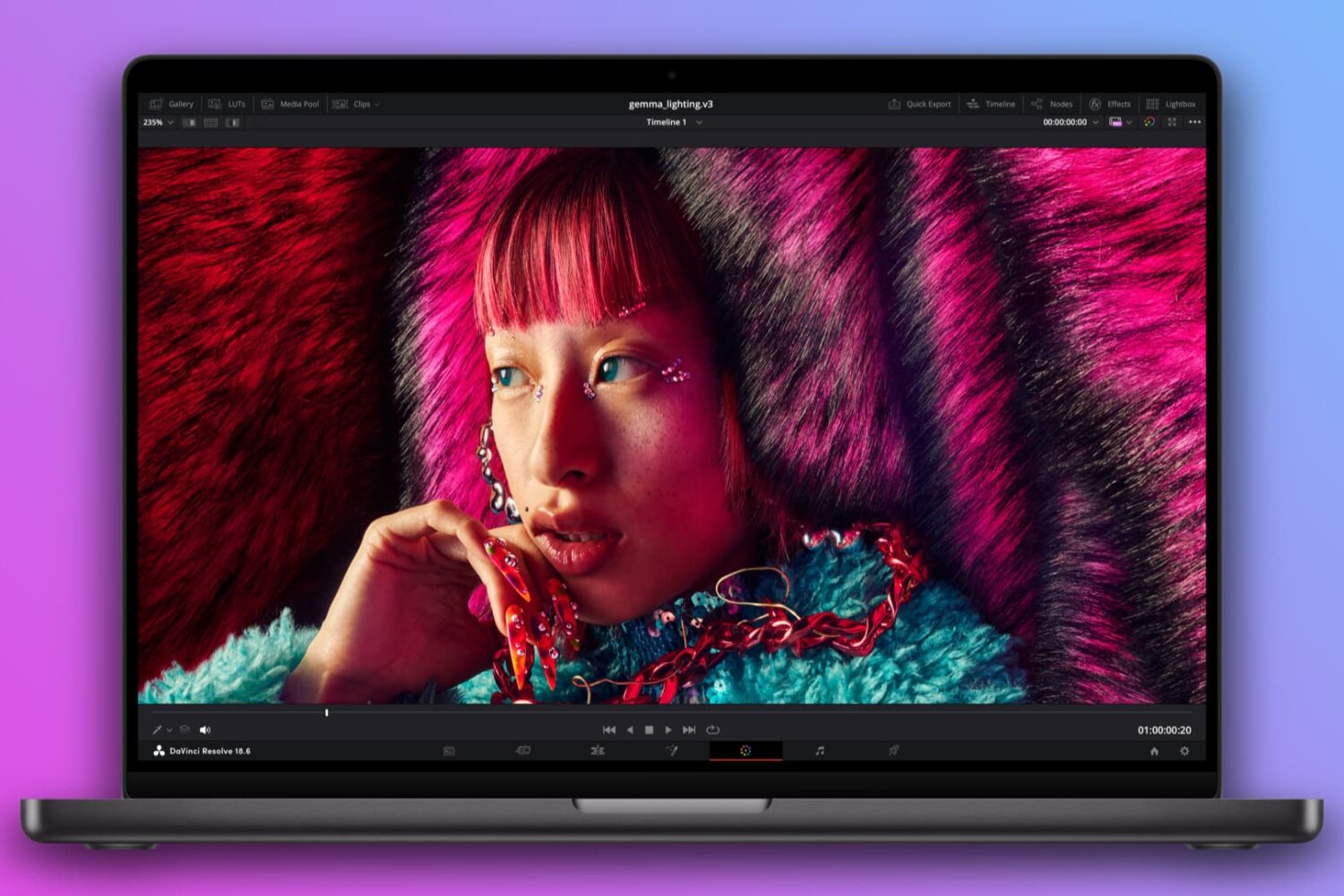
macOS Sonoma 14.6 boosts clamshell mode on the 14-inch M3 MacBook Pro by enabling dual external display support when the lid is closed.

With the help of Apple’s Trade-in program, anyone seeking to upgrade to newer hardware can generally find some value in their older devices by trading them in to the company for credit toward their new purchase. This can reduce the bottom line for lots of consumers, making upgrades more approachable.

Future iPhones, Apple Watches and MacBook Pros could be the thinnest smartphones, watches and laptops in the industry, but will they also be larger?

If your Mac laptop or desktop meets the system requirements for macOS Sonoma, it's also compatible with Sequoia— with the exception of certain MacBook Airs.

The new Satechi Thunderbolt 4 Multi-Display Docking Station with DisplayLink connects even base MacBook laptops to up to four external monitors at once.
Apple is rumored to launch the first MacBook Pro laptop with an OLED panel by 2026 although the launch timeframe could shift and it wouldn't be the first time.
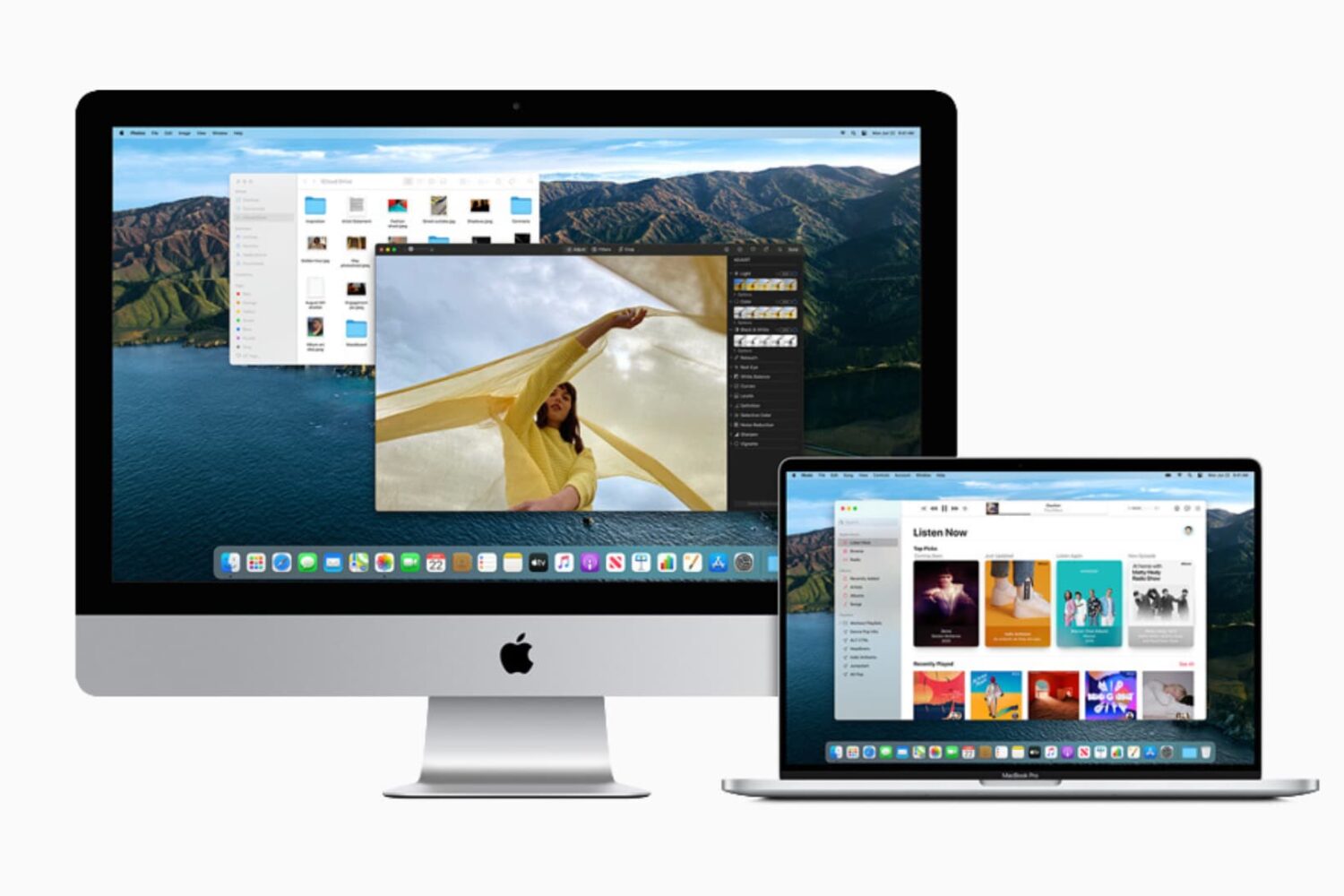
Did you upgrade to a new Mac? In this guide, we’ll share some handy tips to repurpose your old Mac and use it in various other ways.
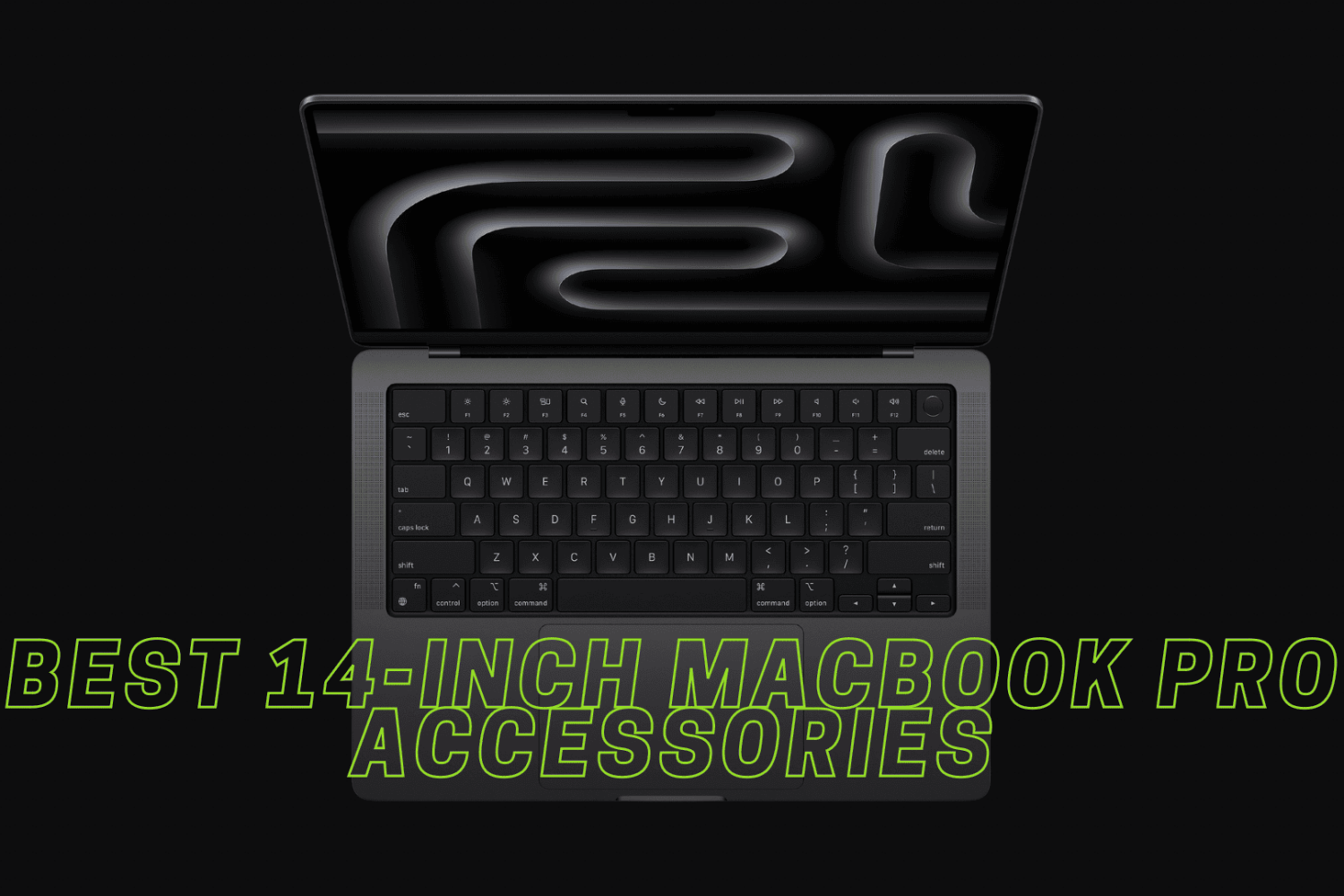
As soon as I saw that snazzy new Space Black color for the 2023 MacBook Pro refresh, it was all over; I knew I wanted one without hesitation. Fast forward one week later, and I had an M3 Pro chip-equipped Space Black 14-inch MacBook Pro in my hands.
The 14-inch M3 MacBook Pro is the only model in the lineup that cannot drive more than one external display, but Apple will fix this omission in software.
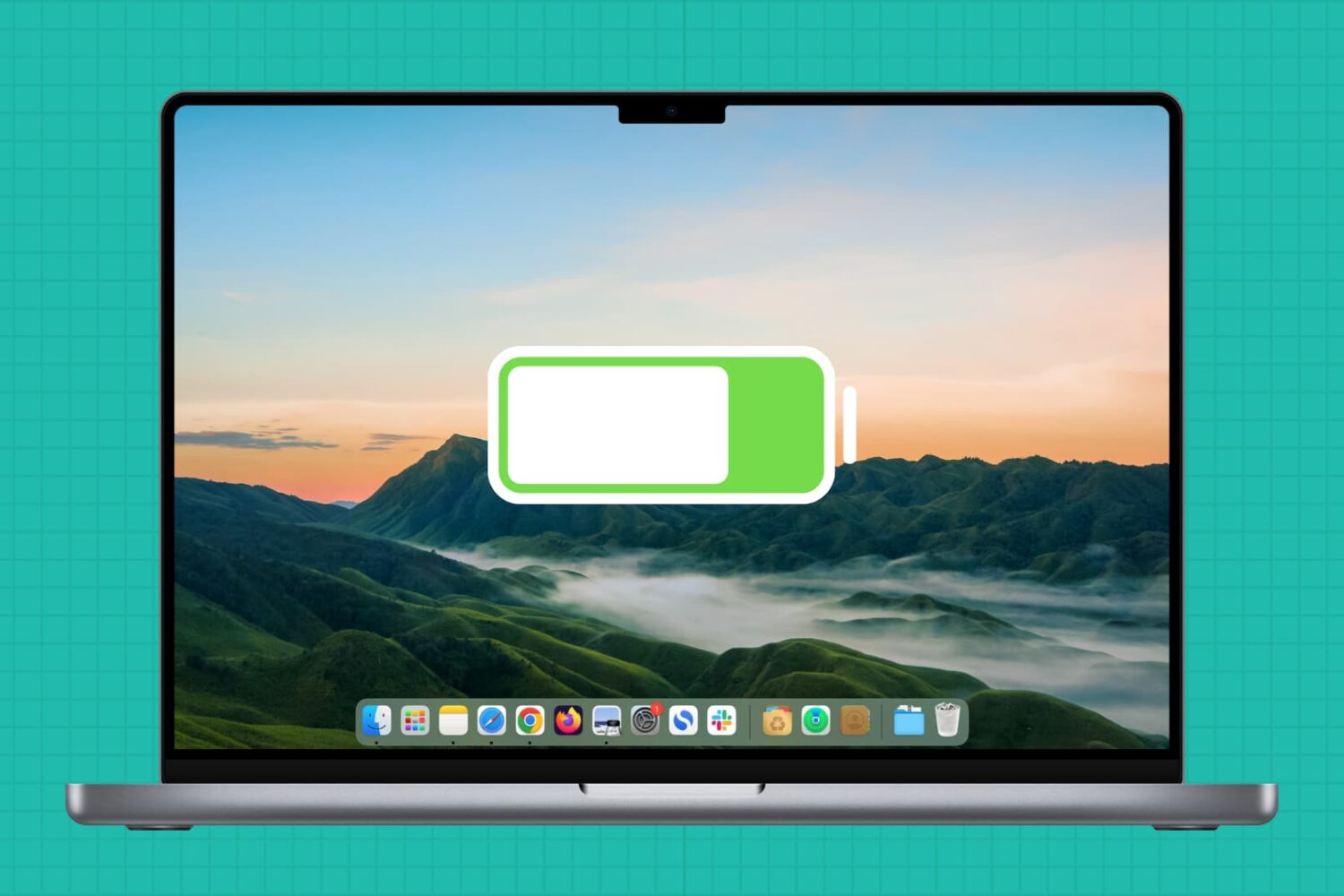
In this guide, we'll share handy tips to ensure your MacBook's battery gives you plenty of use time per charge for many years to come.

Apple has expanded its self-service repair program to include its M3-powered iMac desktops and MacBook Pro laptops, with genuine parts now available.
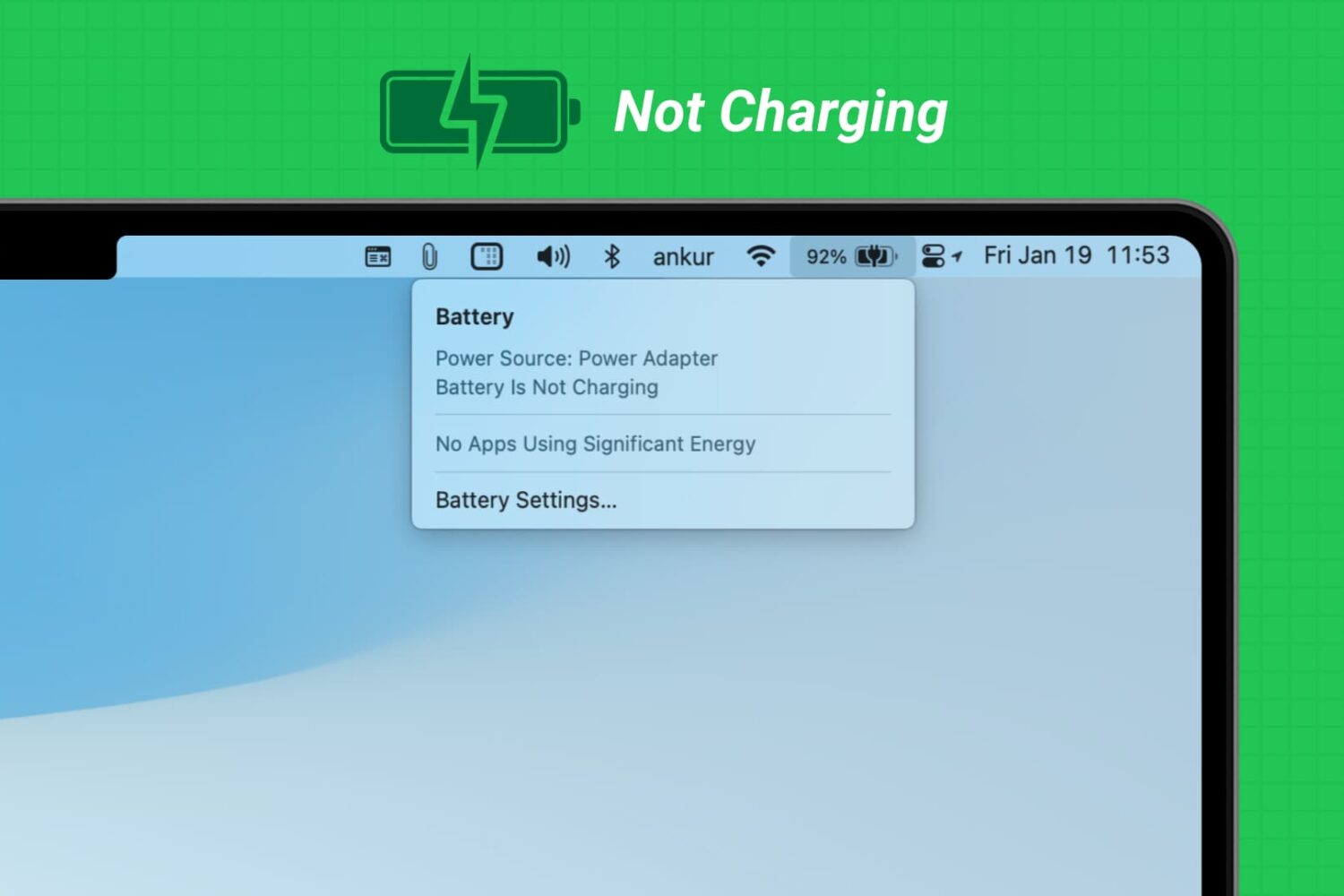
Learn what to do if you have connected your MacBook Air or MacBook Pro to charge, but the battery percentage is not increasing, and you see “Not Charging” or “Battery Is Not Charging” when you click the battery icon.