You can never have enough storage space, and Other World Computing knows that. That’s why we’re excited to share the news that the company is releasing the OWC Express 1M2.
Stay up-to-date on the latest Mac news, and tutorials. Get expert tips and tricks to optimize your Mac’s performance and learn about the latest Apple products and software updates. Discover the best Mac apps and accessories to enhance your user experience.
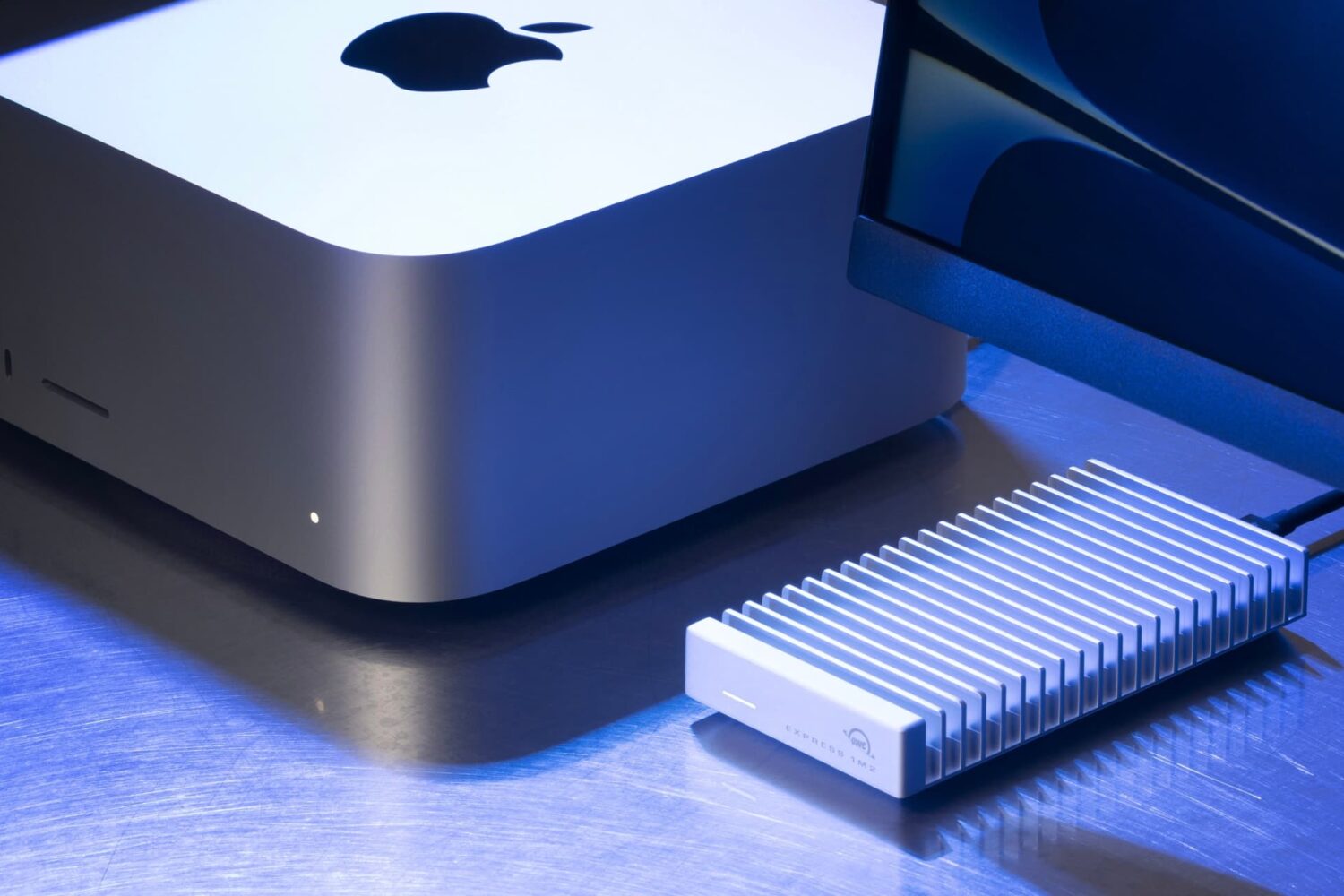
You can never have enough storage space, and Other World Computing knows that. That’s why we’re excited to share the news that the company is releasing the OWC Express 1M2.
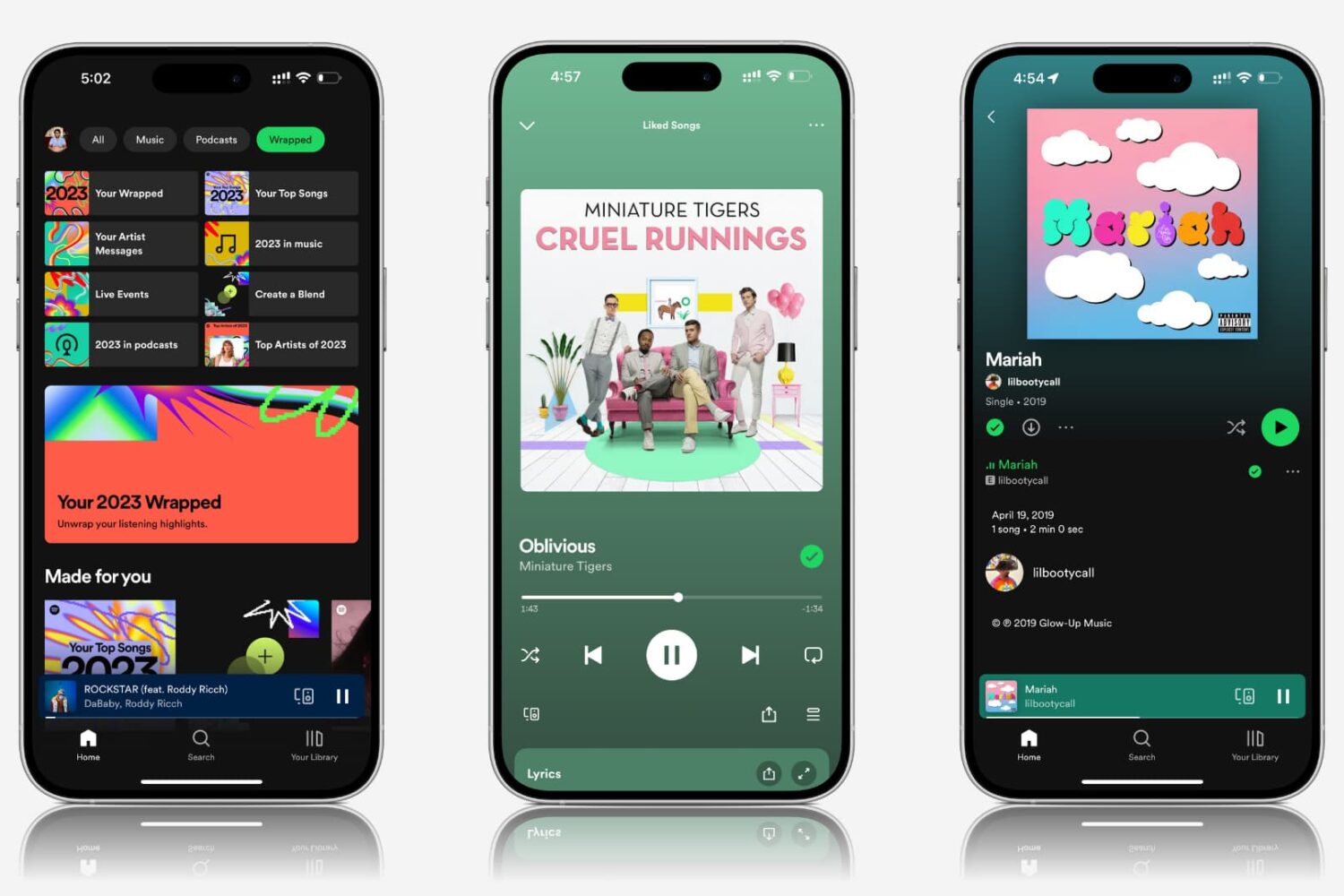
Explore practical solutions to resolve the issue of Spotify songs and podcasts playing at very low volume on your mobile device or computer.
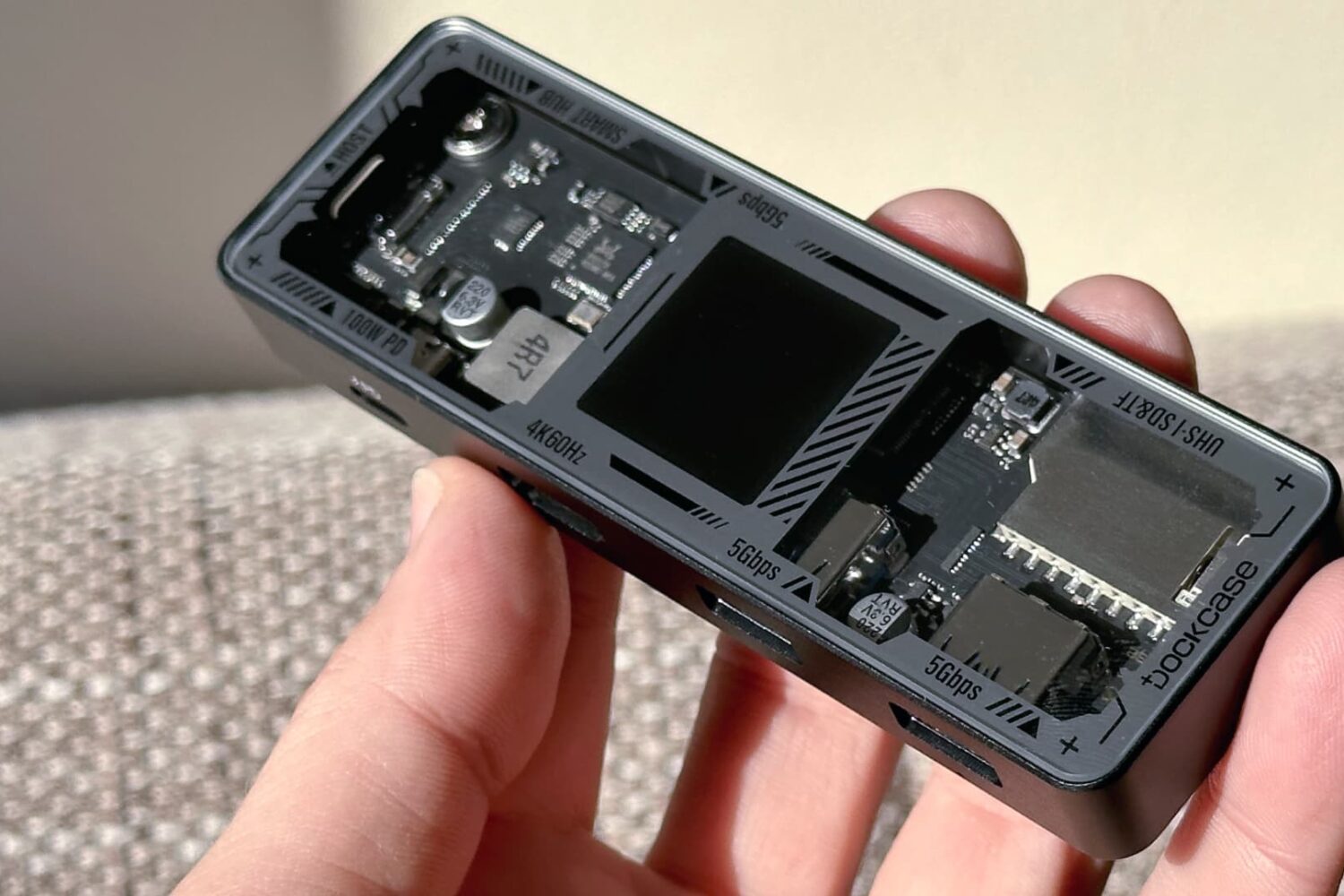
The new DockCase Explorer Edition Smart USB-C 7-in-1 Hub expands connectivity options on your Mac, iPad, iPhone 15, Android, Windows, etc.

Attention AltStore users, AltServer for macOS was updated to version 1.7.1 on Thursday and is now available for all Mac users.
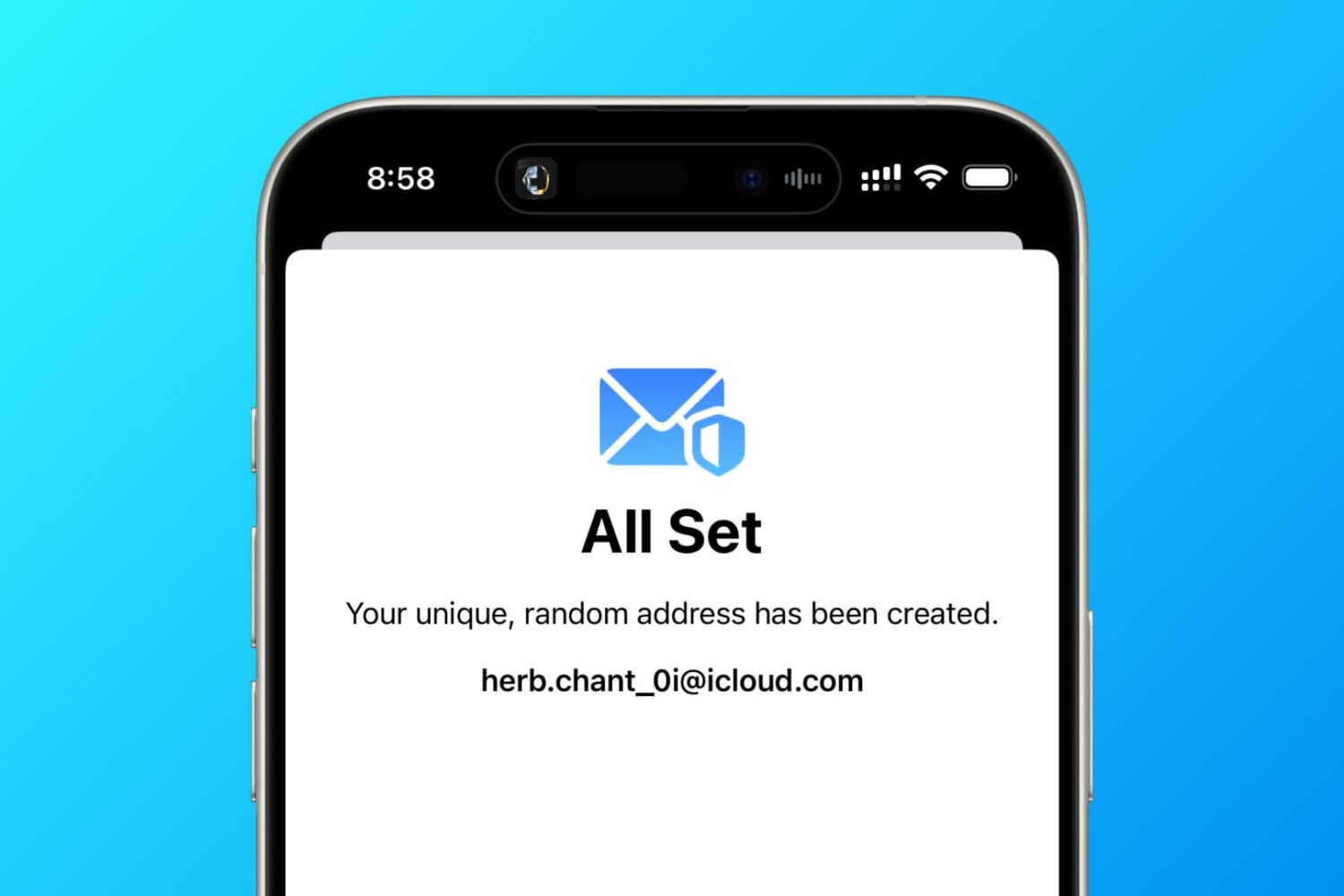
In this tutorial, we tell you about 10 easy ways to create a fake, anonymous, temporary, burner, or disposable email address on your phone or computer to protect your actual email address.

The MacBook Air cannot provide sustained performance under heavy load indefinitely because it lacks a fan, so the CPU must be throttled.
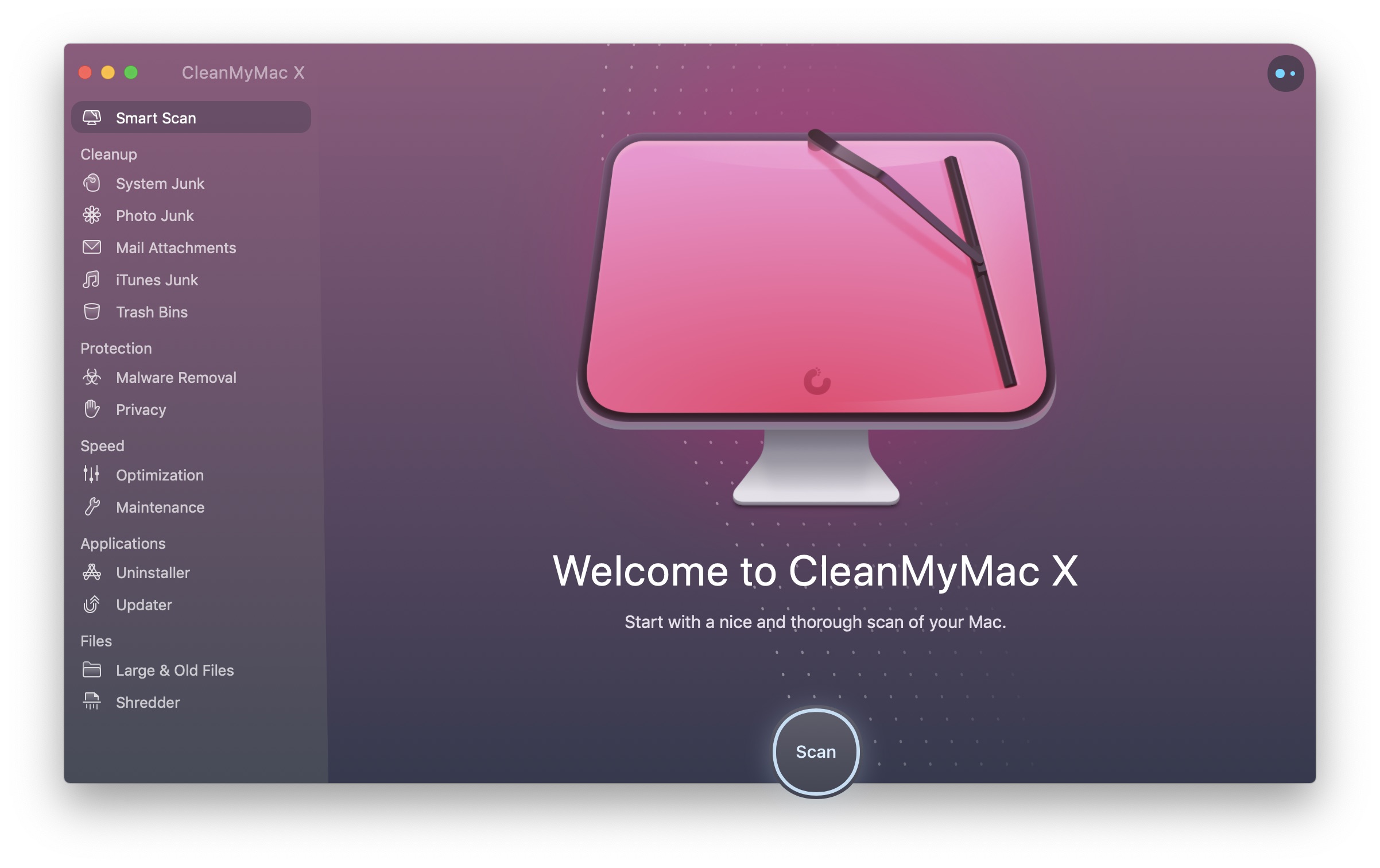
MacPaw is offering a 30% discount on its award-winning apps CleanMyMac, CleanMy PC, ClearVPN and Gemini 2, but the deal is valid today only.
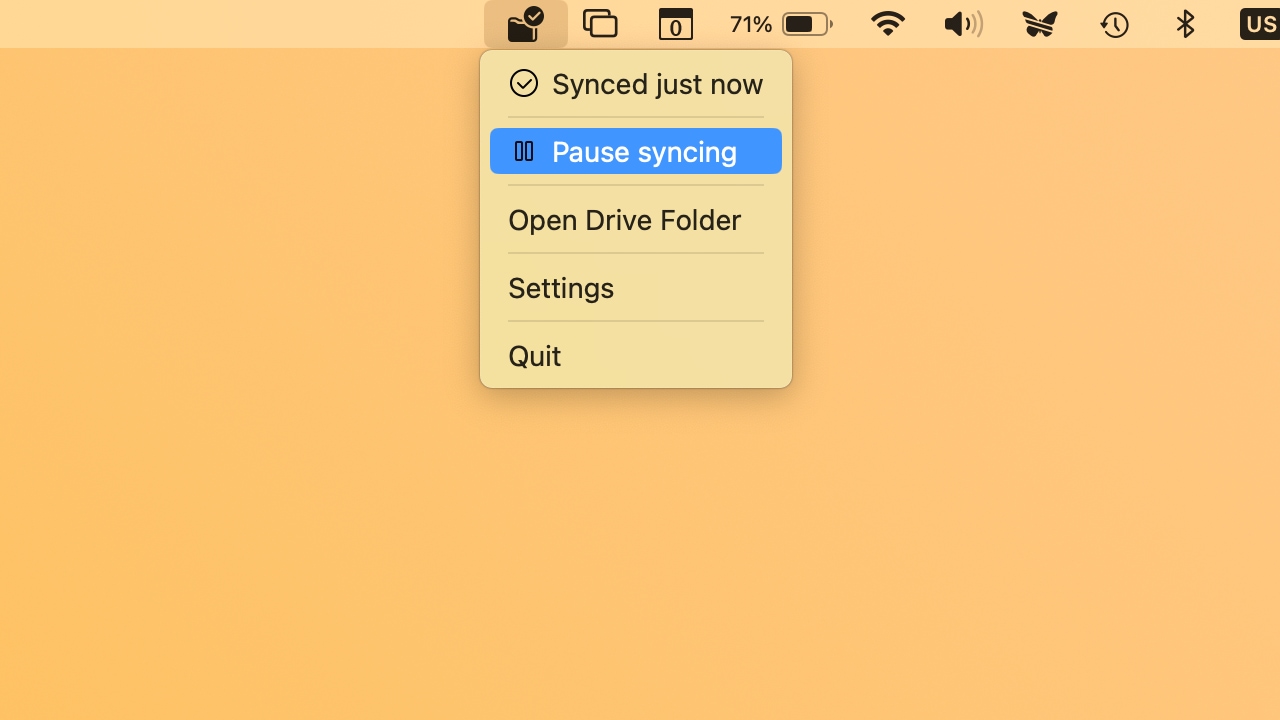
Proton Drive lets your Mac access photos, videos, documents and other files stored in its end-to-end encrypted cloud storage service.
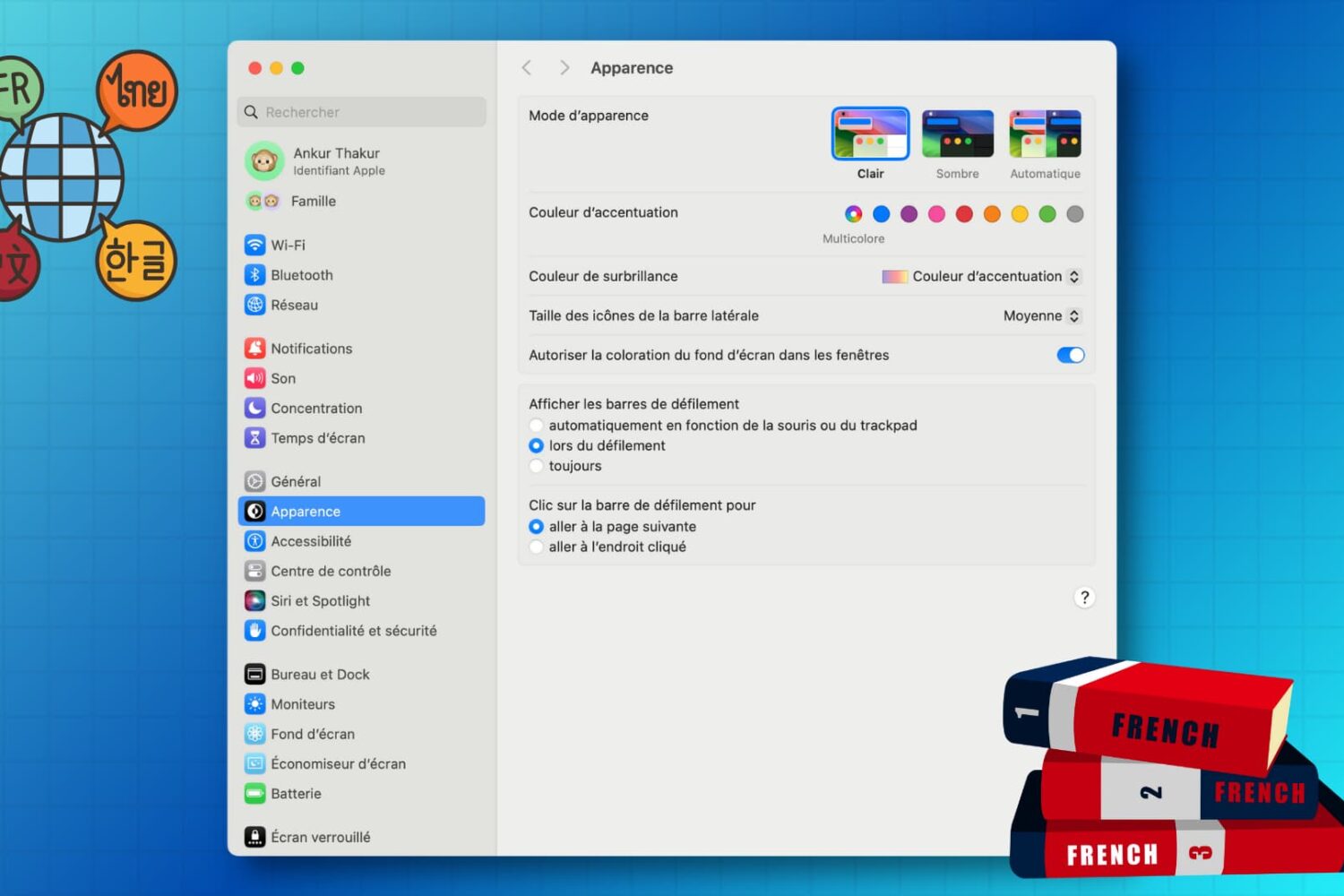
Learn how to customize the keyboard and system locales on your Mac to type in multiple languages and enjoy a localized macOS experience instead of English.
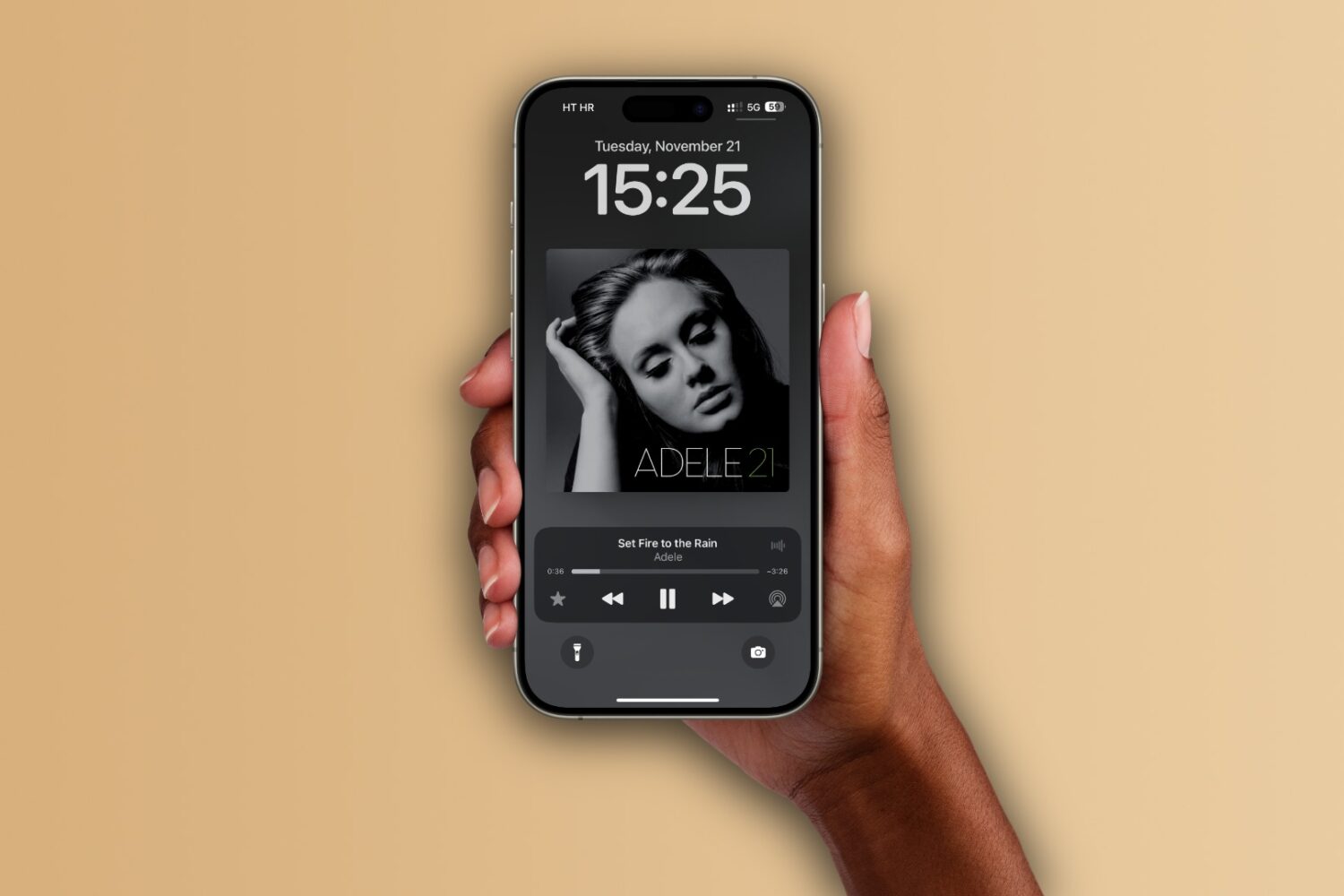
Learn how to set up the Apple Music app on your iPhone, iPad, and Mac to automatically add any songs you’ve marked as your favorite to your music library.
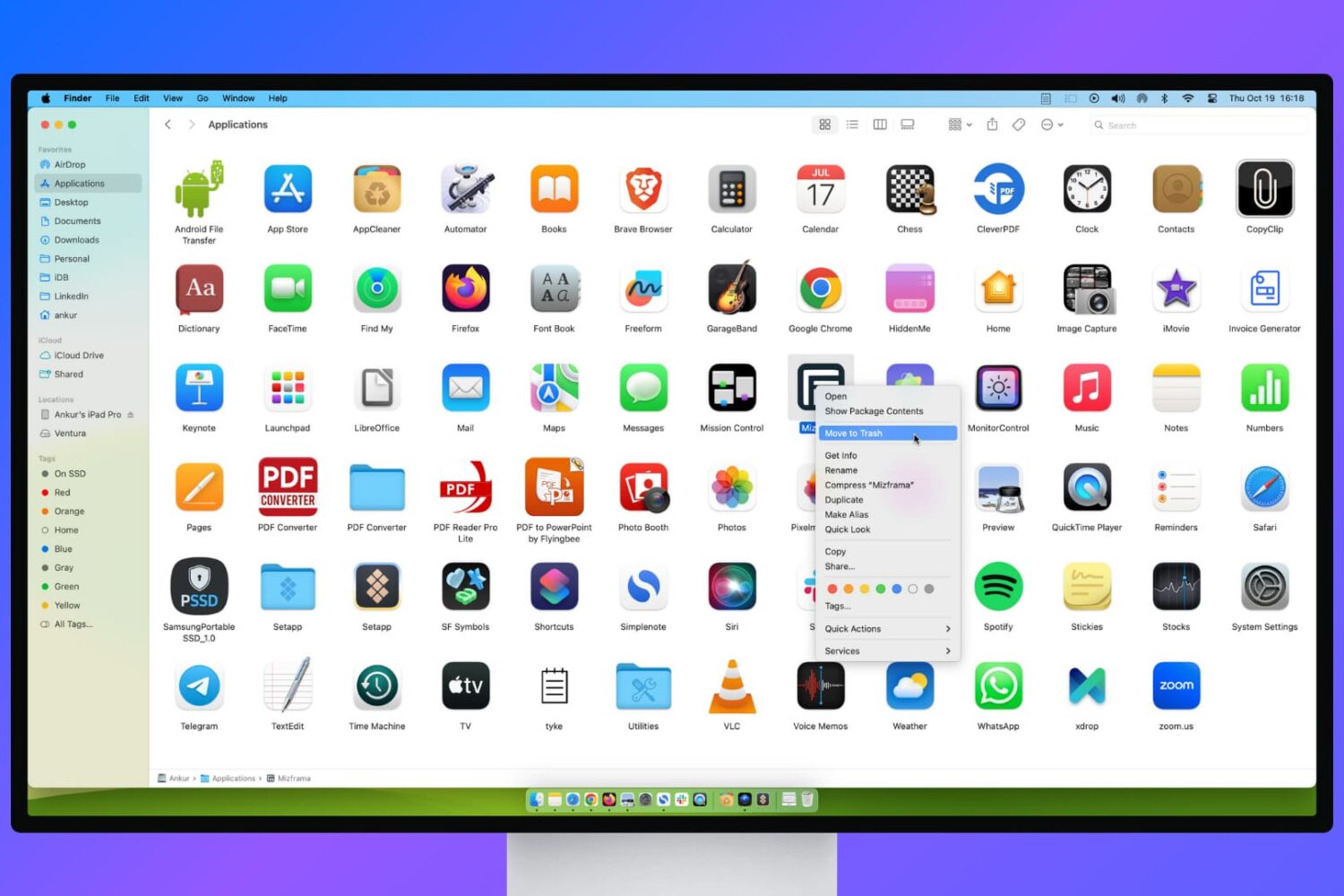
Learn what to do if you’re unable to delete apps on your Mac or if the app icon continues to appear even after uninstalling it.
Learn how to transfer your saved website login details, including email addresses, usernames, and passwords, from Google Chrome to Apple Safari on your iPhone, iPad, and Mac.