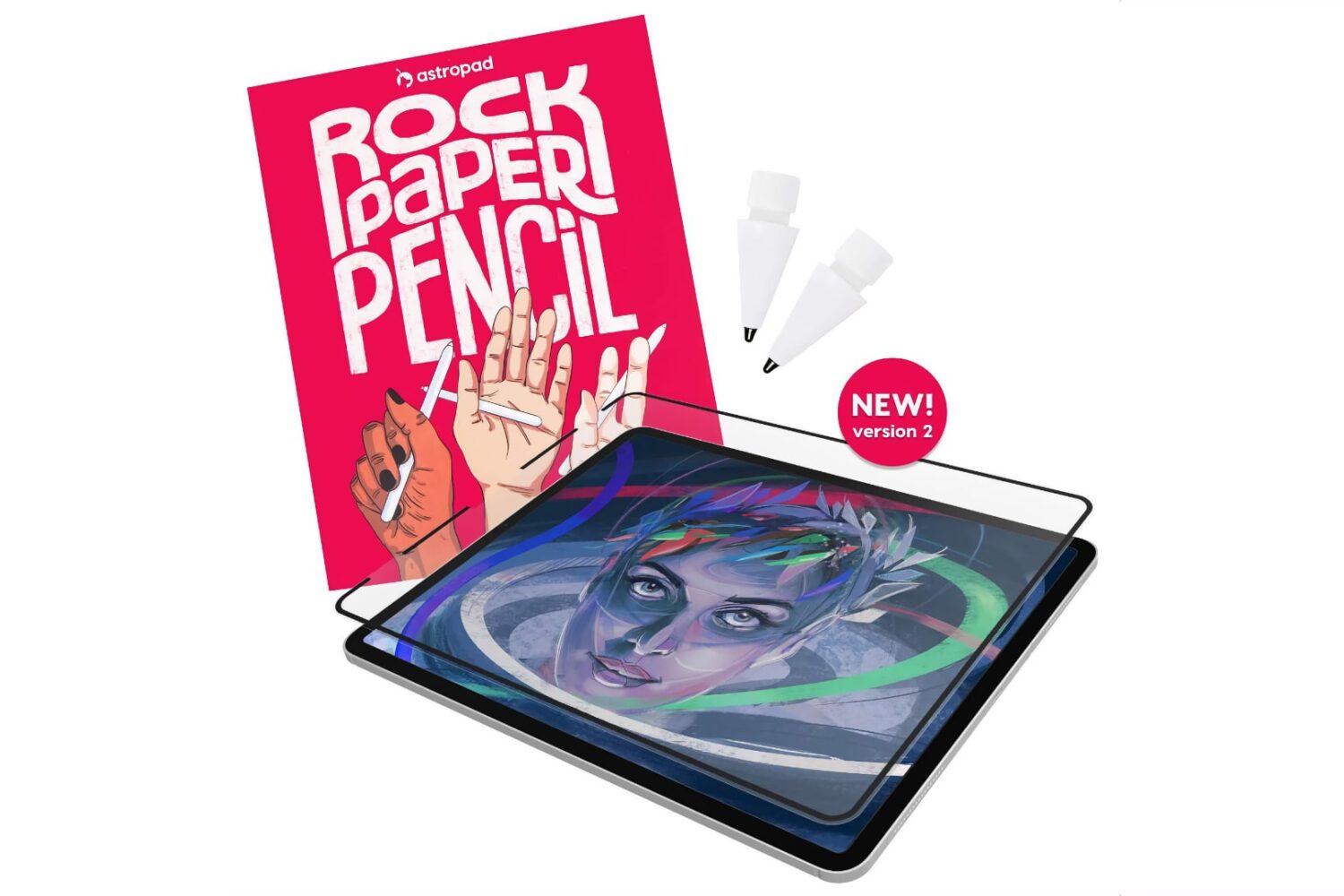
Astropad has updated its excellent Rock Paper Pencil accessory comprising a custom ballpoint Apple Pencil tip and a textured screen protector for your iPad.
Astropad launches Rock Paper Pencil v2 with these 3 user-requested improvements
Stay up-to-date on the latest Mac news, and tutorials. Get expert tips and tricks to optimize your Mac’s performance and learn about the latest Apple products and software updates. Discover the best Mac apps and accessories to enhance your user experience.
Astropad has updated its excellent Rock Paper Pencil accessory comprising a custom ballpoint Apple Pencil tip and a textured screen protector for your iPad.
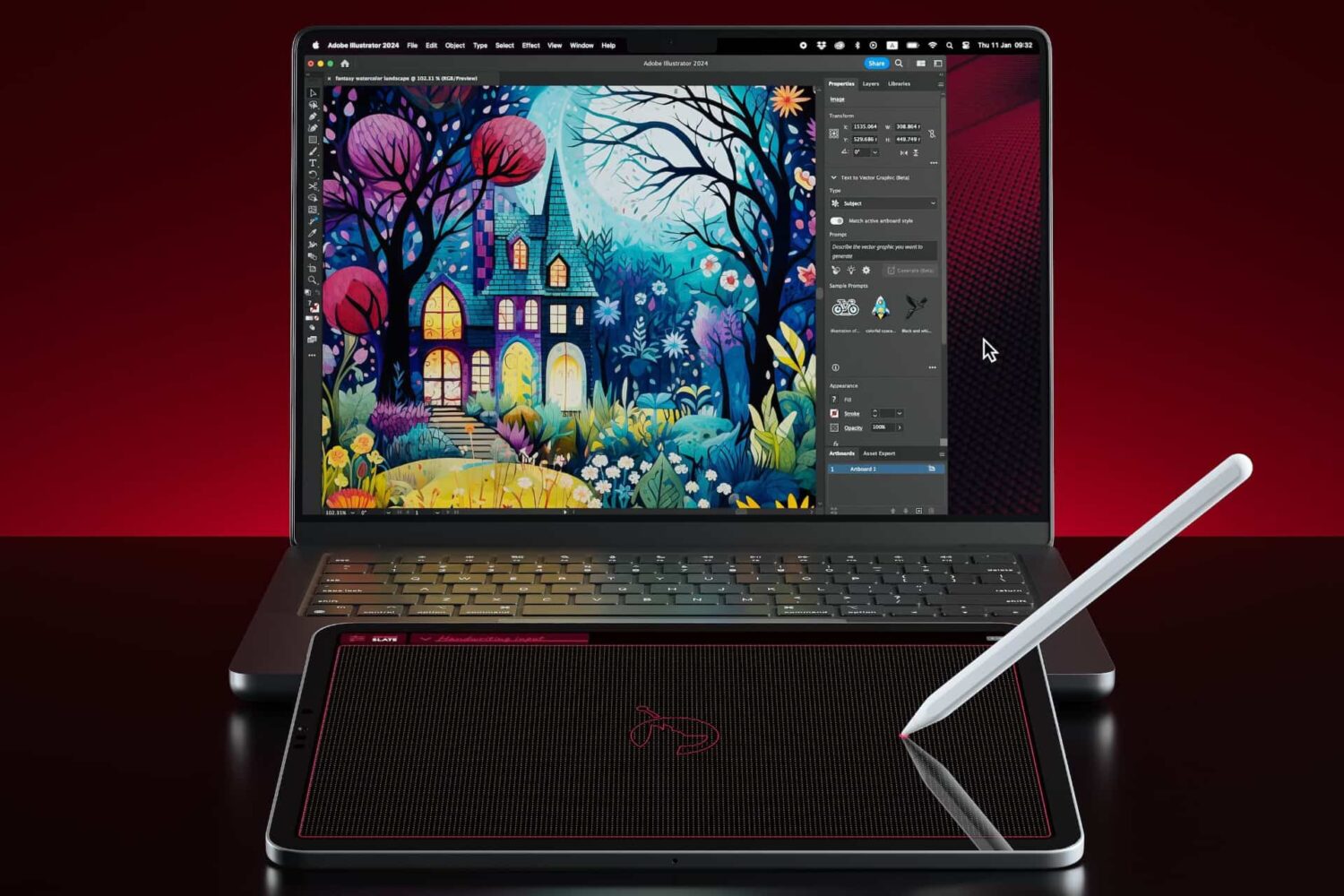
From the makers of Astropad Studio, Luna Display and Rock Paper, Slate lets you control your Mac and draw in apps with your iPad and Apple Pencil.
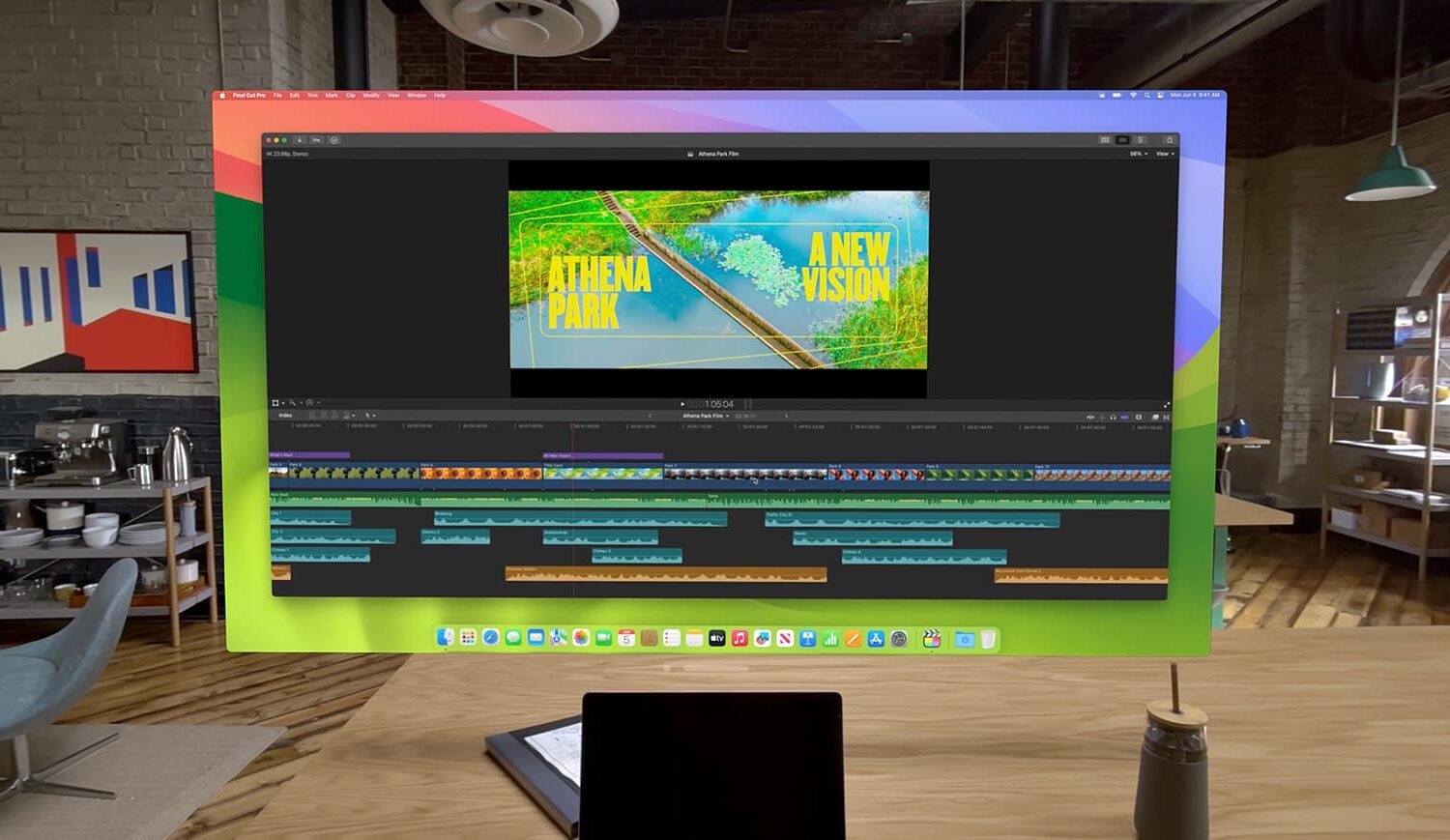
Learn how to take advantage of the Virtual Display feature that lets you use your Apple Vision Pro as a portable and wireless monitor for your Mac.
A text bug on your iPhone, iPad, Mac and Apple Watch has been fixed with iOS 17.3.1, iPadOS 17.3.1, macOS Sonoma 14.3.1 and watchOS 10.3.1.
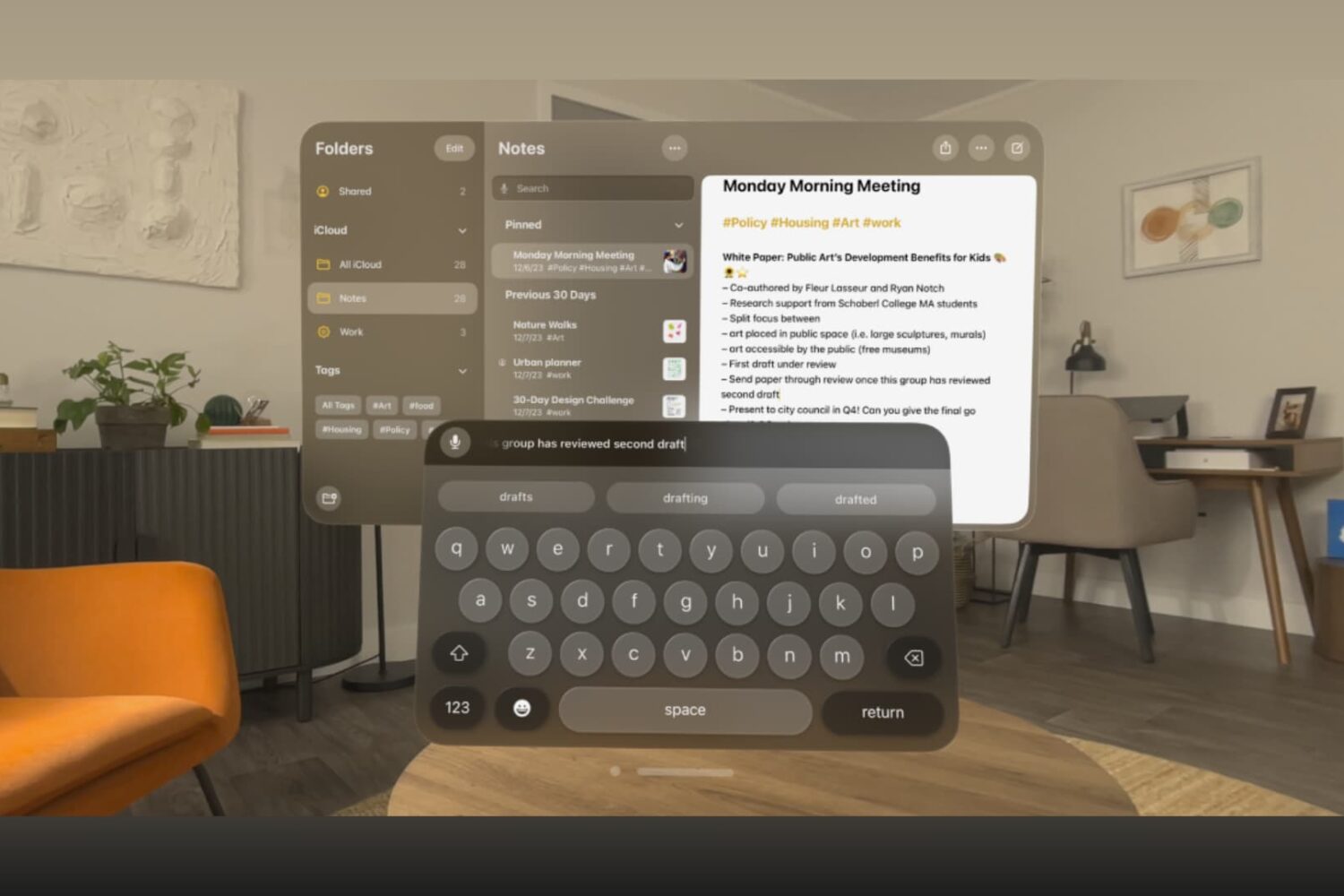
Learn how to type in visionOS apps like Notes, Keynote, Freeform, Safari, and others using the virtual keyboard, dictation, a physical Bluetooth keyboard, or your Mac's keyboard.
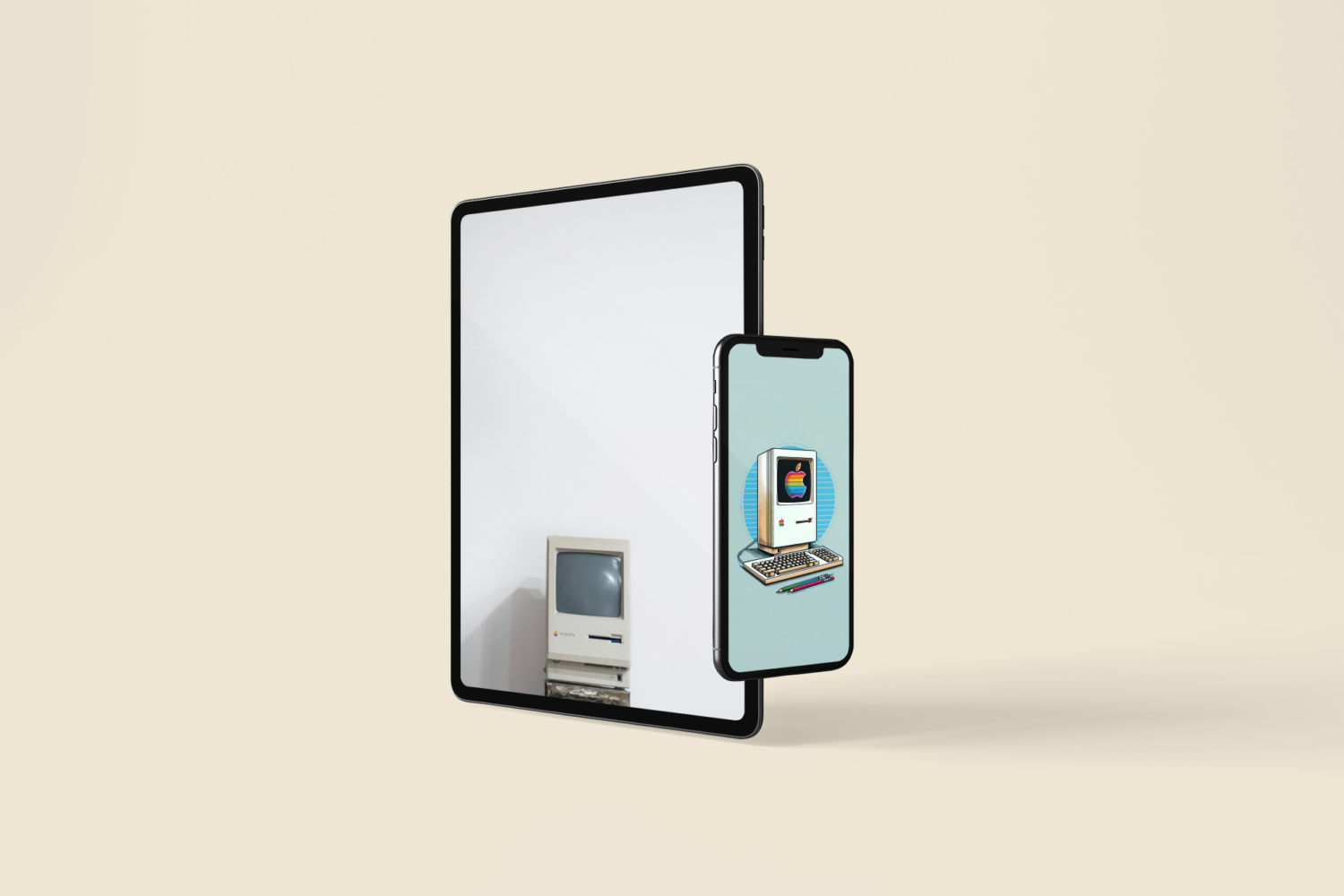
As we celebrate the remarkable 40-year journey of the Apple Macintosh, it's impossible not to reflect on the iconic moments and innovations that have shaped the world of personal computing. The Macintosh, introduced on January 24, 1984 by Steve Jobs and his team, marked a turning point in the tech industry, revolutionizing the way we interact with computers. To honor this milestone, download these wallpapers.
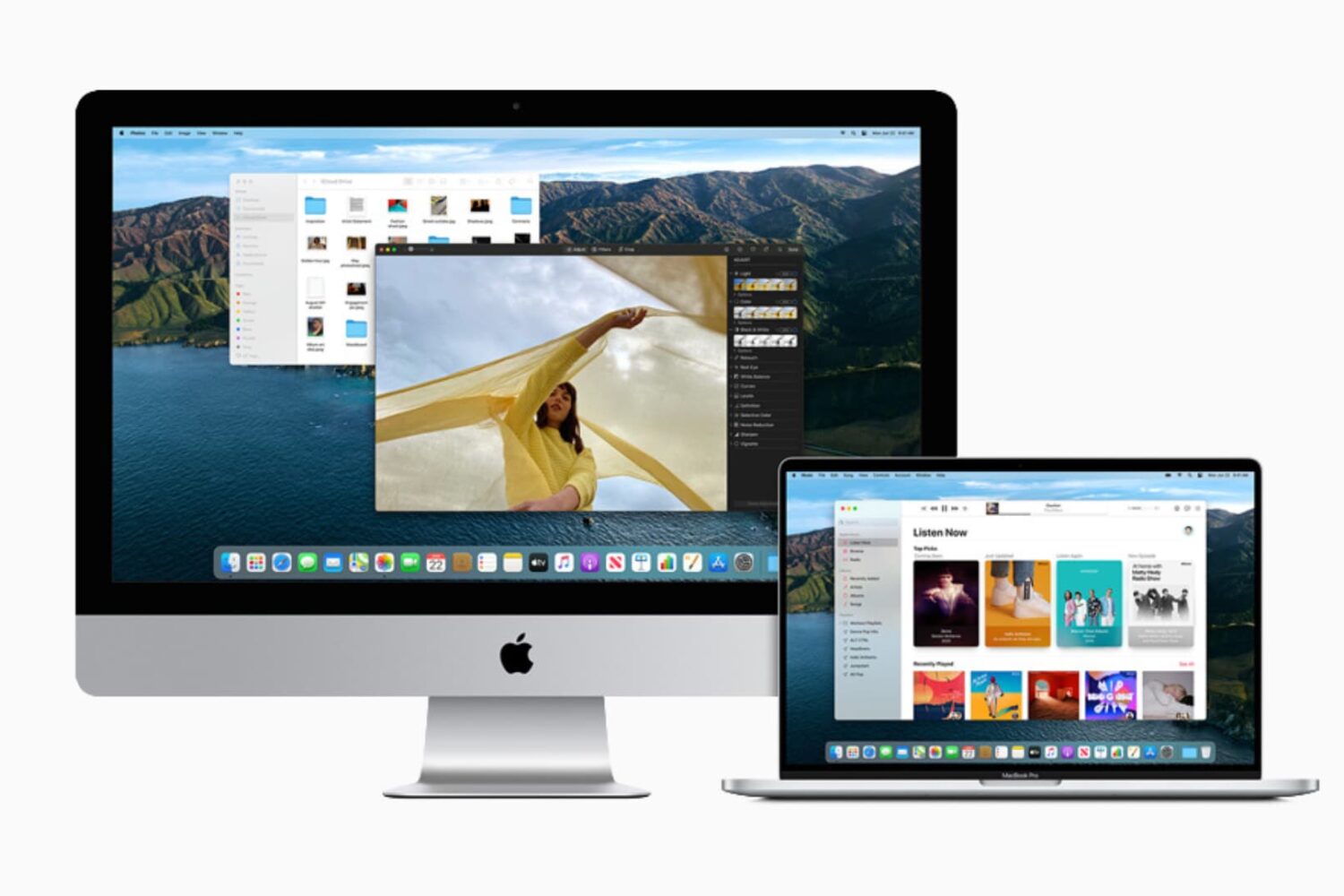
This guide lists 13 signs that indicate it may be time to say goodbye to your current Mac and move to a new model. We will also list some tips along the way to help you continue using your Mac until you decide to upgrade.
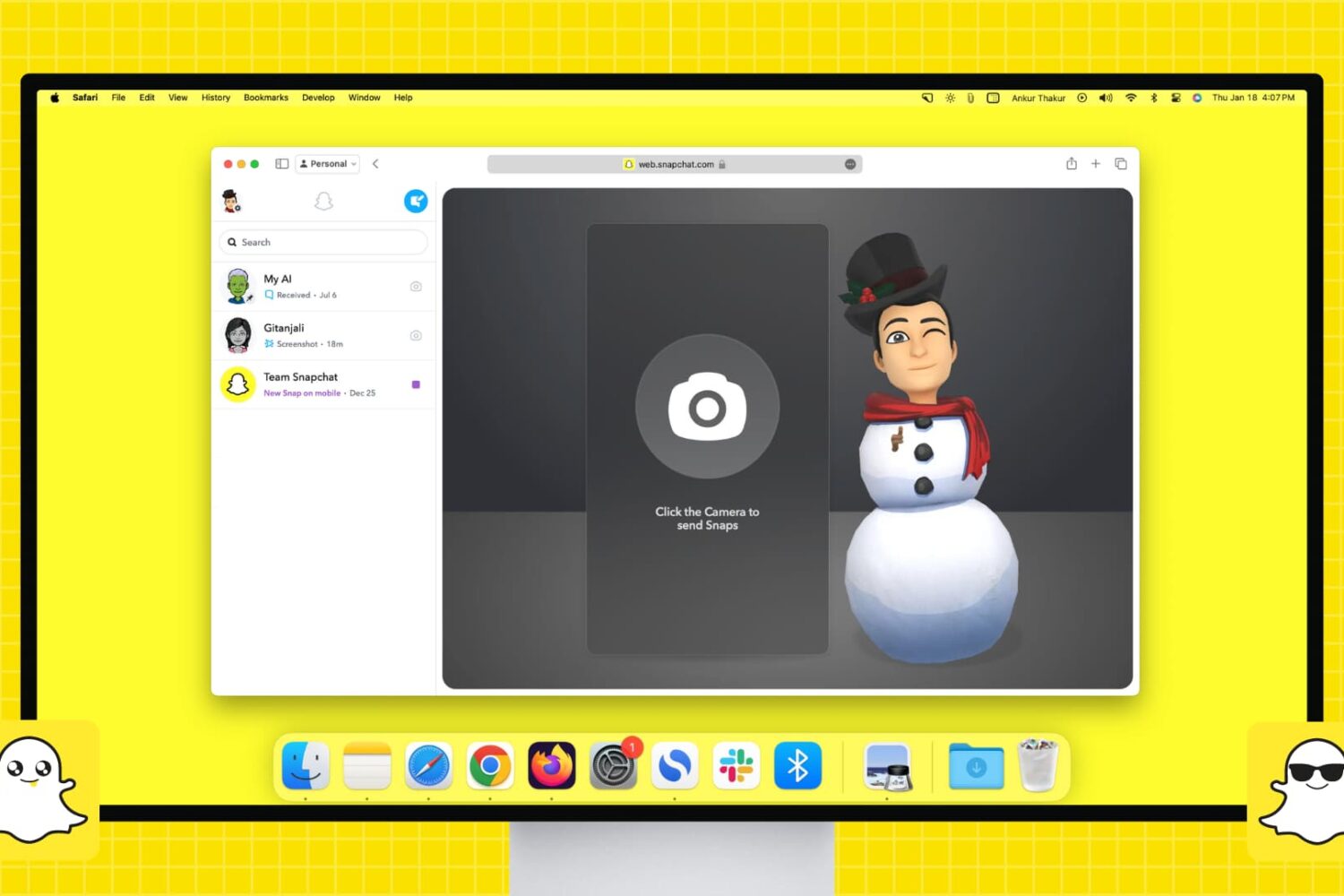
Do you use Snapchat on your iPhone or Android device and want that experience on your computer? Find out how to set up and use Snapchat on your Mac or Windows PC to chat and talk with friends or send them Snaps to keep your Snapchat streaks running and build up your Snapchat score.
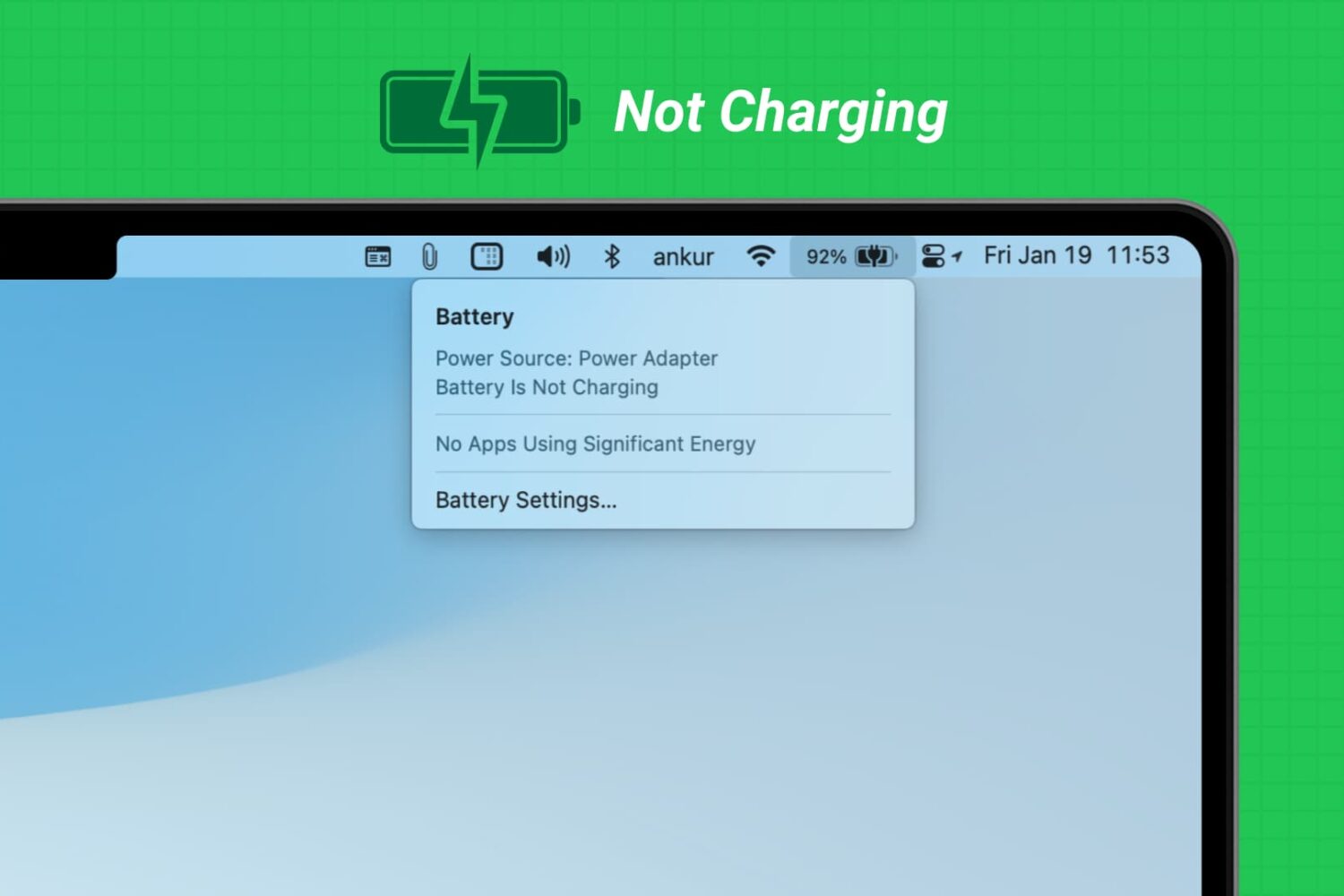
Learn what to do if you have connected your MacBook Air or MacBook Pro to charge, but the battery percentage is not increasing, and you see “Not Charging” or “Battery Is Not Charging” when you click the battery icon.
Apple says Safari iOS 17.3 patches four security and privacy vulnerabilities on older macOS editions, one of which may have been exploited.
In the official release notes for macOS Sonoma 14.3, Apple lists a pair of new features coming soon to the Mac, including Apple Music playlist collaboration.
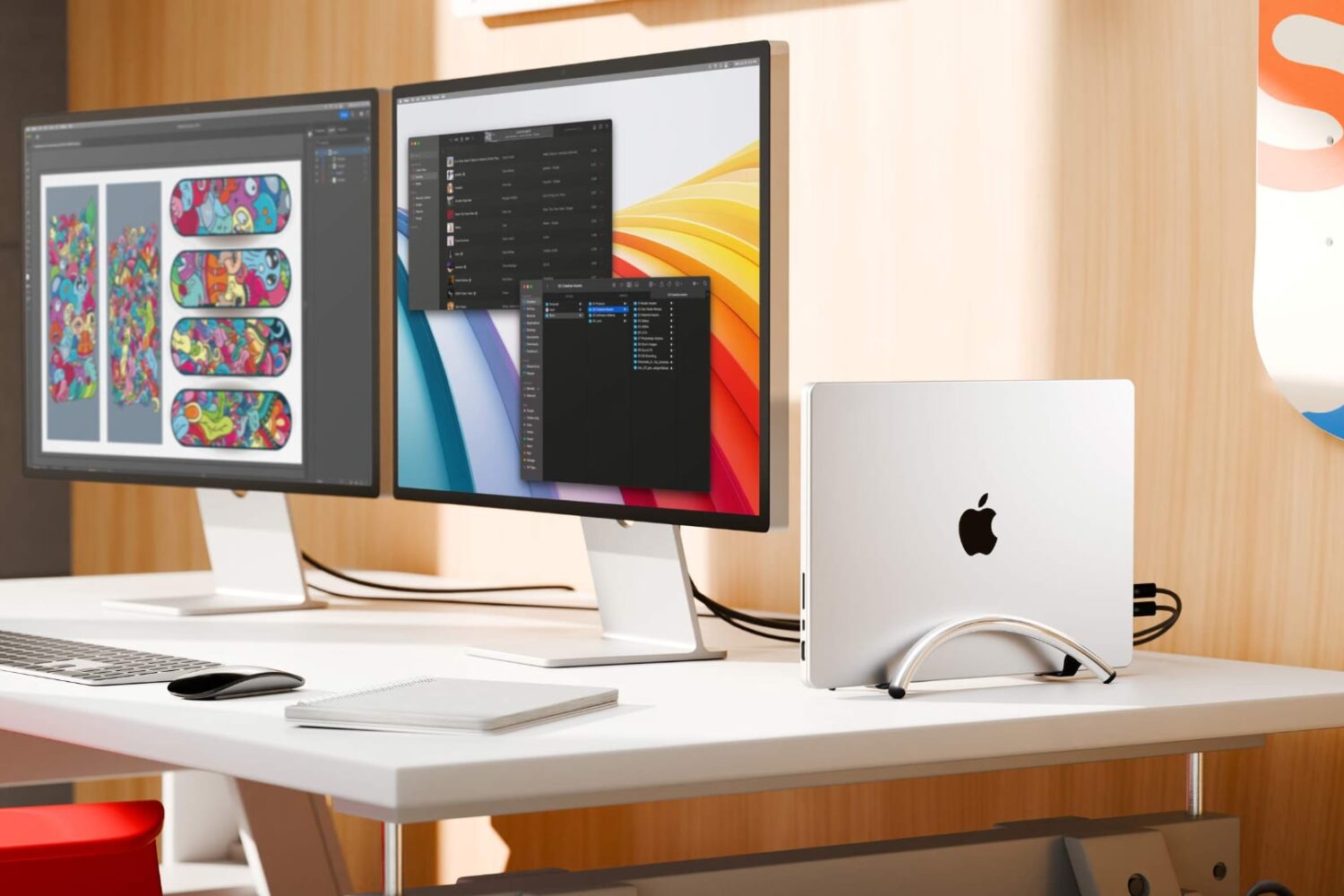
Say hello to the BookArc Flex, Twelve South's latest vertical MacBook stand that keeps any MacBook or other laptop upright when used in clamshell mode.