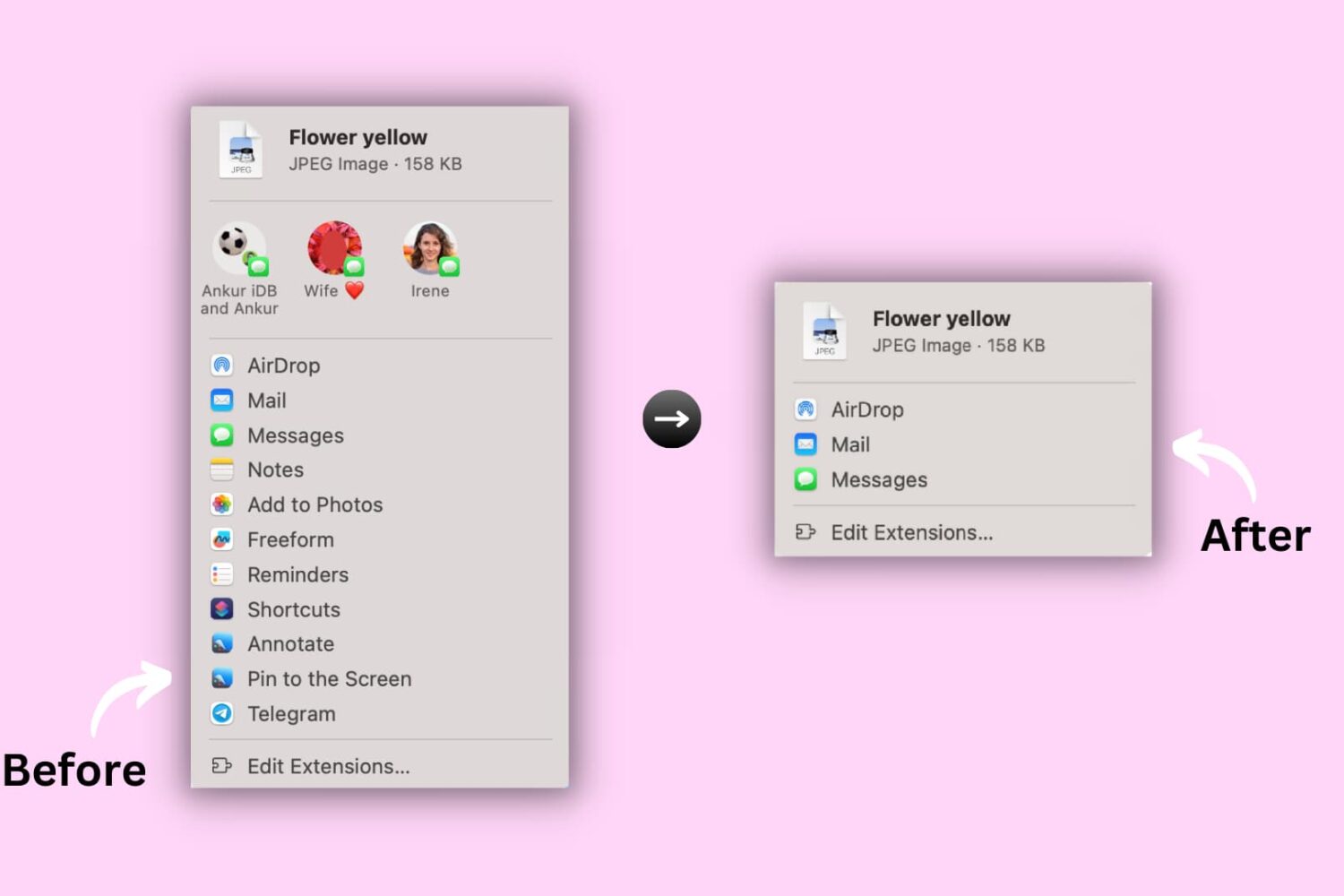
Learn how to hide or show certain apps and options from the system-wide sharing menu on your Mac to keep the Share menu relevant to you.
How to customize the Share menu on your Mac
Stay up-to-date on the latest Mac news, and tutorials. Get expert tips and tricks to optimize your Mac’s performance and learn about the latest Apple products and software updates. Discover the best Mac apps and accessories to enhance your user experience.
Learn how to hide or show certain apps and options from the system-wide sharing menu on your Mac to keep the Share menu relevant to you.
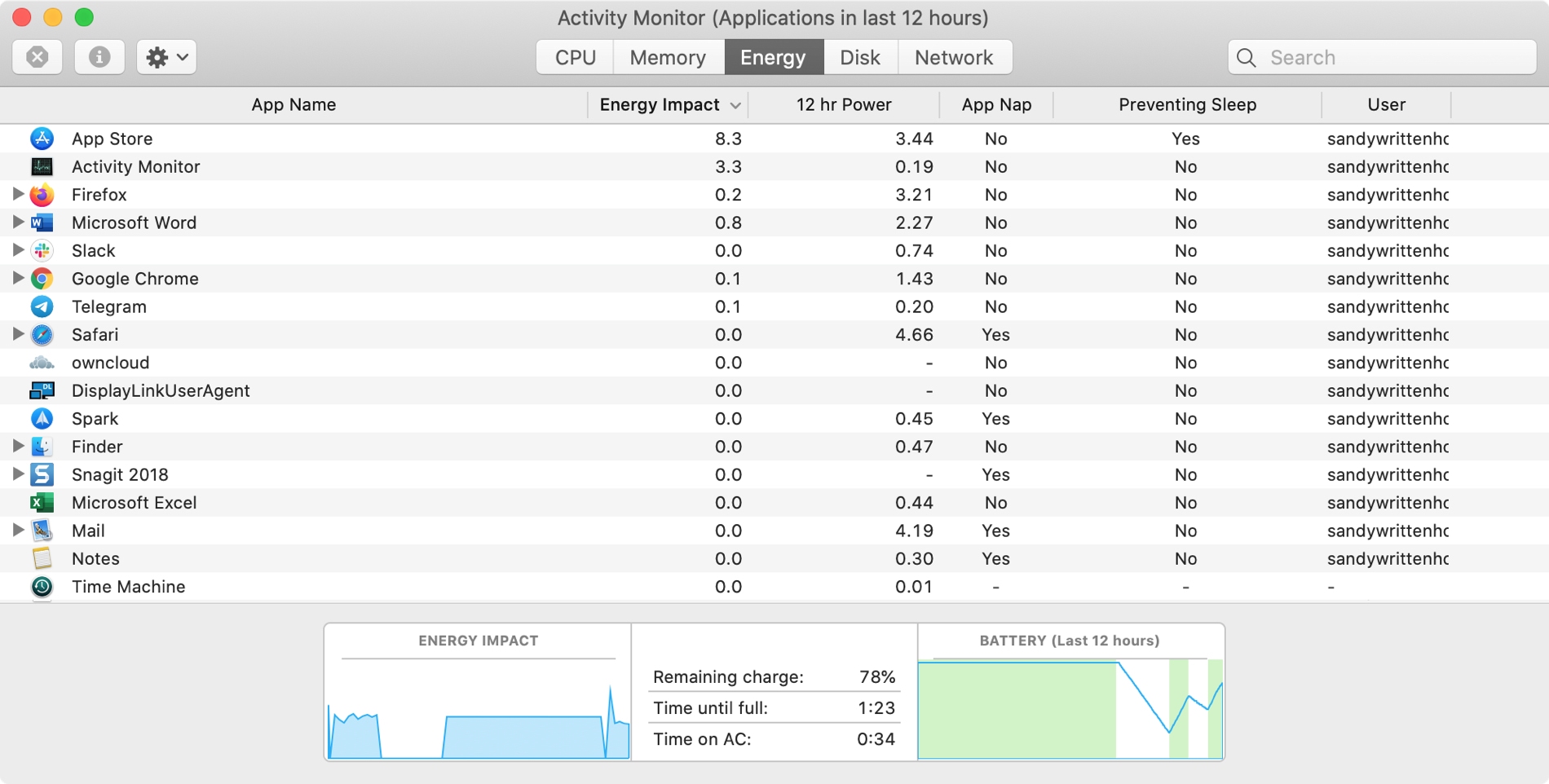
The Activity Monitor on your Mac is one of those tools that you should become familiar with. You by no means need be an expert on it, but you should know the basics. Why, you ask? Because the Activity Monitors shows all the processes running on your Mac. It’s like a task manager, so you can see how those processes affect your Mac and close any if needed.
Whether you’re new to Mac or simply new to the Activity Monitor, we’ll walk you through the basics you need to know.
Learn how to customize the built-in Apple TextEdit app to efficiently create and edit both plain and rich text documents on your Mac.
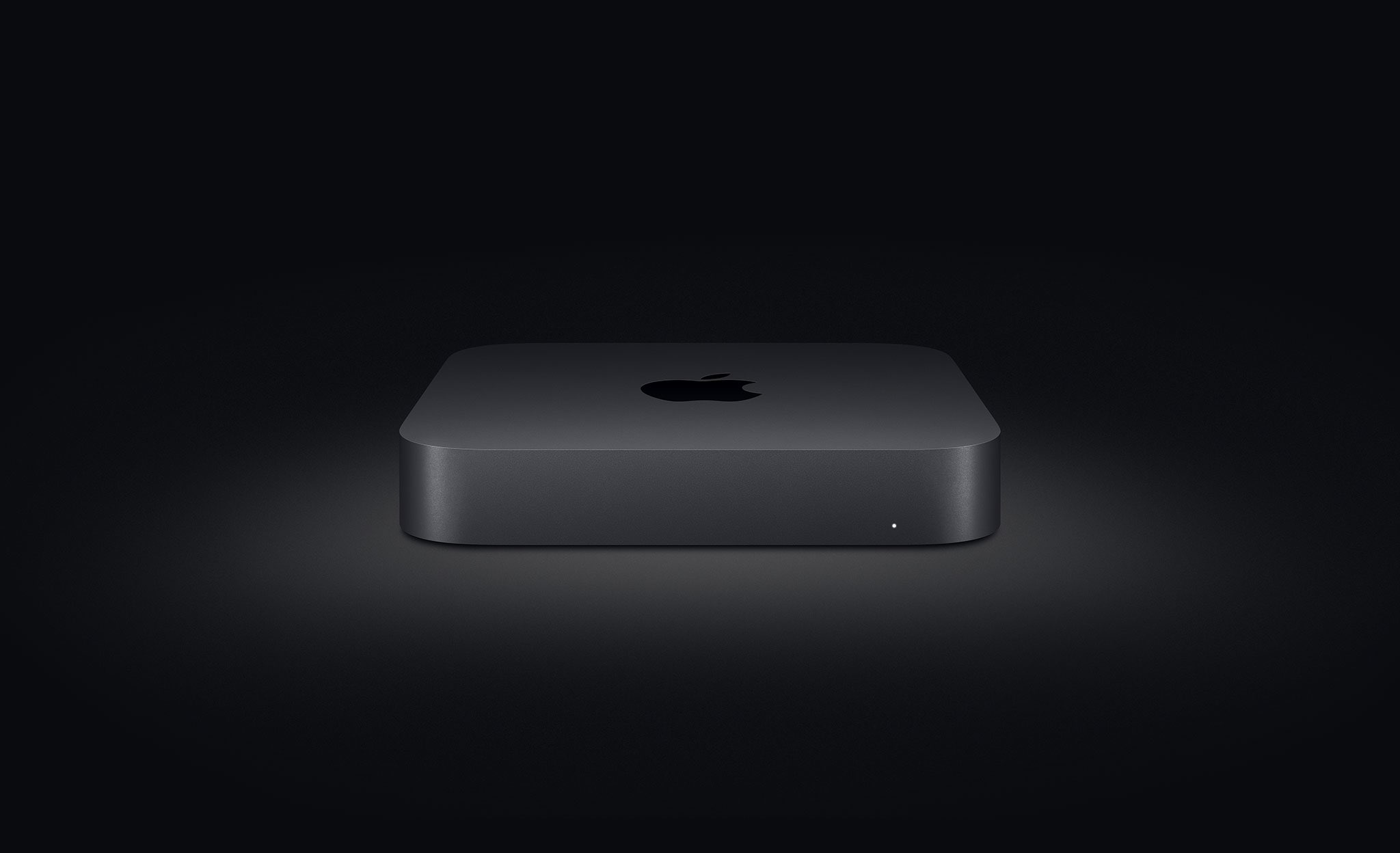
Aside from refreshing the MacBook Air with faster chips, new quad-core options and the reliable scissor keyboard mechanism, Apple also this morning updated its most affordable Mac computer, the beloved Mac mini, by doubling storage capacity without raising price.
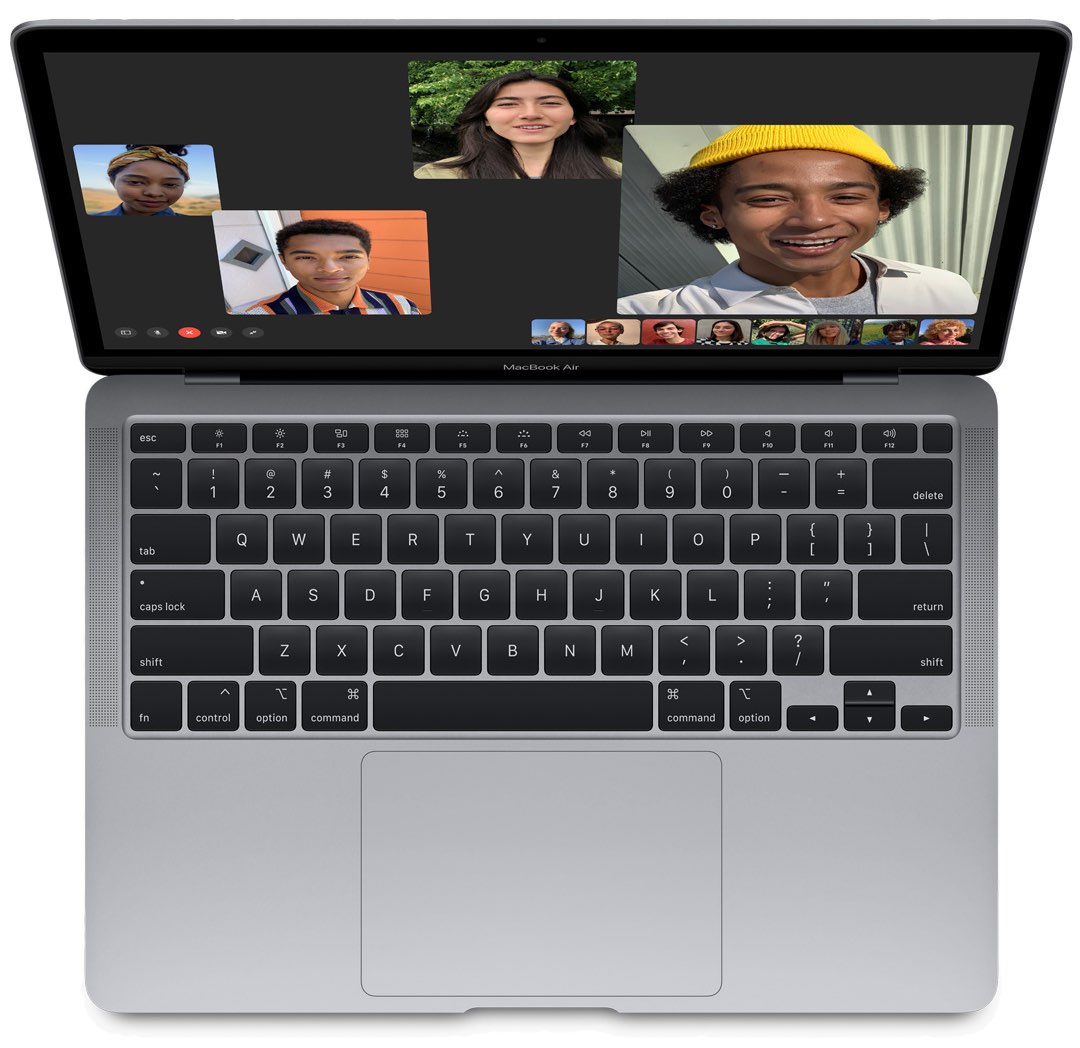
Apple today refreshed its MacBook Air notebook line with several hardware improvements, such as two times faster CPU performance and 80 percent faster graphics than the previous generation, in addition to double the storage and the reliable scissor mechanism keyboard that previously launched on the 16-inch MacBook Pro. Most importantly, the popular notebook now has a lower price of $999 while education customers can get it for $899.
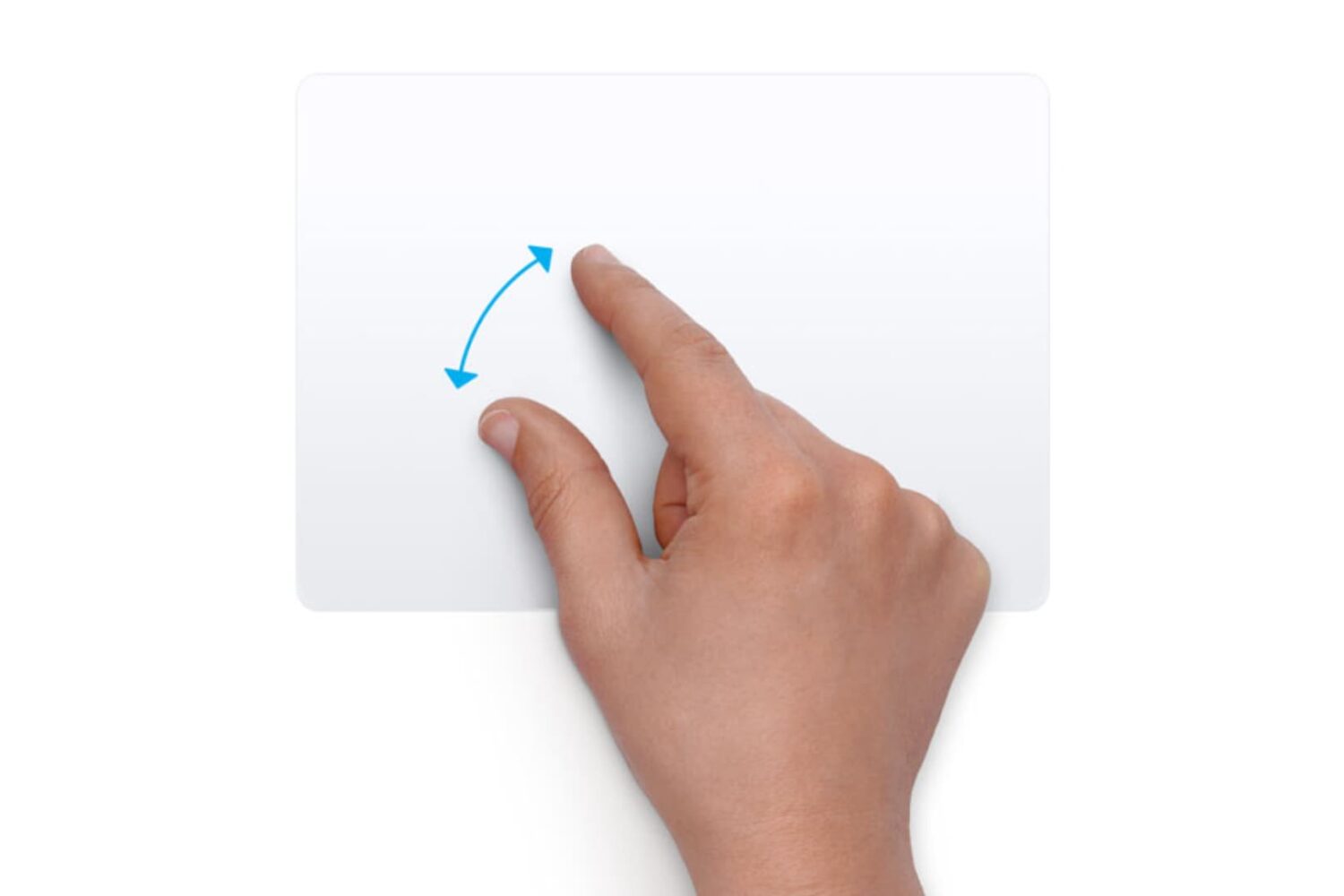
Learn how to customize the trackpad and mouse gestures on your Mac to enhance efficiency and boost productivity.

Whether you’re hanging out with friends or passing time alone, here’s how to have fun with photos and videos using the Apple Photo Booth app on your Mac.
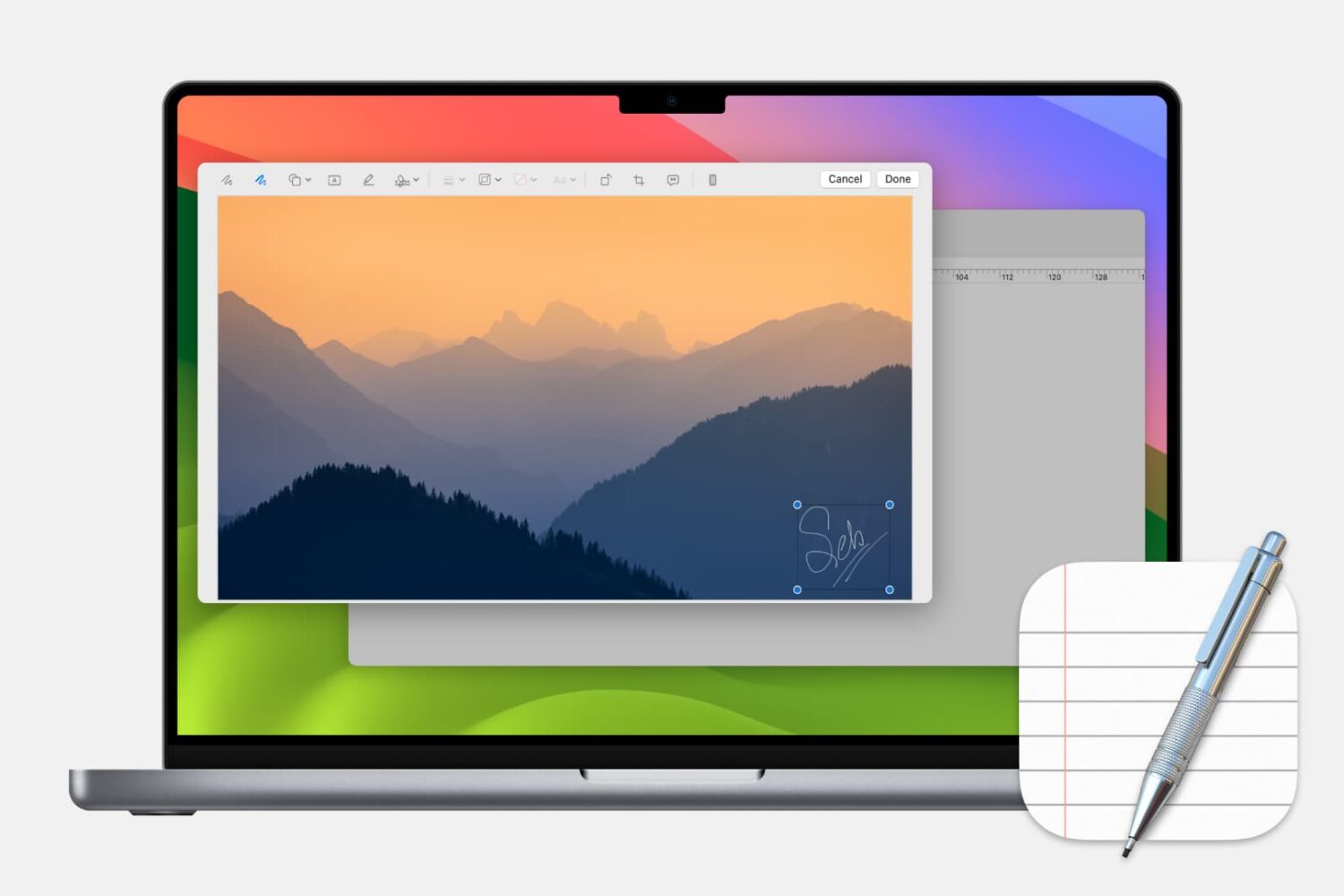
Learn how to add, edit, and annotate images in Apple’s built-in TextEdit app on your Mac to liven up a rich text document with some visuals.
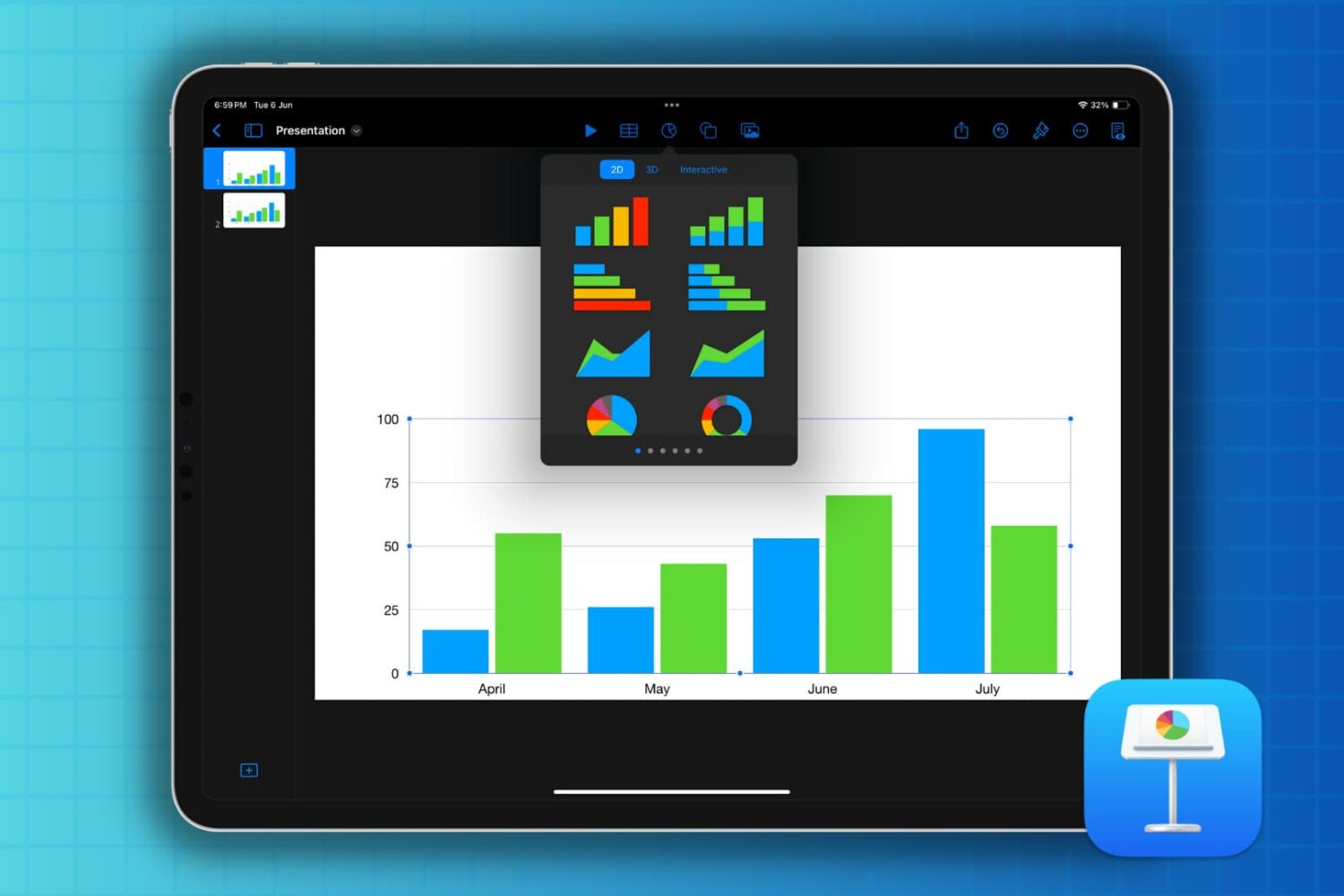
If you’re new to Keynote or simply the chart options, here’s how to create a basic chart or graph in the Keynote app on your Mac, iPad, and iPhone.
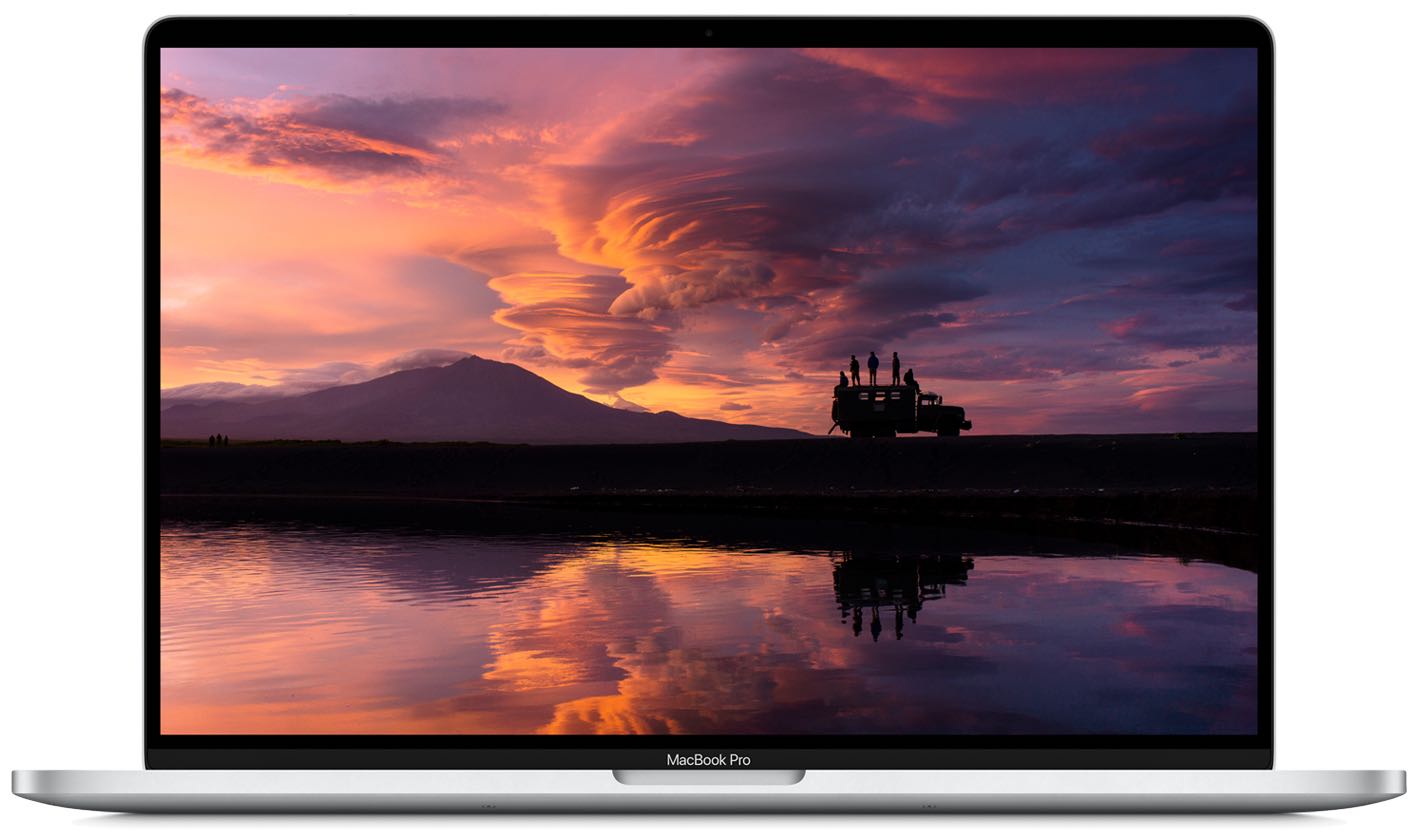
Following positive market response to the new 16-inch MacBook Pro, Apple's first notebook ditching the problematic four-year-old butterfly keyboard in favor of the tried-and-tested scissor key mechanism, Apple should release new MacBook Pros and Airs with scissor keys by June.

Following first ARM-based Mac models in late 2020 or early 2021, Apple fans could be in for a real treat next year: the first major redesign of the Mac notebook chassis following the introduction of the unibody aluminum casing industrial design more than a decade ago.

Thanks to the powers of prolific Apple analyst Ming-Chi Kuo of TF International Securities, we can likely expect first Macs powered by Apple-designed processors to arrive in less than a year.