Mac Tip

How to turn on and use Touch Bar zoom

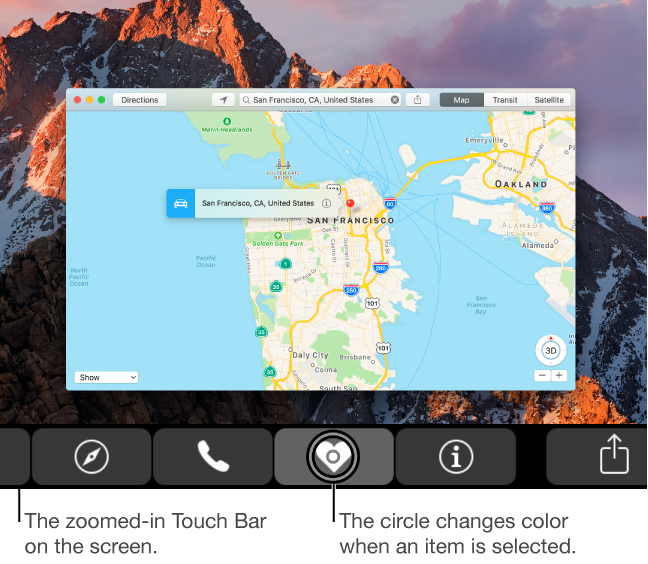
Visually impaired users who own Apple's MacBook Pro with Touch Bar may be pleased to learn that macOS provides a set of specialized Accessibility features that help people who are blind or have low vision enjoy the compelling features of Touch Bar. If you have difficulty seeing items in your Touch Bar, turning this feature on renders a larger Touch Bar on the main display. Other users should check out Touch Bar zoom, too.

In this tutorial, you'll learn how to turn Touch Bar zoom on, increase or decrease the zoom level, select or split-tap an item on Touch Bar and use other specialized gestures.

How to convert music tracks to Audiobook in iTunes

Venturing into the depths of iTunes is no longer an activity for the faint-hearted, as Apple’s gold mine is famously becoming more convoluted with every update. It is by no means impossible to keep up with the changes, but staying on top of every small cosmetic shift does pose a decent challenge today.

As somebody very fond of the spoken word on iTunes, I can attest that this general rule holds true for audiobooks as well. So as I was fiddling around with some old school CDs the other day and trying to move audio files within my iTunes library to the Audiobooks tab, I noticed my old methods were already outdated again. If you’re not up to speed on iTunes, here’s a refresher on how to get your talking book to properly identify as Audiobooks inside the application, followed by an encore for CD enthusiasts with regard to joining tracks during import.

How to change the behavior of Control, Option, Command and Caps Lock keys on Mac

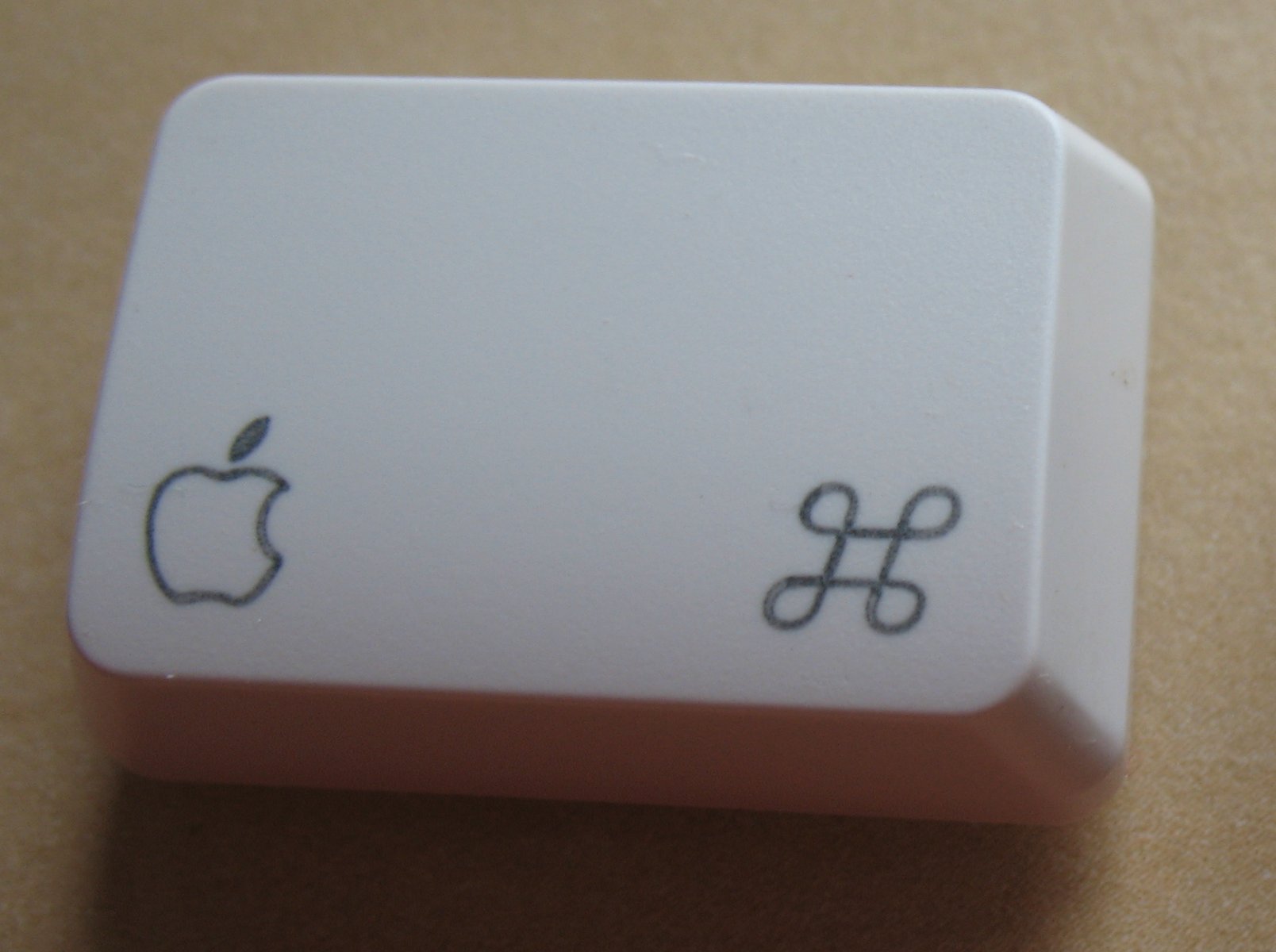
macOS provides an enhanced keyboard remapping feature that allows you to change the behavior of the special modifier keys on your Mac's keyboard, such as Caps Lock (⇪), Control (⌃), Option (⌥) and Command (⌘).

For example, you could remap the Caps Lock key to trigger the Escape command.

This feature is especially useful if you’re familiar with a keyboard layout different from your current keyboard or are an experienced touch typist who finds some of the default modifier key actions a bit awkward to use. In this tutorial, you'll learn about remapping the Mac's modifier keys to non-default actions.
How to check if your Mac supports Auto Unlock

macOS Sierra debuted a new feature called Auto Unlock that lets you get into your Mac without typing your account password simply by wearing a passcode-protected Apple Watch. With Auto Unlock, you just wake up your Mac and if it senses you're nearby and wearing your watch, it'll log you in automatically. Yes, it just works!

Auto Unlock imposes certain hardware pre-requisites in terms of modern Bluetooth and Wi-Fi chipsets. Here's how you can quickly check if your Mac supports Auto Unlock.