Learn how to convert Keynote or PowerPoint presentations into videos on your Mac using these simple step-by-step instructions.
How to export a presentation in Keynote or PowerPoint as a video on Mac
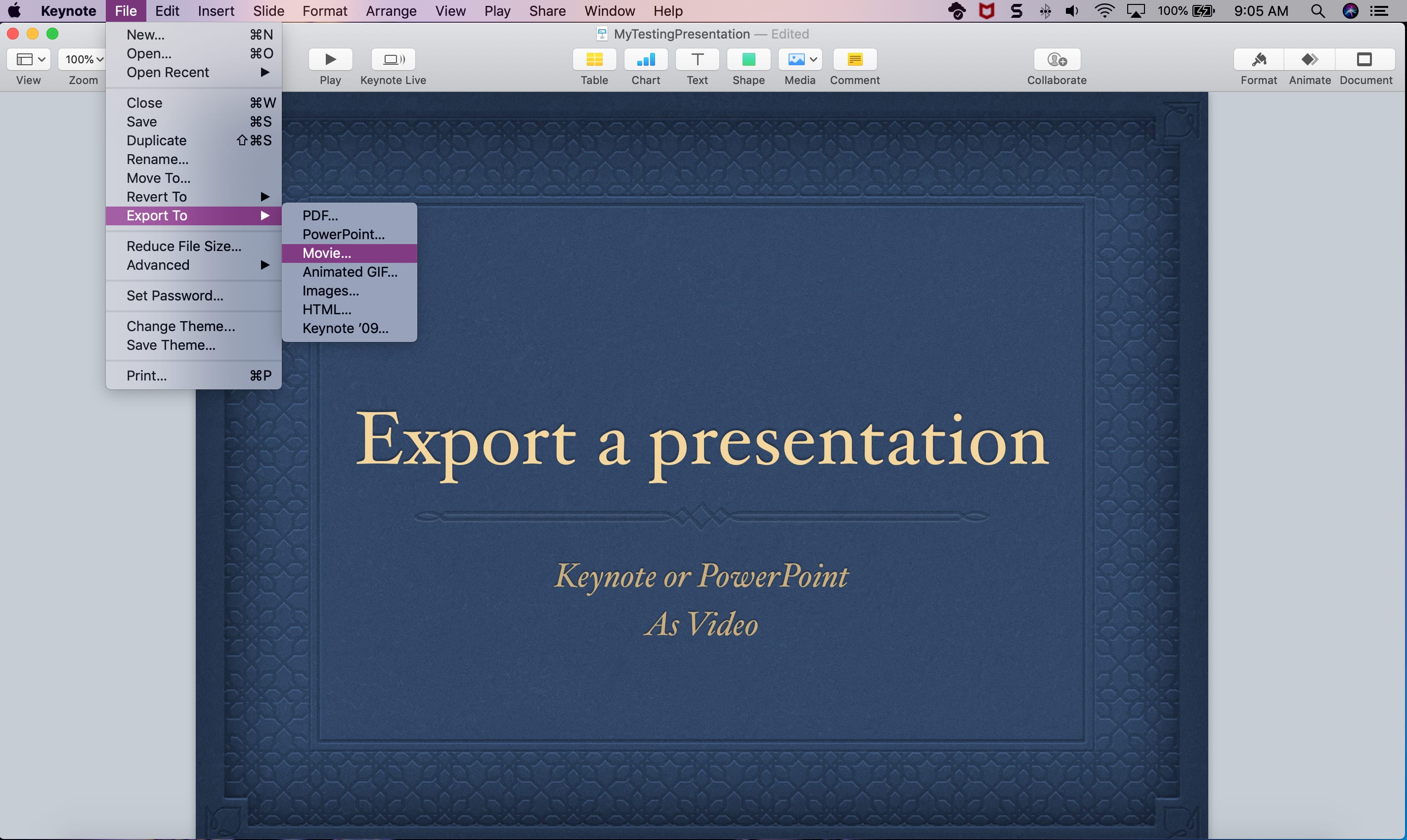
Learn how to convert Keynote or PowerPoint presentations into videos on your Mac using these simple step-by-step instructions.

Transform your static Keynote slides into dynamic presentations with these tips to animate objects on a slide and captivate your audience.

Learn how to add, replace, and edit images in your Keynote slides on Mac to make them stand out and create engaging presentations.

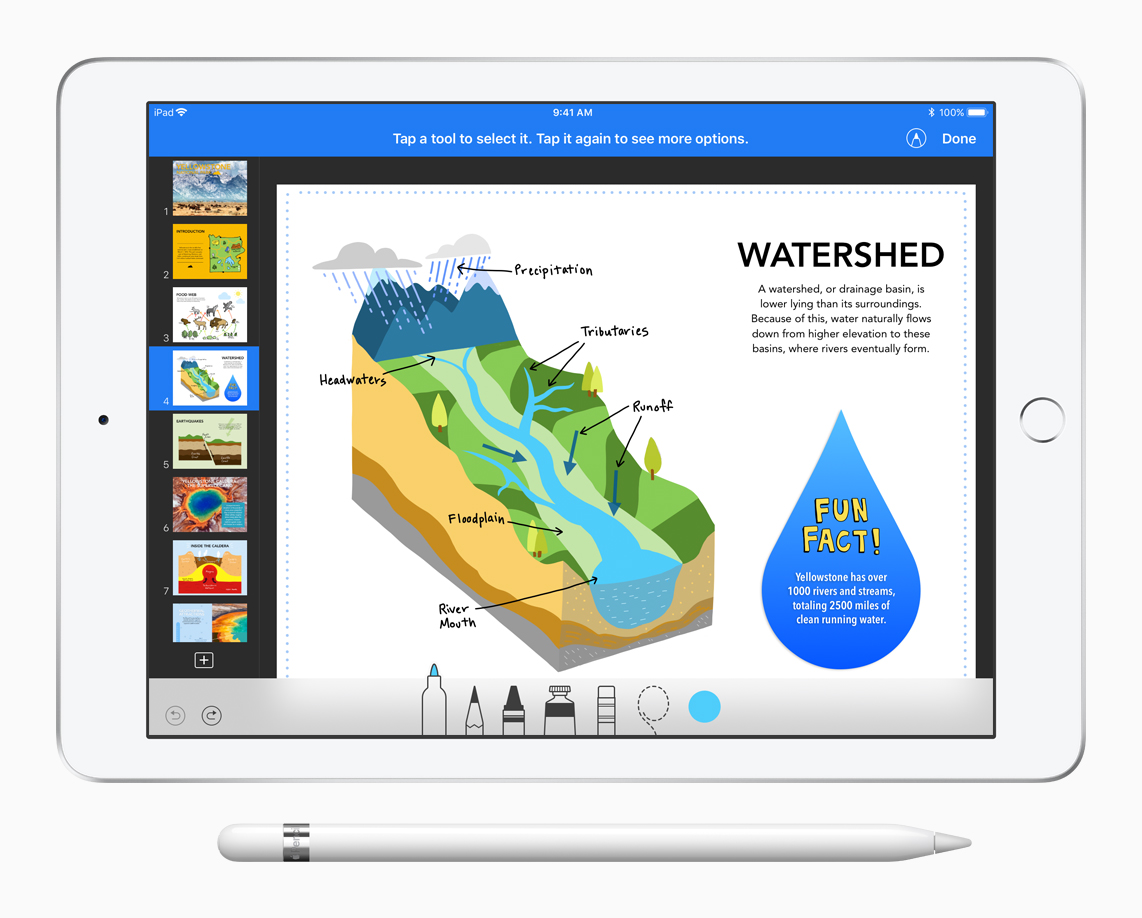
iWork, which is the name of Apple's productivity suite for iPhone, iPad and Mac that encompasses the Pages word processor, the Numbers spreadsheet app and the Keynote presentation software, is about to get an update to make your Apple Pencil more useful.

Find out how to change the slide layout to improve your Keynote presentations in just a few clicks or taps on your Mac, iPad, and iPhone.
Learn how to protect your Apple Pages, Numbers and Keynote documents with a password on the iPhone, iPad and Mac to keep your files secure and private.
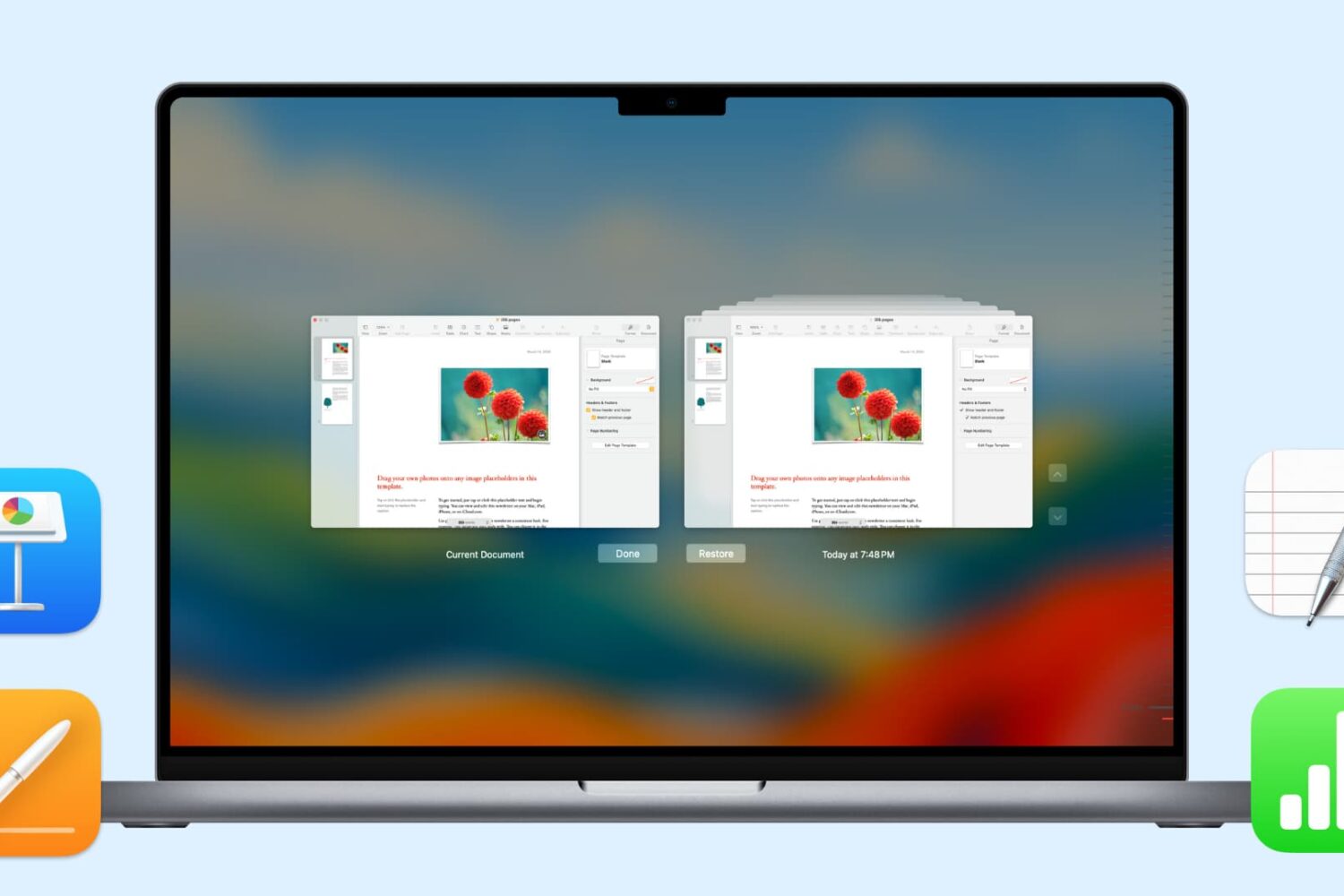
In this handy tutorial, we’ll show you how to browse and restore previous versions of documents in Pages, Numbers, Keynote, Text Edit, and Preview on your Mac.

Learn how to use the Magic Move transition effect in the Apple Keynote app on your Mac to animate objects when moving from one slide to the next.

Learn how to create and use Presenter Notes in the Apple Keynote app on Mac, iPad, and iPhone to help you remember what you need to say or emphasize important points during your presentation.

When you get that shiny new iPhone or iPad, you’re going to spend some time getting it just how you want it. One place you’ll likely begin is with the App Store. Whether it’s games or apps that tickle your fancy the most, you’re going to grab them. What comes with downloading the games and apps you want is enough space for them all.
So, why waste space on apps that you will never, ever use when you need it for those you want to use every day? Here’s how to quickly save over 2 GB of storage space on your new iPhone or iPad.
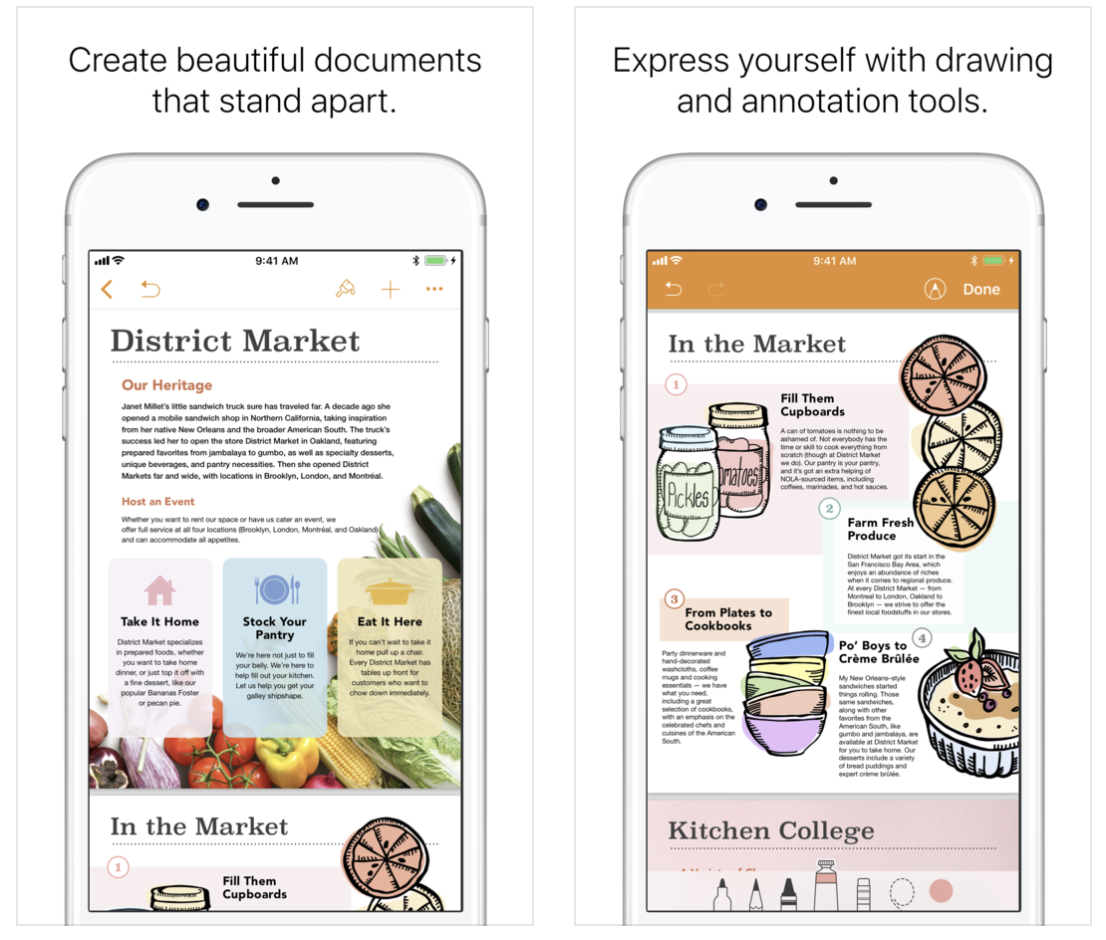
Apple on Thursday issued an update for its suite of iWork apps on iOS. Keynote, Pages and Numbers have all been updated to version 4.1, and the releases include a number of new features and improvements. Among the changes are a new on-page audio feature the allows you to record, edit and play clips and the ability to use Apple Pencil to select and scroll. Check out the full change logs below.
Apple's iWork productivity apps for iOS and macOS—Pages, Numbers and Keynote—were updated Tuesday morning with a bunch of really cool, compelling new features, as promised.