Instagram

Apple launches new iBooks account on Instagram, releases new Harry Potter book

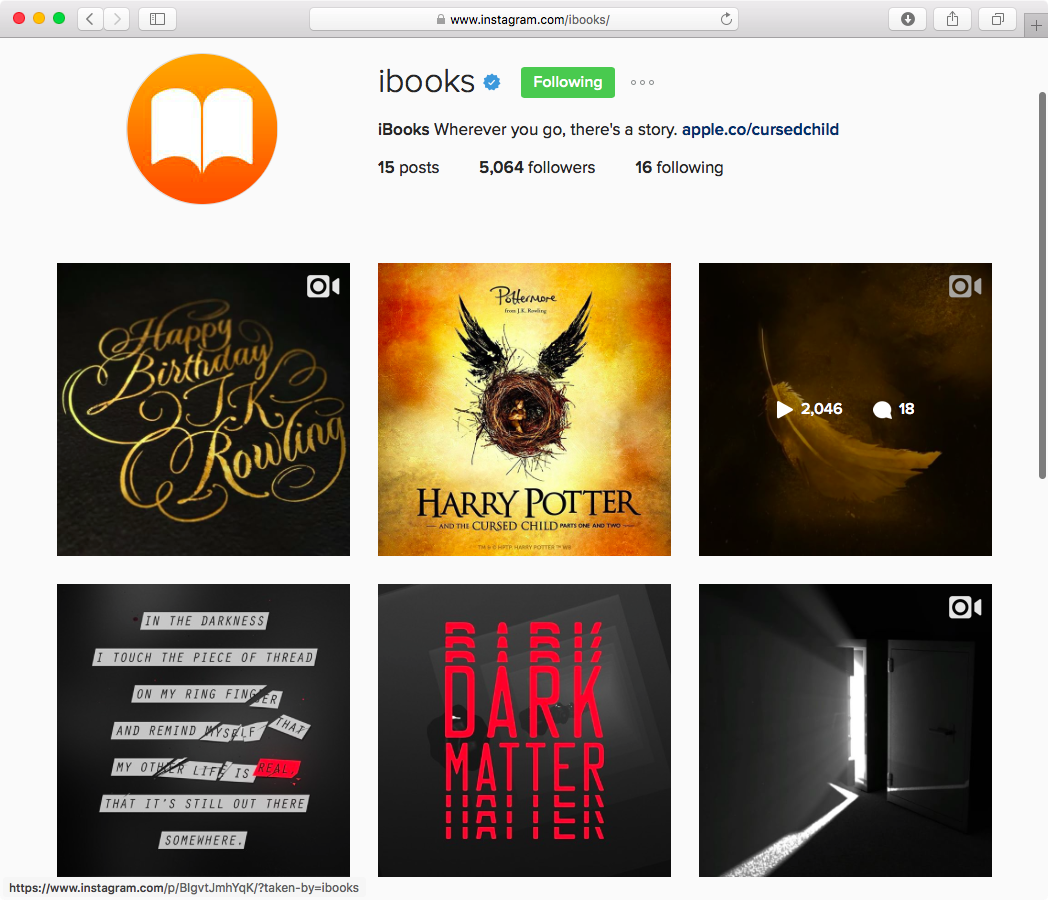
Following launch of the widely popular and incredibly active Apple Support account on Twitter earlier this year, Apple has now created a brand new account on Instagram. Dedicated solely to iBooks, it shares book quotes, spotlights authors and reviews, promotes new arrivals and more. At the same time, the iPhone maker has now released the script for “Harry Potter and the Cursed Child” on the iBooks Store (also available from Amazon and other retailers).

You’ll soon be able to filter individual comments on Instagram, even disable commenting

Instagram is working on some significant enhancements for the commenting feature found its mobile app, potentially giving users the ability to filter their own comment streams on the service or even disable commenting on all posts, according to The Washington Post. Instagram has been testing these features with some businesses, but soon everyone will be able to screen individual comments in their feed and decide for themselves if they might be better served by disabling commenting on their account altogether.

Clearing your search history from the Instagram app

Instagram users who search for things frequently leave a trail behind that shows everything they've searched for, and to some who are used to hiding their tracks, this could be considered a privacy concern.

If you want to clear your search history from the Instagram app on your iPhone or iPod touch, then follow along as we take you through the simple steps to do so in this tutorial.

Instagram is working on a text translation feature

Yesterday, Instagram took to its own photo-sharing service to announce that it's working on a text translation for its mobile app. The new feature will begin rolling out in the coming month.

A Translation button will appear on feed stories and profile bios if they're written in languages different from your own. Captions and comments on posts in your feed and the bio on your profile will be translated automatically based on the language they're written in and the language settings of the person viewing it.

Instagram now has 500 million monthly users

Facebook-owned Instagram today announced a major milestone as the service just passed 500 million monthly users, more than 80 percent of whom are living outside of the United States. The announcement came a little more than a month following Instagram's major redesign of its mobile app. The only metric that matters is daily active users and Instagram said that out of the 500+ million monthly users, 300 million use the service every single day.

Instagram’s new iOS extension finally lets you share without needing to launch the app

It's hard to tell from release notes alone, which only mention bug fixes and performance improvements, but Instagram's version 8.2 update that went live this morning on the App Store packs in a much improved Share sheet extension.

Long overdue, the new extension finally lets you upload photos and videos directly to the service, without needing to open the app at all.

15 Instagram hacks, tips and tricks you should know about

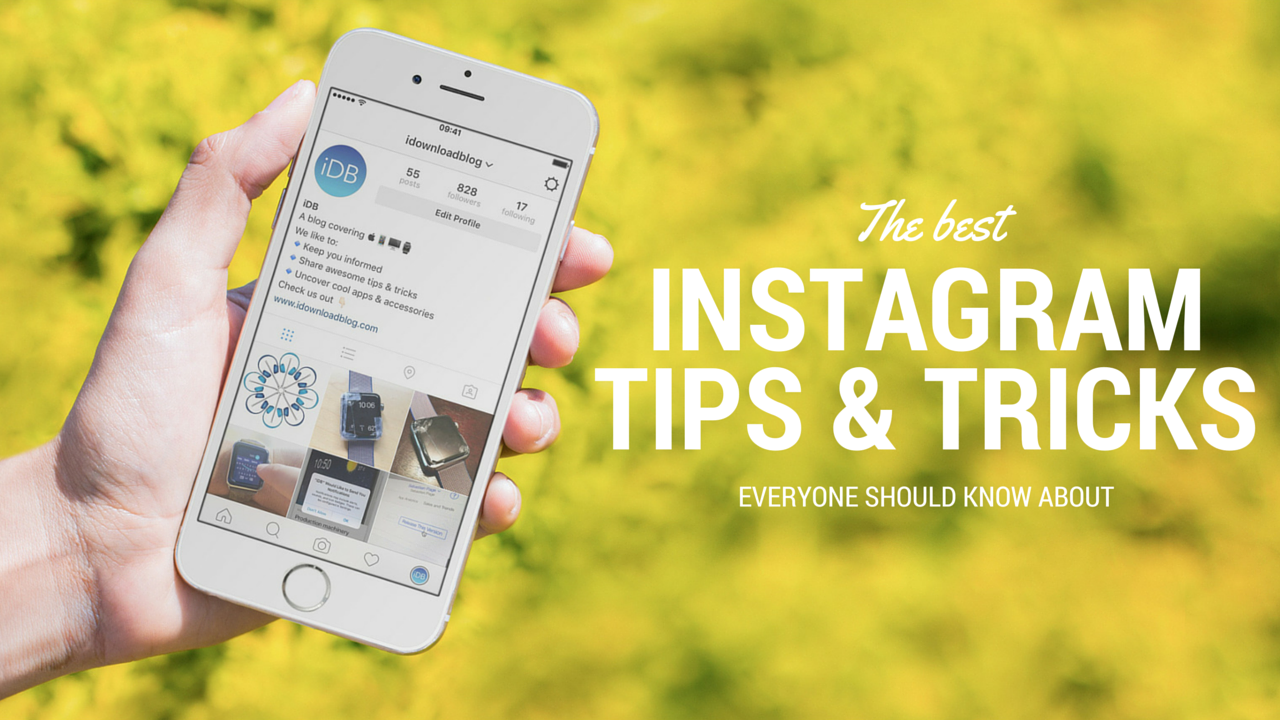
Over the years, I've learned or picked up a few Instagram hacks and tricks that I'm going to share with you. They aren't life changing by any means, but they can be helpful, fun, or just make your Instagram usage more enjoyable. Chances are, you already know some of these tips, but I'm hoping you will still learn a thing or two along the way.

Instagram’s new algorithm that rearranges your feed is now live

In mid-March 2016, Facebook-owned Instagram said it would soon tweak its algorithm to surface posts you care about at the top of your feed. Since then, the company has been testing the improved algorithm with a very small subset of its 400 million monthly active users. Starting today, this feature is available to all Instagram users without needing to update the mobile app, the company reported.

Many third-party Instagram apps no longer working

Do you use a third-party app to browse Instagram feeds and hashtags more efficiently on an iPhone, iPod touch or iPad?

If so, there's a high likelihood that your app has now ceased functioning due to Instagram's new and much stricter policy pertaining to the official API, which has gone into effect today, as first noted by MacRumors.

Here’s how the new Instagram icon came to be

Instagram's drastic revamp which said good-bye to skeuomorphism with an all-white monochromatic interface and a rainbow-colored icon—not only for the main app, but also for Layout, Boomerang and Hyperlapse—has expectedly polarized fans and watchers alike.

A lot of people took to blogs and social media to vent their frustration with the new art direction for the beloved app they obsessively check multiple times a day.

But after all is said and done, this may not necessarily be such a bad move for Instagram. So, how did the new Instagram icon came to be and what was the reasoning behind its redesign?

Instagram revamps app with new icon and monochromatic interface

Facebook-owned Instagram today announced a major new version of its iPhone app with an overhauled user interface with bigger photos and an updated Home screen app icon.

“Inspired by the previous app icon, the new one represents a simpler camera and the rainbow lives on in gradient form,” explains the company. In addition, they've updated app icons for Layout, Boomerang and Hyperlapse, too.

Instagram is available free of charge on the App Store.

How to repost Instagram photos, videos, and stories on iPhone

Repost photo to Instagram

The Instagram app lacks the option to repost Instagram photos, videos, and stories natively, so people usually screenshot photos to post them as their own. This works fine as a workaround but requires extra steps, such as cropping the screenshot. Maybe more importantly, it generates photos of poor quality.

Reposting, also known as regramming, is quite a common practice, even though the Instagram application doesn't provide a way to easily do that. As a result, you must use third-party applications. In this post, we will show you how to repost Instagram photos, videos, and stories from your iPhone using an app we developed ourselves called Reposter for Instagram.