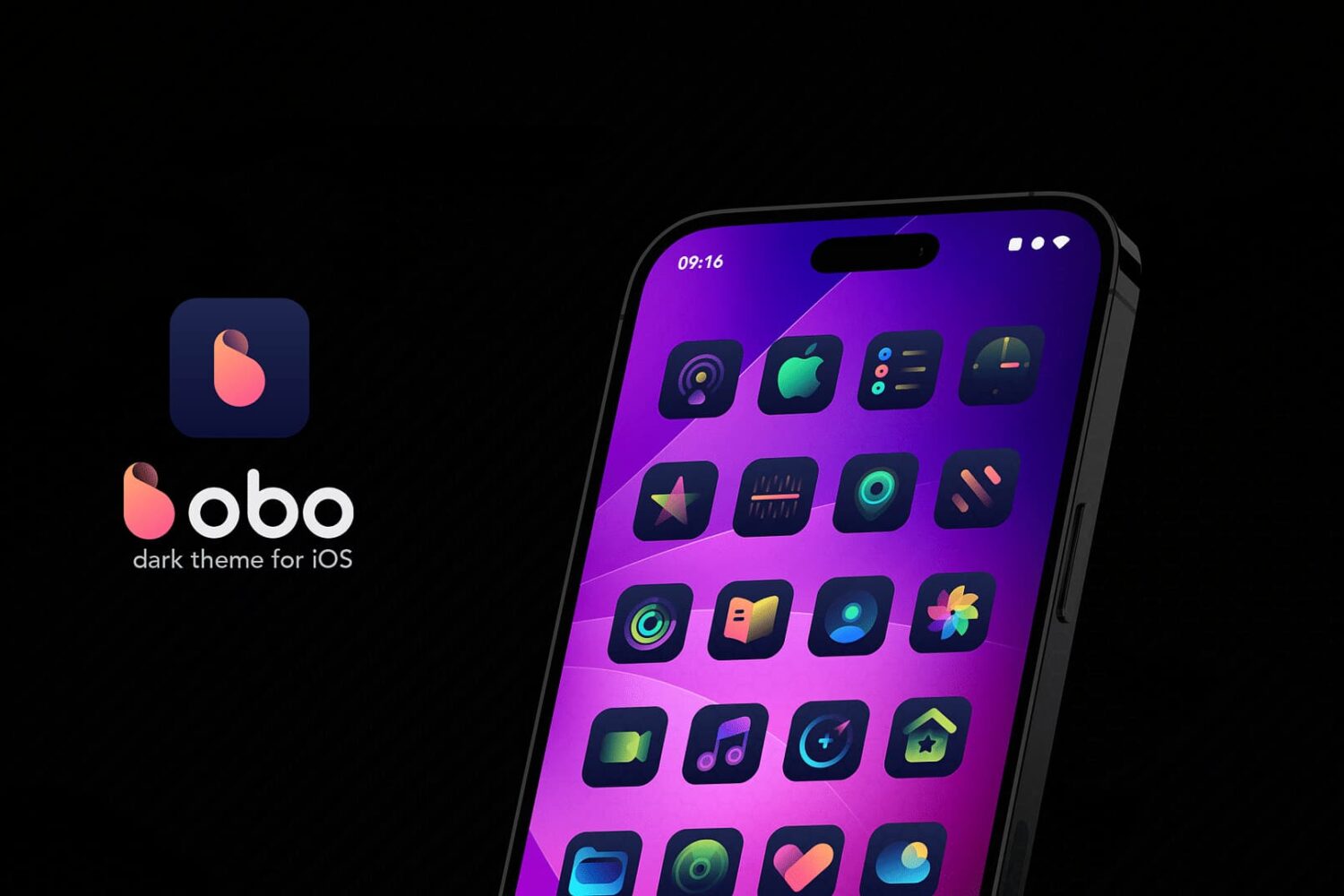
We have another exciting theme for those of you out there who enjoy the thrill of a customized Home Screen experience, and if you’re a dark mode lover, then you won’t want to miss it.
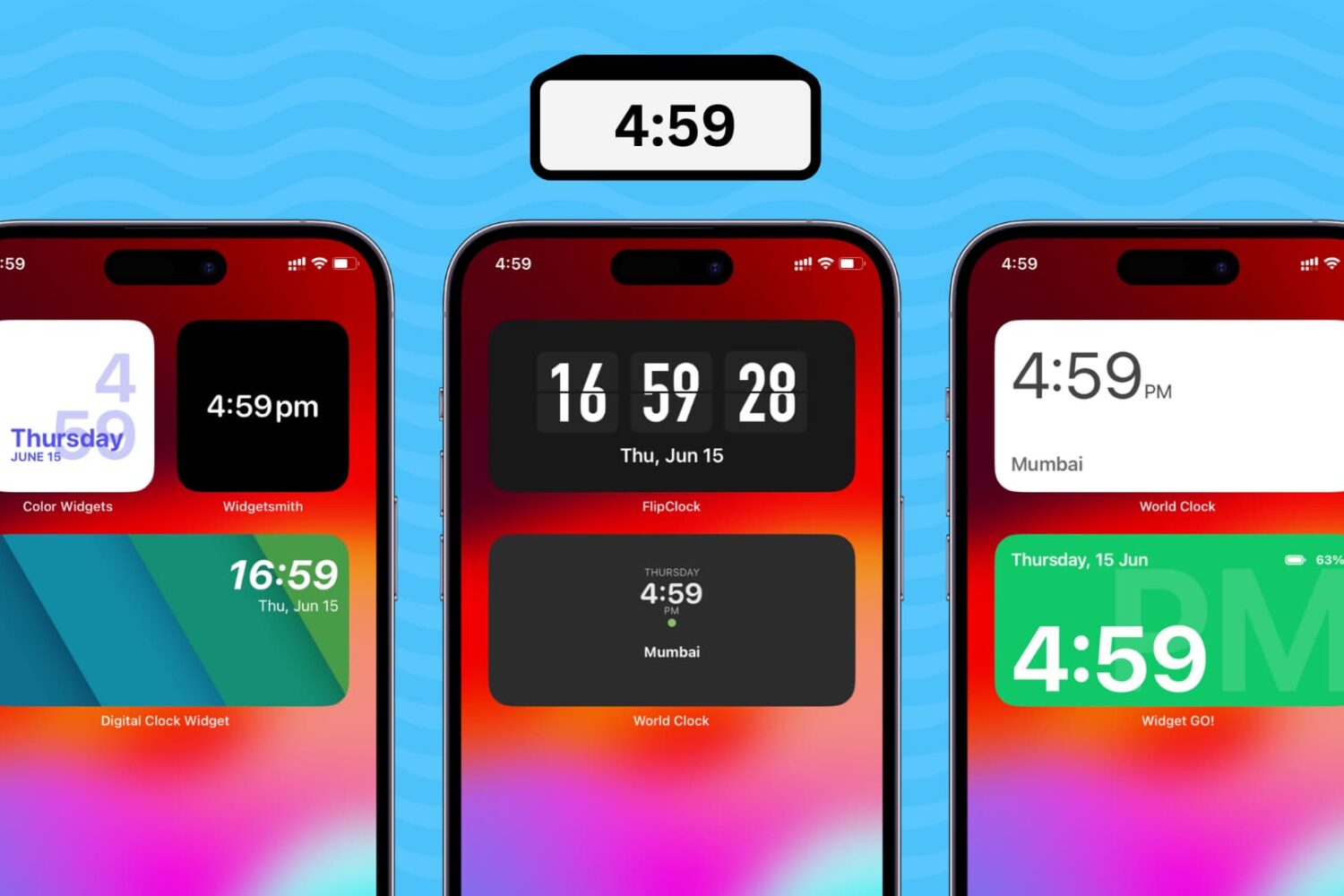
Follow the steps in this tutorial to add a digital clock widget to the Home Screen of your iPhone and iPad so that you never lose track of time and date.
How would you like to have a sleek new look and feel for your iPhone’s Home Screen? If you answered yes to that question, then a theme might be the right answer for you, and the Shimmer theme by Thenatis may fit the bill quite nicely.
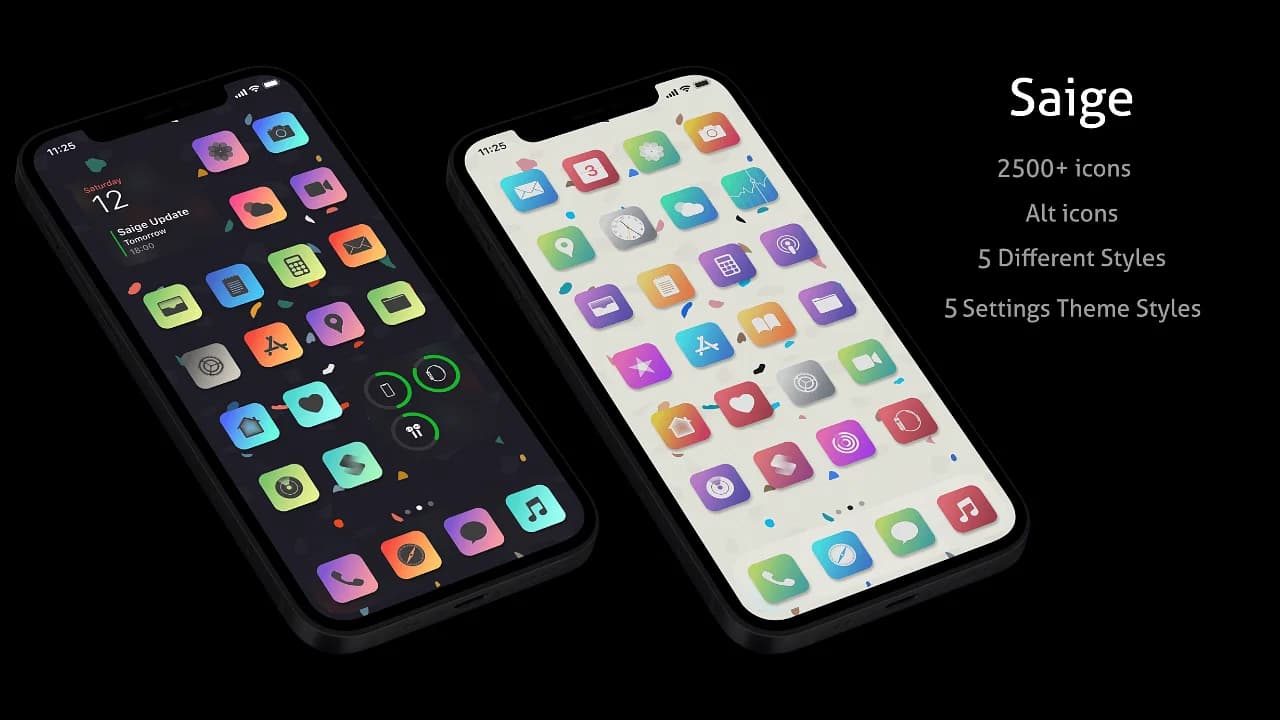
Looking to spice up that boring Home Screen of yours? If you answered yes, then we might have a solution for you in the form of a theme called Saige by joydesignicons.
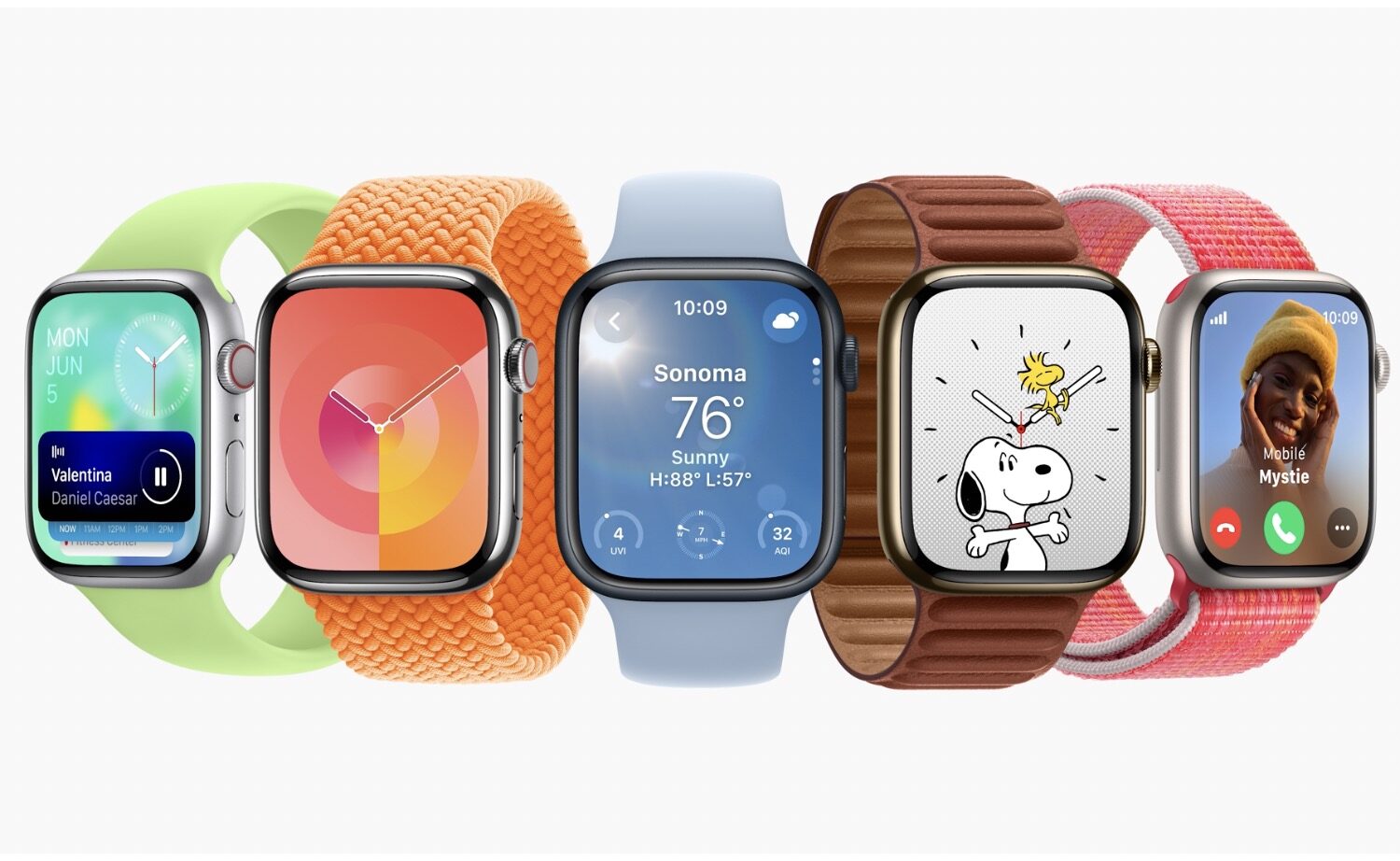
Everything about Apple's watchOS 10 update, including a redesigned Home Screen, iPhone-widgets, changes in core apps to accommodate bigger displays, etc.
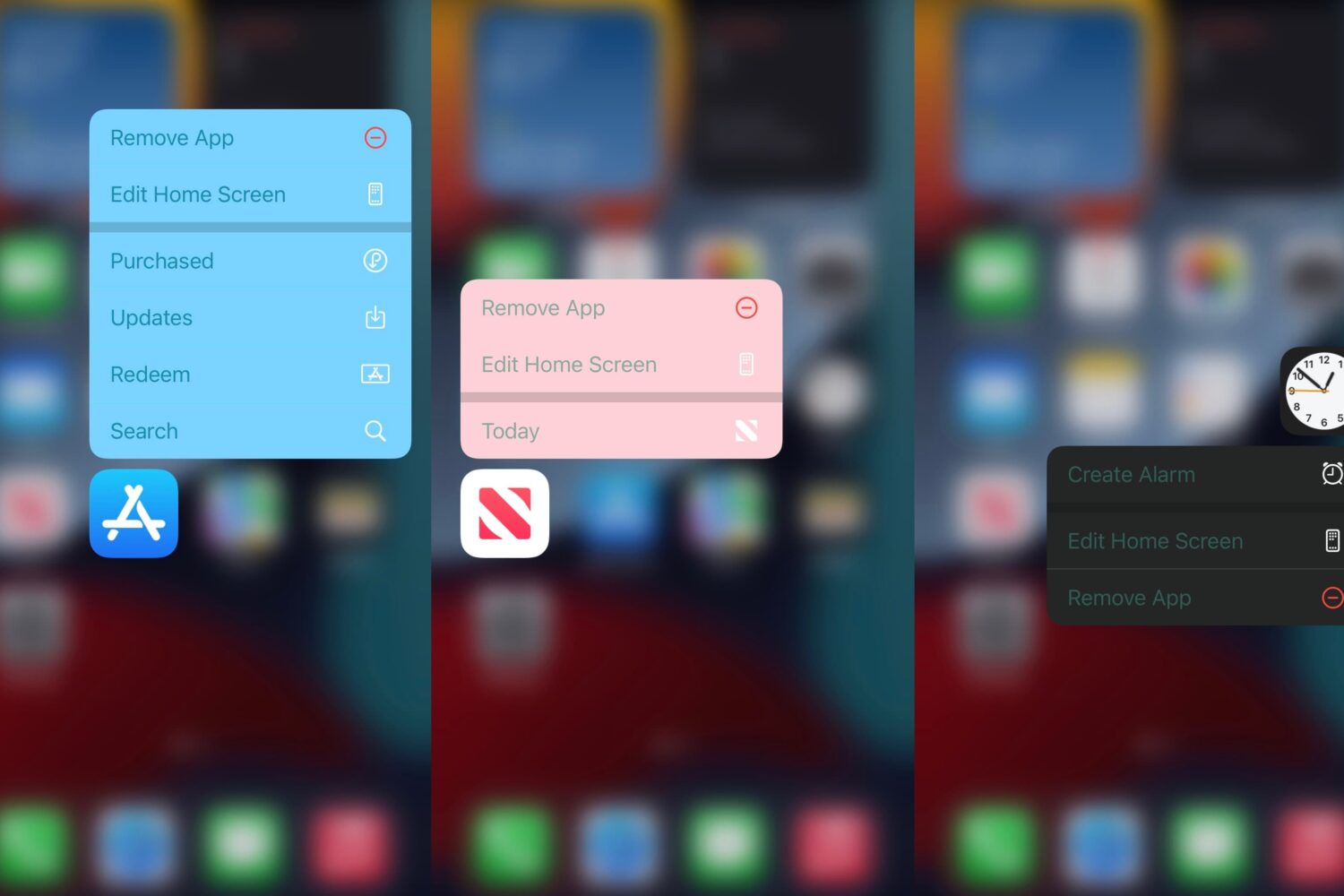
If you’re interested in a jailbreak tweak that will add a splash of color to your Home Screen’s Haptic Touch/3D Touch menus that appear when you use one of these gestures on an app icon, then we’ve got just the jailbreak tweak for you.
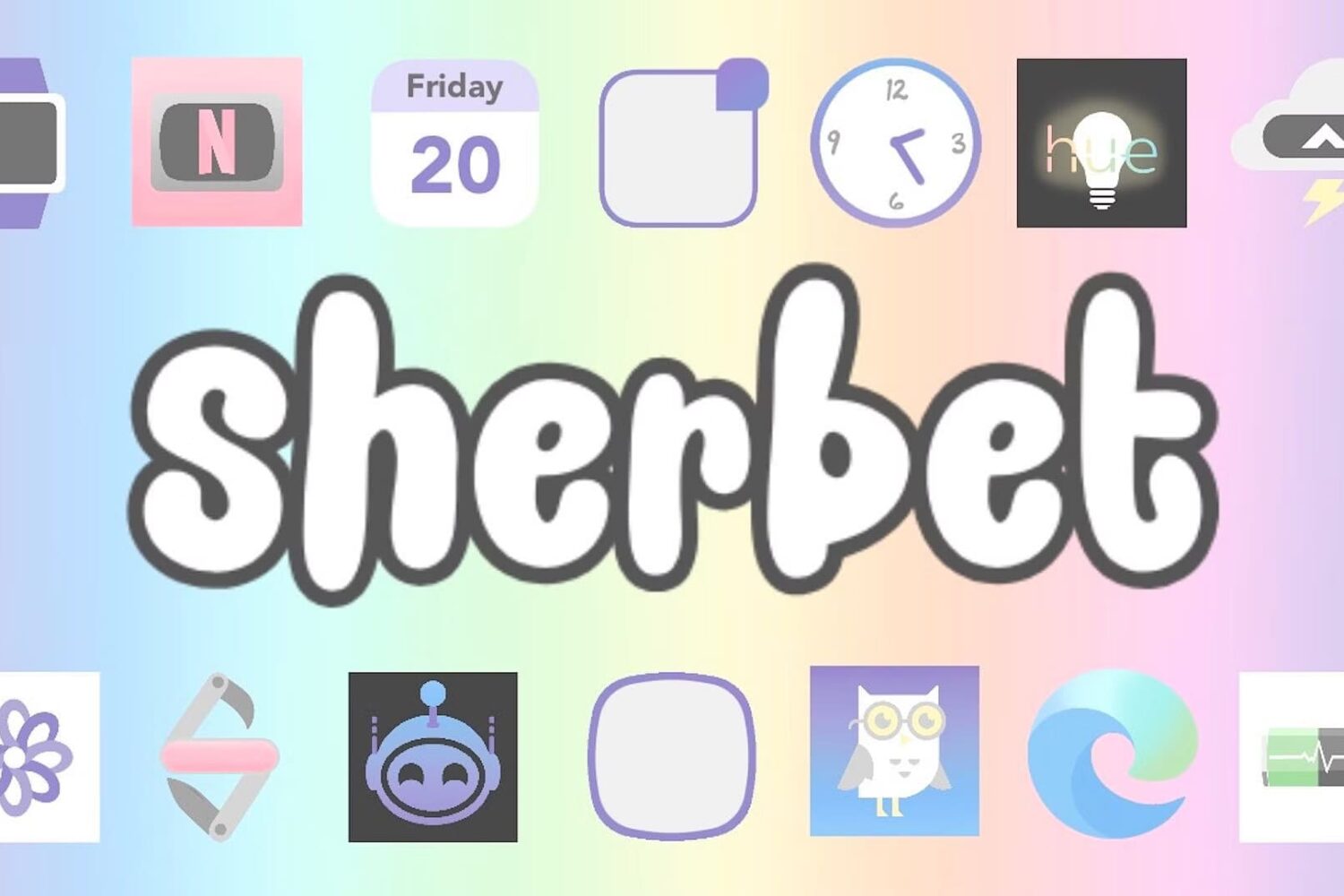
For anyone interested in colorful themes that would make any iPhone unique, theme creator alwaysamara has just launched two new themes called Sherbet and Unicorn that take advantage of pastel colors to be pleasing to your eyes.
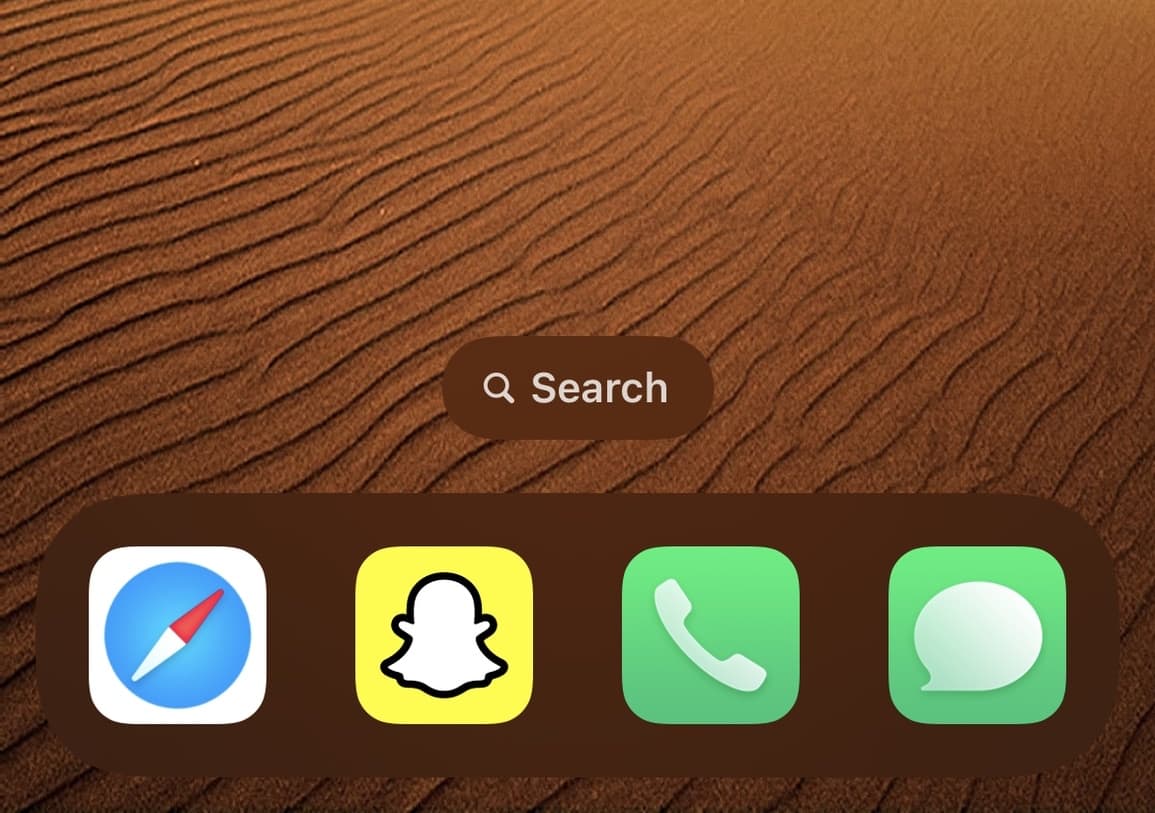
One of the neat new features in iOS & iPadOS 16 is the ability to access Spotlight search from your Home Screen by tapping on the little search pill at the bottom of your Home Screen where the page dots would ordinarily be.
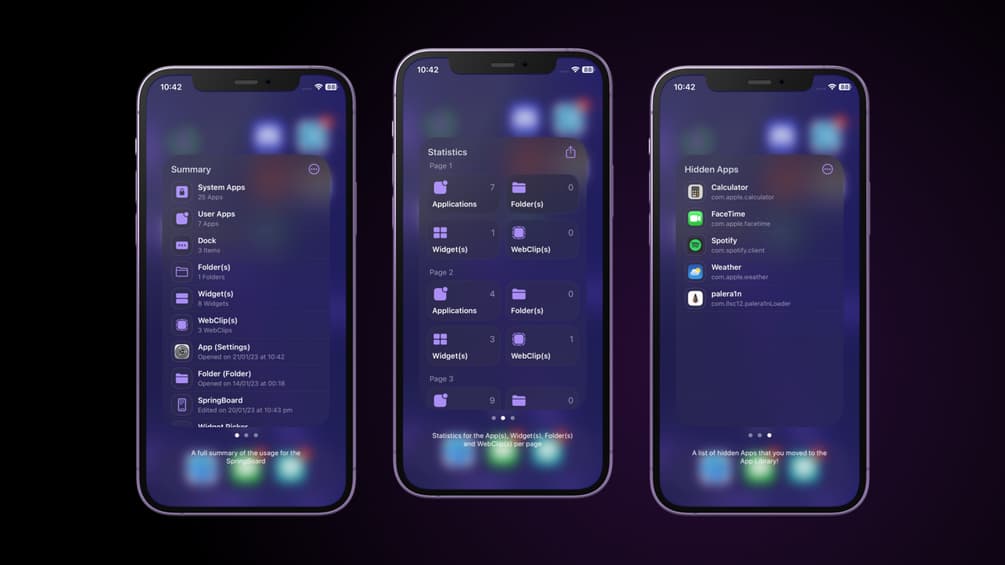
If you’re of the curious variety who likes to know more about how they use their device, then you might take an interest in a new jailbreak tweak called Statix by iOS developer SouthernGirlWhoCode.
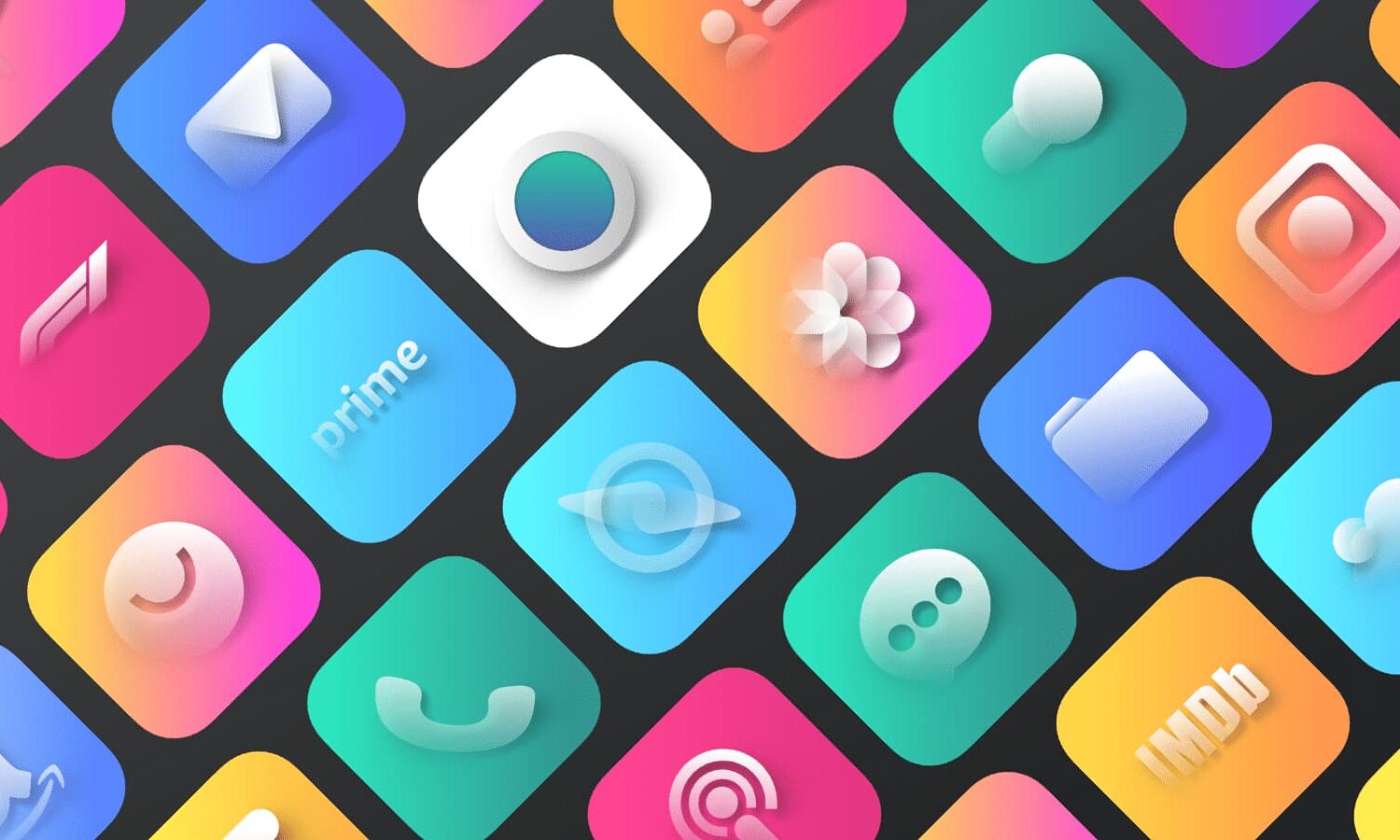
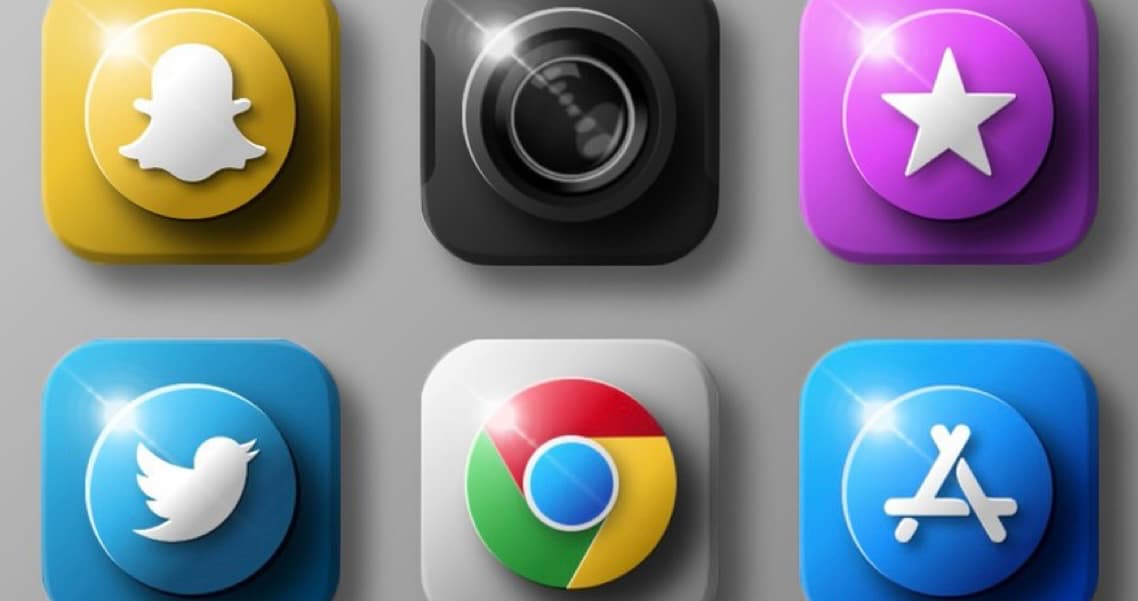
If you’re growing tired of the same flat design aesthetic of Apple’s app icons, and you’d prefer a more three-dimensional approach to your Home Screen’s app icons, then you’d do good to check out a new theme called Shiiny by Ayed Dere.
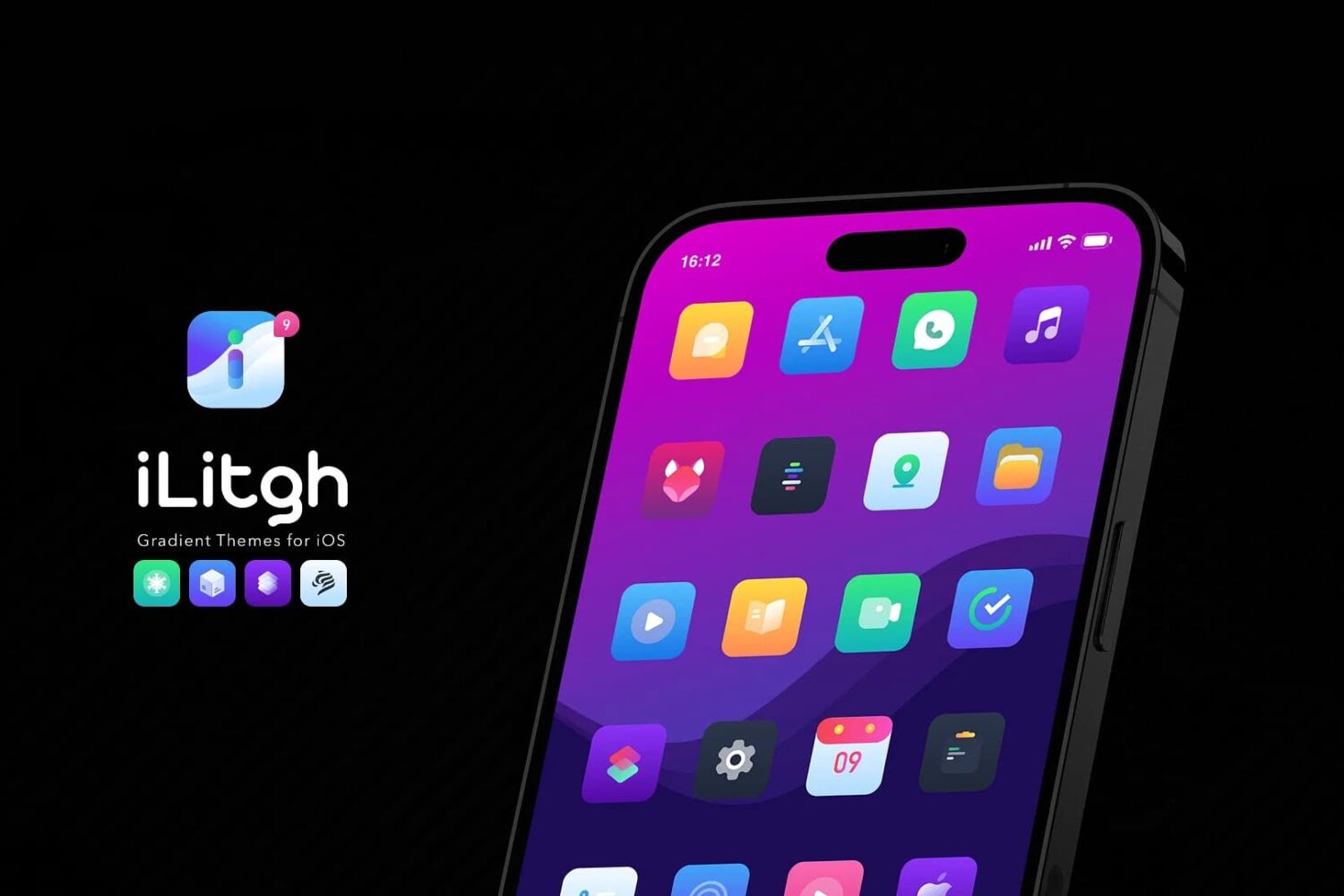
You can always leave a jailbroken iPhone looking exactly how it does out of the box, or you can take things a little bit further with the elegant aesthetics of a professionally-designed theme, such as iLitgh by awzedesign.
Another theme that recently caught our eye when refreshing our package manager app’s sources was Muze 4 by purdixx, and so we wanted to spread the word about it.