Home screen

Organize your Home screen’s app icons into stacks with Zenith

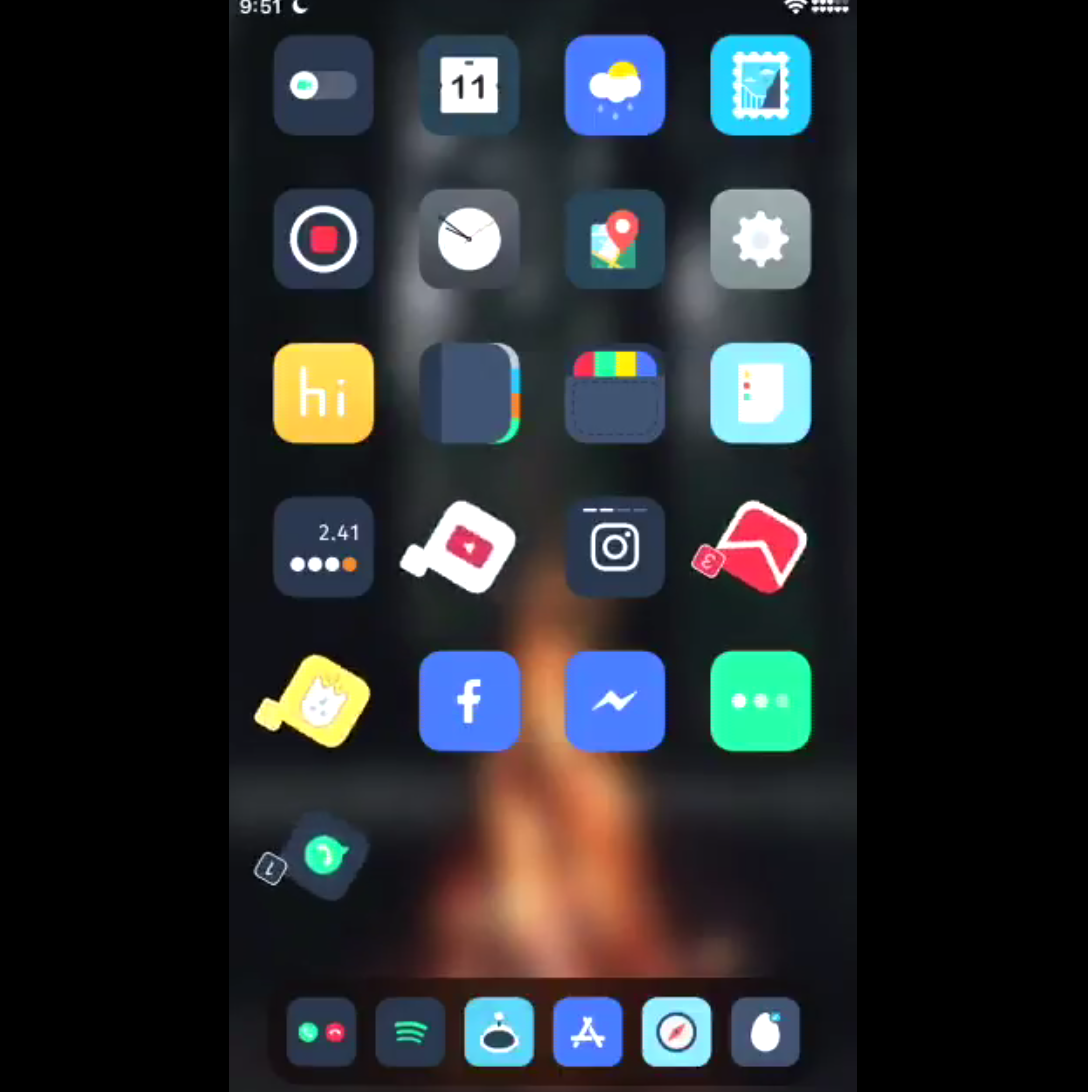
Perhaps one of my favorite jailbreak tweaks of all time was Apex 2, an organization mod for your iPhone’s Home screen that permitted you to have nested app icons instead of folders.

Apex 2, was unfortunately never updated for iOS 11, and so iOS developer Muirey03 took things into his own hands. The result? A brand-new jailbreak tweak called Zenith is now available in Cydia.

Colorize your Home screen’s notification badges with BadgeColors

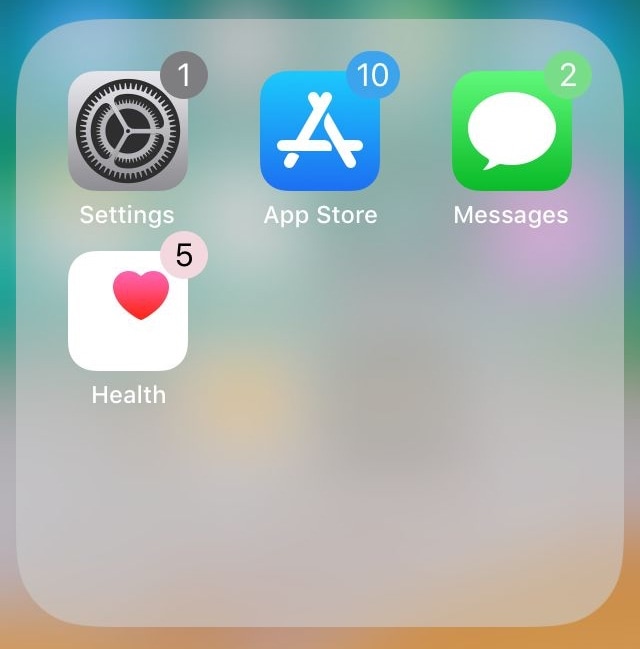
As your iPhone accumulates missed notifications, the icons on your Home screen become littered with little red dots indicating the number of missed notifications you have. Apple calls these red dots notification badges.

There’s no way to customize how notification badges look on a stock device, but if you’re jailbroken, then you can take advantage of a new jailbreak tweak called BadgeColors by iOS developer Cole Cabral.

Give your Home screen folders a new look with CoolFolder

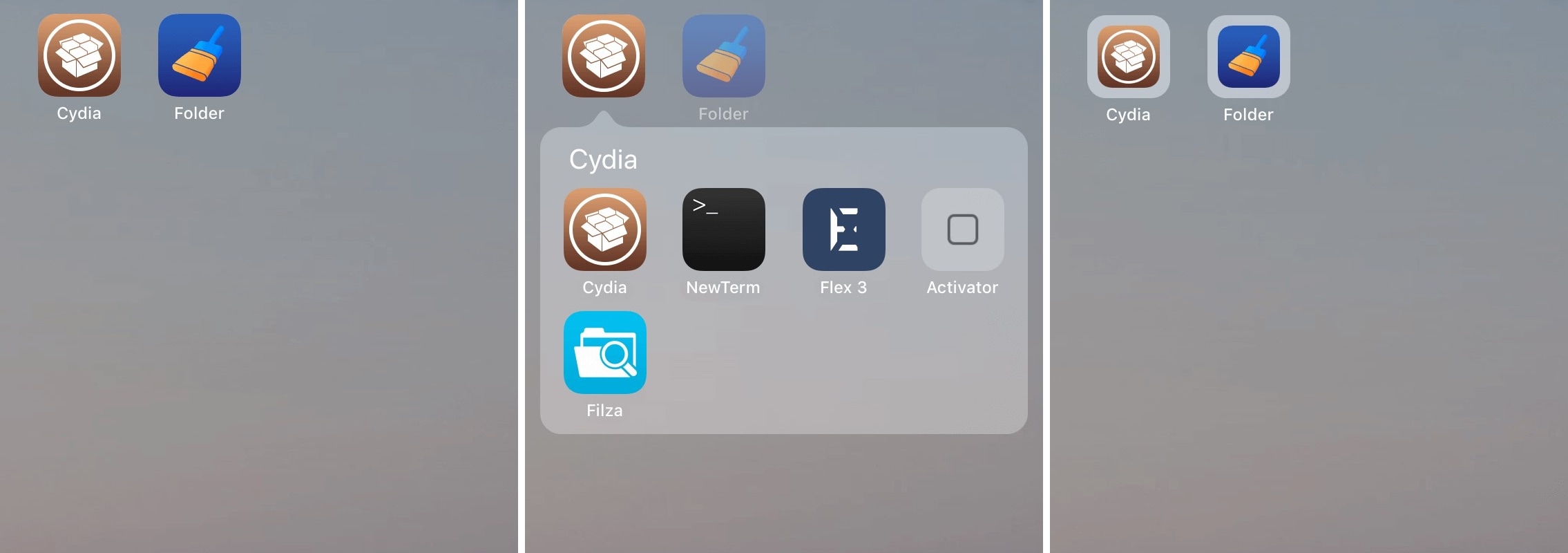
Folders are incredibly useful for managing cluttered Home screens, but their core design hasn’t changed much in some of the most recent iterations of iOS.

If you’re looking for a completely redesigned folder experience in iOS 11, then we encourage you to check out a new free jailbreak tweak dubbed CoolFolder by iOS developer 4nni3.

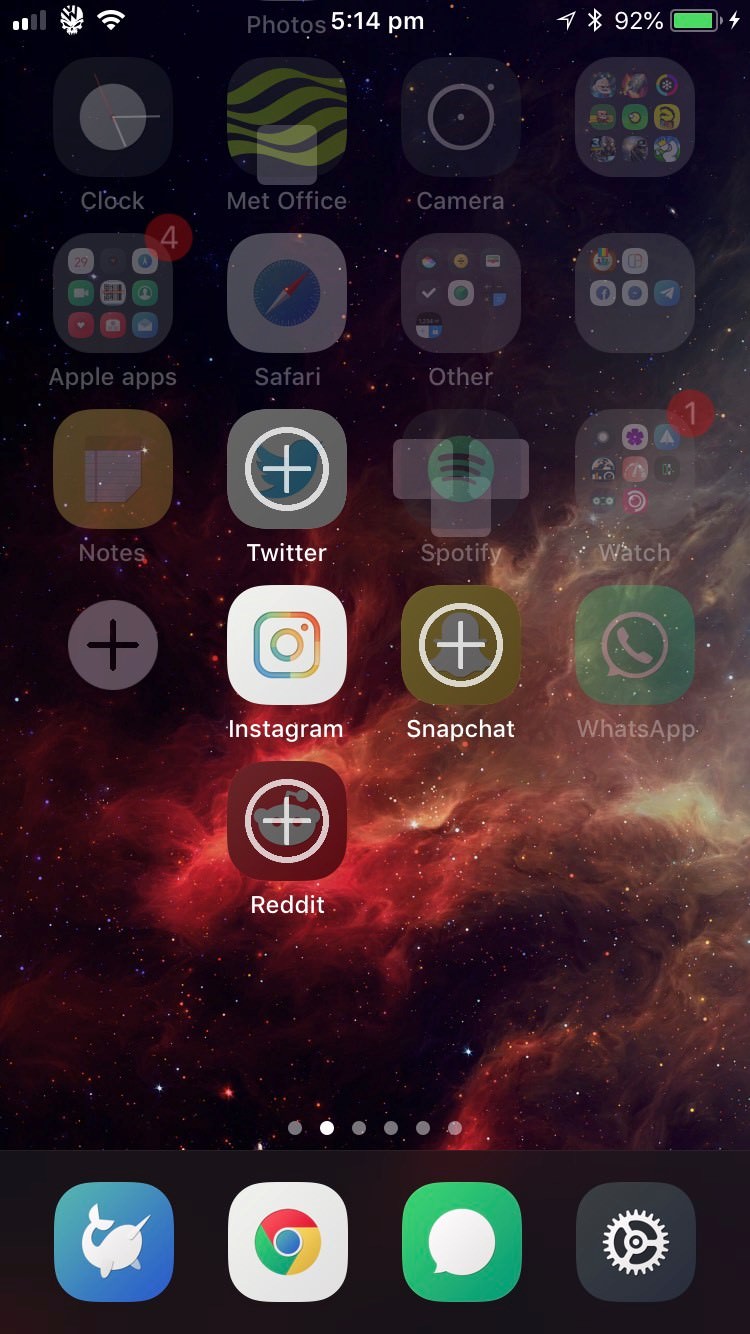
Windmill implements a fancy new toolbar on jailbroken iOS 11 devices

Looking for a new way to spice up that iOS 11 jailbreak? Then perhaps you should try a new jailbreak tweak release called Windmill by iOS developer LaughingQuoll.

Hot off the heels of the latest Cydia source refresh, Windmill brings a customizable toolbar to the iOS platform. With it, you can quickly get to your Home Screen, access the App Switcher, and return to your most-recently-used app in a jiff.

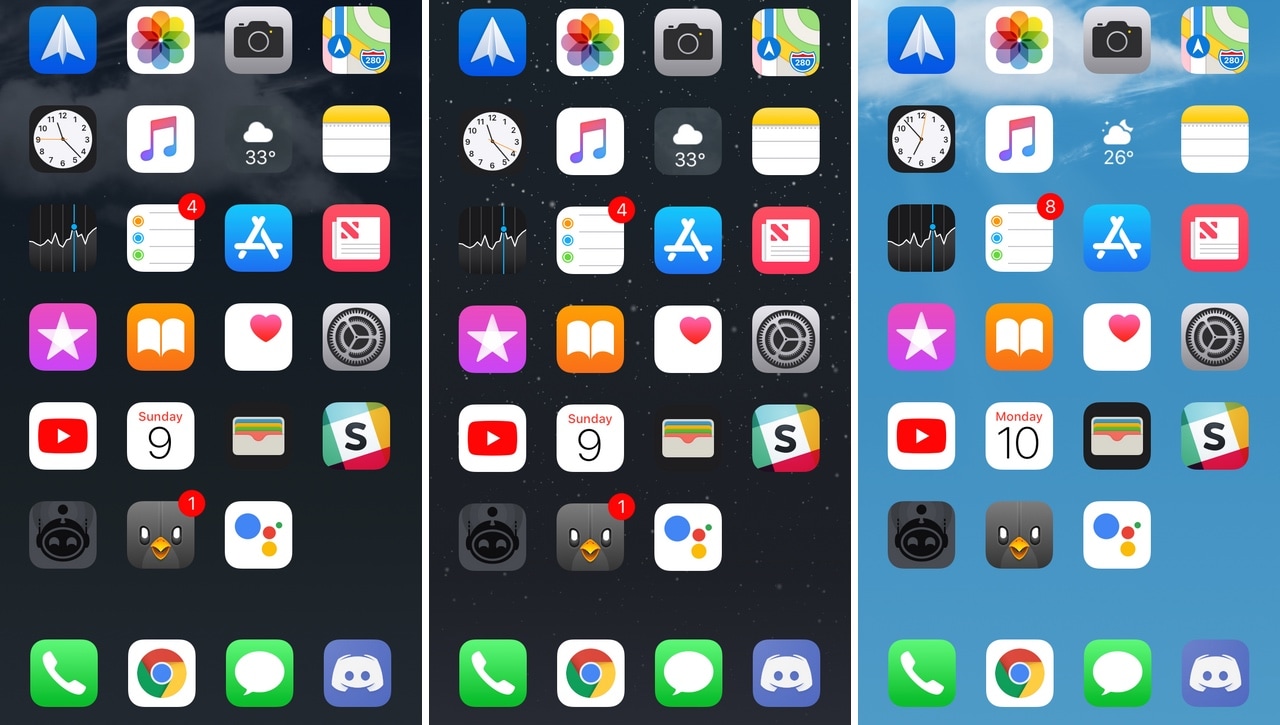
EvanescoXI brings focus to your Home screen wallpaper after inactivity

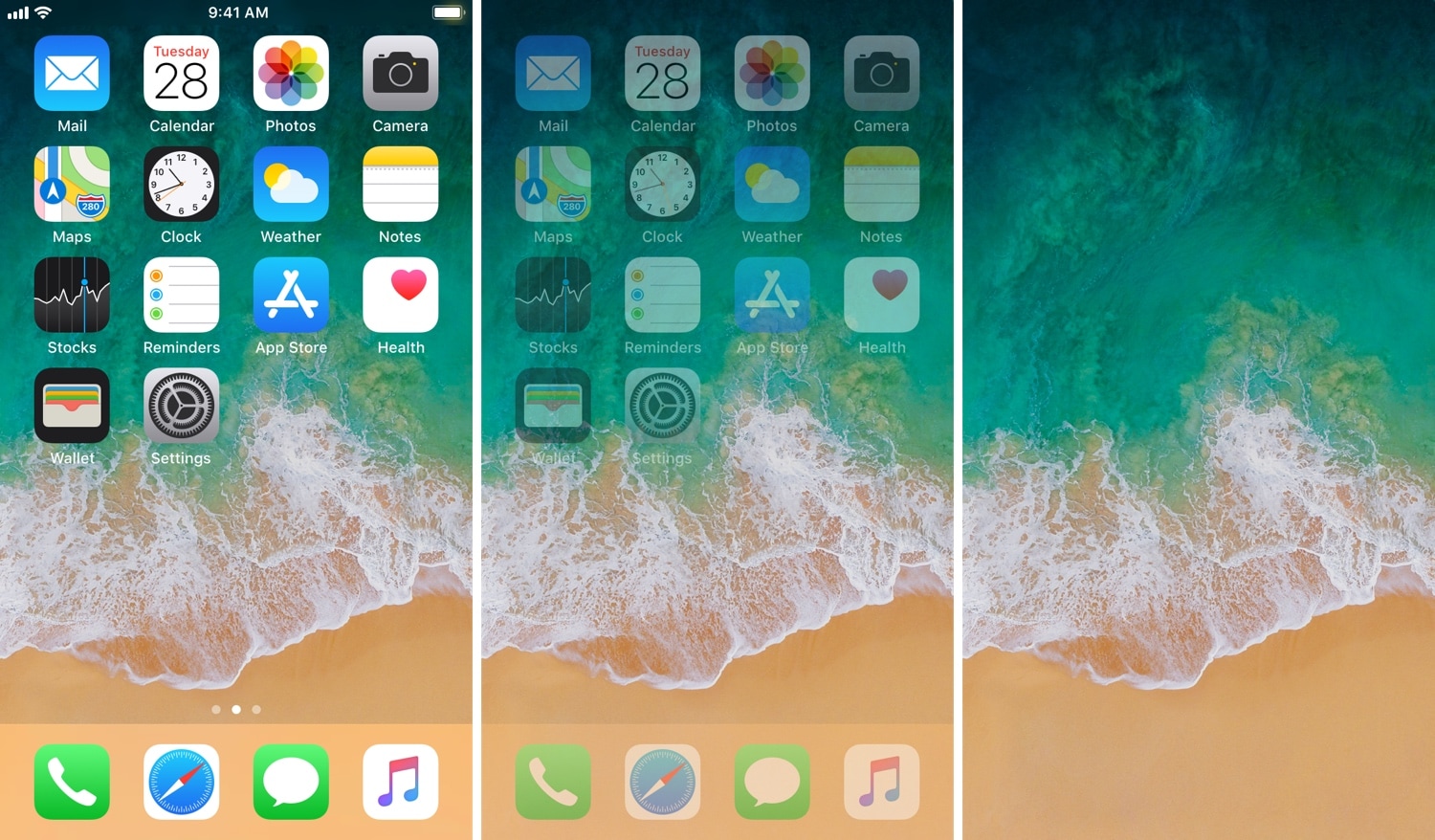
A couple of years ago, we showed you a jailbreak tweak called Evanesco by iOS developer CP Digital Darkroom that dimmed your Home screen icons after prolonged inactivity and brought your wallpaper into focus.

To those who missed this tweak, we have good news: EvanescoXI is now available in Cydia and in reincarnates many of the best features from the original tweak for jailbroken iOS 11 devices.

PrimalFolder tweaks the look and behavior of your Home screen folders

Keeping your iPhone’s Home screen organized is a cinch with folders. But if you’re looking for a bit more folder customization than Apple provides out of the box, then you might take an interest in a new free jailbreak tweak called PrimalFolder by iOS developer ichitaso.

Citing the tweak’s Cydia description, PrimalFolder was inspired mainly by TapTapFolder, a previous jailbreak tweak by iOS developer QusicS. That said, you can expect to see much of the same functionality with this launch.

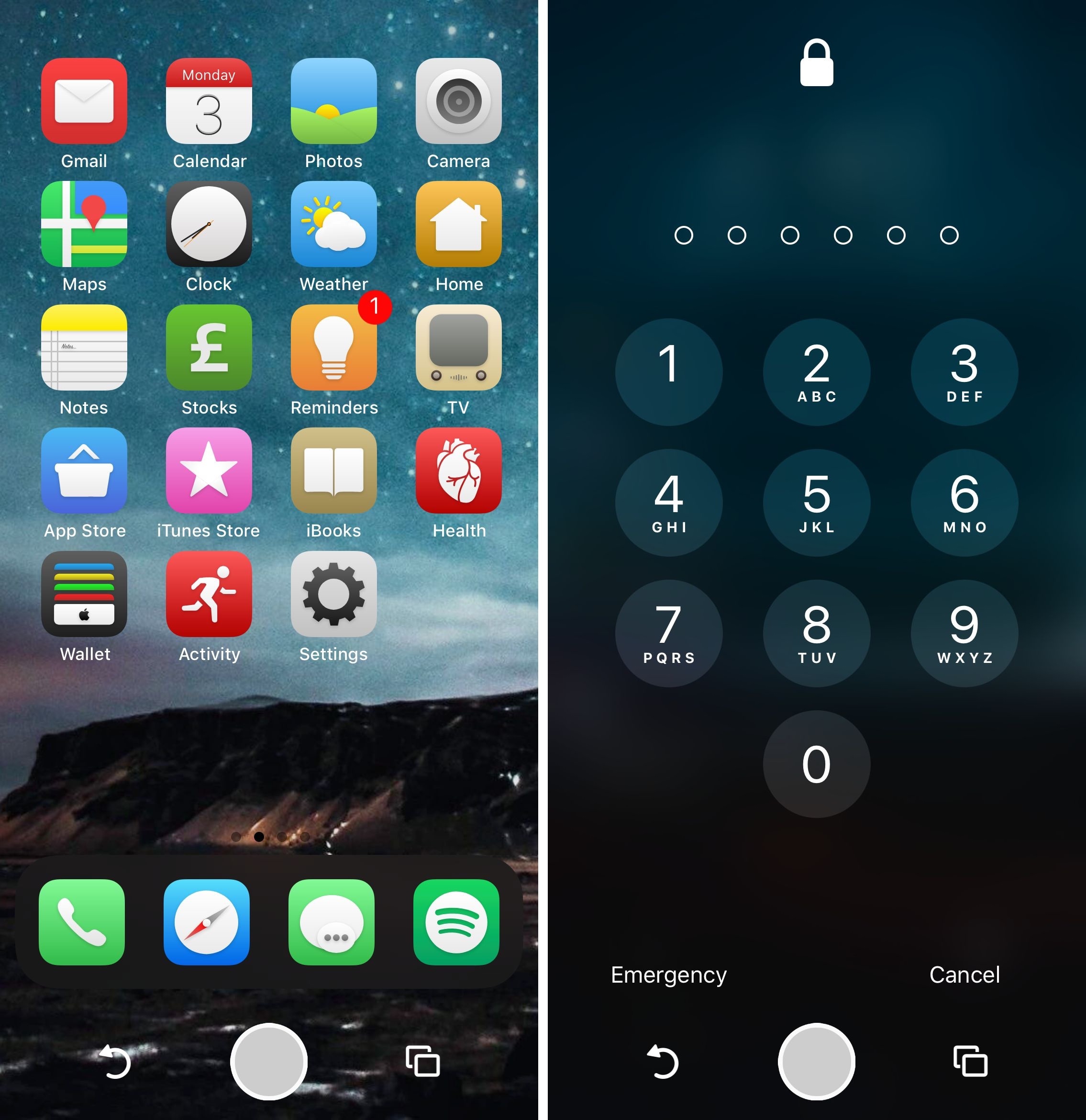
Jitter animates app icons that have unread notifications

If you’re jailbroken with Electra and looking for quirky new ways to customize your newly-pwned device’s behavior, then you might take an interest in a new jailbreak tweak called Jitter by iOS developer SecondEight1.

Jitter uses an idiosyncratic approach to grab your attention whenever your app(s) sport unread notifications. More specifically, it animates the app icons that have unread notifications with one of seven customizable animations.

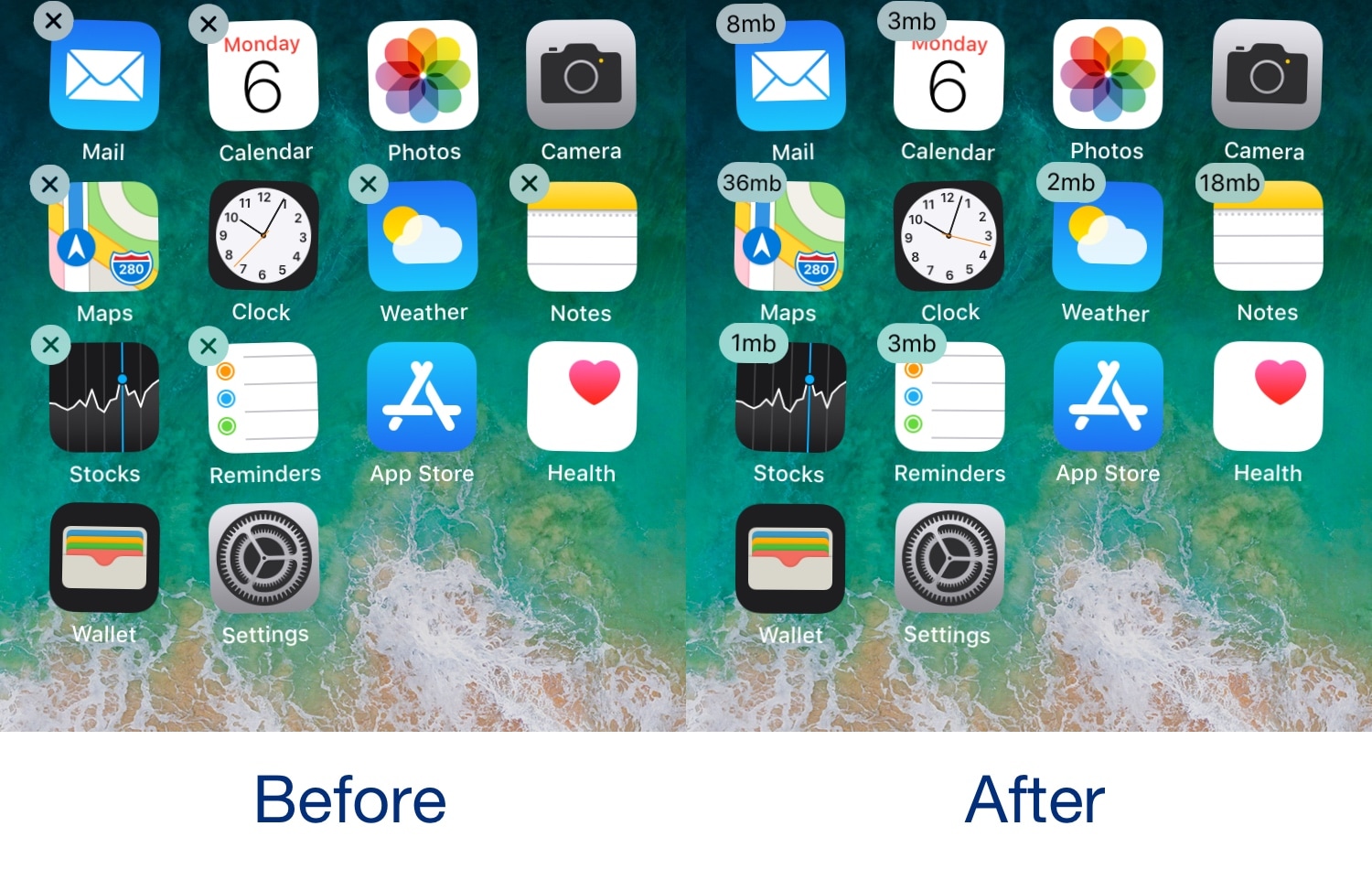
This tweak replaces iOS’ app deletion buttons with storage usage indicators

You can enter ‘wiggle’ mode on your iPhone or iPad by tapping and holding on any app icon from your Home screen. While in this mode, tiny ‘X’ buttons pop up at the top left of every icon, letting you delete your apps one at a time.

‘Wiggle’ mode is incredibly easy to use, but Apple ignored a lot of potential opportunities to make it more intuitive. Fortunately, a new free jailbreak tweak dubbed SizeFinder by iOS developer Squ1dd13 can help in that department.

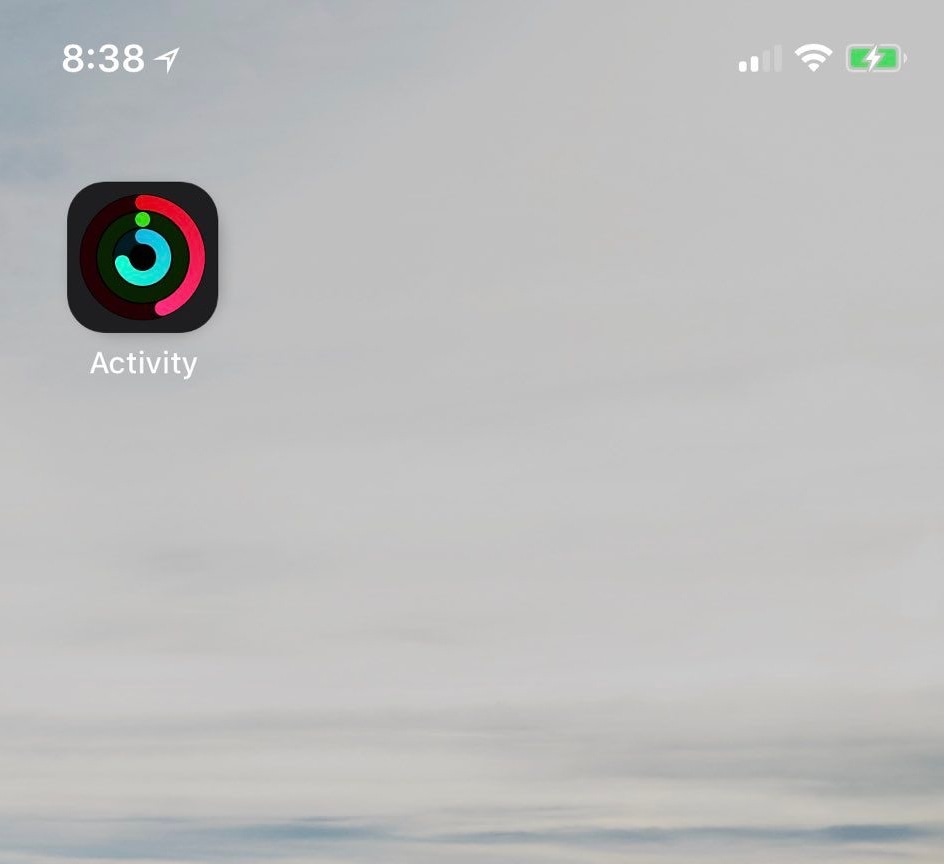
LiveRings animates your Activity app icon with real-time progress

If you take advantage of the fitness features available on your iPhone and Apple Watch, then you might be excited to learn about a new free jailbreak tweak called LiveRings by iOS developer CP Digital Darkroom.

This tweak animates the Activity app icon on your Home screen so that it displays your actual ring activity in real-time, as shown above.

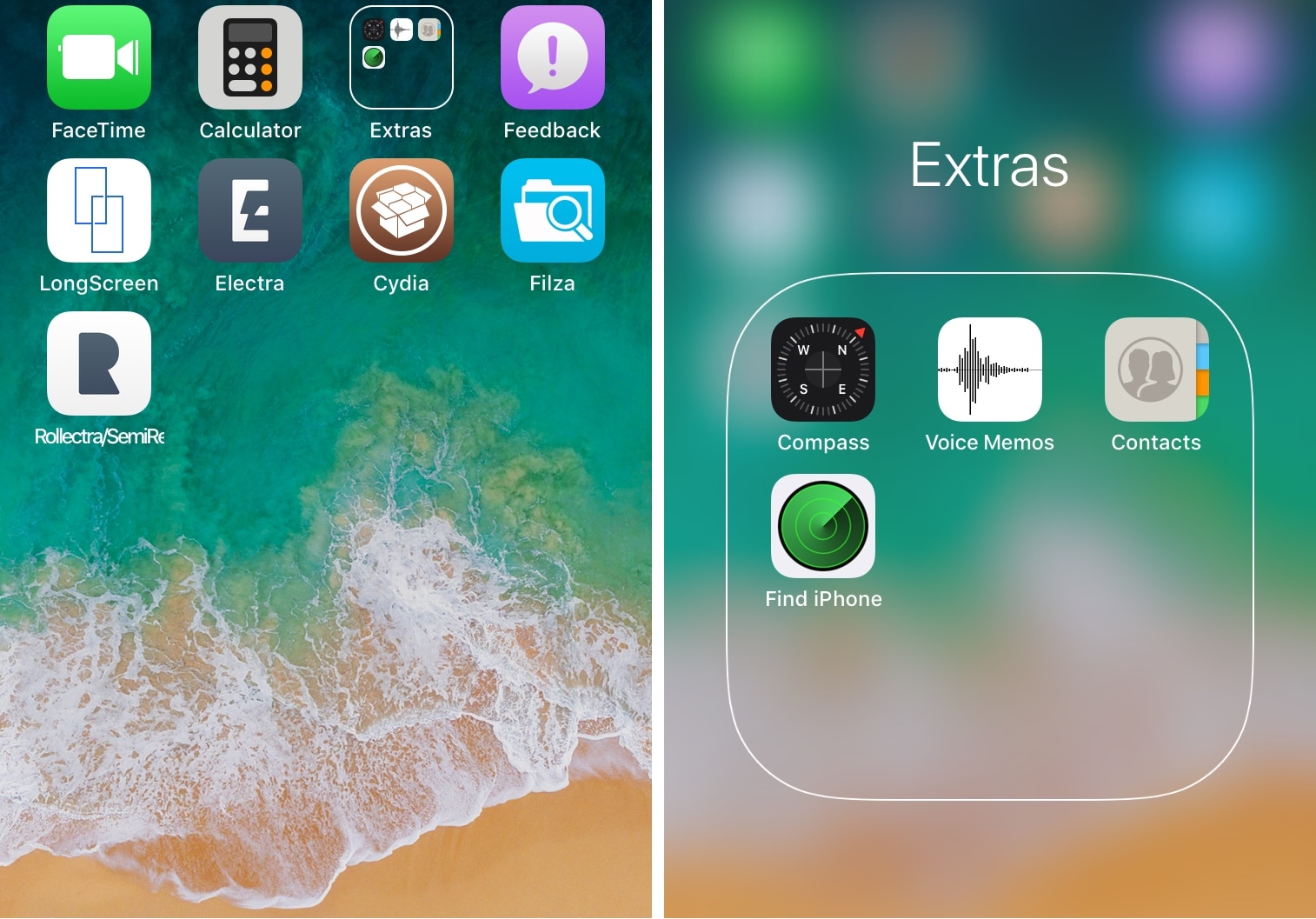
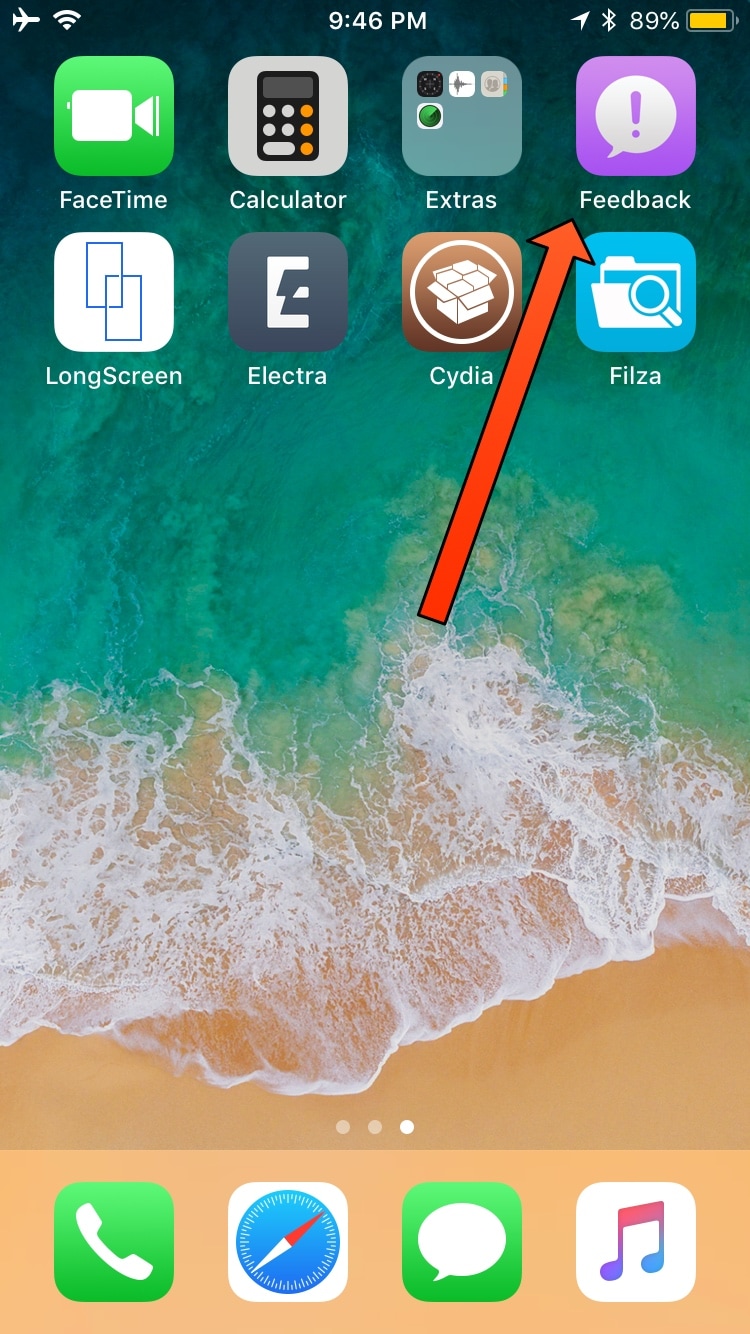
No Feedback hides the Feedback app on handsets with the tvOS beta profile installed

If you’ve been paying attention to the jailbreak scene recently, then you may have noticed Electra Team member CoolStar recommending that Electra1131 users install the tvOS beta profile on their jailbroken iOS device(s) to prevent iOS from nagging you to install software updates.

Assuming you heeded this advice, you should now have a purple Feedback app on your Home screen for reporting bugs and software issues to Apple. But if you’d rather not have this app, then you can use a new free jailbreak tweak called No Feedback by iOS developer RIshanan to get rid of it.