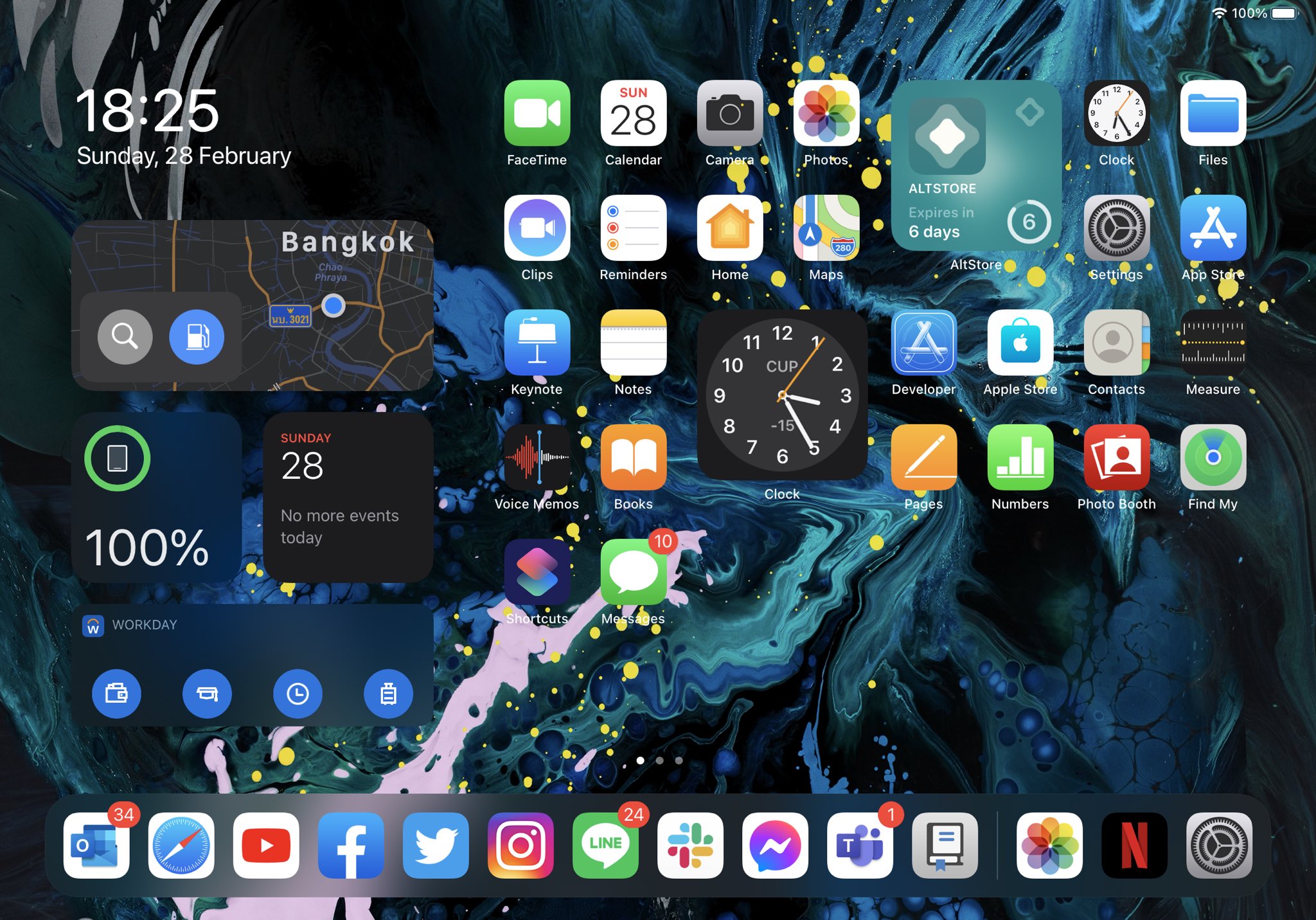
Home screen

Cylinder Reborn: Barrel-inspired Home Screen paging animations for pwned iOS 13 & 14 devices

When I first got into jailbreaking more than a decade ago, one of the first jailbreak tweaks to pique my interest was one called Barrel. It could animate the Home Screen’s app icons in unique ways with every swipe between Home Screen pages.

Barrel is no longer actively maintained, which is why the Cylinder tweak launched back in 2014. Today, we’re excited to share news of the release of Cylinder Reborn by iOS developers Ryan Nair and Reed Weichler — the latest iteration of the tweak designed for iOS & iPadOS 13 and 14.

Page Dots 2 Numbers gives jailbreakers book-inspired Home Screen page numbers

At the bottom of your iPhone or iPad’s Home Screen are a series of dots – one for each page on your Home Screen. As you move between pages, a specific dot lights up to represent the page you’re currently looking at.

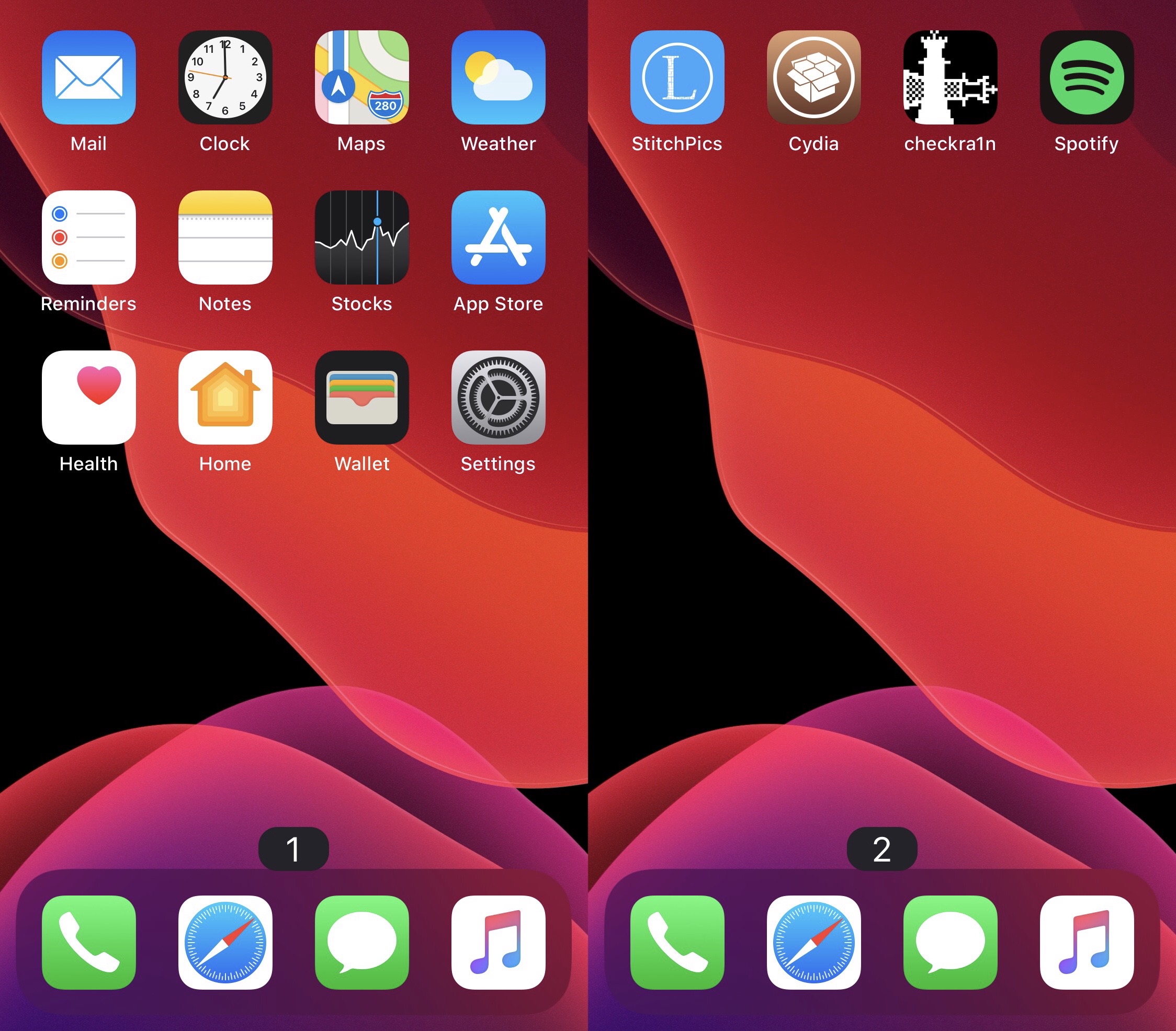
While I personally enjoy the Home Screen’s page dot indicator as it comes, I can certainly grasp how someone harder at seeing than I am could have more difficulty discerning which page they’re on. For that reason, a new and free jailbreak tweak called Page Dots 2 Numbers by iOS developer MinxterYT seems noteworthy.

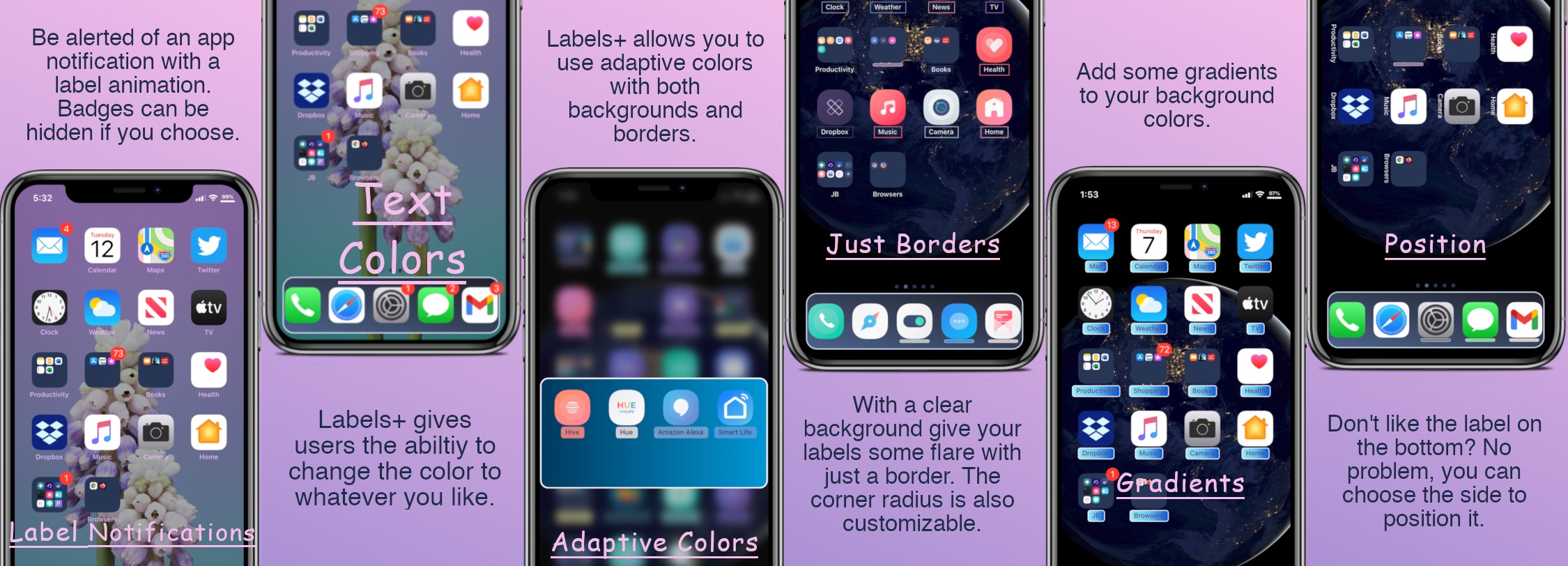
Jailbreakers can customize their Home Screen’s app icon labels with Labels+

One of the things we just can’t help but notice about the Home Screen is the fact that each individual app icon sports its own label — typically designating the respective app’s name.

Apple doesn’t provide users with much customization when it comes to the Home Screen’s app icon labels. The only arguable exceptions are that the icon labels may switch between black and white depending on the color of the Home Screen’s wallpaper and that users may embolden the app icon labels by enabling bold text system-wide.

ButterflyEffect adds animated butterflies to the Home & Lock Screens

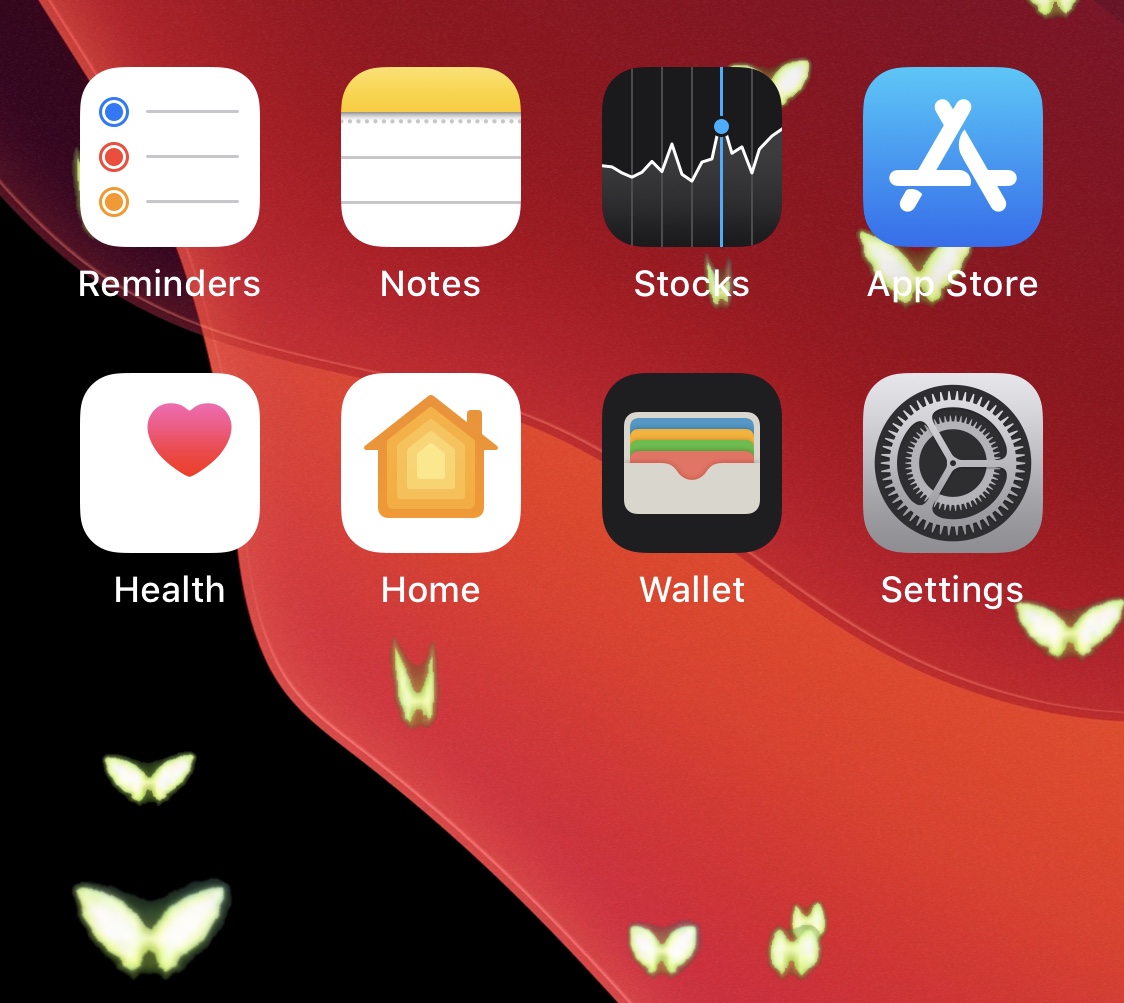
Do you enjoy butterflies? If you answered ‘yes’ to that question, then you might find yourself intrigued by a new, free, and rather conspicuously-named jailbreak tweak dubbed ButterflyEffect by iOS developer Pixelomer.

At first glance, ButterflyEffect causes animated butterfly-themed sprites to flutter over the top of your Home Screen and Lock Screen wallpapers. These animations traverse your screen from the bottom to the top and move slowly enough to be noticed, yet fast enough not to get in the way of your wallpaper viewing pleasure.

TimerIcon gives the Clock app an animated timer countdown icon

It was only yesterday that we showed you a jailbreak tweak dubbed Gears, which animated the Settings app icon on the Home Screen such that the gears depicted inside the icon actually rotated, much like one used by the OTA software update mechanism from the days of iOS 7.

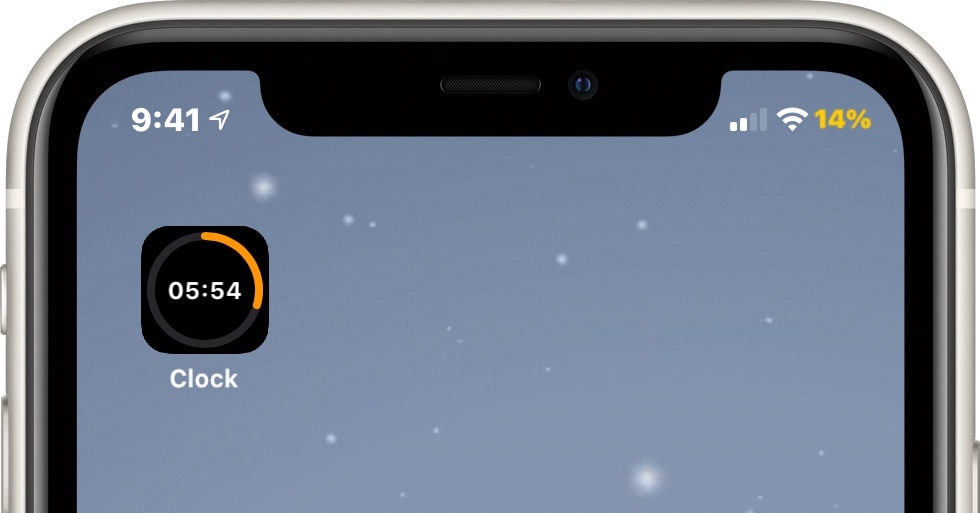
Today, we look at an entirely different type of animated Home Screen icon – one that impacts the likes of the Clock app to depict the current state of any active timers you might have counting down in the background. Such an icon is brought to us by way of a new jailbreak tweak called TimerIcon by iOS developer Idefix0202.

Gears animates the Home Screen’s Settings icon on jailbroken handsets

When glancing at my iPhone’s Home Screen, two of the icons I often pay the most attention to are those belonging to the Calendar and Clock apps since they offer something more than just a static visual, including a live date display and a live time display.

I’ve often caught myself wondering why Apple doesn’t animate more of the Home Screen’s app icons, as this would offer a slew of eye-catching aesthetics that would compel users to spend more time appreciating the time and effort invested in making the interface look presentable.

Customize your handset’s folder backgrounds with FolderArtwork

If your Home Screen is riddled with more apps than you can count with the fingers on your hands and the toes on your feet, then you might use folders to help organize the superfluous clutter. As useful as they are for this purpose, however, they could definitely do with a bit more customization.

FolderArtwork is a newly released and free jailbreak tweak by iOS developer Dcsyhi that offers several means of customizing your Home Screen’s folders, ranging from user-selected background artwork to custom borders and colors.

Animate your Home Screen’s notification badges with AnimeMyBadges Pro

Jailbreakers may recall earlier this month when we showed you a new jailbreak tweak dubbed AnimeMyBadges by iOS developer Antony M that provided a rather interesting breathing animation for your Home Screen’s notification badges. It was simple, short, and sweet, but if you were looking for a different notification badge animation, then you would have found yourself out of luck.

That changed this week with the release of AnimeMyBadges Pro, a paid upgrade from the aforementioned free release that offers nearly a dozen different badge animation styles to choose from.