Camera

Apple’s latest ‘Shot on iPhone’ ad features powerful narration by famous cosmologist Carl Sagan

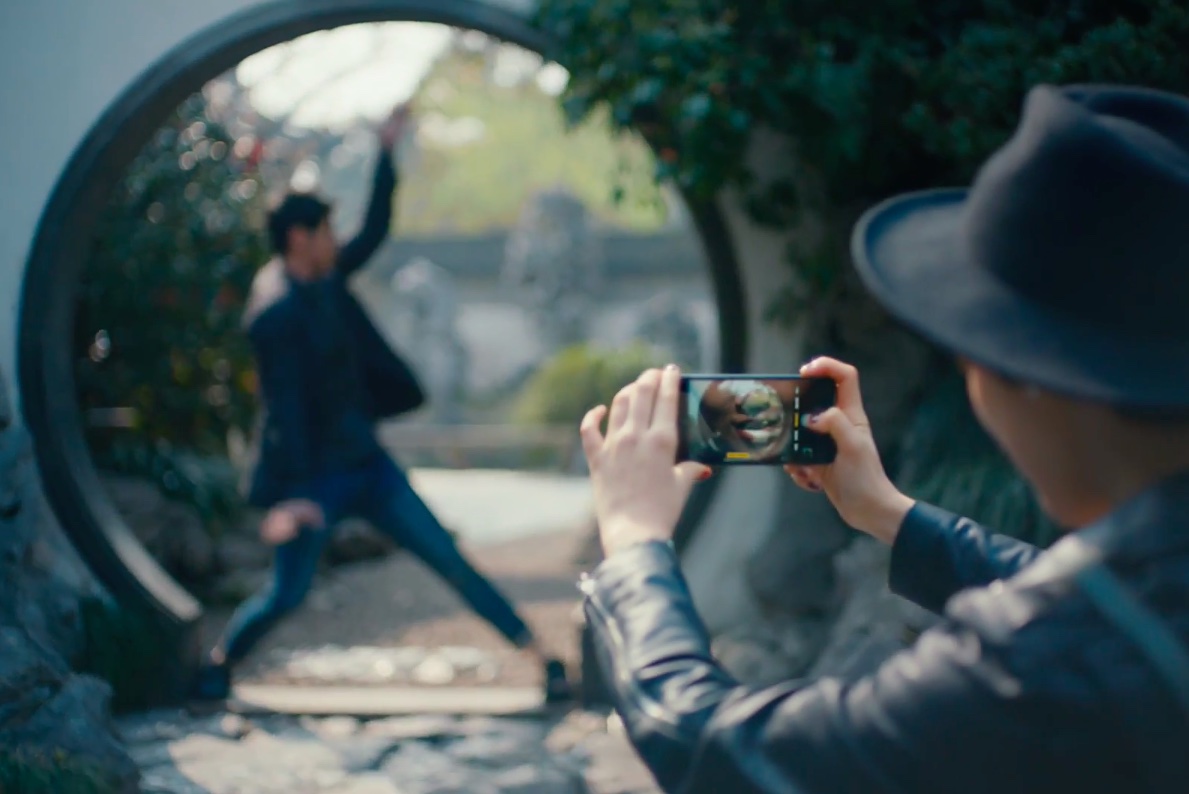
Apple on Thursday via its official YouTube channel shared a new commercial as part of its ongoing “Shot on iPhone” campaign. Titled “Earth”, the video is narrated by late Carl Sagan who reads a poignant excerpt from his 1994 book.

It's a beautiful tribute to Earth following the US exit from the Paris accord.

The ad aired in front of a big TV audience watching the NBA finals, said AdWeek. The chosen passages from Sagan's book are set to videos of natural landscapes, shot by everyday Apple users on their iPhones.

Here are Sagan’s words, culled from a longer passage in the book:

The Earth is a very small stage in a vast cosmic arena. In our obscurity, in all this vastness, there is no hint that help will come from elsewhere to save us from ourselves. The Earth is the only world known so far to harbor life. There is no where else, at least in the near future, to which our species could migrate.

Like it or not, for the moment the Earth is where we make our stand. It underscores our responsibility to deal more kindly with one another and to preserve and cherish the only home we've ever known.

And here is the spot.

https://www.youtube.com/watch?v=YpUa7YvhUJo

“Our only home. Shot on iPhone through the lens of everyday users,” says Apple.

The video's description is accompanied by the hashtags #OurOnlyHome and #ShotoniPhone.

As mentioned, the narration is from Carl Sagan and Ann Druyan's book, titled “Pale Blue Dot — A Vision of the Human Future in Space,” available on iBooks Store for $14.99.

How do you like Apple's subtle dig at climate change deniers?

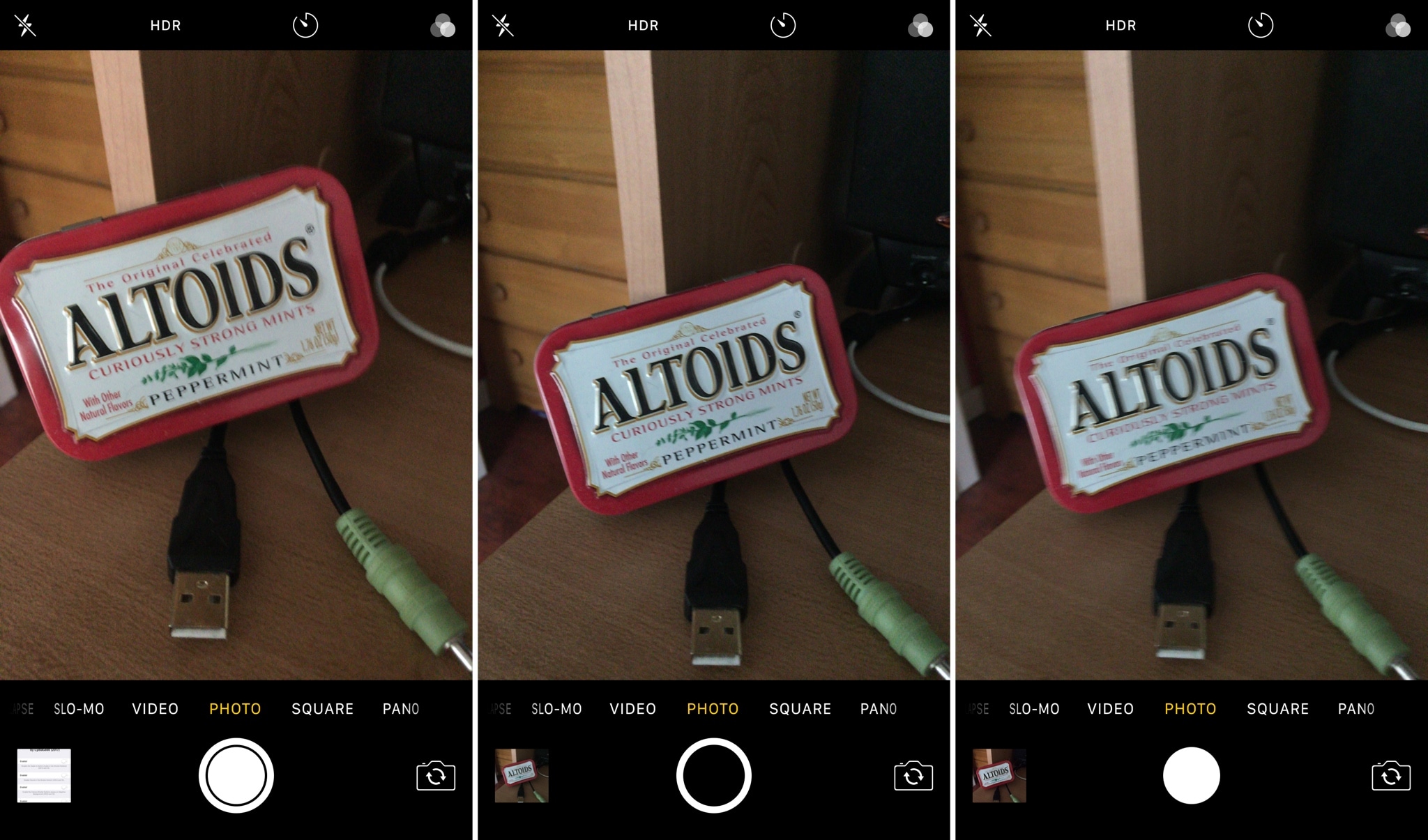
Customize the Camera app with SmartCameraShutter

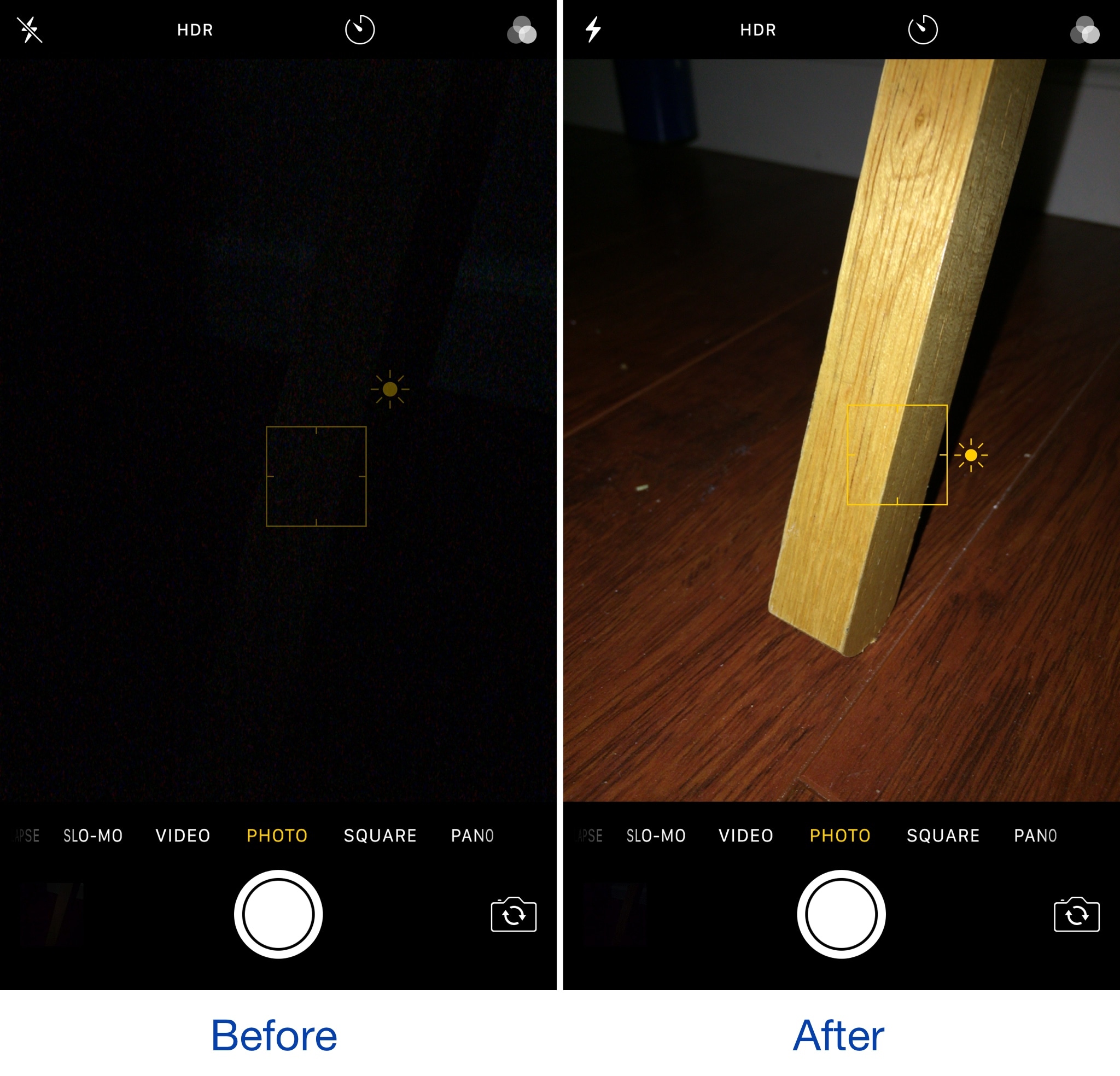
If you’re looking for new ways to customize the Camera app experience on your iPhone or iPad, then check out a new free jailbreak tweak called SmartCameraShutter by CydiaGeek.

This tweak offers a handful of options for chaging the look and feel of the Camera app’s user interface. Complete with both aesthetic and functional mods, SmartCameraShutter might be worth installing if the stock Camera app experience isn’t cutting it for you.

Apple publishes 4 new “How to shoot on iPhone 7” video tutorials

Apple on Friday added four new video tutorials to the “How to shoot on iPhone 7” series on its YouTube channel. The four new videos were designed to teach customers how to shoot with zoom on their iPhone 7 Plus, convert their photographs to black & white, as well as take a one-handed selfie and edit it on the phone.

How to shoot with zoom on iPhone 7 Plus

“Get closer with 2x optical zoom. Or use digital zoom to get up to 10x closer,” says Apple.

https://www.youtube.com/watch?v=wsaA1s7oCKA

If you tend to use the zoom feature while shooting video on your iPhone 7 Plus, it may be a good idea to disable the automatic lens switching feature in camera settings to avoid any glitches that may occur when zooming in and out during video capture.

How to convert to black & white on iPhone 7

https://www.youtube.com/watch?v=RQoEsUJpy_Q “The right filter and a bit of experimenting with light levels give you a dramatic black-and-white image,” says Apple.

How to shoot a one-handed selfie on iPhone 7

https://www.youtube.com/watch?v=4miX5CNATEI

“The quick-draw selfie in three easy steps.”

How to edit a selfie on iPhone 7

https://www.youtube.com/watch?v=UUxahFzjGS4

“Use cropping and auto-enhance to create an even better selfie for sharing,” says Apple.

If you'd like, feel free to explore additional photography tips and techniques at Apple's website.

The clips join Apple's seven video tutorials on using iPhone 7's camera, published last week.

Our own iPhone Photography series is a valuable resource of free tips, tricks and advanced photography techniques, whether you are an experienced photographer or a beginner.

Apple’s latest iPhone 7 Plus ad takes place in a barbershop

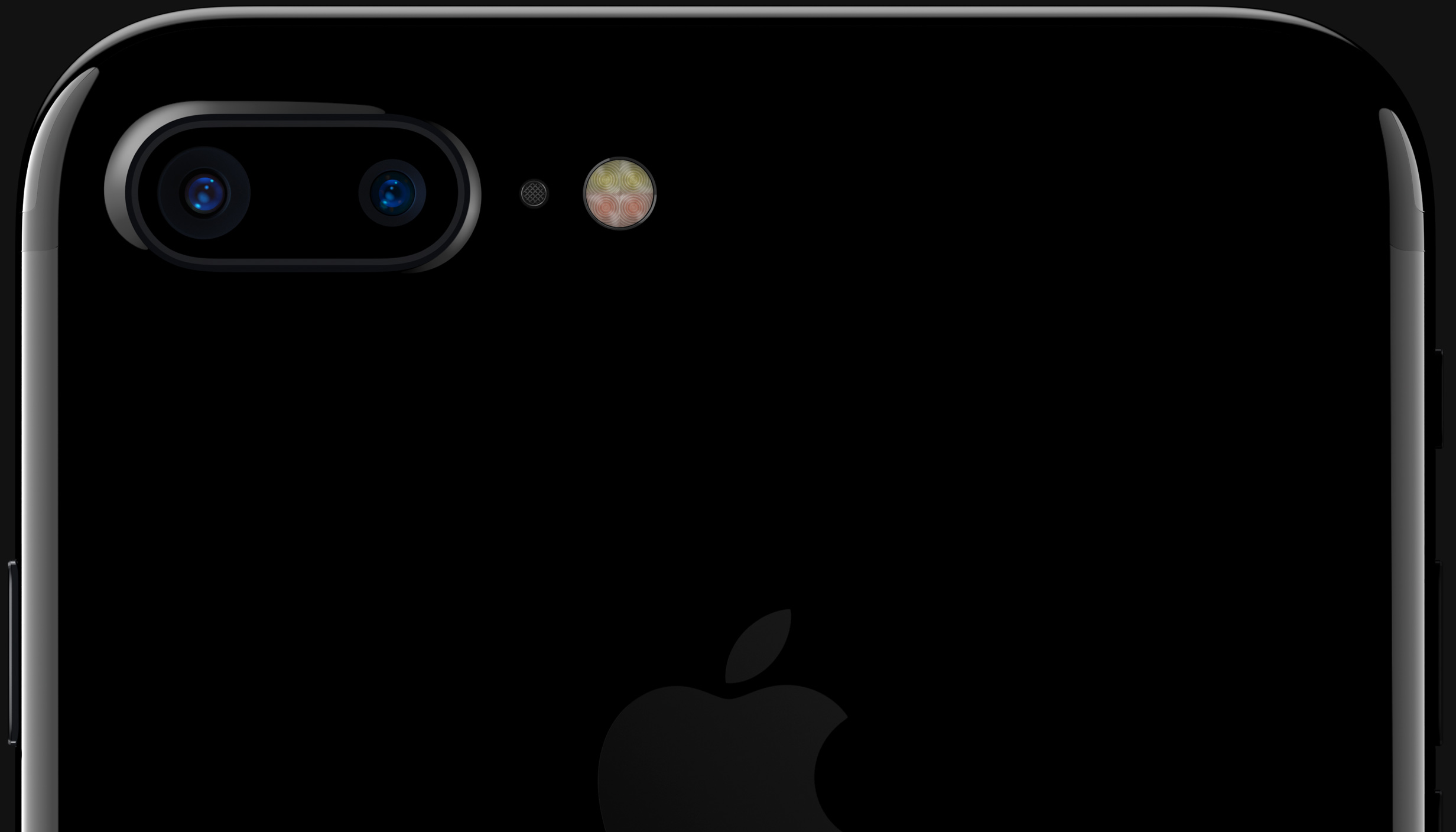
A brand new television commercial for iPhone 7 Plus's dual-lens camera surfaced Monday on Apple's official YouTube channel. Titled “Barber,” the ad showcases Apple's Portrait camera mode made possible by the dual-lens system found on the back of the company's latest Plus smartphone.

Running one minute and ten seconds long, the video takes place in a barbershop and shows the device being used to take depth-of-field shots of customers having their hair done.

Physical prints are then created and displayed on the front of the store to draw in new customers until a lone line emerges outside the shop.

“In Portrait mode on iPhone 7 Plus, you don’t just look good. You look fantastic,” says the video's description. Portrait shooting mode blurs out the background and focuses on the subject in the foreground to create a DSLR-like depth-of-field effect.

And here is the new television commercial.

https://www.youtube.com/watch?v=hcMSrKi8hZA

Song: “Fantastic Man” by William Onyeabor

According to Apple CEO Tim Cook, iPhone 7 Plus has emerged as the most popular Plus model the company has released yet. Last week, Apple posted more than three-dozen videos tips to help customers get the most from their iPhone 7 camera.

How do you like Apple's latest iPhone ad?

Let us know by leaving a comment below.

NoBlurFrontCamera disables the blurred camera effect in the FaceTime app

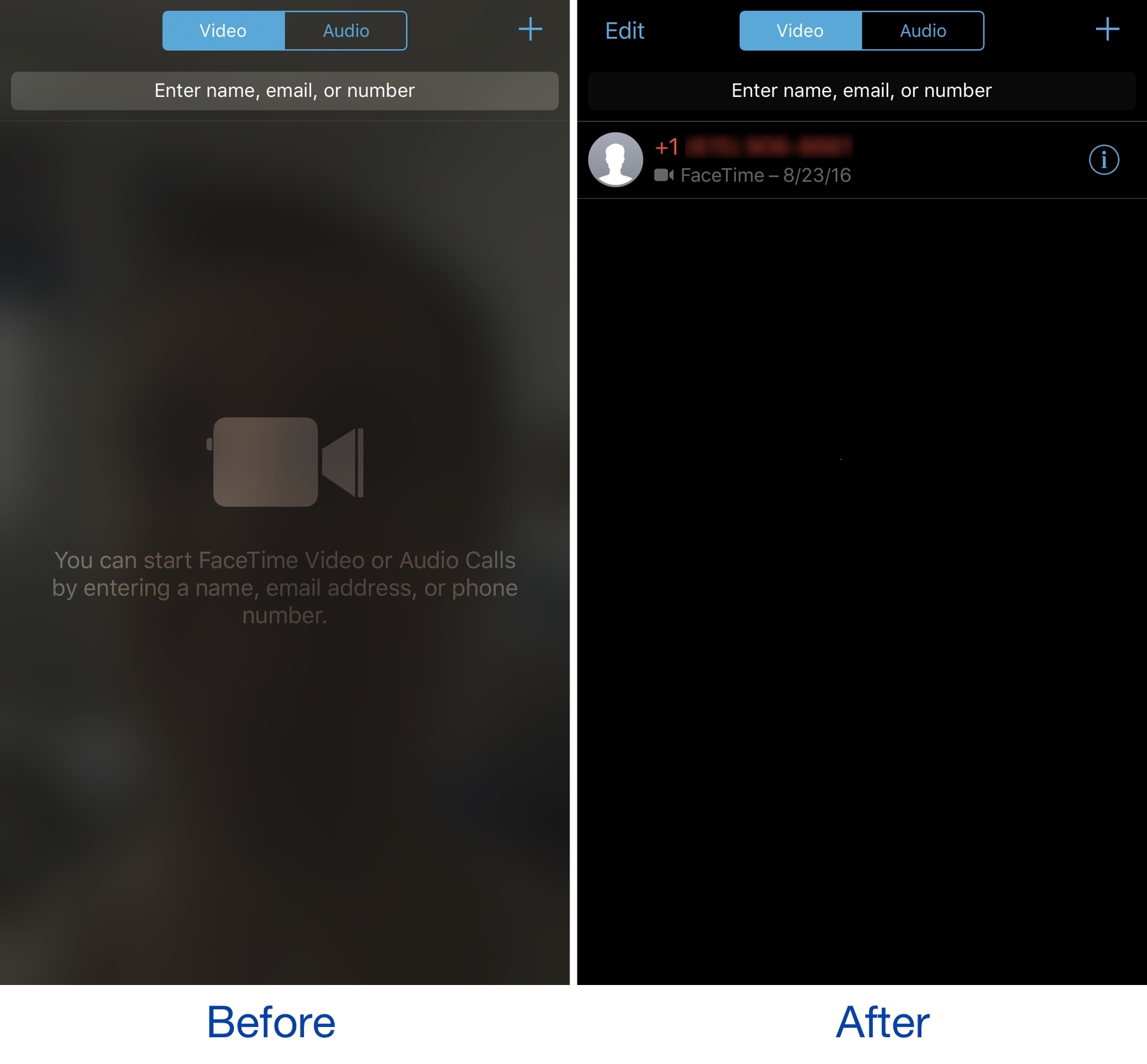
The FaceTime app on your iPhone exhibits a blurred silhouette of yourself via your device's front-facing camera any time you're in the app. It’s an interesting aesthetic effect, but it’s a waste of battery and a deterrent for camera-shy people.

A new free jailbreak tweak called NoBlurFrontCamera by CydiaGeek officially lets you disable this effect, replacing it with a simple dark background.

Apple shares videos tips on getting the most from iPhone 7 camera

Apple has published a new mini-website with nearly two dozen how-to videos covering iPhone 7 photography. Titled “How to shoot on iPhone 7”, the mini tutorials run about forty seconds each and deal with various topics of interest, including taking depth-of-field images with Portrait mode on iPhone 7 Plus, using tap to focus, adjusting exposure, taking low-light images, capturing selfies with the timer, snapping vertical panoramic photographs, taking stills while filming video and more.

Here are Apple's photography how-tos.

How to shoot action

https://www.youtube.com/watch?v=lhZnMBnosJk

“Use Burst mode to capture that perfect split second”.

How to shoot without flash

https://www.youtube.com/watch?v=uwMJv0_wa-M

“Make the most of light sources around you to brighten up your photo.”

How to shoot vertical panoramas

https://www.youtube.com/watch?v=VY2FqNAk0mM

“Boldly go from base to summit with a vertical pano.”

How to shoot close-ups

https://www.youtube.com/watch?v=ElHnXjbGAm4

“Life looks different from 10 cm away. See how to capture it beautifully every time.”

How to shoot great portraits

https://www.youtube.com/watch?v=xvvXIt7XwXE

“Use Portrait mode to take an amazing photo of a friend.”

More photography tips and techniques can be explored via the new mini-site.

LG Innotek to supply facial recognition camera for iPhone 8

LG Innotek has been commissioned to build facial recognition camera modules for iPhone 8, Korea Economic Daily reported on Thursday. The Korean company has invested 269.7 billion won, or about $238.50 million, in a new manufacturing plant that will be dedicated to Apple’s orders, The Investor reported Thursday.

An all-new plant is required for the production of the camera component because, according to The Investor, iPhone 8's facial recognition module will be really small and capable of advanced 3D facial recognition in order to achieve better accuracy that the front-facing camera on Samsung's Galaxy S8, which uses 2D images for the facial recognition function.

LG Innotek is the parts unit of LG Group and the supplier of dual-lens iPhone 7 Plus cameras.

“Apple and LG Innotek, the market leader in the smartphone camera module market, teamed up last year to develop the world’s first 3D facial recognition camera system that can be used for a variety of applications from biometric authentication to games,” reads the article.

The initial deal size is estimated at about 200 billion won, or about $177 million.

KGI Securities was first to predict that iPhone 8 would come outfitted with a 3D sensor allowing users to capture 3D selfies, map their surroundings in 3D, scan objects in 3D, use augmented reality features  and more.

Barclays thinks that both front and back cameras on iPhone 8 will support these 3D and augmented reality features. Barron's said in March that Apple had contracted a company called Himax Technologies to build 3D sensors for the OLED iPhone.

How to stop your iPhone from automatically switching lenses when shooting video

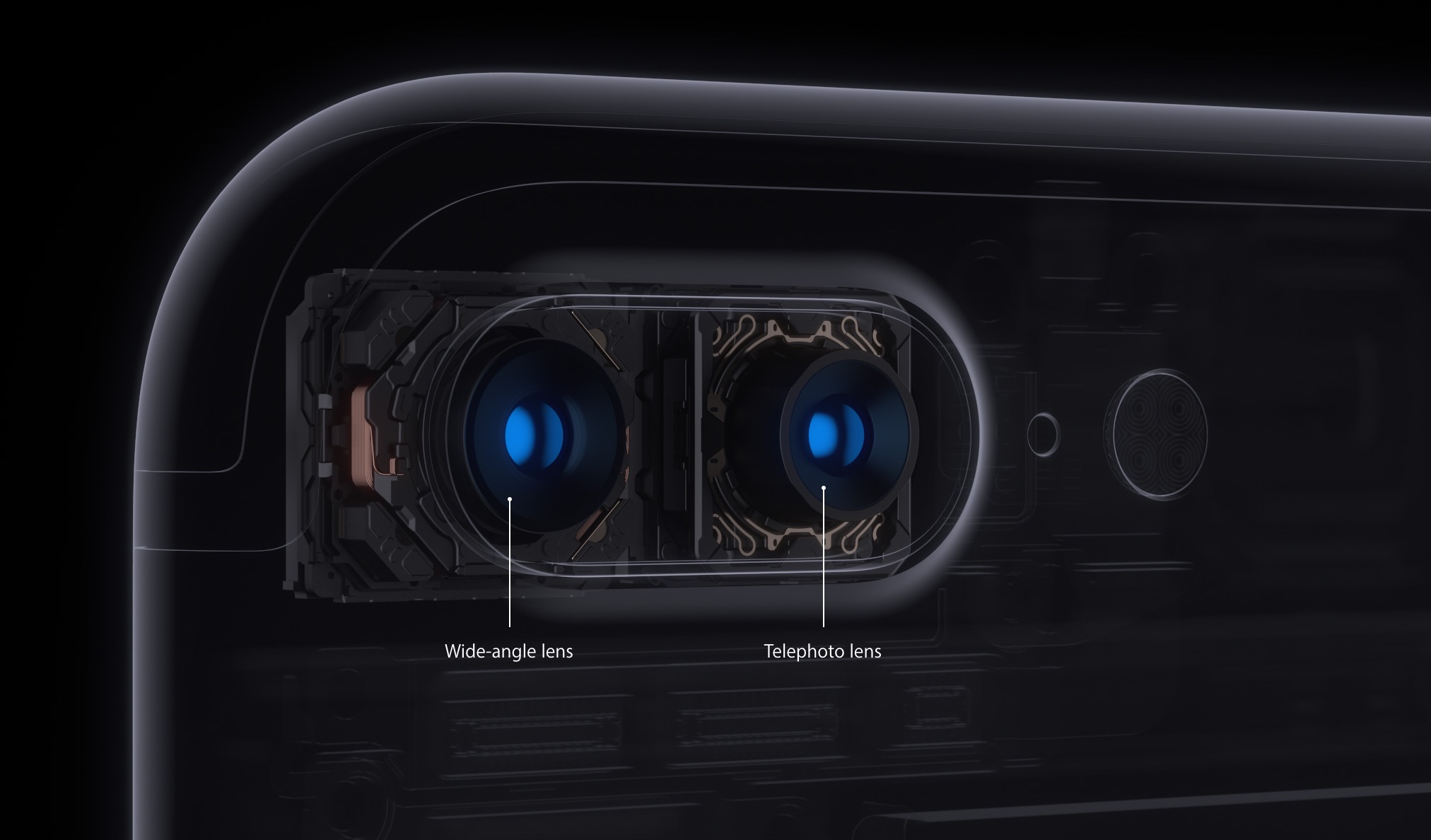
iOS decides on your behalf when it's appropriate to use iPhone 7 Plus's telephoto camera and when to switch to the wide angle shooter. This default behavior can be altered, which helps you avoid potentially unexpected results when shooting video.

If the phone switches to or from the second lens while you’re zooming in or out, glitches will probably appear in the recorded video. Thankfully, Apple, in all its wisdom, has provided a toggle in Settings to easily override this behavior at any time.

With its dual-lens system, iPhone 7 Plus is an awesome portable camera for both pro and wannabe iPhone photographers. In addition to powering depth-of-field photography, the dual twelve-megapixel cameras give you the benefits of an 2X optical zoom.

The problem with lens switching

Due to an ƒ/1.8 aperture and optical image stabilization, the wide angle camera captures images that are sharper and stabler than those taken with its telephoto counterpart. The two lenses have a different aperture and physical position, which also affects image quality.

Jarring transitions in your recorded videos are caused by automatic lens switching, which occurs if your iPhone switches to or from the second lens as you’re zooming in or out.

To avoid accidentally running into jarring transitions while recording video on your iPhone 7 Plus, you should disable the automatic lens switching feature.

Here's how.

How to stop your iPhone from automatically switching lenses

1) Launch the Settings app.

2) Tap Photos & Camera.

3) Tap Record Video underneath the Camera heading.

4) Slide the Lock Camera Lens switch at the bottom to the ON position.

Your iPhone will no longer automatically switch between camera lenses while shooting video.

This setting only takes effect when you’re actually shooting video. If you toggle the Lock Camera Lens to the ON position, your iPhone will keep on using whichever lens you started recording with. You'll want to keep that in mind when fiddling with this setting.

By the way, I learned about this feature via the always informative iLounge.

Speaking of which, iLounge explains how this setting affects your video recordings:

In most cases, you’ll simply be relying on digital zoom rather than optical. However, if you begin recording a video while zoomed in to beyond 2X, you may not be able to zoom back out, as you’ll already be using the 2X lens.

iOS uses a number of factors to determine whether it should use the optical 2X lens or simply rely on digital zoom, such as in lower light conditions where the faster primary lens has an advantage, so you won’t always see the impact of the Lock Camera Lens setting.

And that's it, boys and girls.

Any questions?

If you have any questions regarding automatic lens switching on iPhone 7 Plus, please post them in the comment section below and our knowledgable writers will try to answer them.

Be sure to pass this article along to th friends and family you support.

You can shoot us your ideas regarding future coverage to tips@iDownloadBlog.com.
This tweak keeps your music playing while you record video

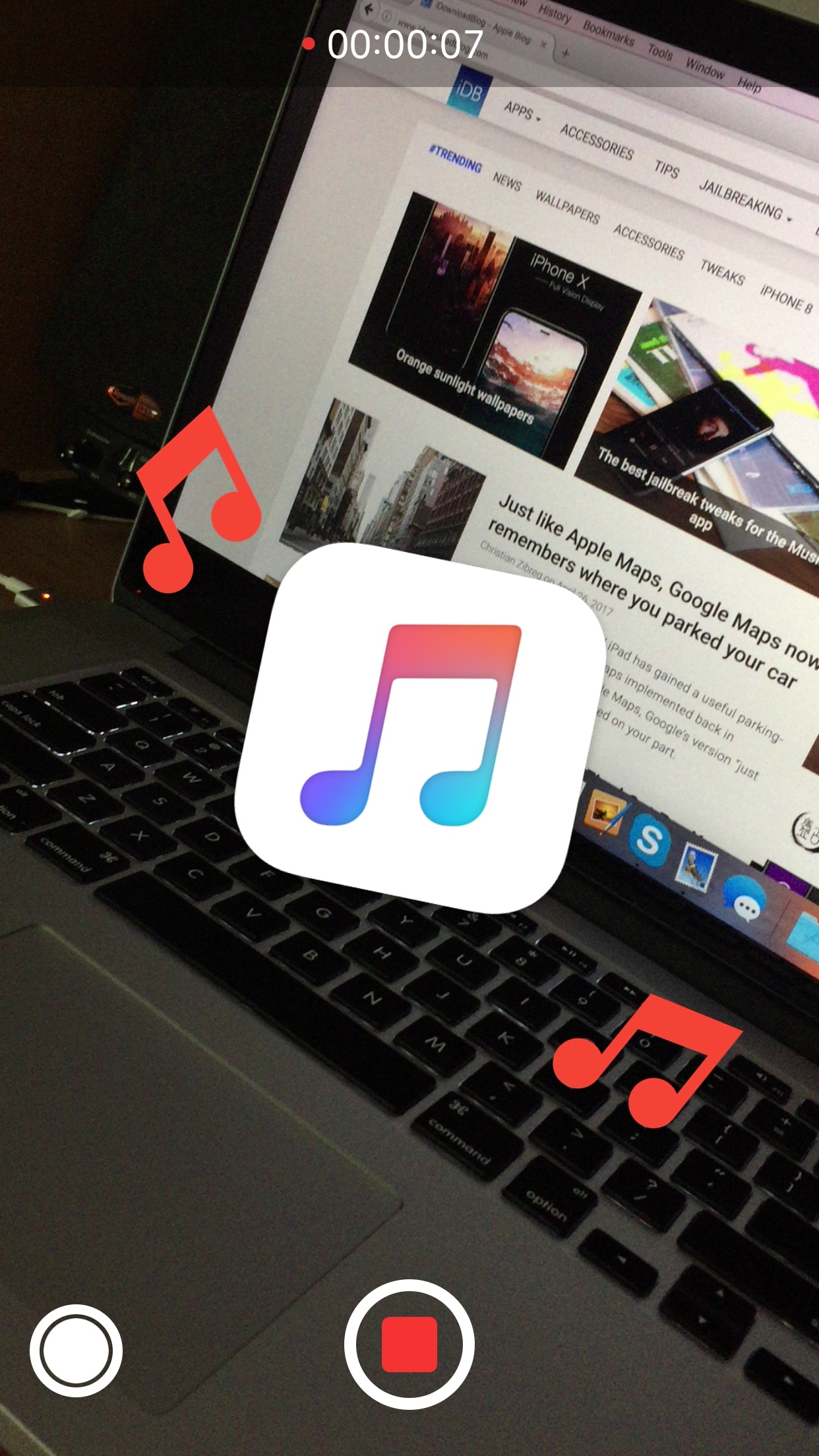
If you’ve ever tried listening to music and recording video from the Camera app at the same time, then you’ve probably noticed the app is designed to automatically silence your music the moment you tap on the record button.

A new free jailbreak tweak called Dndmymusic by iOS developer Demy Kromhof circumvents this restriction by allowing you to continue listening to music as you record footage from the Camera app.

Amazon new hands-free camera judges your outfit in comparison with others

Online retail giant Amazon today introed a hands-free camera which has been specifically designed to judge your wardrobe choices in comparison with others. Dubbed Echo Look, it features built-in LED lighting, depth sensing, machine learning and Alexa-driven voice features.

Working in conjunction with the free mobile app for iOS and Android, it lets you snap a photo or shoot a short video of your outfit with a simple voice command. Data from the onboard depth-sensing sensor lets the device blur out your background to focus on your wardrobe.

New iPhone 8 schematic hints at wireless charging, vertically stacked cameras & no rear Touch ID

Multiple sources, including KK Leaks, OnLeaks and Benjamin Geskin, have tweeted out this claimed iPhone 8 schematic obtained from an unknown source. The alleged technical drawing may help cast light on some of the more prominently rumored features of the OLED-based device, namely wireless charging, a vertically aligned dual-lens camera on the back and—thankfully—no rear Touch ID. We cannot vouch for the legitimacy of the leaked diagram so you're advised to approach this report with some skepticism.