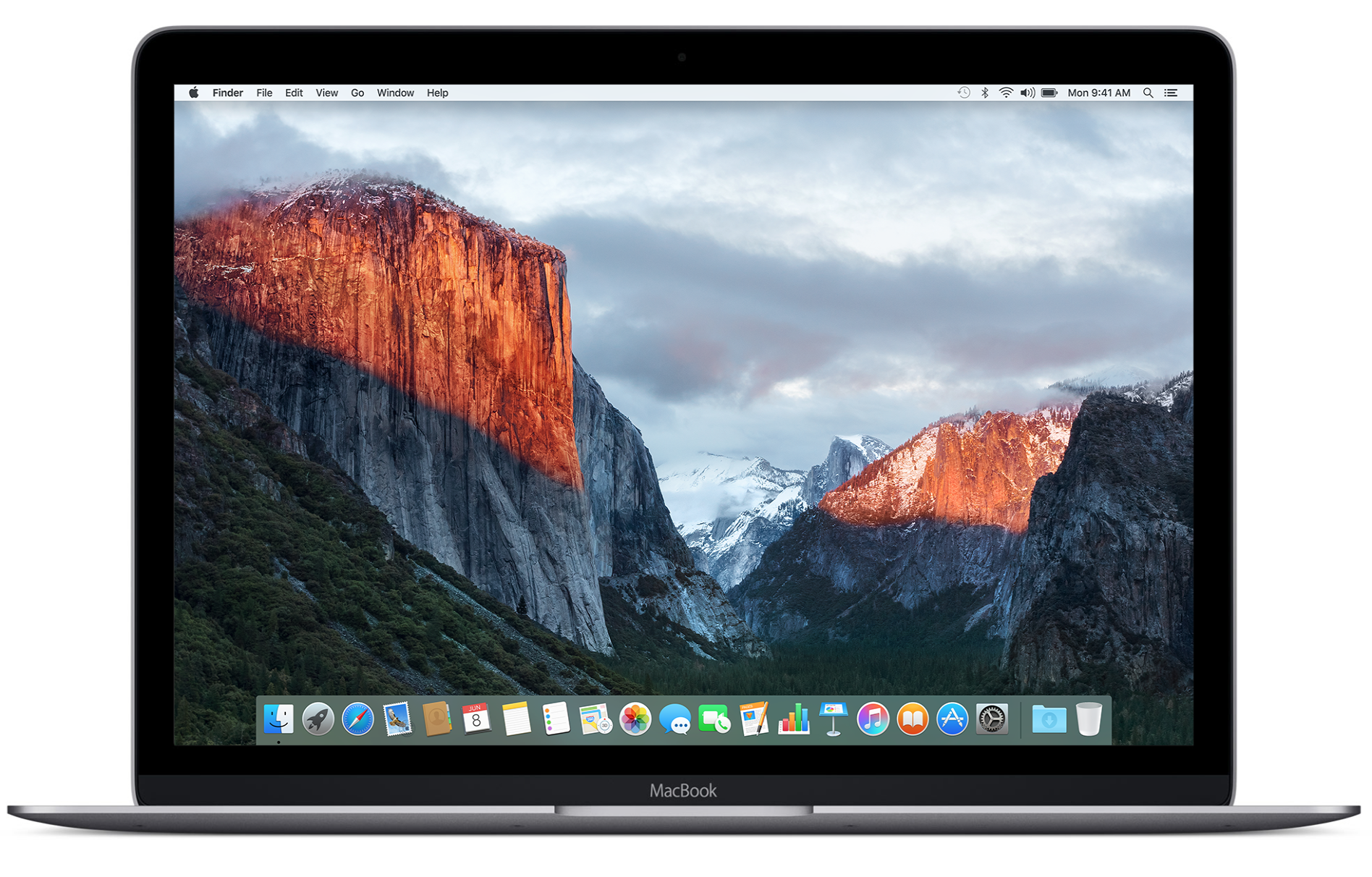
Probably one of my most-used applications on my Mac is MacID, which I use on a daily basis to unlock my Mac without ever using the keyboard to enter a password. The application works in two ways – these include allowing you to use your iPhone or iPad's Touch ID sensor to log into your Mac, or using a secret 'Tap to Unlock' gesture on the multi-touch trackpad (or Magic Trackpad/Magic Trackpad 2) to log into your Mac.
Both ways can save a ton of time, and reduce wear and tear on your keyboard, but in this tutorial, we'll focus on how you can set up 'Tap to Unlock' in MacID on your Mac.