Apps

The best iPhone emoji keyboard apps

Best emoji keyboards for iPhone - FancyKey

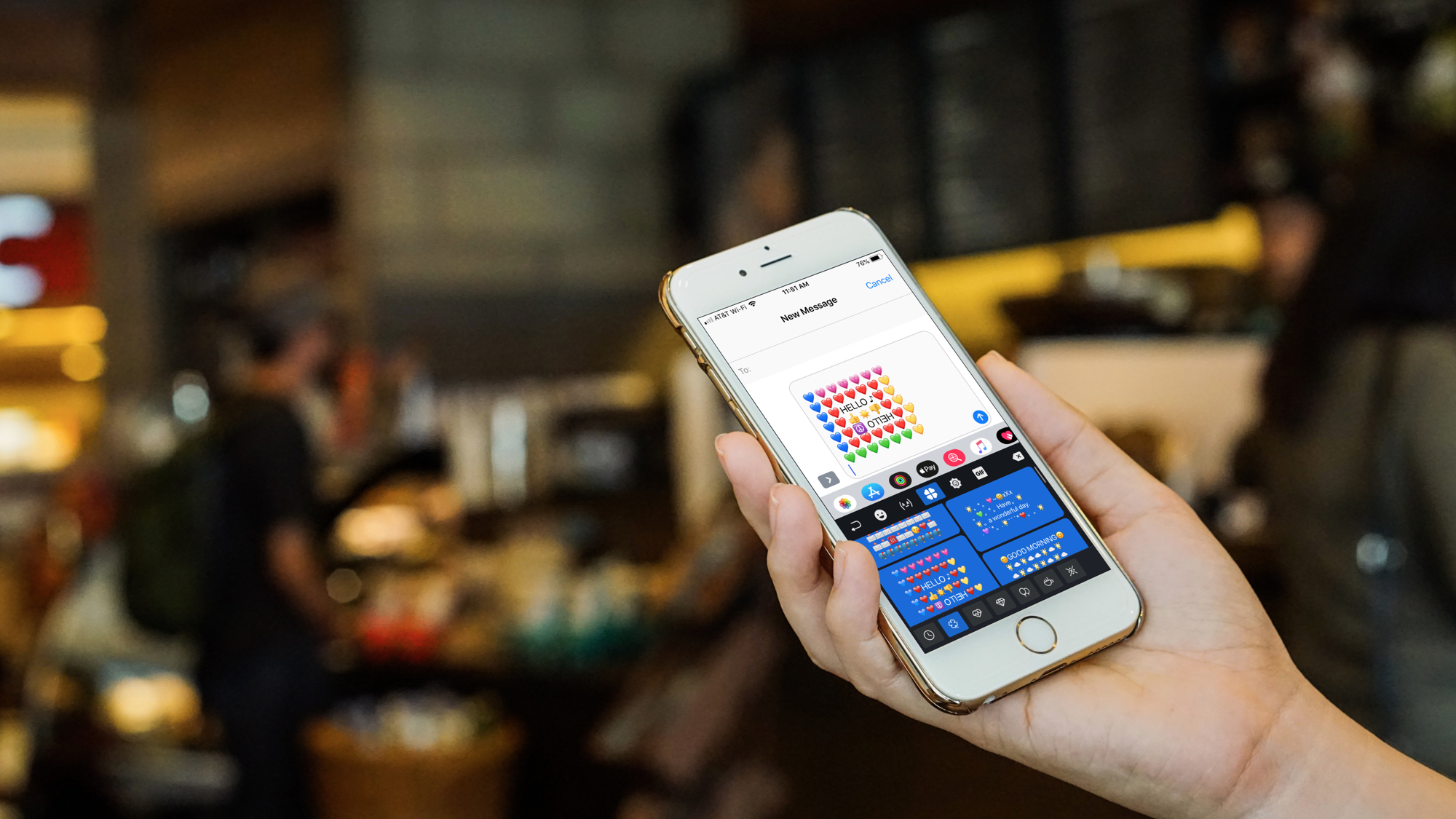
These days, using emojis when sending text messages is the norm. You can say about anything with an emoji instead of text from “I love you” to “Let’s grab a burger.” And your iPhone is packed with tons of them to use. But there are apps that take these handy little smileys to another level.

You can send emojis that are arranged in a picture, those that you edit yourself, and many that you won’t find on your iPhone by default. If you want to step it up with your emojis, here are the best iPhone emoji keyboard apps.

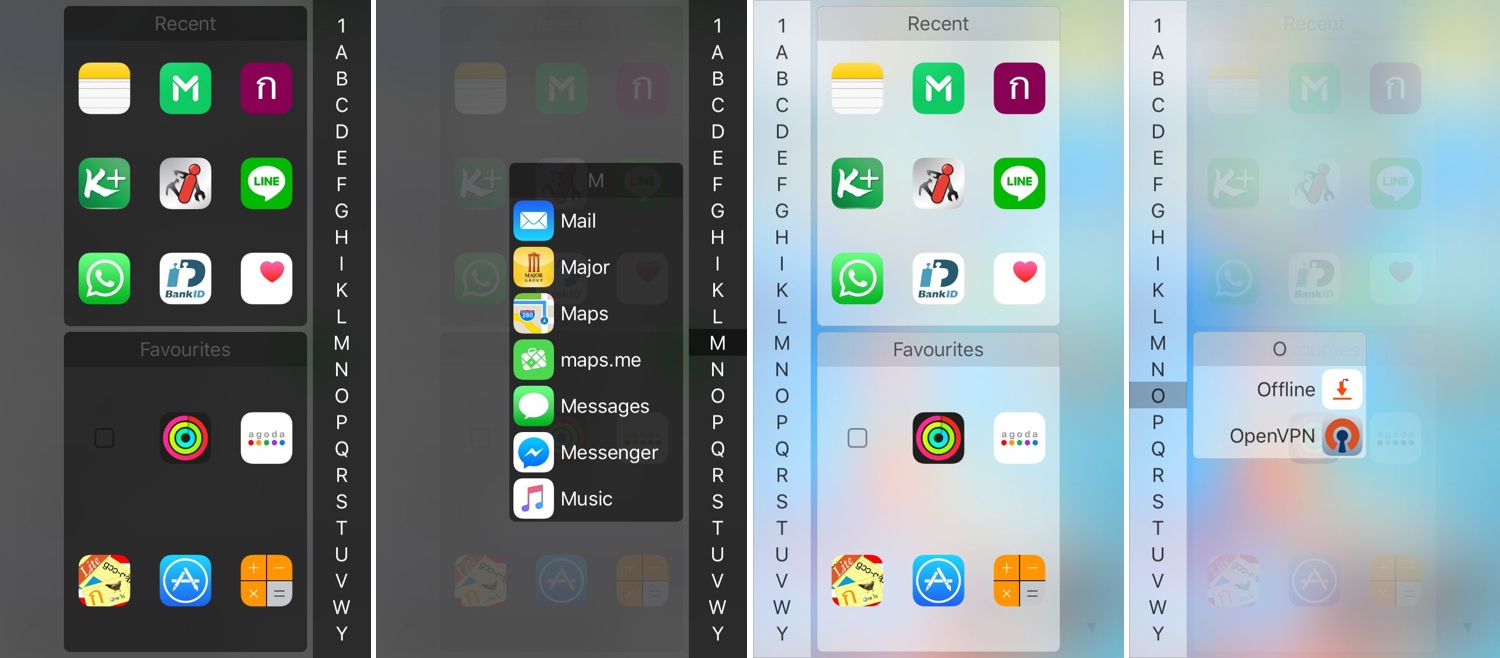
InstaLauncher helps you launch any app on your device in a jiff

One of my favorite parts about jailbreaking over the years has been installing custom app launchers that make accessing my apps easier. There haven’t been that many tweaks of this nature in recent memory, and that’s why I’m excited to show you the rebirth of a classic jailbreak tweak dubbed InstaLauncher by iOS developer Jonathan Winger-Lang.

InstaLauncher has been around for several years, but it was just recently re-released with full support for the latest Electra and unc0ver jailbreaks encompassing iOS 11 and iOS 12. Those who remember the original tweak should see InstaLauncher for what it is: a tweak that lets you launch any app on your device in a jiff without having to scour multiple Home Screen pages.

Improve your iPhone’s multitasking capabilities with PullOver Pro

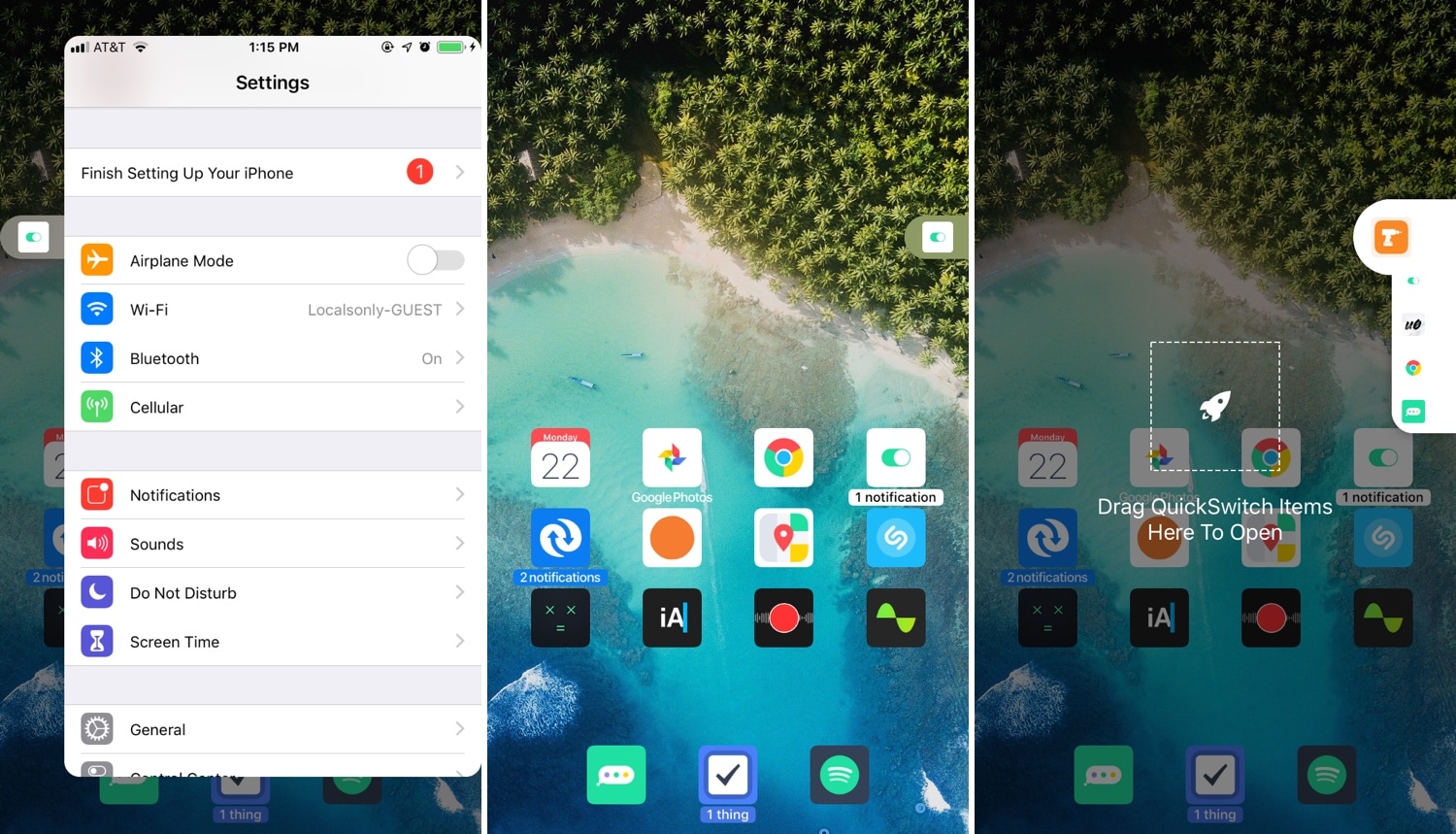
Multitasking is something that the iOS platform has always fallen short on, and that’s precisely why we’re excited to talk to you about a newly-released jailbreak tweak called PullOver Pro by iOS developer c1d3r.

As you might’ve noticed from the screenshot examples above, PullOver Pro is exactly what it sounds like. The tweak adds a small grabber to the side of your display that you can interact with to gain quick access to your favorite or most recently-used apps.

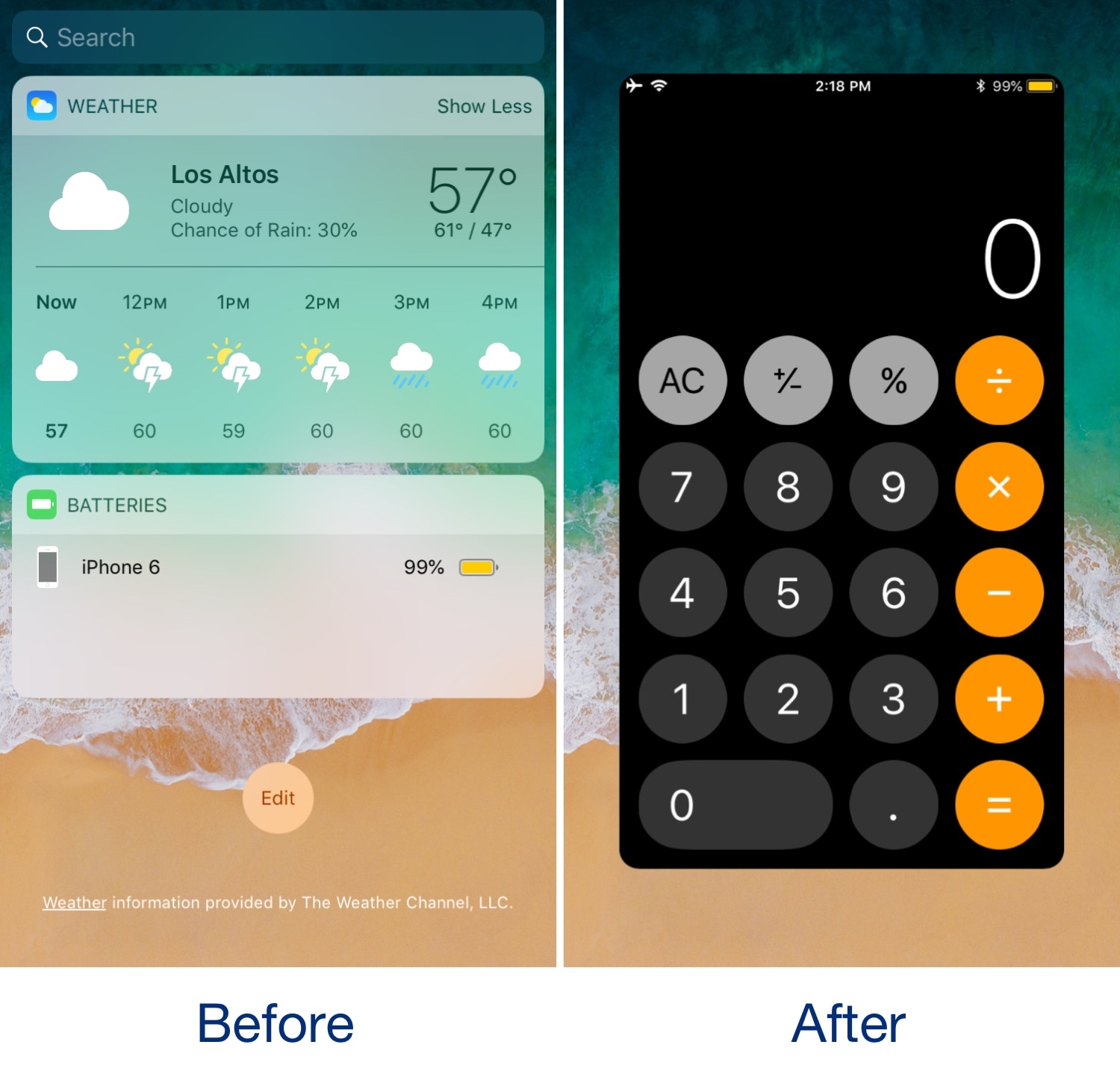
Konban replaces the Today page with your favorite app

The Today view is an integral part of iOS that contains all your favorite widgets for a quick glance at app-centric information. As cool as it is, the fact remains that not everyone uses the Today view as Apple intended, leaving a lot of wasted space on your Home screen.

If you’re one of many who thinks that the Home screen’s Today view would be more useful if repurposed for something else, then you might take an interest in a new free jailbreak tweak called Konban by iOS developer Nepeta.