Apple

Three Awesome Siri Tips for Your iPhone 4S

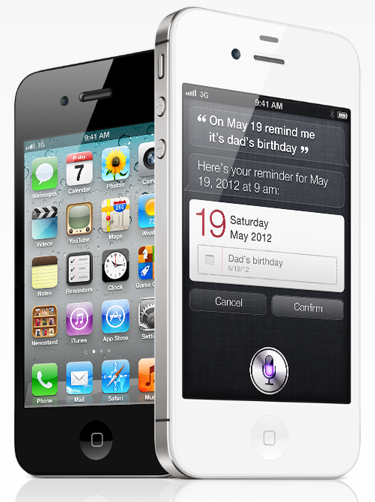
We've all spent a day or two with our iPhone 4S handsets, and we've been merrily chatting away with Siri, our new best friend. During those chats we've discovered one or two useful little tips that you may not be aware of that can make everyone's use or Siri a little more fun.

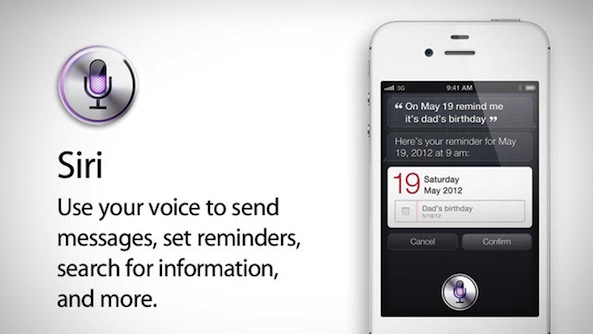
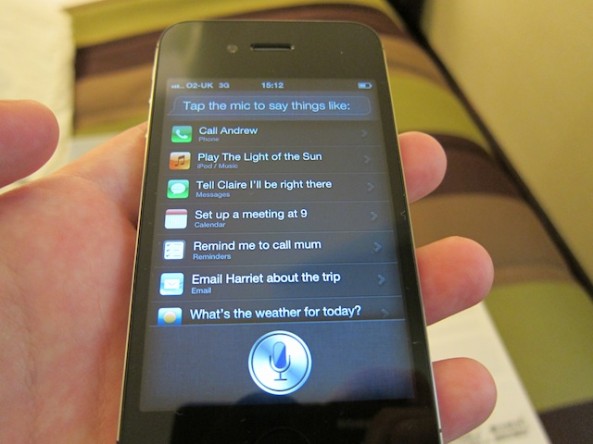
Siri, for those who've been hiding in a cupboard or shipwrecked on a desert island, is Apple's latest innovation to come to the iPhone. The idea is to give users their very own digital assistant, which really boils down to voice-activated commands. It is, of course, a little more interesting than that, and the way users can talk to their iPhones in real-world language is, at times, a sight to behold.

Let's get onto the tips...
iPhone 4S Death Grip Test

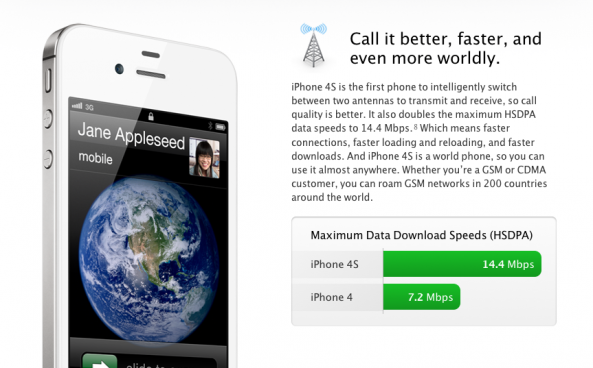
Remember the iPhone 4 antennagate debacle? For those of you who don't, when Apple released the GSM iPhone 4 last year, users began to notice that when the handset was held with the left hand, connecting the two antennas, cell reception dropped significantly (this was dubbed the "death grip"), often resulting in complete signal loss.

Although Apple tried to fix the antenna problem with a software update, the update did not completely rid the iPhone 4 of the issue. Apple then decided to give out free bumper cases, which seemed to prevent the antenna problem from occurring.

Last week, Apple announced the new iPhone 4S, in addition to an improved 8MP camera, Siri, and new A5 processor, included a redesigned antenna...

AT&T and Sprint Report iPhone 4S Success

The iPhone 4S officially went on sale in the US yesterday, and unsurprisingly, it has provided record-setting sales for at least two of the three major U.S carriers that offer the device.

AT&T on Friday confirmed to BGR in an email that it has activated a record number of iPhones and is on track to double its previous record of activations in a single day.

Sprint, which didn’t start carrying the iPhone until this month, reported its best ever day of sales in retail, web, and telesales for a device family in Sprint history, thanks to the launch of the new iPhone 4S and iPhone 4...

Siri Assistant Successfully Ported to an iPhone 4

Well that didn't take long. Hot on the heels of iH8sn0w's announcement earlier today that Siri wasn't restricted to the A5 processor, we now have concrete evidence that the feature has been successfully ported to the iPhone 4.

Apple's popular personal assistant debuted on the iPhone 4S exclusively last week, and everyone has been raving about its potential. Now it appears that iPhone 4S owners won't be the only ones getting in on the fun...

Having Trouble Activating Your New iPhone 4S? Try This

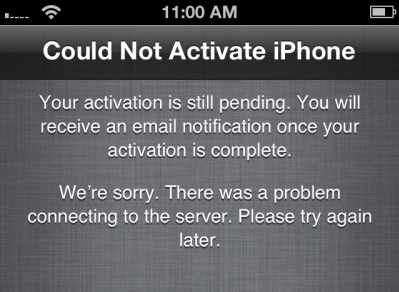
With over a million iPhone 4S units pre-ordered and countless more sold through retail stores today, it's no wonder that carriers' activation systems are crippled. If you've been having problems activating your new iPhone, you're not alone.

We've actually been having quite a few issues ourselves today, and have been searching for workarounds to get our new handsets active. After a lot of digging, I've come up with two pretty good alternatives to the typical activation methods...

Siri Isn’t Technically Limited to the iPhone 4S

Why Apple has limited its new Siri personal assistant feature to the iPhone 4S is anyone's guess. At first it was believed that a lot of the backend of Siri took place on the handset, so it needed the A5's extra power. But that didn't prove to be the case.

It was also thought that the service required 1GB of RAM. But it was later revealed that Apple's new smartphone only contains 512MB, so that can't be it, either. So then why in the world is Siri limited to the iPhone 4S? Well, maybe it's not...

Siri Isn’t as Awesome For Users Outside of the US

The stand-out iPhone 4S feature has to be Siri, Apple's take on the virtual assistant. There's something to be said for asking your iPhone questions or issuing commands, and having it go off and do the work.

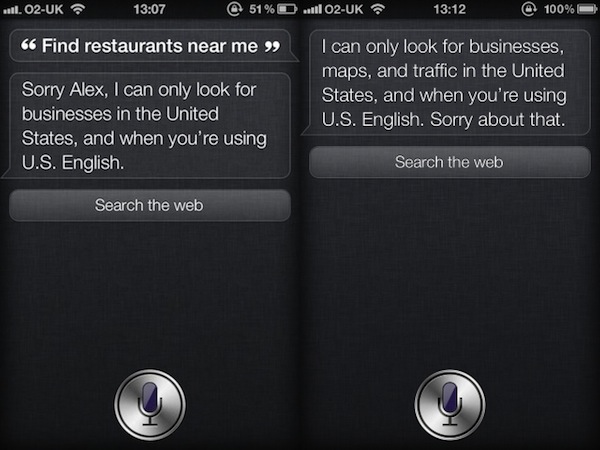
Unfortunately, it appears that not everyone can experience the full magic of Siri, with some aspects of the digital AI not available for those of us outside the United States...

Apple Posts iCloud Status Page After Multiple Outages

Every year when Apple launches a new smartphone, carrier servers get slammed with activations to the point where they are non-functional. Even iTunes has its hiccups, as millions of users logon in attempt to setup their newly acquired handsets.

Along with the iPhone 4S this year, Apple rolled out an automated sync and storage service known as iCloud. And it too seems to be buckling under the massive traffic. If you're having troubles restoring from iCloud today, don't worry, you're not alone...

What it Means to Have an Unlocked iPhone 4S on Sprint and Verizon

There has been some confusion as of late over just how both Sprint and Verizon are handling the unlocking of the SIM card slots inside their iPhone 4S handsets. Initial reports, beginning with Macworld, stated that Sprint's hardware would come pre-unlocked, and Verizon's could be unlocked by the carrier assuming the customer's account is in good standing, and at least 60 days old.

From there, things all got a bit murky, at least on the Sprint front. While Macworld apparently had it spot on with regards to Verizon, it seems their guy at Sprint wasn't telling the full story. Yes, the SIM slot on the iPhone 4S can be unlocked, but it wouldn't actually be unlocked from minute one. Or, rather, it would, but then won't.

Yep, it makes perfect sense...

Pro Tip: How to Delete Photos from Photo Stream

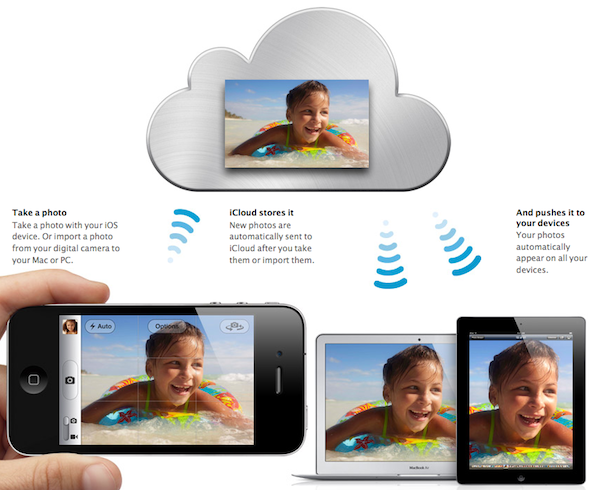
One of my favorite features of iCloud has to be Photo Stream. My previous methods of wirelessly sharing photos between my iDevices and my computer involved emailing or using DropBox. Photo Stream eliminates all the extra work.

Much like the other components of iCloud, the automatic photo syncing service works great. But what do you do if you want to delete the photos from the Photo Stream? Don't worry, iDB has you covered. Hit the jump for our step by step guide...

5 Awesome iOS 5 Features You May Not Know About

Ever since Apple unveiled iOS 5 last June, most of its features have essentially been public knowledge. Notification Center, iMessage, etc. — we've been talking about this stuff for several months now.

But the latest version of iOS includes over 200 new features, and many of them have gone unnoticed. So, we put together a short list of 5 awesome features that you may or may not know about. Hit the break for the rundown...

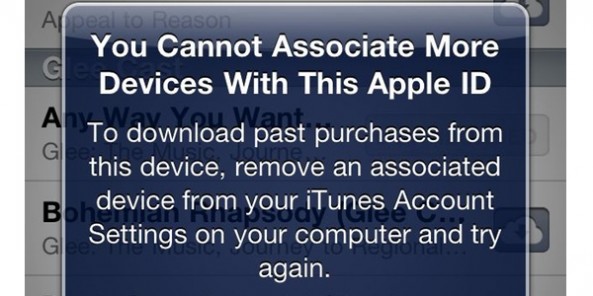
Apple is Not Going to Let You Merge Apple IDs

We've been hearing murmurings that Apple was considering giving users a way to merge two separate Apple ID for a month or so now, but it appears that any hopes of those coming dreams coming to fruition have just been dashed to pieces.

With Apple launching iCloud to the public over the last few days, many had been wondering if the rumors were true, and if Apple was going to offer a way for users to consolidate multiple Apple IDs into one "super" account. This would have been perfect for households who want just one iTunes bill, one master account, but multiple IDs associated with it.

Alas, Apple now says that's not going to happen...