Apple TV

Stay up-to-date on the latest Apple TV news and learn how to get the most out of your device with our comprehensive tutorials and guides. Discover new features, troubleshoot issues, and explore the best apps and games for your Apple TV.

tvOS 11 public beta 4 is out

Following yesterday's release of tvOS 11 beta 5 for developers, the new Apple TV software is now available to members of Apple's free Public Beta Software Program.

tvOS 11 public beta 4 contains the same features as tvOS 11 beta 5 for developers.

Enable AirPlay in apps that block it with PremiumPlay

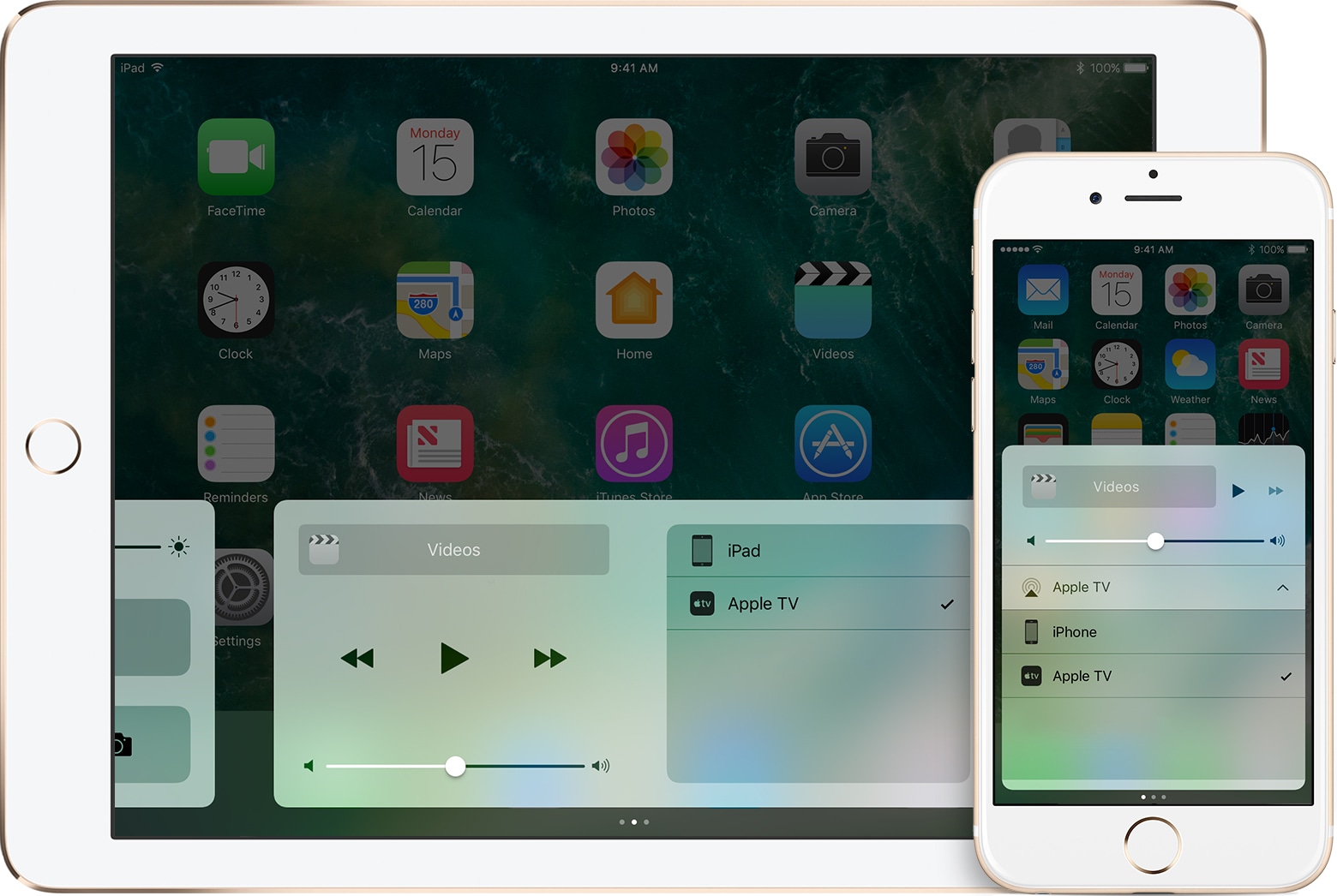
A lot of people rely on AirPlay to stream media from their handsets to their Apple TV or other AirPlay-enabled devices. Unfortunately, some apps, like those provided by TV providers, seem to purposely block the AirPlay function so you can’t stream to the big screen.

As I’m sure many people are peeved by this deliberate block of standard iOS functionality, a new jailbreak tweak called PremiumPlay by iOS developer Tony Kraft provides a way around it.

Developer-only tvOS 11 beta 4 drops

Apple today rolled out a fourth beta of the upcoming tvOS 11 operating system update for the fourth-generation Apple TV. Today's tvOS 11 beta 4 (build number 15J5333f) is available to Apple's registered developers and members of the paid Apple Developer Program.

macOS Sierra 10.12.6, watchOS 3.2.3 & tvOS 10.2.2 released

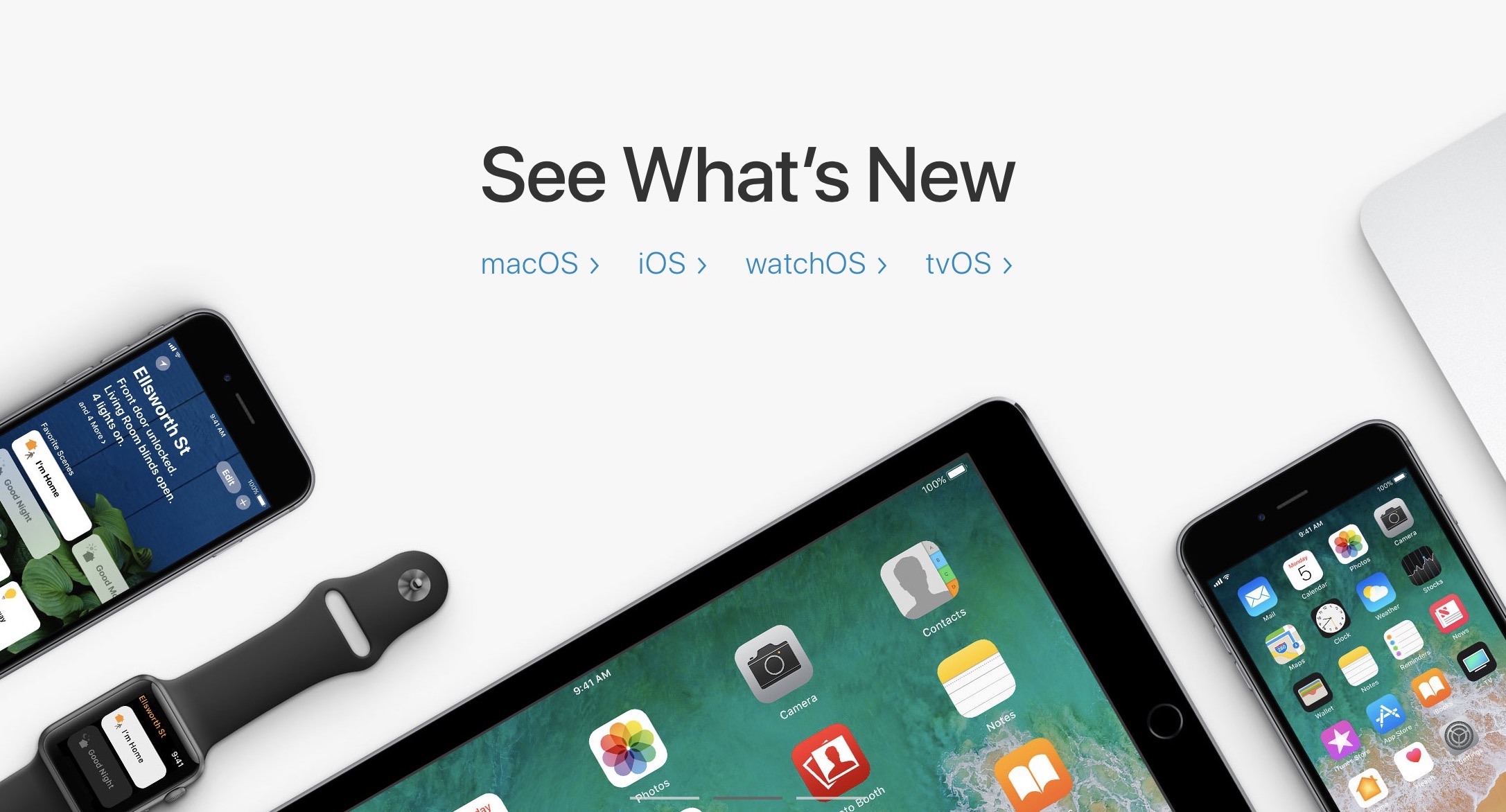
In addition to releasing iOS 10.3.3, Apple today released a trio of software updates for its Mac computers, Apple Watch models, and the fourth-generation Apple TV: macOS Sierra 10.12.6, watchOS 3.2.3 and tvOS 10.2.2.

They're bug-fix updates focused on improving the performance and security of your devices so don't expect any significant feature changes or new user-facing features. Apple’s support document lists the security patches in macOS Sierra 10.12.6, watchOS 3.2.3 and tvOS 10.2.2.

Second public beta of tvOS 11 now available for Apple TV

Members of Apple's free Public Beta Software Program can now download and install a second public beta of tvOS 11 on their fourth-generation Apple TV. tvOS 11 public beta 2 has the same features as tvOS 11 beta 3 that was seeded to developers two days ago.

tvOS 11 includes minor improvements such as the ability to synchronize your Home screen layout across multiple Apple TVs via iCloud, automatic switching between Light and Dark mode based on local time, new background multitasking modes, notification support, custom sound support, layered image improvements, right-to-left language support and other tidbits.

To enroll in Apple's public beta program, sign in with your Apple ID in Safari on your computer at beta.apple.com. Now click the link “Enroll Your Devices” to get started.

Next, go to Settings → Accounts on your Apple TV and sign in with the same Apple ID that you used to register for the public beta program into at least one of the account options (iCloud, iTunes and App Store or Game Center).

Now go to Settings → System → Software Update and turn on the option labeled Get Public Beta Updates, then follow the onscreen instructions to complete enrollment.

The Software Update mechanism on your Apple TV will put up a prompt when a new tvOS 11 public beta is available for download. To manually check for tvOS public beta updates, go to Settings → System → Software Updates → Update Software.

To submit feedback and report bugs to Apple, use the Feedback Assistant app on your iPhone, iPad or iPod touch with the iOS 11 public beta.

tvOS 11 will release for public consumption this fall.

Apple also released this morning second public betas for iOS 11 and macOS High Sierra. watchOS betas are currently unavailable for public beta-testing.

PayPal for Apple ID expands to 11 markets, now with support for Apple TV & Apple Watch

PayPal announced today that it's expanding support for App Store and other purchases made with Apple ID across Apple devices to eleven new markets, including the United Kingdom, Germany, France, Italy, Austria, Spain, Canada, Mexico, Israel and Australia.

The roll out began today in Canada and Mexico, with other markets including the US due soon.

Before today, the PayPal option was limited to customers in the United States with limited integration requiring a credit card on file with PayPal as a linked method of payment.

As part of an expanded partnership with Apple, your App Store purchases can be now deducted directly from your PayPal account. The new system provides a “secure and versatile payment method to meet the growing demand for digital entertainment,” in PayPal's own words.

Adding PayPal as a payment method now works in the App Store, iTunes Store and iBooks Store apps for iPhone, iPad and iPod touch: just go to Settings → iTunes & App Stores, tap your Apple ID in the list and choose payment information to link PayPal with your Apple ID.

Previously, customers had to go through iTunes for Mac and Windows PCs to configure their Apple account for PayPal integration. Once PayPal has been selected, all future purchases with the customer's Apple ID will be automatically charged to their PayPal account, including:

Apps on App Store and Mac App Store Apple Music subscriptions Music, movies, TV shows, ringtones and more on iTunes Store Books on iBooks Store iCloud storage upgrades

As a bonus, the feature now supports PayPal's One Touch technology,

One Touch skips the PayPal login screen at checkout after the first use as long as you’re in the same device or browser. In other words, after buying something using your Apple ID from App Store and other stores, One Touch will skip the password field that PayPal normally requires.

More importantly, One Touch allows for simple purchasing from all Apple devices—including your Apple TV and Apple Watch for the first time—since you no longer need to provide your PayPal credentials for every purchase.

Both new and existing customers will be able to switch their account to use PayPal as the default method when the feature goes live in their market.

For more information on how to set up PayPal with your Apple ID account on your iOS device, visit paypal.com/ituneslaunch.

The best thing about using PayPal as a payment method on App Store and elsewhere is the fact that you can add credit cards to your PayPal account to use with your Apple ID without having to enter any financial details into your Apple ID account.