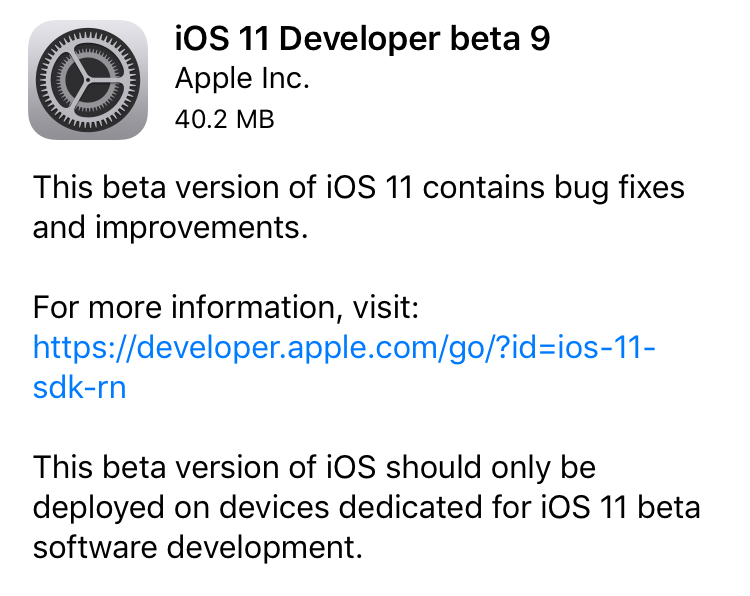
Apple on Thursday seeded iOS 11 beta 9 to developers. The release comes just days after beta 8 of the software was rolled out, suggesting that either a significant bug or security issue was discovered, or that Apple is charging hard down the final stretch of beta testing in an effort to finish the update on time for public release next month.
iOS 11 beta 9
If you're a registered developer with a device already running a previous iOS 11 beta, you can upgrade to the latest build (15A5370a) over the air using the Software Update mechanism in the Settings app.
Given the short lead time between beta 8 and beta 9, we don't expect many (if any) user-facing changes. But here are the new things we spotted in beta 8:
https://www.youtube.com/watch?v=b--2ov6pcIk
Subscribe to iDownloadBlog on YouTube
tvOS 11 beta 9
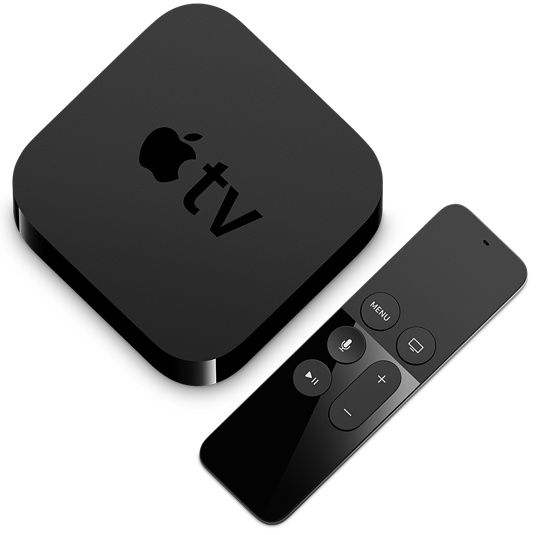
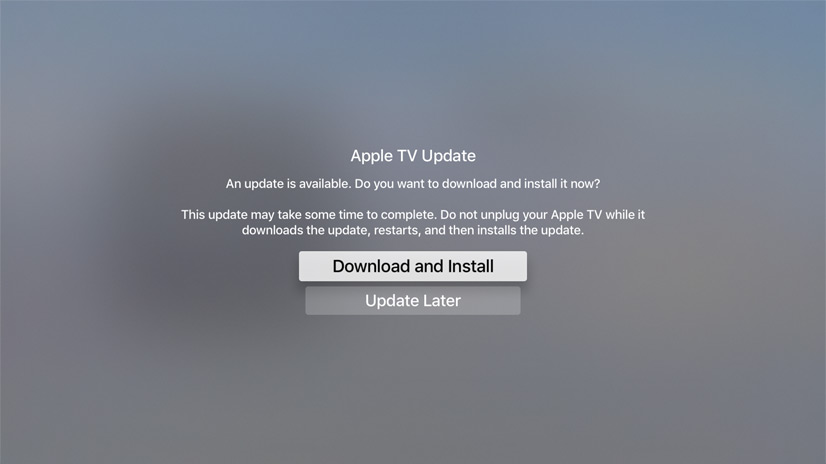
Developers with the appropriate configuration profile on their Apple TV (4th gen) can install today’s beta (build number 15J5378a) by visiting Settings > System > Software Update.
Otherwise, it requires you to hook up your Apple TV to your Mac via a USB-C cable and a quick trip to the Dev Center. tvOS 11 has shown to be a modest update, with just a handful of user-facing improvements.
As always, if you see something notable in the new betas you think we’ve missed, feel free to tell us about it in the comments below, or on Twitter @iDownloadBlog.