Apple ID

Apple gives its Apple ID website a fresh new redesign

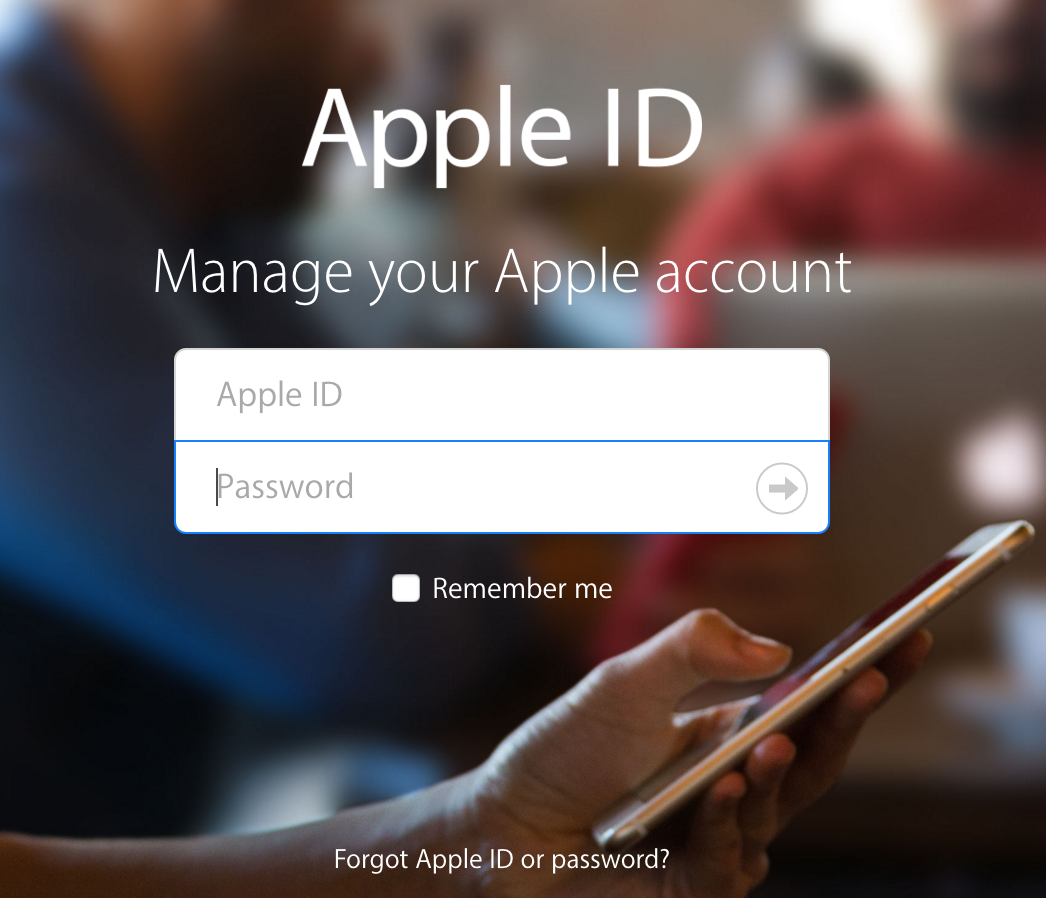
Apple's drab-looking Apple ID website, the place where users go to manage everything about their Apple IDs, has been updated with a fresh new coat of paint. Instead of the boring color-less look of old, Apple has adopted an up-to-date bold new look for its hub focused on managing passwords, devices, and other vital account information.

How to use a 4-digit passcode for purchases on Apple TV

Yesterday, on Let's Talk iOS, we discussed how arduous and tedious it is to enter a password on the Apple TV interface. It's a difficult process, because the Apple TV lacks support for Bluetooth keyboards, and features an A-Z text entry setup that makes the process even more difficult that it was on last generation's Apple TV.

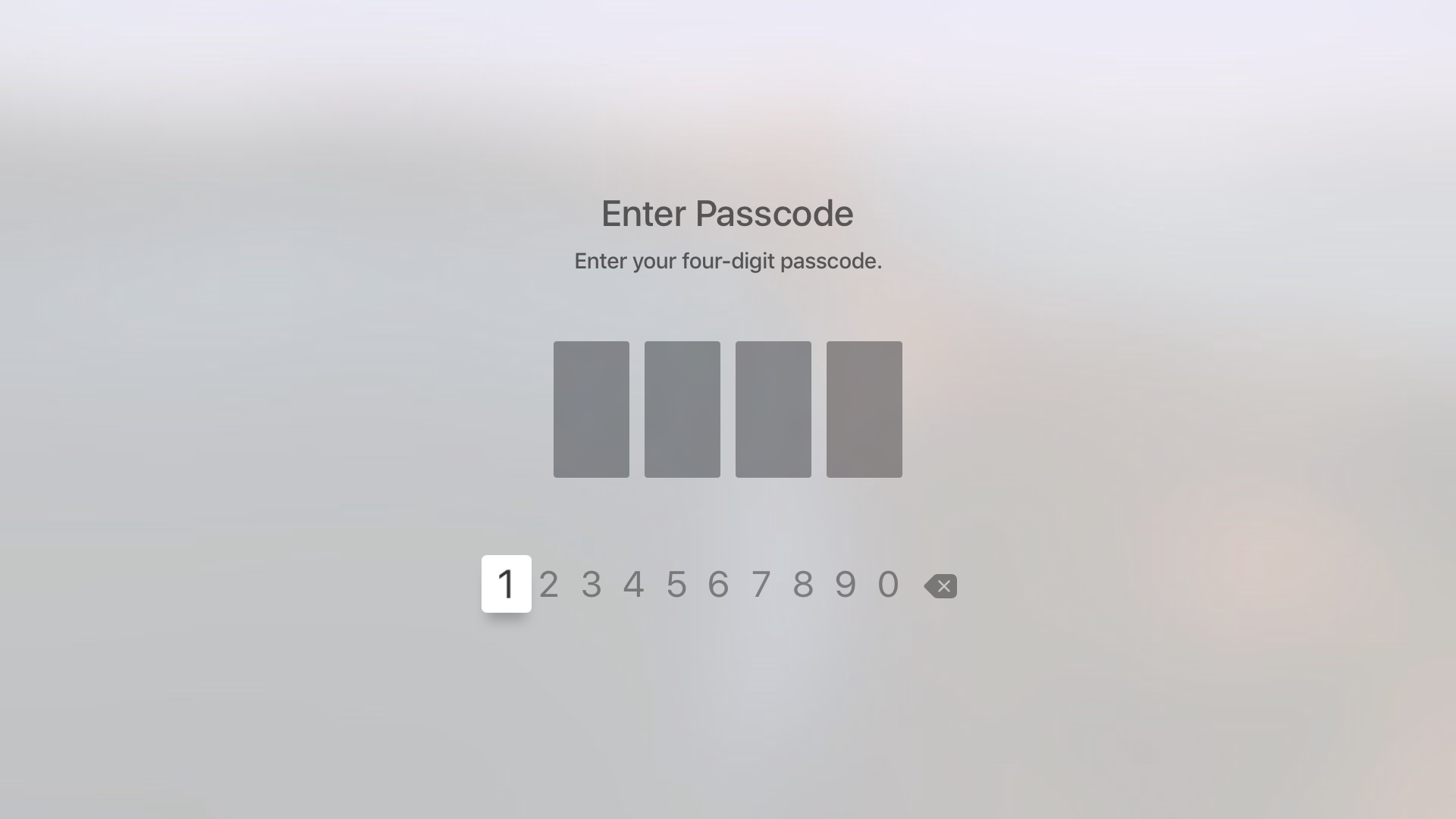
Fortunately, the Apple TV features an option that allows you to never require a password for iTunes & App Store purchases. While using such an option works, it leaves your device open to unauthorized purchases. The good news is that, as we discussed on the podcast, you can easily set up restrictions for App Store and iTunes purchases, which will make it so that purchases only require the entry of a 4-digit passcode.

How to add and remove trusted devices for Apple ID two-factor authentication

Trusted device for Apple ID two-factor authentication

A trusted device is an iPhone, iPad, or Mac, where you have previously signed in using your Apple ID. Trusted devices are used to verify your identity when signing in and keep your Apple ID secure with two-factor authentication.

In this tutorial, we will go over trusted devices for Apple ID two-factor authentication, their requirements, and some other pieces of valuable information that you should know.

Using Apple Music with a foreign Apple ID can open up a wealth of interesting new music

As many of you guys know, I have an interesting taste in music. I like old-school R&B, a smattering of rap, love some 90's alternative, and am really into EDM. I grew up listening to the likes of Phil Collins, Olivia Newton John, The Police, Michael Jackson, Oasis, Run DMC, The Cranberries, The Fat Boys, Nirvana, and many others. Needless to say, my taste in music can be pretty random at times.

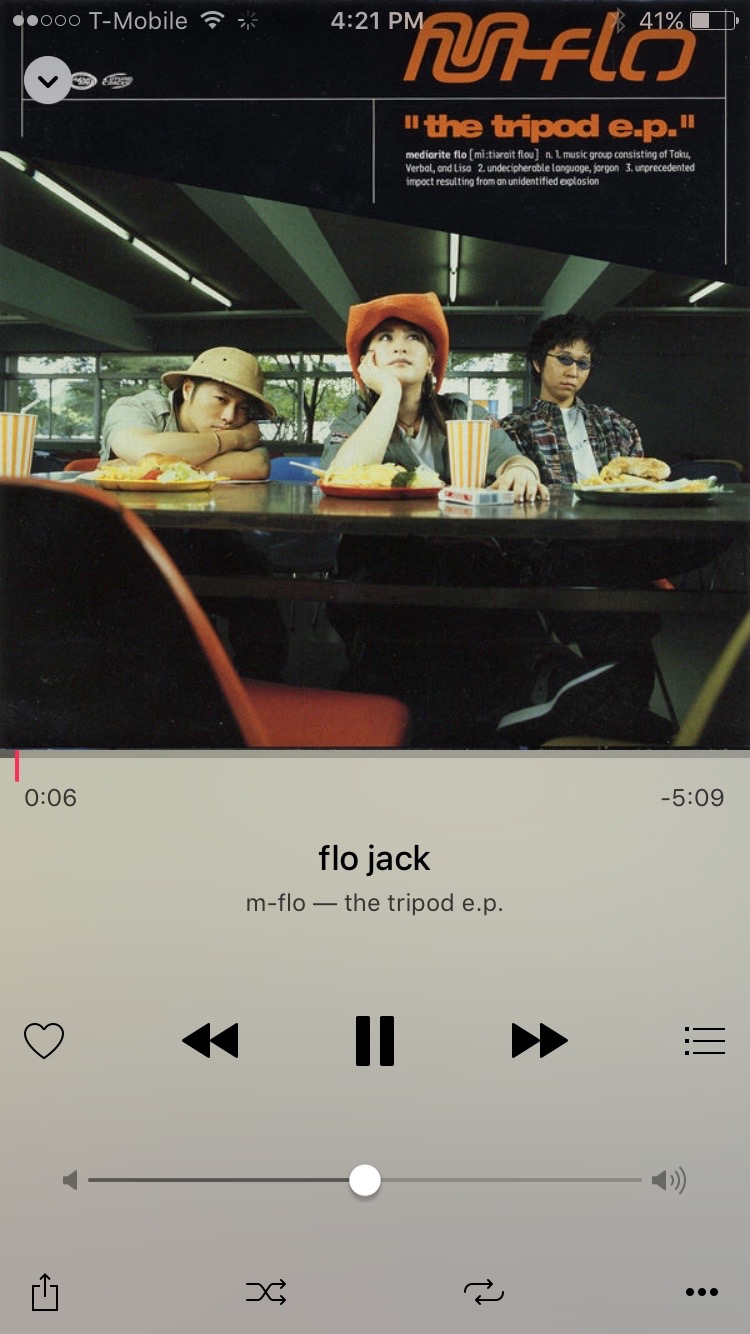
One of my guiltiest pleasures when it comes to music genres is without a doubt Japanese pop music. Actually, I no longer feel guilty about it at all, I downright love Japanese pop, or J-Pop as it's better known as. I've been listening to J-Pop since the late 90's, starting with the likes of Hikaru Utada, m-flo, Ayumi Hamasaki, and other, more obscure J-Pop artists.

One of the downsides to liking foreign music like J-Pop, is that it can be difficult to find. You'll find a smattering of it on services like Spotify, but it's usually music that has already been sold or localized for the States. Of course, one can always import a CD, but CDs are ridiculously expensive in Japan, so that's not really an option for me. Plus, who wants CDs nowadays anyway?

Streaming music is where it's at, and it presents the perfect opportunity for finding different types of music from other countries. I've found that Apple does a pretty good job with this already. I've been able to find music that I've never been able to find on other streaming services. That said, it's still painfully obvious that a large divide exists, and J-Pop and other foreign music is more or less hard to come by.

The thing is, the music is already there, it's just restricted to accounts for certain regions. But it is possible to get around these restrictions if you're willing to make some compromises...
iTunes 12.3 is out with support for iOS 9, El Capitan, two-factor Apple ID authentication and more

Following release of the free iOS 9 software update with new features and core OS enhancements for the iPhone, iPod touch and iPad, Apple on Wednesday also issued a matching update to iTunes for Mac and Windows PCs.

The new iTunes 12.3 introduces OS X El Capitan-friendly design while enabling support for Apple IDs protected with two-factor authentication and syncing with iPhone, iPod touch and iPad devices with iOS 9.

Flaw in Mail for iPhone and iPad can be used to hijack your iCloud password

A serious bug in Apple's stock Mail application for iPhone, iPod touch and iPad permits attackers to fool users into providing their iCloud credentials.

Such phishing attacks can be devastating as iCloud increasingly becomes home for our digital life in the Apple universe, including our photo libraries, notes, contacts and other personal data.

The scam takes advantage of an exploit in the Mail application that makes it easy to deliver convincing-looking pop-ups resembling iCloud password prompts through a simple email message, The Register reported Wednesday.

While such emails look like they're coming from a real company, they're spoofed and once an unsuspecting user opens them on their iPhone, iPod touch or iPad running iOS 8.3, the operating system will execute malicious HTML content embedded inside.

New in iOS 8.3: download free apps and iTunes media without entering Apple ID password

A new 'Password Settings' section has been discovered in the Settings app of the current iOS 8.3 beta which will permit users to set up their iPhone, iPod touch or iPad so that downloading free iTunes apps and iTunes media won't require an Apple ID password.

The new option is only exposed to users when Touch ID is disabled, reports 9to5Mac. With Touch ID enabled, the new option is unavailable.

This is understandable to an extent, because approving purchases — free or paid — with the tap of a fingerprint is a frictionless experience.

Apple patches serious vulnerability that let hackers take over your Apple ID

As of today, brute-forcing your way into your ex's Apple ID or iCloud account by way of dictionary-based attacks is no longer a viable option.

As reported by James Cook of Business Insider, Apple's reportedly patched a vulnerability in its iCloud service that determined hackers were able to exploit in order to hack into your Apple ID account.

Even though Apple IDs that employ weak passwords and don't use Apple's vaunted two-step verification feature were at greatest risk, we're most certainly glad that Apple's moved so swiftly to increase online security of its users.

New Apple ID attack tool surfaces as Apple pulls Photos web app from iCloud.com

Friday, a new attack tool was posted to GitHub that uses brute-force dictionary attacks on iCloud and Apple ID accounts with weak passwords. Using a dictionary list containing more than 500 words, the 'iDict' tool pretends to be a legitimate iPhone device trying to log in to iCloud.com. Somehow, it manages to avoid Apple ID lockout restrictions.

People with complex passwords shouldn't be concerned but those with simple ones based on commonly used words such as pet names are at risk. If you fall in that category, you're wholeheartedly recommended to change your password and optionally enable two-step verification for your Apple ID.

Seemingly unrelated to 'iDict', the Photos web app mysteriously disappeared from the iCloud website this morning.

Elcomsoft’s Phone Breaker can now help access iCloud data protected with 2-step verification

Moscow-based Elcomsoft, which produces a mobile forensic tool used by law enforcement around the world to gain access to a suspect's iOS devices, has updated its Phone Breaker application which now makes it easier to bypass Apple's two-step verification for Apple ID accounts in order to access underlying iCloud data, Engadget reported Thursday.

Not only does this include iWork documents stored in iCloud, but also data in third-party apps such as WhatsApp communications, 1Password password databases — even user dictionaries that may contain secret words and phrases — provided a user has enabled the app in question to sync data with iCloud.

Although hackers still need both your Apple ID username/password and a two-factor code sent to your trusted device (or a digital token stolen from your computer), once they do gain access to your account Phone Breaker can then create a digital token granting them permanent access to iCloud data, no two-step verification code needed — until you change your Apple ID password, that is.

Poll: is your Apple ID protected with two-step verification?

Two-step verification protects your Apple ID from unauthorized access when accessing iCloud.com and the Apple ID web interface or when when making an App Store or iTunes purchase from a new device. It's an additional layer of security which combines something you know (your Apple ID password) with something you have (an iOS device).

Once enabled, it requires that you enter a four-digit code after providing your Apple ID credentials, with the code being pushed to a trusted iOS device.

You will also get a 14-character Recovery Key to regain control of your account should you ever lose access to your trusted devices or forget your password.

So, is your Apple ID protected with two-factor verification or do you still trust your digital life with the good ol' password in conjunction with security questions?

How losing your Apple ID Recovery Key could permanently lock you out of your account

With two-step verification enabled for your Apple ID, you don't need to create or remember any security questions because your identity is exclusively verified using your password, verification codes sent to your trusted devices and your Recovery Key.

The added layer of security is a tremendous convenience, but with great power comes great responsibility and I can't stress enough how crucial it is to ensure you never forget where you stored your Recovery Key. As Owen Williams of The Next Web learned the hard way, they're calling it "Key" for a good reason.

Losing your Recovery Key puts you at risk of being locked out of your Apple ID if Apple's temporarily disabled it as a security precaution because someone's tried to hack it.

Apple cannot grant you access back into your Apple ID. This is by design: the system's been engineered in such a way so that only you can regain access to it. And in order to do that, you absolutely need a Recovery Key.

Here's what to know about securing your Apple ID with two-step verification.