Apple ID

Pangu creates official Reddit account, tweets public statement on recent hack claims

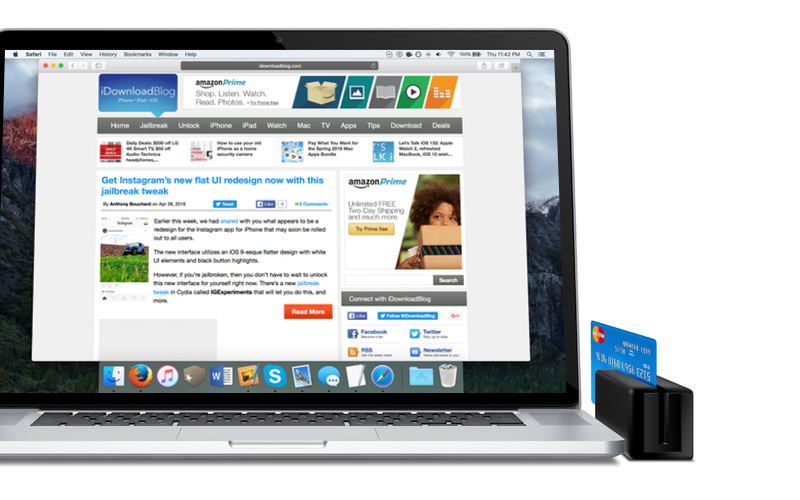
Pangu was recently subjected to trust issues after a thread made it to Reddit claiming that some users had unauthorized charges from Beijing on their PayPal account after jailbreaking, others had their Facebook account show login attempts from various Asian countries, but mostly from China.

Despite all of the confusion, Pangu has made an official statement, and we have the scoop.

Spark for iPhone is locking some people out of their Apple IDs, Readdle blames server issues

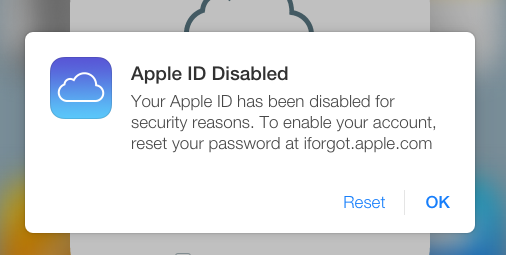
Reports surfaced yesterday on Reddit that some users of Readdle's excellent free mobile email client, Spark for iPhone, got locked out of their Apple ID account. Some of the affected people were able to re-gain access by performing a password reset on their Apple ID. It would appear that an error on Spark's servers has caused this behavior though Readdle assured customers that there was no breach or data leak.

Read this if you just switched Apple ID to download Pokémon Go

In less than a week, Pokémon Go has become the biggest mobile game in the US history, however, the app is currently limited to App Stores in the United States, New Zealand, Australia and Germany.

Eager to get their hands on some pokémon, some of the tech-savvier international users have resorted to switching their Apple ID in order to download the game only to find their Apple Music libraries wiped as a result, reports The Telegraph.

Disable Mac App Store password prompts for 15 minutes after a purchase

Have you ever went on an app downloading spree in the Mac App Store only to find that it was going to ask for your password every time you wanted to download a paid app on your Mac?

If you're the only user on your Mac, then you probably don't want to or need to be bothered with having to enter your password each and every time.

Instead, macOS includes a feature that lets you disable password prompts for additional purchases for up to 15 minutes following your first Mac App Store purchase in a succession. We'll show you how to configure this feature in this tutorial.

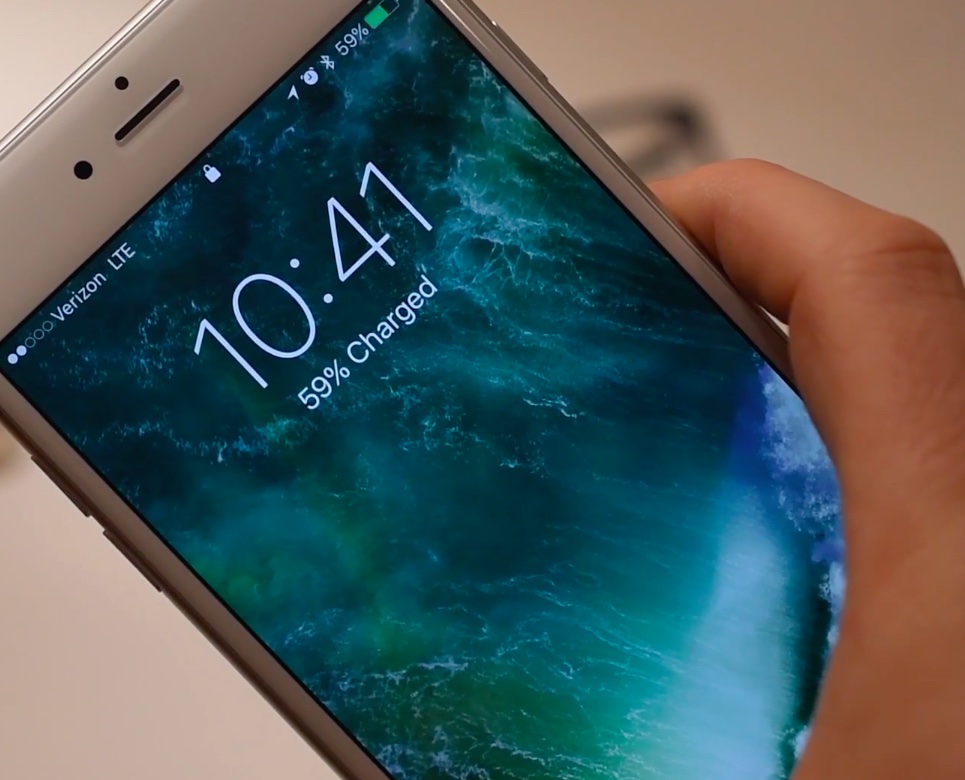
It seems that iOS 10 beta 2 locks some people out of their Apple ID

Some folks with iOS 10 beta 2 installed on their iPhone are finding that they've been locked out of their Apple ID account, unable to perform a password reset. As per a new thread on Reddit, the problem seems to affect a portion of iOS 10 beta 2 users whose Apple ID account has been protected with Apple's two-step authentication system, which requires both a password and a one-time six-digit code when using iCloud on a new device.

We're posting this as convenience for those who have been affected. If you're seeing this, you probably don't need to worry about your Apple ID being hacked and unrecoverable, it's just a bug in iOS 10 beta 2.

Can’t remove your payment info from your Apple ID? Here’s why

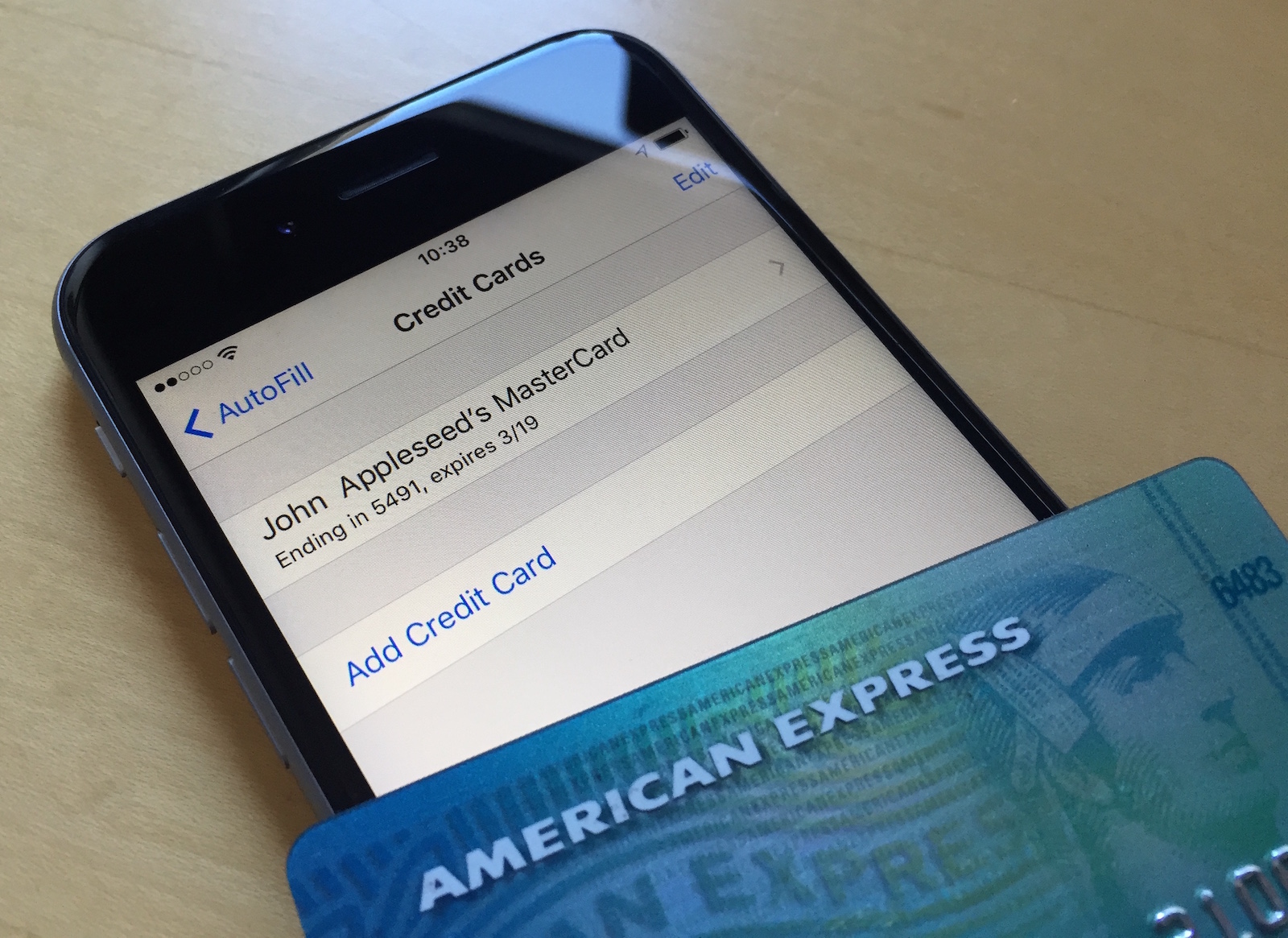
Not everyone wants to have their credit card or debit card linked to their Apple ID. Some people are afraid of having their financial information tied to online merchants and digital content stores because of the unfortunate reality of identity theft and unauthorized purchases.

With that in mind, what should you do if you don't want a credit card that you've already linked to your Apple ID to be there, but the 'None' payment method option isn't showing for you?

We'll talk about that in this post and explain why the option isn't available to you.

Changing your Apple ID payment method on Mac or PC

Not too long ago, we showed you how you can edit your Apple ID payment information from your iOS device, but the same task can also be accomplished from your Mac or PC in a similar number of steps.

Whether you've received a new credit card that you want to use, or you wish to change the credit card you have on file for your Apple ID, changing your payment information allows future purchases made through Apple's online stores, such as the App Store, Books Store, or iTunes Store, to be billed to the new credit card you're adding.

In this tutorial, we'll show you how you can change your Apple ID payment information from your Mac or PC.

Changing your Apple ID credit card info directly from your iPhone

Your Apple ID is used whenever you want to make purchases from one of Apple's online digital content stores. This includes the App Store, Books Store, and iTunes Store.

From time to time, you may switch credit card providers, get a new credit card number, or opt to use a different payment method than the one you're already using.

It's easy to change your Apple ID payment information right from your iPhone, iPod touch, or iPad and in this tutorial, our aim is to teach you how.

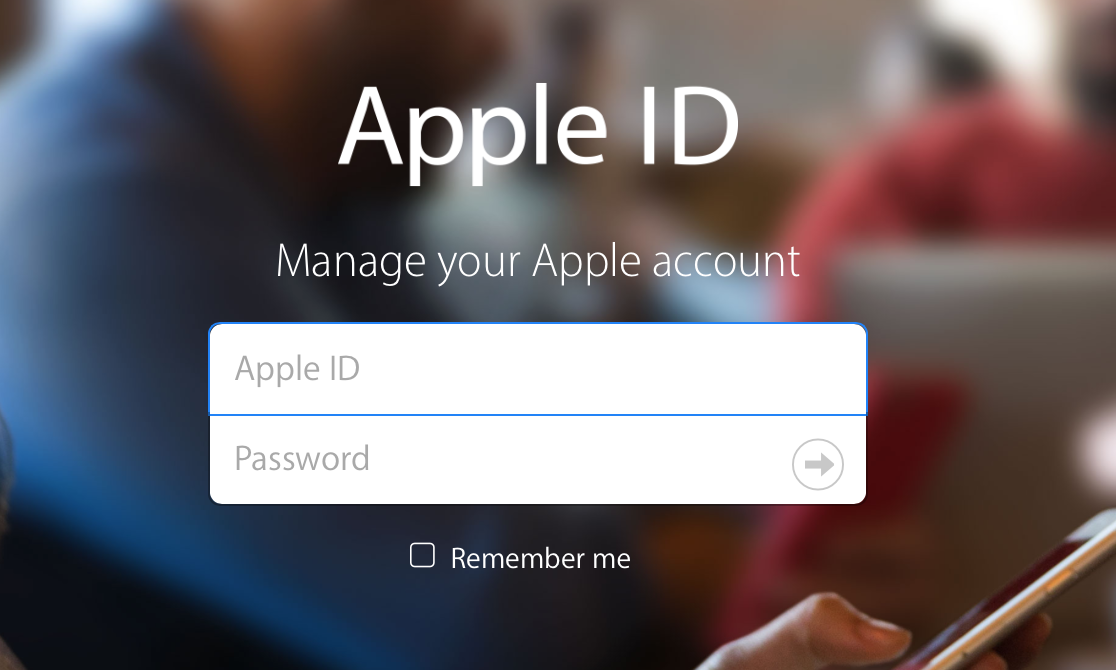
How to change your Apple ID

Many of us still have the same email address associated with our Apple ID that we made years and years ago when we got our first device. We use it to sign into each and every one of our devices when we buy one new from the store or restore an existing one to factory settings.

On the other hand, times change. Sometimes you may get new email addresses, and sometimes you want to use something new to log in with rather than your high school email address. Perhaps you've made one that is a little more professional looking and seek to use it instead.

Apple provides a way to change your Apple ID email address so you can use something different to sign into everything you use. In this tutorial, we'll show you how that's done.