3D Touch

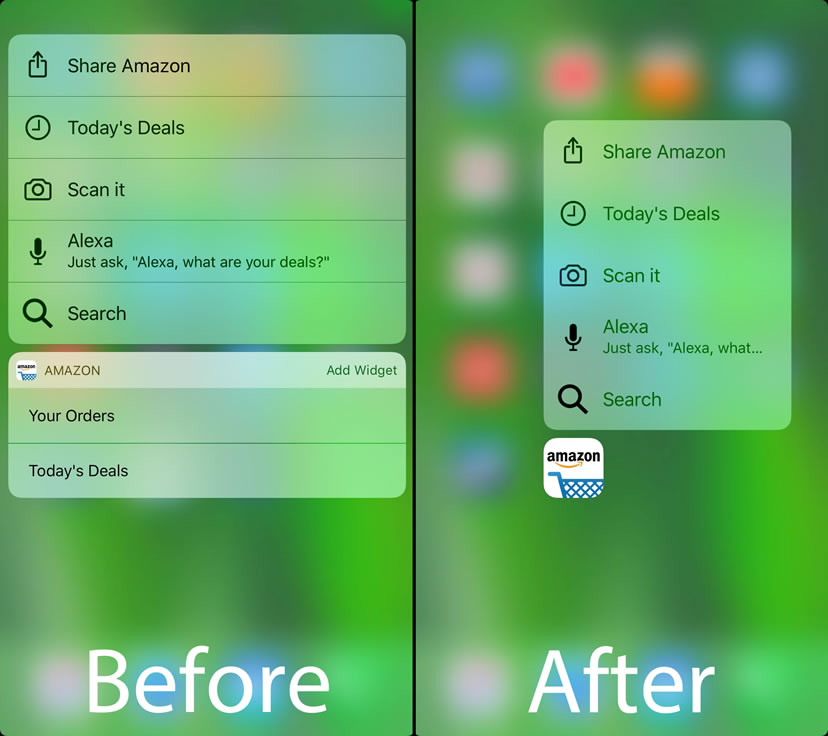
No3DTouchWidgets hides app widgets from iOS’ Quick Action menus

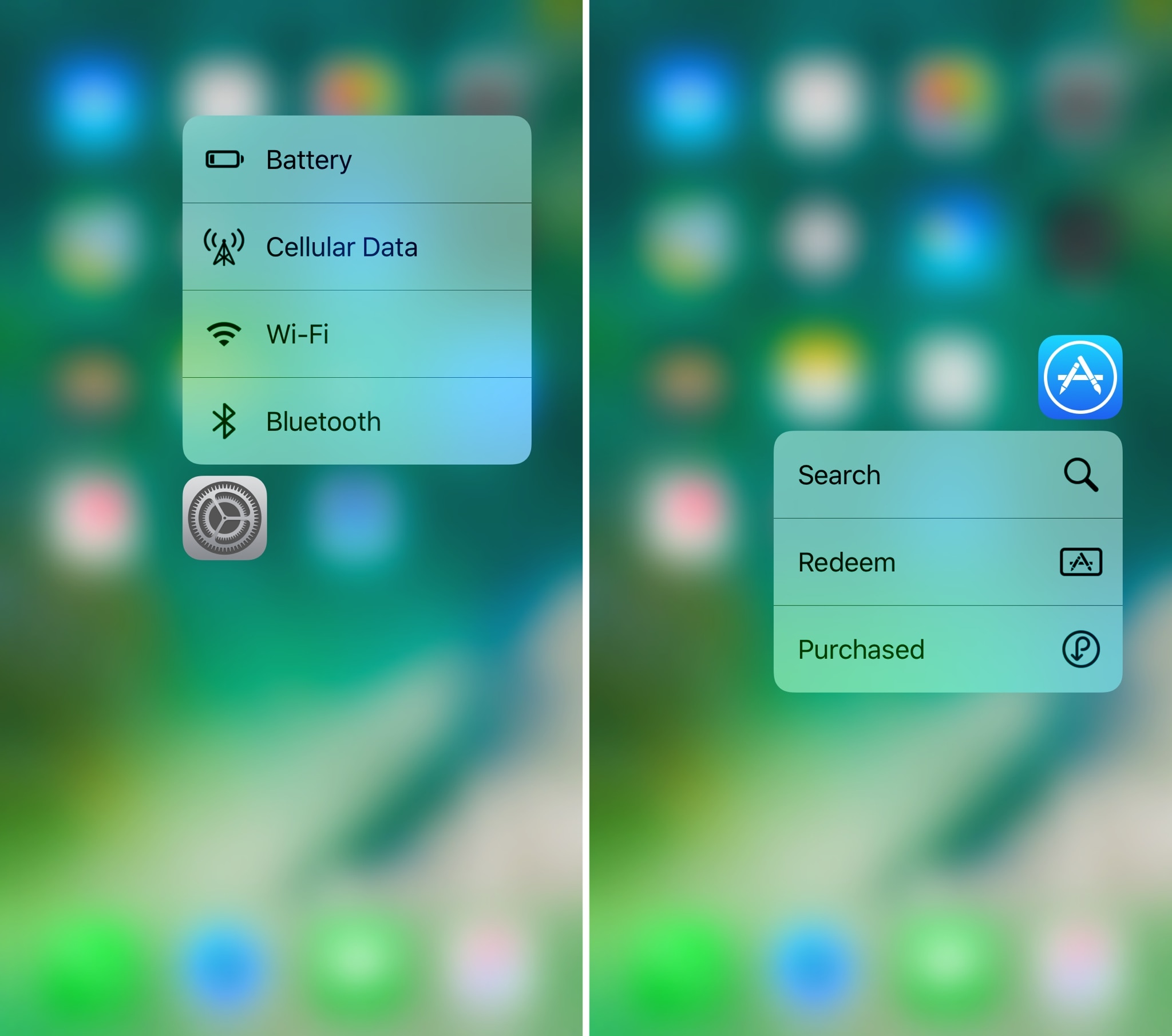
Quick Actions are the menus accessible from the Home screen with a 3D Touch gesture on any app icon (iPhone 6s or newer). They not only contain shortcuts to vital app functions but they sometimes host widgets that summarize information from that particular app.

While some enjoy these widgets, the same can’t be said for everyone. Unfortunately, Apple doesn’t provide a way to hide these widgets from the Quick Action menus, so a new free jailbreak tweak called No3DTouchWidgets by iOS developer DGh0st was born.

Force3DAppShortcuts enables Quick Actions on unsupported devices

Anyone with an iPhone 6s or later can access handy 3D Touch-based app features directly from their Home screen without launching the said app, but those with older devices haven’t been as lucky (until now).

A new free jailbreak tweak called Force3DAppShortcuts by iOS developer DGh0st lets you access the same Home screen-based Quick Action menus that you could typically only access on a 3D Touch-enabled device.

How to use Control Center without 3D Touch

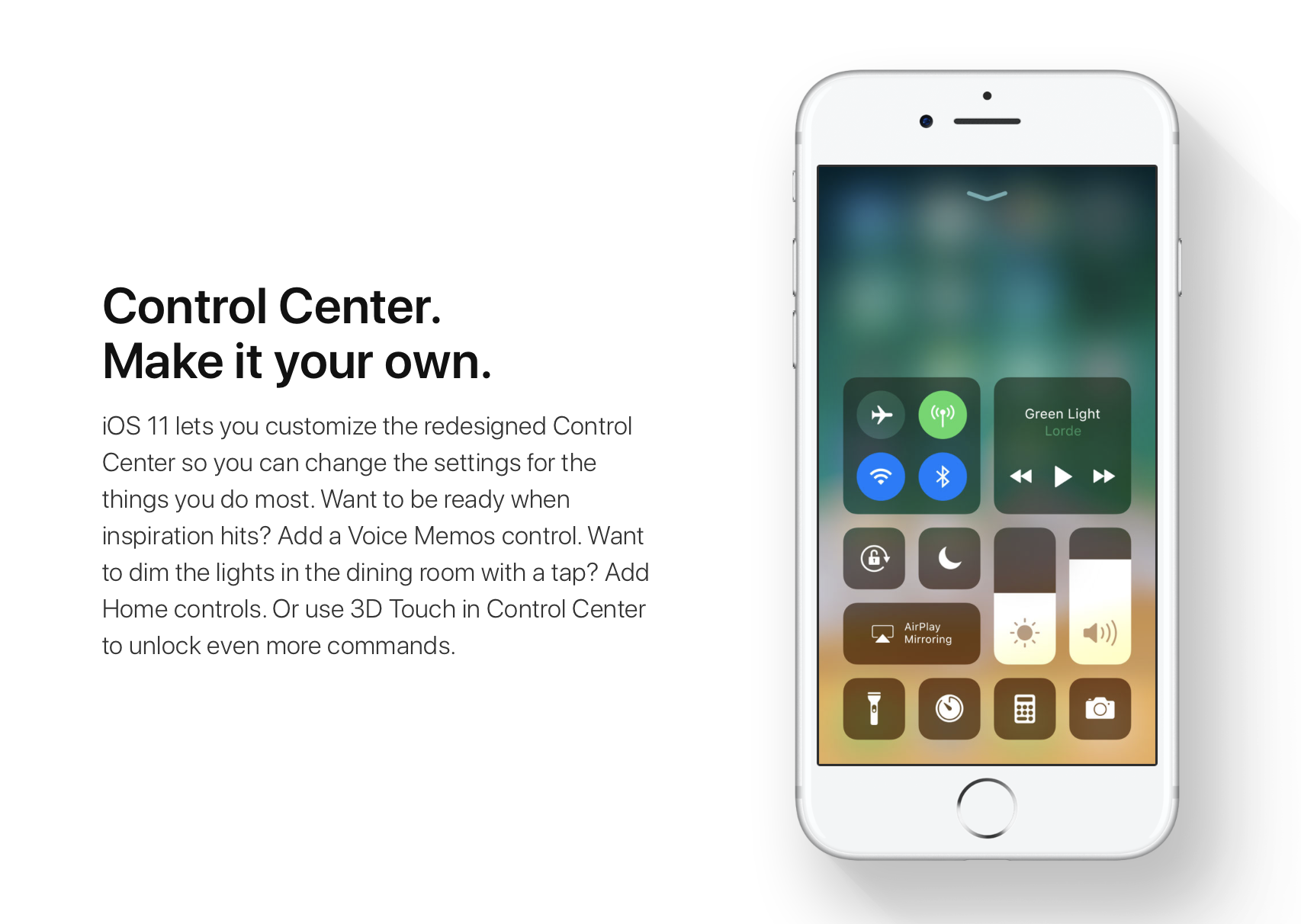
iOS 11 offers more customization for Control Center than ever, allowing you to make it your own by disabling toggles you rarely use. If puts frequently used controls all on one page, many of which can be expanded to reveal additional options when pressed with 3D Touch.

For instance, you can press the Home toggle lightly to bring up your HomeKit scenes, press the Now Playing toggle with 3D Touch to expand media controls, press the Apple TV Remote toggle to navigate your Apple TV or type some text into it, and much, much more.

So far, so great. But what if your device lacks 3D Touch?

Unlike prior iOS editions that didn't provide a fallback mechanism for 3D Touch interactions on non-3D Touch devices, iOS 11 allows you to use all of the features the redesigned Control Center has to offer without having to own a 3D Touch device.

Our resident video editor Andrew O'Hara details how iOS 11's Control Center works on devices that don't include 3D Touch features, like iPads and iPhone 6 and older models.

https://www.youtube.com/watch?v=cpSoo5_TqIQ

Subscribe to iDownloadBlog on YouTube.

Continue reading for step-by-step instructions on using Control Center without 3D Touch

How to use Control Center without 3D Touch

1) Access Control Center by swiping up from the bottom of the screen

TIP: Enable Access Within Apps in Settings → Control Center to have your device respond to that gesture when you're using an app.

2) Tap and hold on the control to expand it.

In Andrew's example, he long-taps the Brightness toggle to access controls for turning Night Shift on or off. You can long-tap other Control Center items that are expandable. For example, long-tapping the Volume control enlarges the slider as if you pressed it with 3D Touch.

iPad lacks Taptic Engine so you won't feel haptic feedback when long-tapping.

That's it, boys and girls, now you know how to interact with Control Center on iOS 11 without actuating having to have a 3D Touch device. This tip should be especially useful for iPad owners as Apple's tablets lacks 3D Touch features.

TUTORIAL: How to force-quite iPad apps on iOS 11

Don't forget you can selectively enable or disable nearly two-dozen different toggles and change the order in which they appear in Control Center under Settings → Control Center → Customize Controls, including new system toggles and features like Screen Recording, Voice Memos, Low Power Mode, Apple TV Remote, Accessibility Shortcuts and more.

To lear more about iOS 11's Control Center, watch another walkthrough video below.

https://www.youtube.com/watch?v=UGWjmt6UXJI

Aside from drag and drop, iOS 11 brings five different types of tap gestures, including a longer tap to move multiple apps on the Home screen, a special half-long tap to pull up an extra Dock menu and a long-tap in the notifications overlay to access additional options.

Need help? Ask iDB!

If you like this how-to, pass it along to your support folks and leave a comment below.

Got stuck? Not sure how to do certain things on your Apple device? Let us know via help@iDownloadBlog.com and a future tutorial might provide a solution.

Submit your how-to suggestions via tips@iDownloadBlog.com.
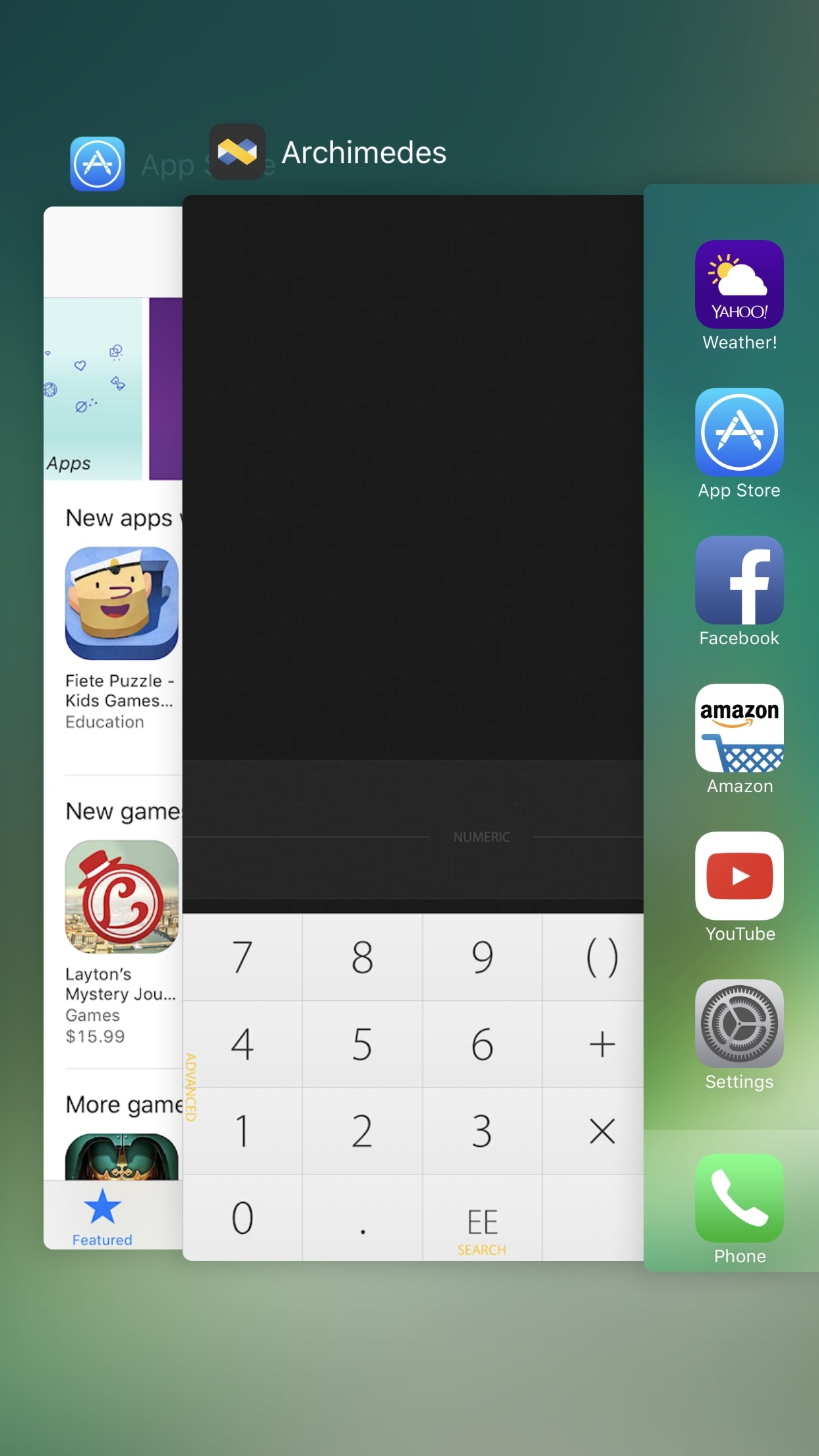
Apple confirms 3D Touch app switching was intentionally removed from iOS 11

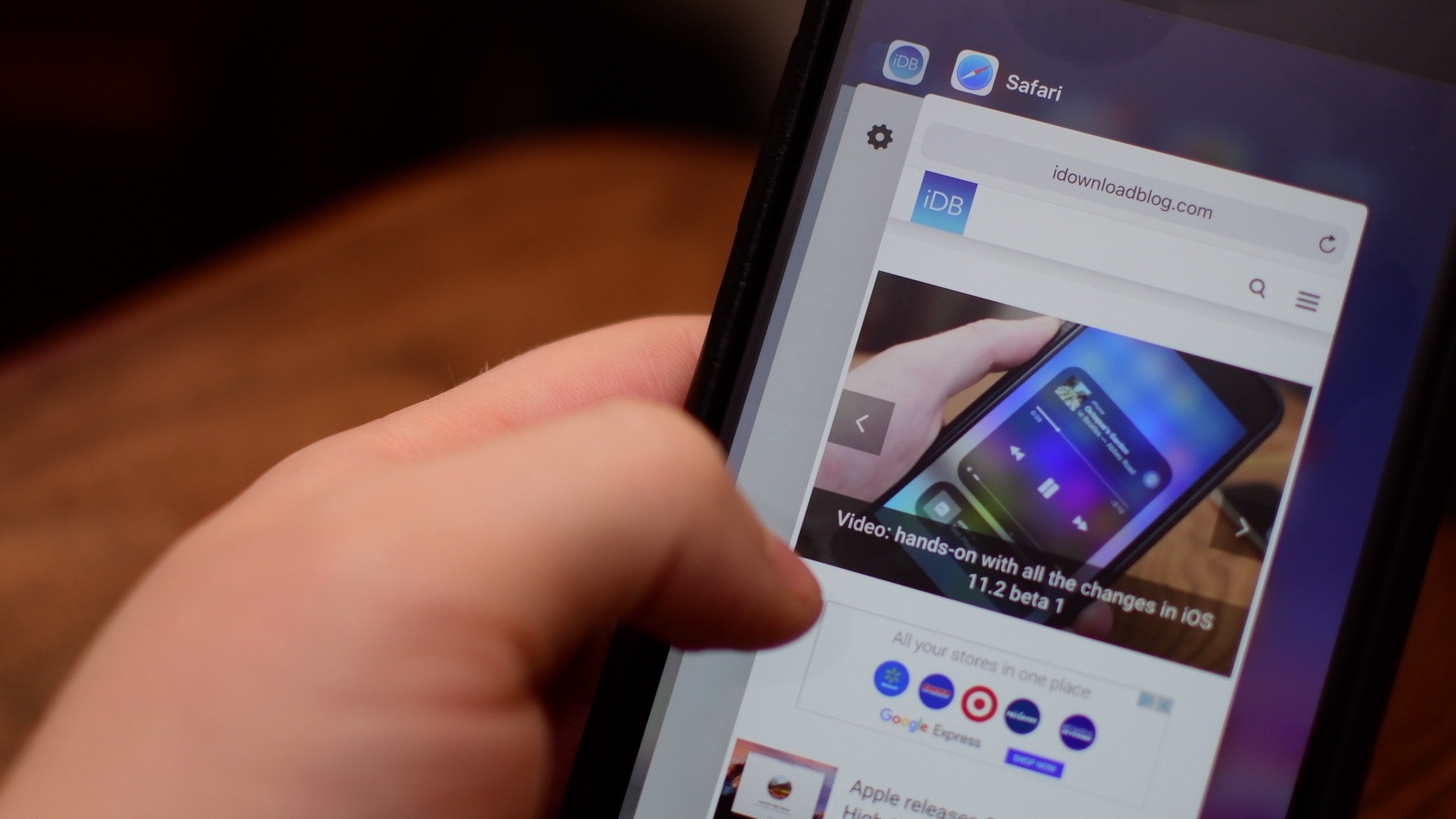
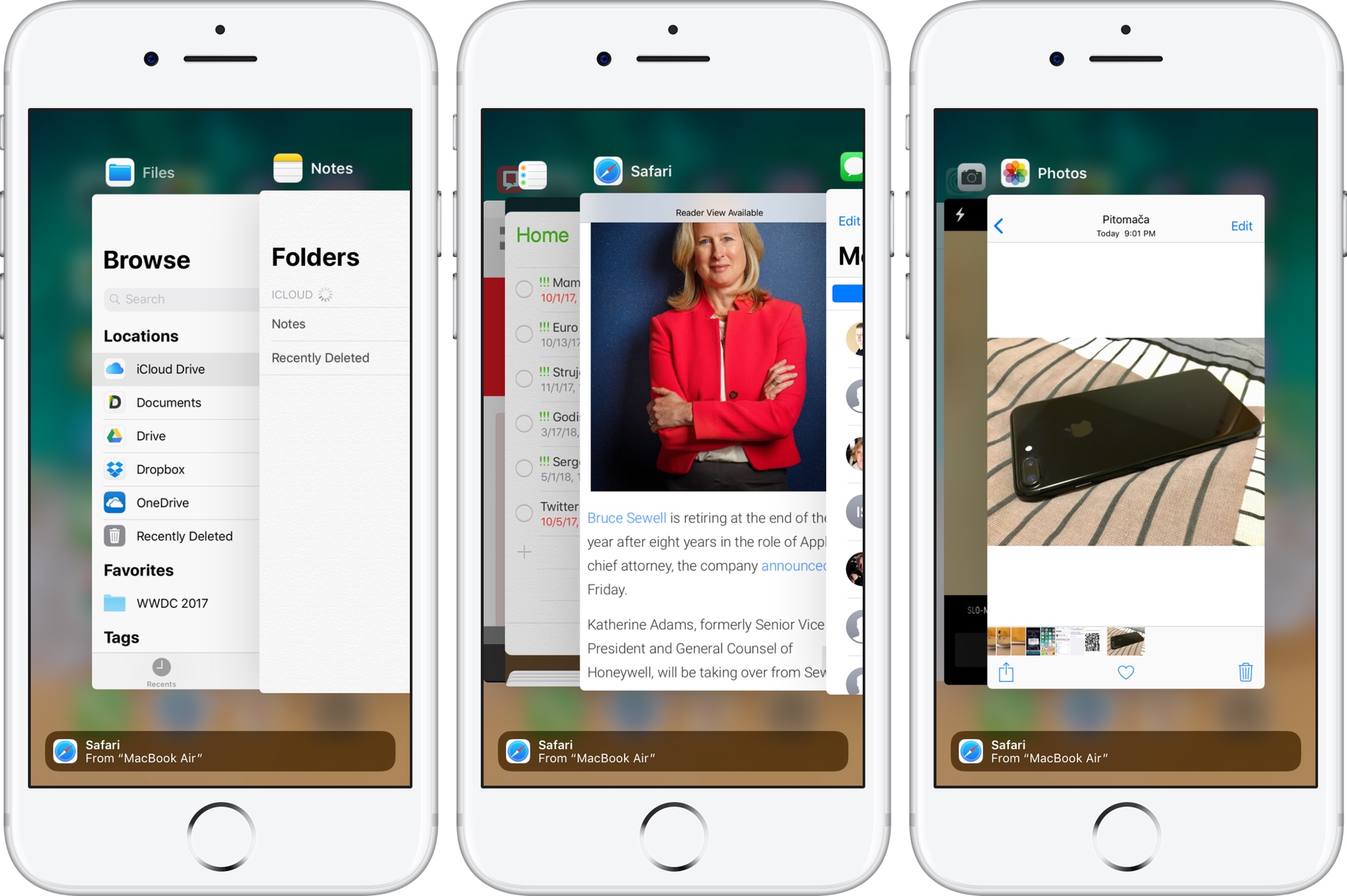
The convenient 3D Touch power-user gesture for quickly opening iOS's app switcher has disappeared from iOS 11 beta. According to Apple Engineering's response to a Radar that developer Bryan Irace recently filed regarding its removal, the gesture was pulled intentionally from iOS 11 beta and might not be coming back in subsequent betas.

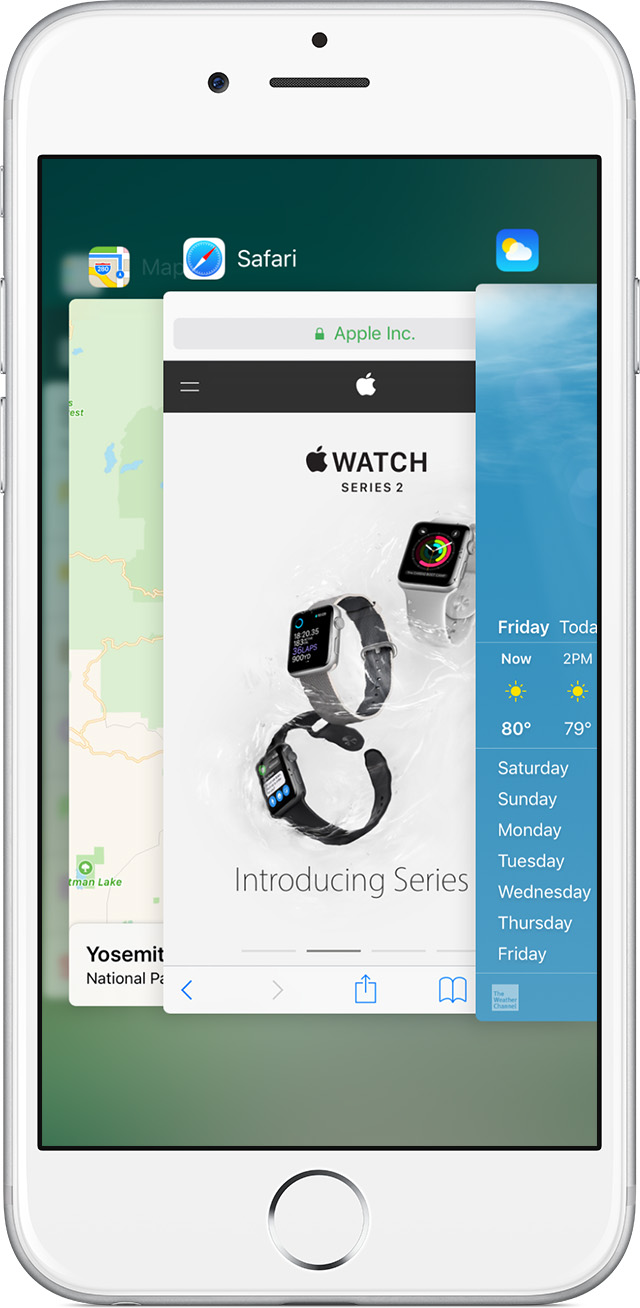
On iOS 10 and older, you can view your recently used apps by pressing the left side of the screen with 3D Touch. You can also use 3D Touch to quickly switch to a previous app by pressing the left edge of the screen hard, then swipe right.

Neither gesture works in iOS 11 beta.

When asked about the removal, Irace received the following reply from Apple Engineering:

Please know that this feature was intentionally removed.

The wording confirms it's not a bug—Apple did remove this power-user gesture on purpose.

Here's the screenshot of Apple's response to Irace's Radar.

I have a problem with the wording of the statement.

For starers, it doesn't make it 100 percent clear whether or not they intentionally removed the gesture from iOS 11 beta only for it to return in subsequent betas. We were, of course, hoping it was merely a bug. But the fact that it isn't listed as a known issue in the release notes accompanying the iOS 11 installer is rather telling.

This could be related to iPhone 8.

With major design changes coming to the next iPhone in the form of a nearly full-screen face with a seamless OLED display, the feature's removal might quite possibly indicate a brand new way of accessing iOS's app switcher on iPhone 8.

I wish Apple made it an optional setting rather than remove it completely. That way, people who still wanted it could keep it. On the other hand, Apple has stats on iOS features people use and perhaps numbers for the app switching 3D Touch thing were dismal, who knows?

The fact is, it doesn't make much sense if you use your Plus iPhone model right-handed. Besides, I know many people who accidentally activate it all the time and get annoyed.

Could it have been deprecated by iPhone 8, because it was too easy to trigger accidentally without a bezel around the display? Will iPhone 8's rumored function area at the bottom doubles as an app switcher of sorts? Last but not least, has Apple decided to remove the gesture because very few people were using it or were unaware it existed in the first place?

Tell us what you think in the comments section!