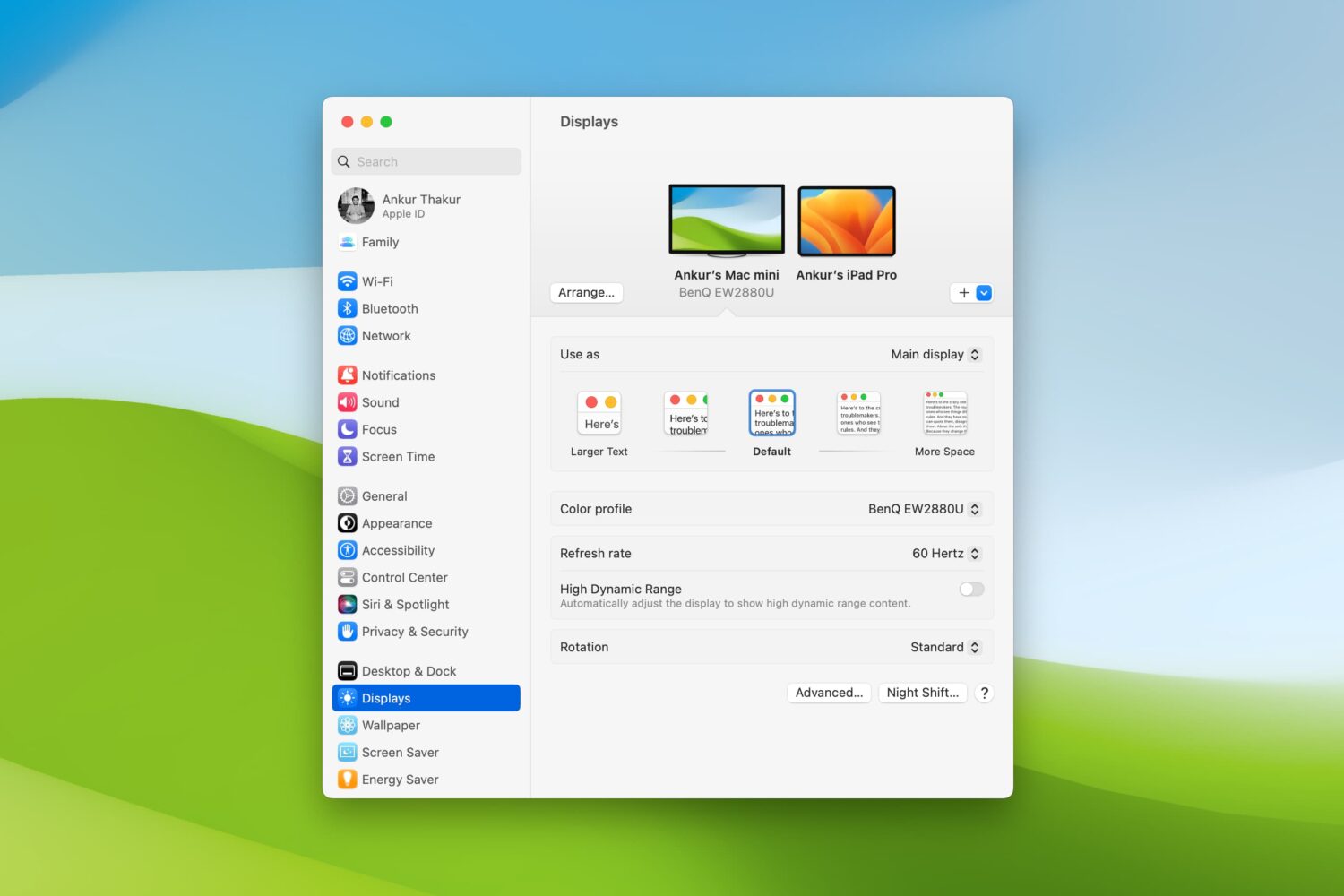
7+ tips to make it easier to see or read your Mac screen

Displays settings on Mac

Are there times when you sit down to work on your Mac and struggle to see items on the screen? Whether it’s the app icons on your desktop, text in emails or webpages, or simply your mouse pointer, there are ways to improve your screen space.

You should never have to strain to read or see what’s on your computer screen. So, we’ll show you several adjustments you can make to improve your Mac experience.
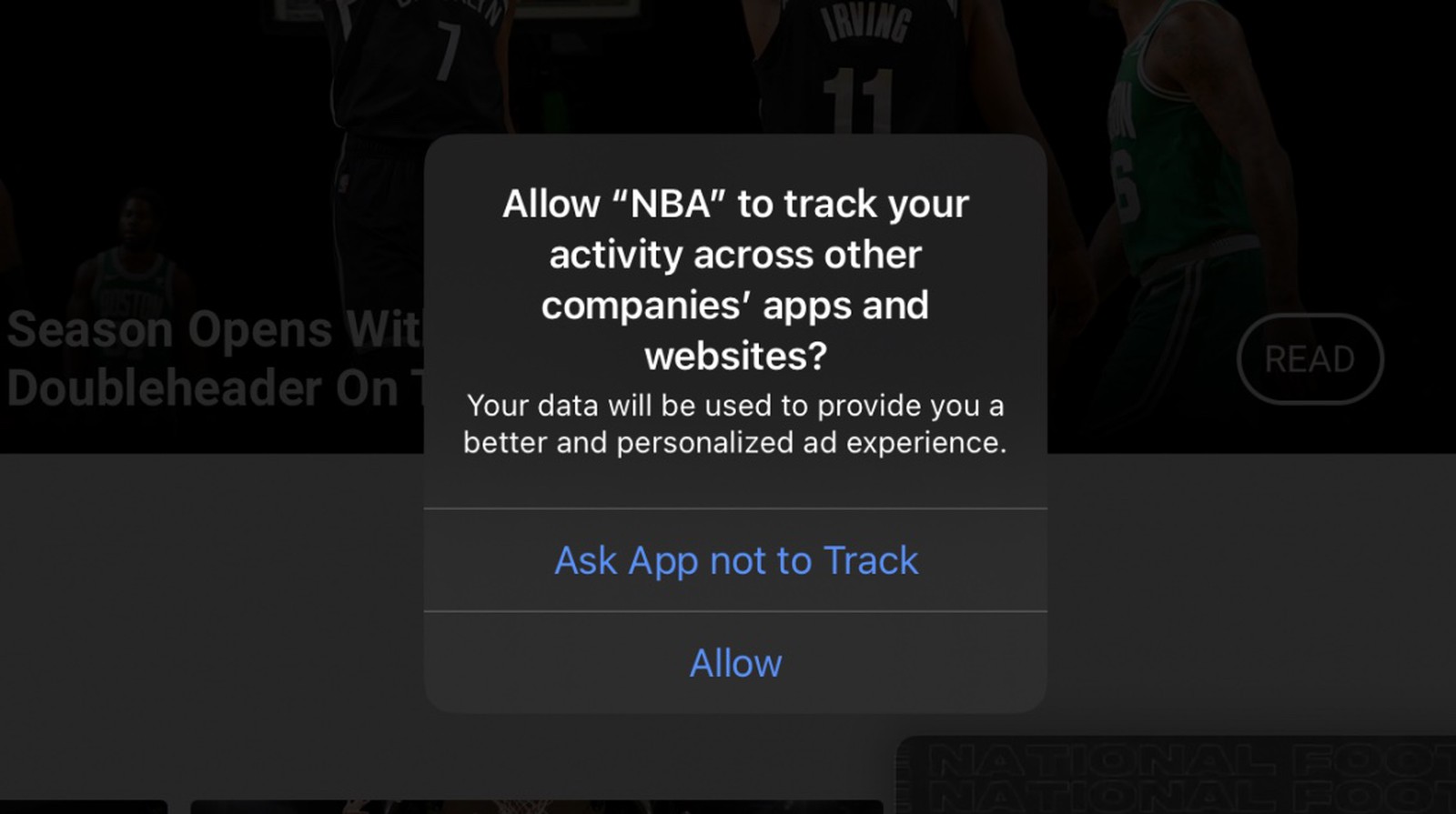
Apple’s new prompt for when apps want to track user activity appears in iOS 14.4 beta

Apple's focus on privacy and user security continues to evolve, and sometimes that butts heads with other major companies out there. For instance, the companies who have built their business on gathering as much data as possible might not be happy with Apple's upcoming privacy-focused feature in iOS 14, which allows users to set limits on which apps can track them across other services and apps.

How to manage data usage in the Disney+ app

Disney+ logo.

If you use the Disney+ video-streaming service on your devices, you probably know that it attempts to deliver the highest-quality experience possible as a default setting. To preserve your bandwidth when using Disney+, however, you must limit video quality over cellular and Wi-Fi. Follow along with us as we show you how to manage Disney+ data usage.