macOS Safari wallpapers optimized for iPhone, iPad, desktop

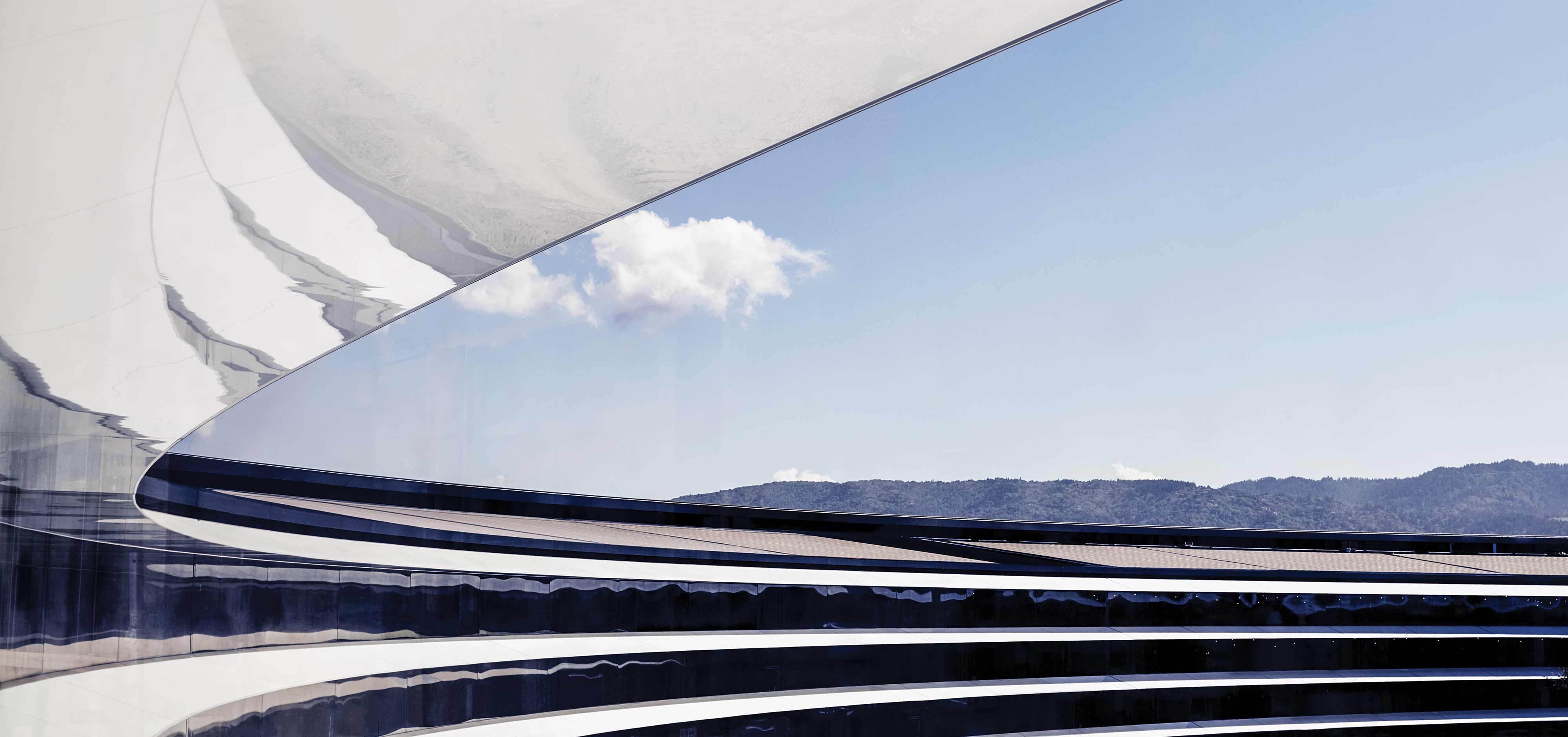
One of the most popular collections on our curated iDownloadBlog Wallpapers of the Week gallery is the official Apple section. Today, we add another set of images to that collection with these macOS Safari wallpaper downloads. A colorful blend of abstract geometry and subtle gradients the official Apple Safari wallpapers are now downloadable to your favorite devices.

Jailbreak tweaks of the week: BeatsStudioBudsControl, YouTube Premium Plus, & more…

While some jailbreakers-to-be continue to wait for a jailbreak solution that works on newer firmware, those lucky enough to already have a pwned handset are wondering what they can do to modify their device outside of Apple’s stock parameters.

At iDownloadBlog, we come at you every weekend with a roundup just like this one, which summarizes everything that you may have missed throughout the busy work week.

How has your desk changed over the last year?

Mail App on MacBook Screen

Over the last year and some change, what going to work looks like has changed quite a bit for a lot of people. What used to be a daily grind with traffic and public transport, or parking, or whatever else it might've been, now relies more on stable WiFi and kids not barging in on us during a Zoom call. But, what about our desks?

Add more pizzazz to your iPhone’s native media player with CustoMedia

Upon tapping the play button for a video in Safari or the Photos app, iOS automatically loads the video in its native media player interface. This media player doesn’t apply to all apps, such as those with proprietary alternatives like the official YouTube app, but it applies almost everywhere else.

Jailbreakers who have an interest in customizing iOS’ default media player are likely to show an interest in a new and free jailbreak tweak dubbed CustoMedia by iOS developer gamehacker080, as it permits the end user to not only colorize the native media player, but also to adjust its behavior in several different ways.

Enhancer for YouTube Premium is a new jailbreak tweak for customizing the YouTube app

I’m a chronic YouTube user, and those in the same boat could probably find a use for one of the boat load of features offered by a newly released and free jailbreak tweak dubbed Enhancer for YouTube Premium by iOS developer LillieWeeb.

The previous name (YouTube Premium Plus) was a bit of a misnomer because it didn’t provide YouTube Premium features for free, nor did it only apply to YouTube Premium users. Rather, it offered a wide variety of options for augmenting YouTube for both YouTube basic and YouTube Premium users alike. The new name, we feel, is much more fitting.

This tweak unlocks listening mode switching for Beats Studio Buds via Control Center on firmware prior to iOS 14.6

Apple device users responded positively to AirPods Pro and their tight integration with the iOS and iPadOS mobile operating systems. More specifically, users appreciated being able to switch listening modes directly from Control Center, which includes Noise Cancellation mode, Normal mode, and Transparency mode.

These features were once exclusive to the AirPods Pro, but fast-forward to today, and those same features can be enjoyed on AirPods Max and even certain Beats headphones like the Beats Studio Buds. One caveat, however, is that users must be running iOS or iPadOS 14.6 or newer to enjoy this functionality with the Beats Studio Buds.