After an agonizing week of waiting, my iPhone 4S finally arrived on my doorstep this morning.
I greeted the friendly UPS driver, and rushed to my office to get this puppy opened.
Join me inside as we unbox the iPhone 4S...
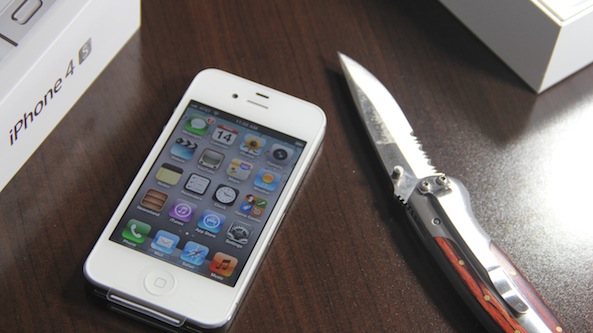
After an agonizing week of waiting, my iPhone 4S finally arrived on my doorstep this morning.
I greeted the friendly UPS driver, and rushed to my office to get this puppy opened.
Join me inside as we unbox the iPhone 4S...

The iPhone 4S hasn't even been available for more than a day, and a drop test has already made its way around the internet.
Like the iPhone 4, the iPhone 4S sports a beautiful glass and metal design. When dropped on its screen, the iPhone 4S proves its mortality...
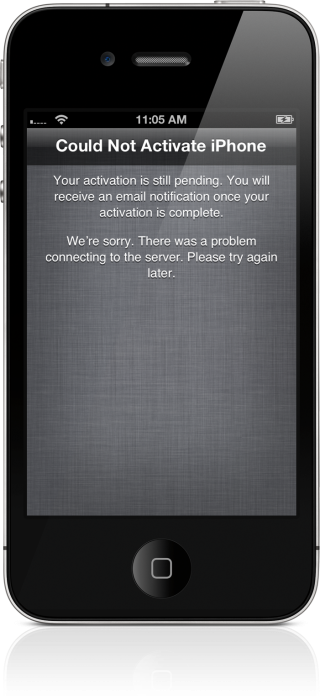
Just picked up your iPhone 4S? Excited? You should be.
But that excitement may be quickly quelled when you try to activate your new device.
Apparently, AT&T's servers are getting hammered, and it's causing activation to fail over, and over, and over...
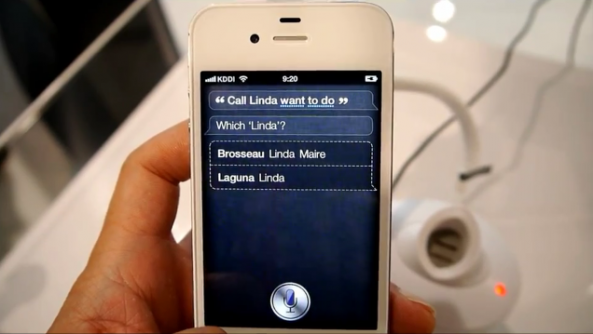
Apple's new voice technology, dubbed "Siri," is really smart. It's also got an attitude.
While Siri has been receiving tons of praise from journalists and consumers alike, Apple's new AI system has one serious flaw: it doesn't understand thick accents.
Ever since Apple unveiled iOS 5 last June, most of its features have essentially been public knowledge. Notification Center, iMessage, etc. — we've been talking about this stuff for several months now.
But the latest version of iOS includes over 200 new features, and many of them have gone unnoticed. So, we put together a short list of 5 awesome features that you may or may not know about. Hit the break for the rundown...
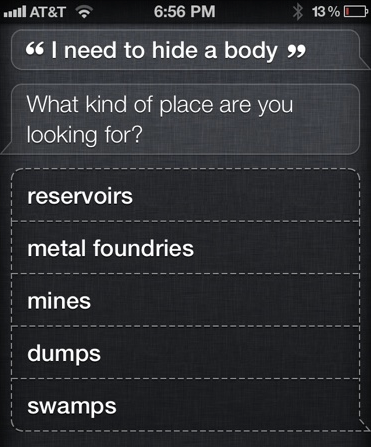
Apple's newest artificial intelligence technology is called Siri. Originally based off the Siri Assistant app in the App Store, Apple uses its own secret sauce and Naunce's backend to create a super intelligent assistant for iPhone 4S users.
What you may not know about Siri is that it has an attitude and a sense of humor. Here's some of the crazy things that Siri says...

As promised, the iPhone Dev Team released an update to the UltraSn0w unlock for iOS 5 today. This update allows users with unlockable basebands running iOS 5 to unlock their iPhone 3GS, or iPhone 4.
This version of UltraSn0w (1.2.4) doesn't add any new basebands to the compatibility list, but if you're running basebands 4.26.08, 05.11.07, 05.12.01, 05.13.04, or 06.15.00 on the iPhone 3GS, or baseband 01.59.00 on the iPhone 4, then you can unlock your device right now...

As was expected, people have begun lining up for the iPhone 4S around the world. Certain people have been in line for over a week now, and more are joining by the minute.
We've collected some photos of Apple Store lines for the iPhone 4S launch...
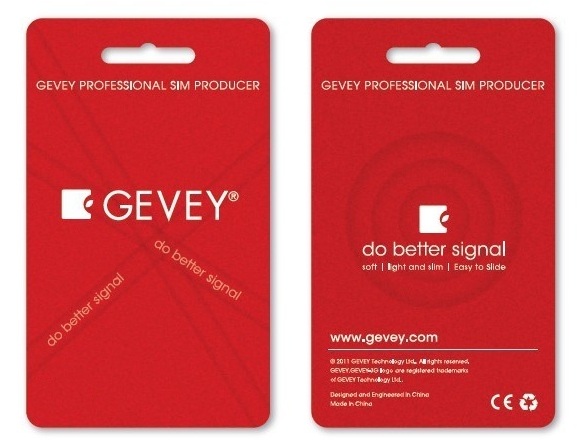
With the release of iOS 5, we've been asked by a bunch of Gevey unlockers if it was safe or not to update to the latest operating system.
Truth be told, I do not use the Gevey SIM unlock, so I wasn't really able to help until a user pointed out the obvious to me: it works as long as you preserve your baseband...
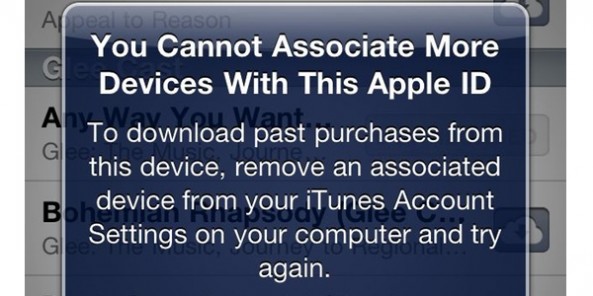
We've been hearing murmurings that Apple was considering giving users a way to merge two separate Apple ID for a month or so now, but it appears that any hopes of those coming dreams coming to fruition have just been dashed to pieces.
With Apple launching iCloud to the public over the last few days, many had been wondering if the rumors were true, and if Apple was going to offer a way for users to consolidate multiple Apple IDs into one "super" account. This would have been perfect for households who want just one iTunes bill, one master account, but multiple IDs associated with it.
Alas, Apple now says that's not going to happen...
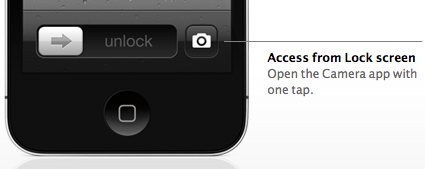
One of the cool new features of iOS 5 is that it allows you to bring up the Camera app directly from the lock screen. No need to unlock the phone, look for the Camera app and launch it, as you can now do that right from the lock screen now. This simple feature can save time if you want to take a picture right away.
I've been asked a few times today how to activate this feature, and even though most of you out there probably know how to use it, I figured it might be helpful for new iOS users...