The new Premiere Pro features include the ability to use your iPhone's HDR footage in SDR projects without ending up with too bright video and washed-out color.
Premiere Pro will no longer wash out color when using iPhone HDR footage in SDR projects
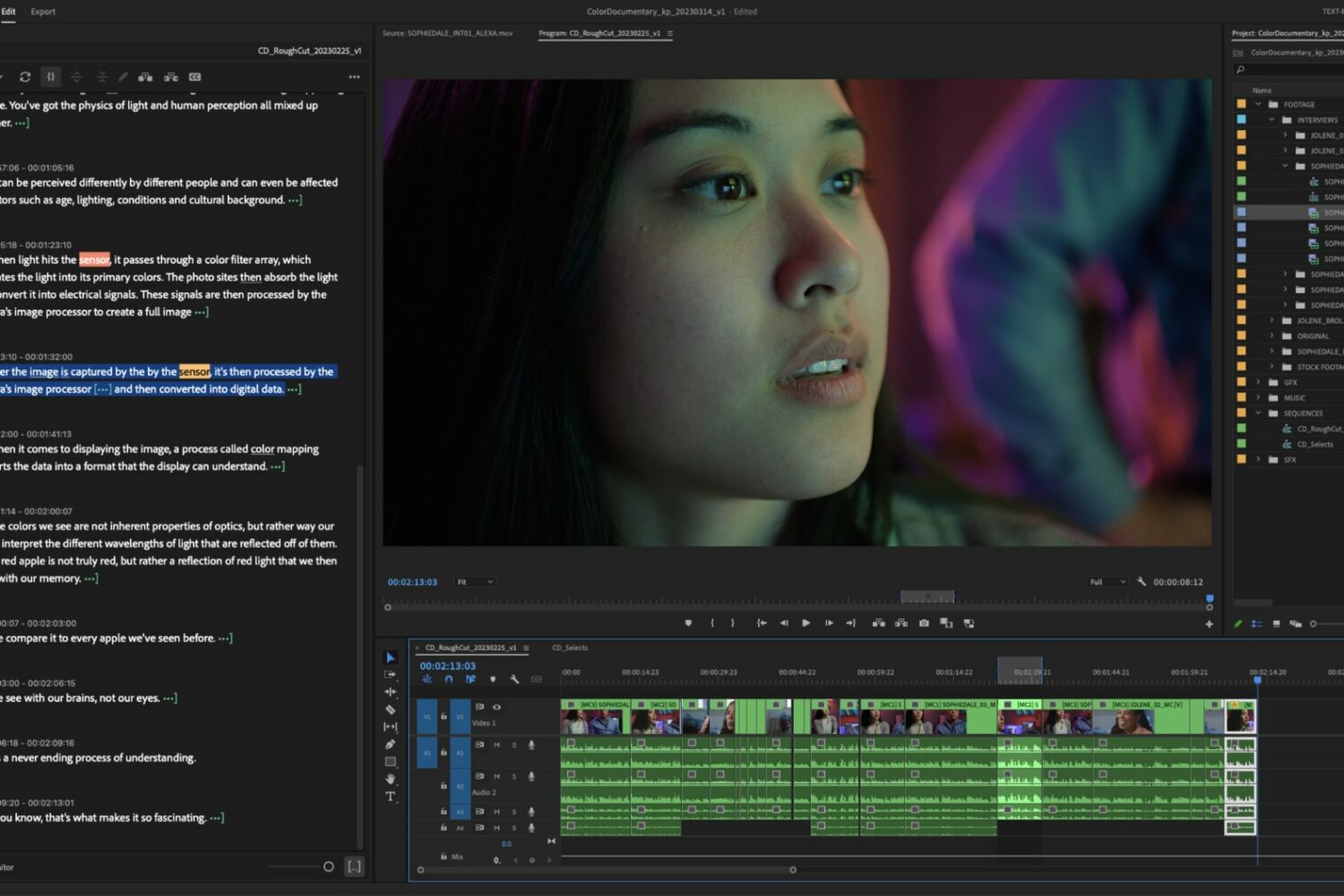
The new Premiere Pro features include the ability to use your iPhone's HDR footage in SDR projects without ending up with too bright video and washed-out color.
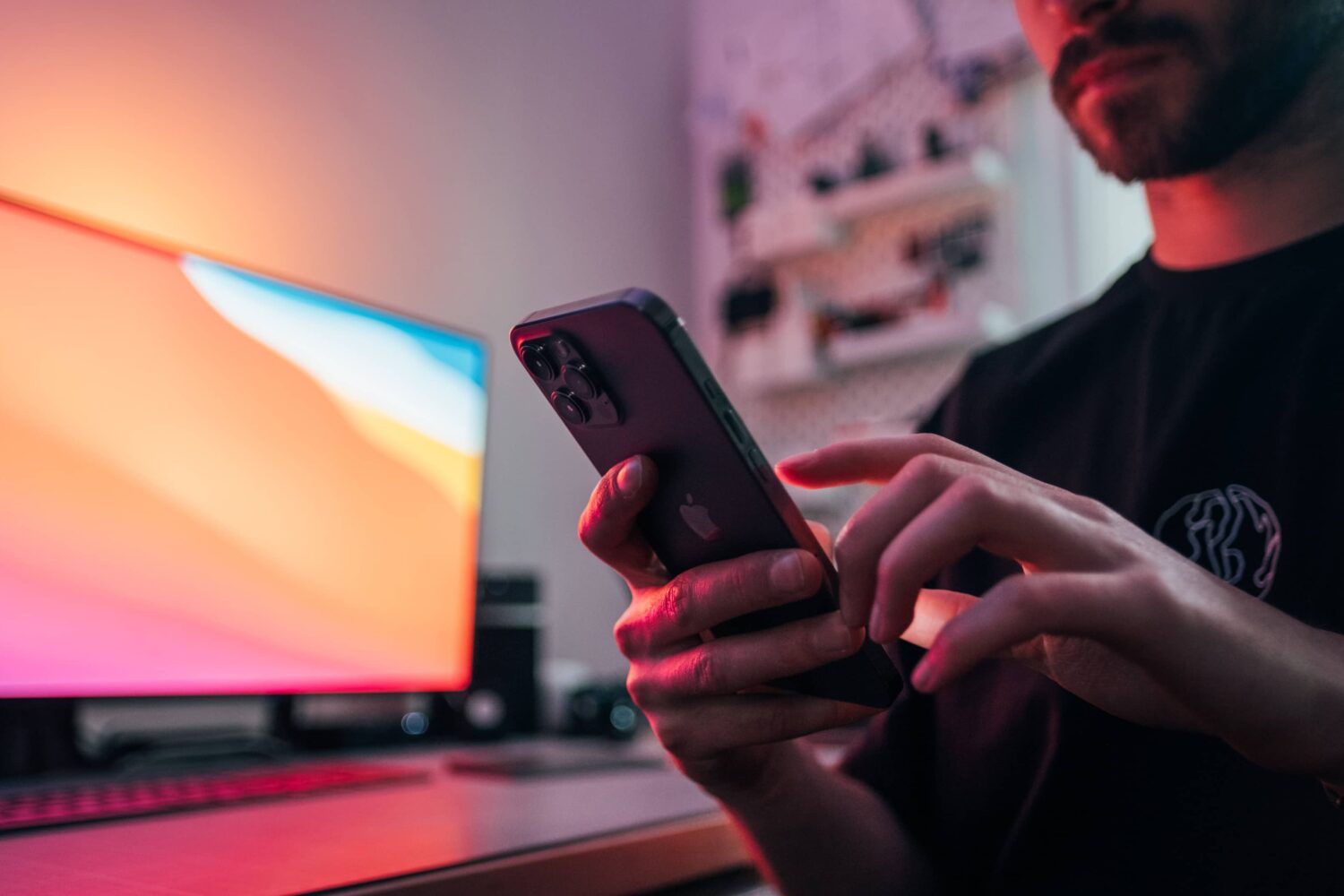
iOS 17's primary focus should be boosting speed and reliability, with minor but useful new features such as interactive widgets, Siri in the Dynamic Island, etc.

An iPhone, iPad or Mac is needed to refresh AirPods software, but folks without one can now visit Apple's retail stores to have their AirPods firmware updated.
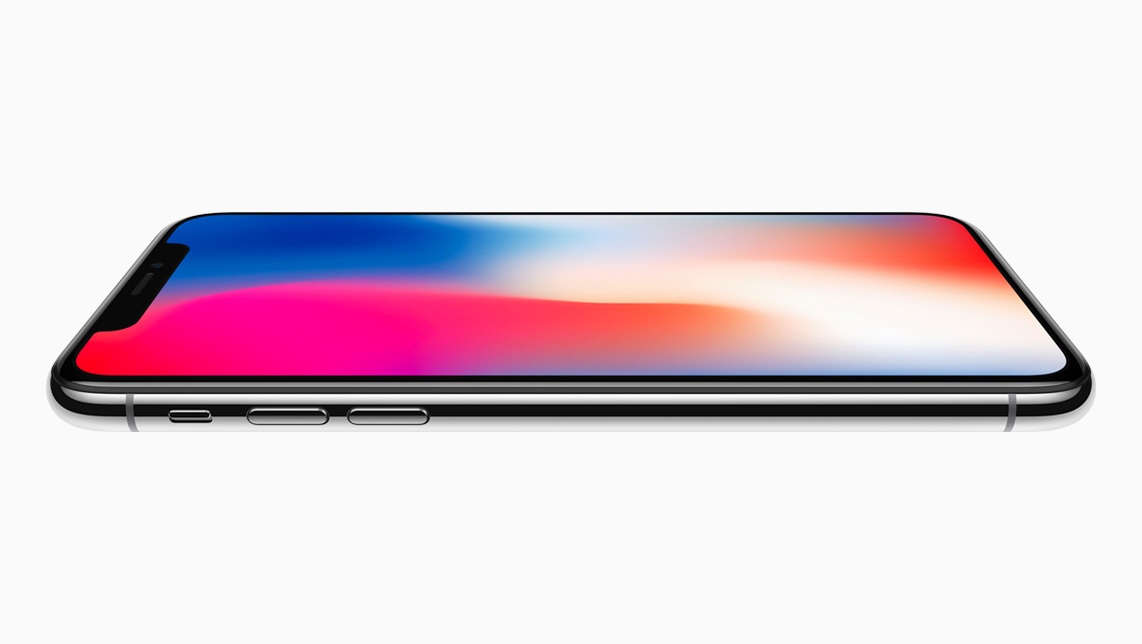
If you’ve been paying any attention to the Apple rumor mill lately, then you’ve likely heard how iOS & iPadOS 17 could ditch support for the iPhone X, iPhone 8 Plus, iPhone 8, and some older iPads. Another rumor alleged the exact opposite the very next day, which makes for some remarkable contradiction in “insider” knowledge.
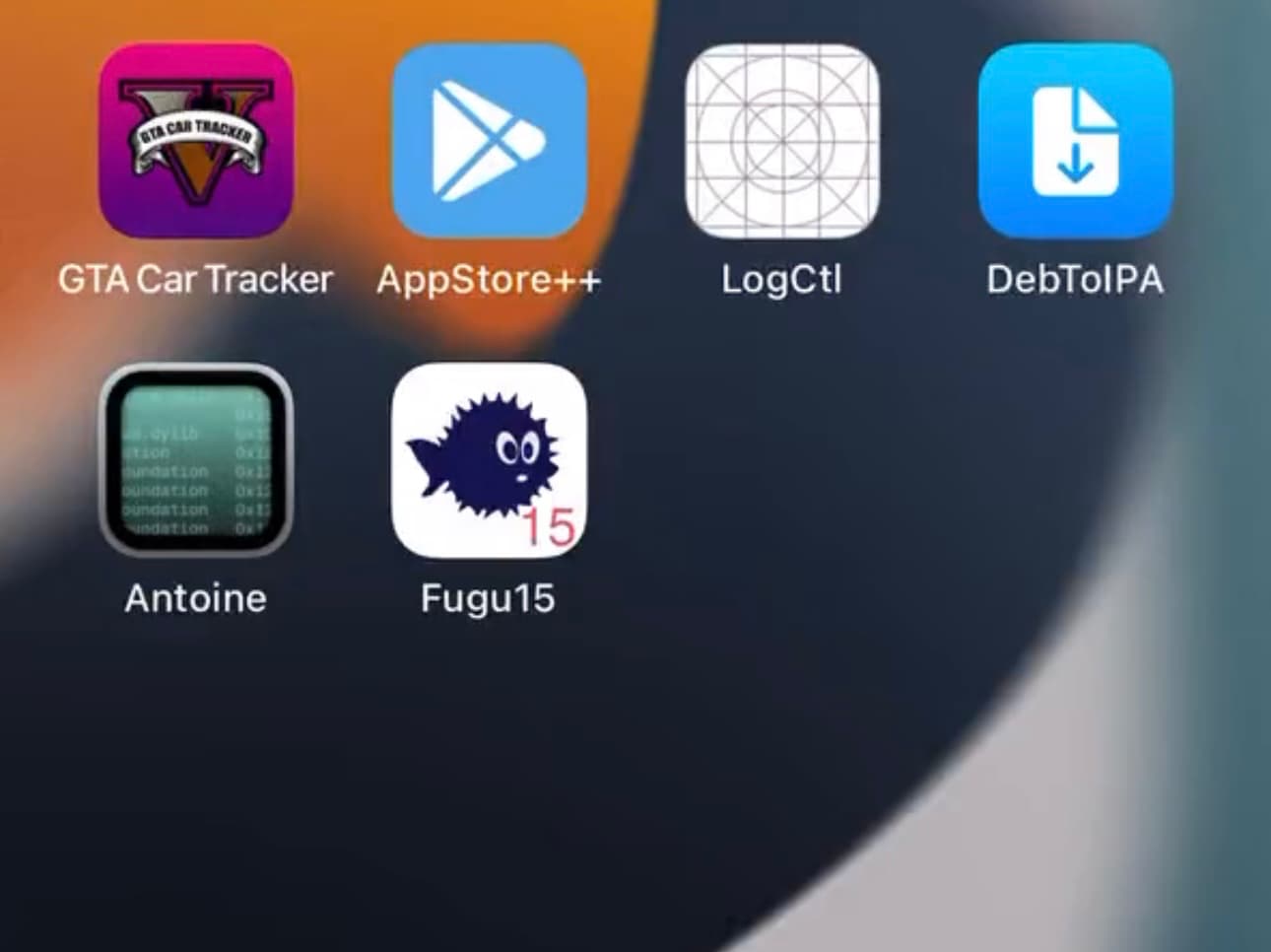
Developer Lars Fröder (opa334) published a sixth Fugu15 Max public beta early Thursday morning with a rapid bug fix after seeding a fifth public beta just yesterday.
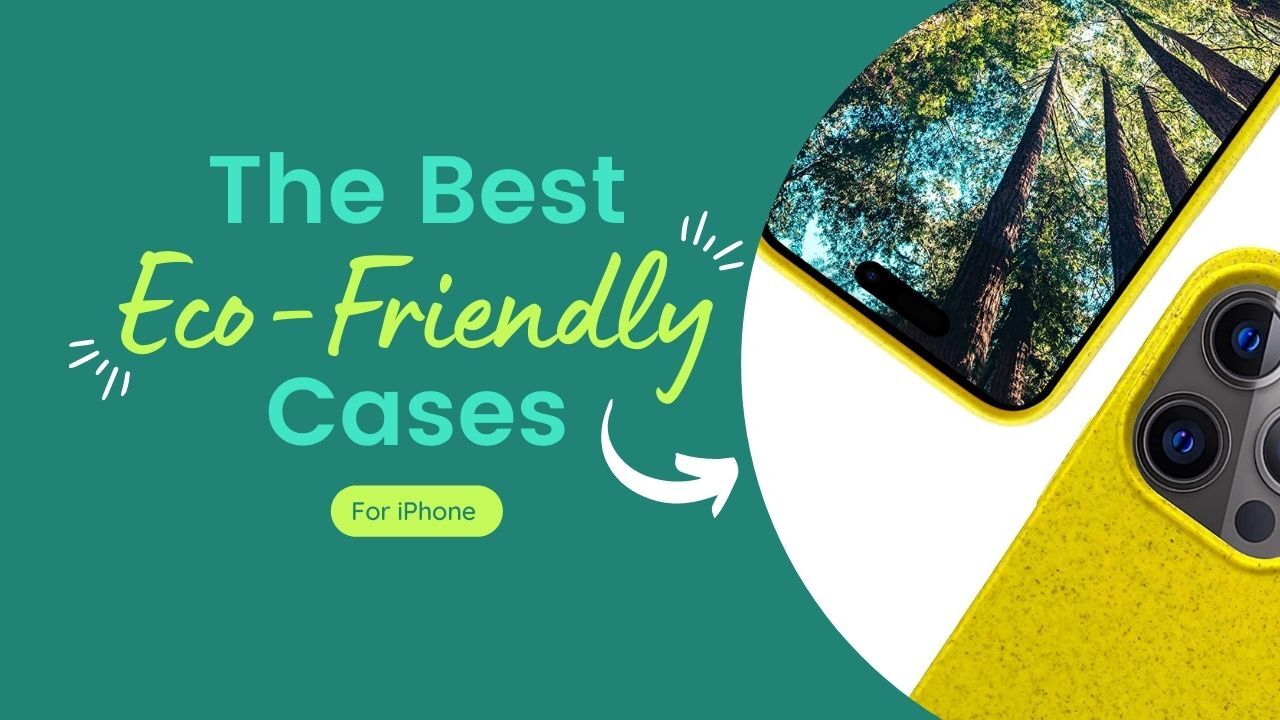
A good case can protect your phone and its fragile display from breaks, scratches, and other forms of damage incurred while in a purse or pocket, or when dropped. But did you know that there are phone cases that can also help protect the environment?
That’s right, just like fashion and other industries, mobile accessory makers have started using sustainable materials in their products in an effort to lower their waste and carbon footprint.
Today we are going to take a look at some of the best eco-friendly iPhone cases available, with options for every style and budget.
Purchases made on this page help support iDB. We may earn a small commission when you purchase through links on our site.
The best eco-friendly cases for iPhone November 2023 Pela iPhone Case with MagSafe ModuleTo be honest, we could probably fill this entire roundup with Pela cases. The company makes dozens of different iPhone cases, with various designs and patterns, using its proprietary blend of biopolymers and Canadian Prairie flax shive. That means the cases are free of lead, cadmium, BPA and phthalates, and are 100% compostable. This particular model has the built-in magnet, so it’s guaranteed to work with your MagSafe chargers and accessories.
iPhone 14 Pro $70
Other iPhone models:
iPhone 14 iPhone 14 Plus iPhone 13 & older WOODCESSORIES iPhone CaseThis WOODCESSORIES case is certified Climate Pledge Friendly by Amazon, meaning it has met certain sustainability standards. It’s made of wheat mix and organic plastic, and it’s BPA-free. This case is MagSafe-compatible, meaning your phone should still work with your chargers and accessories, but it doesn’t have the built-in magnet for that added confidence. There is a bonus though: for every product it sells, the company will plant a tree!
iPhone 14 Pro $25
Other iPhone models:
iPhone 14 iPhone 14 Plus iPhone 14 Pro Max iPhone 13 & older Inbeage Bio Case for iPhoneGoing green doesn’t necessarily have to be expensive. Inbeage has its Bio Case priced under $20. It’s made of plant-based biopolymers and harvested plants, and it’s free of lead, cadmium, BPA, phthalates, and other toxins. They market the case as 100% biodegradable and compostable, and the Amazon reviews, though few, seem pretty solid. The only downfall here is that there doesn’t seem to be support for as many iPhone models as the other cases.
iPhone 14 $13
Other iPhone models:
iPhone 14 Plus Explanita Eco Mobile Phone CaseExplanita has been making environmentally-conscious accessories and products for several years, and it too, offers an uber-affordable, eco-friendly iPhone case. They don’t break down the exact percentages, but the Eco is made from a mix of biodegradable properties like wheat straw and fiber, and recyclable TPU. The case comes with a 12-month warranty, has great Amazon reviews, and an “A” FakeSpot rating.
iPhone 14 Pro $9
Other iPhone models:
iPhone 14 Granola Gear Eco Friendly Case for iPhoneHere's another well-know case brand that has been making iPhone cases since the 6 series days. Granola Gear's eco-friendly iPhone case is a great mid-range option for those in search of 100% compostability. Seriously, once you are done using this case, you can just toss it in your compost pile. The company says it will break down in as few as 3 months — that's because it's made from plants and is completely plastic-free, as is its packaging.
iPhone 14 Pro $19
Other iPhone models:
iPhone 14 iPhone 14 Plus iPhone 14 Pro Max iPhone 13 & older FAQ What does eco-friendly mean?Eco-friendly is a broad term, used to describe a variety of products and practices, but the general definition is "not harmful to the environment." There are a number of different ways products can be considered eco-friendly, including using biodegradable, compostable, sustainable, and recyclable materials. Others will use 100% recyclable or compostable materials in their packaging. Some companies will claim their products are eco-friendly because they donate a portion of each sale to a green initiative or organization — again, the gamut is extremely wide. For the purposes of this roundup, however, eco-friendly means that the case is made of all, or at least some, biodegradable materials. That way you know that all, or most, of the case will break down over time, and not take up any space in a dump or landfill.
Why is eco-friendly important?Becoming more eco-friendly is a mission for a number of companies, including Apple, in an effort to help minimize the waste and pollution from the mobile industry. To better understand it, let's try a little exercise. Think of all of the cases you've had, for all of the mobile phones you've ever owned, and picture them in a pile, along with their packaging, on the ground in front of you. Now that's just your waste. Imagine this pile multiplied 8 billion times. The majority of this waste will not break down, meaning it will just sit there, in a dump or landfill somewhere (or worse, the ocean), forever. This is obviously not sustainable, so many companies are looking for ways to change course.
Are biodegradable phone cases actually biodegradable?The short answer is yes. If a company claims their cases are 100% biodegradable, one would assume that they are, but you can always check out the materials to confirm it. If you see TPU or plastics mentioned, then there should probably be an asterisk, as normal plastics aren't biodegradable. You can use recycled plastics, which is certainly better than nothing, and I believe there are some bio- and organic plastics now that will decompose, but for the most part, plastics = bad. Examples of biodegradable materials include, but are not limited to, biopolymers, flax shive, flaxstic, flax straw, wheat mix, and fiber.
What is the difference between compostable and biodegradable?The difference between biodegradable and compostable products is super simple: the former promises to break down into smaller pieces over time, and that's it. The latter promises to break down quickly, without releasing anything harmful into the environment, as well as provide nutrients. All compostable products are biodegradable, but not all biodegradable products are compostable.
What is BPA and why is it bad?You'll see BPA-free marked on a lot of these cases, and really, products in general. BPA is the abbreviation for the industrial chemical bisphenol A, which has been widely used in polycarbonate plastics and epoxy resins for the past 60 years. Why is BPA bad? Well for starters, it's been linked to certain types of cancer, hormone disruption, and various other health problems. It's also a persistent chemical, meaning it doesn't break down easily in the environment. BPA will actually accumulate in soil, water and living organisms over time, which in turn leads to higher concentrations throughout the food chain. This is called bioaccumulation, and it's...not great. You'd be surprised how much plastic we unknowingly consume on a regular basis.
Other than BPA, what toxic chemicals should I watch out for?You'll notice a lot of these cases, and other eco-friendly products, proudly claim they are free of lead and other toxic chemicals. Lead is bad, because it's a highly toxic heavy metals that can cause severe health issues, and like BPA, it can bioaccumulate in plants and animals, resulting in higher concentrations in the food chain. Then there's cadmium, which is bad for all the same reasons, and Phthalates, which are a group of chemicals used as 'plasticizers' in various products. These too are highly toxic, and can leach from products into the environment. Ugh. Bottom line: it's a very good thing if a product claims to be free of these chemicals.
What are sustainable materials?Sustainable materials are materials that have a lower environmental impact compared to traditional materials. These materials are sourced, produced, and used in a way that minimizes negative effects on the environment, human health, and resource depletion. Sustainable materials you might see in phone cases or their packaging include bamboo, cork, mycelium, re cycled materials, and bio-based plastics.
Are compostable phone cases as durable as plastic cases?Obviously quality can vary from brand to brand and case to case, but for the most part biodegradable and compostable cases are very similar to their plastic counterparts. Many of them have a rubber-like texture for better grip, and have added padding around the rear camera and display for better drop-protection. These cases are made for all smartphones, including legacy iPhones and Androids, as well as new phones, and they are [somewhat] compatible with wireless chargers.
Are cork phone cases eco friendly phone cases?They certainly can be, yes. As with other cases that claim to be eco-friendly, you have to look at all the materials used in the manufacturing, not just the cork. Reveal, for example, makes cork and cork leather cases, that are completely sustainable. The cork is made from the bark of cork trees, meaning they don't need to cut the tree down to harvest the material. We have yet to find any real inventory of their iPhone 14 cork cases, but if you have an older model iPhone, they may be worth checking out (no cases for Android phones, though). Cork is completely biodegradable and can be easily recycled without releasing any toxic residues during the production process.
Be sure to check out our other roundups:
The best AirPods deals The best prepaid plans for iPhone Developer Lars Fröder (opa334), known not only for making the popular TrollStore perma-signing utility, but also for efforts to make the Fugu15 jailbreak for arm64e devices running iOS & iPadOS 15.0-15.4.1 functionally stable for end users, an effort currently being dubbed Fugu15 Max for the time being, announced a fifth beta of the Fugu15 Max project on Wednesday.
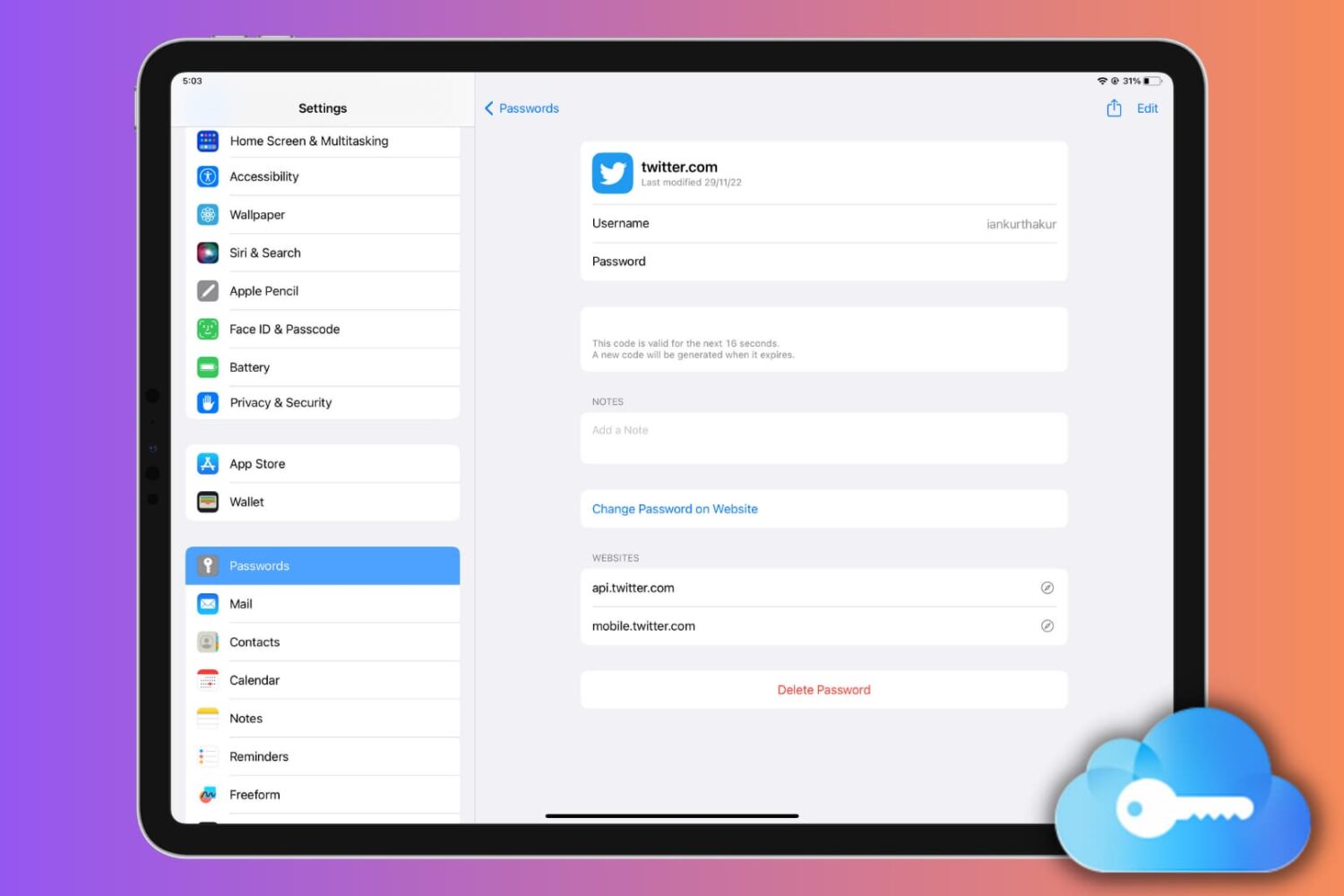
Learn how to set up, use, or turn off iCloud Keychain on your Apple devices to keep your passwords secure and simplify your digital life.
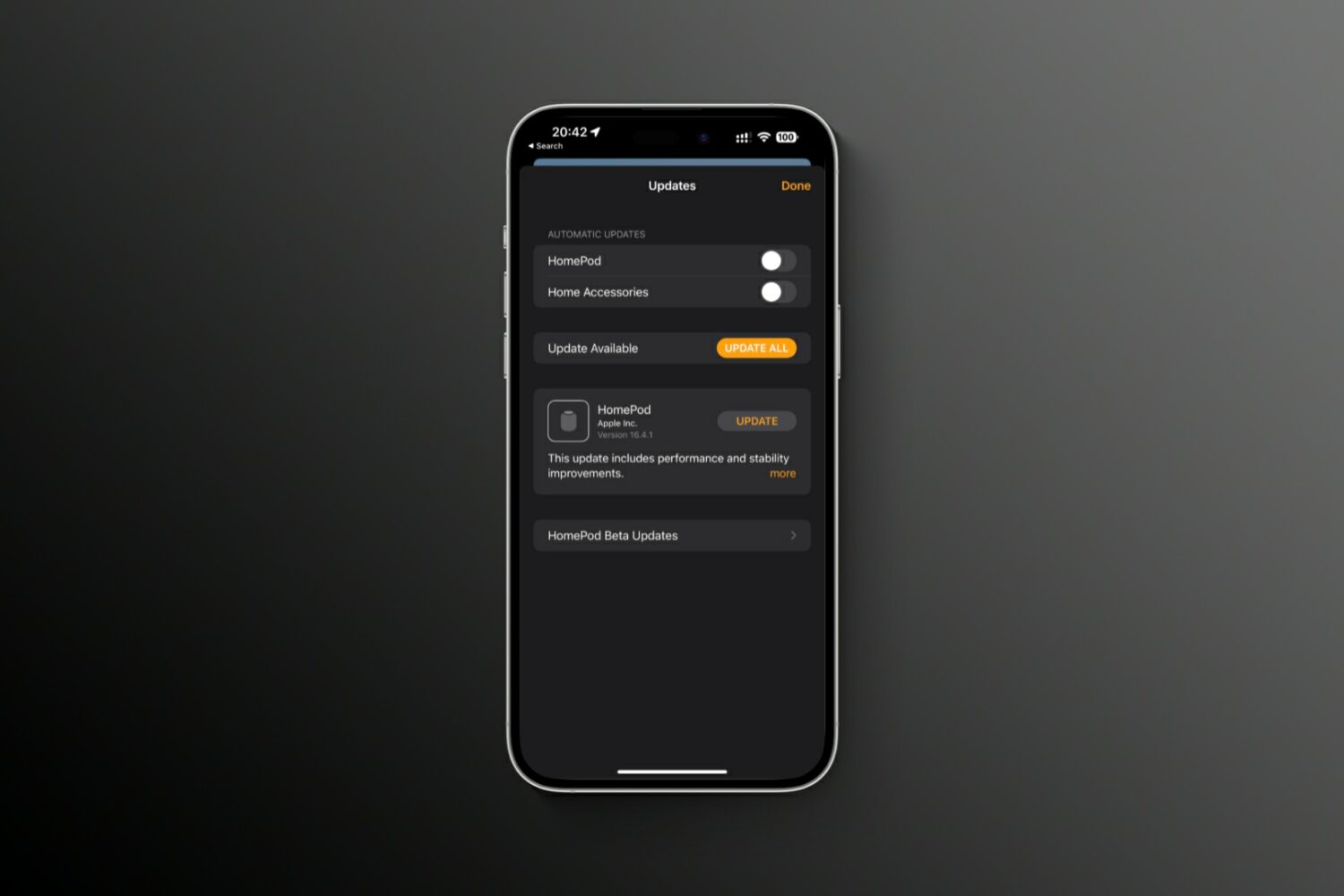
tvOS 16.4.1 improves the stability and performance of your Apple TV and HomePod devices, with no new user features included in the update.
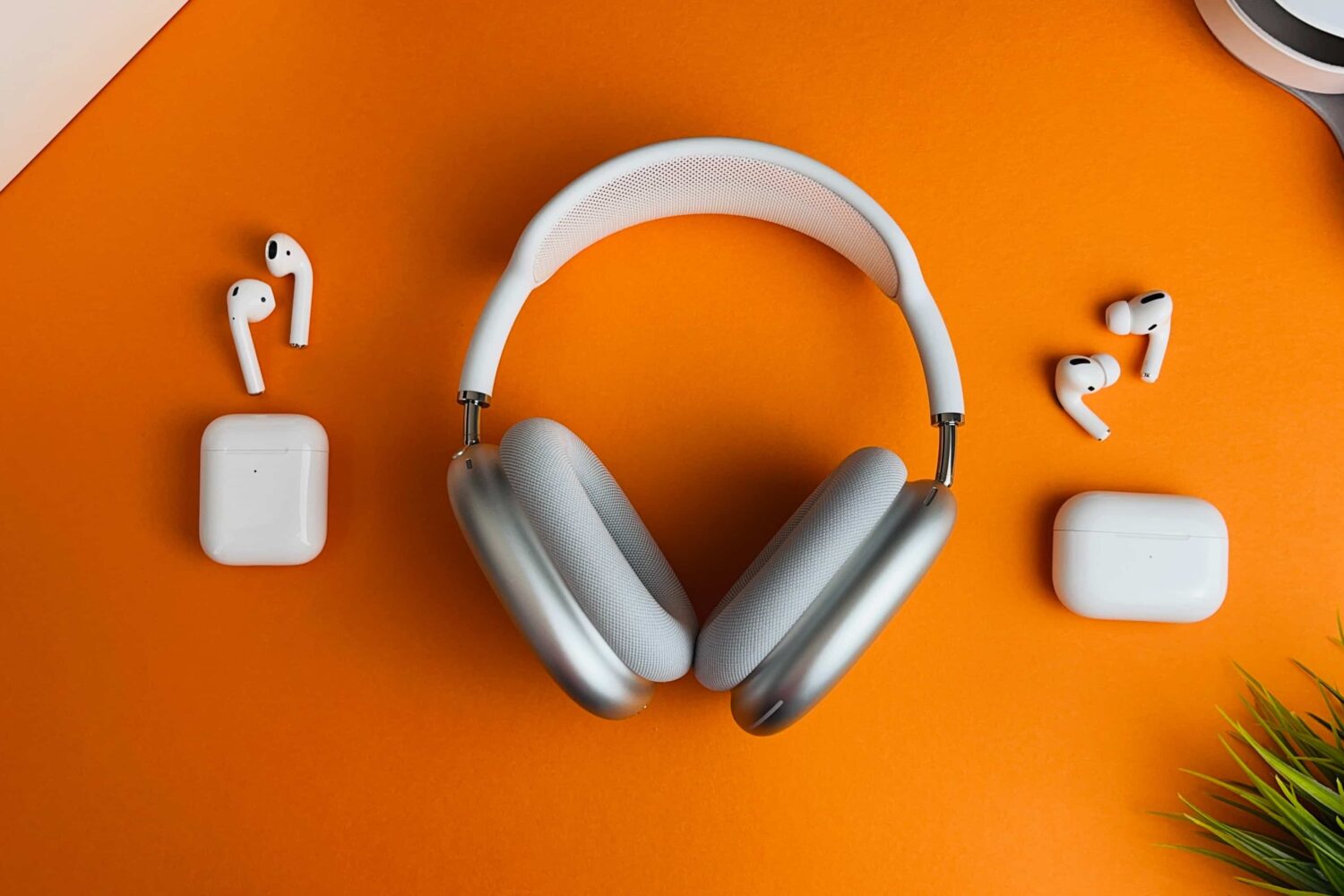
The latest firmware for the AirPods, AirPods Pro and AirPods Max models is apparently a maintenance release with no new user-facing features.
The AltStore sideloading app for iPhones and iPads has been updated to version 1.6.3 with a short list of improvements.
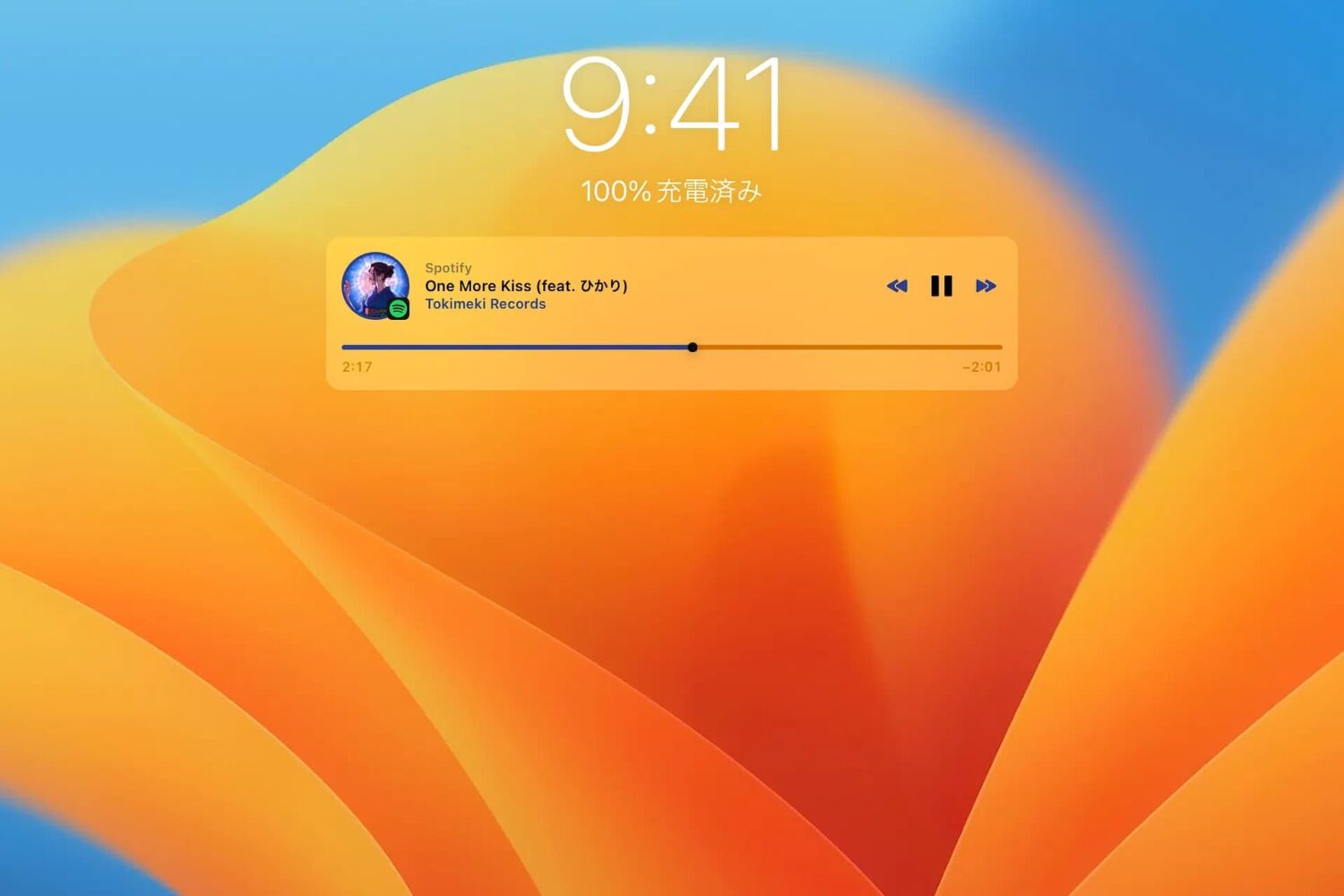
Just a couple of years ago, we showed you a jailbreak tweak called Mochi by iOS developer Sugiuta that aesthetically improved the Lock Screen’s Music player. Not only was it naturally big and clunky at the time, but it lacked the customization that jailbreakers had come to know and love.