The enhanced Apple Podcasts search feature now lets you find shows in your native language and search podcasts across nine newly-added subcategories.
You can now search Apple Podcasts for shows in your native language
The enhanced Apple Podcasts search feature now lets you find shows in your native language and search podcasts across nine newly-added subcategories.
Starting June 21, you can order genuine Apple parts to self-repair any iPhone 14, M2 MacBook Air or MacBook Pro with M2 Max or M2 Pro.
Try these troubleshooting tips if the gestural swipe keyboard on your iPhone or iPad isn’t working, preventing you from entering text by swiping your finger across.
Learn how to lock and unlock your private tabs and windows in Safari with Face ID, Touch ID, or device passcode.
Learn how to save battery life and lower memory usage when running Google Chrome on your Mac so you can browse longer on a single charge.
If you’re a YouTube app user and you’re interested in an enhanced experience in the form of a lightweight jailbreak tweak, then a new release called YTLite by iOS developer dayanch96 might be of interest.
We have another exciting theme for those of you out there who enjoy the thrill of a customized Home Screen experience, and if you’re a dark mode lover, then you won’t want to miss it.
This popular deal is back! It's the Baseus Magnetic Power Bank, which is a MagSafe-friendly iPhone battery pack that features 6000mAh capacity and a USB-C PD port that can charge up to 20W. It's a solid little budget battery pack at its normal retail price of $36, but it looks way better on sale for just $22.
Learn how to use multiple profiles in Safari on your iPhone, iPad, or Mac to keep your personal and work browsing separate.
Learn how to manually add the current date and time to your iPhone photos or use a third-party app to automatically timestamp your snaps.
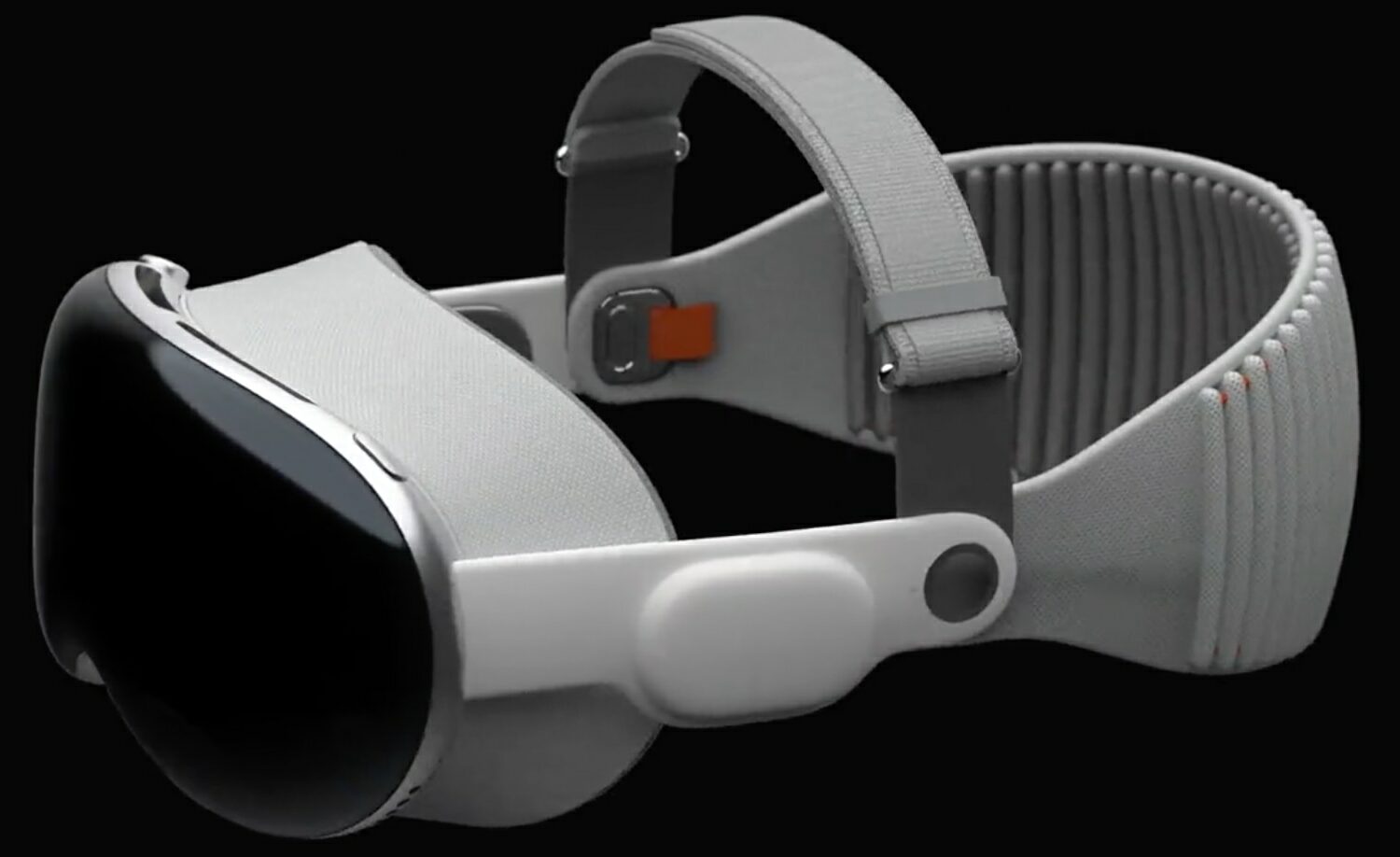
An improved U1 chip in the iPhone 15 family and support for Wi-Fi 7 on iPhone 16 should optimize the integration with the new Apple Vision Pro headset.
Apple keeps its iOS and iPadOS device USB connections fairly restricted. For example, while basic connections and file transfers with MFi-compatible dongles are a given, you can’t just attach any USB-based device if your choosing and start tinkering with it like you can with a full blown computer.