How to make the stock Camera app more minimal

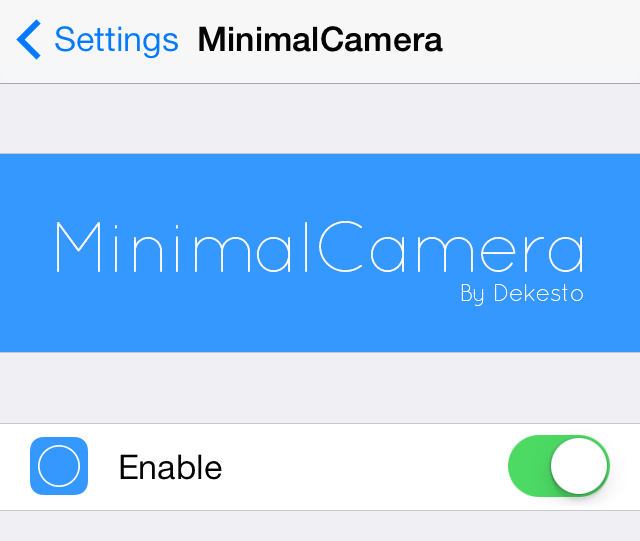
MinimalCamera is a new jailbreak tweak that allows you to remove the UI elements from the stock Camera app's viewfinder. It works in all modes, including photo mode and video modes.

This tweak provides users with a simple and distraction free canvas for composing new shots. Have a look at our video walkthrough after the break to catch a glimpse of MinimalCamera in action.
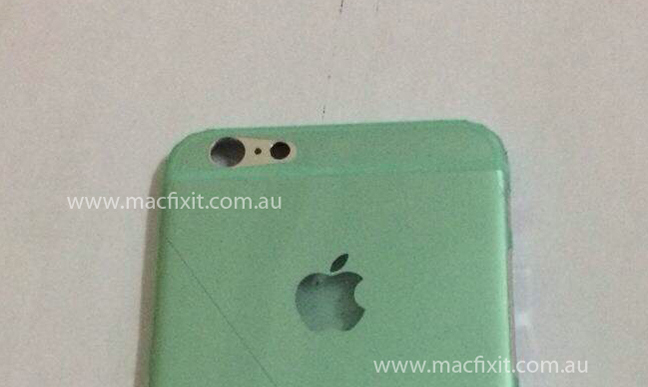
Photo of alleged iPhone 6 back cover surfaces

While we've seen a number of physical mockups and case leaks for the iPhone 6, we haven't seen very much in the way of actual components. There was the front panel, the tray full of batteries, and this recently-leaked backlight panel, but that's pretty much it.

We're adding another part to the pile tonight, though. Macfixit Australia says it has obtained what is believed to be the back cover of an iPhone 6. The site says that it belongs to a 4.7-inch model—one of two rumored to be released this year—and is silver in color...

Google Play Music adds Downloaded Only filter, playlist editing, Shuffle Artist and more

Google's iOS client for its Play Music service has received a little update today bringing a few useful enhancement to make the experience better and less frictionless. For starters, the new Google Play Music version 1.2.1.1787 has removed a major annoyance: you can now finally edit playlists on your iPhone, iPod touch or iPad. Needless to say, any changes made to a playlist on one device instantly reflect on all your others.

And when sorting through your cloud music library, the app now makes it dead simple to filter only the tracks that you've downloaded to your device for offline listening. There are two other additions, explained after the break.

Google Play Music is free in the App Store...

OkSiri: always-on voice recognition for Siri

One of my favorite things about Android is the "OK Google" command that allows you to perform quick voice searches on a whim. Now iPhone users can (sort of) join in on the fun.

OkSiri is a brand new jailbreak tweak that brings always-on voice recognition to iOS 7 devices. Have a look at our video walkthrough inside for a demonstration of how it works.

Complete Me Not: remove the ‘Complete My Album’ button from the stock Music app

The Complete My Album button in the stock Music app is found for incomplete albums that you purchased via iTunes. For example, if you download one or two popular songs from an artist, Apple will try to up-sell you (for lack of a better word) the rest of the album using a convenient button.

I wrote all about the Complete My Album feature in our ultimate Music App guide, so I recommend you check that out to learn more. But if you already know how Complete My Album works, then you know why Complete Me Not would be a handy tweak to have at your disposal. Take a look at our video walkthrough after the break for all of the details.

How to make iOS do a barrel roll

If you're my age (32) then you're probably very familiar with where the "Do a Barrel Roll" meme originated. It was from Star Fox 64, a game for the Nintendo 64. In it, one of the protagonists instructs you to "Do a Barrel" roll, which allowed you to miraculously dodge hails of bullets.

The phrase has since been eternalized by means of the Internet, and even Google got in on the fun with a hidden feature built into its search. iPhone users can now make iOS do a barrel roll as well. It's possible by means of a recently developed tweak by Ryan Petrich.

The tweak, which is appropriately entitled BarrelRoll, allows you to make your iPhone do a Barrel Roll on command. Have a look at our video walkthrough for the full scoop.

Apple reportedly in talks with retailers over mobile payment service

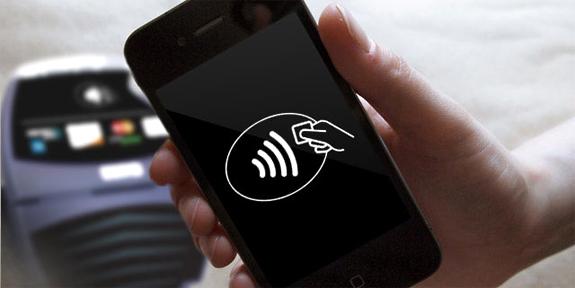
According to a new report from 9to5Mac, Apple executives are in discussions with directors from retail chains over a mobile payment service. Citing sources familiar with the project, the site says the talks have taken place over the past few months at 'high profile' retailers.

Apple has long been said to be interested in the mobile payments space, which has several players right now but no clear leader. It's believed the Cupertino company could leverage its 800 million iTunes accounts and iPhone user base to come in and disrupt the market...

Apple paid $500M for Beats Music, $2.5B for Beats hardware (and other tidbits)

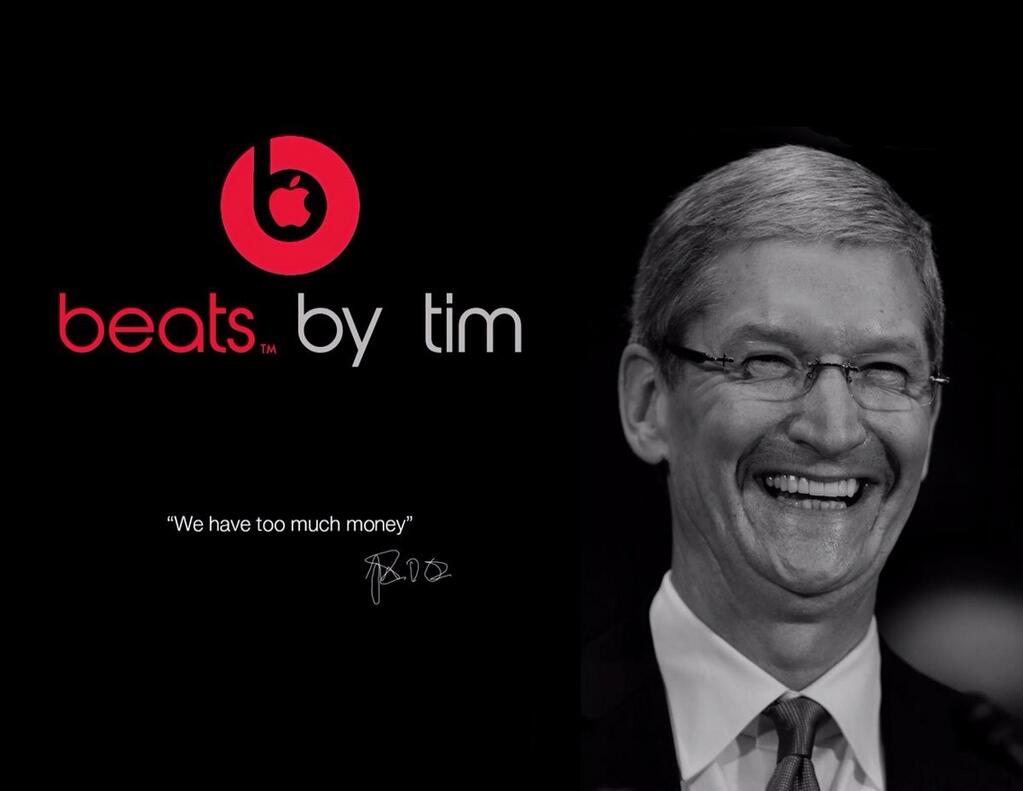
According to a breakdown of Apple's $3 billion Beats buy published Thursday by The Wall Street Journal, the company basically paid less than $500 million for the Beats Music subscription service and about $2.5 billion for Beats Electronics LCC, which makes the popular Beats headphones, speakers and audio software (which some dismiss as a software equalizer that boosts the bass).

The report alleges that the acquisition - the most expensive in Apple's history - gives the Cupertino firm Beats' brand power and star leadership. The story downplays the importance of the generic Beats Music streaming service to the overall deal...

Rumored iOS 8 split-screen feature won’t be ready for WWDC

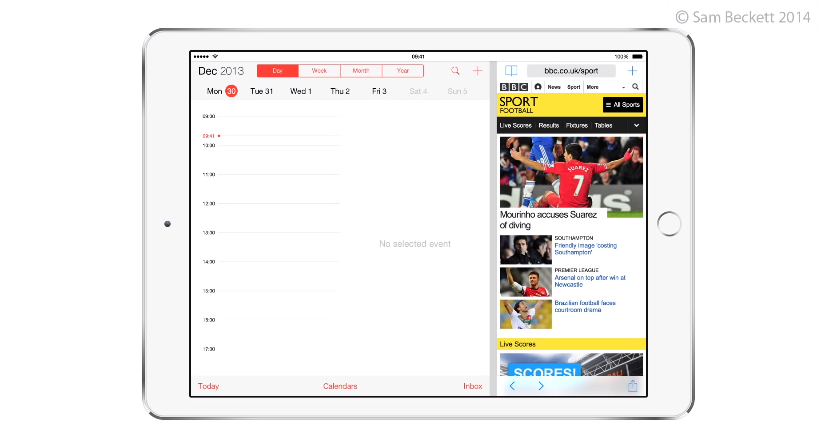
Earlier this month, a report surfaced that Apple was working on a new feature in iOS 8 involving split-screen multitasking. Designed specifically for the larger iPad, the addition reportedly allows two apps to run side-by-side while in landscape mode.

Word of the feature spread quickly through the tech world, and many were hoping that Apple would demo it during its WWDC keynote next week. But don't get your hopes up, a new report says that it won't be ready for preview in time for the conference...

‘Volume Mixer’ brings granular control to iOS’ audio categories

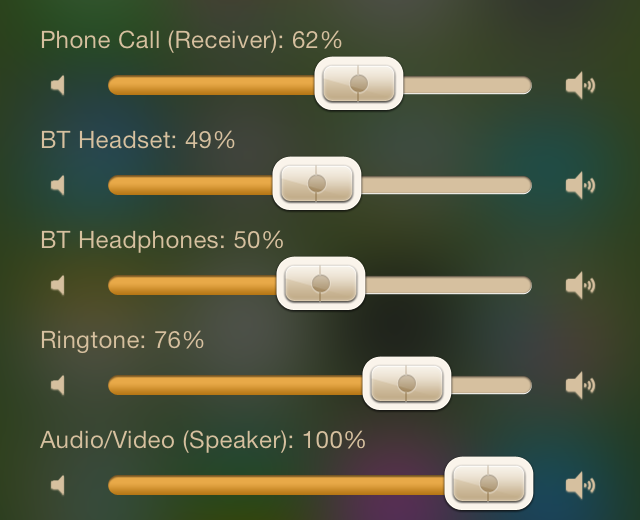
Volume Mixer is a jailbreak tweak that resides in Notification Center. It allows you to independently control the different audio categories in iOS at any time.

If you've ever used an Android device, then you may be familiar with the concept of controlling different volume entities like Bluetooth, Ringtones, AV, Headsets, Phone, etc. You can control those entities individually without actually being within a respective active audio session.

Have a look at our full video walkthrough after the break to see Volume Mixer in action.

Rdio gains push notifications

Rdio has updated its free radio streaming app for the iPhone and iPad with some bug fixes and a brand new, albeit long overdue, feature: push notifications. That's right, you can now elect to received push alerts for various social activities going on in your stream.

The Internet radio app offers a catalog of 25 million songs and now you can get notified when someone shares a song with you, follows you on the service, subscribes to your playlist and more.

Push alerts settings are granular so you can choose to receive alerts for specific events and mute alerts for the others. For example, you could tell Rdio to send notifications to your device only for new songs shared with you...