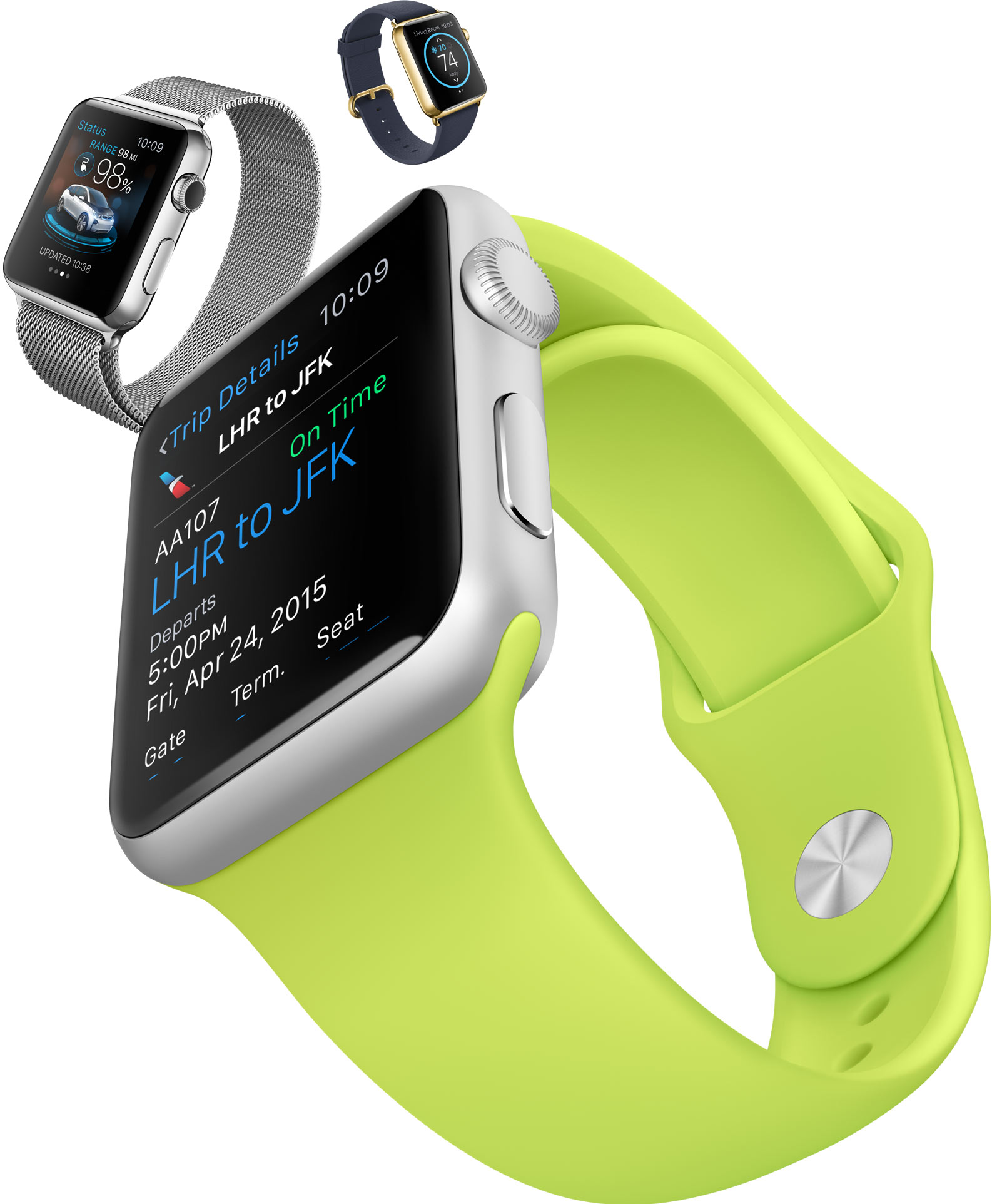
These are some of the Apple Watch apps you will be able to download on launch day

Now that the cat is truly out of the bag in regards to the Apple Watch, attention can finally turn to what we will be doing with the thing once we get it onto our wrist. Apple has updated its website to showcase its own in-house apps such as Messages, Maps and Mail. Beyond the Apple apps that we will be using day in, day out, it's the apps that third-party developers create that will really decide whether the Apple Watch is a hit or a miss.

Apple knows this as much as anybody, which is why it has also pushed a new web page to its site that covers some of the biggest apps that we will probably be downloading come April 24th.

The number of apps that Apple has given some exposure to is quite large, so instead of going through them all here we're going to highlight some of the apps that we are particularly looking forward to or just simply think look awesome. There are more on the way too, with developers working hard to be on the App Store come day one.

The stock Apple Watch apps you will be able to use out of the box

Apple's big Watch event saw the arrival of a whole new MacBook as well as some Apple TV stuff and an entry into the world of medical research, but it's clear which of these everyone was the most interested in. Having announced the Apple Watch during the iPhone event late last year, yesterday was when we got our best look yet at what the Apple Watch will be able to do as well as how much it will cost. We also now know when we will be able to get our hands on one - it ships April 24th.

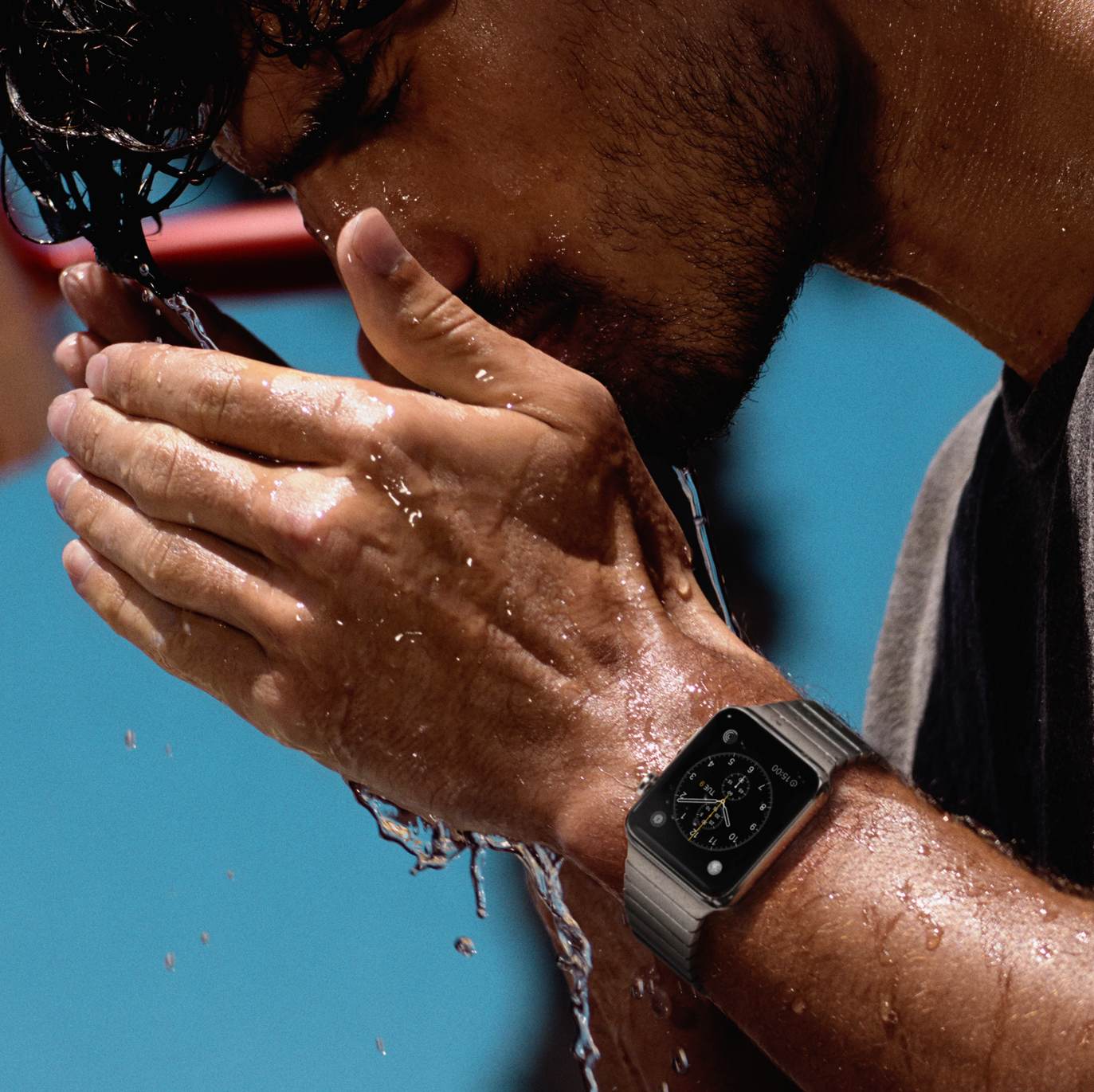
Even though the Apple Watch had been outed before though, the most interesting thing beyond the price as far as we are concerned was always going to be what the watch was actually capable of and whether there would be any cool apps to play with. Apple has shared a collection of the Apple Watch's built-in apps as well as some third-party offerings, and they look rather scrumptious.

Here's a rundown of what included first-party apps you can expect to be tapping away at come the end of April. We'll be covering third-party apps in a separate post.

Hands-on with the Apple Watch

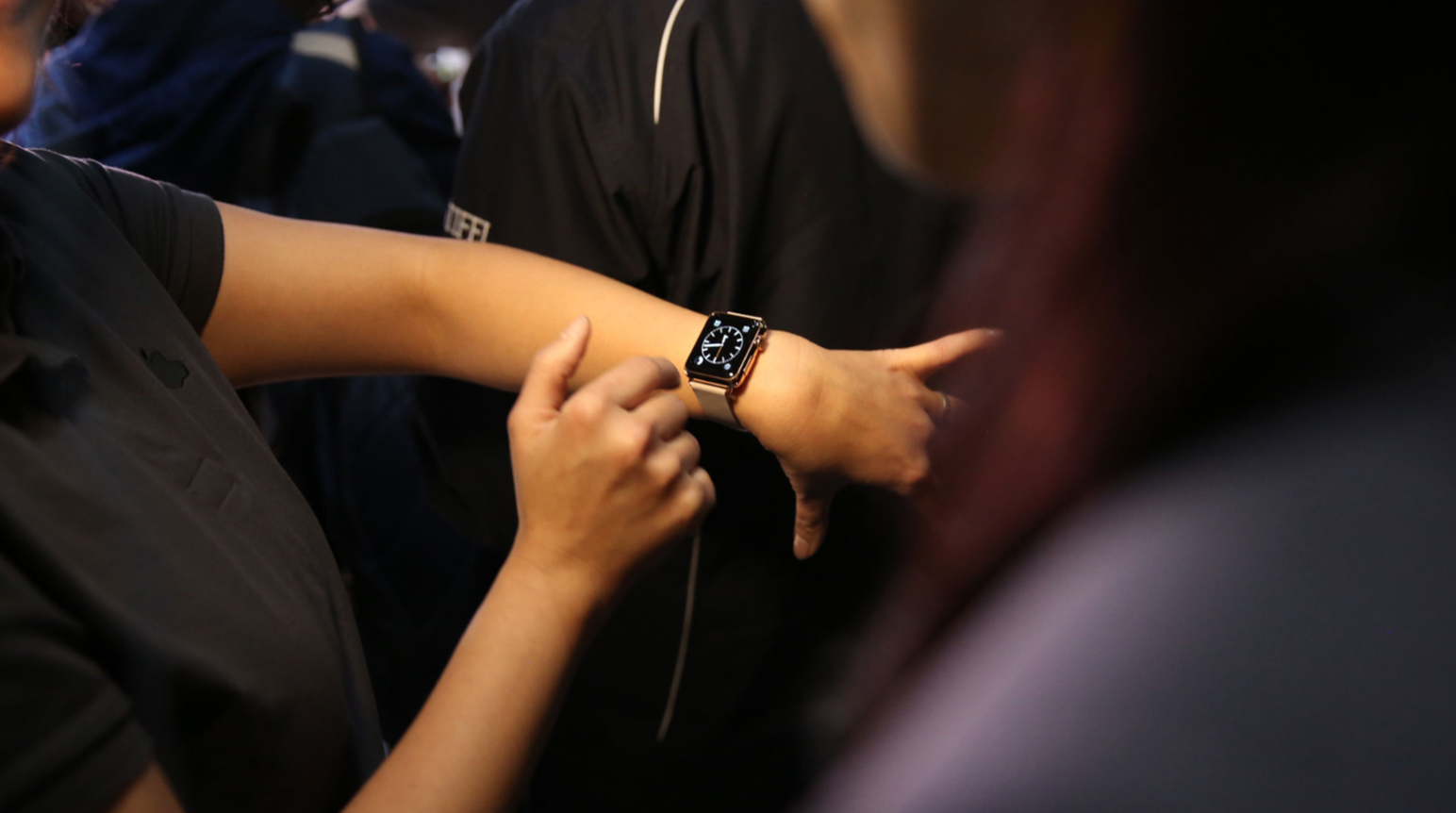
Following today's event, select attendees were given the opportunity to go hands-on with a working version of the Apple Watch. You may recall, Apple allowed journalists to try out demo versions of the wearable when it debuted last fall, but this is much different.

This time around, folks were actually allowed to launch apps, navigate menus and play with various features. We've collected a number of videos showing these initial impressions, in an effort to help paint a proper picture of what to expect when you get your Watch next month. 

Apple event recap: everything about Apple Watch, new MacBook, ResearchKit and more

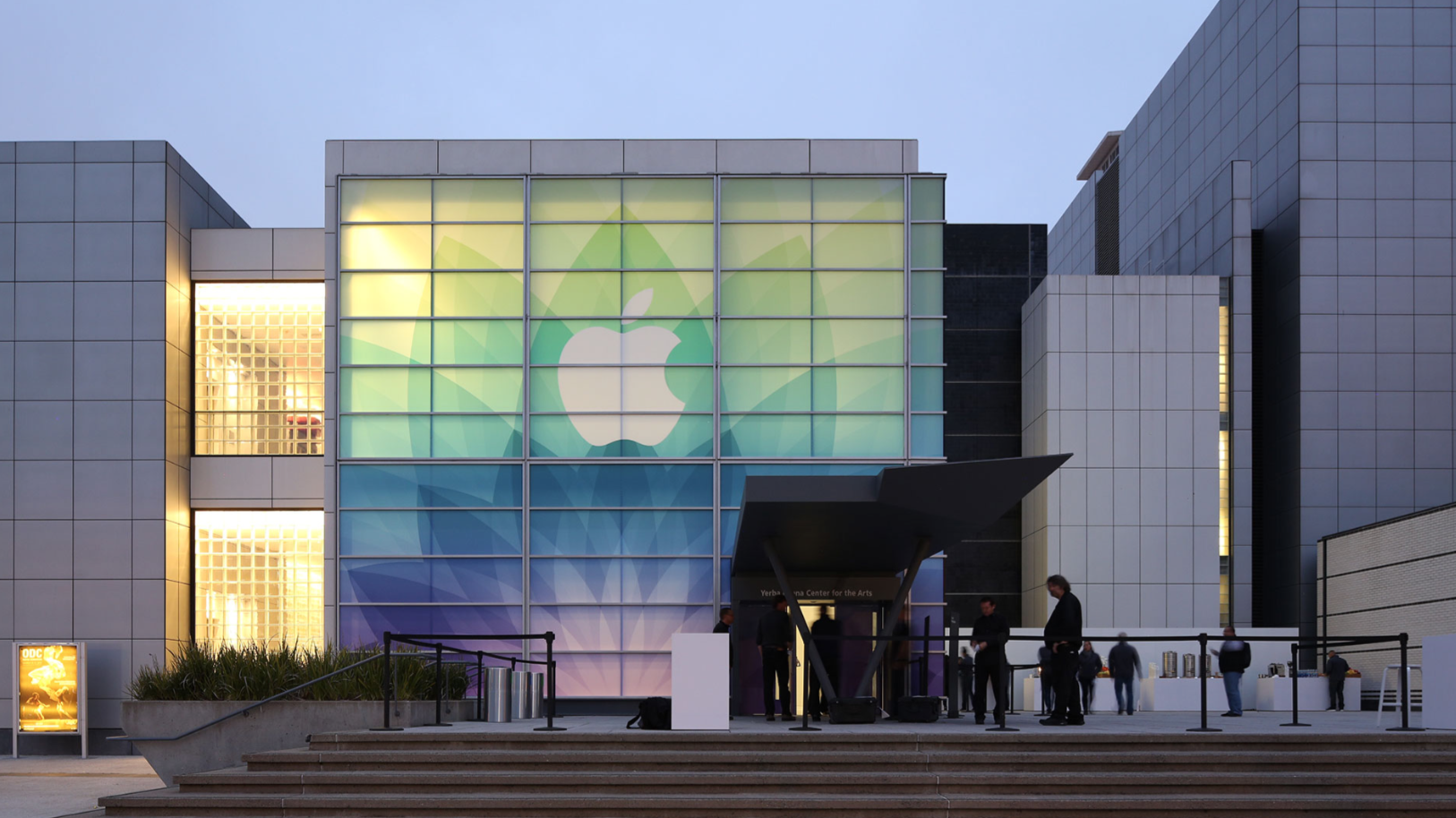
The sun is beginning to set in Cupertino, which signifies that Apple's media event day has come and gone. The keynote is over, all announcements have been made, and we now know what the fabled 12-inch MacBook looks like, and how much the golden Apple Watch will cost.

A lot has happened over the past 12 hours, and we understand that it can be tough to keep up with everything throughout the day. So tonight, as we like to do every post-event evening, we've put together a roundup telling you everything you need to know about Apple's big event.

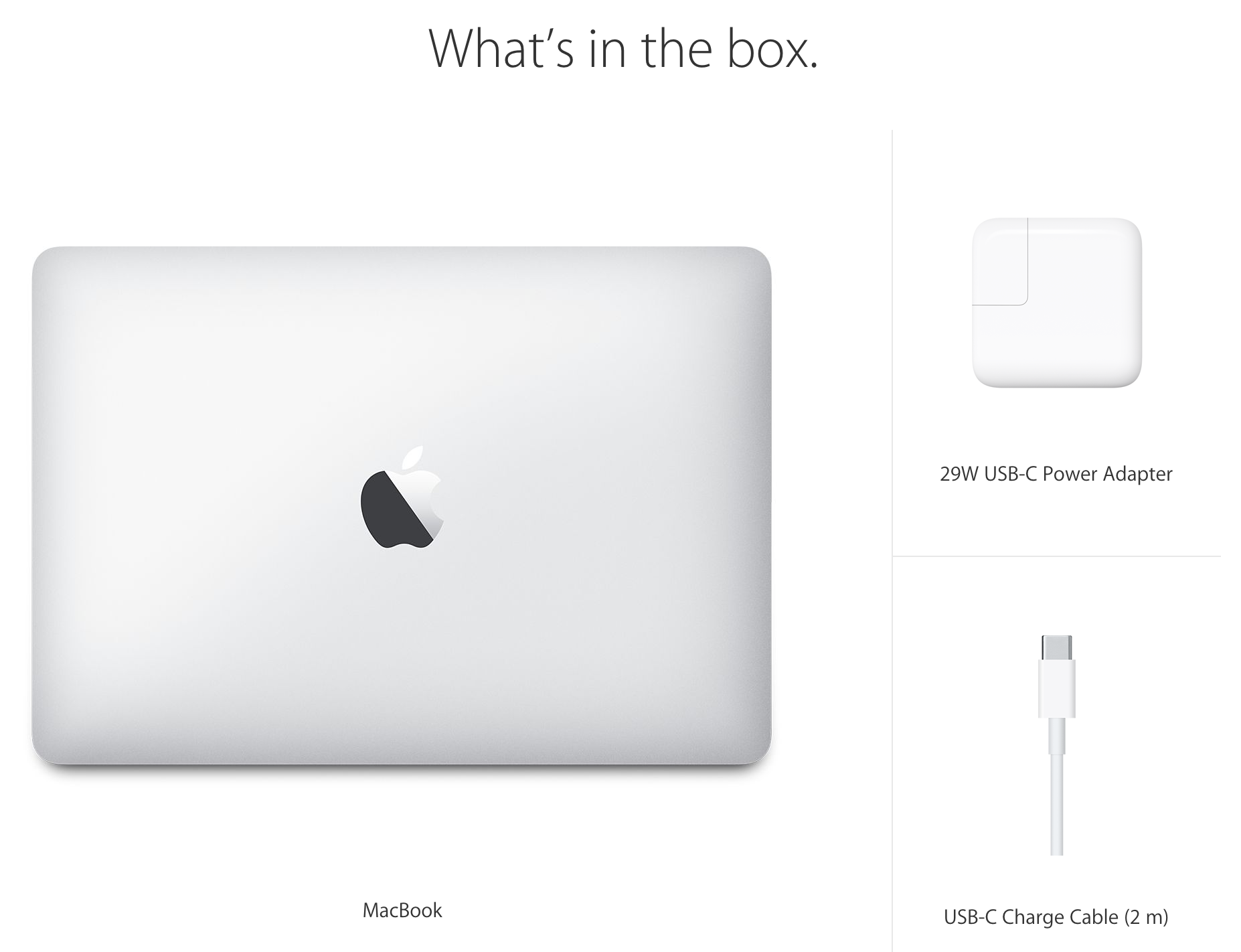
Apple’s new MacBook won’t come bundled with an extension cable

Sad news for those of you who use the power extension cable that comes with the MacBook Air and the MacBook Pro: Apple's newest addition to the venerable notebook line no longer comes bundled with said cable.

That's bad news for those of you who aren't always in a situation where it's easy to use plug the power brick directly into the wall outlet. It also means that your MacBook is now on a much shorter leash when it comes to charging.

This change, coupled with the device's lack of a MagSafe connector, could spell trouble for those of you who need to, you know, work while charging your MacBook. It seems to me like this combination would greatly increase the potential for an accident.

But there is some good news in all of this. Apple will sell you an extension cable separately for only $19.00.

Apple issues updates for OS X, iOS and Apple TV to address ‘FREAK’ attack

Apple on Monday issued a security update for OS X to address a handful of vulnerabilities, including the high profile SSL flaw known as "FREAK." Spotlighted last week, the bug allows would-be attackers to spy on communications made through Safari.

More specifically, FREAK stands for Factoring RSA Export Keys, and it affects certain embodiments of web encryption technologies SSL and TLS. If used maliciously, the flaw could leave systems open to what are known as man-in-the-middle attacks.

Hands-on with Apple’s new ultra thin 12-inch MacBook

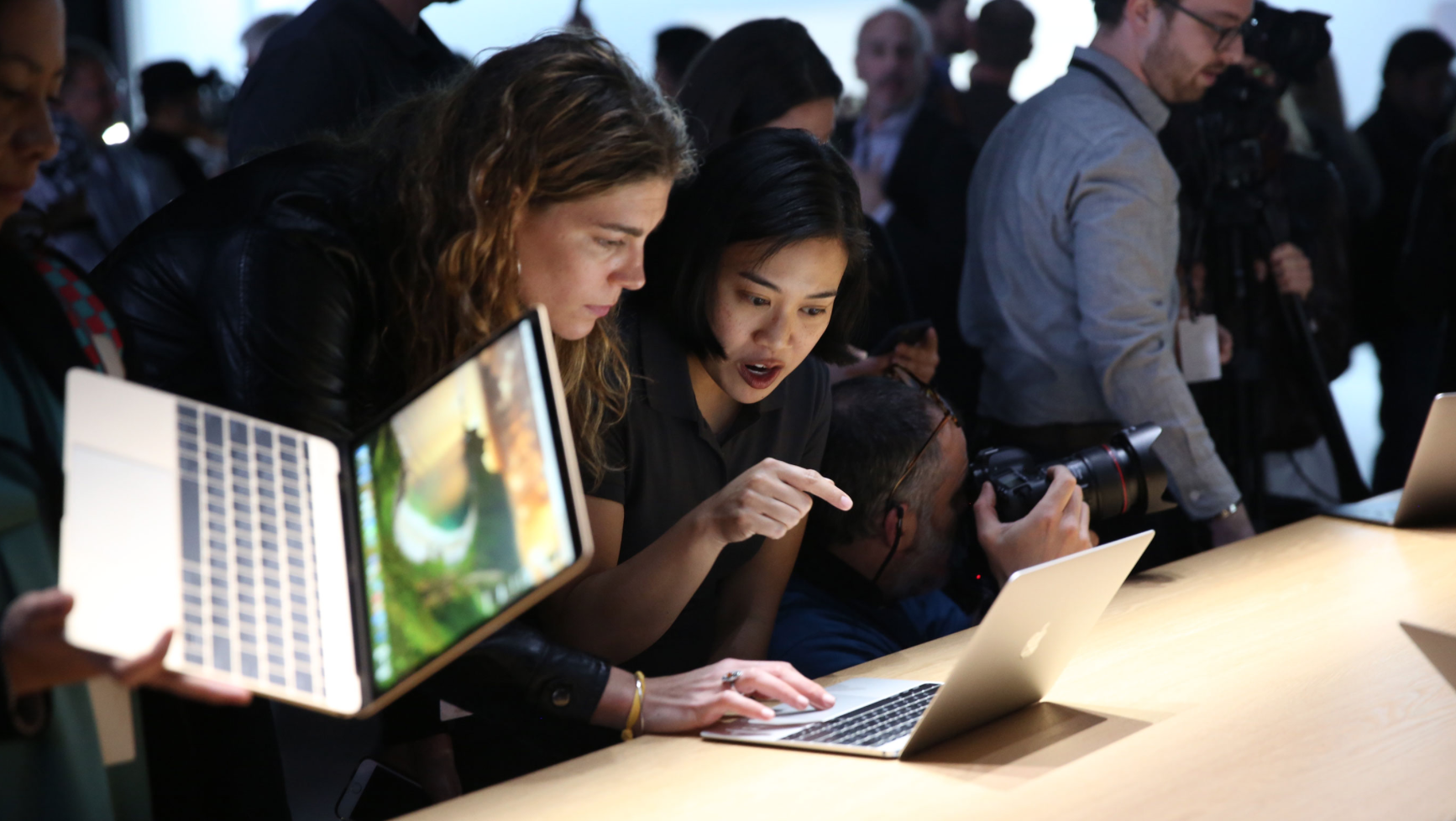
So by now you’ve likely watched Apple’s keynote, and know Apple unveiled a new 12-inch MacBook today, but thus far you've probably only seen it on stage or in marketing materials. Obviously the new laptop is going to look good in photos, but what about in real life?

Following the event today, select journalists were given the chance to go hands on with the new ultra thin MacBook, and have posted videos of their initial reactions. So naturally, we’ve rounded up some of these clips that show folks trying out the notebook for the first time.

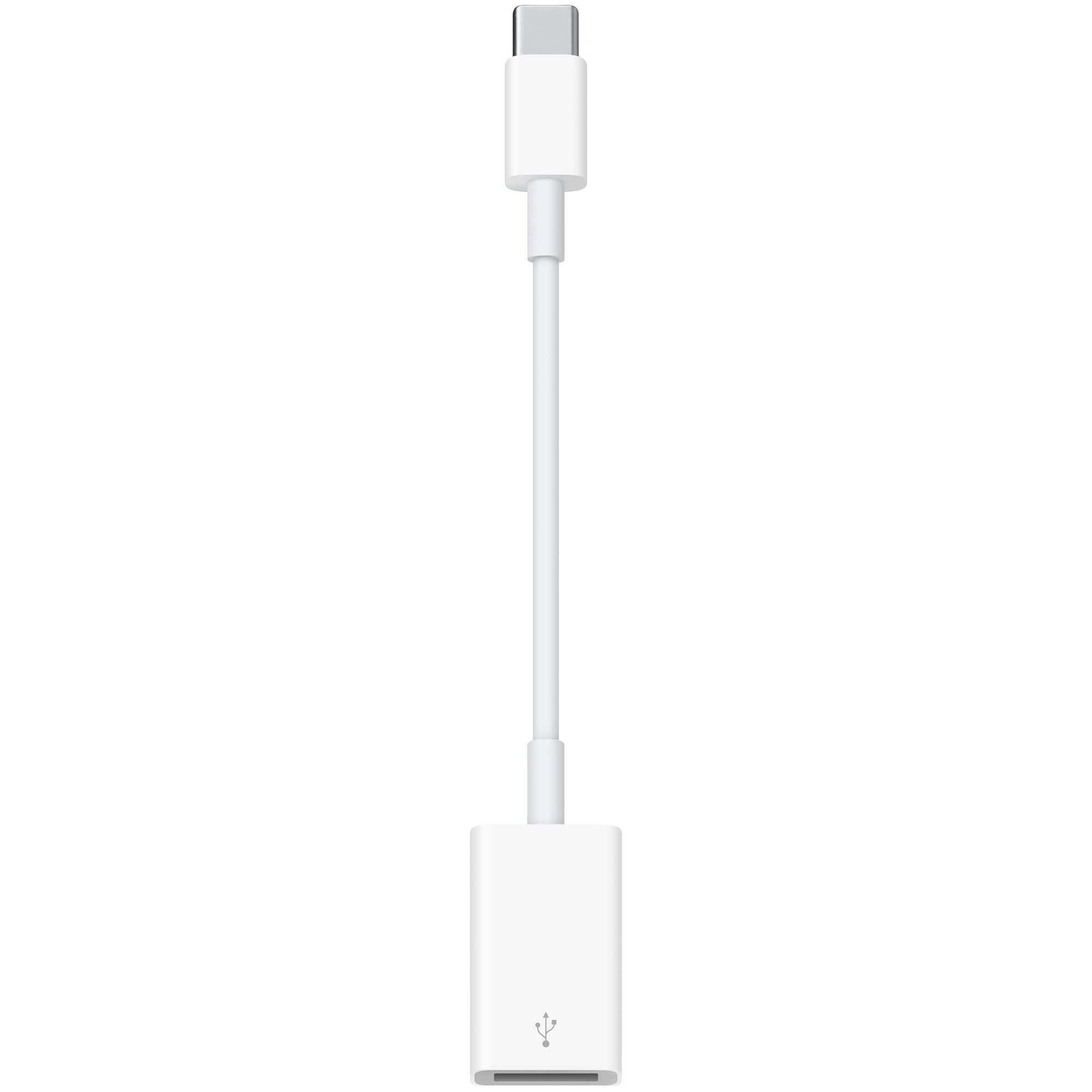
Here are the three USB-C adapters for the upcoming MacBook

The new 12" Retina display-equipped MacBook Air is heavy on new innovative features, but noticeably light on ports. In fact, only one port (outside of the headphone jack) for external devices exists on the new machine—a new USB-C connector. This connector will take care of all duties when it comes to external connections. It will handle the power adapter, it will handle USB, and it'll even do the heavy lifting for external video like HDMI and VGA.

As you might expect, the MacBook doesn't come bundled with any adapters outside of the power cable. Here's a look at some of the adapter accessories that will be available when the MacBook launches on April 10th.

Video details smelting process of Apple Watch Edition

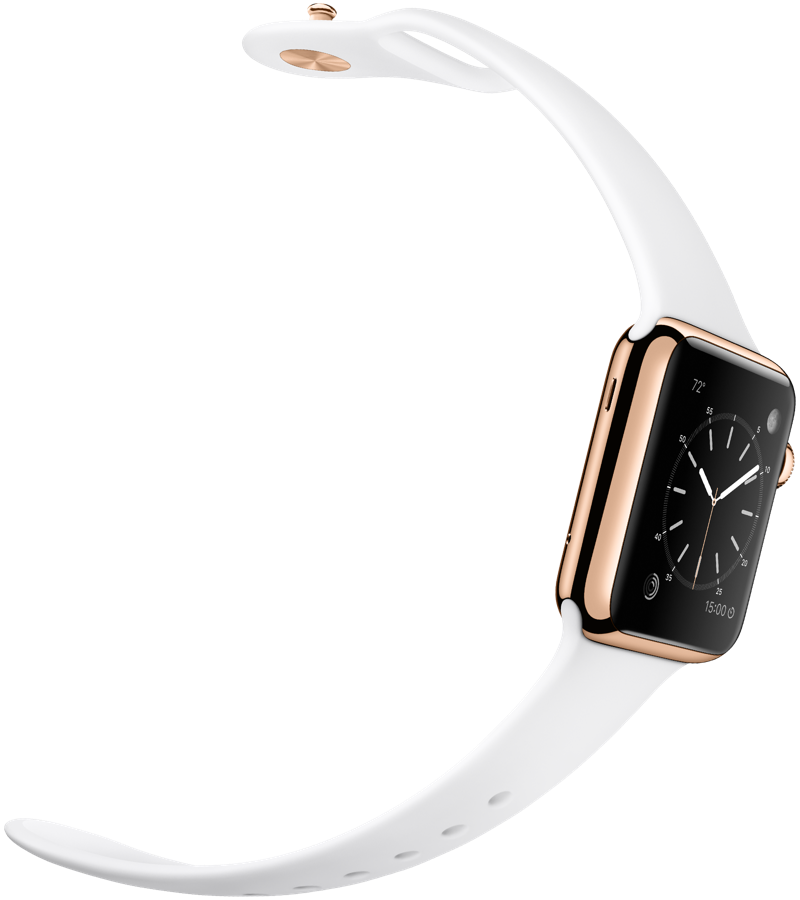
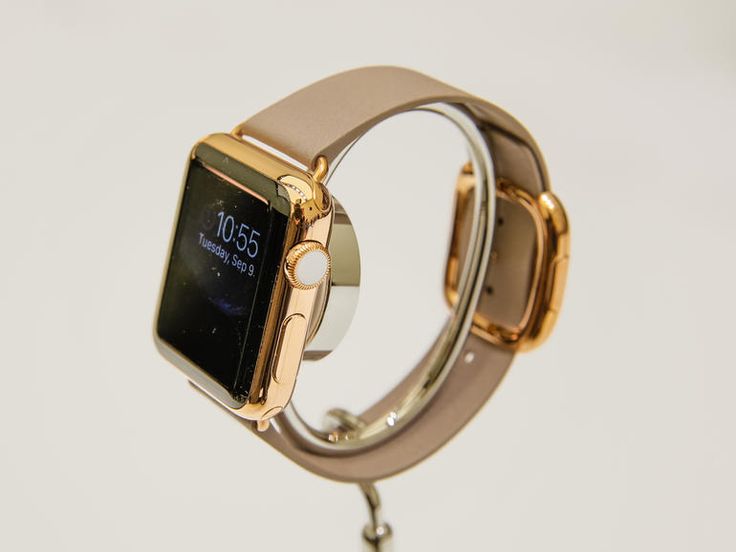
In today's keynote, Apple showcased videos about the metal refining processes of both the stainless steel Apple Watch and aluminum Apple Watch Sport, but omitted the solid gold Apple Watch Edition video, which appeared on Apple's website following the event.

Narrated by Jony Ive, the video provides an overview of the gold refining process, which yields a compound up to twice as hard as standard gold. The custom alloys of yellow and rose gold using precise amounts of silver, copper, and palladium to produce a specific hue of each color of gold.

Apple Watch battery life: here are the official details

Now that Apple has shared full details concerning its highly-anticipated Watch devices, which goes on sale in the United Stated and eight major international markets on April 24, starting at $349, the Cupertino company has posted additional details regarding its “all-day”18-hour battery.

Of course, the advertised battery life depends on how you use your Watch. If you're just going to do things like checking the time, receiving notifications, using apps and doing a 30-minute workout, the battery should last up to eighteen hours before needing to be charged again overnight.

Here is what Apple had to say about the Watch's battery performance.