New in iOS 8.3: placing phone calls through speakerphone via ‘Hey Siri’ command

Users who upgrade their iPhone to iOS 8.3 when it's released next month will be finally able to tell Siri to make a phone call through the device's speakerphone when the 'Hey Siri' option is enabled, reports 9to5Mac.

You can say, for example, 'Hey Siri, call my Mom on speaker' and the call will be automatically transferred to the iPhone's speaker, like it should have always been, may I add.

Again, provided the 'Allow Hey Siri' option is enabled in Settings > General > Siri and the phone is plugged into power.
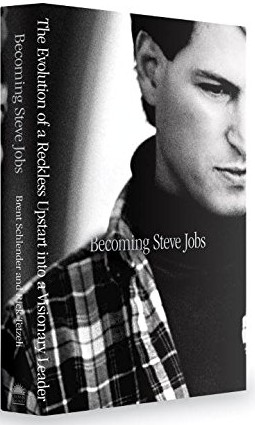
iBooks is offering exclusive sneak peek from upcoming ‘Becoming Steve Jobs’ biography

The new Steve Jobs biography by Brent Schlender and Rick Tetzeli is launching on iBooks this Tuesday and Apple is now offering an exclusive sneak peek into the prologue and first chapter, including Schlender's first interview with Jobs when he moved to NeXT, as noted yesterday be the official iBooks Store account on Twitter.

'Becoming Steve Jobs: The Evolution of a Reckless Upstart into a Visionary Leader' should appeal to everyone who — like CEO Tim Cook — felt that Walter Isaacson's official biography did Apple's legendary co-founder a great disservice.

New in iOS 8.3: download free apps and iTunes media without entering Apple ID password

A new 'Password Settings' section has been discovered in the Settings app of the current iOS 8.3 beta which will permit users to set up their iPhone, iPod touch or iPad so that downloading free iTunes apps and iTunes media won't require an Apple ID password.

The new option is only exposed to users when Touch ID is disabled, reports 9to5Mac. With Touch ID enabled, the new option is unavailable.

This is understandable to an extent, because approving purchases — free or paid — with the tap of a fingerprint is a frictionless experience.

Supercar wallpapers for iPhone

Each week we throw out a set of images in the Wallpapers of the Week section. With a long weekly run of more than 18 months, it continues to be a popular post. However, despite the running record, a single yet popular genre continues to be ignored.

This week, we right our wrong as we feature hand-selected Supercar wallpapers for iPhone. If this proves to be another top performer, along with galaxy images and geometric shapes, expect to see more in the future. Show your approval by sharing via Twitter or Facebook with the buttons at the top or bottom of the post.

Time to catch up on what you might have missed this week

Like every Sunday, we get to take a look at some of the most popular posts that were published on iDB during the week that just ended. Whether it is a news item, a new jailbreak tweak, a tutorial, or an app review, we sum it all up in one convenient place for you.

As always, if you like what you're reading, please feel free to spread the love by sharing our posts on your favorite social network.

We're usually hanging out a lot on Twitter and Facebook, more rarely on Google+.

Don't forget to listen to the latest episode of our new podcast, Let's Talk iOS:

Subscribe on iTunes

And of course, make sure to catch up with the new episode of Let's Talk Jailbreak:

Want to support iDB? Download our iOS 8 Interactive User Guide or Yosemite Interactive Starter Guide in the iBooks Store.

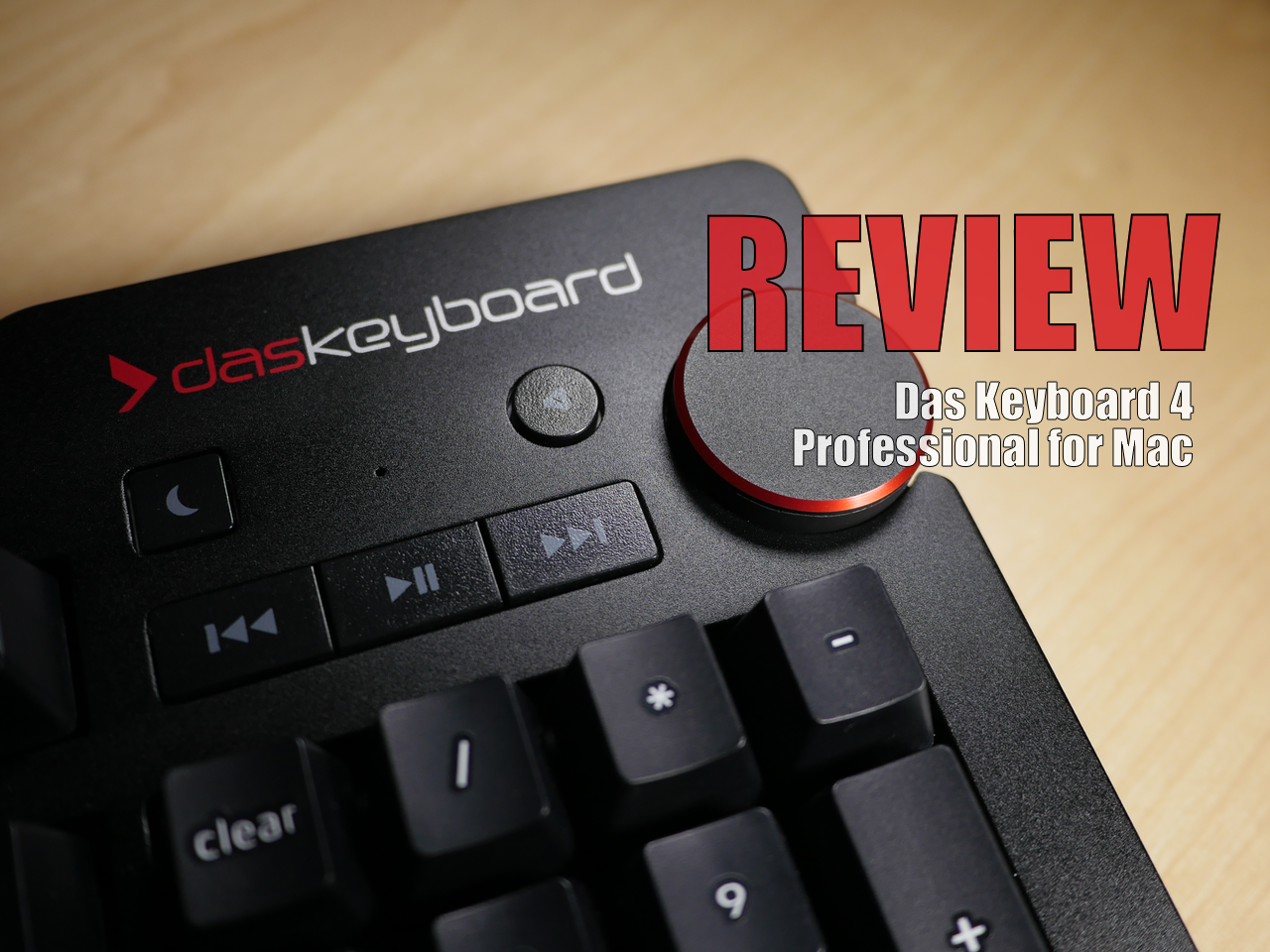
Review: Das Keyboard 4 Professional for Mac

I've been using the Das Keyboard Professional Model S for the last two years, and I've thoroughly enjoyed typing on this mechanical keyboard. If you do any sort of long form typing on a regular basis, then having a mechanical keyboard can make a huge difference in your life.

After typing on my MacBook's chiclet keyboard for years, I began to develop problems with severe wrist pain. Although it was never officially diagnosed, I'm pretty sure that I suffered from some sort of repetitive stress injury, which made it excruciatingly painful to type for extended periods of time. Needless to say, having a mechanical keyboard has alleviated 99% of these issues, and I can never see myself going back to using the MacBook's chiclet keyboard full time.

Earlier this month, Das Keyboard released an updated keyboard for Mac with new features and functionality. The Das Keyboard 4 Professional for Mac, as it is called, brings a similar typing experience to the table. Is it something you should consider if you're in the market for a new keyboard? Should previous Das Keyboard owners upgrade? Have a look at our video review and walkthrough for the answer.

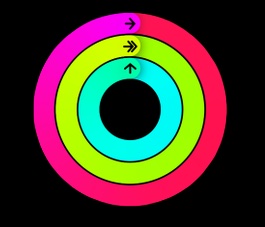
How to unlock the Apple Watch Activity app on iOS 8.2, no jailbreak required

A few days ago, we showed you a detailed walkthrough video of iOS 8.2's Activity App. Today, we'll show you how you can go hands-on with this brand new app.

In the tutorial that follows, we'll walk you through each step needed to get the iOS 8.2 Apple Watch Activity app running on your iPhone today, even though the Apple Watch is still weeks from releasing. No jailbreak required.

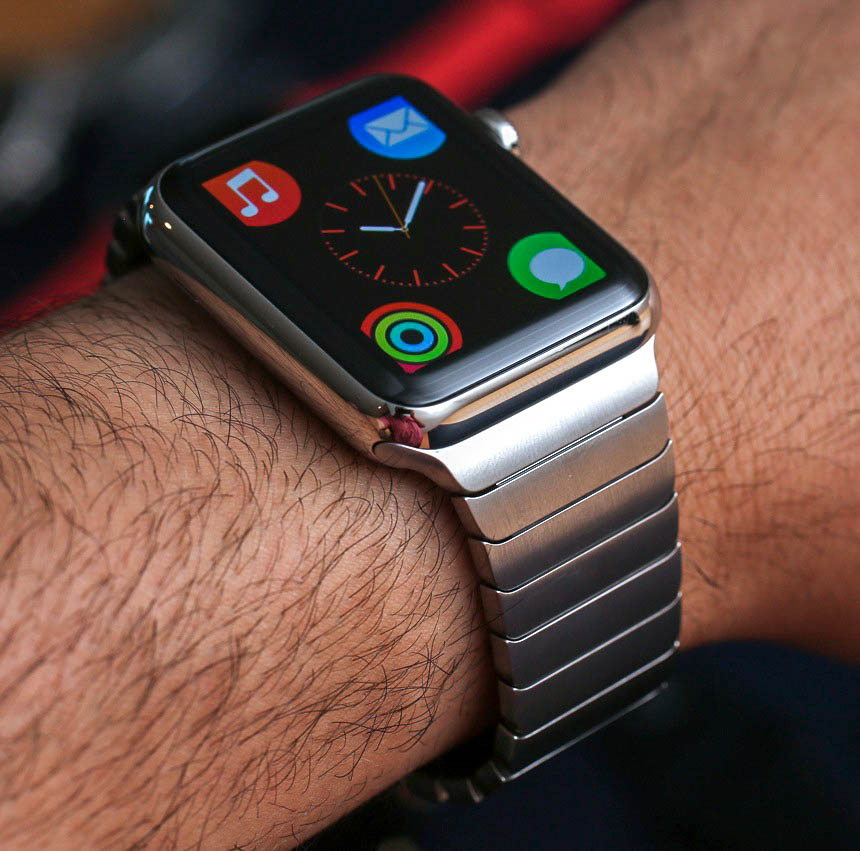
A day in the life of an Apple Watch user

5.15am: The alarm goes off on my iPhone. I make sure to turn it off quickly so I don’t wake up my wife. After a night of charging, I put my Apple Watch on. I wish I could just use it to wake me up, but it needs to be plugged in at night, at least for a couple hours. I'm hoping next year's model will have better battery life.

Schools of Magic, SwapQuest, Pool Pal, and more apps to check out this weekend

Some weekends are for stepping out and having fun. Some are for sitting around like a couch potato, hoping no one notices the food you’ve spilled on the shirt you’ve been wearing since yesterday.

If this weekend you are in the latter camp, you may need some content to help you pass the time. Check out our list of apps and games for your weekend enjoyment.

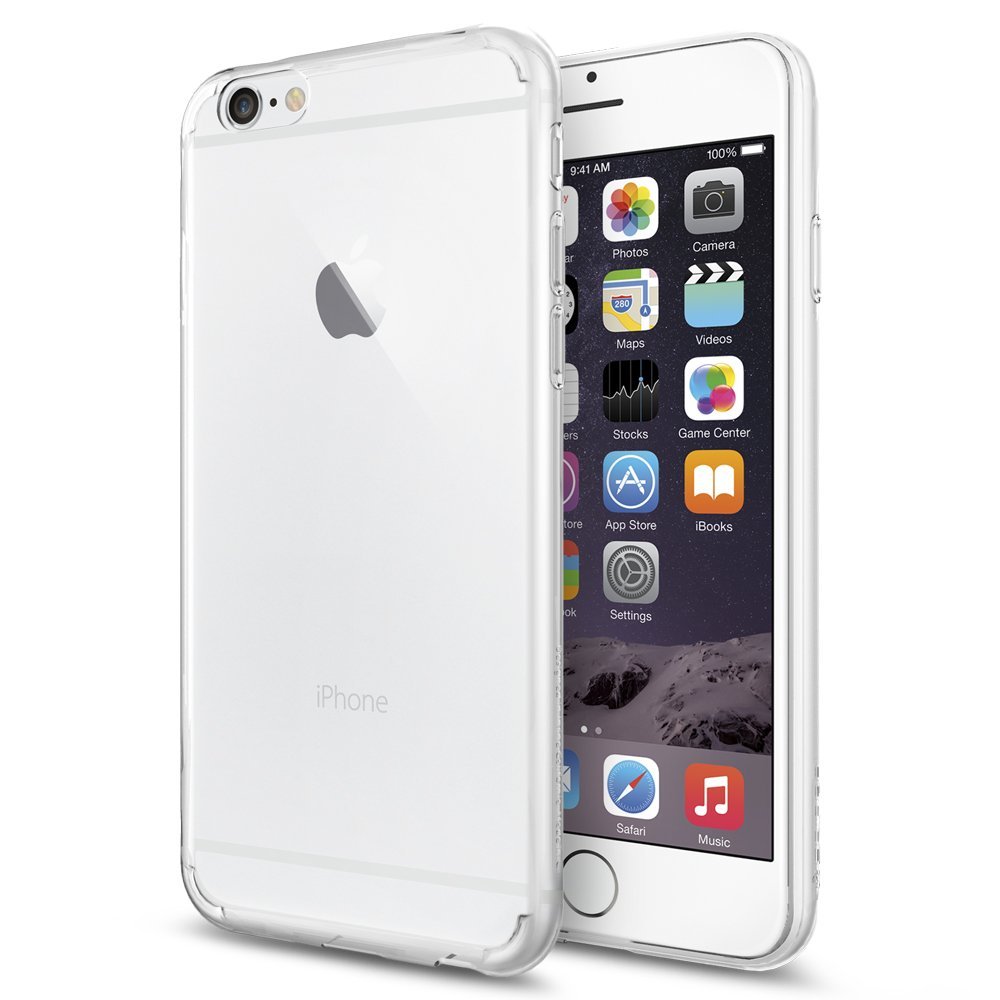
Spigen’s Air Skin Soft is an ultrathin case for iPhone 6

Now that the iPhone screen size is so much larger, a thick case is out of the question for most people. Protecting your iPhone 6 while maintaining the slim feel is not that easy, considering even a quarter of an inch makes a huge difference.

Spigen’s Air Skin Soft Clear case is thin enough to cover your case with the thickness of a piece of cloth, so the added coat is practically unnoticeable.

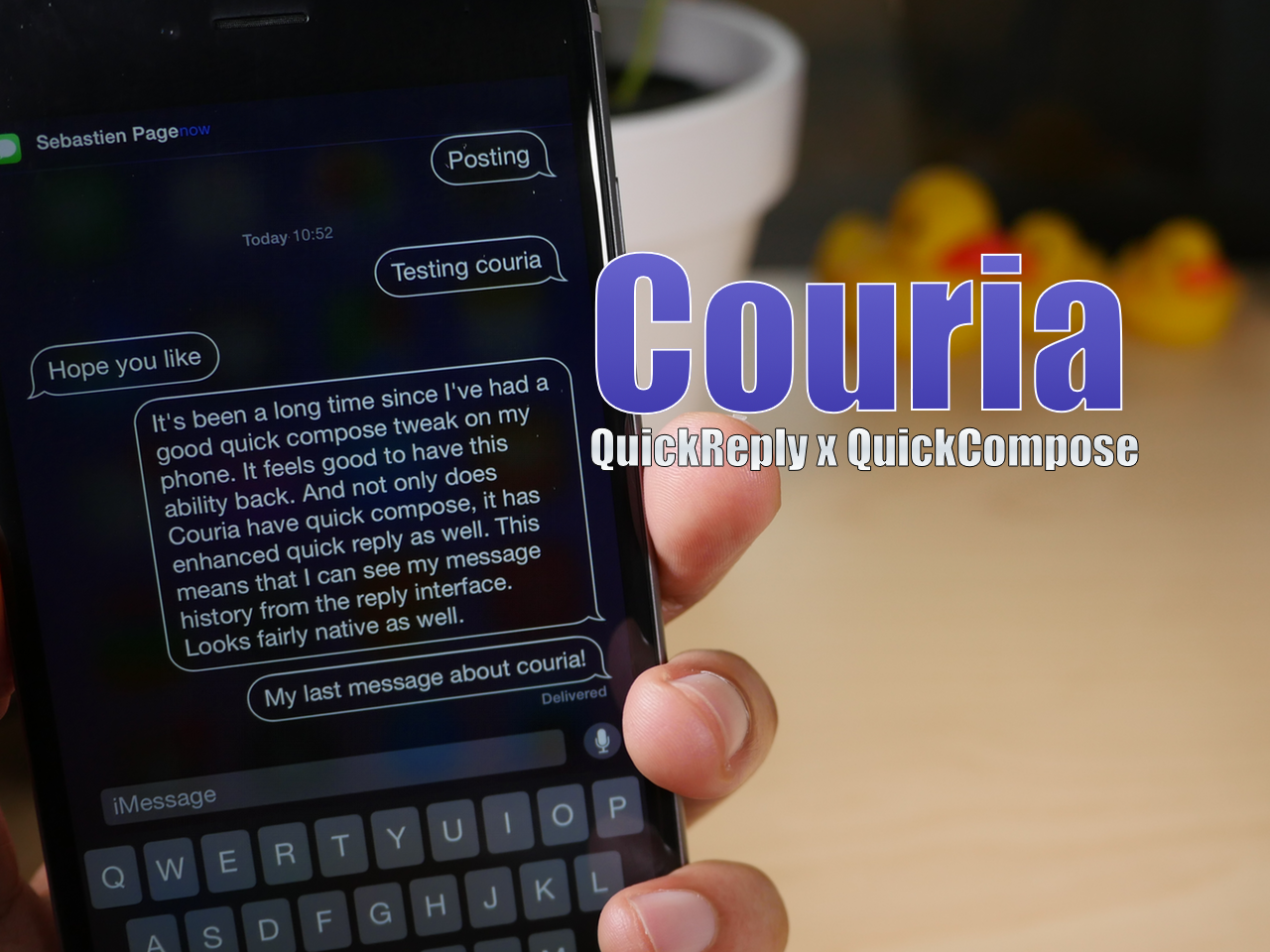
How to access the Couria beta for jailbroken iPhones

Yesterday, we brought you a preview of the upcoming quick reply and quick compose tweak, Couria. Today, we're showing you how you can go hands on with the tweak.

Couria is now available on a special beta repo by its developer, QusicS. If you've been desperate for a good quick compose solution and an enhanced quick reply interface, then you may want to take it for a test drive.