Apple Watch wallpapers for iPhone, iPad, and desktop

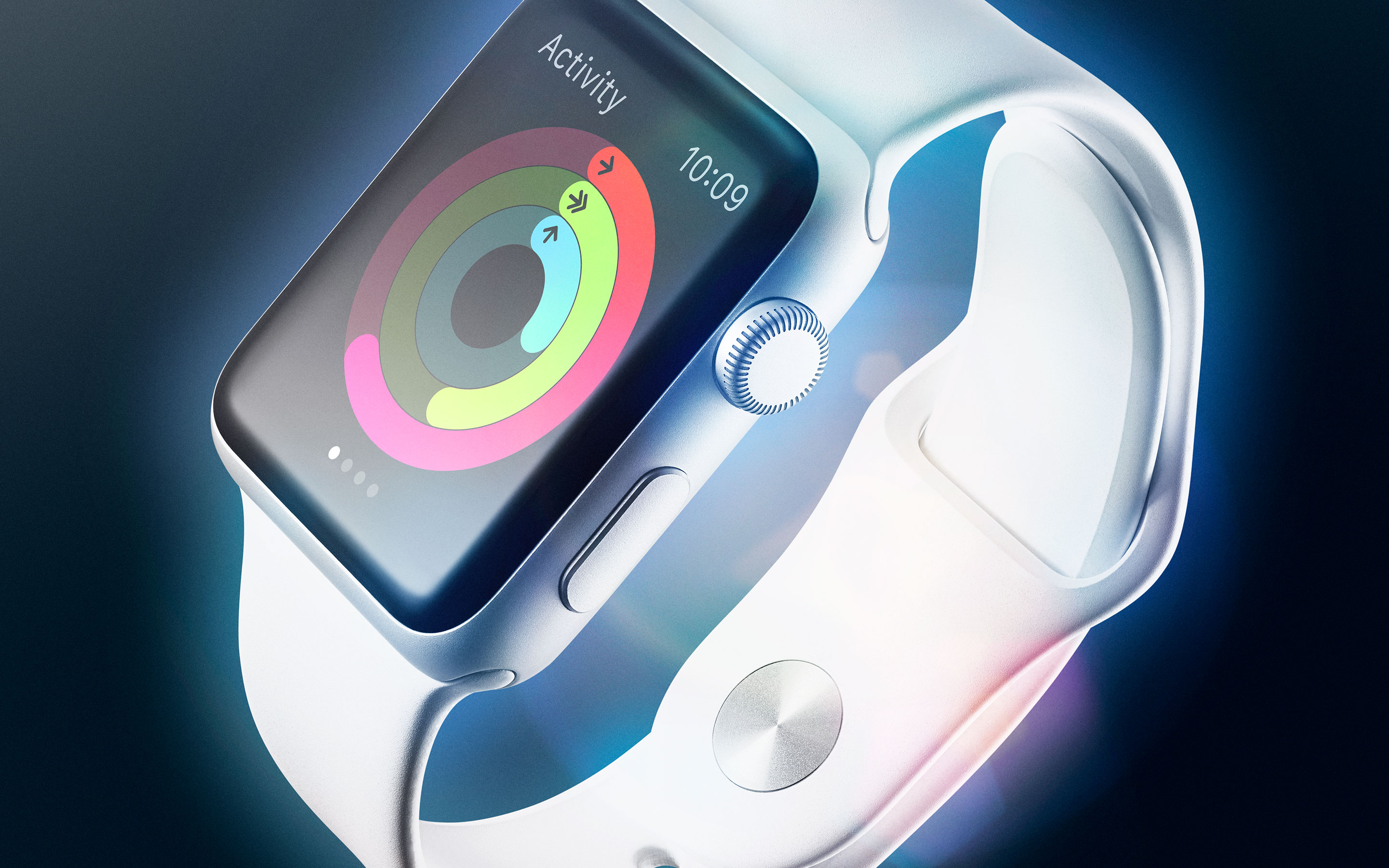
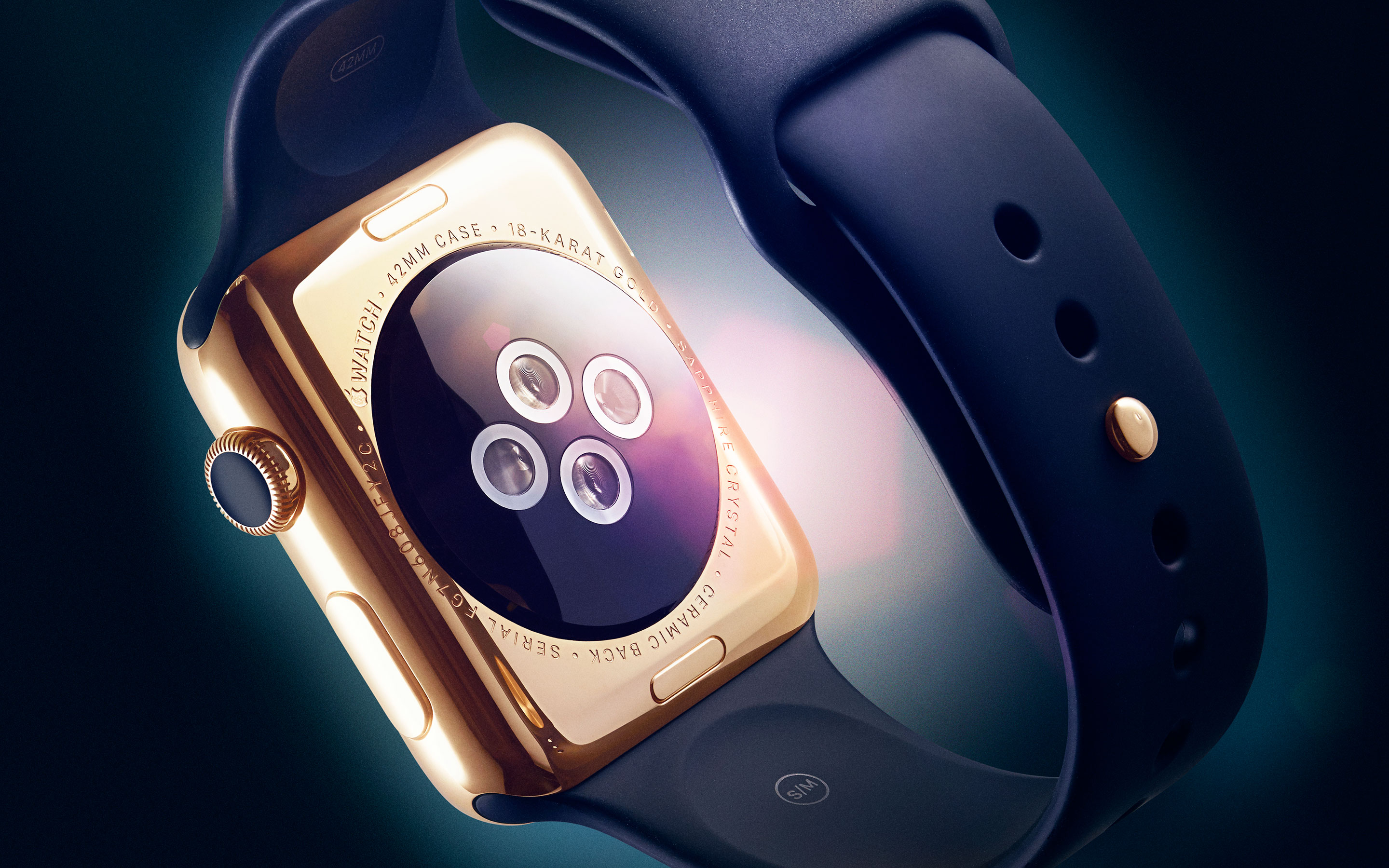
This Friday marks the pre-order date for Apple Watch. You will even be able to walk into a store and try on Apple's newest device. In what has become one of the most anticipated Apple launches since the original iPhone, we are properly celebrating with Apple Watch wallpapers.

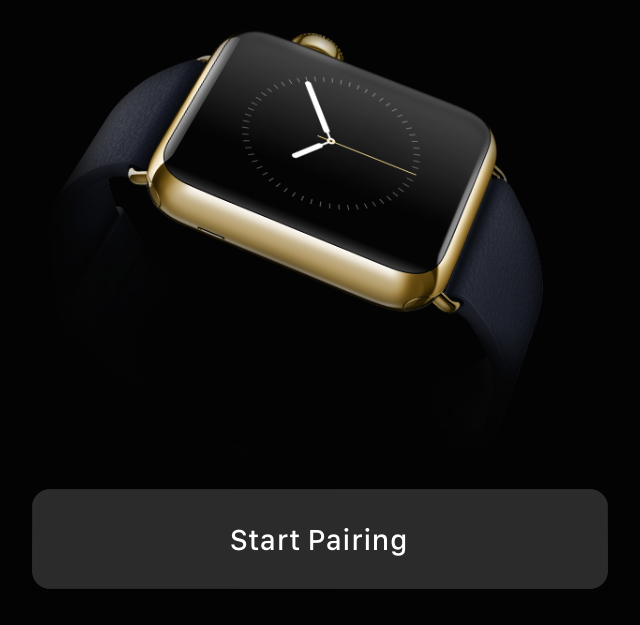
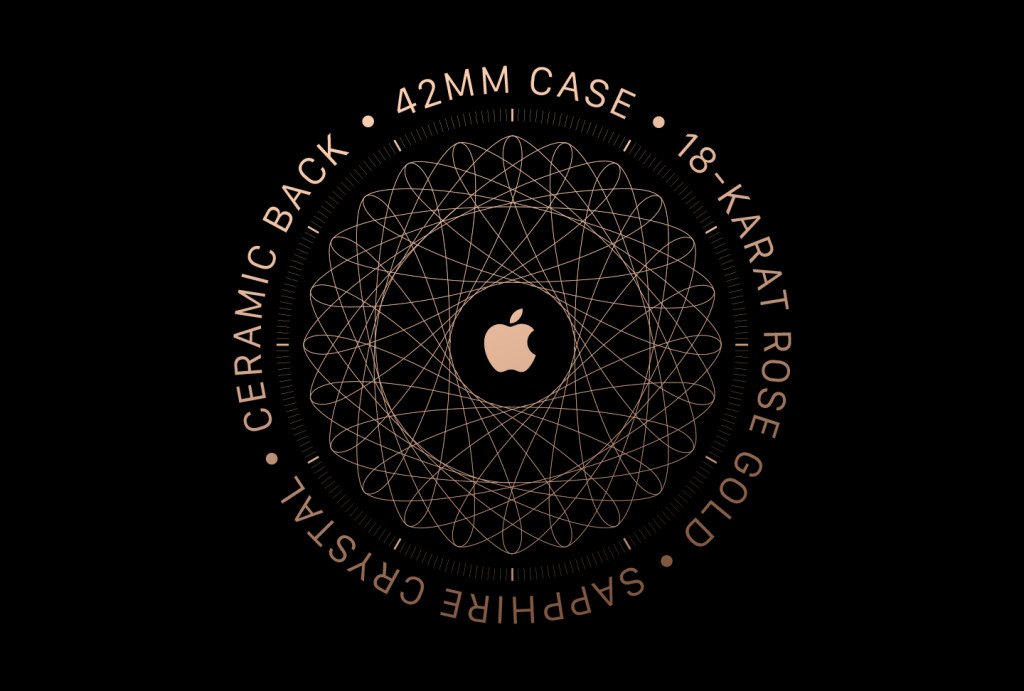
As described throughout the launch process, utilizing an Apple Watch will require pairing with an iPhone. The first time the Watch is paired with an iPhone, a short animation video on the Watch will confirm the connection. In a recent, lengthy, and very informative Wired article, a must read for any avid fan, a still capture of the confirmation image is portrayed.

Just beyond the fold, the confirmation image is displayed and our readers were inspired to make wallpapers. Starting with a push from @IanFuchs, we received several variations, which you can download for multiple devices.

The top stories of the week on iDB

Like every Sunday, we get to take a look at some of the most popular posts that were published on iDB during the week that just ended. Whether it is a news item, a new jailbreak tweak, a tutorial, or an app review, we sum it all up in one convenient place for you.

As always, if you like what you're reading, please feel free to spread the love by sharing our posts on your favorite social network.

We're usually hanging out a lot on Twitter and Facebook, more rarely on Google+.

Don't forget to listen to the latest episode of our new podcast, Let's Talk iOS:

Subscribe on iTunes

And of course, make sure to catch up with the new episode of Let's Talk Jailbreak:

Want to support iDB? Download our iOS 8 Interactive User Guide or Yosemite Interactive Starter Guide in the iBooks Store.

BoxWave Keyboard Buddy turns your iPhone 6 into a Sidekick

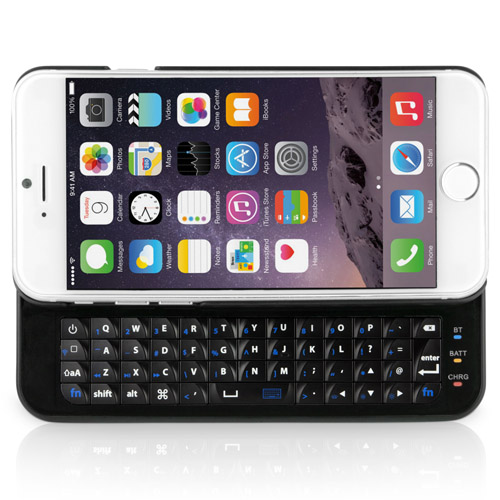
Although Apple has made the screen larger on its latest line of iPhones, the keyboard is still small and difficult to use. One easy solution to that problem is an external keyboard.

The BoxWave Keyboard Buddy is a case for your iPhone 6 with a keyboard attached to the back. Simply slide out the keyboard tray and you’ll be typing away like a 14-year-old girl on a T-Mobile Sidekick.

DuckTales: Remastered, Hooks, DomiNations, and more apps to check out this weekend

When the workweek is over and it is time to settle in for two days of relaxation, nothing sounds sweeter to me than hours of game playing on my iOS device (especially my iPad). Even when I am too busy to game, I can still use my iPhone to help out with practically anything else I might be up to.

If you are in need of some apps and games to keep you moving this weekend, we have a list that might help you find what you are looking for. Check it out and feel free to tell us about new apps you’ve discovered, as well.

Apple announces Watch pre-orders starting Friday, April 10, at 12:01 AM PT

Apple previously said that pre-orders for the Watch will kick off on April 10. Today, the company has confirmed that it will start taking pre-orders for the wrist-worn device right after midnight on the West Coast at 12:01am Pacific Time on Friday, April 10, 2015.

Moreover, the Cupertino firm has also communicated precise pre-order dates and times for other markets via the refreshed Apple Watch sections of its international online stores.

Check out Apple Watch pairing animations

Earlier this morning, we told you about a unique certificate of authenticity that appears when first pairing your Watch to your iPhone in iOS 8.2's stock Apple Watch companion app and now we have our first look at the full pairing animations for the different Watch models.

Thanks to our Tehran, Iran-based tipster who blogs about technology at i-phone.ir and develops iOS applications, we now have a pretty good idea how pairing a Watch to your iPhone looks like in person.

Purported pricing for Apple Watch extended warranty leaks

While Apple did confirm during its second Apple Watch media event on March 9, 2015 that it will be offering its AppleCare+ extended coverage plan for the wearable device, it did not present pricing for the extended support plans tailored specifically to the Watch.

Friday, MacRumors shared some purported AppleCare+ pricing information for the Apple Watch models, obtained from a source. According to writer Juli Clover, AppleCare+ for each version of the Watch will be priced differently, with the gold-plated Apple Watch Edition commanding the highest premium in terms of extended warranty coverage.

Samsung’s Galaxy S6 Edge caught in #Bendgate of its own

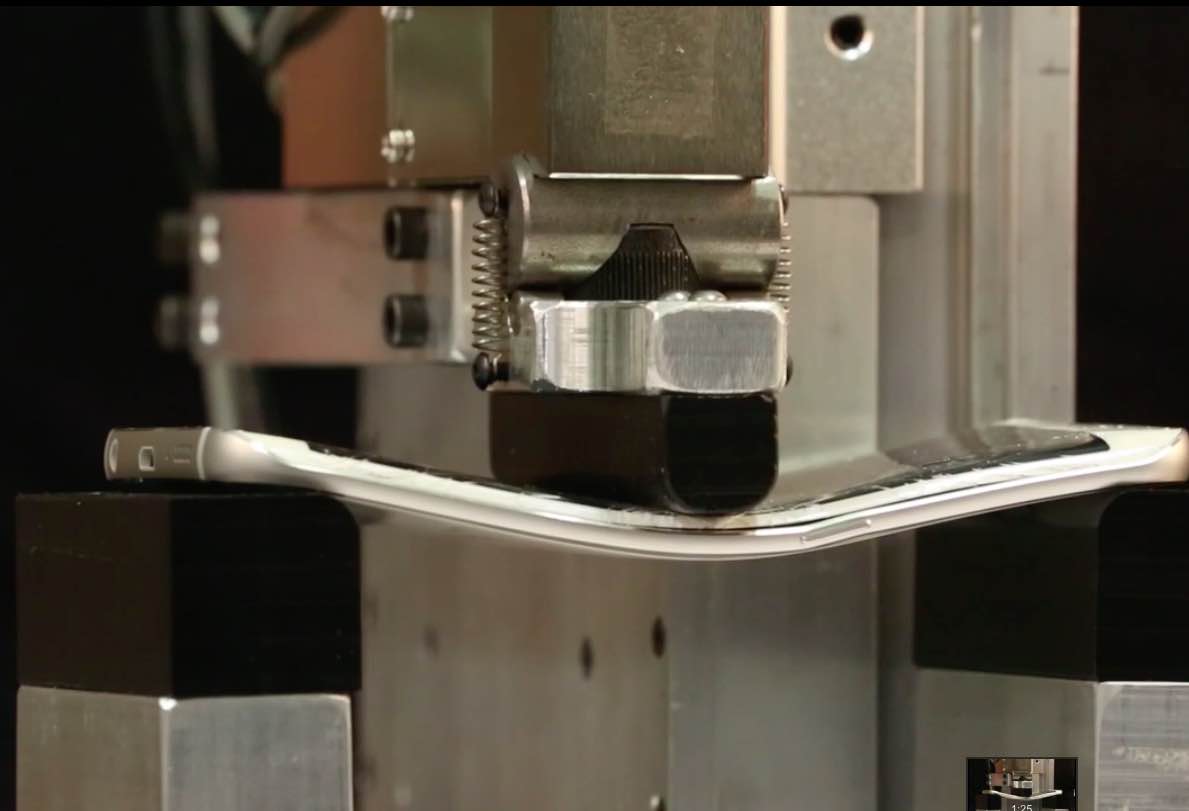
I'll be the first to admit that the headline of this article may be a bit over the top sensationalistic or even linkbait, but same could be said for the iPhone 6 Bendgate articles. This is clearly meant for entertainment purposes. So, if you've been wondering how Samsung's new Galaxy S6 Edge performs under pressure, here's your answer.

Brought to you by SquareTrade, a San Francisco based extended warranty service provider for consumer electronics and appliances, their new breakability stress video shows Samsung's device bends faster than Apple's iPhone 6.

Shocker!

Pairing Apple Watch with your iPhone shows unique certificate of authenticity

Before you can start using your Apple Watch, the device must be connected to your iPhone through the Apple Watch companion app, which got recently added to iOS 8.2.

And when you first pair the wrist-worn gizmo to your iPhone, it shows a unique certificate of authenticity, depending on your model, size and case.

I was re-reading yesterday excellent article by Wired on Apple Watch development when this cool little feature caught my eye so I thought it deserved a post of its own.

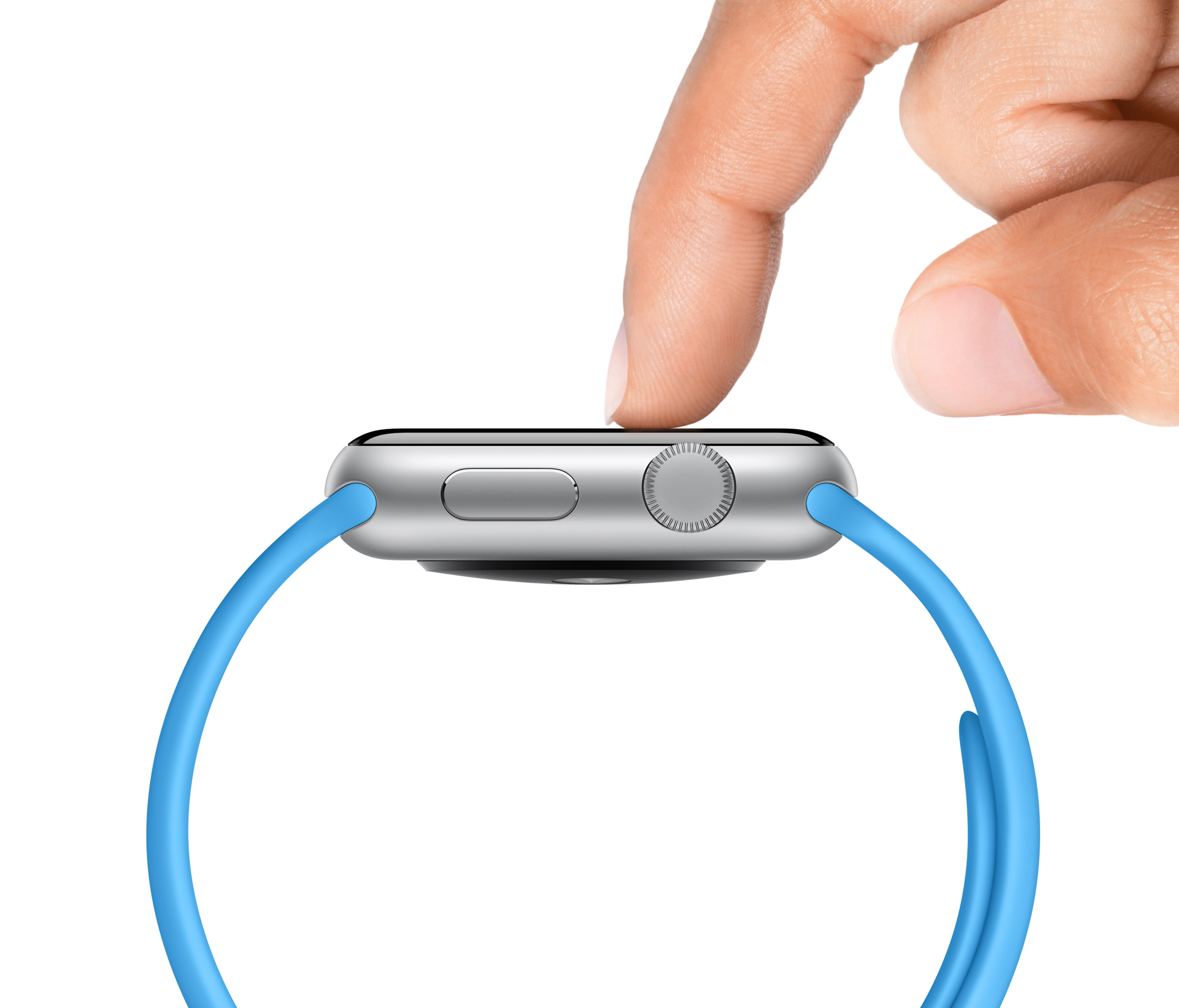
Force Touch on Apple Watch changes emoji color

American model and activist Christy Turlington-Burns has posted her third blog entry about on Apple’s website, revealing a few previously unknown tidbits about the Apple Watch.

The finding that caught my attention deals with Force Touch, a technology involving pressure-sensitive electrodes around the display that can distinguish between a touch and a press to show hidden options.

Among other things, it's possible to use Force Touch to easily change the color of animated emoji in instant messages.

Adobe Slate review: make beautiful stories to share with others

Whether you are creating a Christmas newsletter to send to family or a weekly update on the progress of a project to your boss, you can make your presentation look fantastic with Adobe Slate for iPad.

Adobe’s new creativity app allows users to build their stories from specially designed templates, which are uploaded to a website so they can be shared with anyone. We’ve got an app review of Adobe Slate for you today.