Memories – Instant Photo Scanner review: digitize your film photographs with ease

Say it’s Thursday, and you are frantically looking for some hilarious high school picture of yourself to share with the world on Facebook or Twitter. Once you’ve found the pic, you can’t seem to get a good angle to take a picture of it with your iPhone in order to turn it into a JPEG to post online. Too much glare. It looks blurry. It’s too dark.

That is where Memories – Instant Photo Scanner comes in. You can quickly take digital pictures of old film photographs for sharing and preserving. We’ve got an app review of Memories – Instant Photo Scanner for you today.

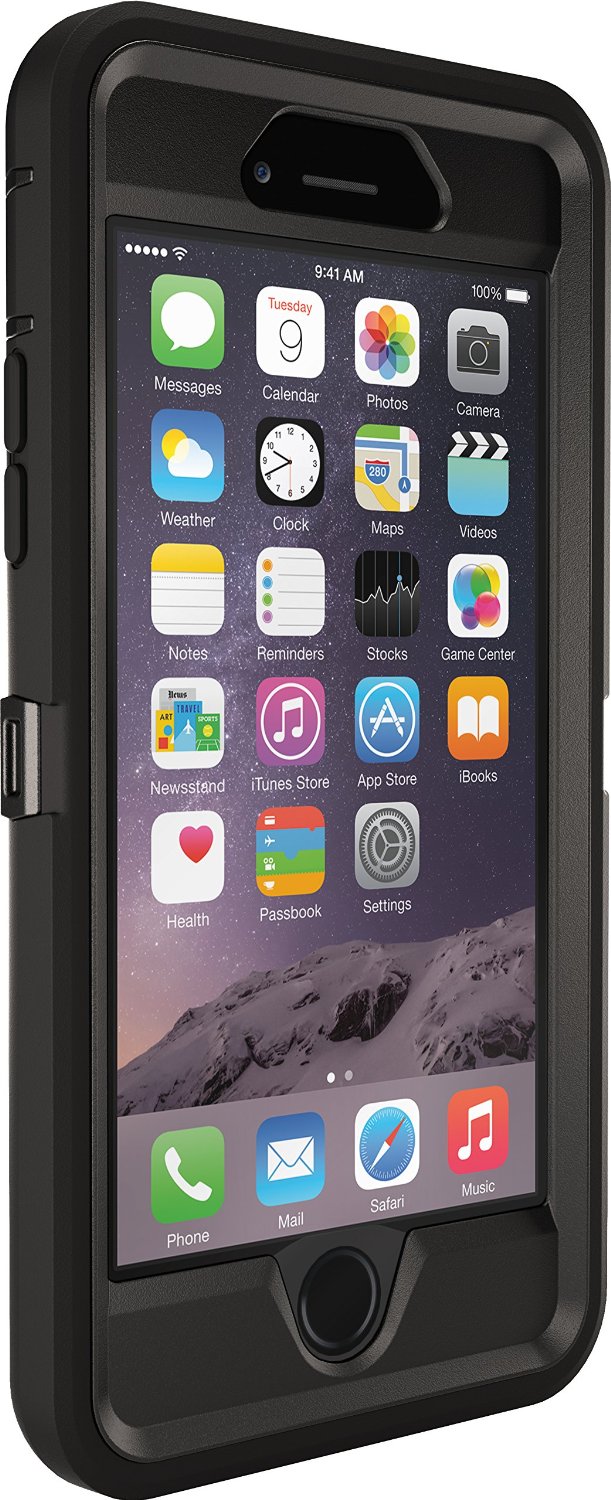
OtterBox Defender for iPhone 6: for the rugged type

I have a friend that always drops his iPhone. He has cracked his screen so many times that he finally decided to invest in the thickest, most durable case he could find.

He settled on the OtterBox Defender because it is one tough case. It has three layers for serious protection. Plus, it comes with a handy belt holster so you can don’t have to try to fit it in your pocket.

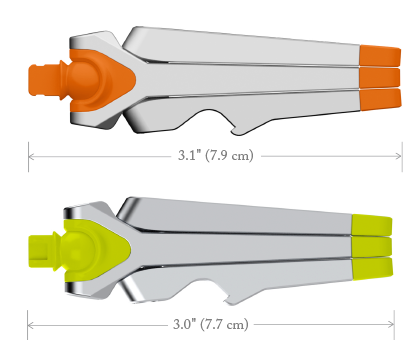
Kenu Stance: a compact tripod for iPhone

From the makers of the Airframe, which I also considered the 'perfect' travel companion for car mounts, comes the Stance. Like the Airframe, Kenu designed their newest gadget to be amazingly simple and solve a problem most iPhone users would love to solve.

Many times, I'm out and about, or even at home, and wish I could quickly find something to hold my iPhone in place. Whether FaceTime, Periscope, Netflix, or reading a recipe, Stance is there to help. I own a lot of docks and stands, at least in the double digits, but none of them are as small and versatile as Stance and I'm thankful Kenu sent one for review.

Tweaks of the week: Couria, Vex, Assistant+, and more

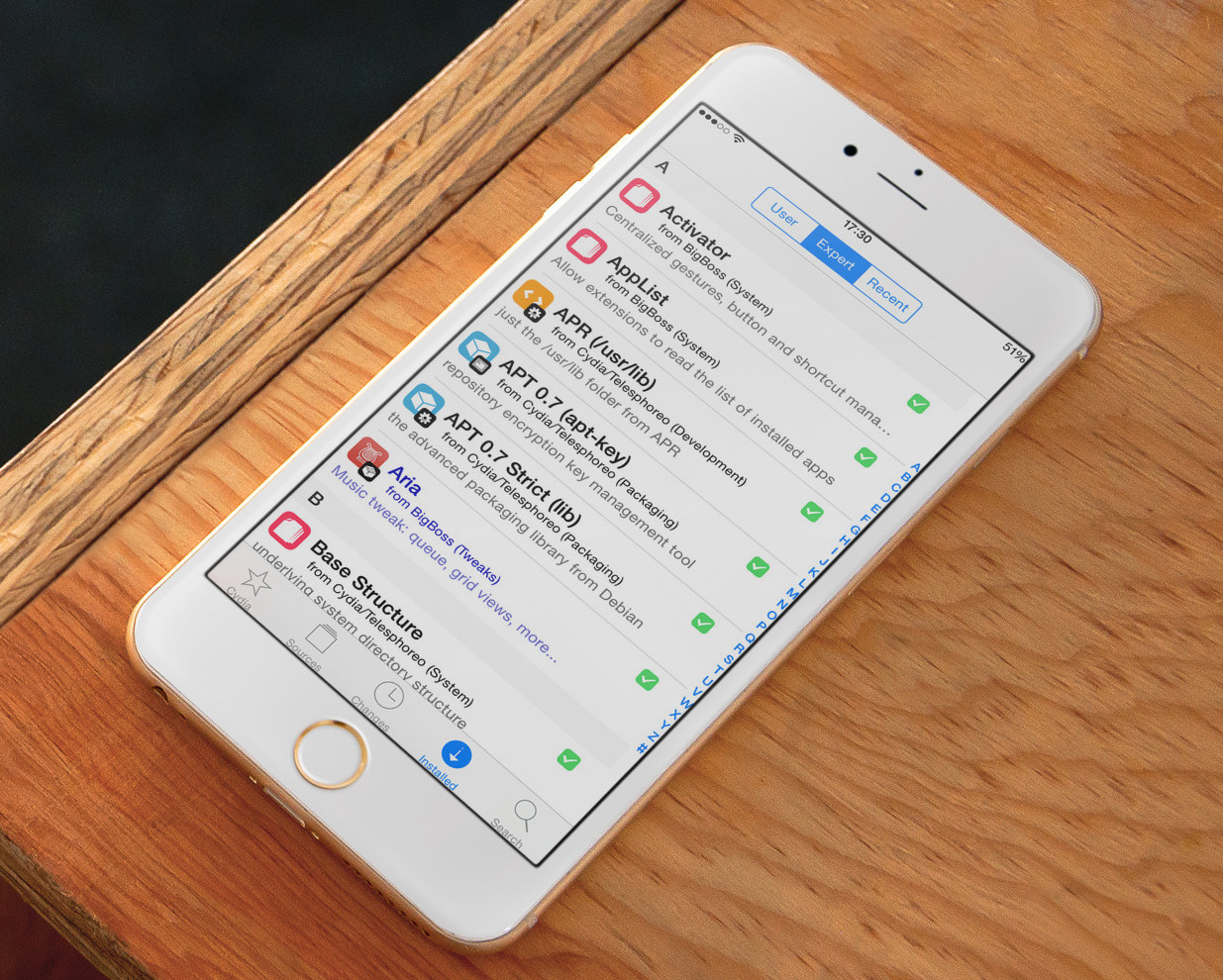
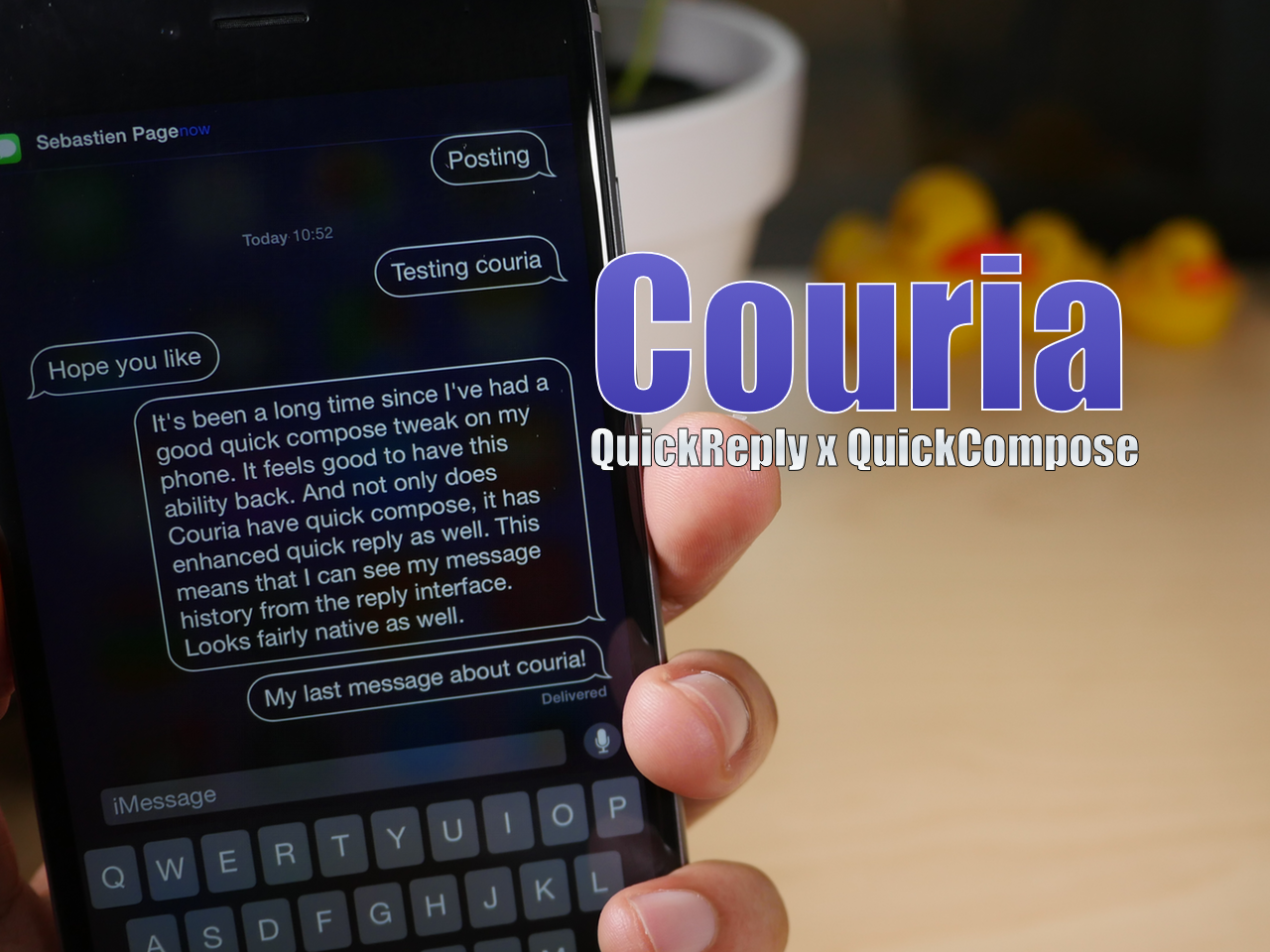
Yet another interesting week in Cydia with a steady flow of new tweaks offering various levels of enhancements to your jailbroken iPhone. I think we'll all agree the big release of the week is Couria, a tweak offering Quick Compose and Quick Reply for Messages, but it definitely wasn't the only one worth your while. Take a peek below!

Game of Thrones wallpapers for iPhone

Today, the highly anticipated new Game of Thrones season launches on HBO. Other than another twisting plot, one of the biggest Game of Thrones change is the HBO NOW streaming service launch. The newest service allows Apple device owners to sign up for a free 30 day trial and $14.99/month service following the trial. HBO NOW provides access to all legacy content, movies, documentaries, and current content. It is the same as signing up through a cable provider, but without the headache and added expense of cable television packages. Having signed up myself, I am looking forward to being able to watch new seasons without waiting for iTunes downloads or the Blu Ray box set.

In typical style, the best way to hype a launch is with a daily reminder on your favorite devices. Wallpapers included past the fold are all Game of Thrones images and should get you prepped for the ensuing blood bath that will be episode one.

Roundup: iDB’s top stories of the week

Like every Sunday, we get to take a look at some of the most popular posts that were published on iDB during the week that just ended. Whether it is a news item, a new jailbreak tweak, a tutorial, or an app review, we sum it all up in one convenient place for you.

As always, if you like what you're reading, please feel free to spread the love by sharing our posts on your favorite social network.

We're usually hanging out a lot on Twitter and Facebook, more rarely on Google+.

Don't forget to listen to the latest episode of our new podcast, Let's Talk iOS:

Subscribe on iTunes

And of course, make sure to catch up with the new episode of Let's Talk Jailbreak:

Want to support iDB? Download our iOS 8 Interactive User Guide or Yosemite Interactive Starter Guide in the iBooks Store.

Mortal Kombat X, HBO NOW, Count, and more apps to check out this weekend

Now that we’ve gotten all of that Apple Watch pre-order business out of the way it is time to focus on new apps and games that came out this week. There is always something new to check out in the App Store. I can’t wait to test out all of the Apple Watch apps in two weeks.

If you are itching for some iOS action, we’ve got a list of apps and games that are worthy of your time this weekend. If you don’t find anything that tickles your fancy, don’t worry. We make these lists almost every day.

Couria is now available for free on Cydia

Couria, the popular quick reply and quick compose tweak that's been in beta for iOS 8, is now available on the BigBoss repo. It brings with it a few new features that weren't available in the beta version, but much of the tweak will be very familiar to beta testers. If you've been dying for a capable quick reply and quick compose tweak in light of biteSMS' demise, then Couria may be just what the doctor ordered.

Koomus Air Vent Car Mount provides a safe view of your iPhone when driving

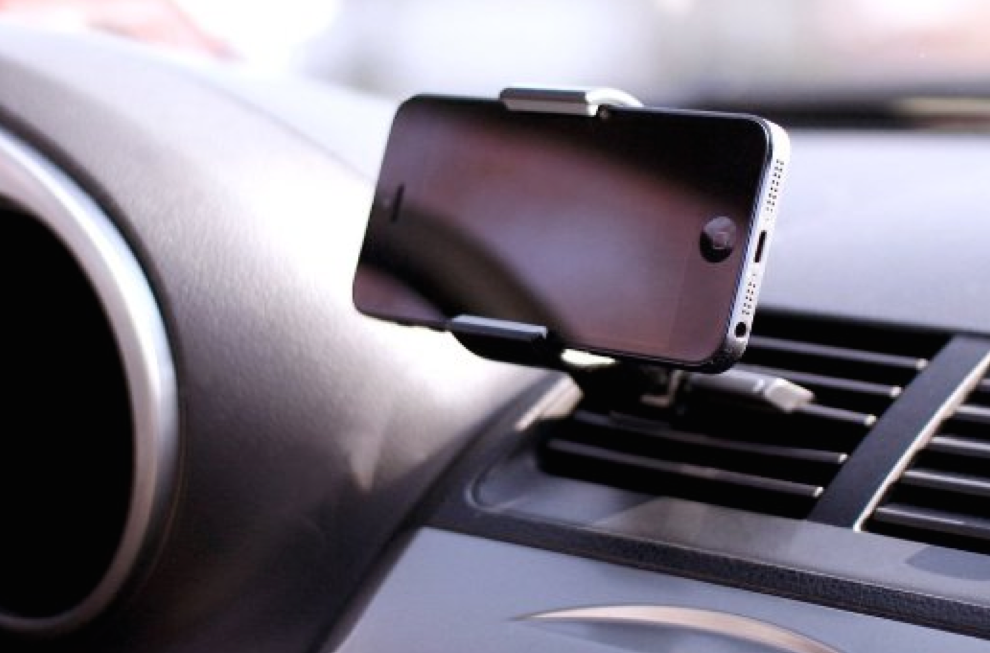
In some states, it is illegal to mount anything to your dashboard or windshield. However, it is much less safer to hold you iPhone in your hand while driving when trying to follow directions. One alternative is the air vent mount.

Koomus makes an air vent mount that stretches from 1.5 inches to 3.5 inches, so you can secure your iPhone 6 to your car without it blocking any view through your windshield.

How to create a new library in the Photos app

Creating separate libraries. It's one of the best ways to go about organizing photos with the new Photos app in macOS. I find that using multiple libraries to separate things like work and personal life is a good strategy. Fortunately, it's extremely simple to create new libraries and to switch between those libraries on the fly.

Apple Watch pre-orders: what we wanted vs. what we got

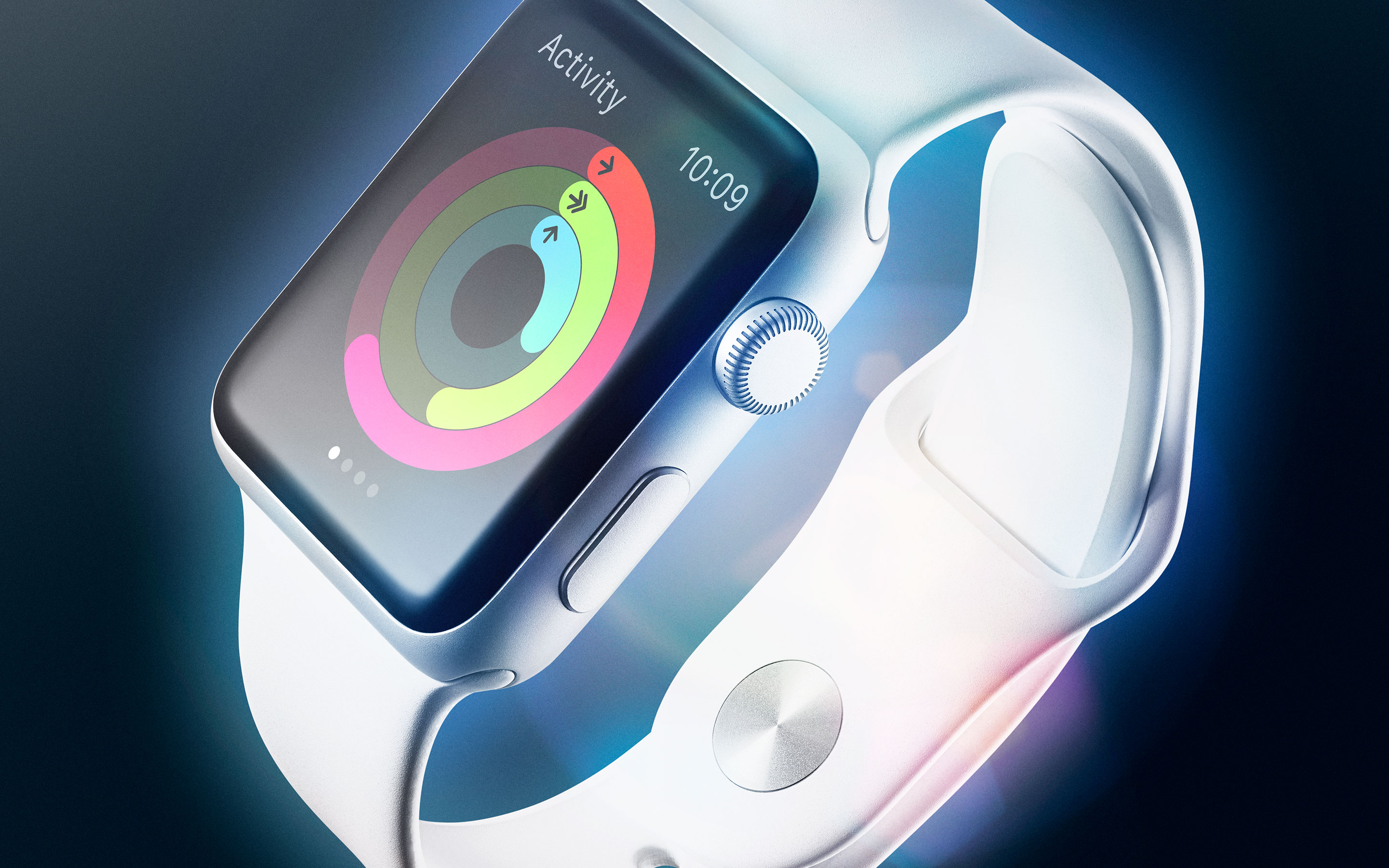
It's been quite the day for Apple today with not just one new product in its stores, but two. Both the new MacBook and the Apple Watch have arrived in stores, though the former isn't actually stocked for purchase and must be ordered online, and the latter is only available for pre-order at this time. Still, big day.

If you were one of the untold number who pre-ordered an Apple Watch today, then you probably had quite the experience. Pre-orders went live at the same time around the globe, whether that be anywhere between midnight and 3am in the States, to a much more reasonable 8am in the UK. As is always the case with these big online launches, things got messy, though it's clear Apple's servers held up considerably better than they have in the past.

The best course of action was to get all of your ducks in a row ready for go time, and if you used the iOS Apple Store app to do your ordering, then you probably got in and out before the website even went live again after its now customary downtime whenever a new product launches. If you got your order through in time, then you probably have an Apple Watch coming on day one. If not, well, it could be July. And that's not a joke.

With the vast majority of the iDB team placing orders for a range of Apple Watches today, we thought it might be fun to have a little recap not just of what we ordered, but how we found the process, and more importantly, whether we managed to order the model of Apple Watch we set out for. With stocks fluctuating and demand high, that wasn't always as simple as it may seem.

Let's get started.