Episode 103: Pangu vs Stefan Esser, Sentry puts out a new App Store keyboard, Assistant+ supercharges Siri, AudioRecorder brings impressive sound recording to iOS, and more.
Subscribe via RSS

Episode 103: Pangu vs Stefan Esser, Sentry puts out a new App Store keyboard, Assistant+ supercharges Siri, AudioRecorder brings impressive sound recording to iOS, and more.
Subscribe via RSS

VOX Music Player for Mac by Coppertino Inc. has gone iPhone. Available at no cost in the App Store, the application lets you enjoy high-quality music encoded in the lossless FLAC format on your iPhone, iPod touch or iPad.
Of course, you can play the usual assortment of lossy audio files, too, including MP3, AAC and just about any type of audio file format you could think of. For example, the app is capable of rendering music formats like APE, WMA and CUE which are not supported by iTunes natively.
Your music can also be cached for playing offline.

A brand new app by Path creators (you do remember Path, don't you?), called Kong, is now available at no cost in the App Store. Billed as a piece of software designed to play with your selfies, Kong unleashes your imagination by letting you create GIFs of yourself in an instant.
You can make the bite-sized animated GIFs more interesting by adding text, applying filters to your selfie and more.
Your animated meme can then be shared with a private circle of friends or with the web at large through Twitter, Facebook, Instagram and other services. Kong is actually quite cool and addictive, let me explain why.

For the third year in a row, Apple CEO Tim Cook is participating in a charity auction organized by the fundraising service CharityBuzz. You can now bid on the opportunity to have lunch with Cook on the Apple campus in Cupertino, California, and to be his guest at an Apple keynote event. In fact, the highest bidder will win not one but two VIP passes to an Apple keynote.
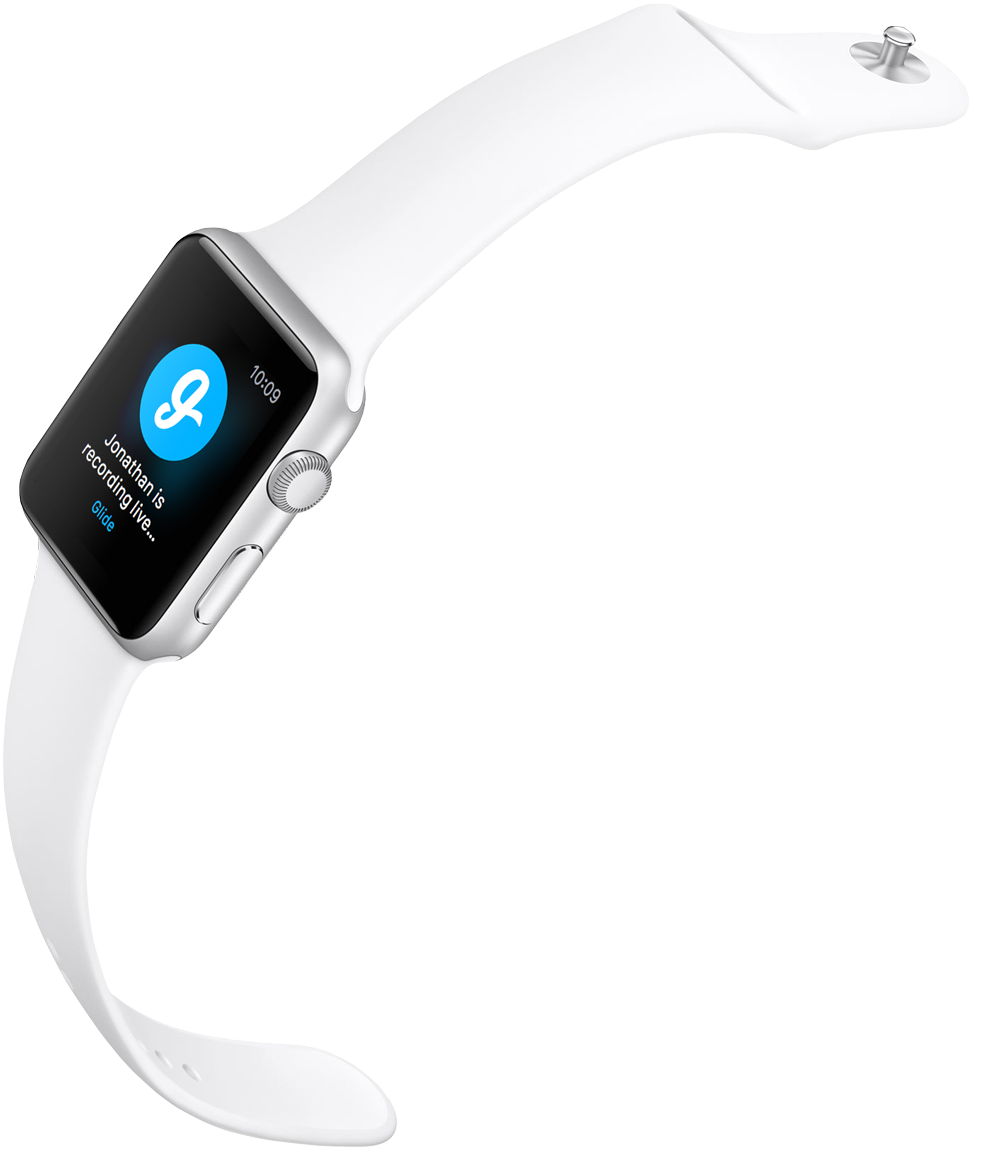
Glide for iPhone has been updated on the App Store today with Apple Watch support, becoming the first app to bring one-way real-time video messaging to the wrist-worn gizmo. The app lets you see a preview of video messages up to five minutes long on your wrist and respond straight from your Apple Watch.
Other features include getting quick updates to the Watch when friends send you videos, texts or photos without needing to take out your iPhone, accessing all chats and missed events and more.
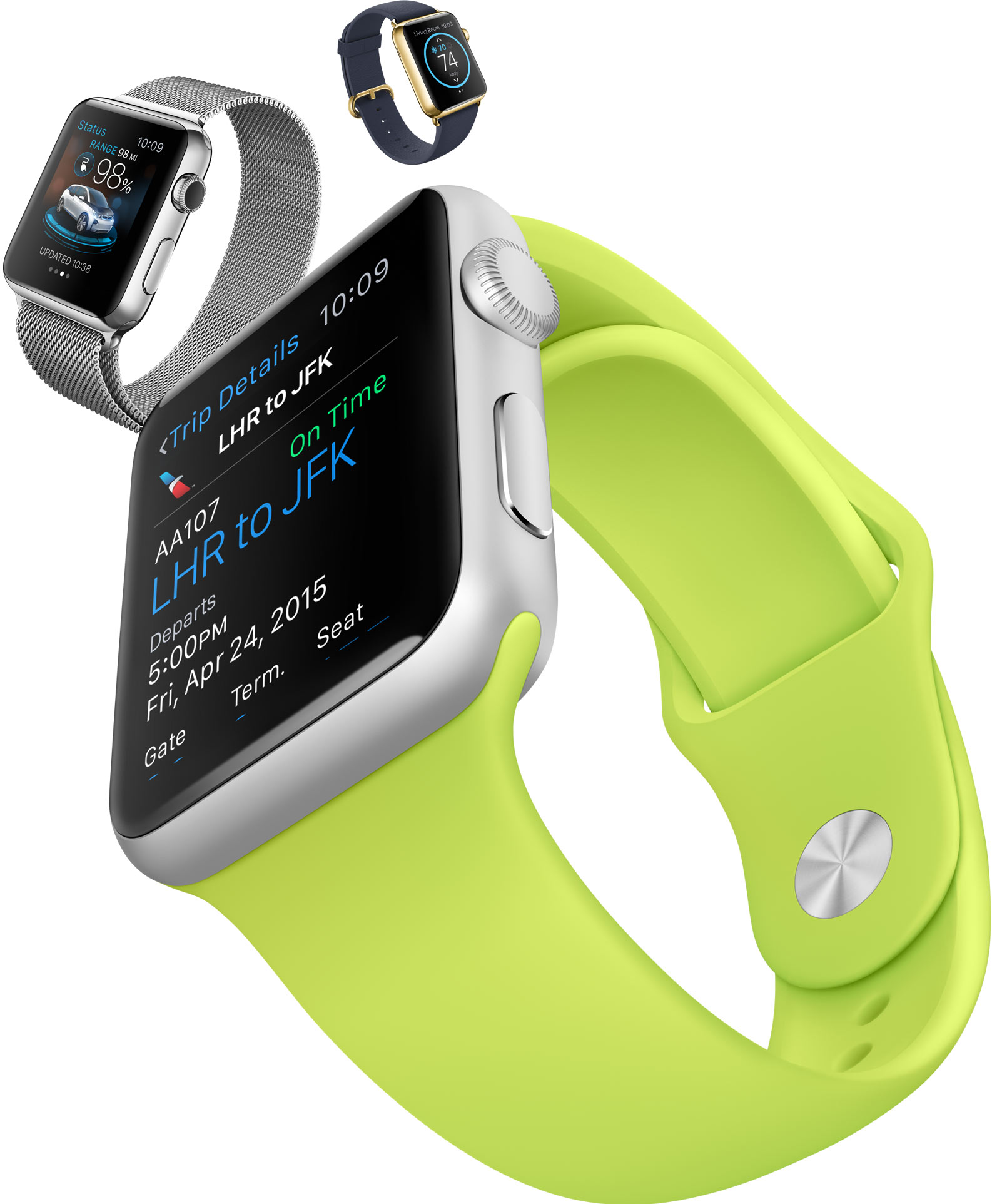
Apple's Watch features a handy “multitasking” shortcut that Apple did not detail publicly. According to a Reddit user who provided an animated GIF of the feature in action, double-tapping the device's Digital Crown switches you between your two most recently opened apps.
Although it's unclear yet if the Watch has true multitasking capability found on the iPhone and iPad, this shortcut is a great time-saver that makes it easy not only to jump between actions if you are multitasking, but also to go back to the Watch face if you’ve just been in one app.
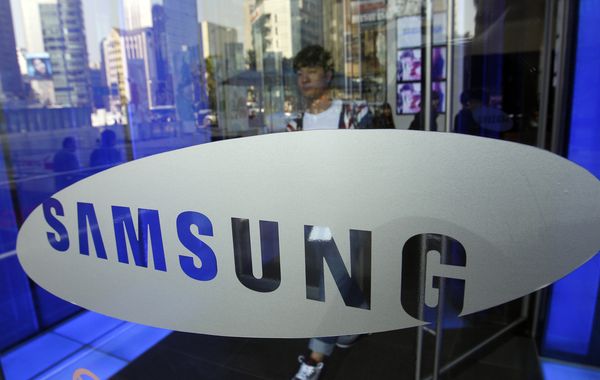
Samsung's has devoted a team comprised of two-hundred skilled engineers to build mobile displays exclusively for Apple. The move indicates that the two technology giants are strengthening business ties, patent disputes notwithstanding, Bloomberg reported Wednesday.
The team formed April 1 and also helps with sales, people with direct knowledge of the matter said. In addition to the improved business relationship, analysts think the exclusivity of the business arrangement might indicate that Samsung Display could win more screen orders from Apple in the near future.
There aren’t many classic arcade style action games that are able to compensate for the iPhone's lack of physical buttons. The loss of tactile feedback is just too much to overcome, but this doesn’t mean that we can’t enjoy a nice score chasing romp on our phones. It just means that developers have to create new games that rely on completely different control schemes. Simple Machine’s Smove does just that.

I travel a lot. Not necessarily on vacations mind you. I just mean, I'm out and about on a daily basis, gone for side family visits on the weekend, and fly on a somewhat regular basis. Consequently, my daypack is always stuffed with cables for my gadgets, iPhone, iPad, backup battery charger, Bluetooth headphones and the like.
Naturally, there is some overlap there with the Lightning cable, but sometimes you need to charge the iPhone and iPad simultaneously. More importantly, my daypack is made for lightweight daily stuff and every time I cram one more even small item, it gets filled. Thankfully, I've added Nomad's NomadClip to the mix and I can store my charging cable on my belt clip, outside of the bag, and many other non-backpack locations.

Looking to spice up the look of your folders in iOS 8? If so, then you may want to give FolderBlur a look, a new jailbreak tweak that allows you to select from several different folder styles on the fly without respringing.
We've taken FolderBlur for a spin on video. In this post, we'll showcase all of the available styles and explain which style is our favorite.
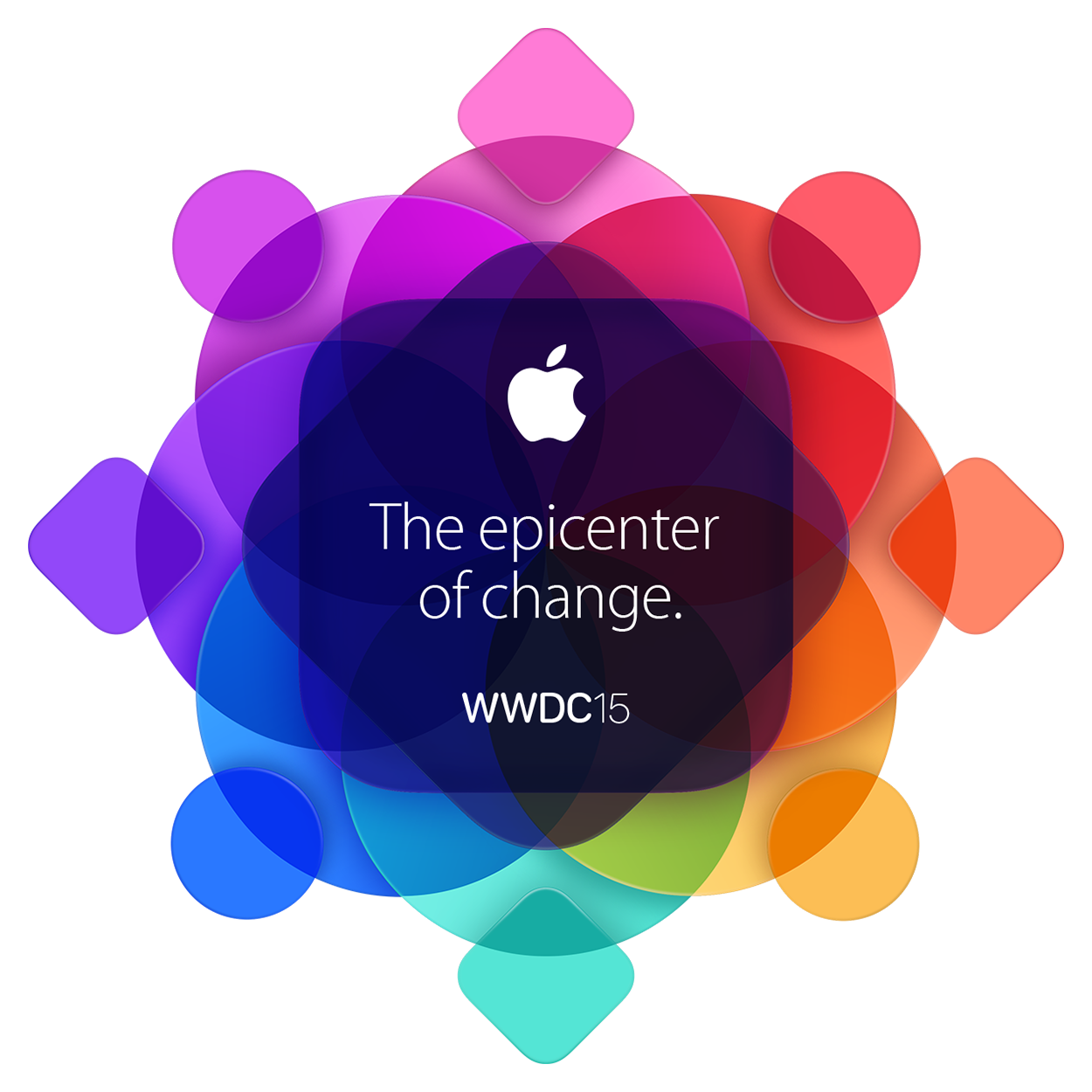
Earlier today, Apple sent out invitations to their 2015 Worldwide Developer Conference to be held Monday, June 8 through Friday June 12. As with all previous WWDC events, it is safe to assume the five-day conference will begin with a kick-off press event and announcement.
In recent years, Apple used WWDC to show off and highlight major renovations to iOS and OS X. With the Apple Watch launch this spring, it is possible Apple may even highlight new opportunities for Watch OS, including native applications for the new flagship device.
Of course, to celebrate, we have included event invitation-inspired wallpapers to match "The epicenter of change" graphics. Step inside to see the handy work of our readers.

Episode 77: New MacBook impressions, Apple Watch impressions, iOS 8.3, the new Photos app for Mac.
Subscribe on iTunes
Support Let's Talk iOS:
DigitalTreasures.com – your one-stop source for mobile innovations. Use promo code ‘TurtleCell’ when ordering to get 30% off your TurtleCell purchase and free shipping.