March 21 Apple event wallpapers: “Let us loop you in”

On Thursday, March 10, Apple sent invitations for their media event, "Let us loop you in," to be held on Monday, March 21. The event is said to reveal a completely new handset, dubbed the iPhone SE. In addition, a refresh of the iPad Air is expected to bring the device more in-line with iPad Pro. Finally, there is a potential for new Apple Watch accessories, specifically bands, and updates to the operating systems for OS X, iOS, and Watch OS.

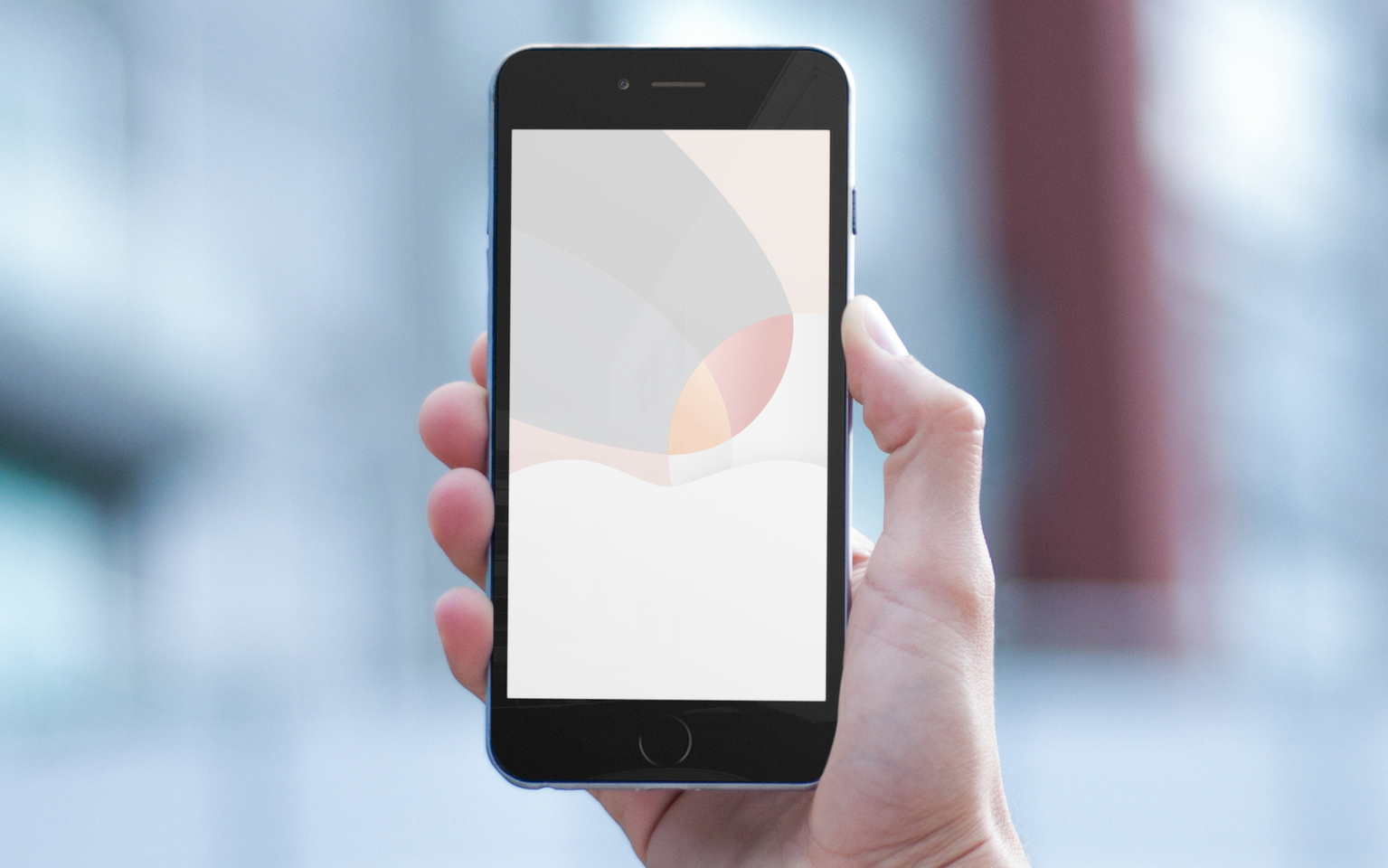
The invitation, which always includes an image, will no doubt send the blogosphere reeling with guesses about hidden images that are allegedly included. At iDownloadBlog, we simply like to enjoy the invitation designs and celebrate them with a collection of wallpapers. Inside you will find Apple media event wallpapers for iPhone and Apple Watch.
Locktionary: search the iOS dictionary from the Lock screen

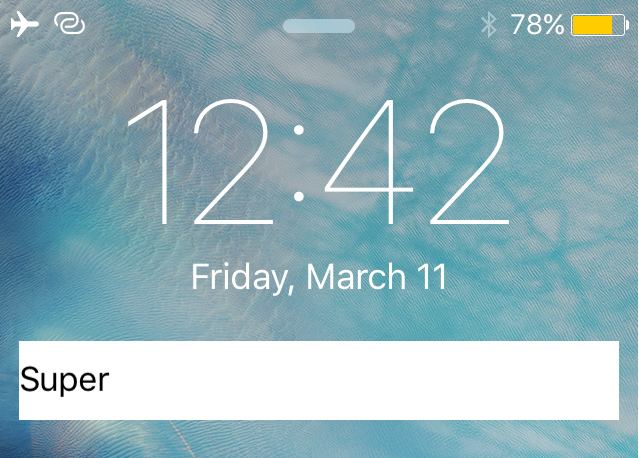
Locktionary is a new jailbreak tweak that can be had for free from Cydia's BigBoss repository that will let you search for the definition of any word right from the Lock screen.

The tweak offers a simple way to quickly figure the meaning of a word without having to be vocal with Siri and without even having to unlock your iPhone. In this piece, we'll walk you through how the tweak works and let you know what we think about it.

1Password for iOS gains tighter Spotlight and Voice Over integration and other improvements

Developer AgileBits today pushed an update to its password-management utility in the App Store, 1Password.

A forty-fourth update since 1Password for iOS was first published in November of 2012, the latest version 6.3 edition brings improved integration with iOS 9's much-enhanced Spotlight Search, as well as expanded Voice Over support, the ability to pick a vault at launch, better syncing, updated translations, bug fixes and other perks.

This clever adapter makes your MacBook or iPad charger sit flush against the wall

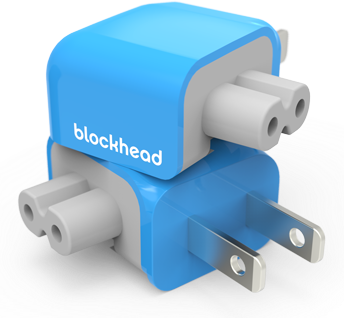
An company called One Design has announced an interesting space-saving solution that lets your MacBook or iPad charger sit flush against the wall. Dubbed the Blockhead, the inexpensive device is basically a side-facing plug for Apple's USB chargers.

It reduces between your charger and the wall socket from 3.8 inches to just 1.2 inches. By turning your MacBook's adapter sideways, Blockhead also brings its center of mass closer to the wall, resulting in a smaller footprint and less tension on the plug.

“At just over an inch thick, blockhead is the thinnest possible way to charge your MacBook,” says One Design. “Even the standard cord needs twice as much room.”

SmartBanners lets you customize your iOS banner notifications

Your notification banners are an intimate part of your iOS experience that you use to interact with apps and people on a daily basis. With that being said, wouldn't it be nice if you could customize some of their features a little bit?

A new free jailbreak tweak called SmartBanners is now available in Cydia's BigBoss repository free of cost, and will give users a myriad of configuration options to customize the look and behavior of their notification banners. In this piece, we'll take you through a bit of how the tweak works.

FastShare: use Activator to quickly share content to Facebook, Twitter, and Messages from anywhere

FastShare is a new jailbreak tweak available in Cydia's BigBoss repository for $1.49 that lets you harness the power of Activator to allow you to more easily share information with your friends, family, and followers.

The tweak comes with a unique interface for sharing information across your favorite social mediums, such as Facebook, Twitter, and Messages, and it includes options that you can configure to your liking so the tweak looks and behaves how you want it to.

‘Other’ storage on your Mac explained

We recently detailed 'Other' iOS storage, an iTunes-reported section that includes various caches and temporary system files on you iPhone, iPod touch and iPad along with device settings, high-quality Siri and Voice Over voices and other system data.

Not many people know that macOS reports 'Other' storage on Macs, too. Unlike its iOS counterpart, the 'Other' Mac storage basically counts non-media files that don't fit any other category.

In addition, files not recognized by Spotlight are classed as 'Other' storage, among other items. Here's precisely what files are included in the 'Other' storage section, how to see its size, why your disk's used space appears as 'Other' storage when you startup up your Mac in Safe Mode and more.

Apple enables redownloads of audiobooks, iOS 9.3 to add audiobooks to Automatic Downloads

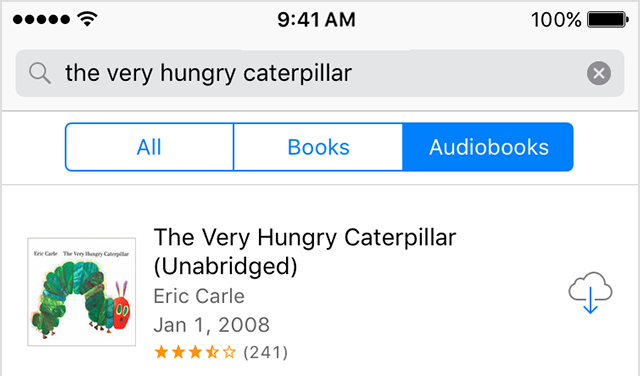
Thanks to the iTunes in the Cloud feature, Apple customers have long been able to re-download apps, movies, TV shows, music, music videos, books, ring tones and tones purchased on the iTunes Store, but not audiobooks. As per Apple's newly updated support document, customers in 22 countries total can now re-download any audiobook.

This feature is available in iBooks on an iPhone, iPad or iPod touch with iOS 8.4 or later, or in iTunes on a Mac or Windows PC. In addition, previously downloaded audiobooks, free or paid, are now listed in your Purchased history in iBooks and iTunes.

OneSafe password manager goes free as Apple’s App of the Week

Apple on Thursday updated its App of the Week promotion with the app OneSafe. This means that for the next 7 days, you'll be able to pickup Lunabee's popular password manager for free for both iPhone and iPad, a solid savings of $5.

For those who aren't familiar with it, oneSafe provides advanced security for your sensitive data with features like Touch ID, decoy safe, intrusion detection, and self-destruct mode. It stores logins, financial data, credit cards and more.

Explore the world of Wikipedia in revamped iOS app with 3D Touch, Explore feed and more

Wikipedia, the world's encyclopedia and knowledge base, has never had an attractive mobile app. That changes today with a major refresh to its app in the App Store permitting users to explore Wikipedia content tailored to their interests via an all-new Explore feed.

Navigations has been greatly simplified with new touch-friendly ways to discover content, 3D Touch support, Spotlight Search integration and more.

The app was obviously designed with the theme of exploration in mind.

“We all know Wikipedia as a quick fact-checking resource, but the new app is designed to make exploring knowledge on Wikipedia a journey,” developers told me via email.