Palert brings tvOS-inspired notification alerts to iOS

The Apple TV 4 has a completely new operating system called tvOS, which sits right alongside OS X, iOS, and watchOS in Apple's operating systems.

One of the nice parts about tvOS is the design of the alerts and notifications. In fact, iOS developer Robin Vekety (@Integeritis) thought it would be a cool idea to port the new alert style over to the iOS experience for those with jailbroken devices.

‘IfFound 3’ makes it easier for good Samaritans to return your lost iOS device

Nothing gives you a lower-sinking gut feeling than when you accidentally leave your $650+ iPhone sitting somewhere and forget about it, or when it ends up stolen.

Fortunately, good Samaritans now have an easier way to get in touch with you if your device is ever found thanks to a recent Cydia release called IfFound 3.

Indeed this jailbreak tweak is a new iteration of a tweak that has existed for ages, but it's back and it's ready for iOS 9, and in this review, we'll show you exactly how it works.

Skype for iPhone updated with new Bots feature

Skype received an update on Wednesday, bringing the iPhone app to version 6.13. The change log in the App Store says the release just features "General Improvements," but a quick look at the official Skype blog shows that's not the case.

During today’s Build 2016 conference, Microsoft introduced a new feature called Skype Bots. The company describes these Bots as "a new way to bring expertise, products, services and entertainment into your daily messaging on Skype."

Apple releases Safari Technology Preview browser for developers to test latest web technologies

Wednesday, Apple announced immediate availability of a brand new browser created specifically for web developers. Safari Technology Preview, as it's called, resembles an ordinary Safari browser with a distinctively purple app icon in the dock. With Safari Technology Preview, web developers can get their hands on improvements to WebKit and other web technologies and optimize their web code before these technologies trickle down in future releases of iOS and OS X.

“Get a sneak peek at upcoming Safari web technologies in OS X and iOS, and easily experiment with these technologies in your websites and extensions,” writes Apple.

T-Mobile promo takes half off any iPhone when you buy a second iPhone and add a line

In time for the new iPhone SE, which lands on store shelves tomorrow, wireless carrier T-Mobile announced a new BOGO (Buy One Get One) promotion that gives qualifying Simple Choice postpaid customers half off any iPhone when they buy a second iPhone and add a line.

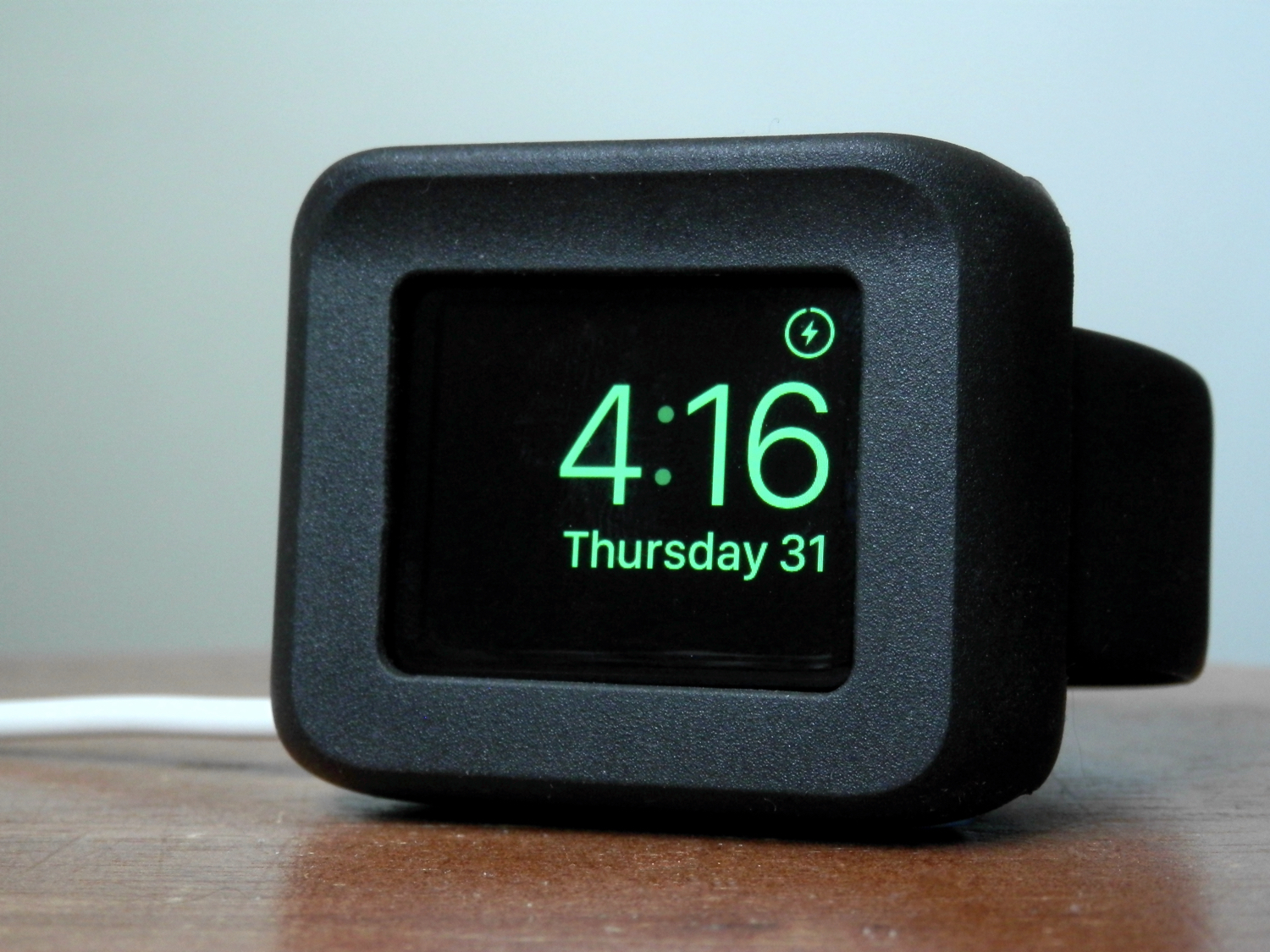
Devices eligible for this promotion include all iPhones that the company currently stocks, including the new four-inch iPhone SE, iPhone 6s, iPhone 6s Plus, iPhone 6, iPhone 6 Plus, iPhone 5s and iPhone 5c. Certified pre-owned iPhones are not eligible for this time-limited offer, which goes live on Thursday, March 31.

iPhone manufacturer Foxconn buys Apple supplier Sharp in a $3.5 billion deal

It's finally official: the world's leading contract fabricator, Foxconn, which assembles iPhones and other products for Apple and other consumer electronics companies, has purchased the struggling Japanese giant Sharp, one of Apple's display panel suppliers, in a deal valued at a reported $3.5 billion.

As reported today by The Wall Street Journal, Foxconn believes this transaction will improve its position on the technology value chain and has plans to expand Sharp's production capacity and invest in the production of OLED screens that future iPhones are expected to adopt.

Fantastical for Mac gains native Exchange support, printing, iCloud shared calendar alerts & more

After shipping Fantastical 2 for Mac a year ago with tons of new features and a revamped user interface for OS X Yosemite and later, developer Flexibits today pushed version 2.2 of its calendar, reminder and to-do productivity app on the Mac App Store.

Fantastical 2.2 for Mac brings powerful new features to the experience, starting with full support for Microsoft Exchange accounts with native account syncing, invitation responses, availability lookup, categories and people lookup.

Other enhancements include availability information in calendars, support for printing with multiple layouts and a host of other under-the-hood refinements.

Apple Maps brings Nearby, Flyover and Traffic features to more countries and locations

A steady stream of regular Apple Maps backend updates continues unabated with the latest expansion of the Nearby and Flyover features in new cities and countries around the world. In addition to five new major cities in Germany, Japan and the United Kingdom that now support Maps' three-dimensional Flyover views, the Nearby feature is now available in Austria, Denmark, Japan and Switzerland to help Apple's customers there find local businesses and points of interest relative to their current location.

Is Apple going to rebrand OS X as ‘macOS’?

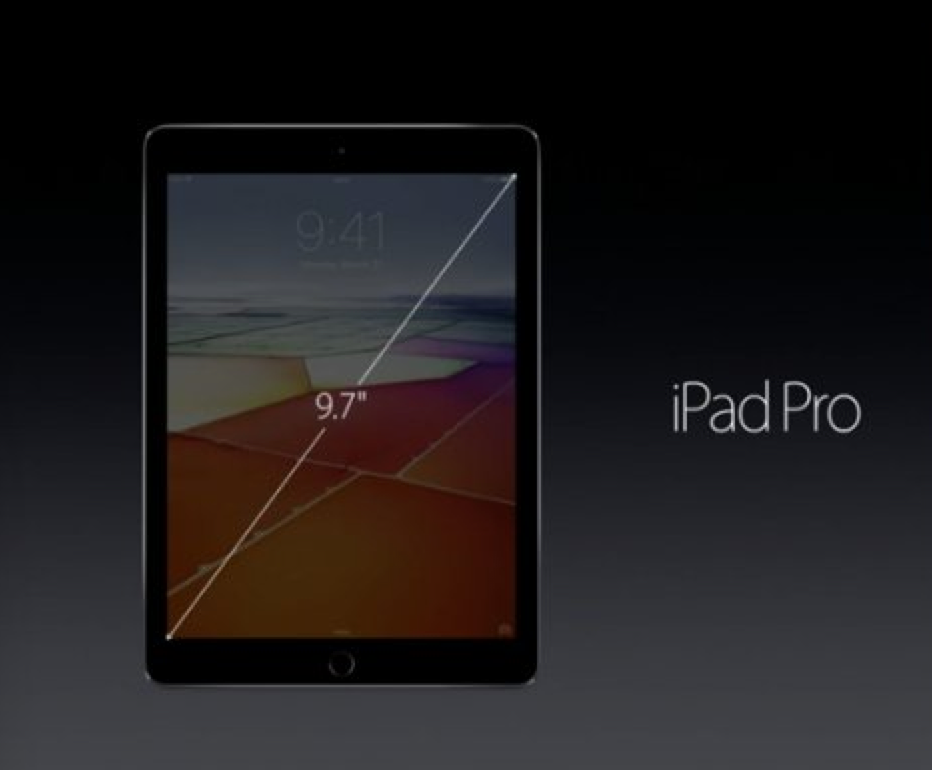
OS X, the desktop operating system which powers the Mac—“it's what makes a Mac a Mac,” says Apple—does not fit into the company's current OS naming scheme that has already given us watchOS, tvOS and iOS, but that might be about to change.

According to Portuguese-language site MacMagazine.com.br, developer Guilherme Rambo has discovered an interesting mention of 'macOS' in the “FUFlightViewController_macOS.nib” interface file within the FlightUtilities framework inside OS X code.

This Mac app tracks how often you slack off

A lot of us use our Macs not only for our daily lives, but also for our work. The problem is, with all of the internet at our fingertips, it can be hard to stay focused when the allure of social networking, like Facebook and Twitter, as well as other things you can do to slack off, are no more than just a click away.

That's the idea behind the creation of an awesome free app for your Mac called Escape by FocusList, which tracks how much you slack off each day and provides you with a daily report for your viewing pleasure.

In this piece, we'll give you a look at the software and how it works; you might even find interest in trying it out for yourself!

Common restore errors in iTunes and how to resolve them

Restoring your iPhone, iPod touch, or iPad can resolve a variety of issues, but sometimes you'll experience issues even when you try to restore your device(s) with iTunes.

You may have received a "This device cannot be restored Error XXX" message from iTunes before, and unfortunately, you may have been forced to do some research to even begin to understand why you're getting the error, which can cause tons of frustration.

In this piece, we'll talk about some of the most common iTunes restore errors and how to fix them so you don't have to spend hours researching for solutions by yourself.