Learn how to turn off Safari suggestions on your iPhone, iPad, or Mac that appear as content previews when typing search terms in the address bar.
How to disable Safari Suggestions on iPhone, iPad, and Mac

Learn how to turn off Safari suggestions on your iPhone, iPad, or Mac that appear as content previews when typing search terms in the address bar.

You knew about three-dimensional buildings and landmarks on Apple Maps—a feature they're calling Flyover mode. But did you know that Apple's mapping service includes virtual tours of more than a hundred major metropolises worldwide? If not, that's because Apple hasn't exactly gone to great lengths to advertise it front and center in the Maps interface.
These virtual tours are basically auto-playing animations in Flyover mode, complete with three-dimensional buildings, terrain and landmarks. They're quite useful if you're visiting a city for the first time, though virtual tourists who want a quick overview of a major city will also find them fun and entertaining.
Here's how you can explore and enjoy 3D Flyover Tours on Apple Maps for the iPhone, iPod touch, iPad and Mac.

Google I/O, the search giant's version of Apple's Worldwide Developers Conference, is kicking off this year on Wednesday, May 18, at the Shoreline Amphitheater in Mountain View, California and what better way to keep up with the conference than an iPhone app from Google.
The official Google I/O 2016 app, like Apple's own WWDC for iPhone app, lets you follow conference news, explore tracks and speakers, watch session videos, enjoy a live stream of the keynote and more, right on your iPhone, iPod touch or iPad.

The slow death of Adobe Flash continues as Google preps to put another nail into the beleaguered technology's coffin come this fall. According to a draft proposal from the search giant, a copy of which was obtained by Venture Beat, Google's desktop browser will default to showing HTML5 content and video, falling back to Flash as a last resort.
Chrome ships with a built-in Flash Player which automatically kicks into action whenever a piece of Flash content is detected on a webpage.
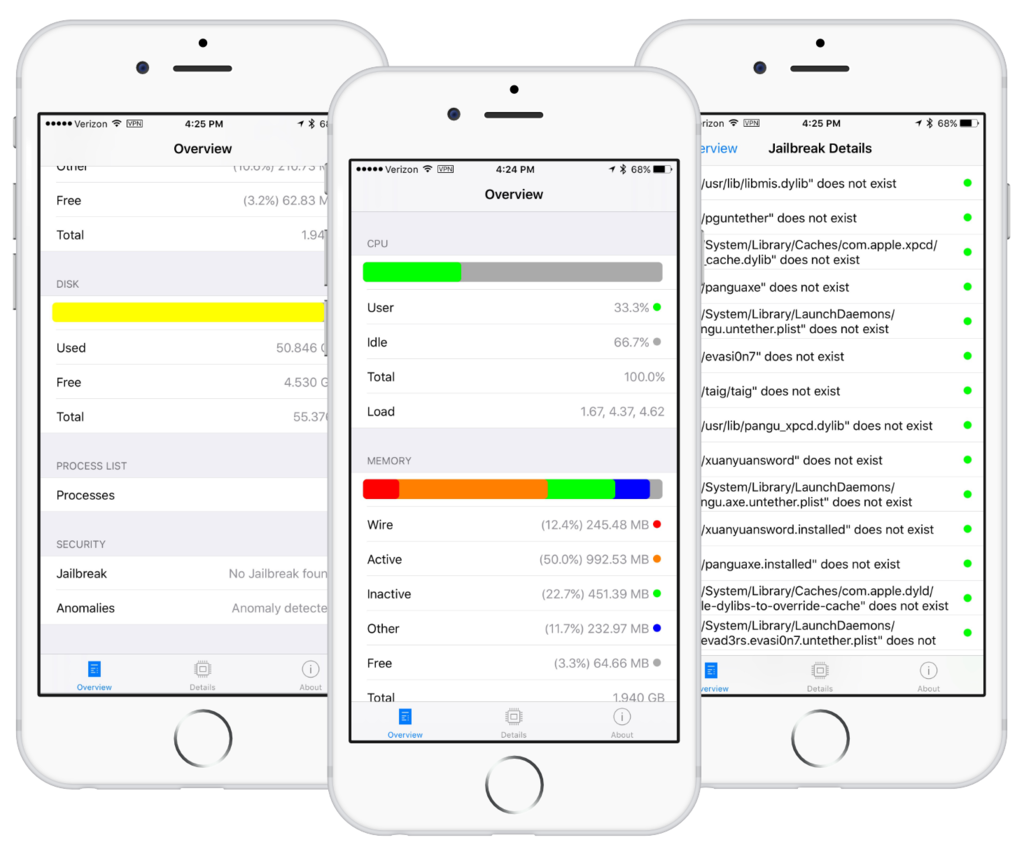
Stefan Esser’s iPhone app, called System and Security Info, can no longer be downloaded from the App Store, as first noted by The Next Web. Esser’s software let iPhone users know if their device had malware that could be used to spy on them, and could detect a jailbreak, too.
The app was removed from the App Store earlier this morning. Esser was basically told that detecting weaknesses in a user’s device could lead to “potentially inaccurate and misleading diagnostic functionality for iOS devices.”
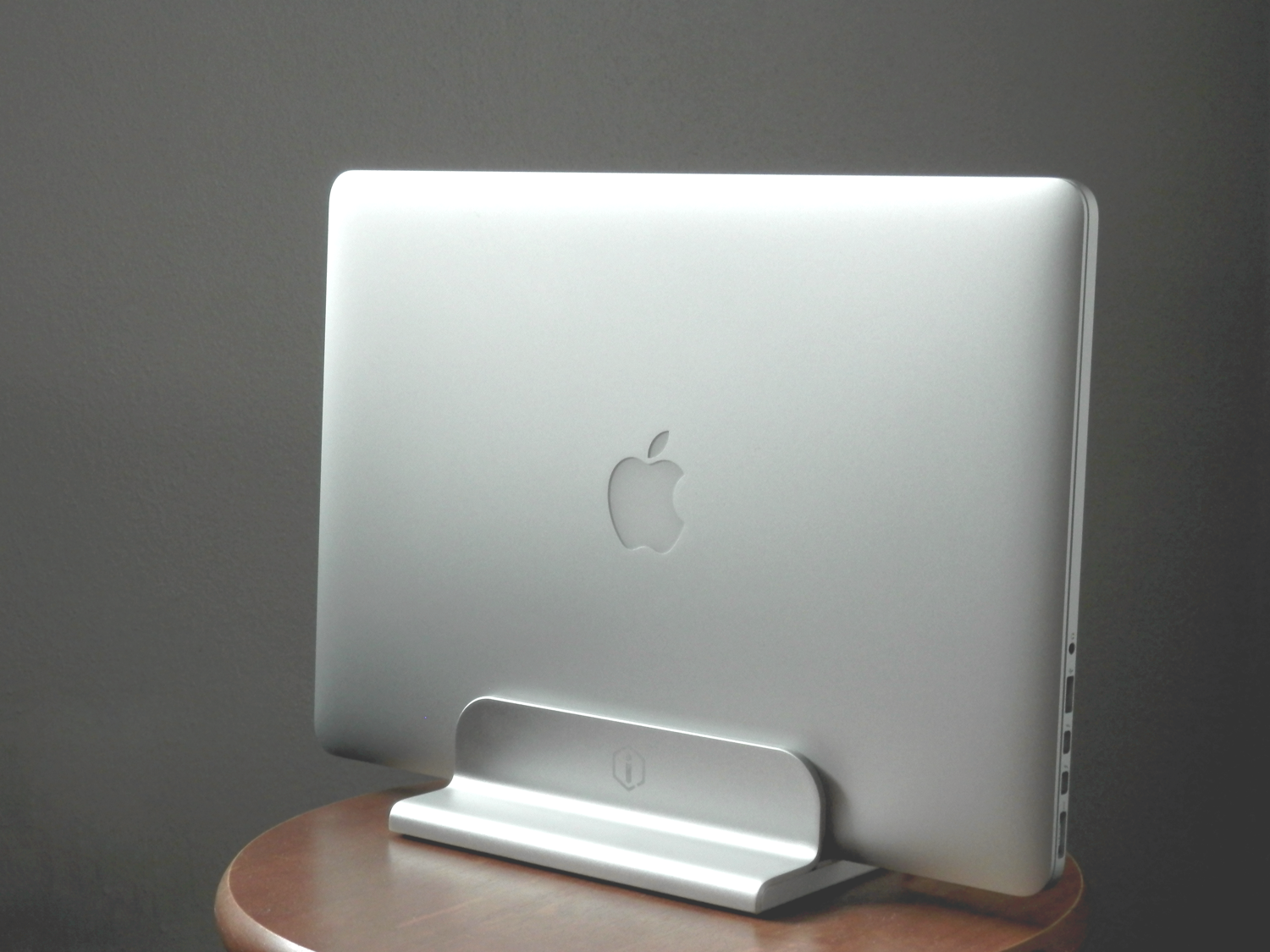
If you're looking for a durable aluminum stand for your Apple notebook, then don't count out iQunix. Although the popular brand names look appealing and are tried and true, we had the chance to go hands-on with the iQunix Edin, which is also a very high-quality stand for all MacBook models, all this at a lower price.
In this review, we'll show you how the iQunix Edin looks and touch on its build quality and features. Don't be shy; we think you're gonna like it!

Apple CEO Tim Cook visited an Apple Store in Beijing this morning with Liu Qing, president of Didi Chuxing, the company the iPhone maker invested an astounding $1 billion in.
Also called the Chinese Uber, Didi is a ride sharing service and Apple's investment comes at a time when the Cupertino firm is widely rumored to be secretly working on an electric car project. Cook said Apple and Didi both shared concerns for the environment.
He also revealed, according to China Daily, that app developers in China have now earned over $7 billion, half of which came in the past twelve months alone.
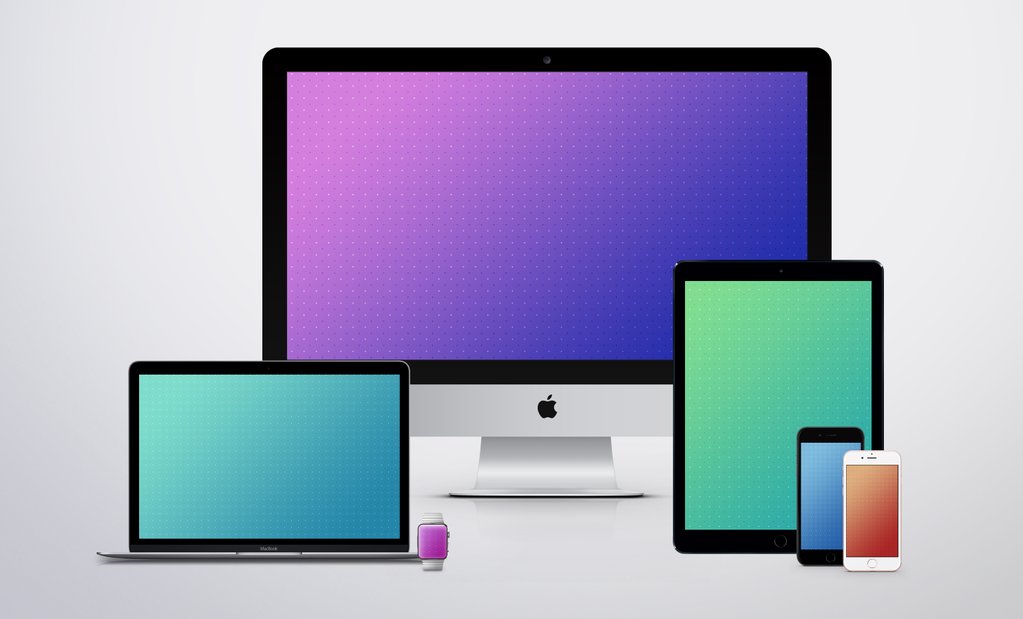
Sunday arrives with a fresh set of device images for the Wallpapers of the Week section. One of the site's most anticipated weekly posts, aims to bring you new device-specific wallpapers. There are a myriad of images amongst the vast Internet, but we ensure they are photo quality and perfectly scaled for your iOS, and sometimes desktop, devices.
The section is completed with images found around the Web, submitted to us directly, or stumbled upon through Twitter. Today, we highlight a long-time iDB fan favorite wallpaper creator, Jason Zigrino. Step inside for his latest.

Every week, we do a recap on all of the jailbreak tweaks we show you. This Sunday will be no different.
Although Cydia isn't exactly kicking with new releases like it does after a fresh new jailbreak, the community is continuing to show its fortitude as new releases hit the Cydia store for current jailbreakers.
First, we will kick off by showing you our favorite releases this week, and then we'll show you the rest of them.

Check out this list of the best iOS apps to convert a physical document, business card, receipt, letter, or photo into a PDF or image on your iPhone and iPad.

Like every Sunday, we get to take a look at some of the most popular posts that were published on iDB during the week that just ended. Whether it is a news item, a new jailbreak tweak, a tutorial, or an app review, we sum it all up in one convenient place for you.
As always, if you like what you're reading, please feel free to spread the love by sharing our posts on your favorite social network.
We're usually hanging out a lot on Twitter and Facebook, more rarely on Google+.
Don't forget to listen to the latest episode of our new podcast, Let's Talk iOS:
Subscribe on iTunes
Want to support iDB? Visit our Deals Store and buy something from us.
