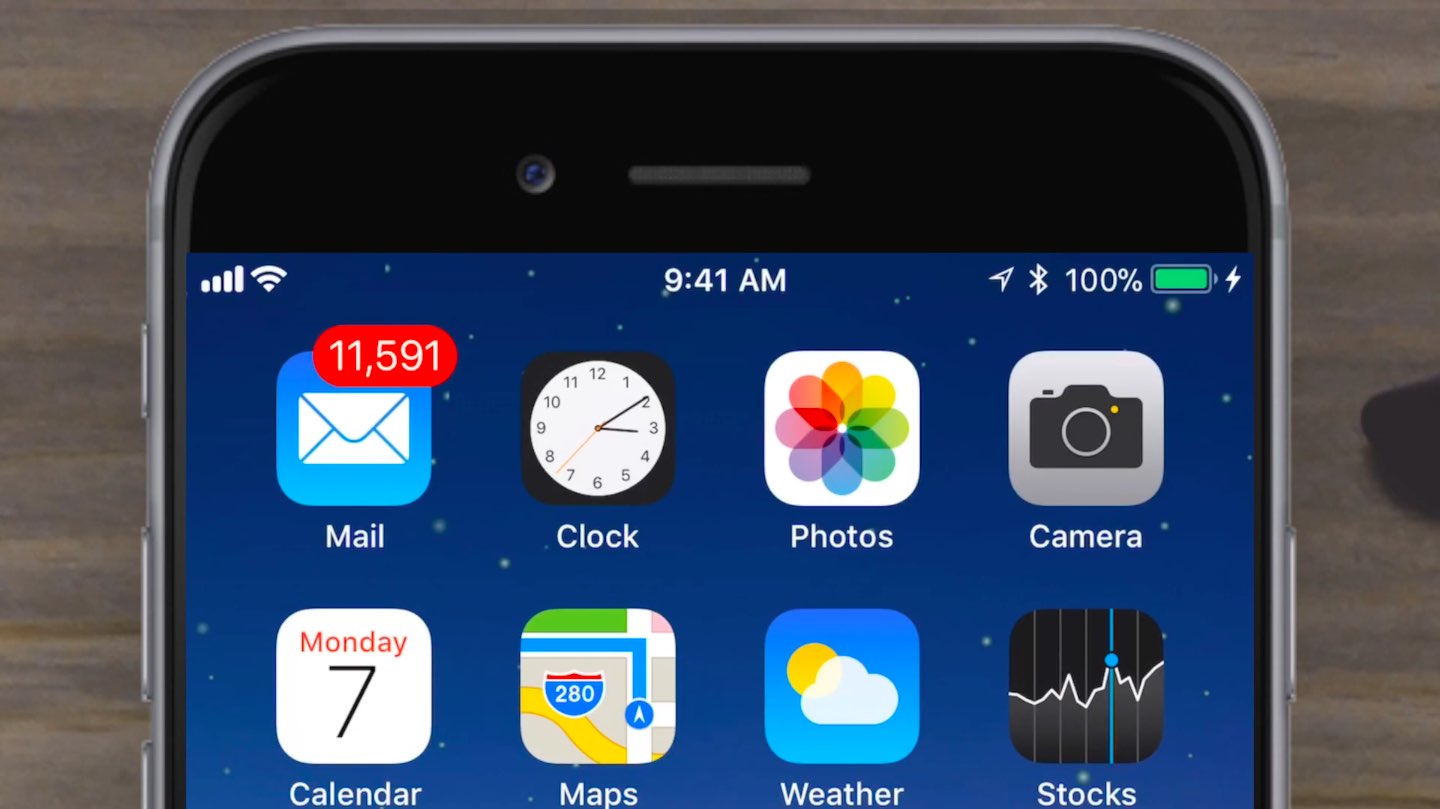
Apple working on its own OLED technology to reduce reliance on Samsung

Apple has purchased sophisticated equipment to set up its own research and development facility in Taiwan to develop its own OLED technology in order to reduce its dependence on Samsung Electronics for iPhone OLED panels.

According to a repot Monday from Taiwanese trade publication DigiTimes, the Cupertino giant has purchased chemical vapor deposition (CVD) machines from Korea-based Sunic System to build a 2.5G OLED panel line.

In-house OLEDs will allow Apple to differentiate its products from other handsets that use Samsung-built OLED panels. According to a Chinese-language Commercial Times report cited by DigiTimes, the move will break the dominance of Japan-based Canon Kokki, currently the primary supplier of CVD machines that ships the bulk of its output to Samsung.

“Samsung has bought five sets of OLED manufacturing equipment from Canon Tokki so far in 2017 and has signed contracts to buy five out of ten such machines to be rolled out by the Japan-based machinery company in 2018,” said the Commercial Times.

LG Display also purchased these machines but Apple has yet to validate its OLED panels.

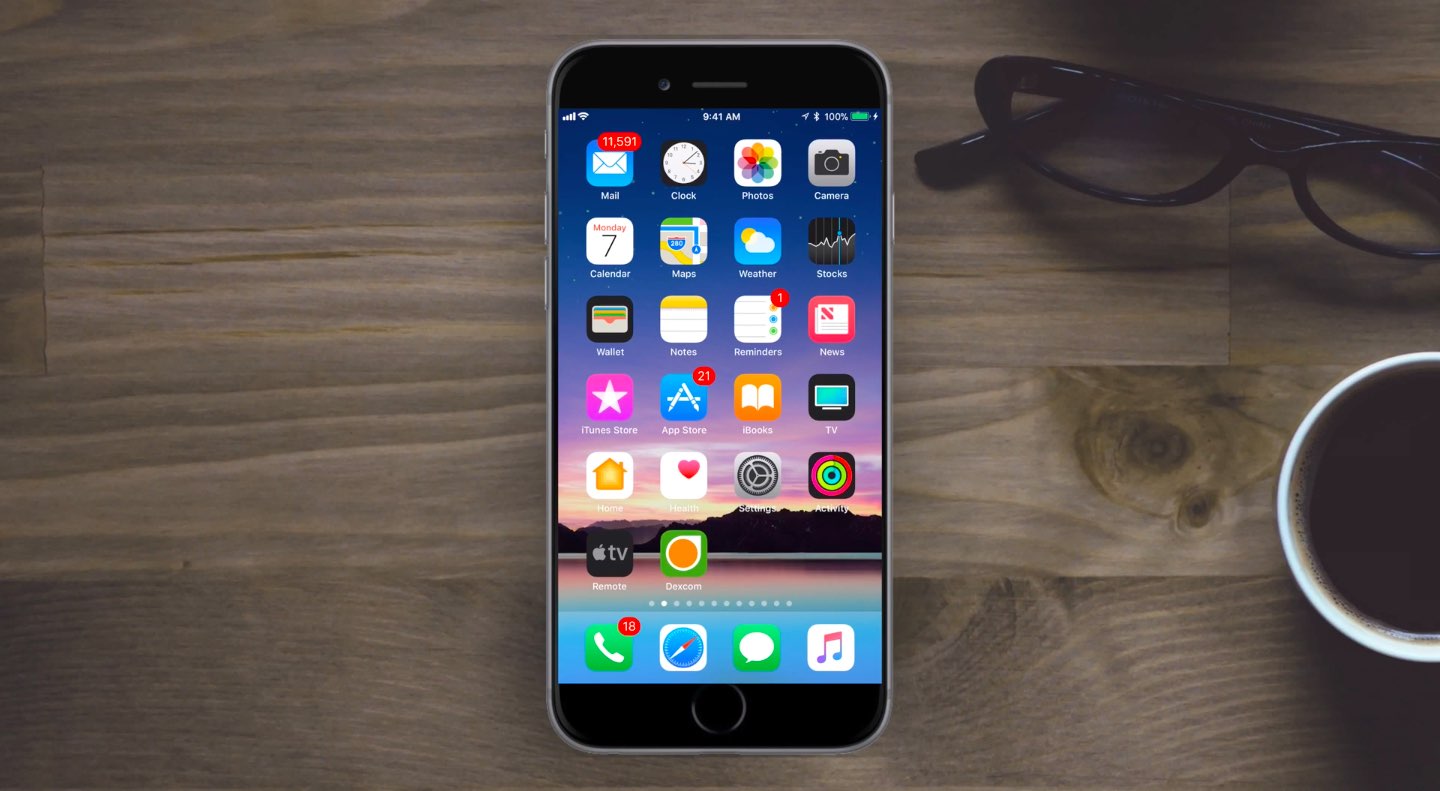
iPhone 8 mockup via iDropNews.

The best jailbreak tweaks for the App Switcher

Some use the App Switcher more than others, but it can be a useful tool whether you multitask all the time or just occasionally need to troubleshoot a problematic app. A whole host of jailbreak tweaks have dropped since the iOS 10 jailbreak was initially launched, and with that in mind, choosing what to install to mod out your device can be tough.

In this roundup, we’ll showcase a hand-picked list of our favorite jailbreak tweaks for the App Switcher, all of which work with the Yalu jailbreak for iOS 10.

Wallpapers of the week: galaxy stars

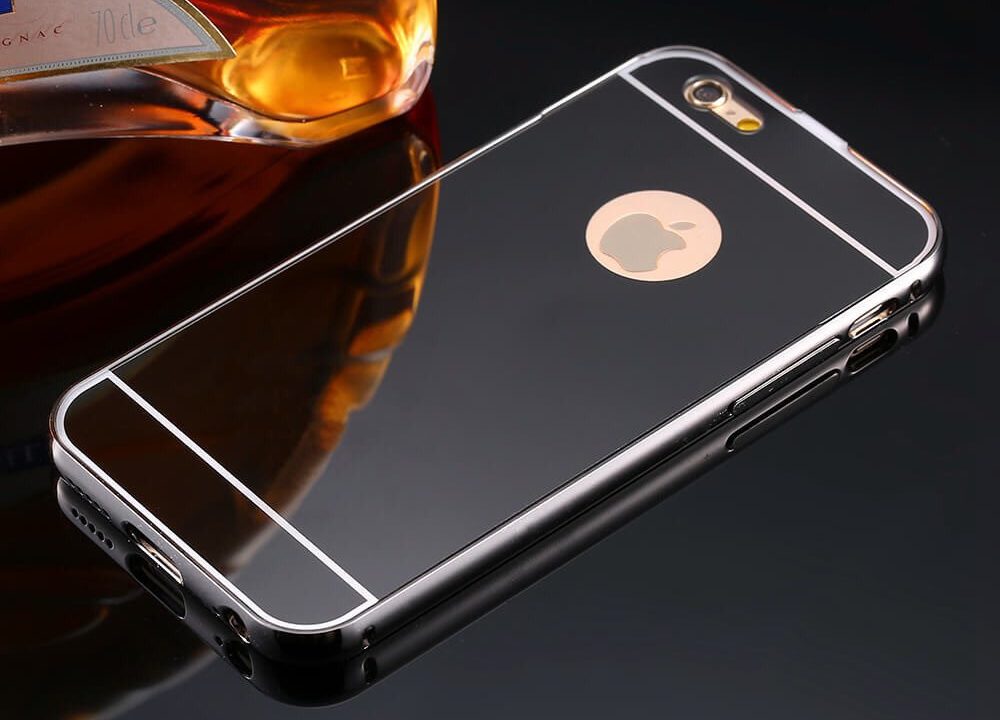
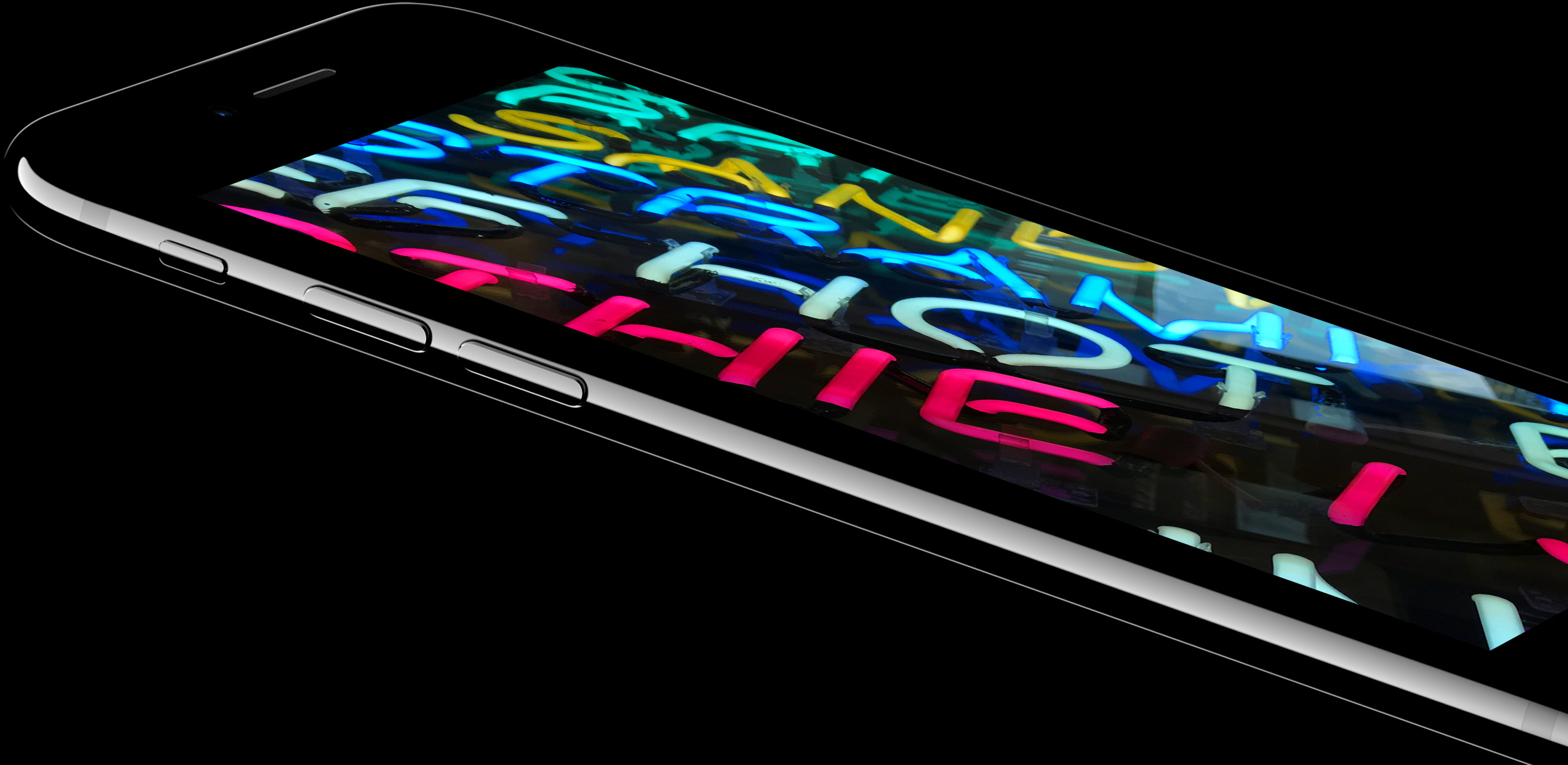
One of the all time top categories for Wallpapers of the Week is sky, stars, or galaxy images. Today, we place another batch of images in the iDB wallpaper annal, perfect for your black iPhone. While these galaxy images will also look great with a white faceplated iOS device, something about the way the darkness melts into the black body of the iPhone 7 Jet Black is incredible. Just wait for the iPhone 8 OLED!

Spottly, Audm, Motivate, and other apps to check out this weekend

This week's edition of our Apps of the Week roundup features a new travel app with a modern twist, an app that reads out the best long-form journalism content, and an app that serves up daily motivational videos. And as always, we've selected two great new games for you to check out.

Spottly

The App Store is is overcrowded with travel apps, but I'm always on the lookout for curated apps that can cutdown your research time and improve your trips. And that's kind of what Spottly is. The app uses algorithms and user curation to highlight the best places to visit and things to do on your next vacation. Items are presented in photo form, so you can visual what you'll be doing, and ranked by popularity. Spottly is available for free.

Audm

This is kind of interesting. Have you ever wanted to read more long-form journalism, but just can't find the time? Meet Audm, the app that features the best content from the top publications around the world, read aloud by celebrated audiobook narrators. Supported publications include WIRED, The Atlantic, Esquire and ProPublica. Features include playlists, offline listening and more. There's a free trial, which I think is worth checking out, and if you like it it's $6.99/month for full access. Audm is available for free.

Motivate

This isn't a new app, but it's still worth checking out for folks looking for an extra helping of inspiration. Motivate delivers handpicked motivation videos to you daily. You can watch the clips in-app, listen to them in the background, save your favorites, and even share them with friends. I know this stuff may seem kind of cheesy, but for a lot of people it can be really useful and encouraging. Motivation is available in the App Store for free.

A Planet of Mine

A Planet of Mine is an engaging game combining exploration, mining, and strategy. Fully adapted for mobile devices, each game is unique thanks to an innovative "stellar system generator" that distributes resources, recruitable species, spoonable biomes, and buildable planets until a complete playground is yours to command. Some systems feature AI-controlled, faction-building opponents. Will you trade with these factions or fight them for control of the entire system. The choice is yours. A Planet of Mine is available for free (with some IAPs).

Full Throttle Remastered

Originally released by LucasArts in 1995, Full Throttle is a classic graphic adventure game from industry legend Tim Schafer, telling the story of Ben Throttle; butt-kicking leader of biker gang the Polecats, who gets caught up in a tale of motorcycles, mayhem and murder. Now over 20 years later, Full Throttle is back in a remastered edition that features all new hand-drawn and 3D high-resolution artwork, and remastered audio and music. Full Throttle Remastered is available for $4.99.

More apps to check out Apple’s free app of the week: Yankai’s Triangle Panic launches Transmit 5, a major update to the popular FTP client Add Spotify controls to your Mac’s Menu Bar with SpotMenu Lightroom for iOS gains selective brush editing, all-new iPad interface & more WhatsApp gains chat pinning, comprehensive file sharing & more in latest update

WhoMadeIt reveals Cydia package authors in the Changes tab

When you’re browsing Cydia’s latest releases and looking for new extensions install, you typically need to tap on each individual one just to see the author behind them.

With a new free jailbreak tweak called WhoMadeIt by iOS developer PoomSmart, that’s no longer the case. This tweak displays the author’s name next to the package's name in Cydia’s Changes tab, as shown.

Mac unlock with Apple Watch not working? Try these simple steps

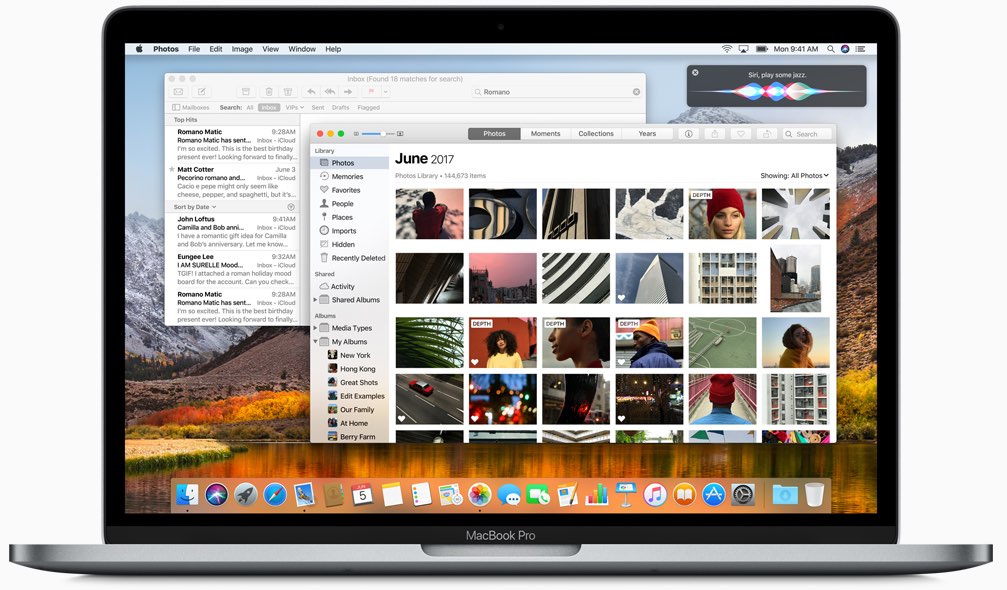
The macOS feature that allows you to unlock your Mac with your Apple Watch offers security and convenience. The problem may arise when that feature doesn't work as expected.

If you have set up your Mac to be unlocked with your Apple Watch and are having issues with the feature not working properly, there are a few things you can try.