Tesla launches iPhone case line on Amazon

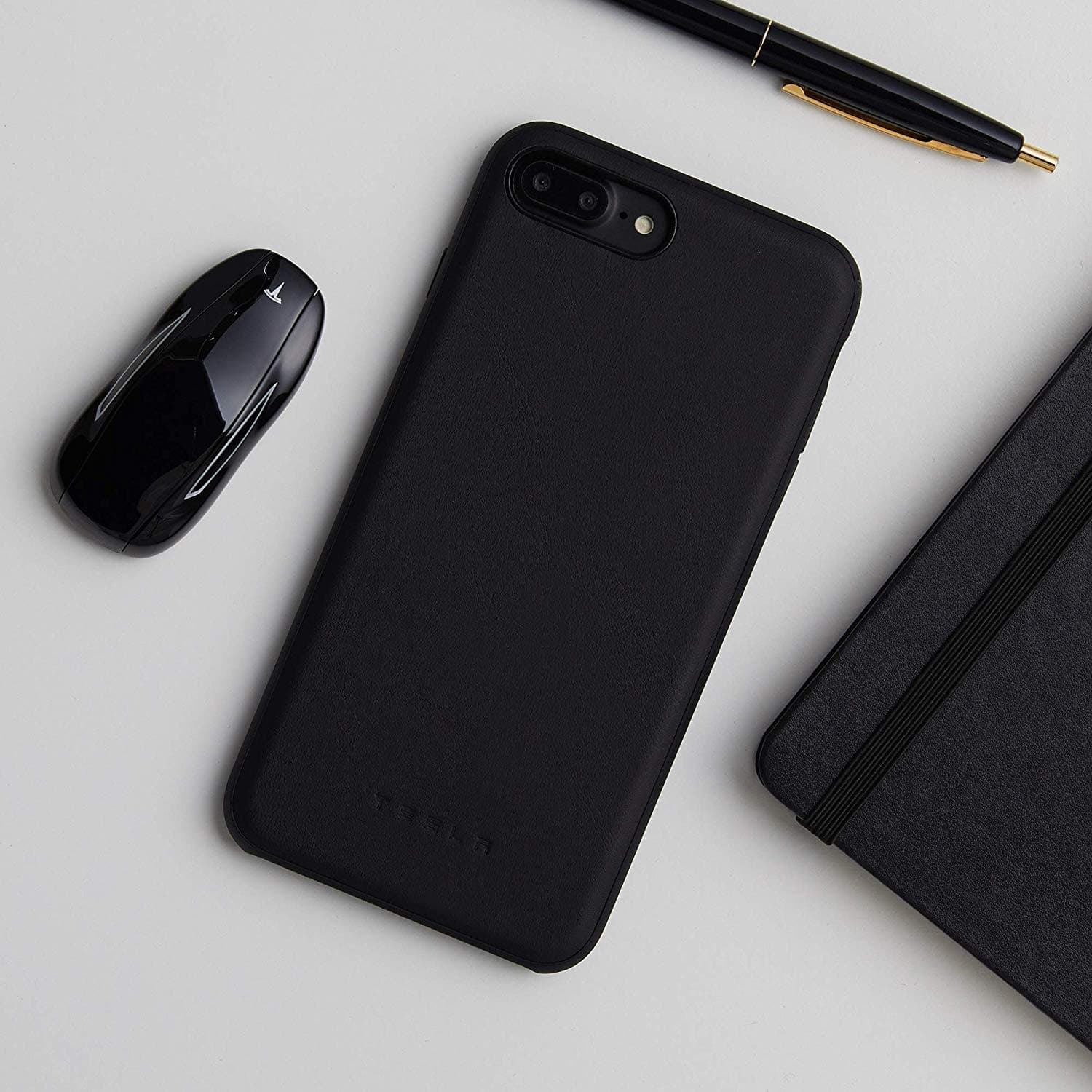
Tesla has opened up a new Amazon storefront to sell iPhone cases and other merchandise. First spotted by 9to5Mac, the store features everything from sweatshirts to coffee mugs, and even 1:18 scale die cast models of some of its vehicles.

Pwn20wnd revises the unc0ver v3.0.0 pre-release with bug fixes and code improvements

Hacker and unc0ver lead developer Pwn20wnd issued two more revisions to the unc0ver v3.0.0 pre-release early Tuesday morning with some important bug fixes and code improvements. At the time of this writing, the unc0ver v3.0.0 pre-release is now on beta 15.

Citing the changelog published on Pwn20wnd’s official GitHub repository, beta 14 and beta 15 of the unc0ver v3.0.0 pre-release encompass the following changes:

Electra 1.3.1 released to improve exploit success rate for A7-A8(X) devices on iOS 11.2+

Another update released Tuesday by the Electra Team should make pwning iOS 11 easier with the Electra jailbreak tool. Electra version 1.3.1 introduces some much-needed success rate improvements for A7 to A8(X) devices (4K), expectantly reducing the number of times that you’d need to tap “Jailbreak” in the app to complete the process.

The Electra Team first announced the update early this morning via Twitter, linking to the official download page:

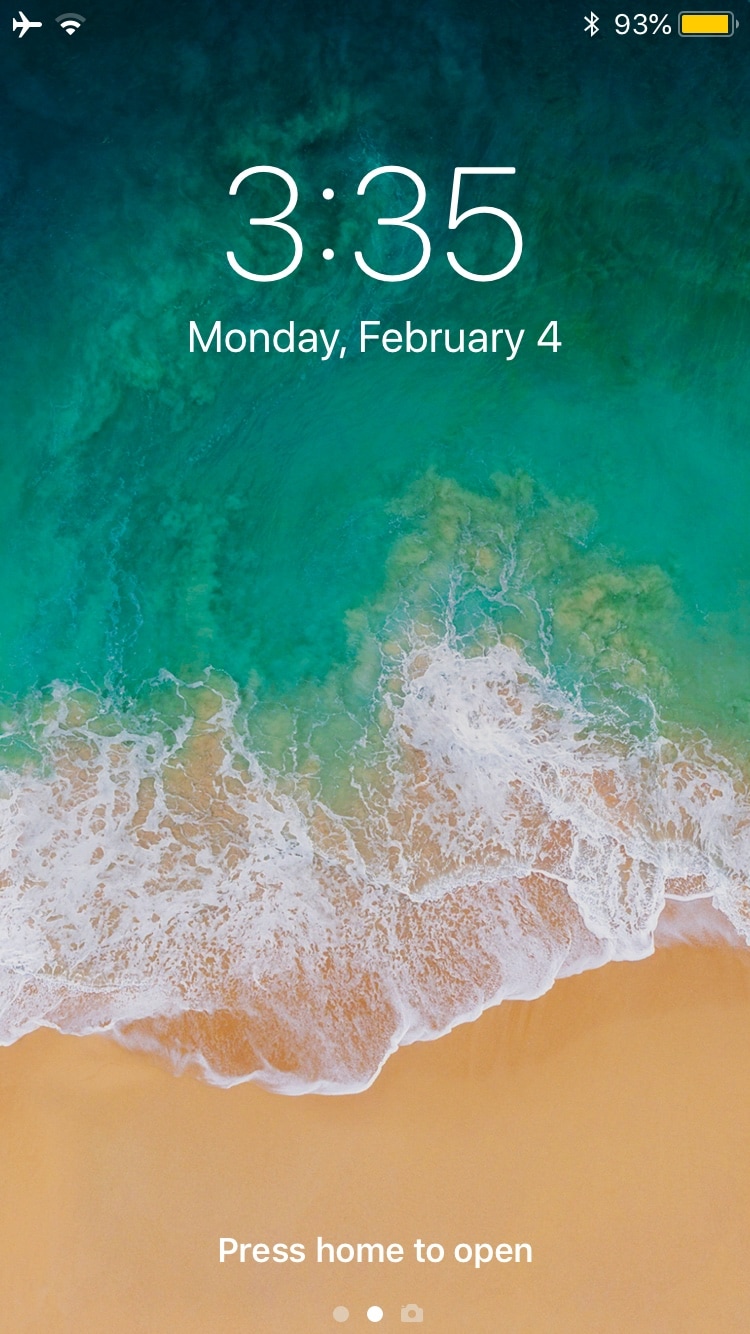
Customize your iPhone’s locking animation with LockAnim

Upon unlocking your iPhone or iPad, an aesthetically-pleasing animation brings all your Home screen's icons into view. On the other hand, pressing the side button to lock your device results in an instantly-black display, as if Apple never intended to incorporate a locking animation into iOS.

If you wish your handset’s locking animation had a bit more spunk than it does out of the box, then you’ll come to appreciate a free jailbreak tweak dubbed LockAnim by iOS developer Julio Verne. Just as the name implies, this tweak brings a bevy of new locking animations to the table, giving you a lot more choice in what you see when you press that side button on your handset.

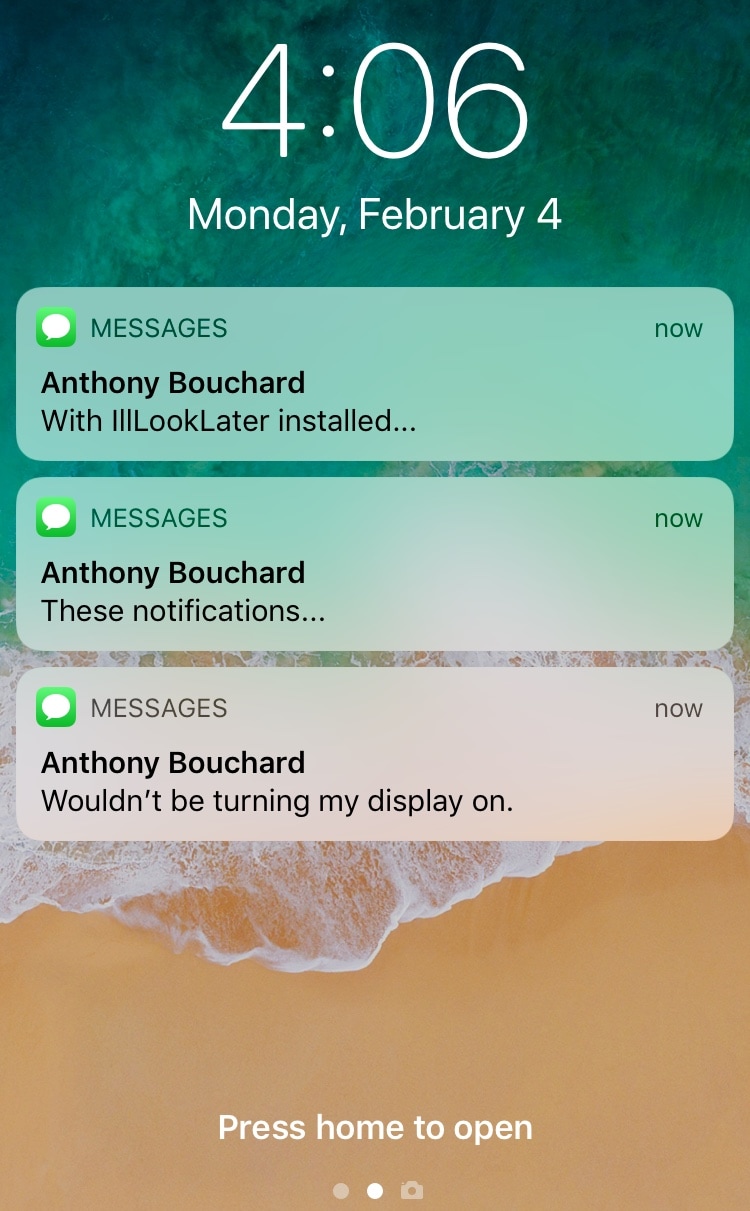
This jailbreak tweak prevents incoming notifications from waking the display

Apple designed iOS to wake your locked handset’s display in the wake of incoming notifications, and while this helps to grab your attention, it also tends to grab the attention of others. You can easily prevent this by turning notifications off, but then you run the risk of missing important notifications altogether.

Love it or hate it, Apple’s notification-oriented display-waking feature is probably here to stay; but with a free jailbreak tweak called IllLookLater (iOS 11) by iOS developers N104 and Julio Verne, you can better control what wakes your display and what doesn’t.