Apple has expanded "Today at Apple" programming with a variety of new sessions covering photography, design, health, fitness and a bunch of other creative topics.
50 new Today at Apple sessions now available free at every Apple Store worldwide
Apple has expanded "Today at Apple" programming with a variety of new sessions covering photography, design, health, fitness and a bunch of other creative topics.
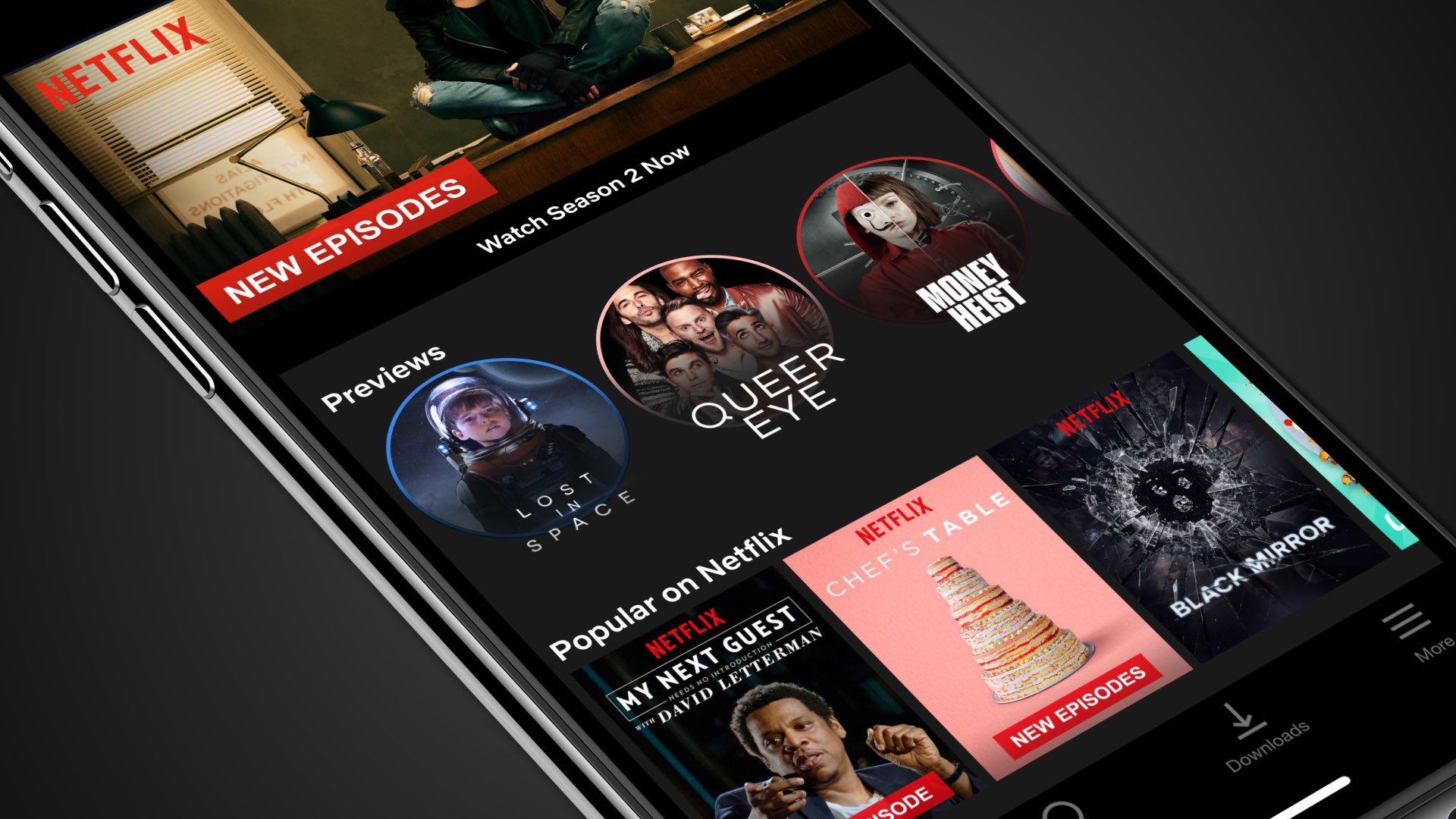
According to a new report, Apple is reportedly aiming to add support for subscribing to streaming services through its TV app for iOS and tvOS around mid-April 2019.
Just yesterday, Apple was compelled to temporarily disable its FaceTime service after a critical bug was discovered that enabled a malicious individual to ‘spy’ on someone else via the recipient’s microphone and camera. Apple later mentioned that they would implement a fix via a software update later this week.
The circumstances present obvious implications for the jailbreak community, as installing a software update would reduce your jailbreakability to practically zilch. That said, if you’re waiting for an iOS 12 jailbreak to drop and don’t have the means to install Apple’s upcoming firmware update, then you’re undoubtedly questioning what the best course of action is.
Fortnite hit App Store in April 2018 and now this tremendously popular free-to-play battle royale title can be played with any MFi-certified controller.
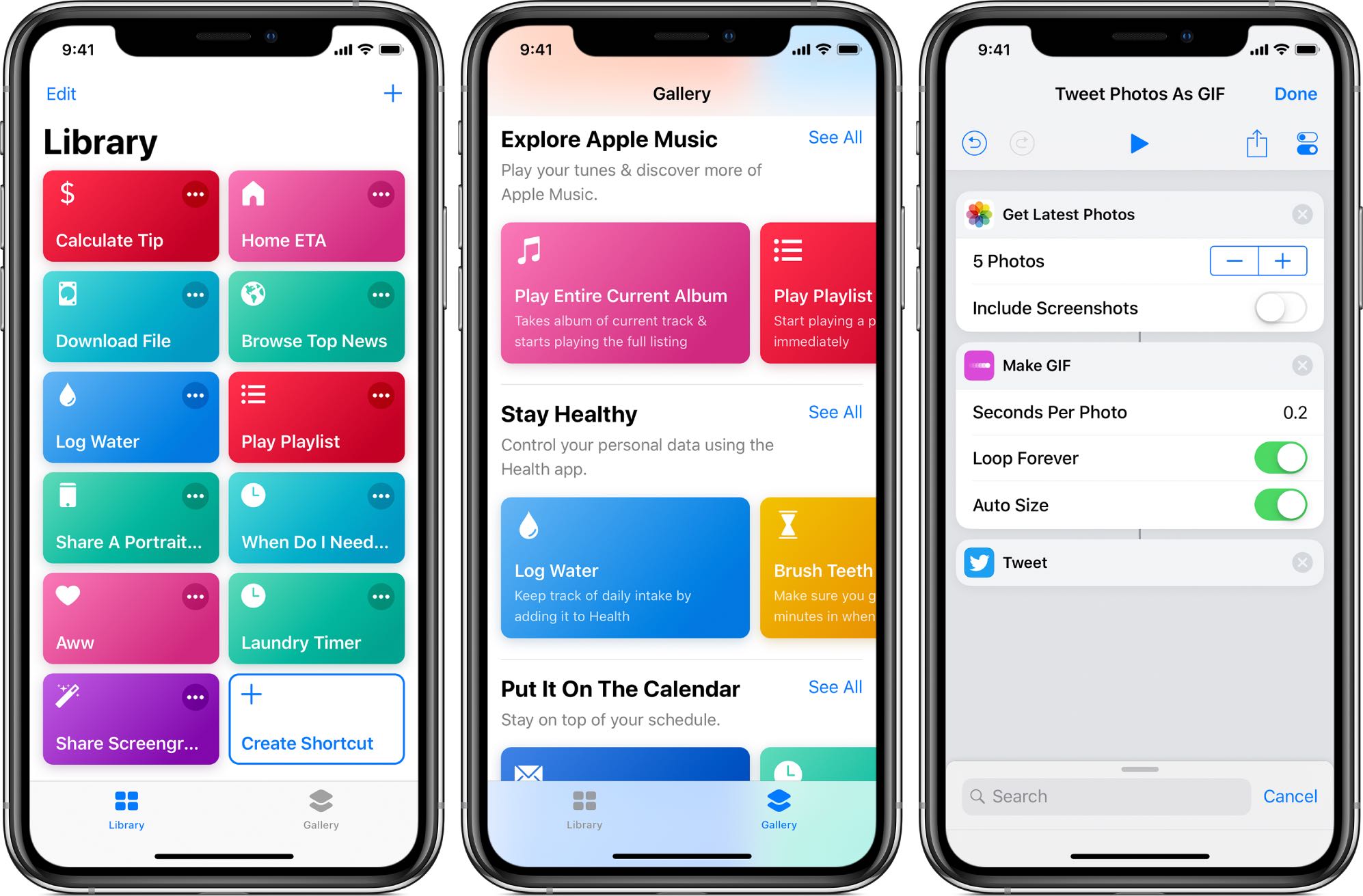
You should be extra careful about the shortcuts you download because some of these iOS automation scripts were created by ill-minded people for malicious purposes.
If you’ve ever used Apple’s AirPods with your iPhone or iPad before, then you already know about the seamless pairing experience that's made possible by the Apple-exclusive W1 chip. Unfortunately, Apple hasn’t polished this experience on macOS just yet, and the AirPods experience on the Mac feels the same as any other Bluetooth-enabled device.
To say Apple left Mac users hanging in this respect would be an understatement, but third-party app developers have taken notice of this macOS-centric niche and now appear to be coming to our rescue.
Your iPhone’s Lock screen and Notification Center are each home to a specialized interface for displaying the date and time along with a list of information notifications – this interface is known as the Dashboard.
That said, if you’re feeling a bit bored with the stock look and feel of the Dashboard, then perhaps you should try a new free jailbreak tweak called DashBored (pun intended) by iOS developer Smokin1337. As shown in the screenshot examples above, this tweak lets you customize the Dashboard’s colors, font, notifications, text, and much more.
If you like how the Windows 10 Lock screen looks and feels, then you’ll probably enjoy using a jailbreak tweak called Ventana by iOS developers CoolStar and Jeremy Goulet. This tweak redesigns your iPhone or iPad’s Lock screen to make interface elements appear more as they would on a Windows 10 device.
Right out of the box, Ventana themes the Now Playing interface, any incoming notification banners you might have waiting for your attention, and the date and time display. Ventana also provides you with a Siri shortcut akin to the Cortana shortcut that you might find on Windows 10.
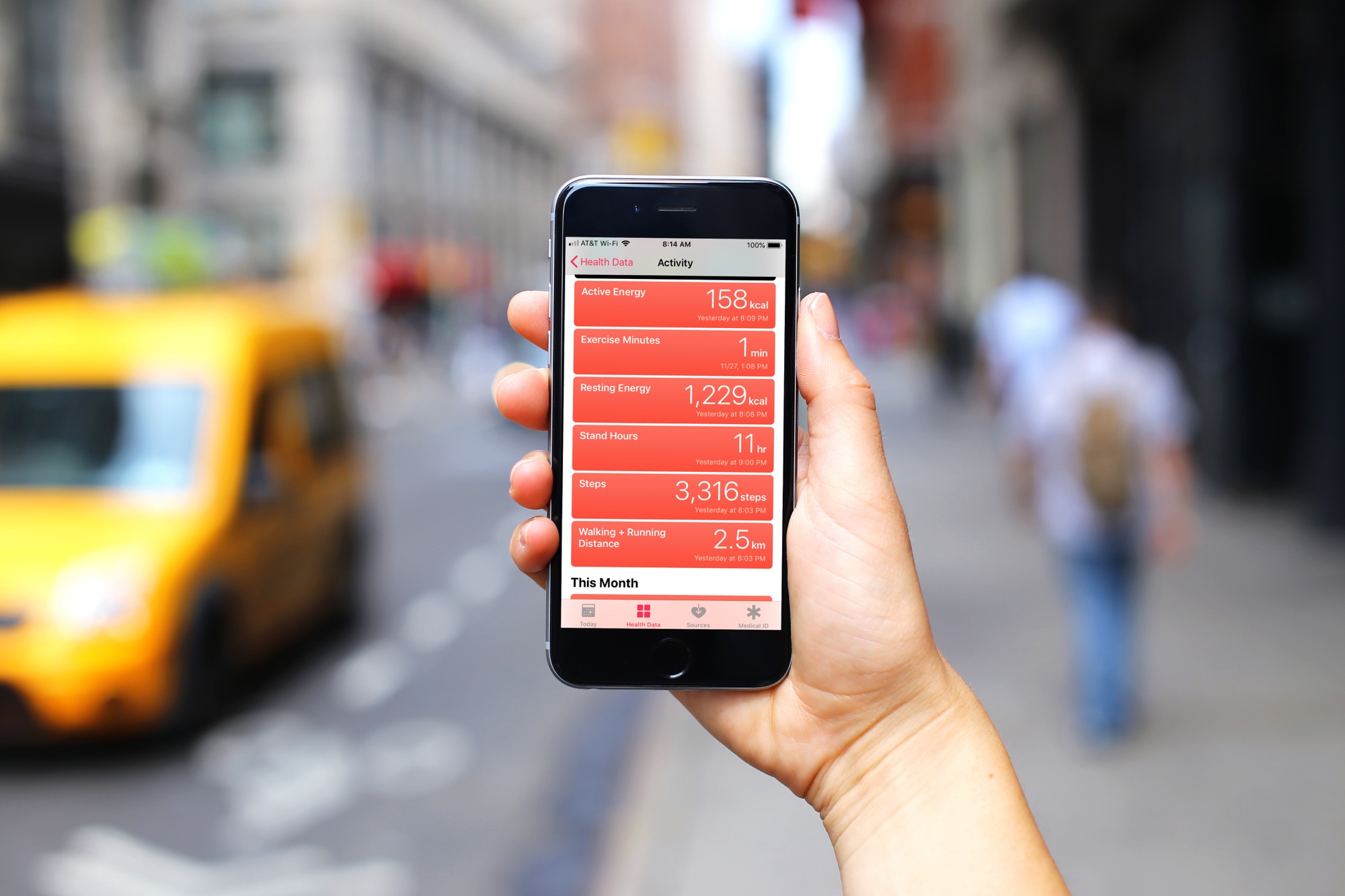
In this special episode focusing on Health & Fitness, Cody and Sebastien talk about their routines as well as the apps and accessories they use to track and manage their health goals.
Maintaining positive habits is hard, whether it be your daily yoga meditation, remembering to drink more water, reading at least a book per month or not using technology before nap time.
Thankfully, App Store has many apps that help you become a better version of yourself, and today we're spotlighting a free habit tracker for iPhone.
Apple has disabled its newly-launched Group FaceTime feature, as it works to patch a serious privacy bug that surfaced late Monday afternoon. The bug, first reported by 9to5Mac, allows FaceTime users to access the microphone and front-facing camera of the person they are calling—even if that person doesn't answer.
Learn how to forward your iCloud emails to Gmail, Outlook, or any other account to keep all your messages in one inbox and improve your email management.