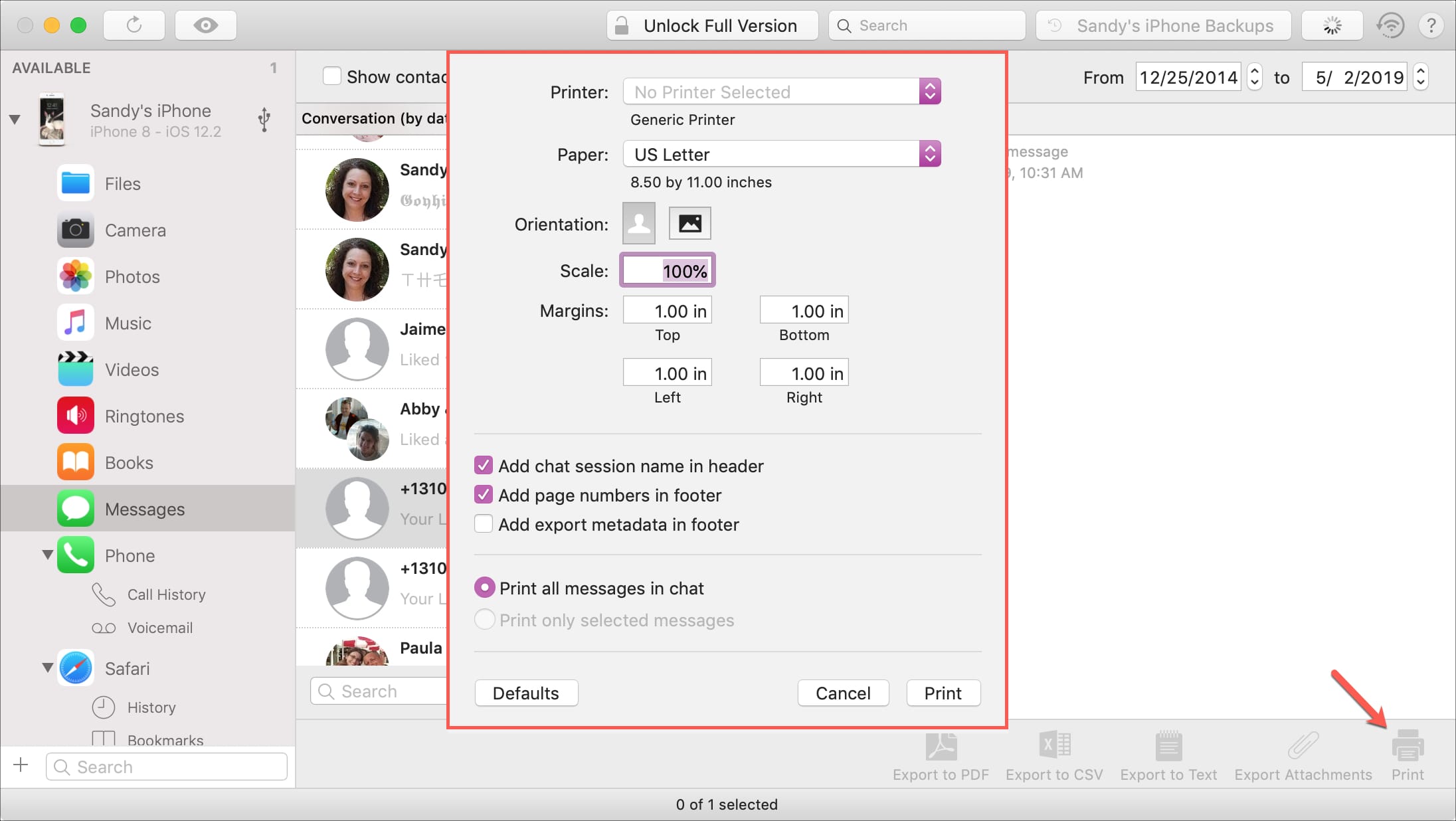
Learn how to turn on and use the Apple TV Conference Room Display mode for your business or classroom so you and others in your team can AirPlay from their iPhone, iPad, or Mac onto the big TV screen.
How to use Apple TV Conference Room Display mode
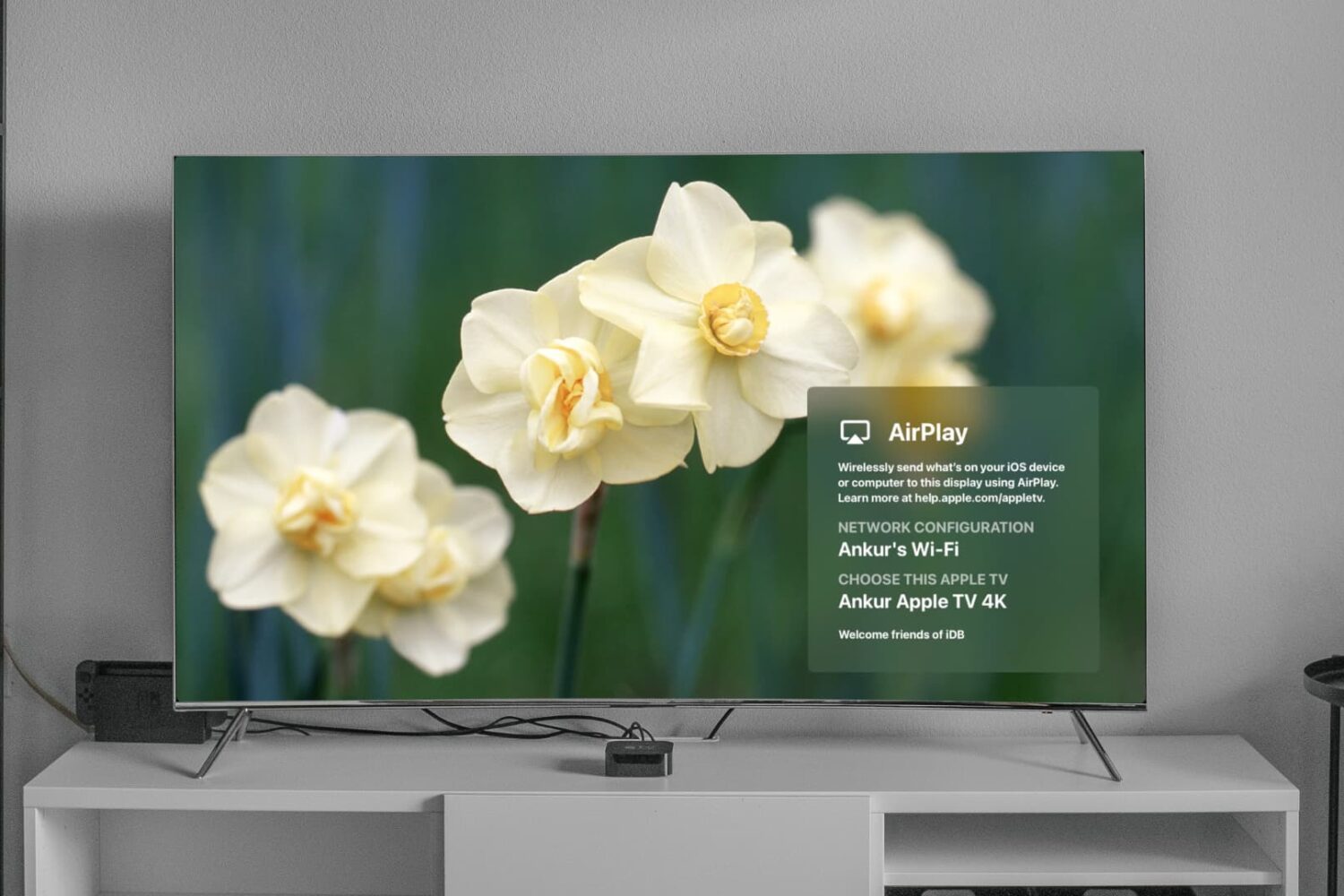
Learn how to turn on and use the Apple TV Conference Room Display mode for your business or classroom so you and others in your team can AirPlay from their iPhone, iPad, or Mac onto the big TV screen.

Following after Berkshire Hathaway's annual shareholder meeting, investor Warren Buffett sat down with CNBC's Becky Quick to discuss Apple, one of his biggest holdings, with CEO Tim Cook commenting that the fund's sizable holding in his company shows that the iPhone producer isn't really a traditional technology company anymore.

Apple typically buys smaller companies from time to time for their talent or specific technologies but rarely comments on the deals. But now, Tim Cook himself has said in an interview with CNBC that his company has snapped up 25 startups in the past six months.
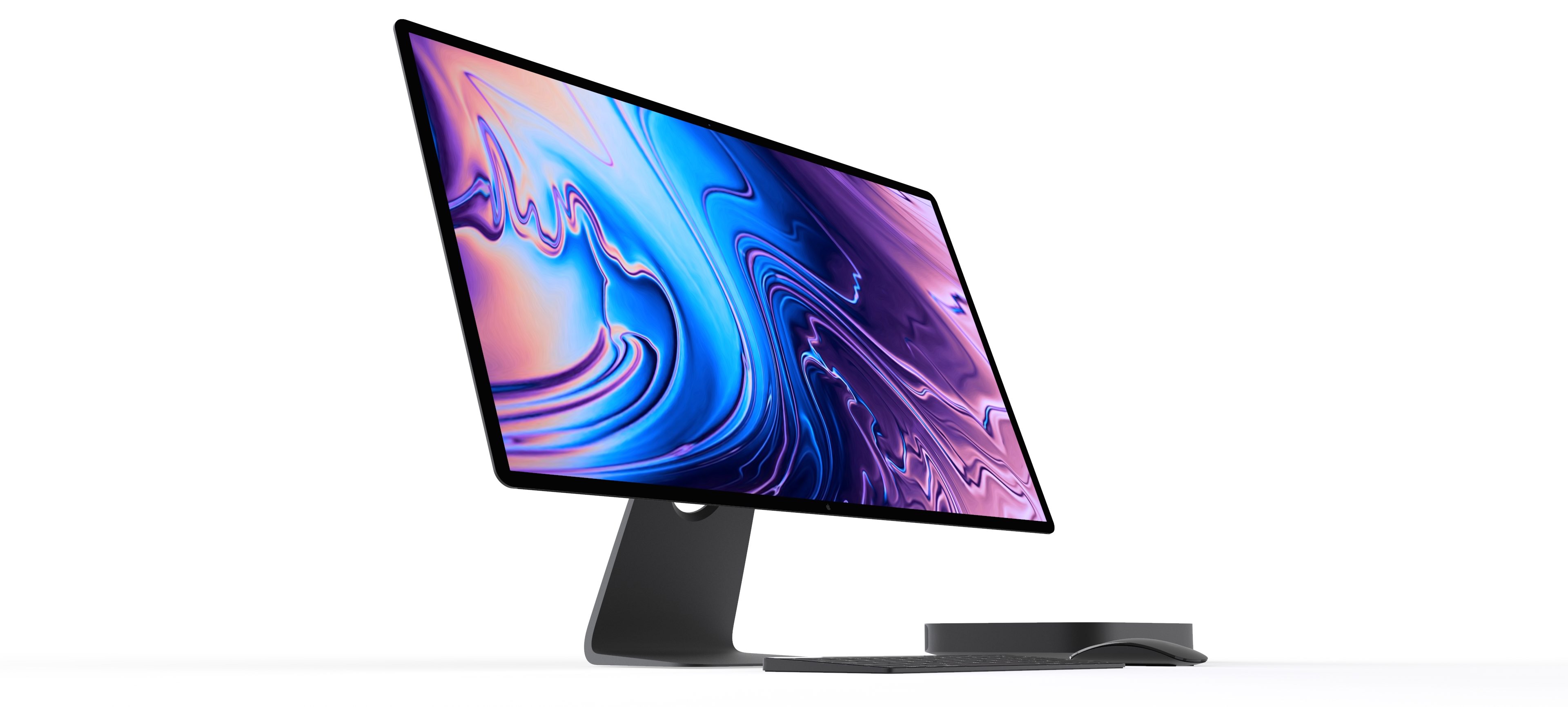
Bloomberg's Mark Gurman in February claimed that Apple internally weighed debuting a modular version of the high-end Mac Pro desktop at WWDC 2019, and now he's alleging that the company could also preview its upcoming external display at the developer-only event.
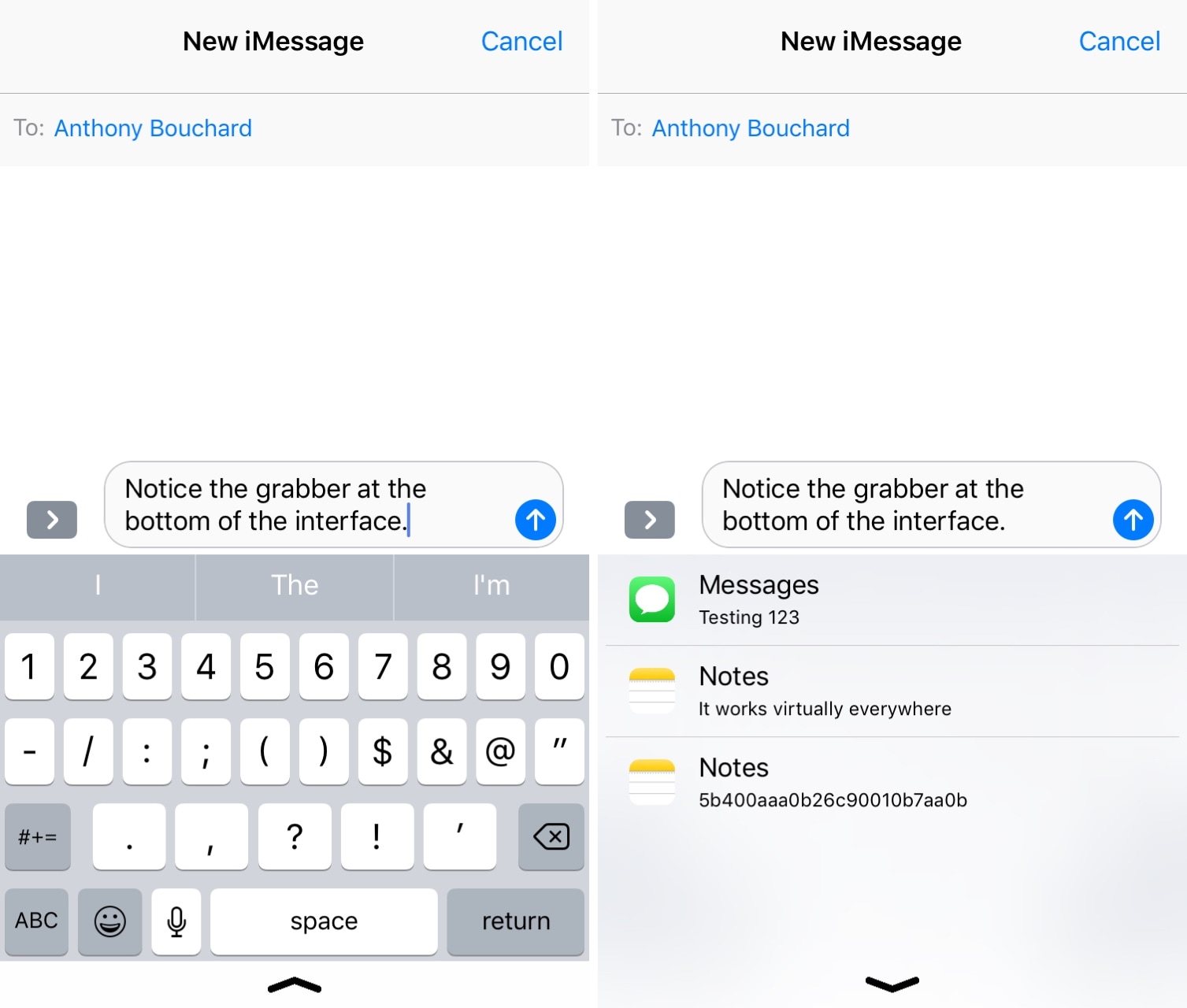
It’s no secret that iOS’ native clipboard leaves a lot to be desired, and that should underscore why there’s been such an uptick in the number of clipboard manager-centric apps and jailbreak tweaks for iOS as of late.
Although we’ve come to appreciate much of what’s available already, we’re also excited to discuss a new free release called Copypasta by iOS developer Nepeta. Its ultra-clean interface paired with the lack of a price tag make it a compelling option for many.
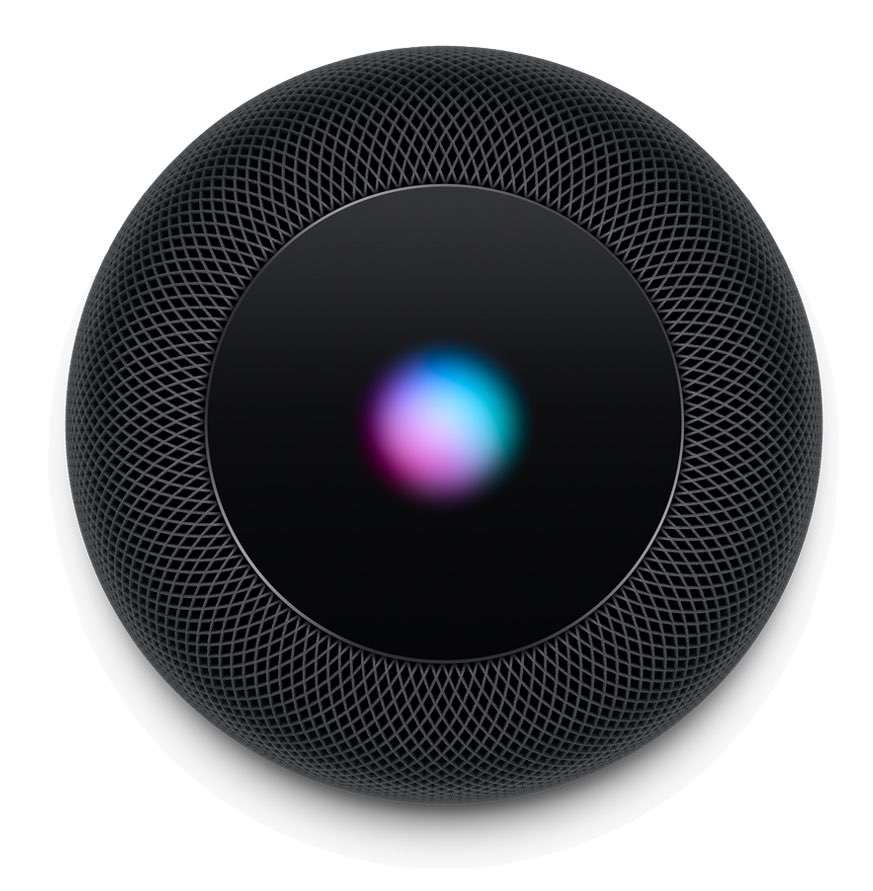
Tucked away as a side-note in Bloomberg's massive report on the new iPhone, iPad, Mac and Apple Watch features coming at WWDC 2019 is a mention of a multi-user mode for HomePod.
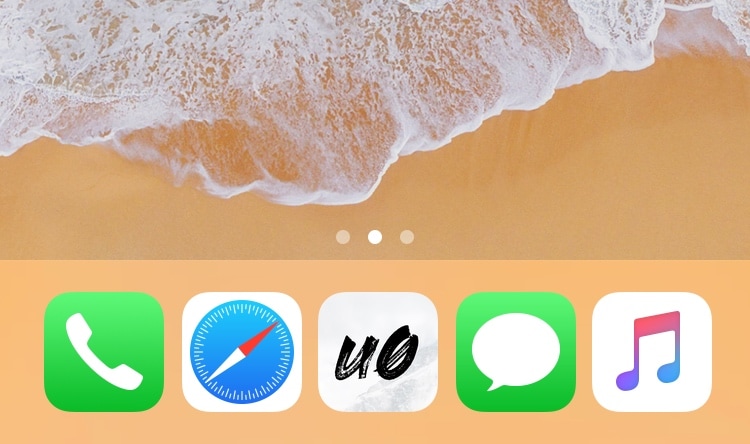
Given just how expansive Apple made the Dock on macOS and on iOS for iPads, it’s almost a shame that Apple limits the number of app icons you can have on your Dock in iOS for the iPhone and iPod touch.
With that in mind, I’ve always had a soft spot for tweaks that shattered that limitation, and that’s mainly why I’m excited to share the release of a free jailbreak tweak called Five Icon Dock (iOS 11 & 12) by iOS developer Guillermo Morán, the same creator behind the popular Eclipse dark mode tweak.
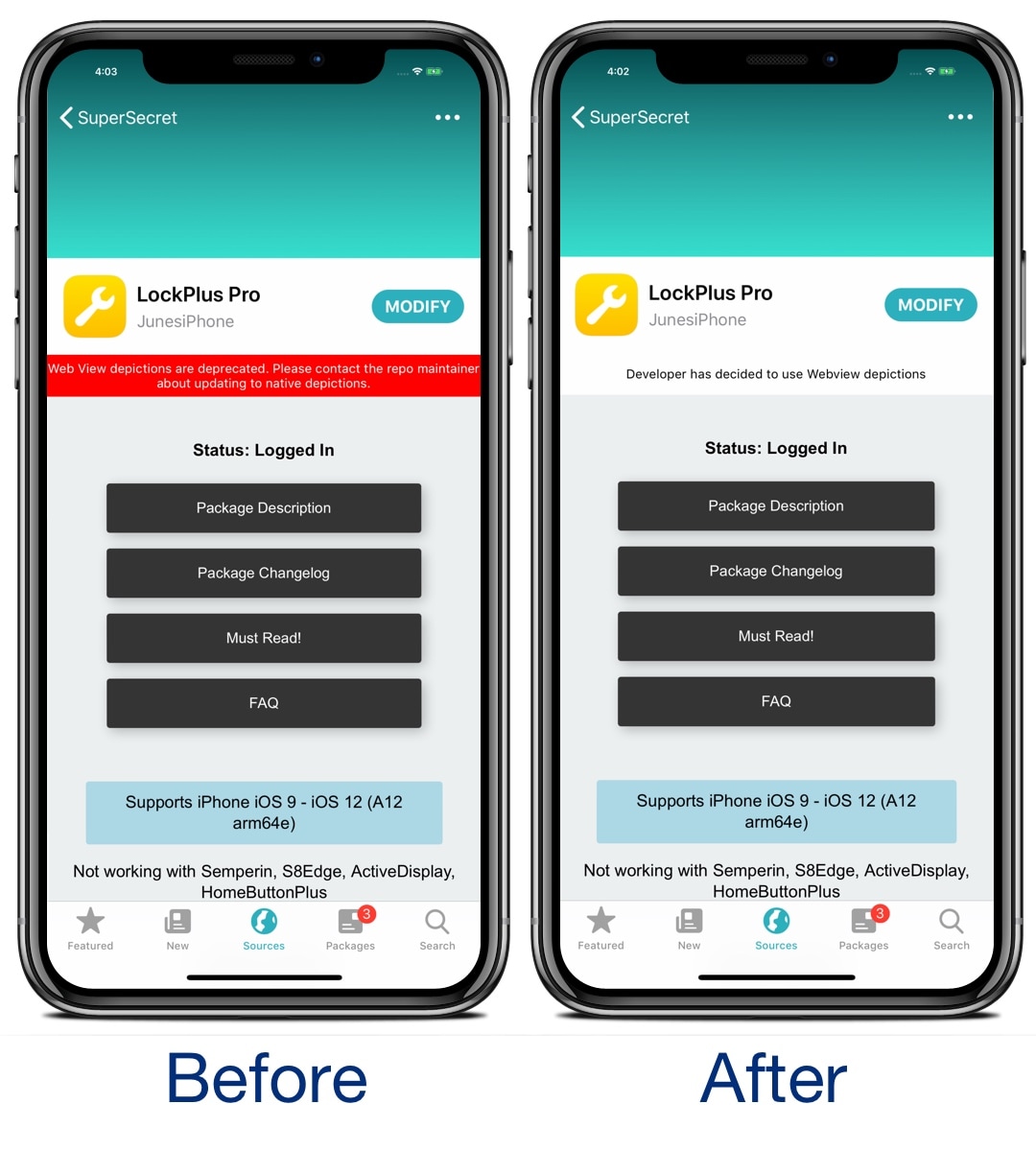
If you’re using the Sileo package manager on the Chimera or Electra jailbreak from the Electra Team, then you’ve undoubtedly stumbled upon a few repositories where the app displays an unsightly red banner just below the tweak’s name with a warning about how web view depictions are deprecated.
Those who use the Sileo app on a regular basis have probably gotten in the hint by now, and so if you’re getting tired of seeing this red banner each time you go to download a jailbreak tweak, then you just might come to appreciate a new free release called SileoNoBanner by iOS developer JunesiPhone.
Bloomberg today released a detailed report outlining some of the previously mentioned features coming to Apple platforms at WWDC 2019, including previously unknown enhancements like a dedicated Calculator app for Apple Watch and revamped Reminders and Health apps in iOS 13.
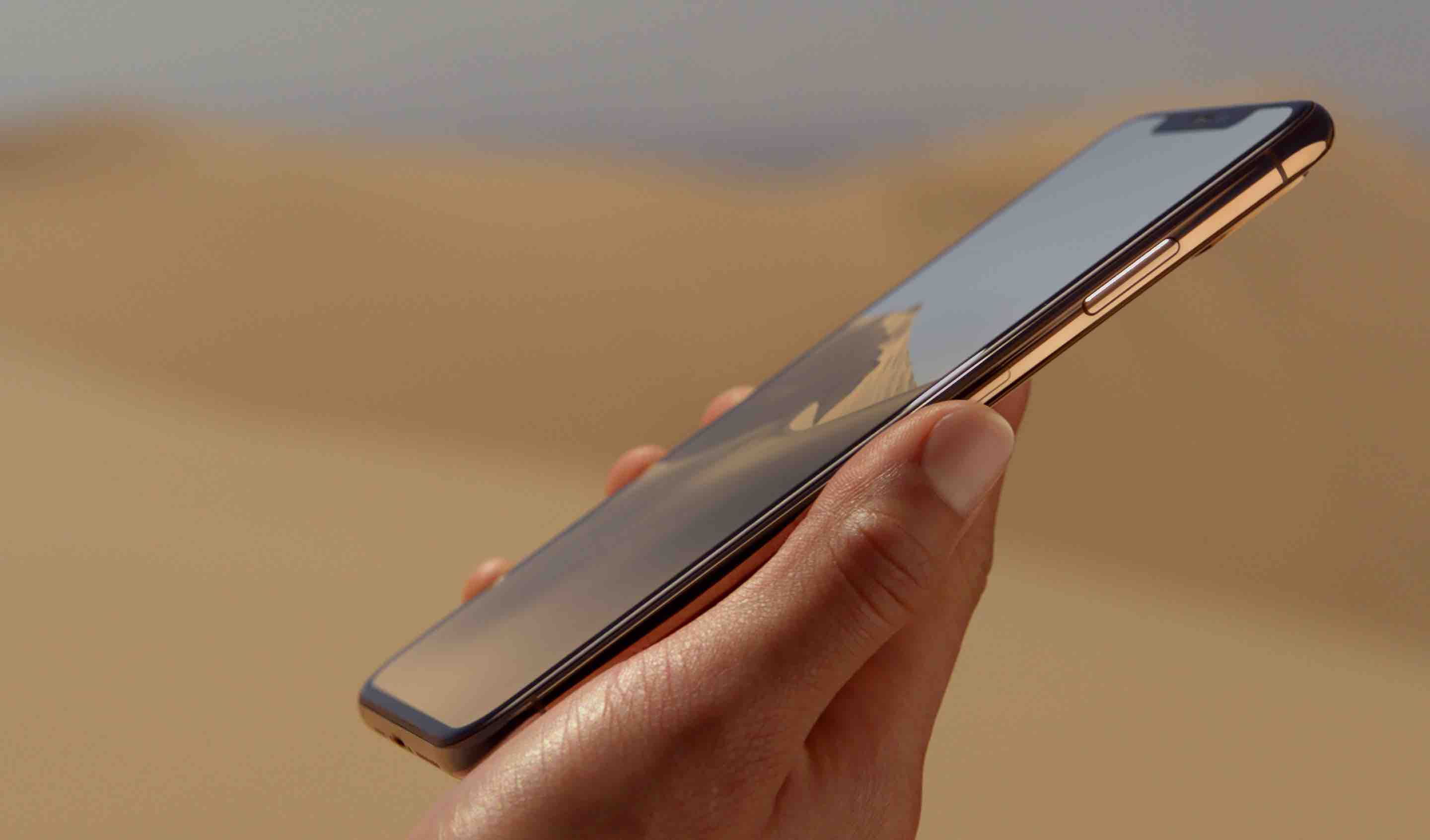
Upcoming new iPhones and iPads are expected to switch from two upper antennae and two lower antennae made from LCP to a single Modified PI (MPI) material and liquid crystal polymer (LCP) for the upper antenna and three MPI assemblies for the lower antenna.

Using my iPhone’s Control Center interface to adjust my display brightness and volume level has become a second nature to me, and while I love the visuals that Apple has implemented in the latest iteration of Control Center, I still think they could do better with the information displayed there.
With that in mind, I was pleasantly surprised to see a free jailbreak tweak called SugarCane12 from iOS developer manolz. This Control Center add-on displays numeric percentages in the display brightness and volume level sliders so that you have a better representation of their current levels.