Electra Team releases Chimera v1.3.4 w/ bug fixes, ChimeraTV 1.3.4 w/ tvOS 12.2 & 12.4 support

Chimera Banner Image.

The Electra Team released updated versions of both the iOS-centric Chimera jailbreak tool and the tvOS-centric ChimeraTV jailbreak tool Wednesday evening, bringing both tools up to version 1.3.4 on the official Chimera download page.

The Electra Team announced these new updates just a few minutes ago via Twitter, denoting some of the changes that came with each new iteration:

The best free Apple Watch shopping list apps

Grocery Store Produce

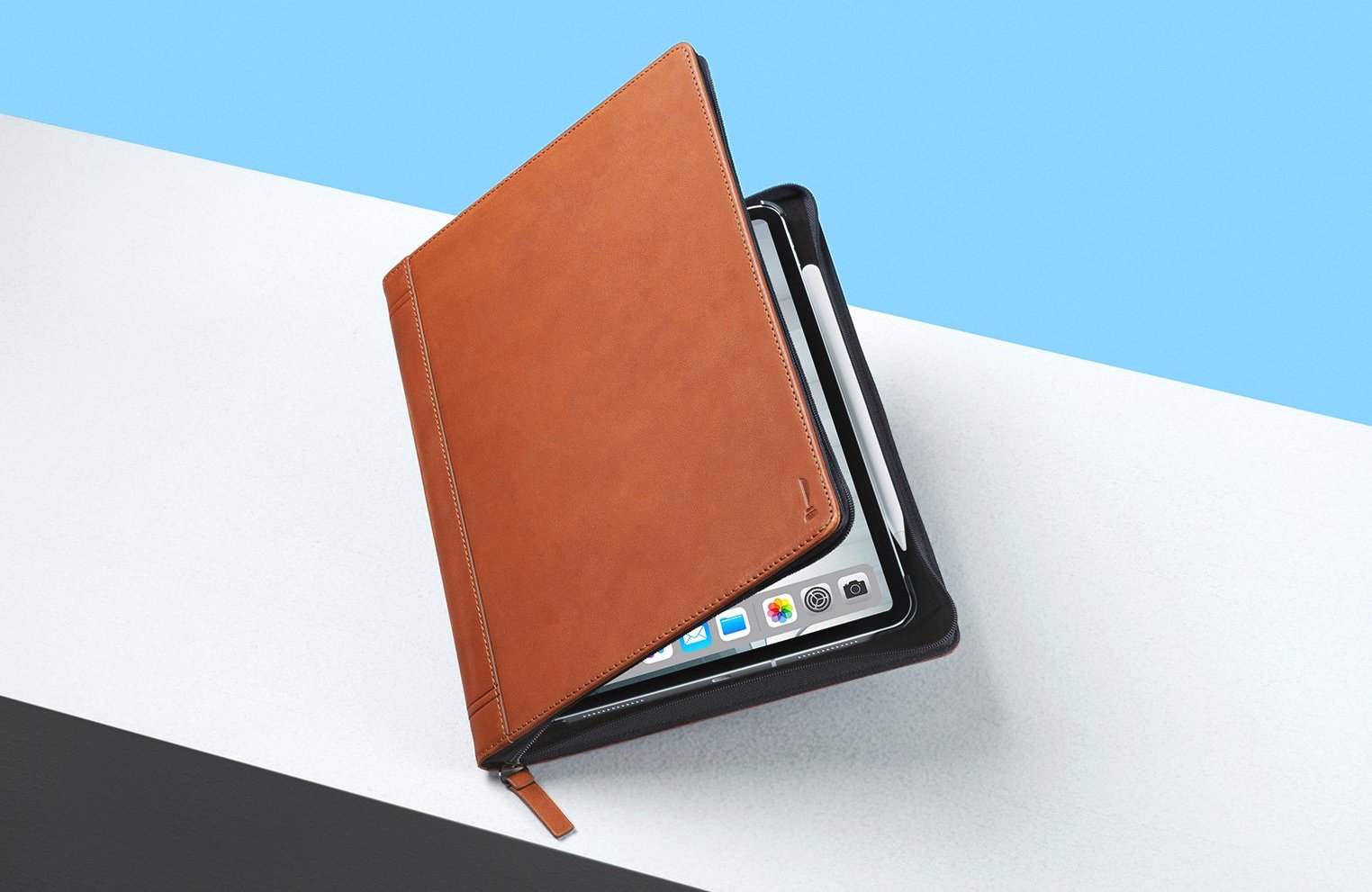
Don’t you just love it when you head to the store for a handful of items and forget one of them? If you make a shopping list then you can be sure that won’t happen again. And to make sure that list is always with you when you go to the store, put it on your Apple Watch.

These are the best, free Apple Watch shopping list apps for groceries and more.

How to lock your titanium Apple Card

Apple Card

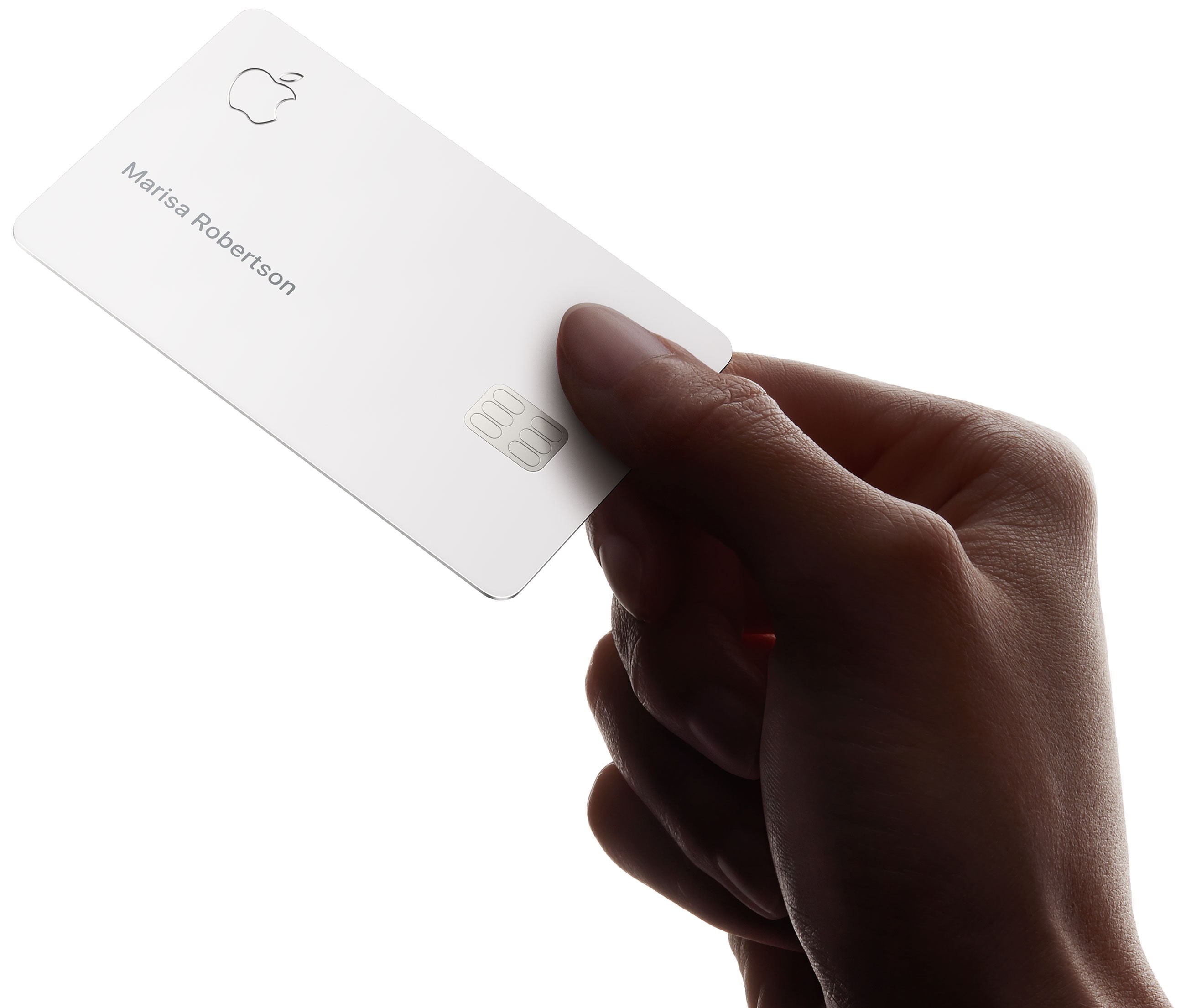
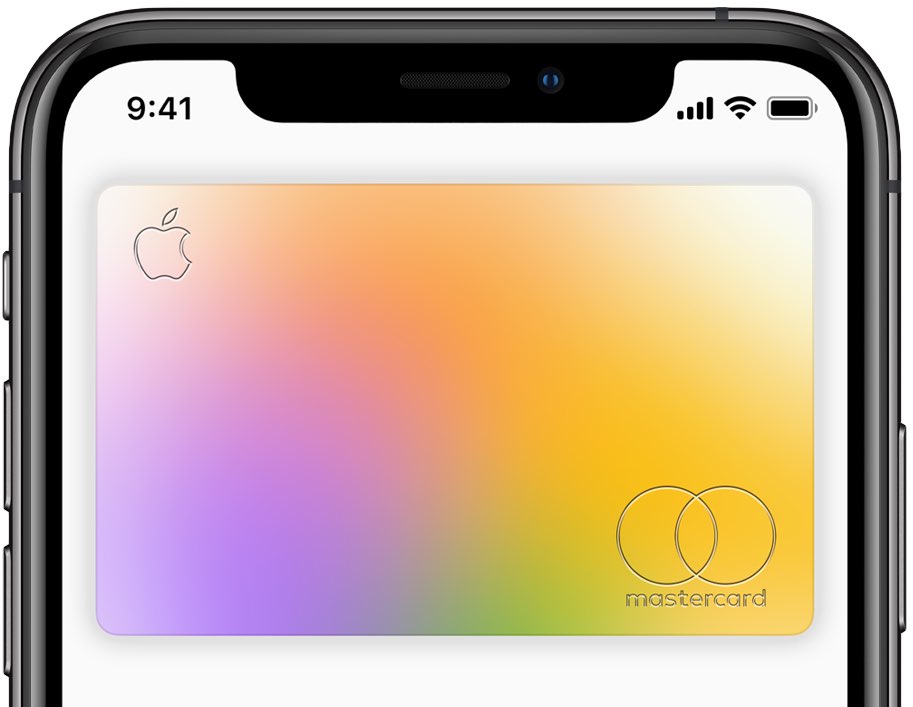
You can lock your titanium Apple Card at any time in case you've lost or misplaced it to prevent fraud. You might also want to choose to lock your physical Apple Card if it isn't currently in your possession. Locking the card events it from being used to make any purchases. You can unlock or unlock your titanium Apple Card card at any time and iDB shows you how.

Augment your jailbroken iPhone’s Caller ID with PhoneCaller

Your iPhone displays the phone number of incoming and outgoing calls, apart from certain circumstances in which that number is privatized. But if you’re like me and wish you could see more about a caller than just the phone number at first glance, then you’ll probably come to appreciate a jailbreak tweak called PhoneCaller by iOS developer Osama.

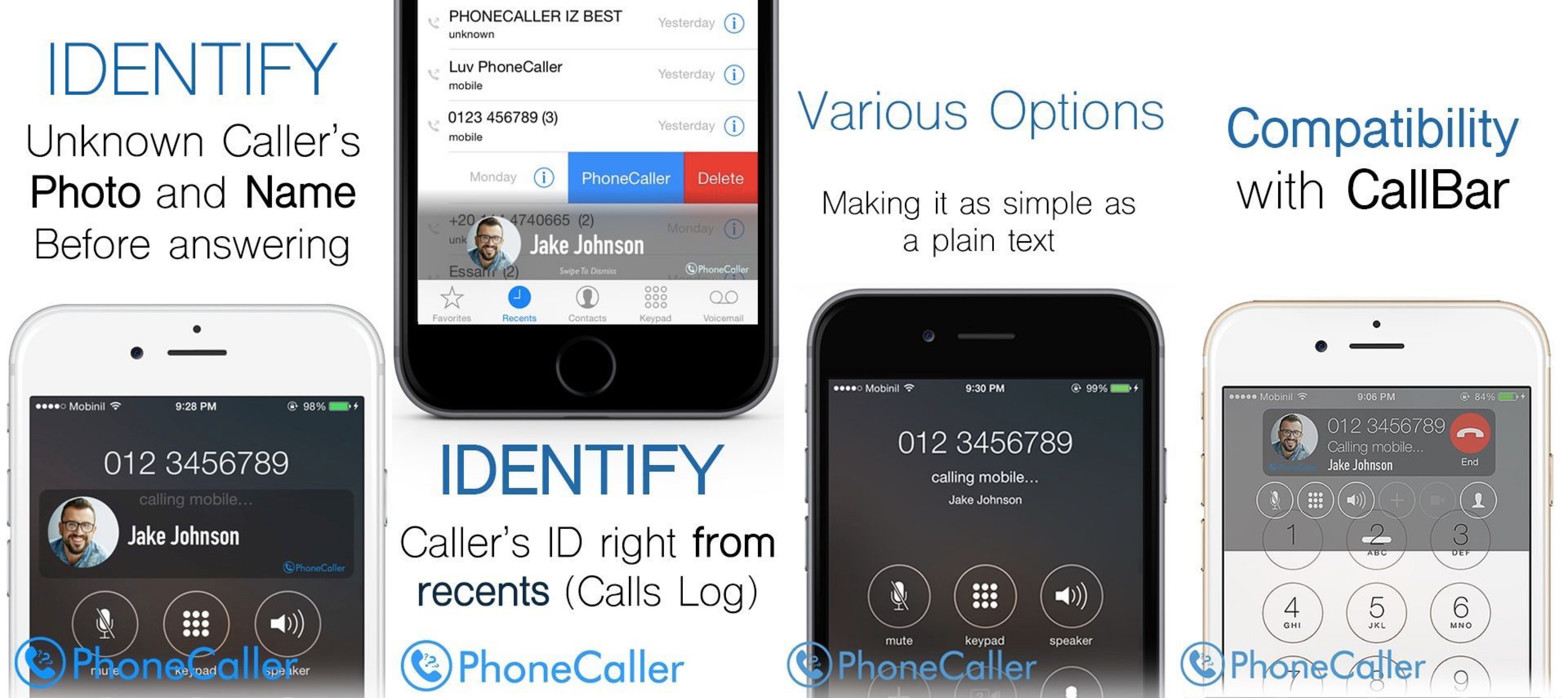
As shown in the screenshot examples above, PhoneCaller works by integrating with the popular TrueCaller app to fetch more detailed caller ID information for both incoming and outgoing phone calls. As you’ll notice, it shows the caller’s first and last name in addition to any relevant photos of that person, where applicable.

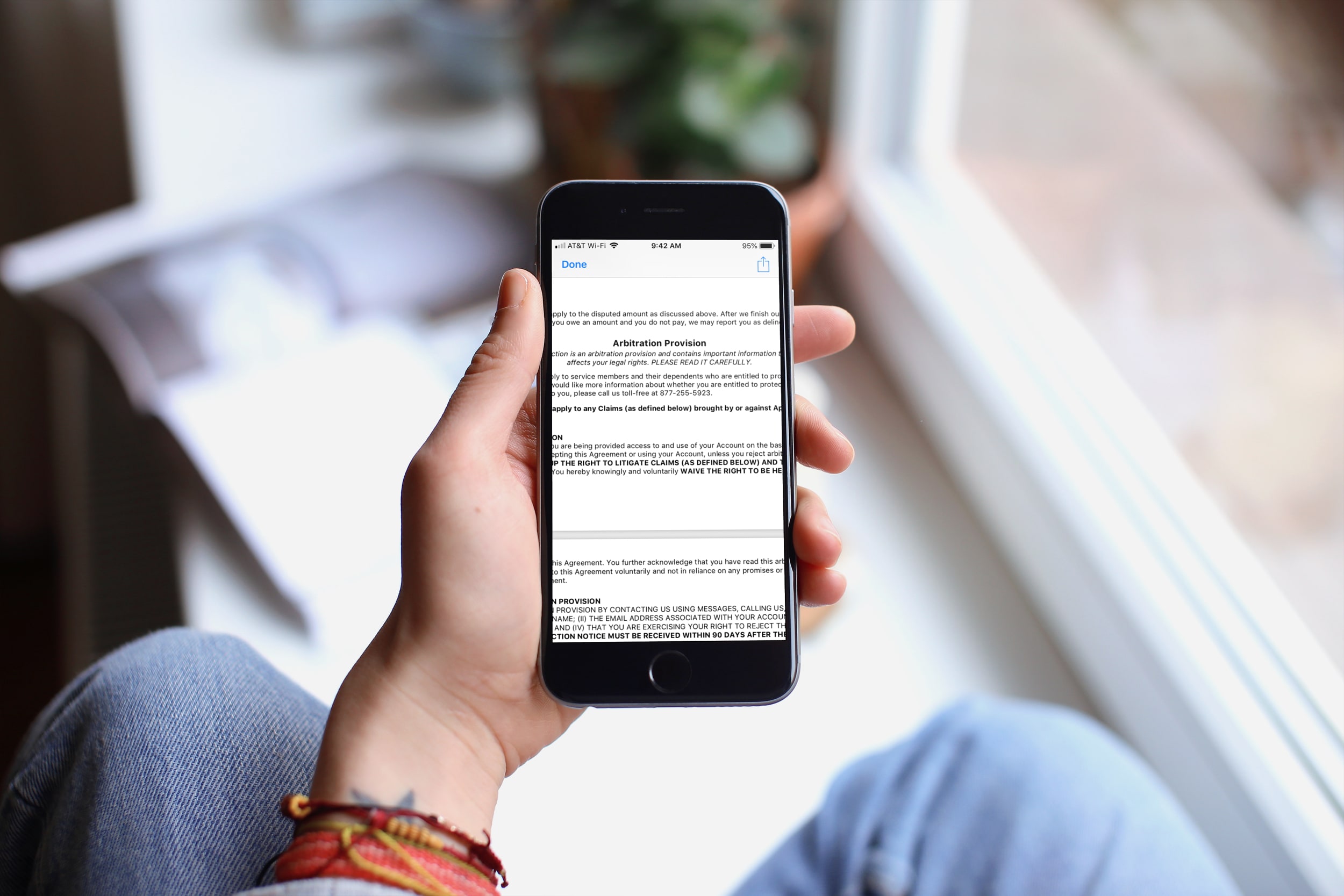
Why and how to opt out of the Apple Card arbitration clause

Apple Card Arbitration Clause iPhone

While you should always read the consumer agreements and policies that contain a lot of "small print" before you sign them, how often do you actually read them, especially in their entirety? Yes, some people do read them, others scan them, and still more just scroll down and tap Agree.

In this article, we’re talking about the Apple Card Customer Agreement, and specifically, the arbitration clause.

You can Google the term if you’re unfamiliar and find plenty of resources that explain an arbitration clause and arbitration process in full detail. But in a nutshell, the arbitration clause in a contract states that the parties will resolve disputes through an arbitration process which presents the evidence in front of a neutral third party.

So now let’s take a look at what exactly the arbitration provision in the Apple Card Customer Agreement states and how you can opt out of it.