Learn how to make sure the Activation Lock feature is enabled on your Mac, disable it if necessary, and find out if your computer is compatible with this security protocol.
How to check and use Activation Lock on your Mac
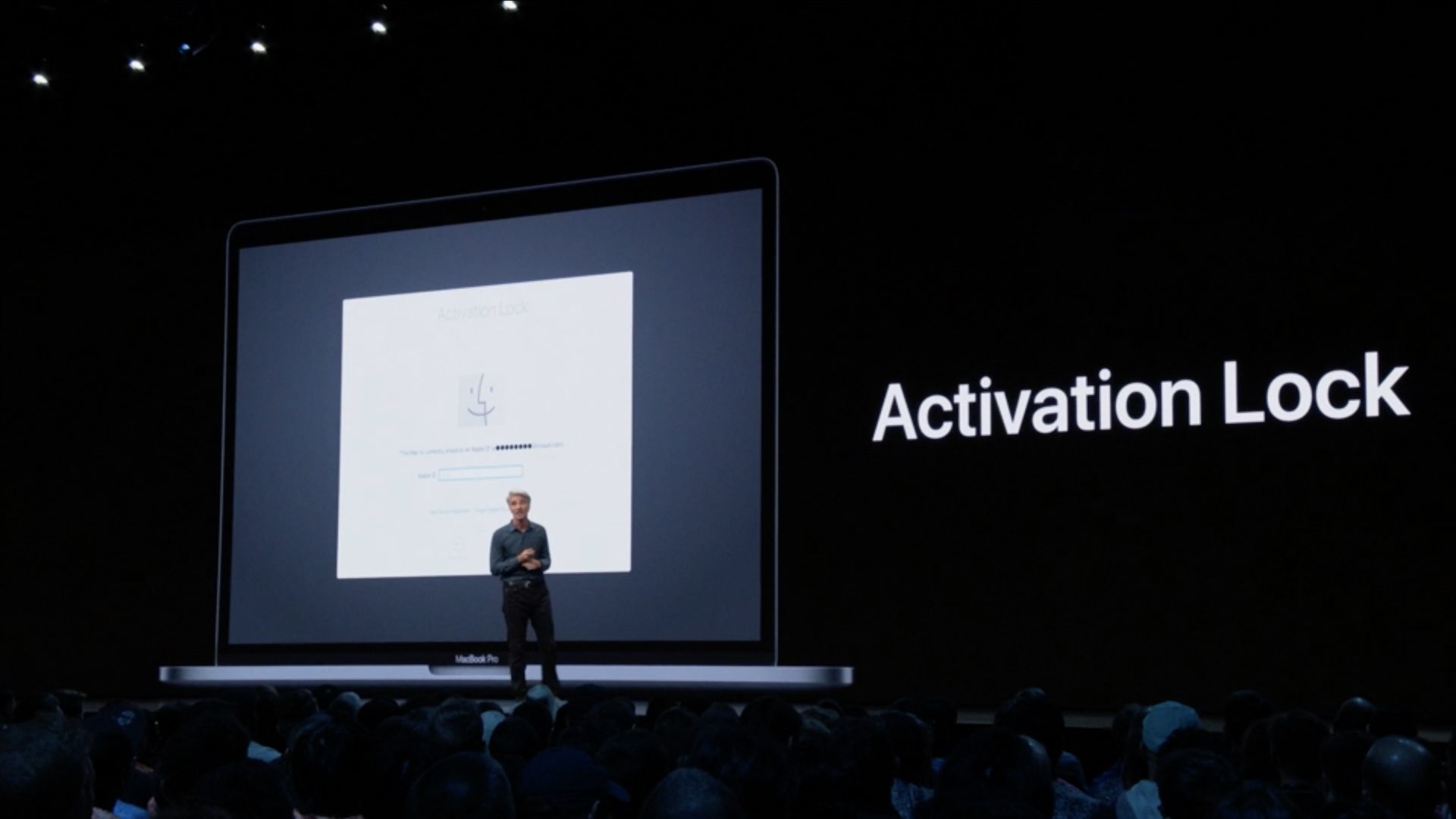
Learn how to make sure the Activation Lock feature is enabled on your Mac, disable it if necessary, and find out if your computer is compatible with this security protocol.

Photography has been a major focal point for Apple and its iPhone lineup for quite some time, and that's certainly the case with its newest smartphones. And now the company is teaming up to offer classes to show students how to take great photos with iPhone.
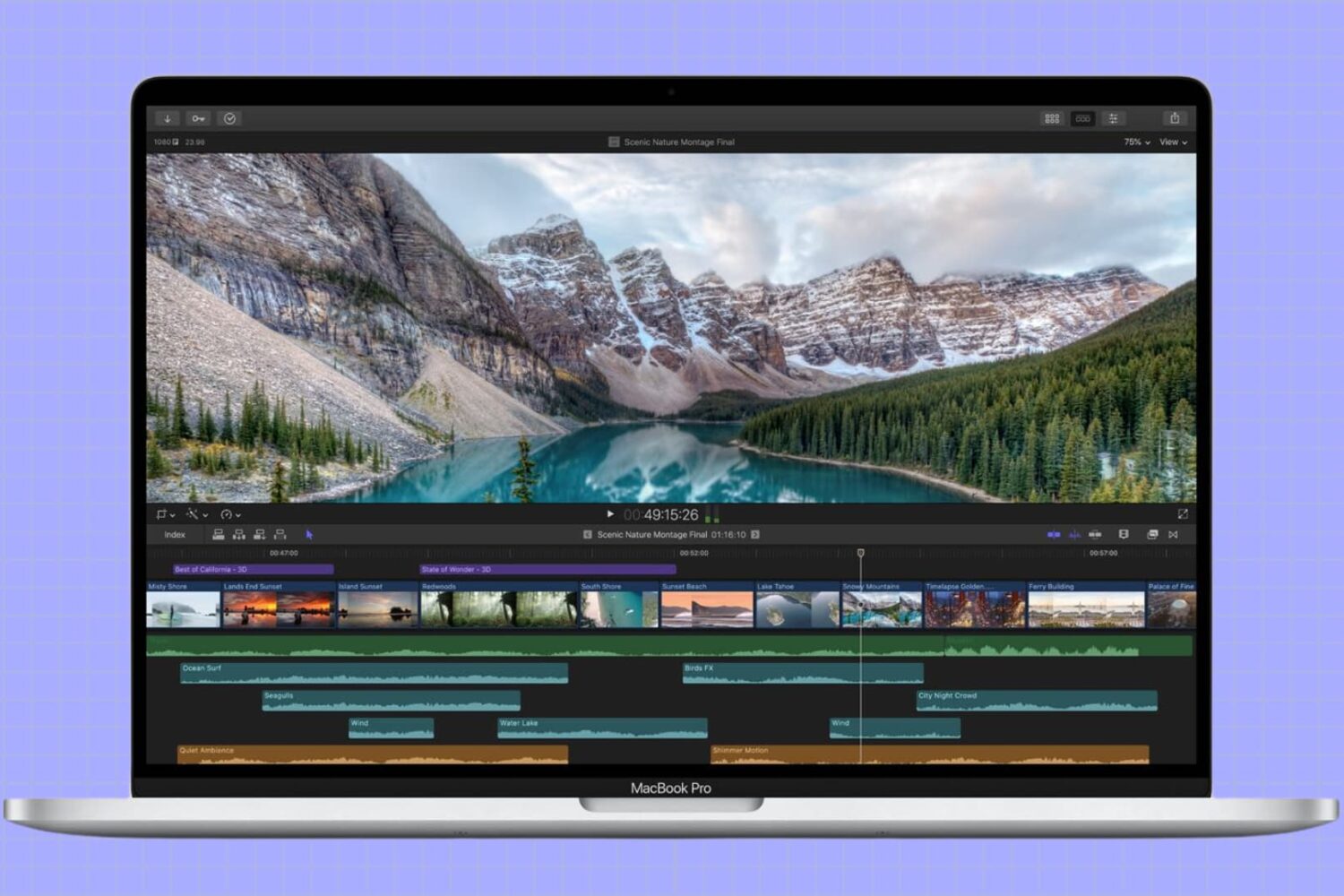
In this tutorial, we’ll show you how to adjust the refresh rate of your MacBook screen or external display for smoother visuals and reduced eye strain.
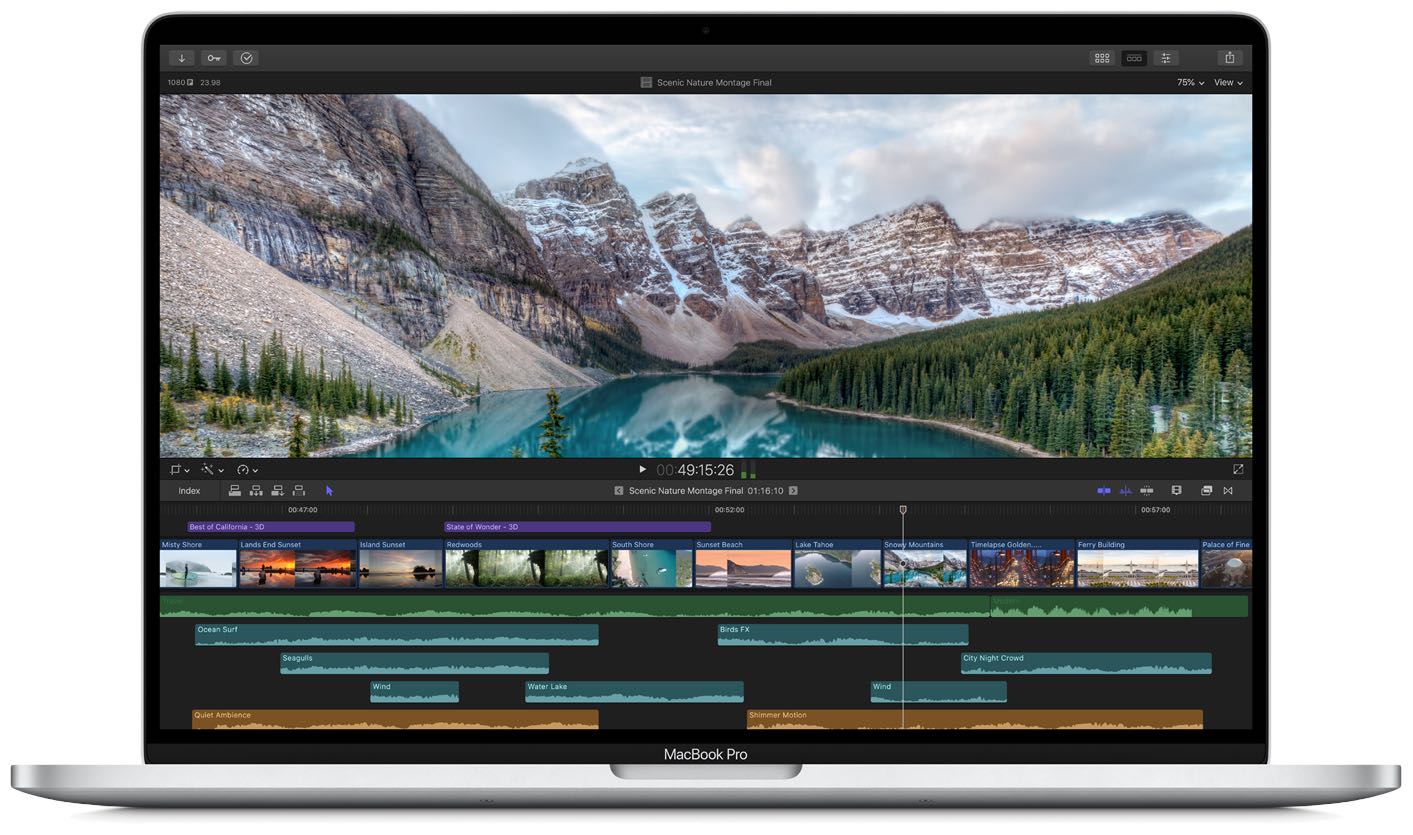
Apple's recent introduction of a 16-inch MacBook Pro got me thinking about the future of the Mac line. The latest rumors suggest that the 13-inch MacBook Pro is getting a redesigned keyboard in early 2020. That's a good first step. But the increase in screen real estate on the 16-inch model makes me wonder if the 13-inch MacBook Pro might be not long for this world at all. Could a 14-inch be around the corner?
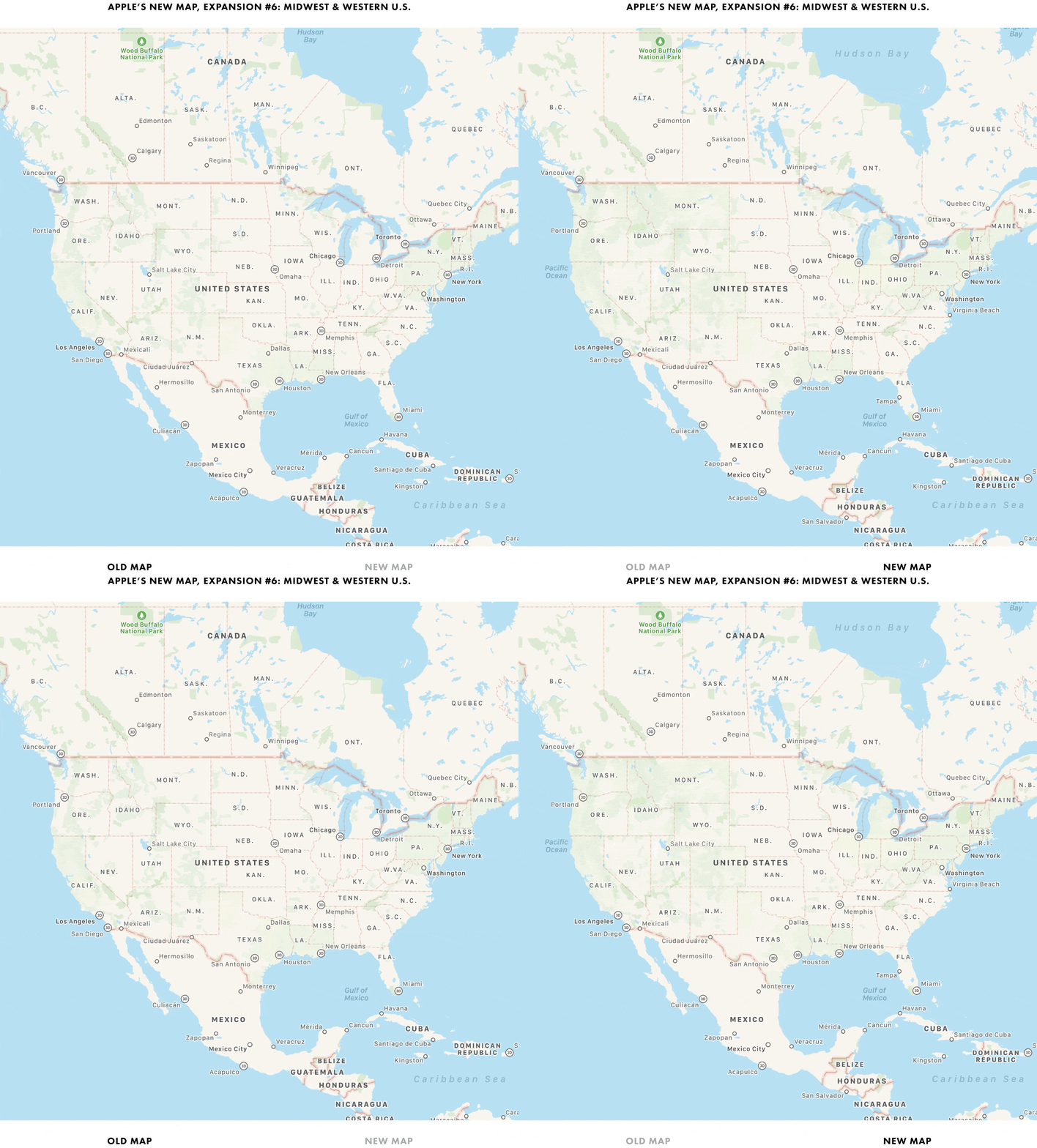
It has been quite some time already since Apple announced it was rebuilding Apple Maps from the ground up to offer more detail across the United States. The goal? A full rollout by the end of 2019.
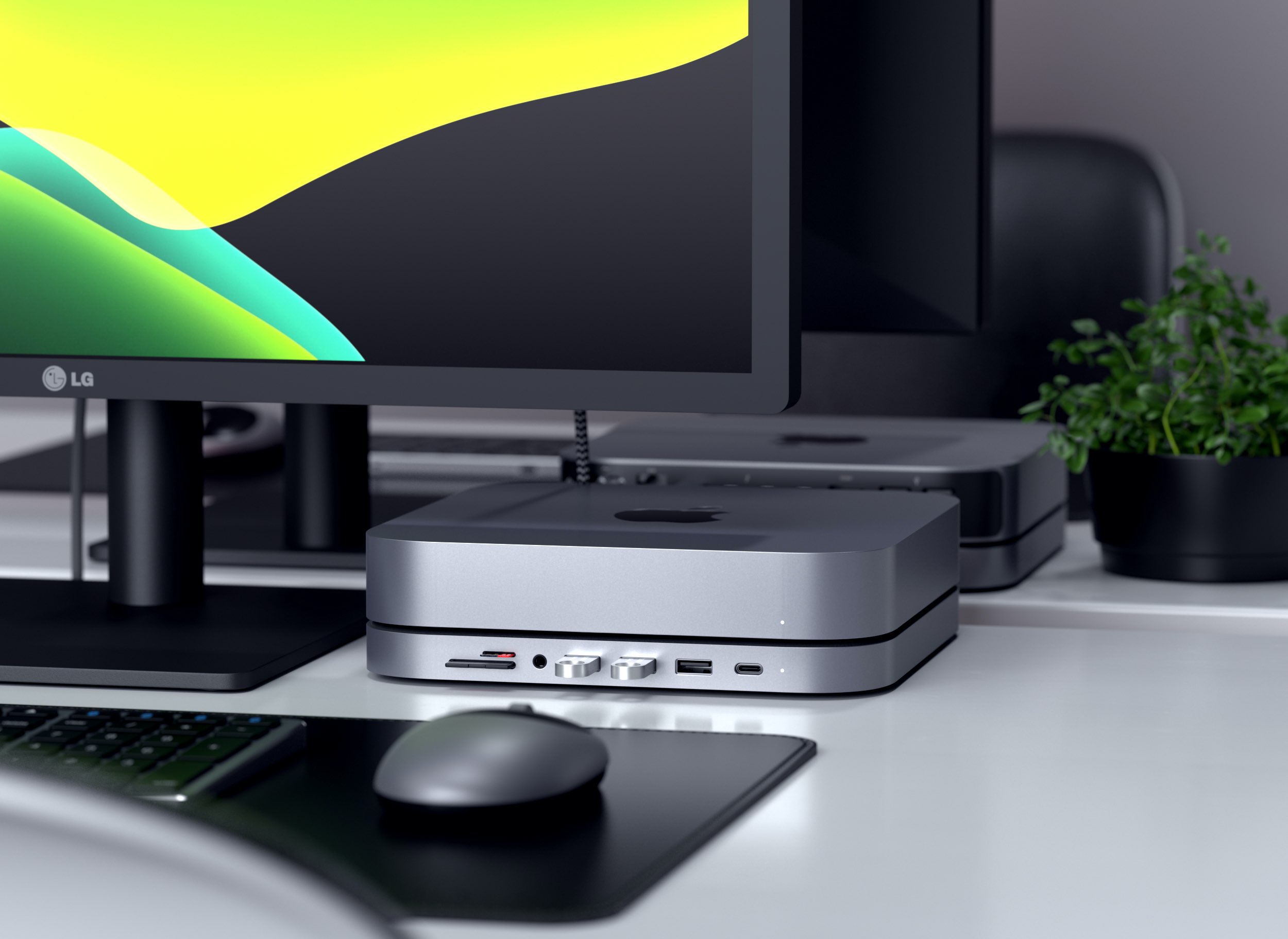
Accessory maker Satechi today launched a gorgeous new aluminum stand for Apple's Mac mini that doubles as a practical six-in-one hub that connects to your computer's USB-C.
Podcasts. Still all the rage these days. And while Apple has been leading the charge for accessing that content, Spotify is starting to put some real effort in the game.
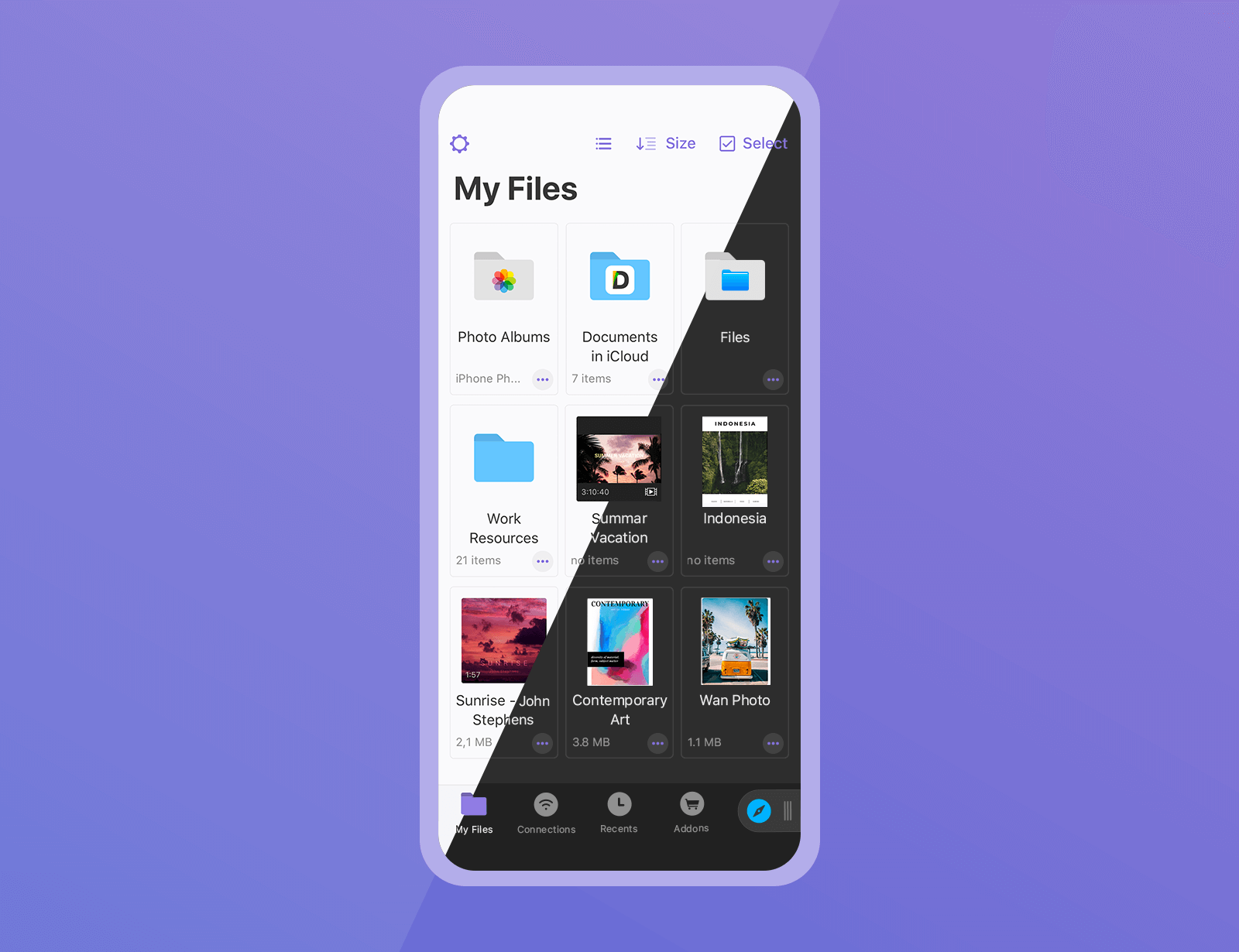
The Documents app by Ukrainian developer Readdle is the best iOS file manager — think of it as the Files app on steroids. And now, it's gotten even better thanks to a major update bringing some great productivity enhancements and several features people have been waiting for.
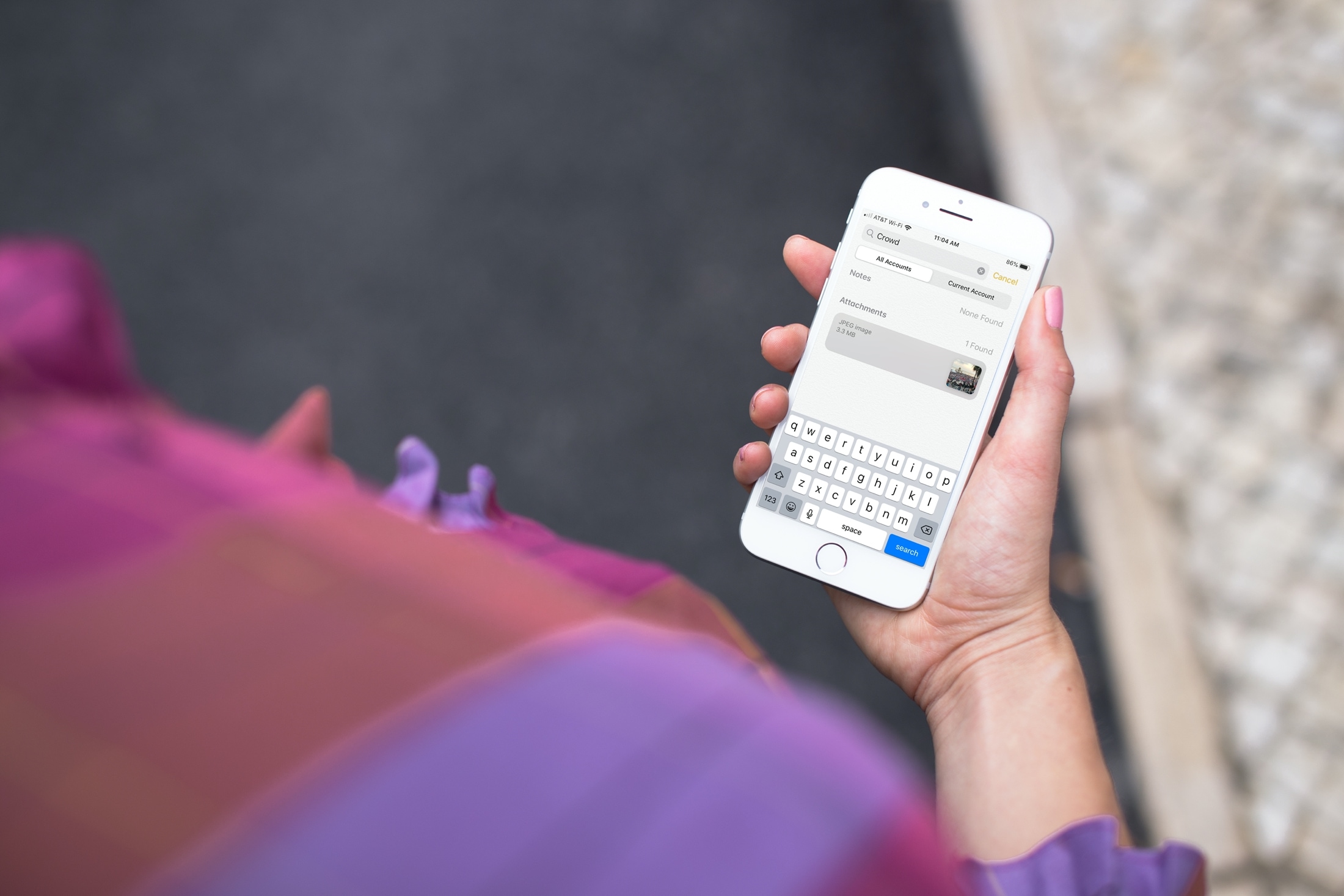
Learn how to search for images and scans in the Notes app on iPhone and iPad to quickly find a photo or a document you’ve attached to a note.
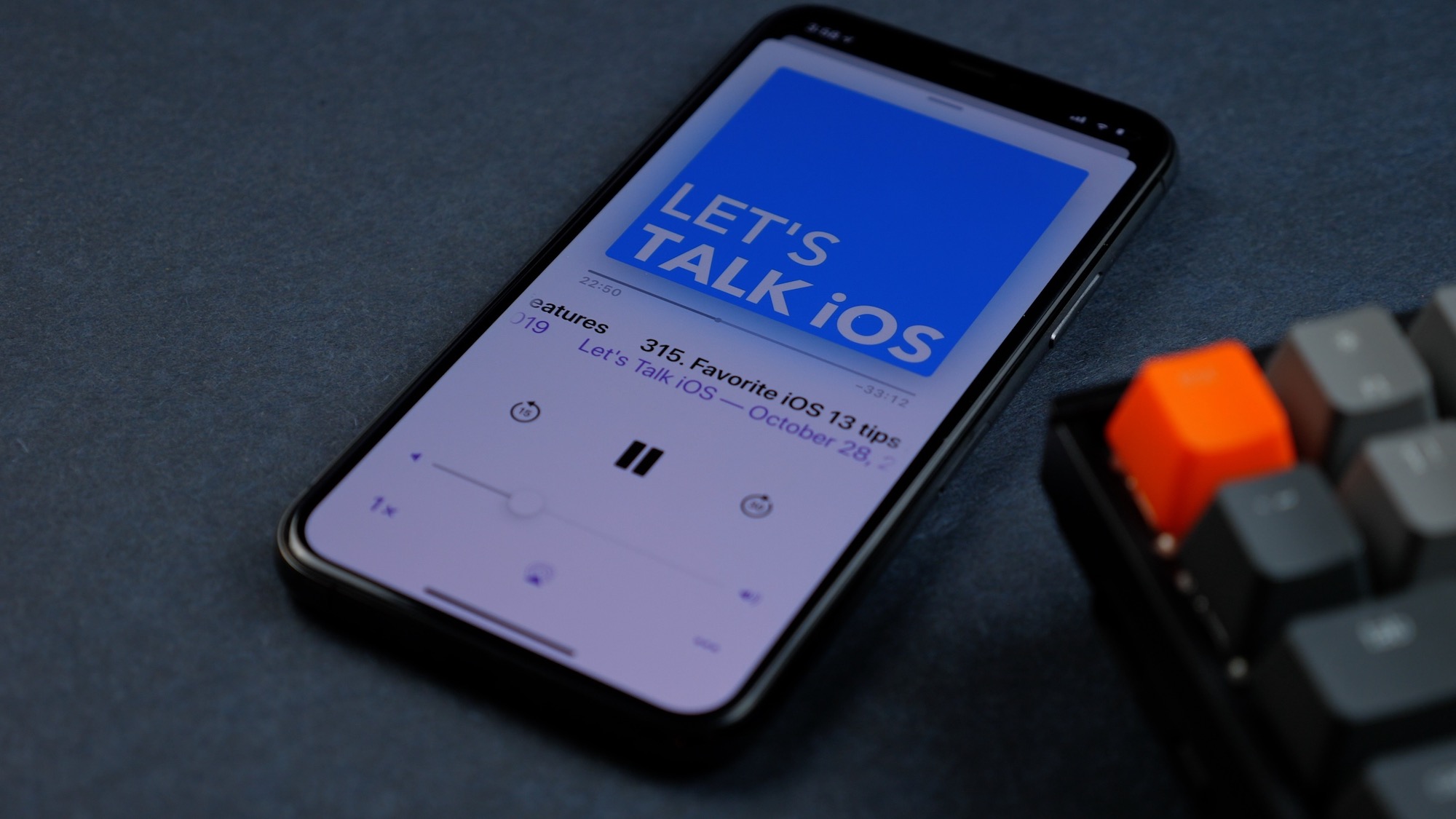
A friendly conversation about AirPods Pro, the new 16-inch MacBook Pro, inspirational quotes, and TV services. No, seriously, it's a much better episode than it looks on paper...
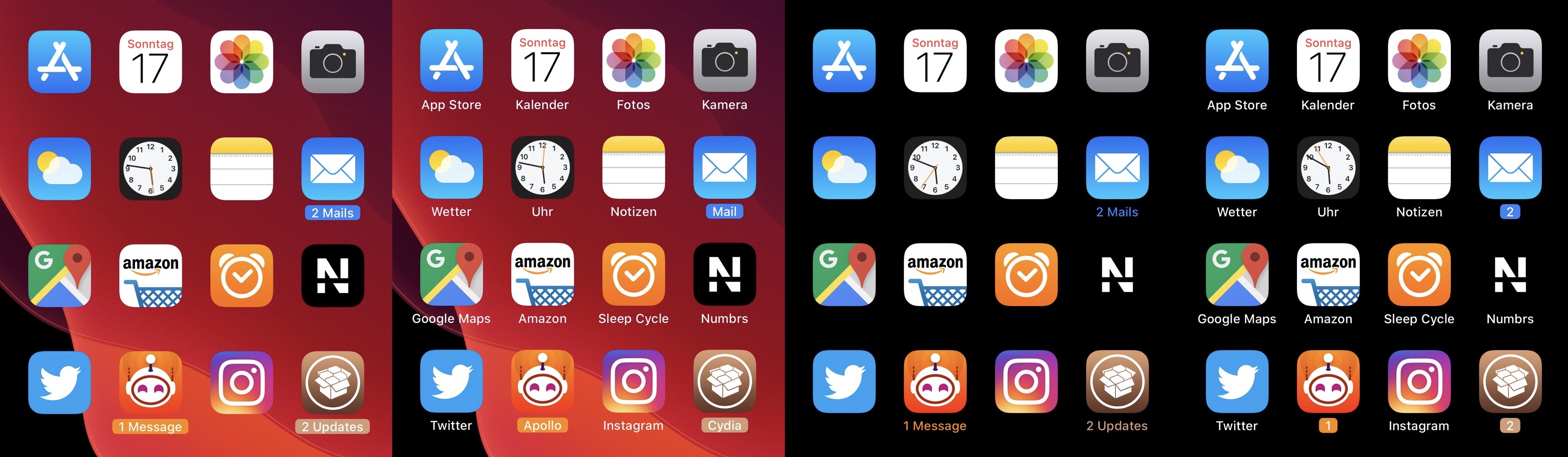
Apart from a few tiny revisions in iOS 7 and later, iOS’ notification badge system has appeared mostly unchanged since its conception. Jailbreakers seeking a fresher take on notification badges would do good to check out a newly released jailbreak tweak called CozyBadges by iOS developer NoisyFlake.
As depicted in the multitude of screenshot examples above, CozyBadges replaces the traditional red circular notification badge with something much more subtle — an updated icon label that appears highlighted or colorized when there are missed notifications. Moreover, the label can be configured to display alternative text, assuming the user wants this.
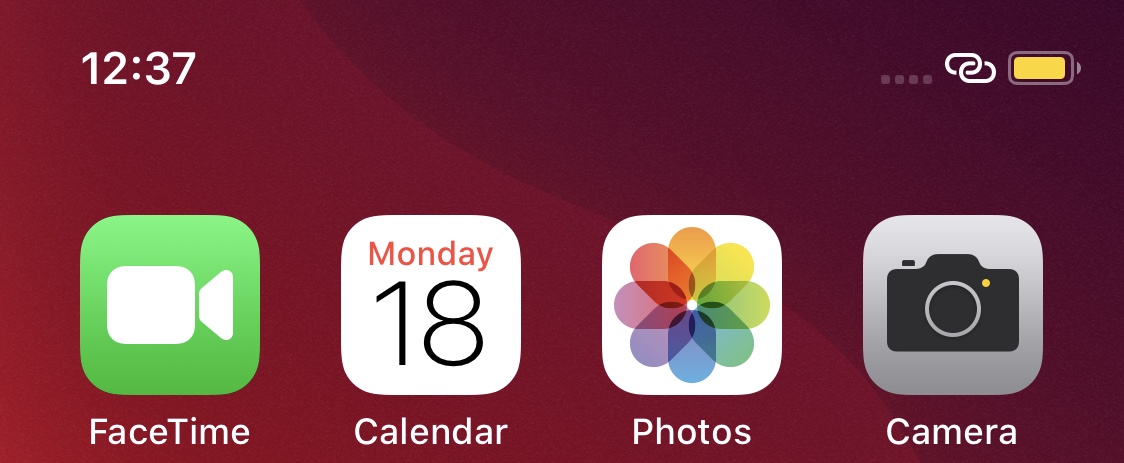
Your handset’s Status Bar displays pertinent information about current events, including the time, battery percentage, internet connection source, VPN connection, and even the date if you happen to be using using an iPad. But it also displays various icons and indicators depending on what your device is doing, such as location usage, personal hotspot usage, web loading activity, and more.
Those who’d like a greater command over what appears in the Status Bar may want to try using a jailbreak tweak called HideStatusBarItemsPro by iOS developer Chashmeet Singh. Just as the name denotes, this add-on lets users choose what does and doesn’t appear in their pwned handset’s Status Bar.