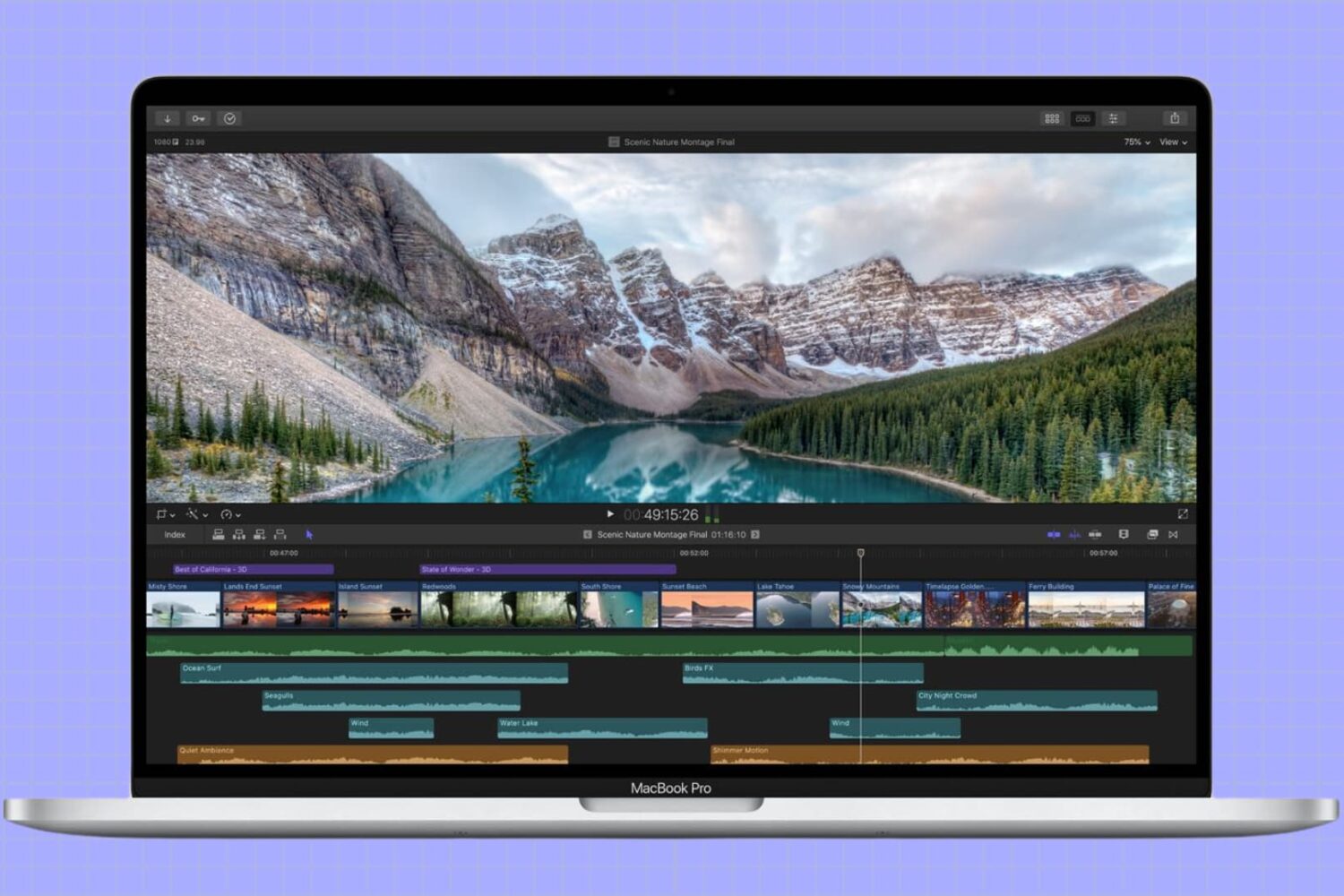
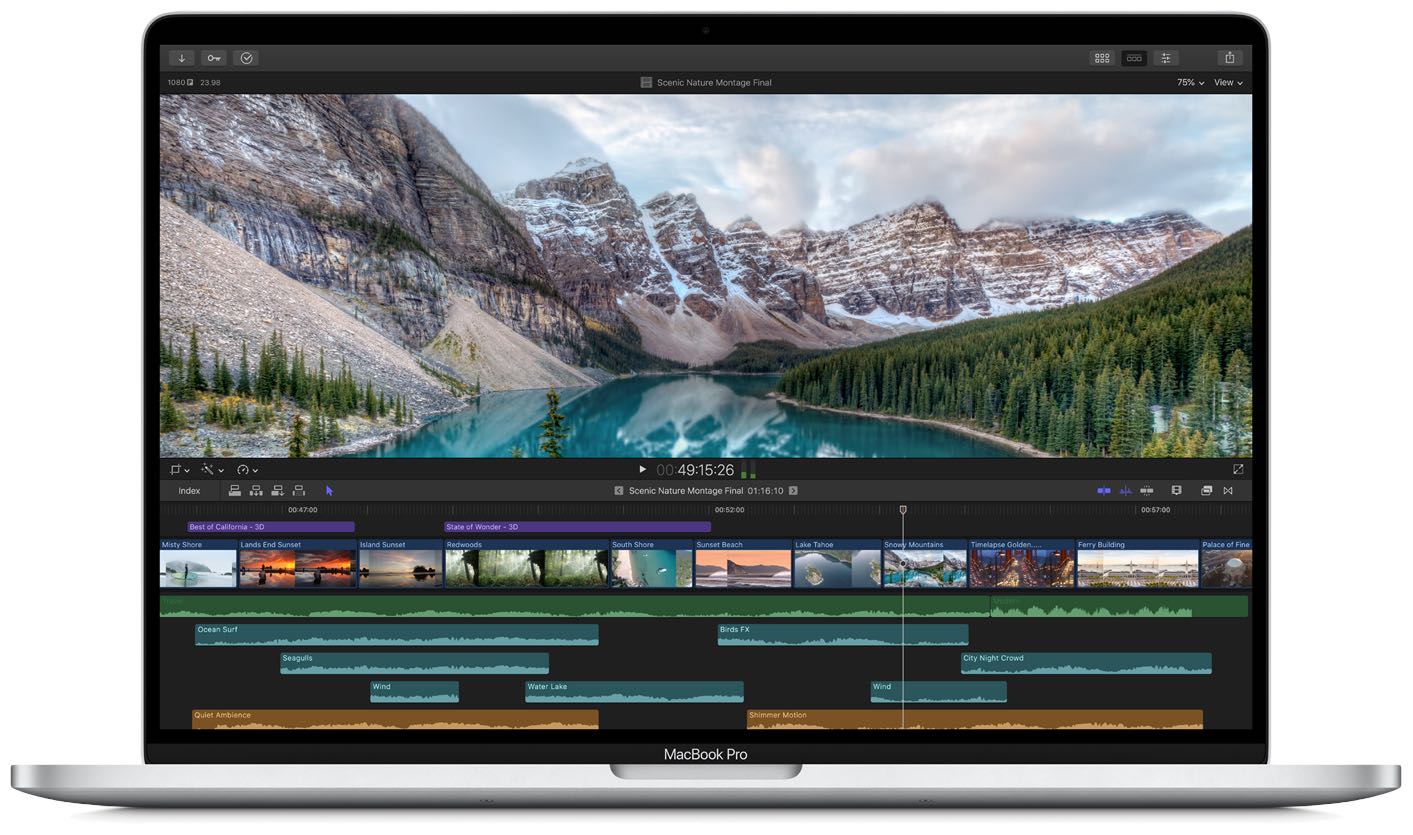
Earlier today Apple finally made all the rumors come true: the 16-inch MacBook Pro is officially official.
16-inch MacBook Pro technical specifications
Earlier today Apple finally made all the rumors come true: the 16-inch MacBook Pro is officially official.
Apple today dropped a new 16-inch MacBook Pro which has replaced the phased-out 15-inch MacBook Pro, simplifying Apple's lineup a bit. I immediately visited Apple's online store to max out the pricier $2,799 configuration with all the available hardware upgrades, ending up with a fully loaded $6,099 machine that offers lots of bang for the buck (at least on paper).
Companies as gigantic as Apple and Google are always looking for new markets to dominate. Financial services are no different.
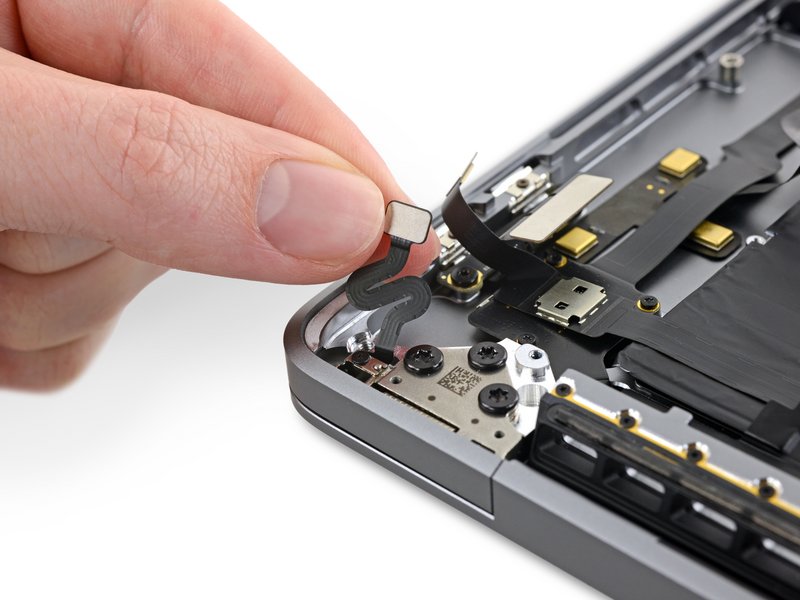
Apple has discontinued the 15-inch MacBook Pro after launching today a new MacBook Pro model with a 16-inch display, a redesigned scissor switch keyboard and updated internals.
Apple on Wednesday said that it will release its much-anticipated Mac Pro and accompanying Pro Display XDR monitor in December. The Mac Pro will be available starting at $5,999 and the Pro Display XDR will cost $4,999.
Plenty of rumors have pointed to a new, redesigned 16-inch MacBook Pro launching sometime before 2019. And it turns out that was the plan after all, as Apple has just announced its new, 16-inch MacBook Pro. The new laptop arrives in stores later this week starting at $2,399.
One of my favorite upgrades in iOS 13 is the updated ringer/silent HUD. Rather than taking up the entire center of the display, iOS 13’s ringer/silent HUD appears near the top, and it looks much sleeker with its smaller footprint and subtle colorization.
If you’re jailbroken on iOS 12 instead of iOS 13, then you might be excited to learn about a newly released jailbreak tweak called XIIIHUD-Mute by iOS developer XCXiao, as it ports the iOS 13 ringer/silent HUD experience to the older mobile operating system. Examples of the tweak are depicted in the screenshot examples above.
One cool movie idea that you can create in iMovie is for your travels. You can include photos or videos from a vacation, honeymoon, or road trip adventure. And to go along with this nifty project, iMovie offers animated map backgrounds.
With these backgrounds, you can show the moving route for your trip on a map in your movie. This can add something a little extra to your already memorable trip and movie.
Here’s how to add and adjust the animated travel map backgrounds in iMovie on Mac.
The Apple TV+ streaming service is a good option for unique originals if you’re looking for something different to watch. But it’s not for everyone. Maybe you’re not thrilled with the selection of shows, maybe you don’t like the subscription price, or you just don’t like its video player. Whatever the case, here’s how to cancel your Apple TV+ subscription or free trial.
There have been rumblings and grumblings that Apple is working on a slightly redesigned new MacBook Pro set to launch before the end of 2019, and now another report aims to corroborate all those earlier rumors.
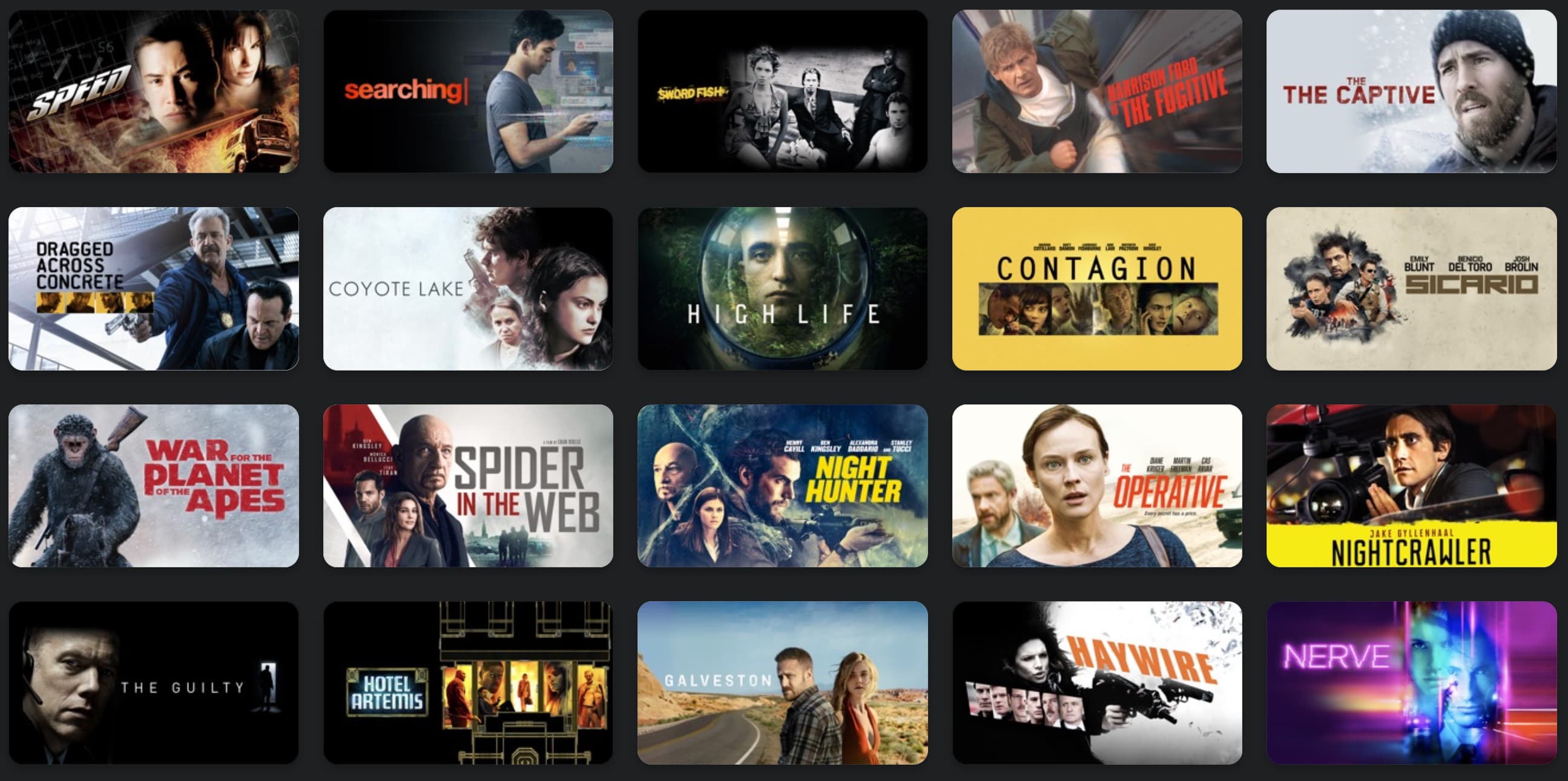
Apple on Tuesday updated its iTunes Store with new deals on movies and other media. Among the discounts are multi-movie bundle deals starting at $15, cult classics like Fight Club and Office Space for less than $8, and of course several great films under $5. Check out our full roundup below.
Walmart has announced a new partnership with Apple that will see ordering things from the retailer a lot easier, if you like using Siri that is.