Microsoft is making some big changes for Office 365 and Microsoft Teams, broadening availability in big ways.

Microsoft is making some big changes for Office 365 and Microsoft Teams, broadening availability in big ways.
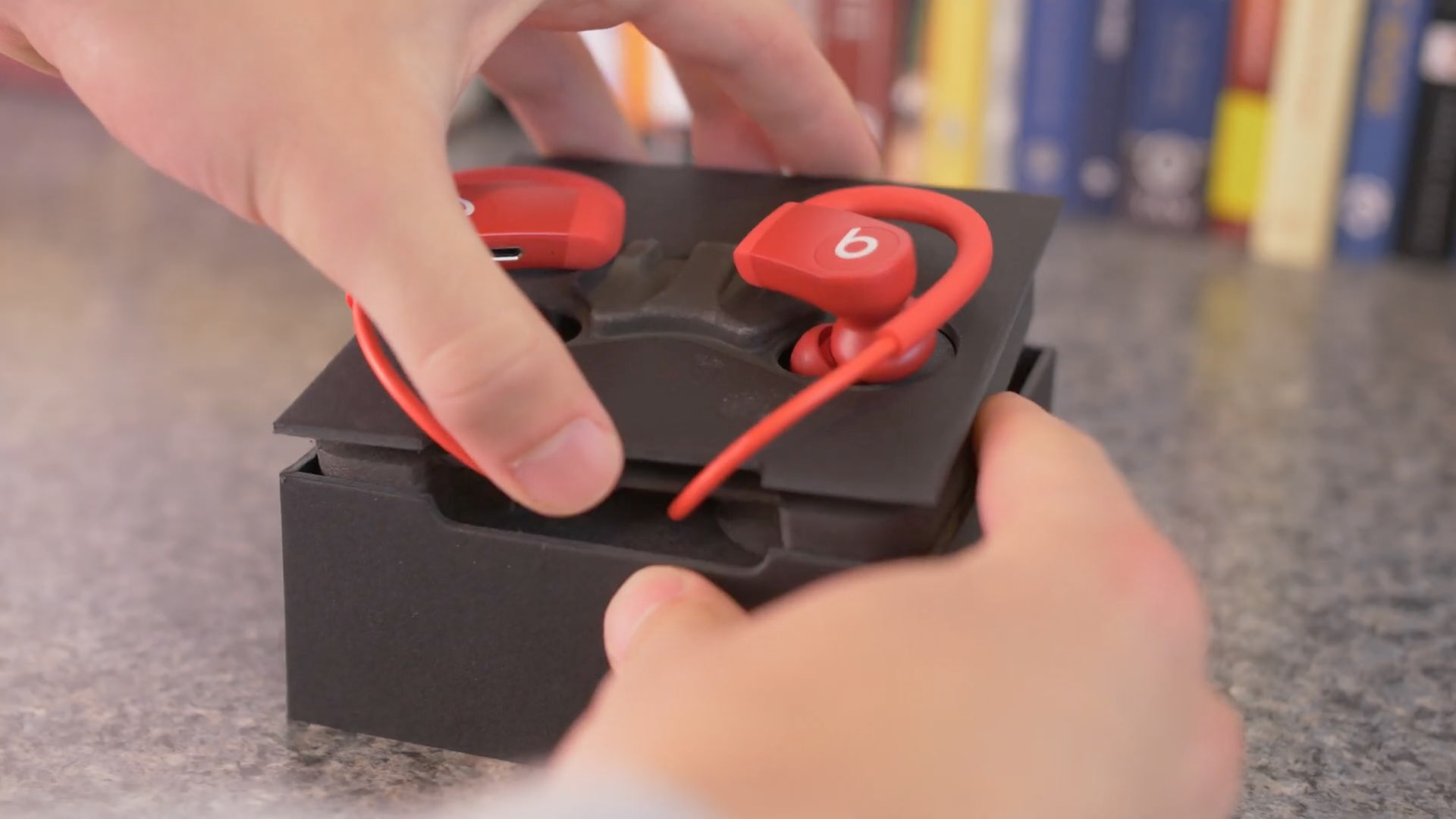
Arriving without much fanfare earlier in the month, Apple's new sporty earphones (marketed as "Powerbeats" rather than "Powerbeats4") certainly have a lot going for them.
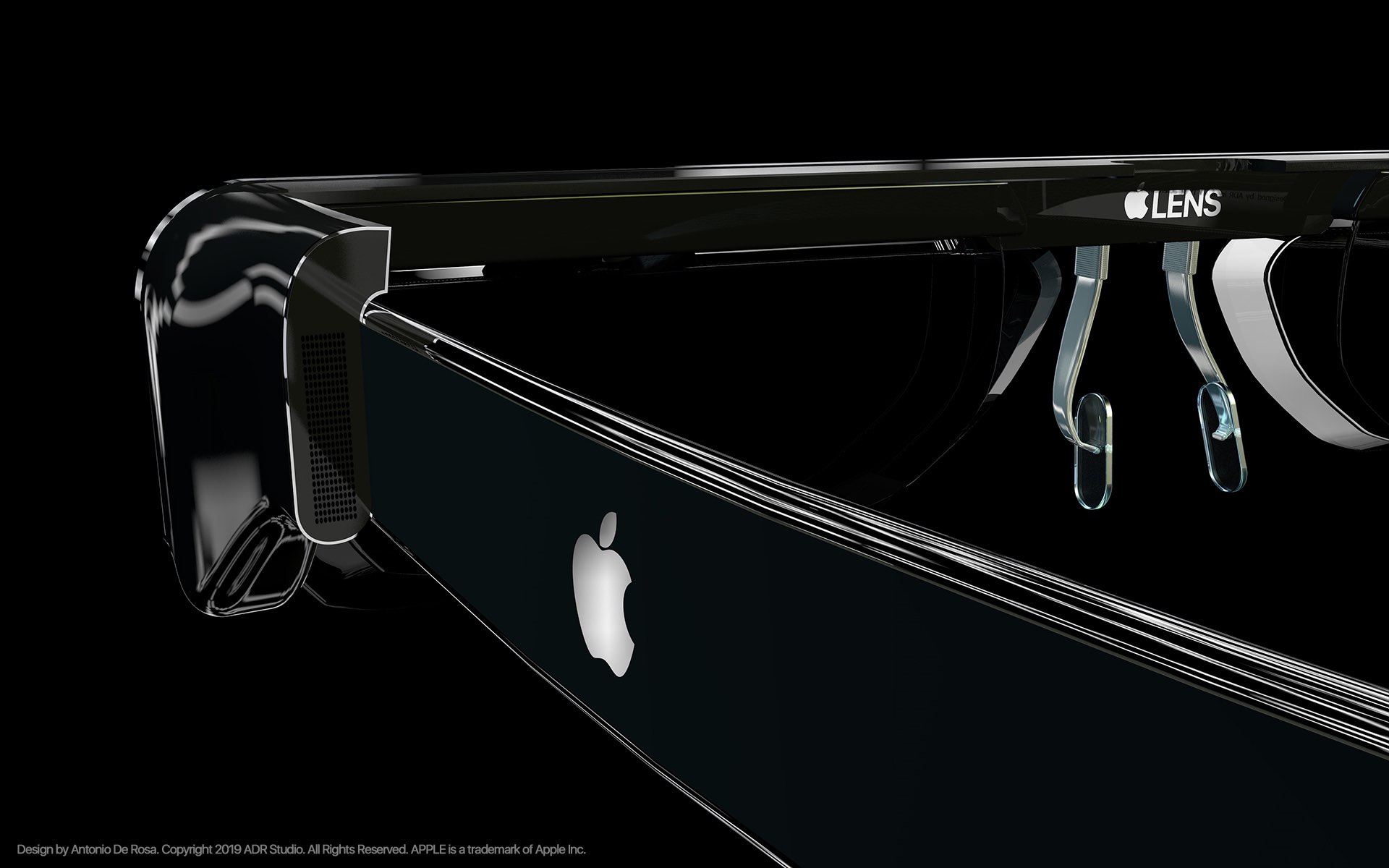
We've been hearing about Apple's rumored augmented reality (AR) glasses for a long time now, and it sounds like Facebook may have jumped ahead of the company in one area.

Apple announced its first British comedy for Apple TV+, Trying, back in January of this year. We learned just about everything we could at that time, including a release date, but we were missing the trailer.

The United States government is tapping into smartphone location data, obtained from the mobile advertising industry rather than wireless carriers, to understand the movements of Americans during the coronavirus pandemic and track compliance with curbs on movement.

If you’re trying to describe a location to someone who isn’t familiar with the area, it can be difficult. You can’t just say, "It’s next to Walmart" if they don’t even know where Walmart is. But with the Maps app and Markup tool on Mac, you can easily use shapes and text to show exactly where you’re describing. And it can even be a little fun.
Here’s how to create and mark up a PDF from Maps on your Mac.
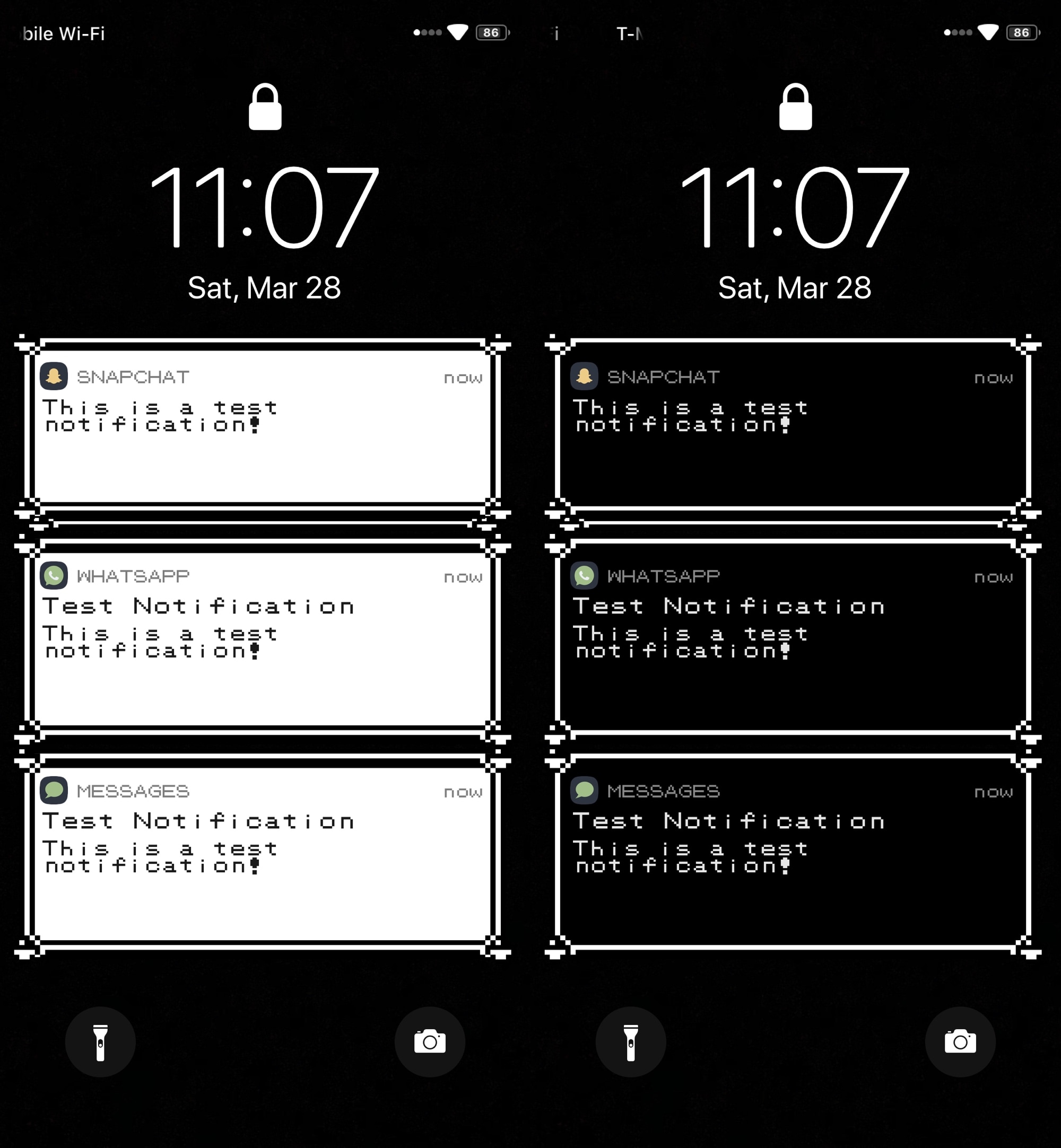
Longtime Pokémon game fans, especially of the classic Nintendo Game Boy flavor, may feel a bit nostalgic of the older games at times. Fortunately, if you’re itching for some nostalgic relief and you have a jailbroken iOS device at your disposal, then a newly released and free jailbreak tweak dubbed PokeBar by iOS developer Liberato Aguilar might be able to help.
In the rather conspicuous screenshots above and below, you might’ve ascertained already that PokeBar brings Pokémon Red/Blue/Yellow-inspired notification banners to pwned iOS 13 handsets. Moreover, it supports both dark and light themes, depending on your device’s dark mode system settings.
If you’re anything like me, then you like haptic feedback on your iPhone and wish Apple would implement it more broadly across the mobile operating system. While this could certainly happen in the near future as Apple ponders about how it can make iOS better, jailbreakers won’t need to wait thanks to the plethora of readily available jailbreak tweaks that can already bring haptic feedback to miscellaneous interfaces in iOS.
Clockator is a newly released and free extension by iOS developer CydiaGeek that fits this niche subset of add-ons, and as its name suggests, Clockator introduces haptic feedback to Apple’s native Clock app in various ways.

iOS 13.4 and other Apple OS updates dropped this week — your favorite blog has a massive tutorial for your to learn how to use every new feature, including the awesome iPad trackpad and interactive pointer support. Moving on to the current pandemic, Apple released a dedicated COVID-19 app and provided other coronavirus resources to keep you entertained and informed.
Meanwhile, Sandy has you covered with a bunch of new tutorials and apps to check out. Rounding everything up are money-saving deals from Cody, fresh walls, more iPad Pro coverage, a dozen new tutorials and tips, plus crazy Apple rumors.
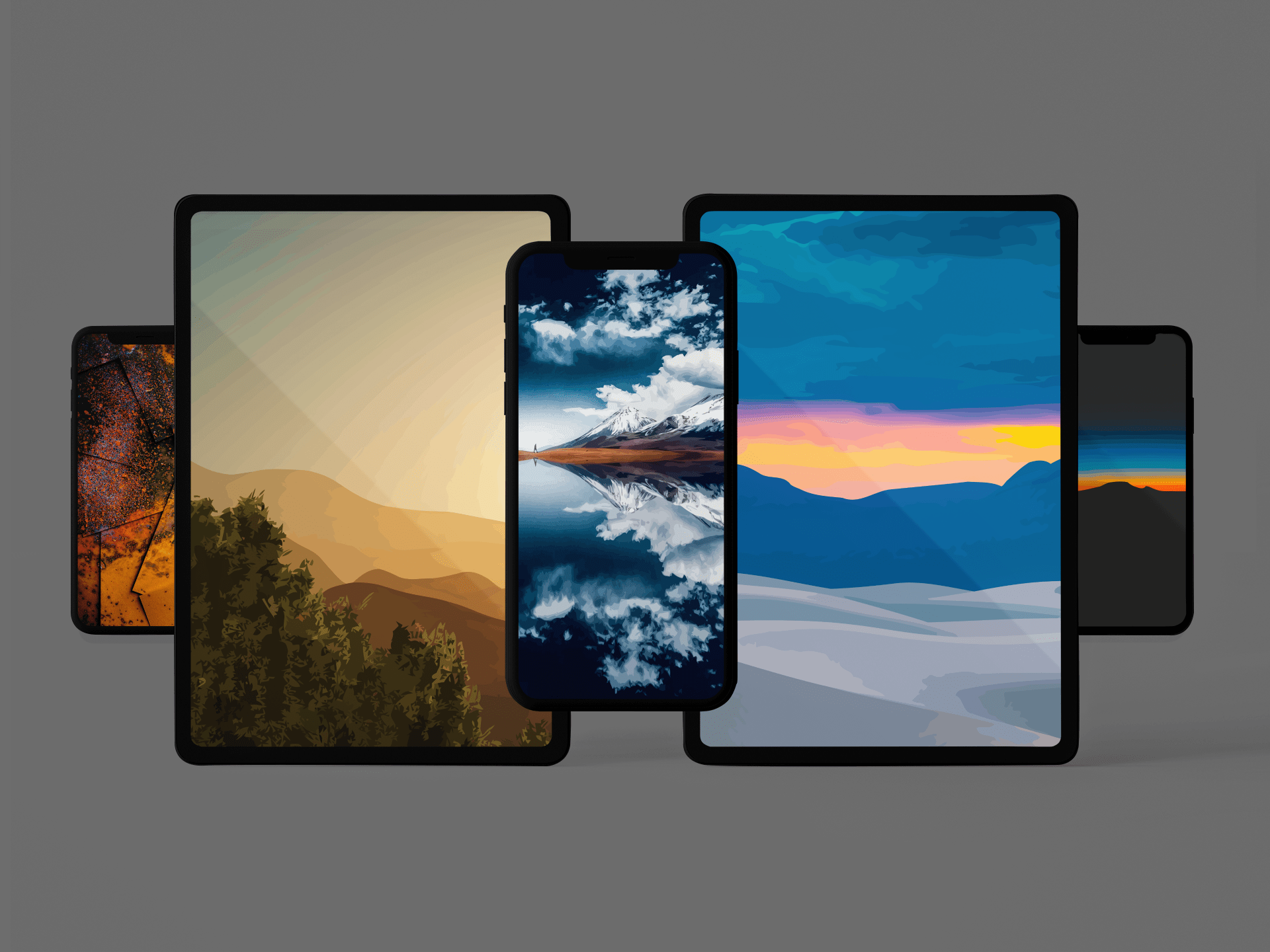
As we continue to spend more time indoors, due to various lockdowns and shelter-in-place orders avoiding COVID-19, we utilize our devices more than ever. These vector landscape wallpapers are a way to escape the view of your own four walls and enjoy a creative approach to the outside world.
Almost a cartoonish appearance, the colors, sun rays, and reflective blue water make these images incredible downloads.
If you’re going stir-crazy while coping with the thought of staying home amid Coronavirus-related social distancing efforts, then the good news is you can use your newfound free time to tinker with your jailbroken iPhone or iPad.
In this roundup, we’ll show you all the latest jailbreak tweaks to be released from Monday, March 23rd to Sunday, March, 29th. As usual, we’ll kick things off by discussing our favorite releases first and then wrap things up with an outline of the rest afterward.

If your iPhone’s battery level ever ventures into the danger zone, then Apple has graciously provided you with a Low Power Mode option that you can toggle in a pinch to take full advantage of every last precious drop of juice you have left. But for whatever reason, this same toggle isn’t available on iPads or iPod touches – what a shame!
While it remains to be seen if Apple will ever bring Low Power Mode to the iPad or iPod touch platforms, the good news is that jailbreakers won’t have to wait. A newly released and free jailbreak tweak dubbed LPMPad by iOS developer iCraze ports Low Power Mode to these devices in such a way that it feels just as native as it would on the iPhone.