Learn how to add, format, and customize ordered and bulleted lists in your document, spreadsheet, and presentations to improve the look and readability of your text.
How to customize lists in Pages, Numbers, and Keynote

Learn how to add, format, and customize ordered and bulleted lists in your document, spreadsheet, and presentations to improve the look and readability of your text.
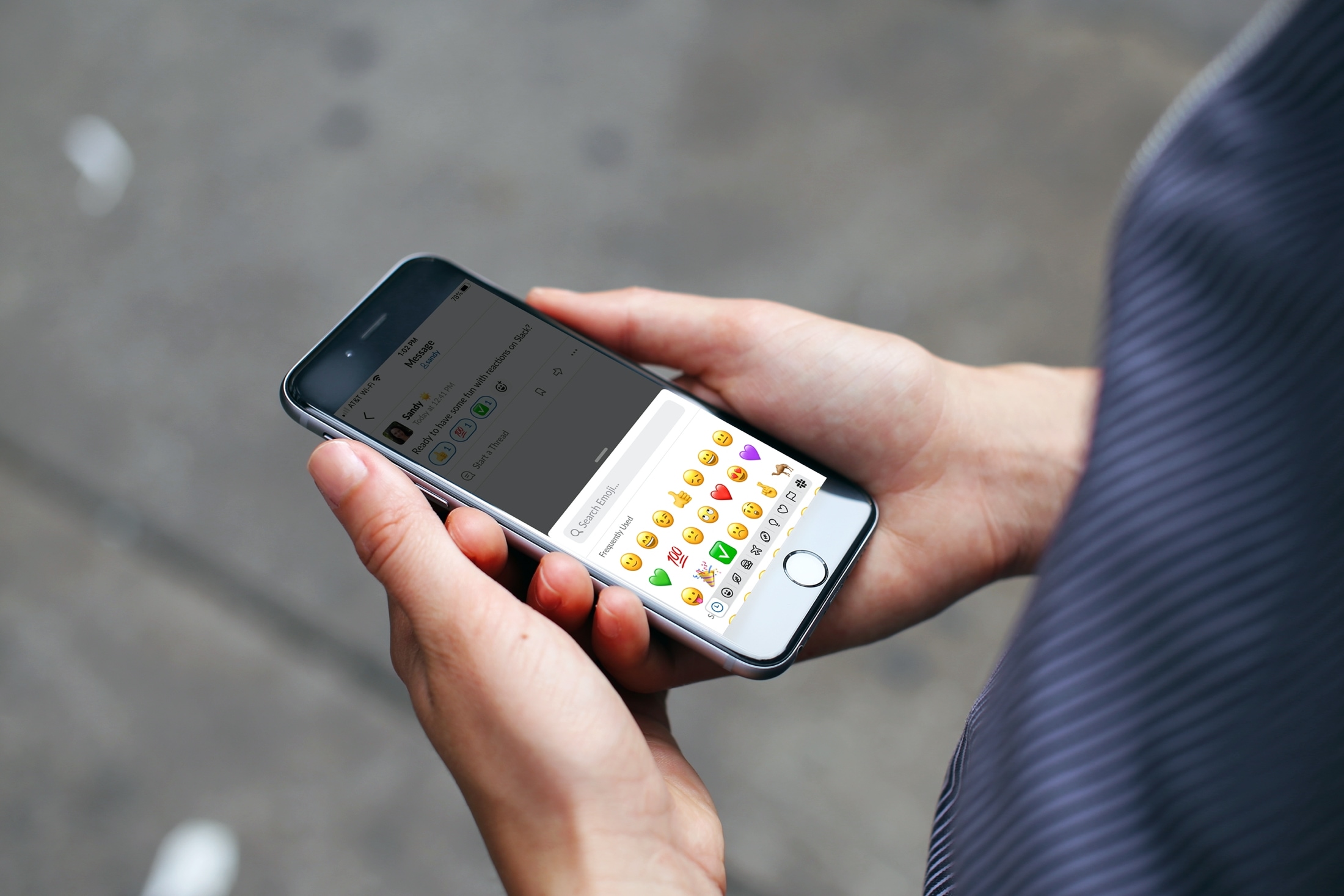
If you and your team use Slack for communicating, then you probably already appreciate many of its handy features. And one of the features makes acknowledging messages or comments without actually answering simple. Reactions.
With reactions in Slack, you can quickly use an emoji or other symbol to indicate you’ve accomplished a task, are looking into the issue, or will be right back.
If you’re just now starting to use Slack or simply haven’t taken a moment to check out this feature, here’s how to use reactions in Slack as well as add or remove them.
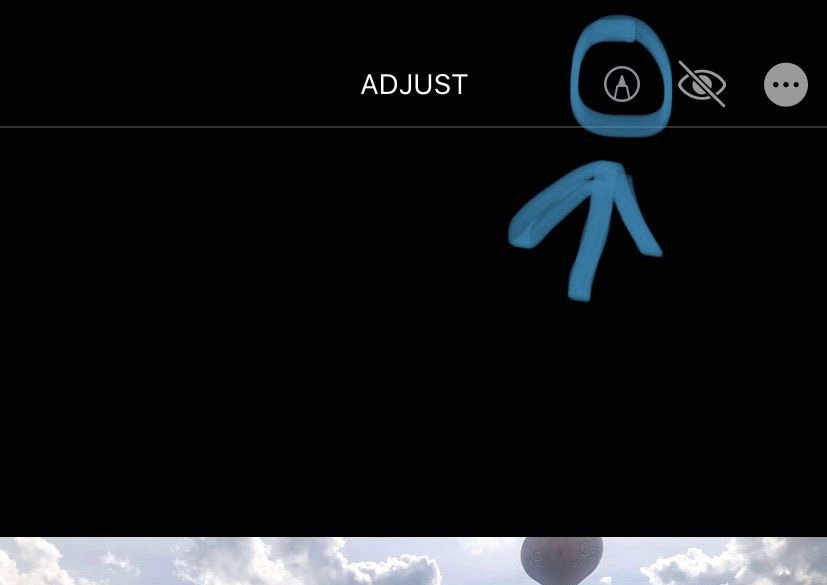
Markup is an incredibly useful feature supported by Apple’s Photos app, empowering users with the ability to annotate or draw on images before sharing them with others. There’s just one problem however: the default method of accessing Markup on a stock device is both convoluted and cumbersome, and it shouldn’t be.
QuickMarkup is a newly released and free jailbreak tweak by iOS developer Simalary (Chris) that effectively fixes this problem by placing a dedicated Markup button in the photo editing toolbar, as depicted in the screenshot example above.
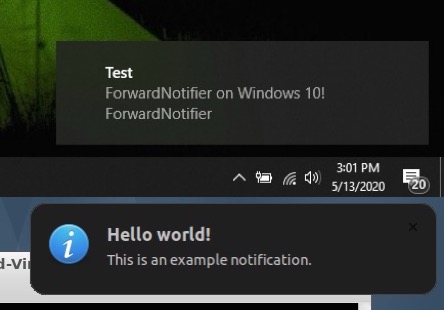
Many of us take for granted the the ability to send and receive text messages and phone calls across our iOS and macOS devices, but this level of continuity tends to be limited to certain applications. That said, wouldn’t it be nice if your Mac or PC could receive and display all the push notifications that naturally come to your iPhone?
If you answered yes to that question, then we think you’re going to love a newly released and free jailbreak tweak called ForwardNotifier by iOS developer Greg0109. This tweak sets up a communication line between your iOS handset and your Linux, Mac, or Windows PC so that notifications appear directly on your desktop.

Hardware limitations have made Mac users miss the boat when it comes to 4K HDR and Dolby Vision content from streamers like Netflix when using the Safari web browser, but it looks like that little hurdle has finally been put behind us.
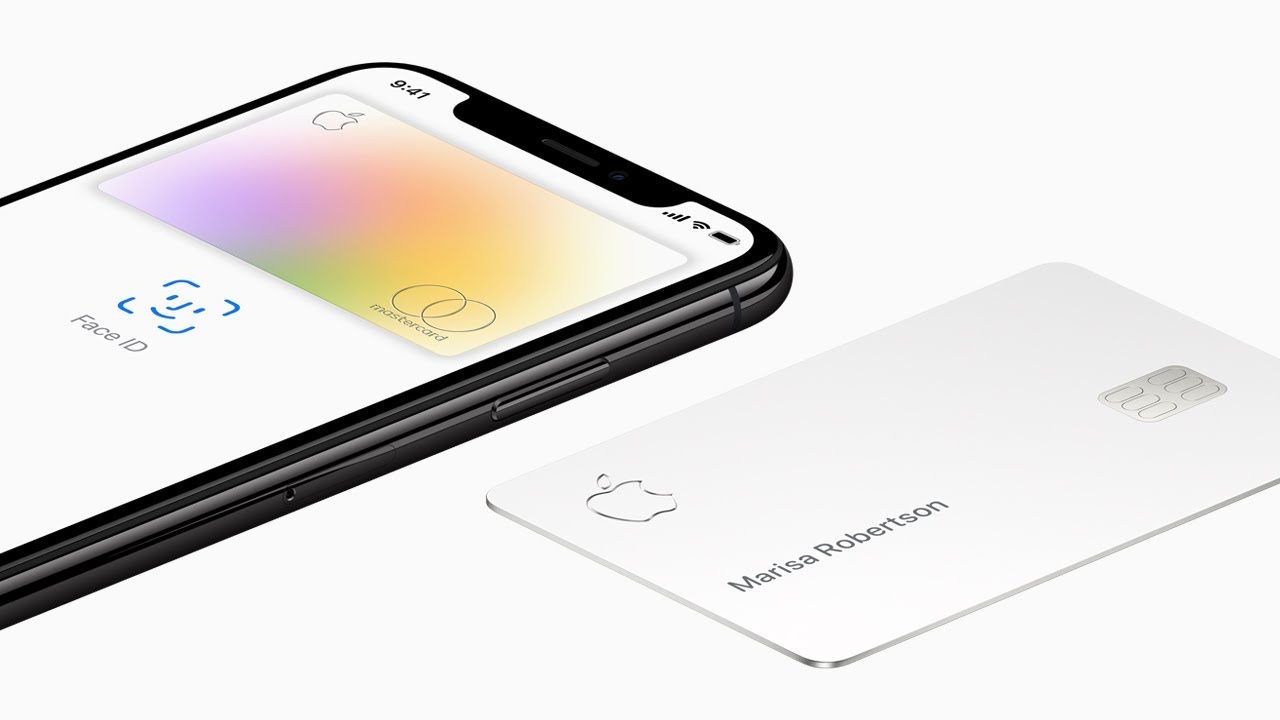
If you tried to get an Apple Card but were ultimately denied, Apple is launching a new resource to help those customers make changes to, hopefully, one day, get approved for the Apple-branded credit card launched in partnership with Goldman Sachs.
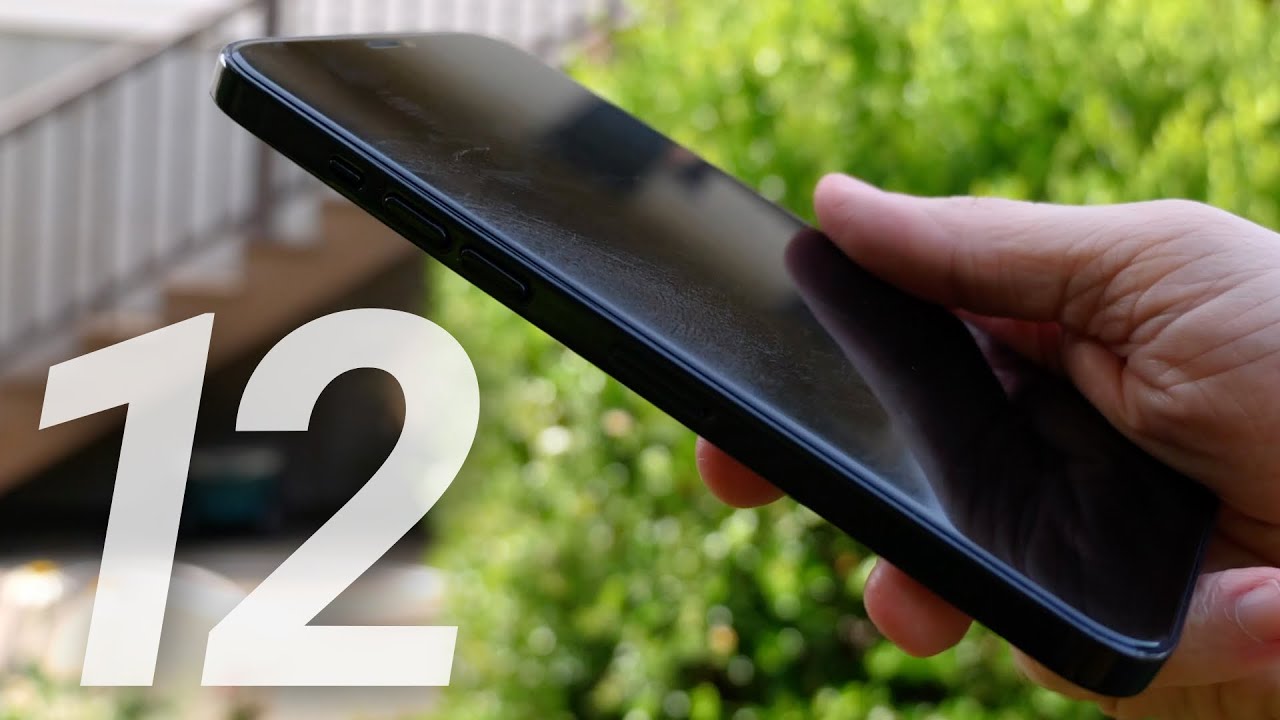
With this year's Worldwide Developers Conference now officially behind us, even more attention can be put ahead toward the iPhone 12 lineup, which is expected to arrive this fall (with iOS 14 on board!).

One of the core strengths of Apple News, and Apple News+, is the availability of resources from a range of publications, including news outlets and magazines. But it looks like The New York Times will no longer be part of the family.
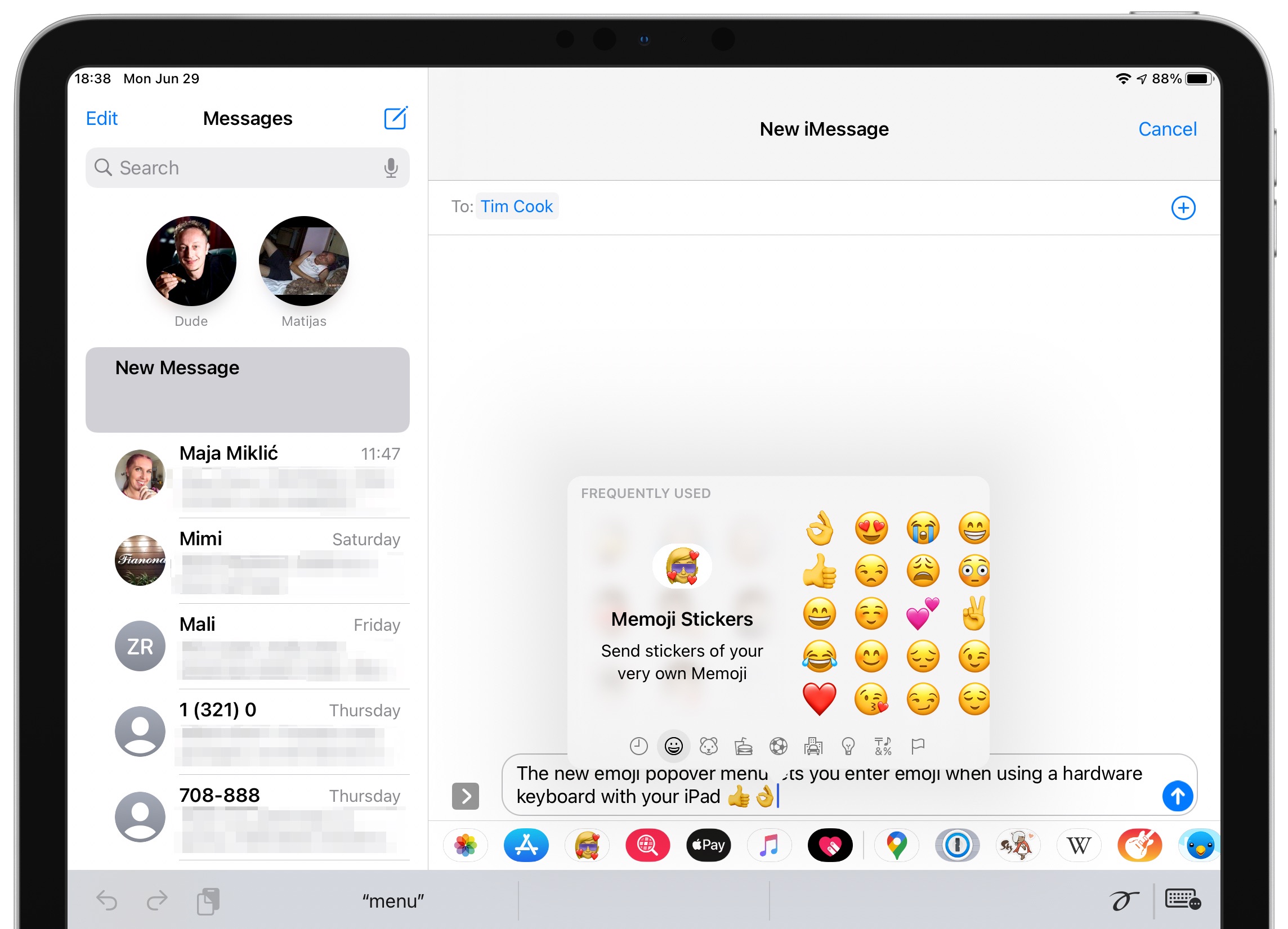
iOS 14 has brought a handy emoji search option that has long been included in the Mac operating system, but it doesn't work on iPadOS 14 because it uses a different approach.
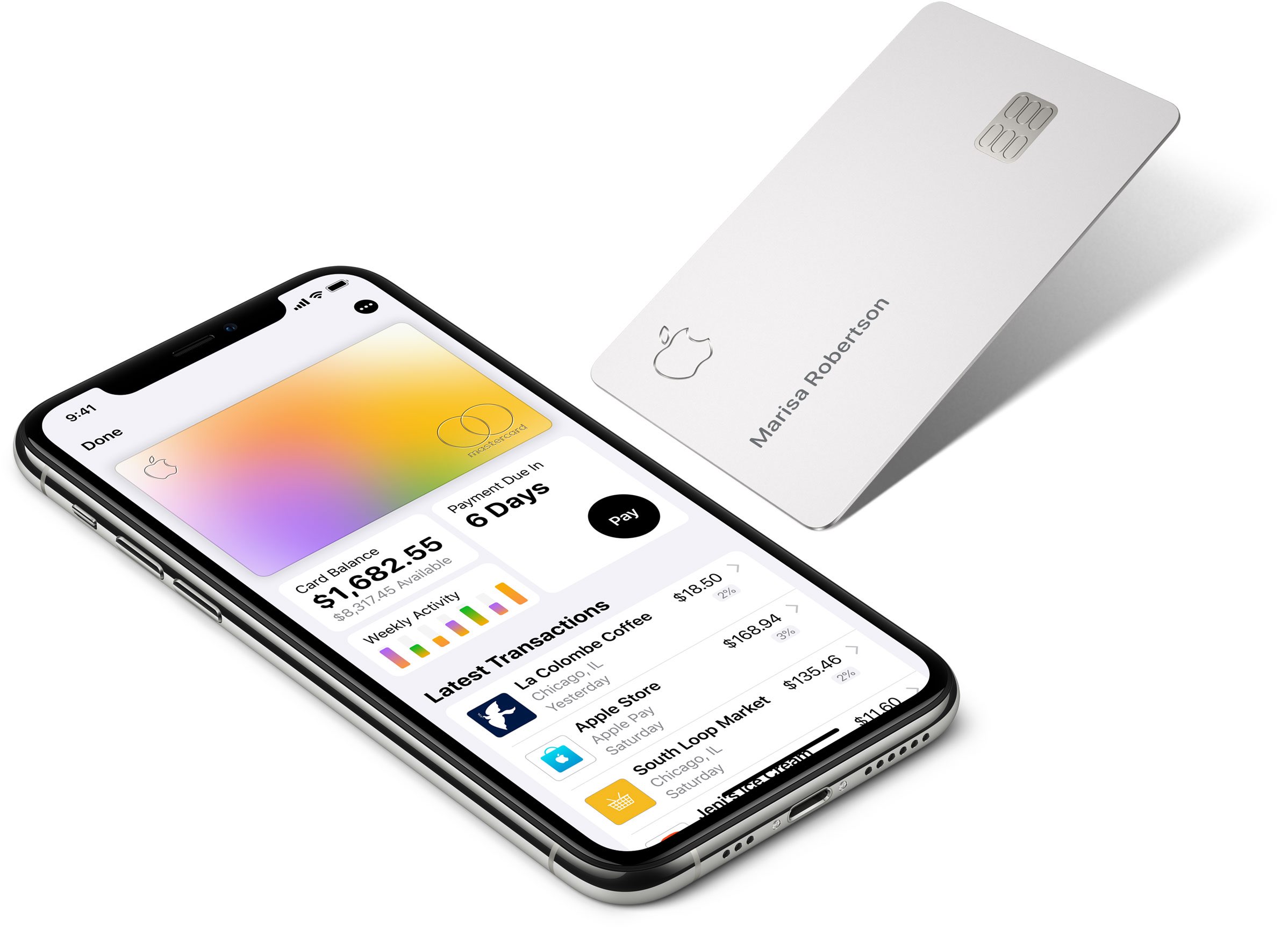
Apple Card's 3% Daily Cash cash back deal was originally billed as a way to award owners of the credit card for buying even more Apple products, but the feature has been expanding since the card's launch in 2019.

We first heard about the upcoming documentary series Greatness Code in May of this year, which is an investigation of what it's like to be one of the best athletes on the planet. And now we have an official trailer.
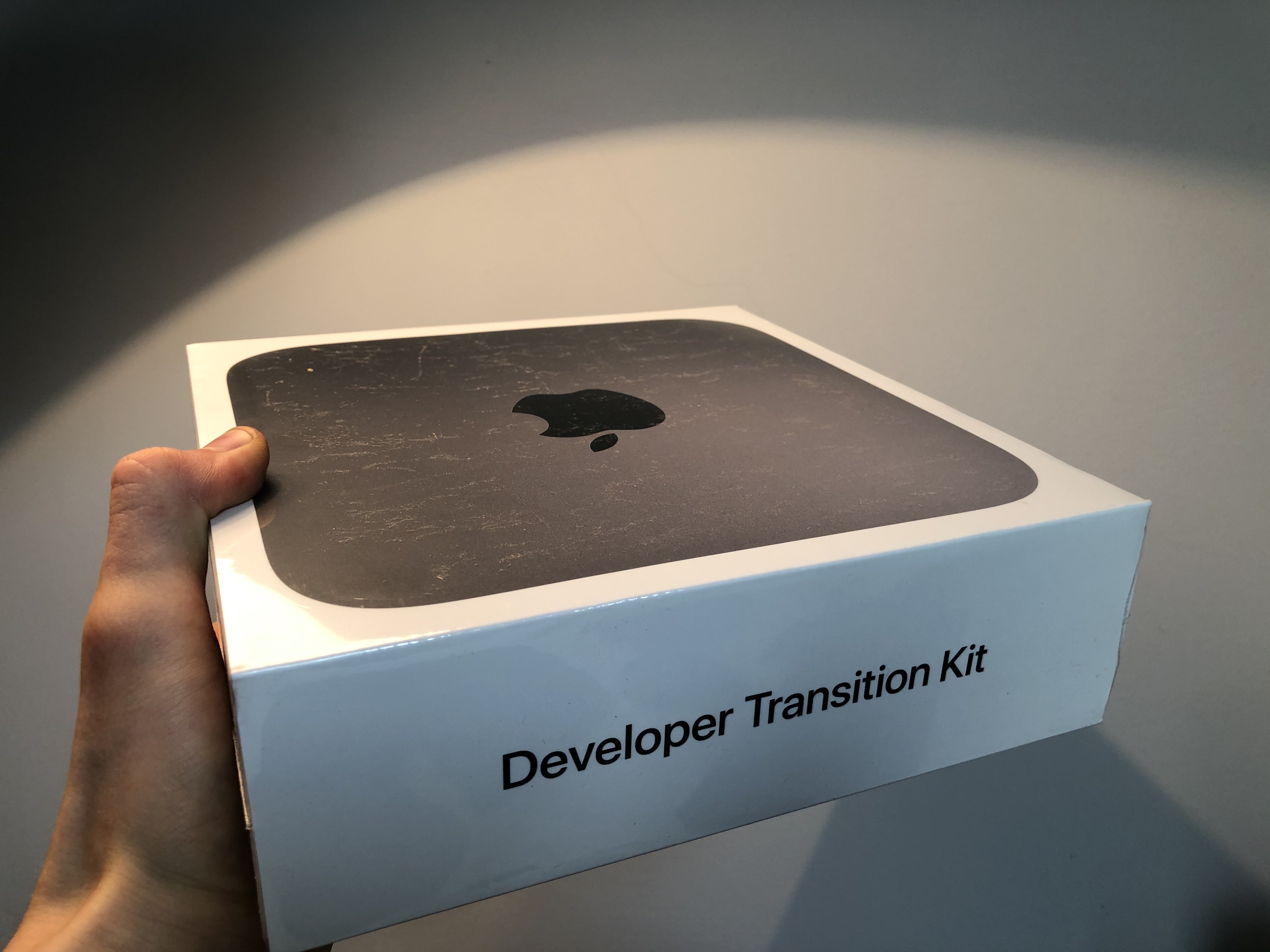
The first Developer Transition Kits started arriving for registered developers recently, giving them the ability to port their apps to a machine using Apple's custom silicon in preparation for Apple's transition to ARM-based Macs later this year. And now the first benchmarks have been revealed for the hardware, but there is a huge caveat.