Learn how to send website links to other iMessage users on iPhone, iPad, and Mac without previews so they only see the full URL.
How to send web links without previews from iPhone, iPad, Mac
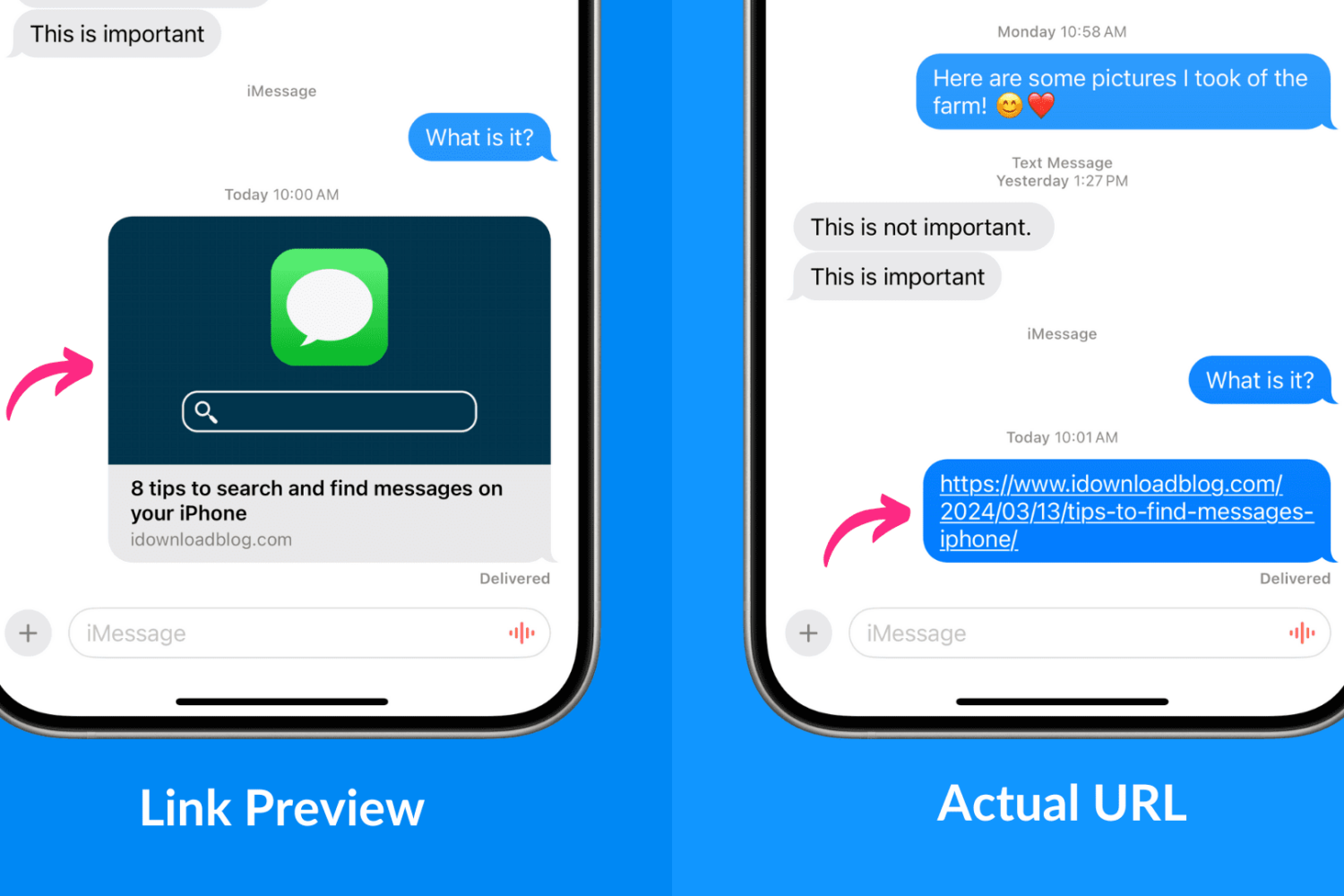
Learn how to send website links to other iMessage users on iPhone, iPad, and Mac without previews so they only see the full URL.
Getting locked out of your computer could easily be one of the most frustrating things that could happen to you. This guide shares a few useful tips that will ensure you do not face this issue on your Mac.
Check out these 9 quick tips to streamline your iPhone message searches and make it effortless to find important conversations.
Are you frustrated with your iPhone's contacts not saving or updating properly? In this guide, we'll explore common reasons for this issue and provide troubleshooting tips to ensure your contacts are always up-to-date.

In case you weren’t already aware, the Misaka project now supports tvOS, which is a fantastic step in the right direction for Apple TV owners who want to make modifications to their Apple-branded streaming box amid the lack of a modern jailbreak for their device.
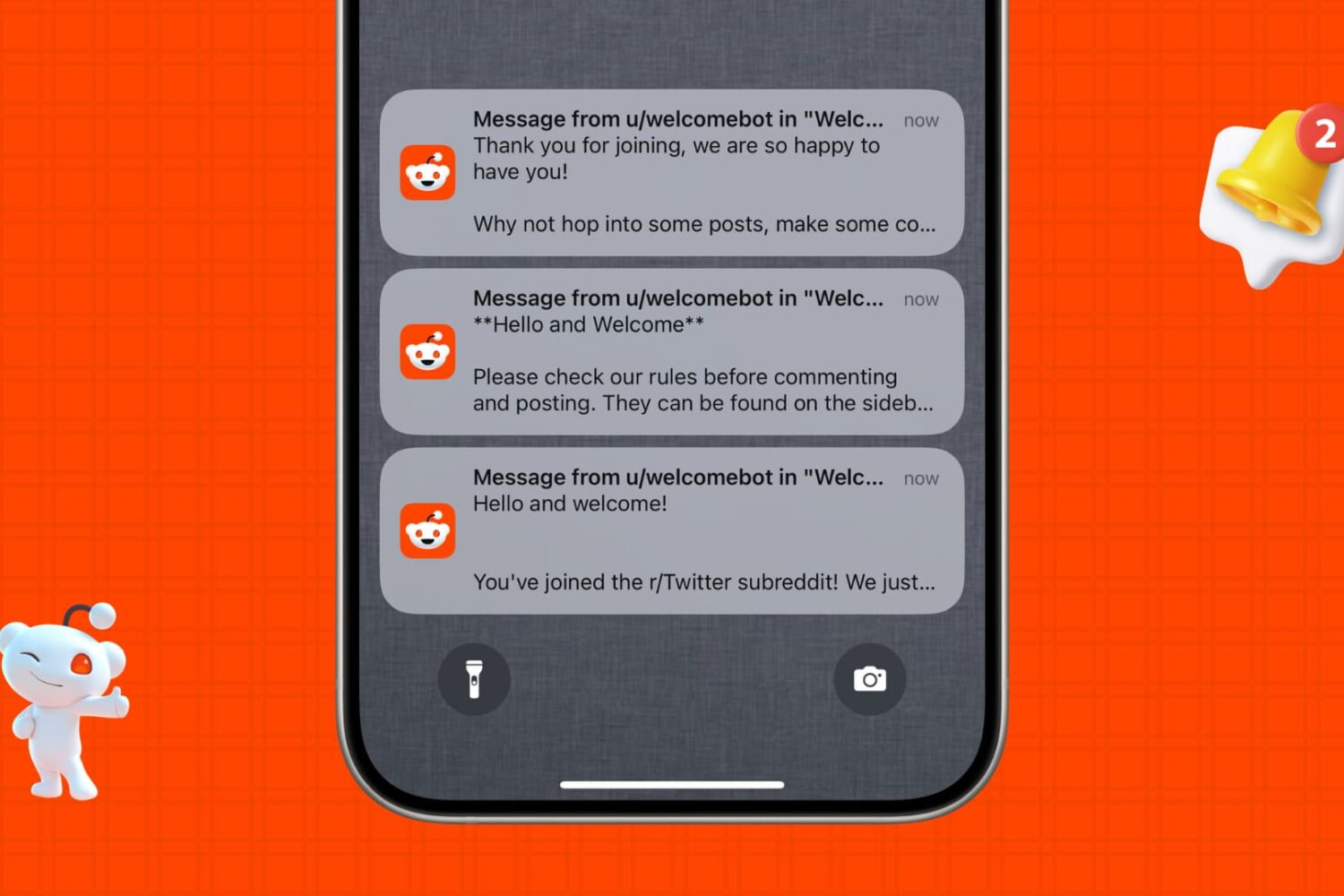
Are you overwhelmed with countless notifications from the Reddit mobile app or website? In this tutorial, we will show you how to customize your Reddit notifications the way you like or turn them off entirely to stop receiving alerts.
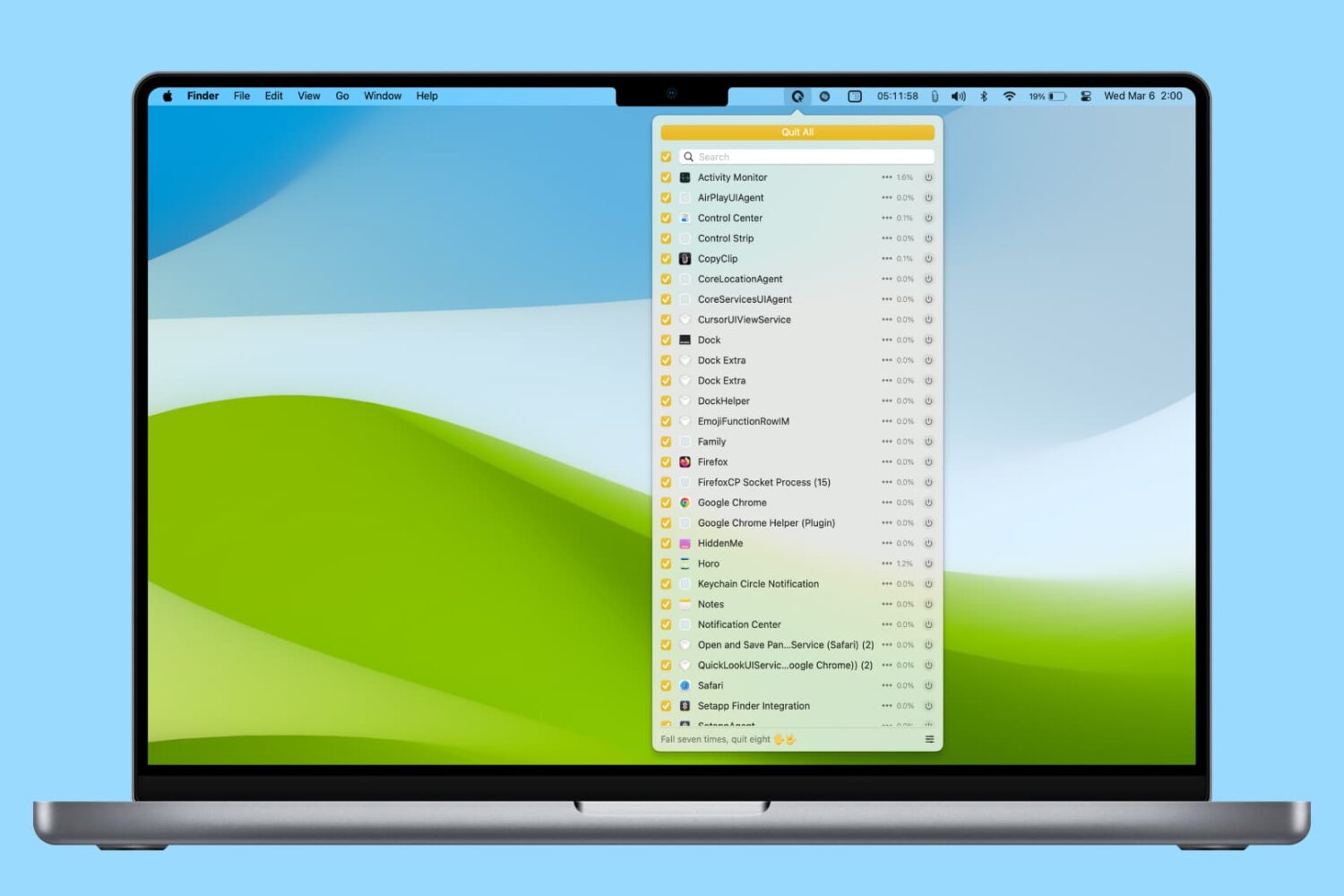
In this tutorial, we’ll share various easy ways to find and kill apps and hidden system processes that are running in the background on your Mac.
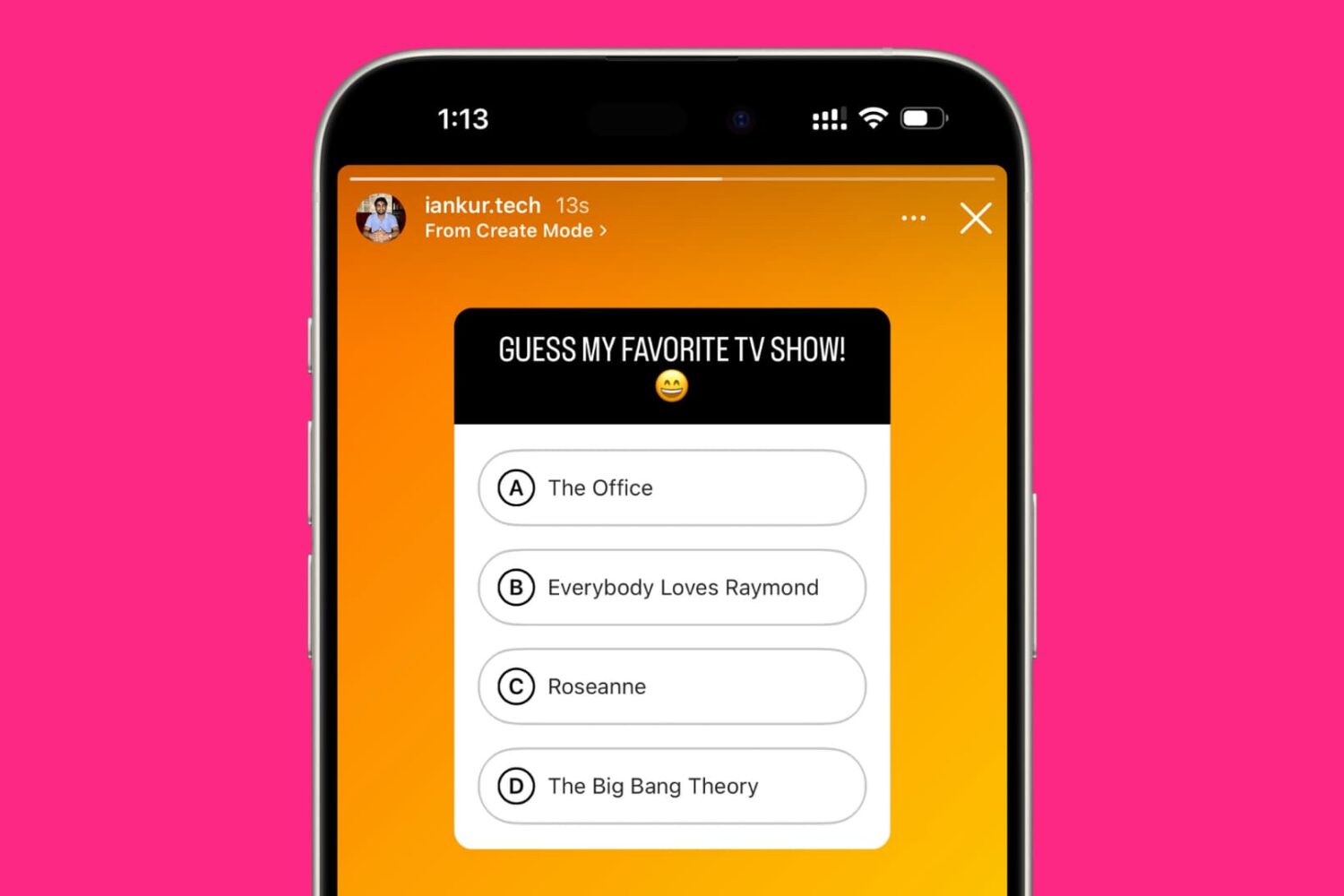
In this tutorial, we'll show you how to use the quiz feature to add a multiple-choice question to your Instagram Story. These steps work for both iOS and Android users.
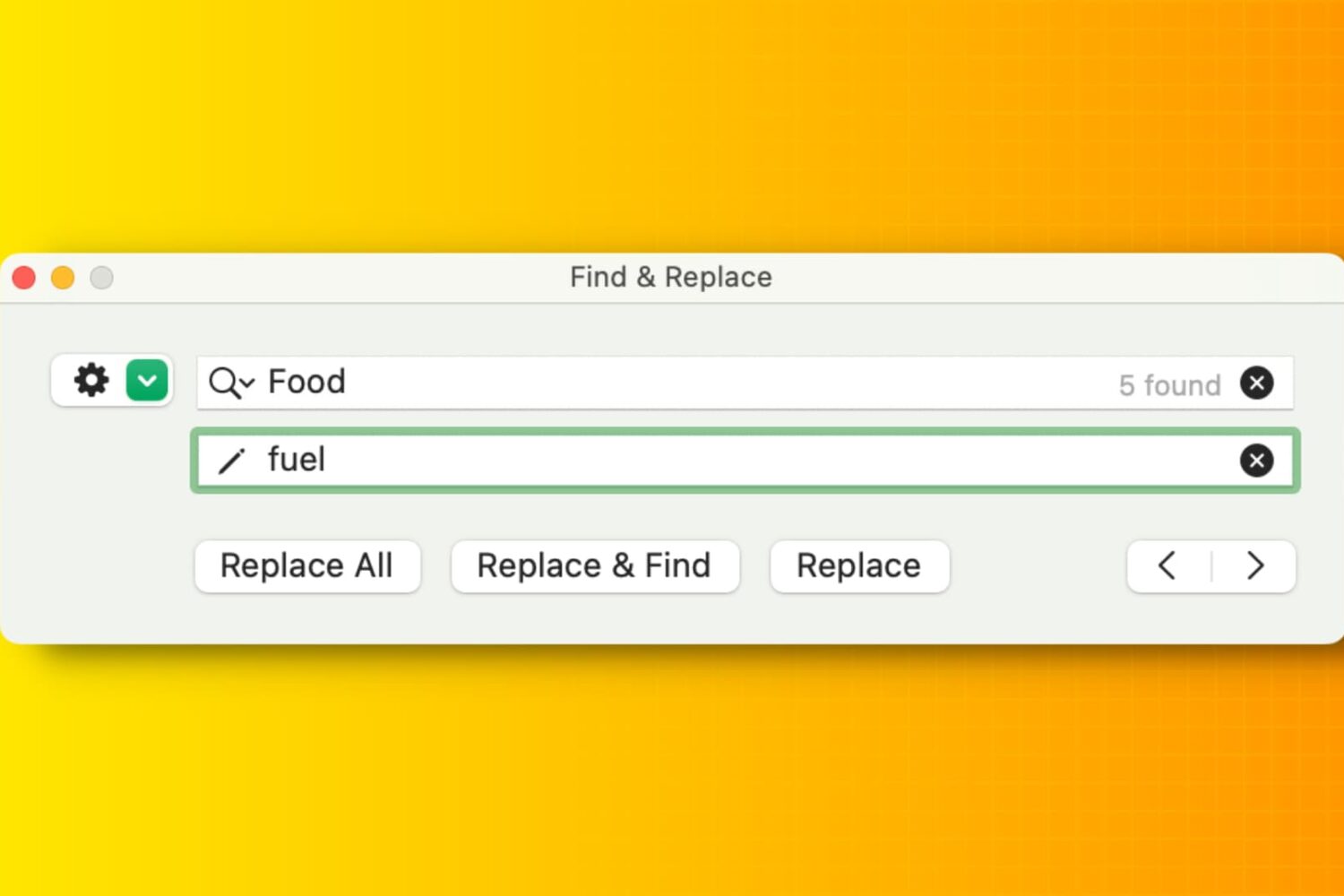
Learn how to efficiently manipulate text on your Mac using Find and Replace, simplifying tasks and boosting productivity in popular apps like Notes, Pages, Numbers, Google Docs, etc.
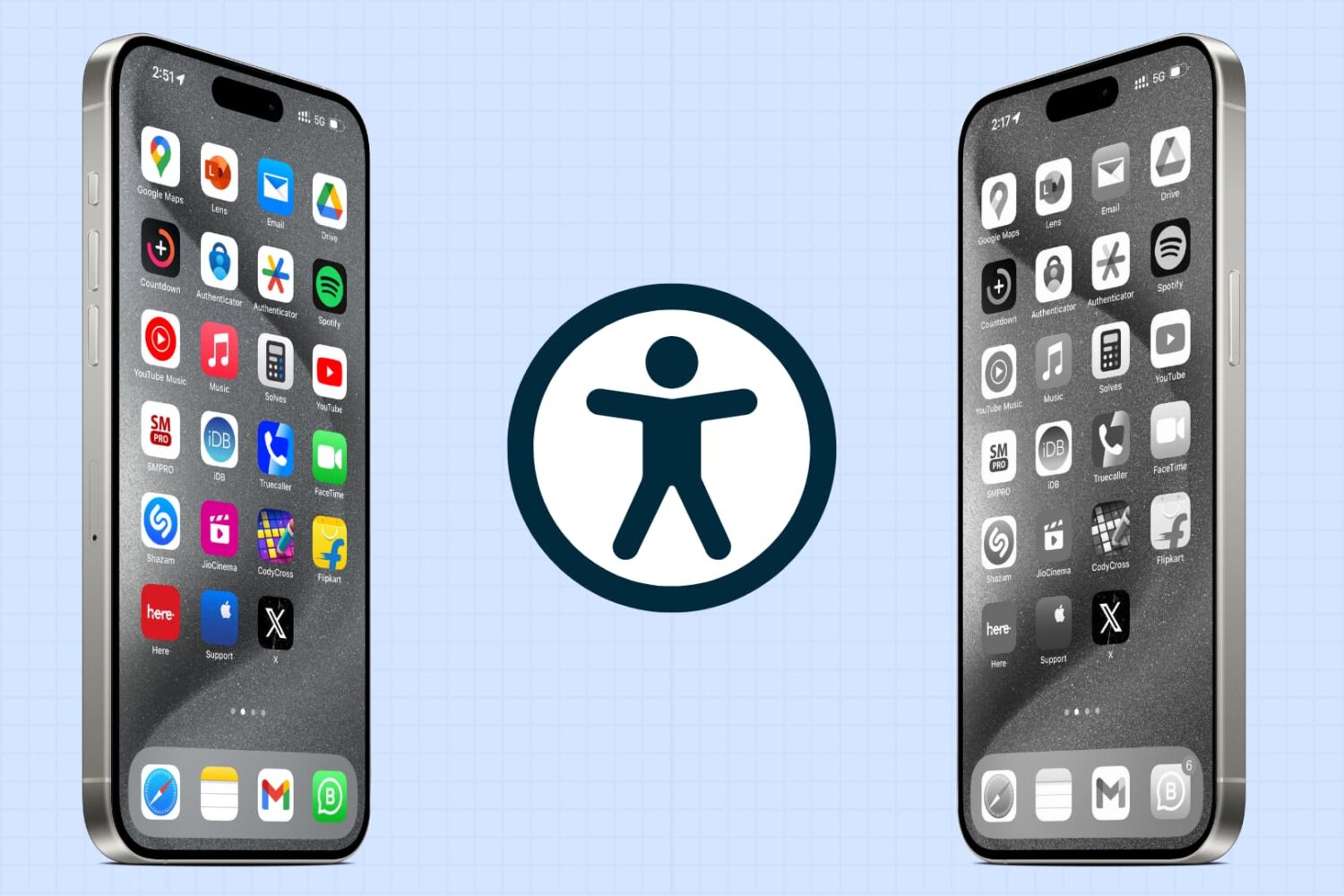
iOS has a bunch of handy accessibility features, and this guide explores some of the most important ones that you should know about.
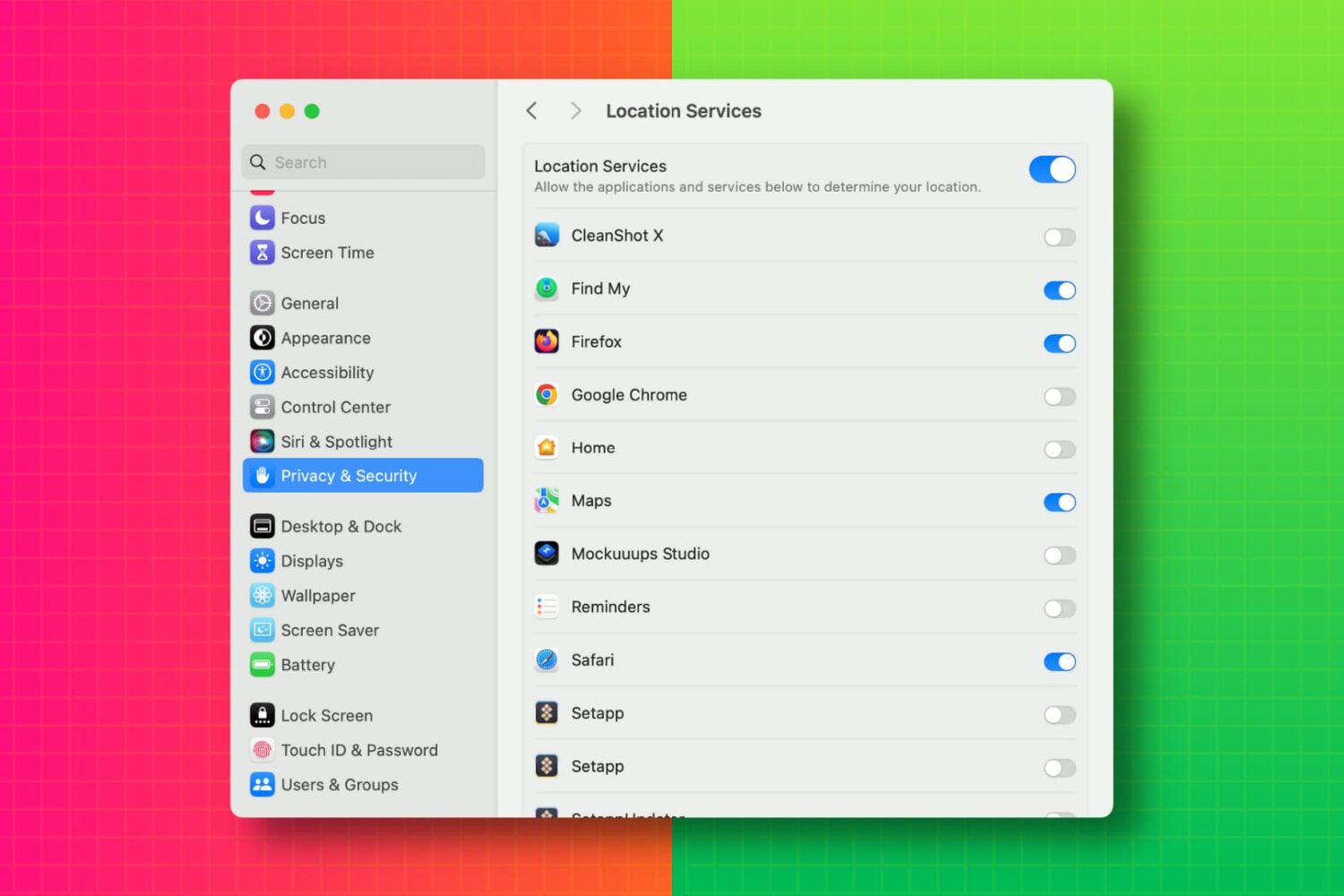
In this tutorial, we’ll show you how to view a list of apps that have access to your photos, camera, microphone, location, contacts, calendar events, Bluetooth, and other such things on your Mac. From there, you can revoke the app’s permission if needed.
In this guide, we'll go over some quick tips that should help you hide your Instagram account and prevent other people from finding you.