Learn how to switch your iPhone or iPad onscreen keyboard to an UPPERCASE design instead of the default lowercase letters printed on each key.
How to always show UPPERCASE keys on iOS keyboard
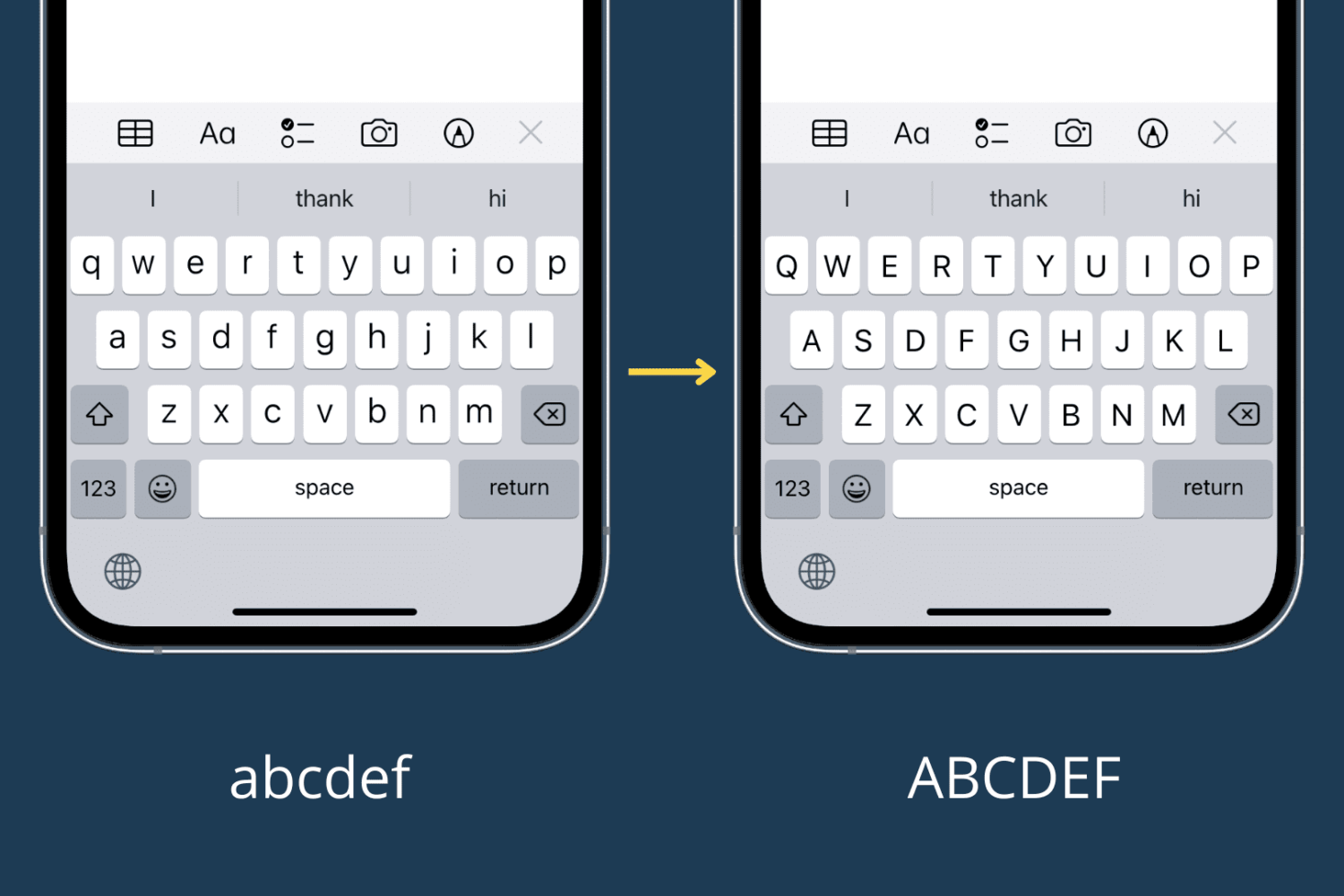
Learn how to switch your iPhone or iPad onscreen keyboard to an UPPERCASE design instead of the default lowercase letters printed on each key.

Wi-Fi Assist is a thoughtful feature on iPhone and iPad that automatically switches your device’s internet to cellular data (5G or 4G/LTE) when the connected Wi-Fi network is poor, ensuring you never have internet downtime.

Learn how to load the computer version of a website in Safari on your iPhone or iPad and switch back to mobile view if needed.
macOS can start up your Mac in a myriad of ways. We've already covered some of them in detail, such as using built-in Startup Manager to pick a disk to startup your Mac from and booting into Safe, Verbose and Target Disk modes.
In this article, we get to talk about starting your Mac up from external storage like optical media or an external USB-based hard drive or flash storage. Booting from an external storage allows you to start up your Mac in another version or copy of macOS, Additionally, it can help you troubleshoot certain issues, and more.
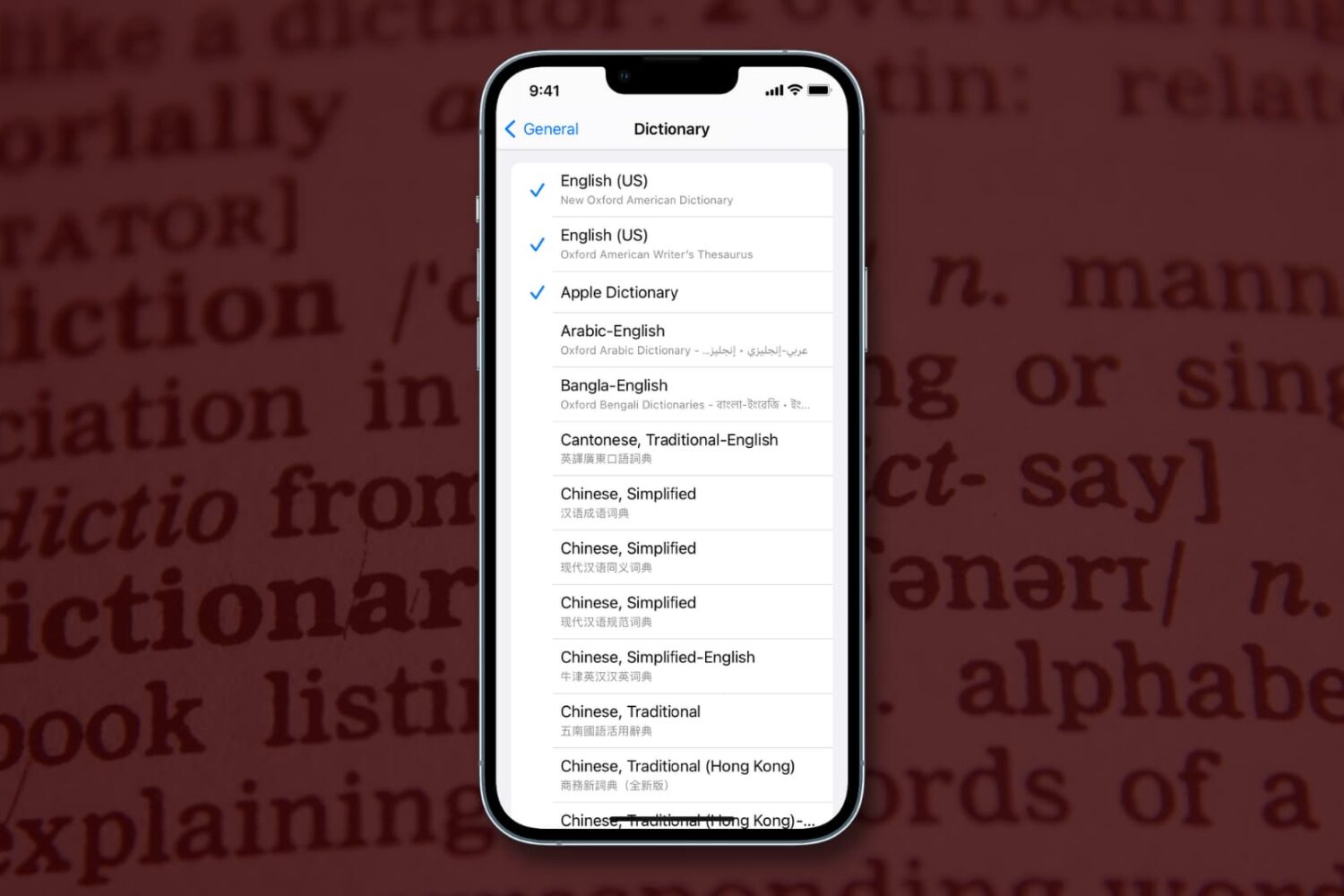
Learn how to download specific language dictionaries, use the Look Up feature, and remove dictionaries you might no longer need on your iPhone or iPad with this guide.

Finder in macOS won’t always remember window sizes and positions. Thankfully, it’s possible to override a window’s default opening behavior on macOS and set it to open to the same size as the last one you created. We’ll show you the right steps for that.

Find out how to use your Mac’s trackpad to quickly preview a website link in a small pop-up Safari window.

Learn how to change or switch between the QWERTY, AZERTY, QWERTZ, and Dvorak keyboard layouts on your iPhone and iPad for an enhanced typing experience.
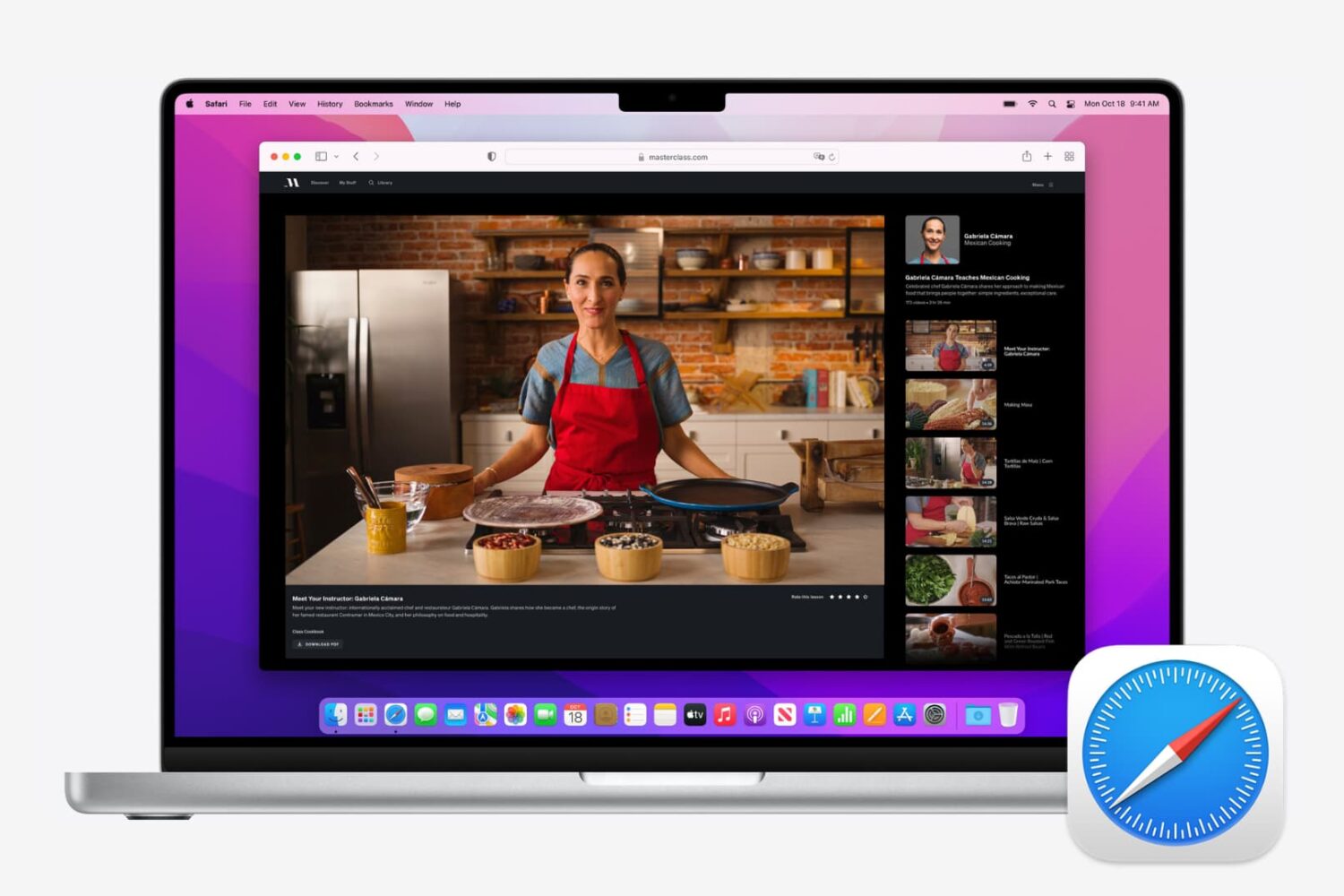
If you use Safari as your full-time browser on Mac, then you should learn some of the most important keyboard shortcuts to supercharge your workflow. In this post, we share a dozen must-have Safari shortcuts to power up your browsing experience.
Learn how to change the startup disk on your Mac if you’d like to boot from other storage devices like an external drive.
Learn how to start your Apple silicon or Intel Mac in safe mode to check if startup software is causing the issue.
Learn what to do if the mouse or trackpad pointer on your Mac feels slow, laggy, or unresponsive, creating a frustrating experience.