Tutorials

26 Super Mario Run moves to help you go further in the game

Super Mario Run just launched on the App Store, and as you can imagine, there has been a lot of energy from Apple and Nintendo fans around the world.

Being made for a smartphone rather than a handheld gaming unit as these kinds of games are usually made for, the game mechanics for Super Mario Run are a little different from your average Super Mario game.

In this post we'll be outlining the many different moves you can perform in Super Mario Run and explain what they do.

How to access your iPhone Camera Roll on Mac or PC

iPhone, MacBook, and an iMac kept on a desk

Whether you have a Mac or a PC, you can use your computer to access your iPhone or iPad’s Camera Roll/entire Photos library for easy photo and video transfer. In this tutorial, we show you the easiest way to access your iOS device’s Camera Roll on both operating systems.

How to transfer multiple Pokémon to the professor simultaneously in Pokémon GO

In Pokémon GO, you have the option of transferring your weakest Pokémon to Professor Willow in exchange for Pokémon candy, which are used in powering up and evolving related Pokémon.

In the latest update for Pokémon GO, Niantic made it possible to transfer more than one Pokémon to Professor Willow at once, rather than having to transfer them all individually, which was a really repetitive and tedious process.

We’ll show you how to do it in this tutorial.

JailbreakMe for Pangu 9.3.3: details and tutorial

As reported recently on iDB, Luca Todesco has decided to solve the certification problems which have plagued the most recent Pangu release for 9.2-9.3.3, by making public a web-based tool for re-activating the jailbreak.

After doing some testing and research it seemed appropriate for a more in-depth discussion of the tool, along with a walkthrough, in order to address some of the more technical questions surrounding this latest development in the jailbreaking scene.

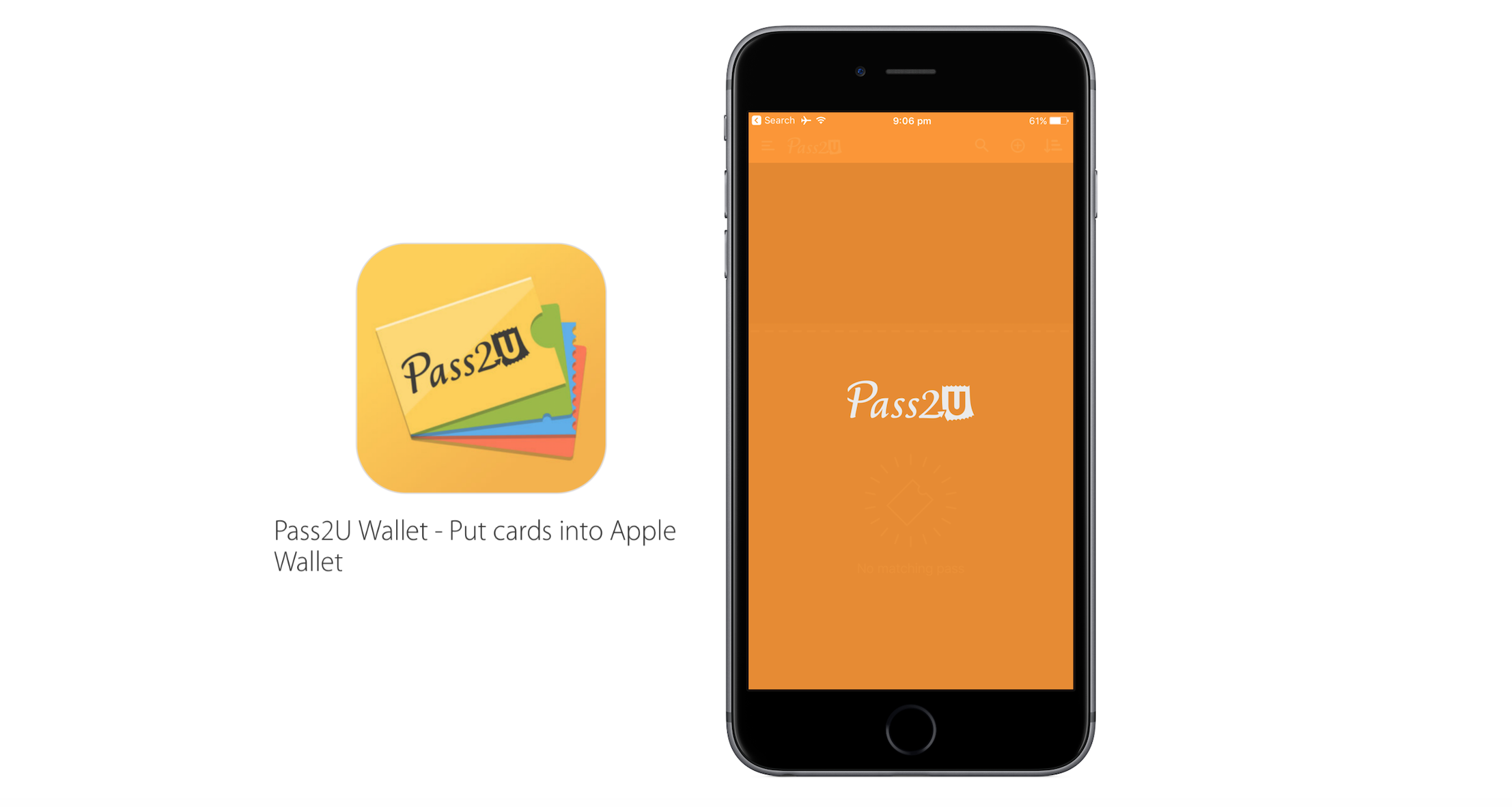
How to convert any barcode into a pass for your Wallet with Pass2U Wallet

Based on the continuous growth of Wallet for ticketing services and Apple Pay, Apple’s bid to render cards and printouts a memory of the past has come a long way. Wallet makes handling and storing any type of ticket considerably simpler, which is why it is easy to get irritated today when presented with no other delivery option but an old-school paper pass. Thankfully Apple and other retailers are increasingly swinging towards the digital platform, but there are still countless cases where you just cannot add a ticket or voucher to your Wallet - even though it would make life so much easier.

Pass2U Wallet, a free app for iOS, taps into that need and conveniently bridges the gap. Just like Wallet itself it offers to scan hard copy barcodes in order to convert them to Wallet passes, however contrary to Apple’s Wallet it will practically work with any piece of paper imaginable. As such, Pass2U Wallet complements and enriches the stock Wallet app nicely, making sure you will be able to add anything you like to your iPhone’s Wallet. Find out more about the app in our review below.