Check out this quick tip that lets you manually go past the failing Face ID screen and type the passcode on your iPhone or iPad to unlock it.
How to quickly show the passcode keypad on iPhone with Face ID
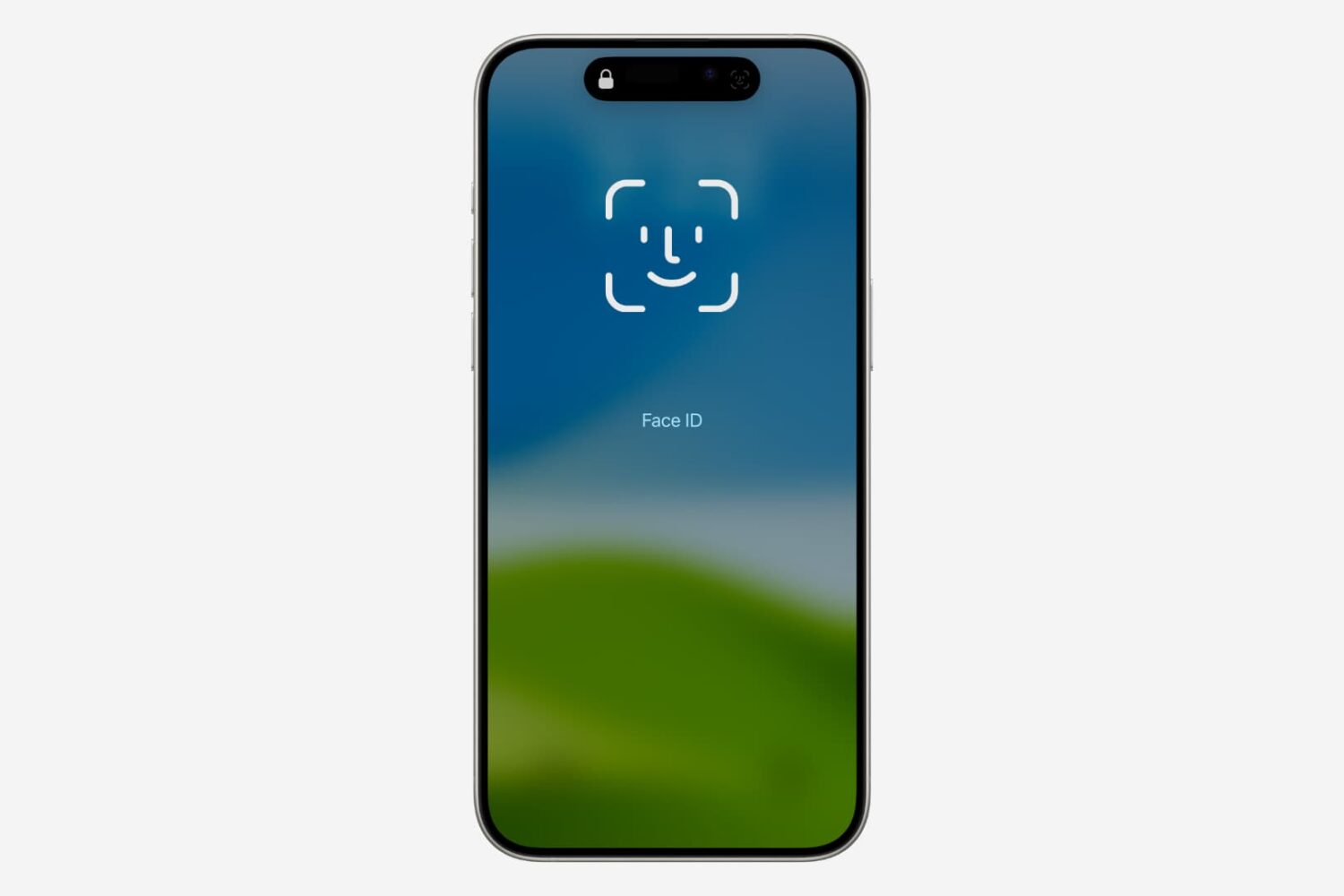
Check out this quick tip that lets you manually go past the failing Face ID screen and type the passcode on your iPhone or iPad to unlock it.
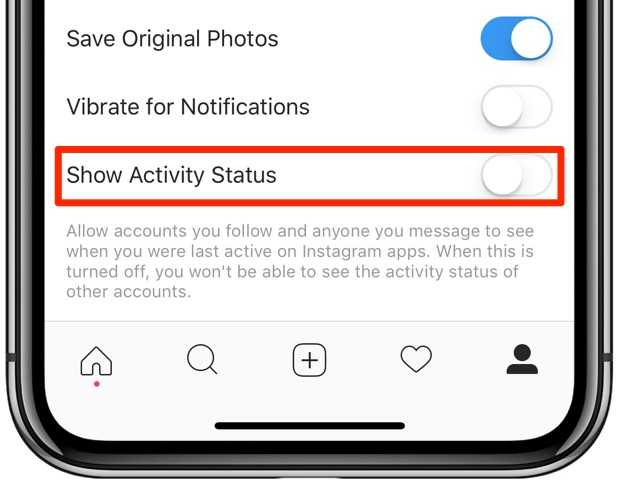
Facebook-owned Instagram is pilfering a feature from Messenger and WhatsApp that makes stalking people a lot easier. It's enabled by default, but can thankfully be turned off at will.

Learn how to block the Podcasts app on your iPhone, iPad, Mac, and Apple TV from automatically playing the next episode of a show after the current one ends.
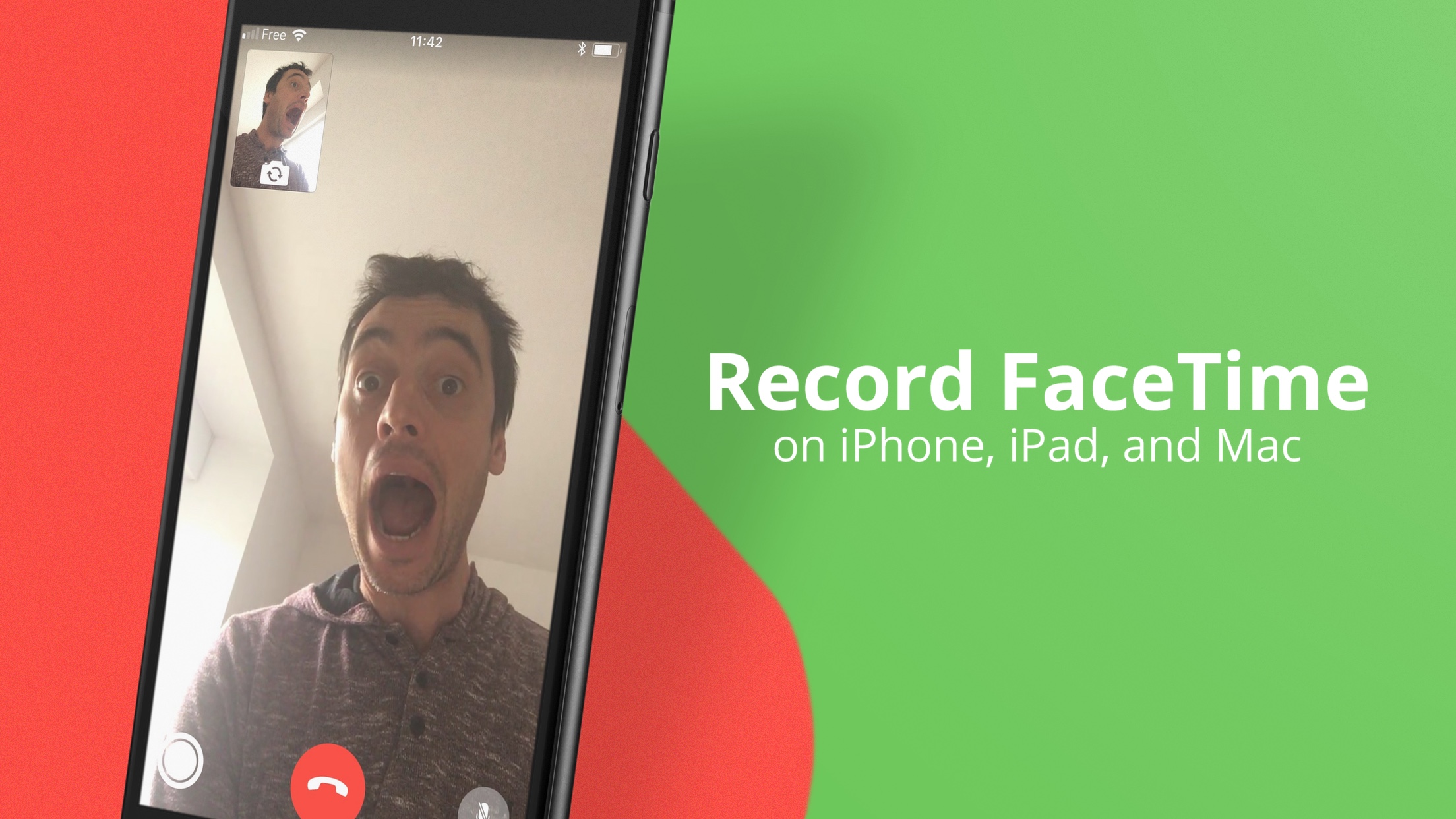
Although there isn’t a built-in option to record FaceTime calls, you can still do that with a simple workaround. In this tutorial, we’ll show you how to record FaceTime calls on your iPhone, iPad, or Mac.
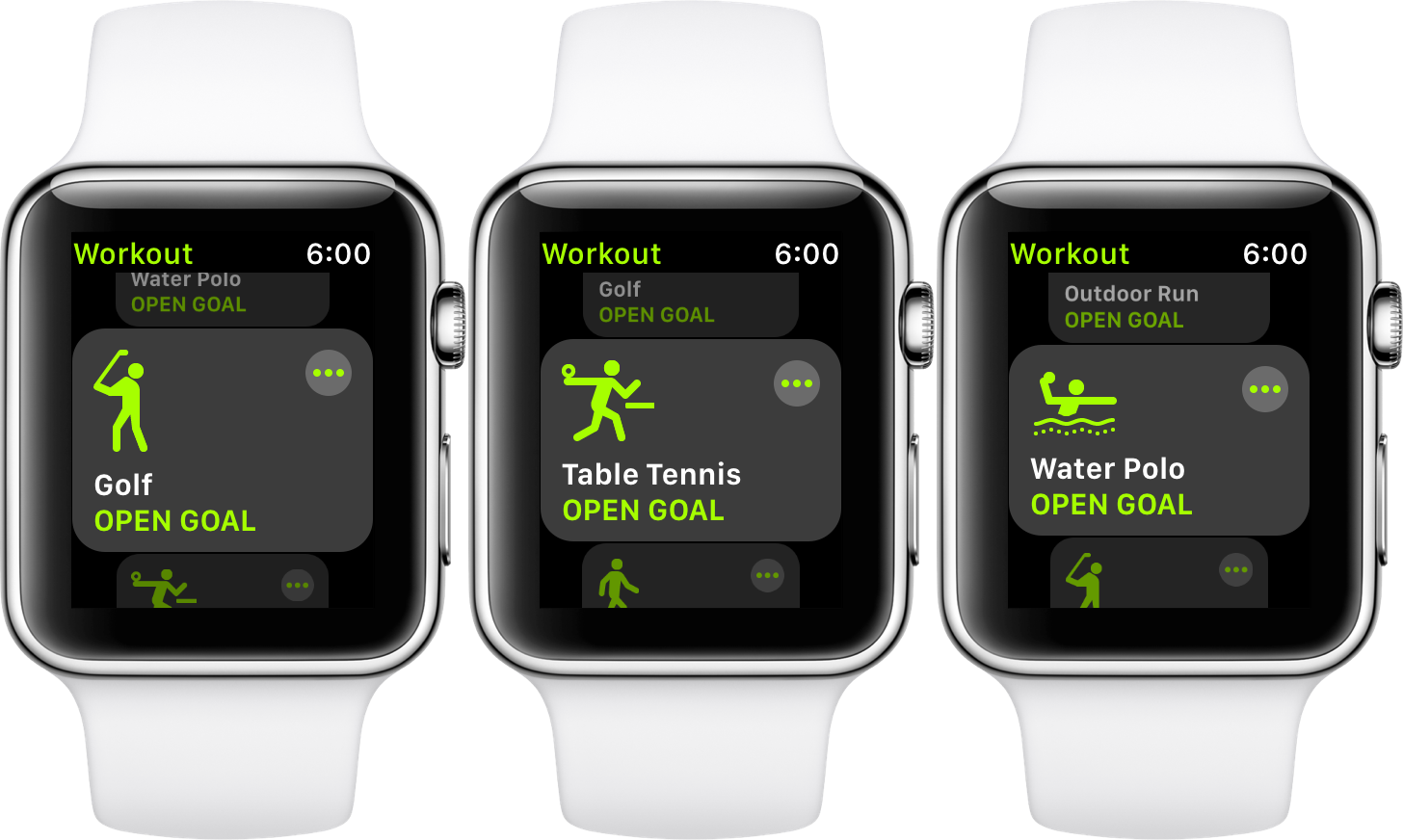
I’m probably not tipping you off on a secret talking about the new sport categories and icons Apple added to the workout app in the early autumn of 2017. After all, these additional workout activities have been around for a while.

Find out how to use YouTube permanently in Dark Mode even when your iPhone, iPad, Android phone, Mac, or PC is in Light Mode.

There is no room for approximation in HQ. If you answer a question incorrectly, you are eliminated. However, if you have some social clout and have used your referral code, you might get a few HQ Extra Lives from that, but these usually don't come by that easy.
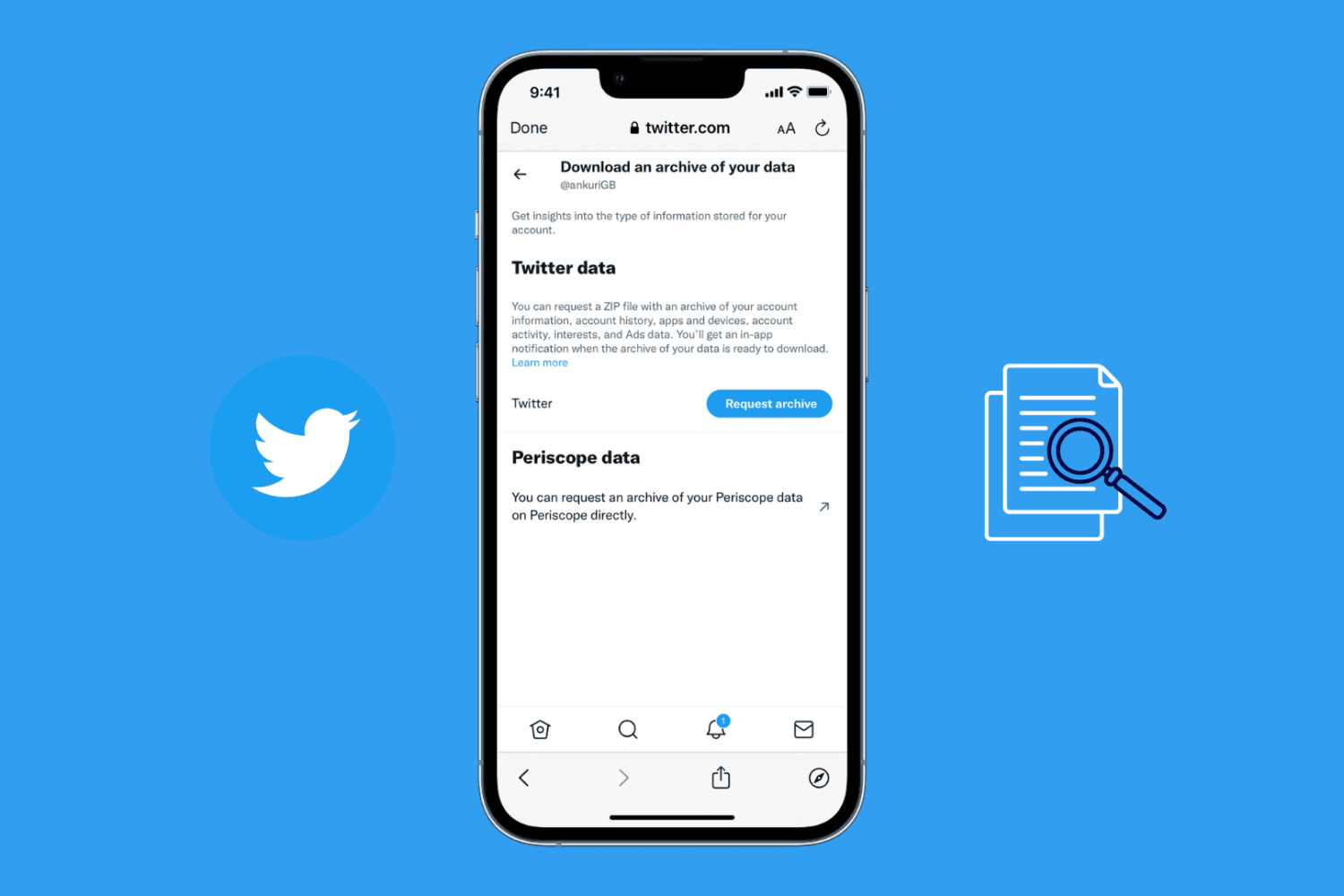
Did you know that Twitter lets you save a copy of your entire tweet history -- from the very first tweet you sent to the recent one! Available as an offline archive, it enables you to see all your tweets in a nicely formatted HTML file viewable directly from your browser or a CSV file.
In this post, we show you how to download your Twitter archive and view your entire tweet history using a browser or a basic spreadsheet app such as Excel or Numbers.
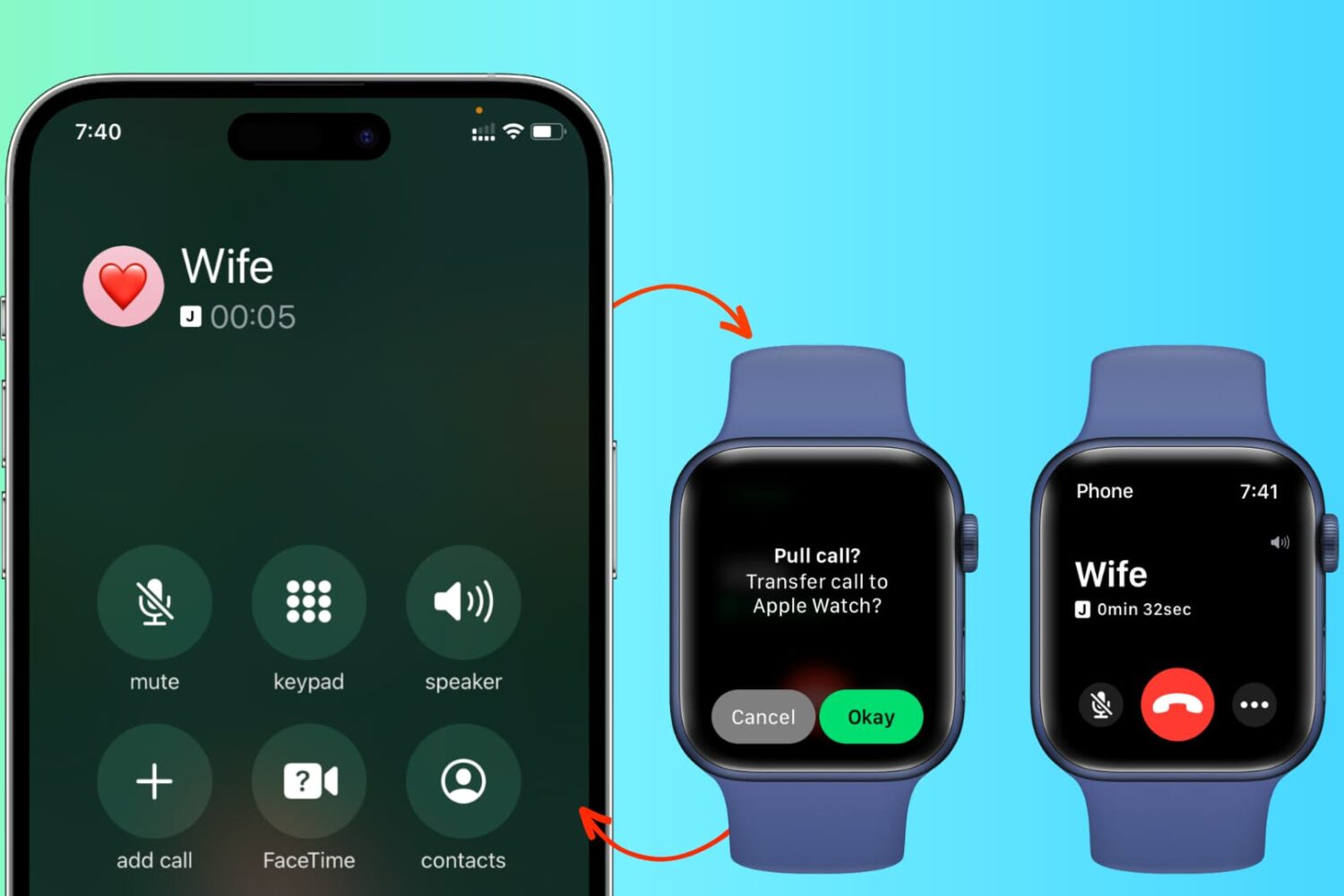
In addition to effortlessly transferring cellular phone calls between your iPhone, iPad, and Mac, you can also switch an in-progress call from your iPhone to your Apple Watch and from your Apple Watch back to your iPhone.

This tutorial will show you how you can easily let anyone connect to your Wi-Fi network with a single tap on your iPhone, iPad, or Mac – all without having to speak the password.

In this post, we’ll share a few options to fix a stuck music player widget on your iPhone or iPad so you can regain control of your Lock Screen. We’ll go from the easiest possible fix to the most inconvenient ones.

iOS 11 and macOS High Sierra debuted HEIF, Apple's new efficient image format meant to supplant JPEG by delivering the same or better quality at half the file size. That's great, but what about converting your HEIF photos into the more compatible JPEG format?