In this brief tutorial, we’ll discuss two ways to check the file extension for saved images, videos, audio, documents, and more in the Files app on iPhone and iPad.
How to see file extensions in the iPhone and iPad Files app
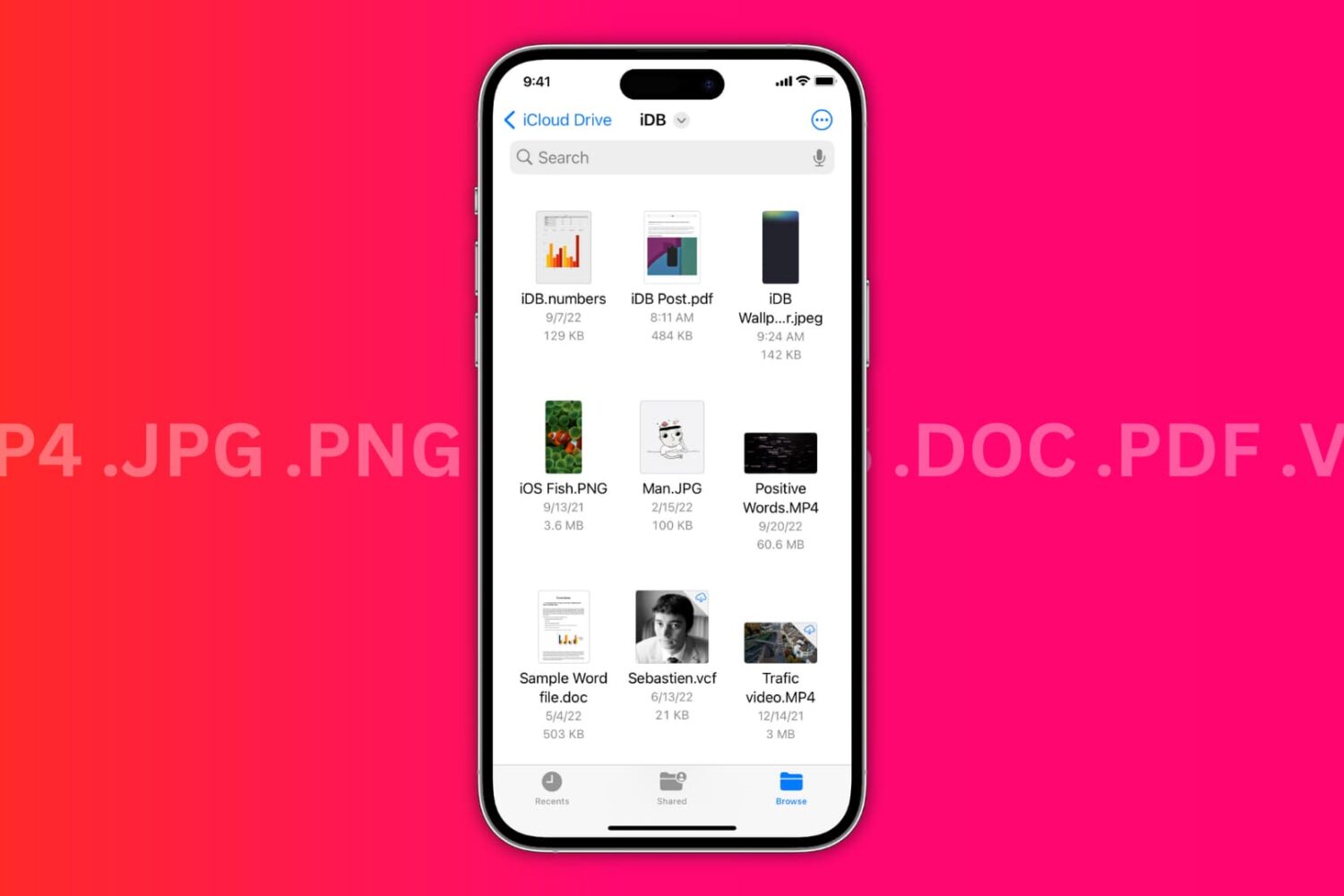
In this brief tutorial, we’ll discuss two ways to check the file extension for saved images, videos, audio, documents, and more in the Files app on iPhone and iPad.
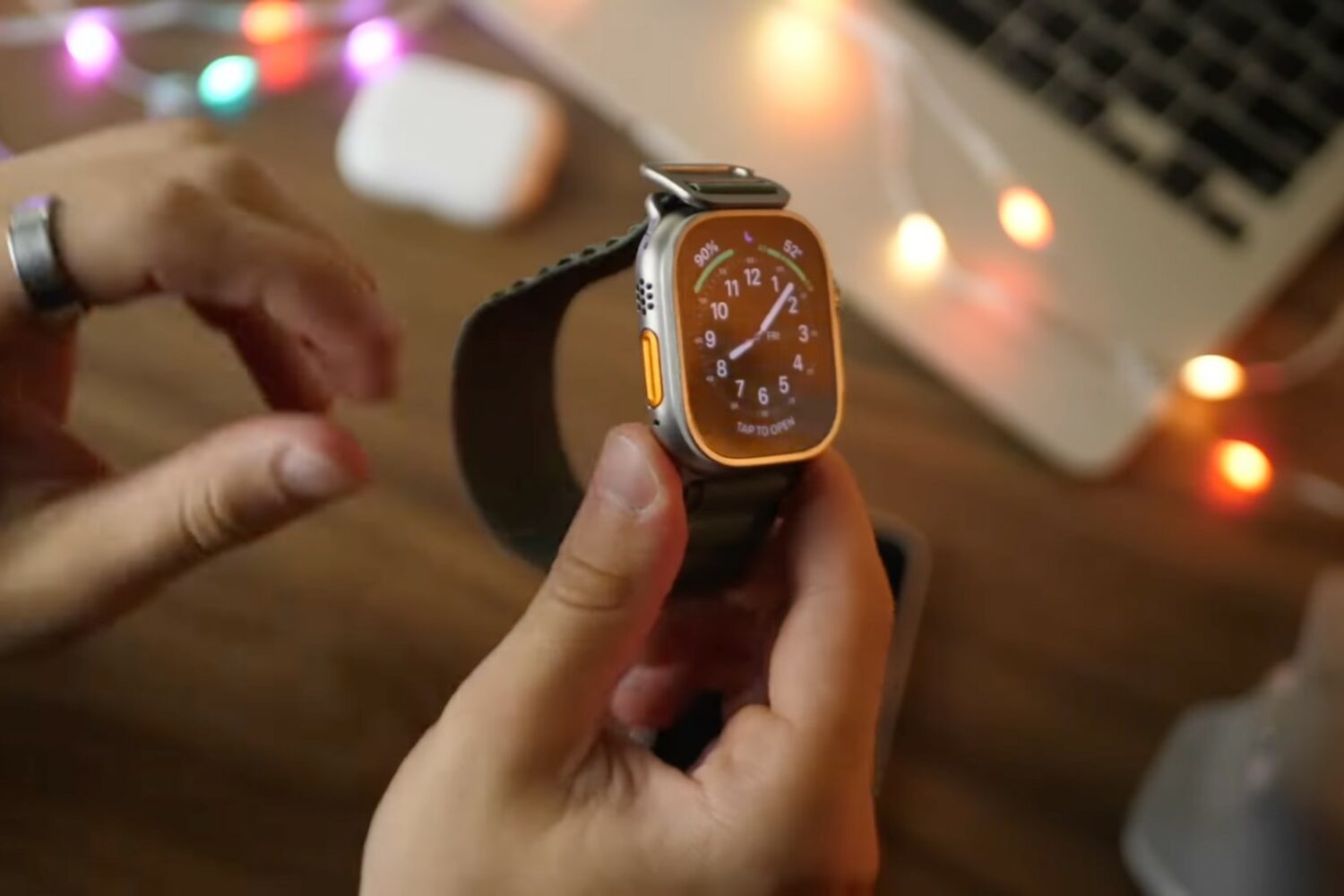
Watch this new collection of Apple Watch Ultra video tips, ranging from the setup process to adjusting important settings, configuring features and setting up apps.
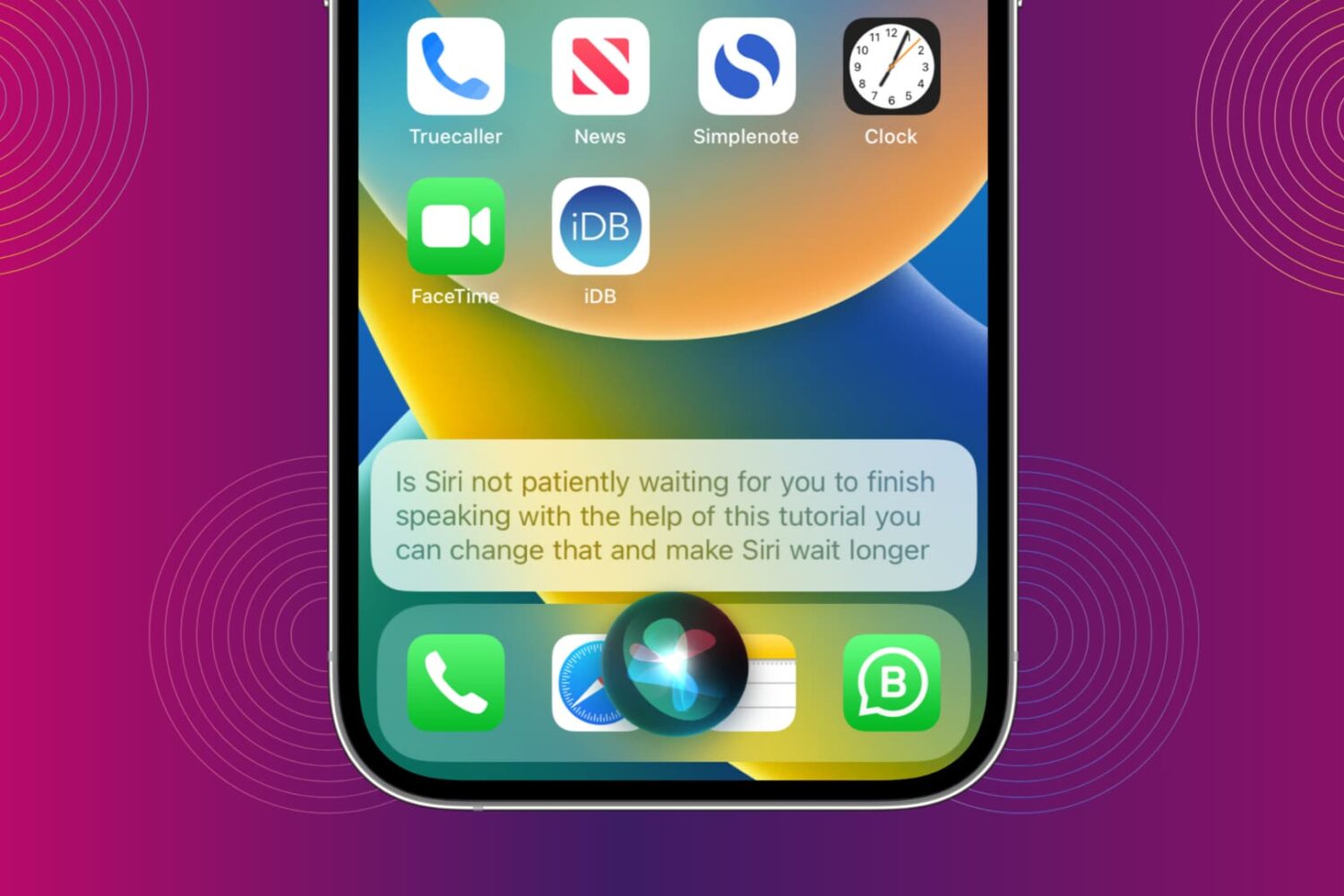
You can make Siri wait longer and have it keep listening until you finish speaking. We show you how to do that and increase Siri Pause Time so the assistant waits patiently for your voice command to be over before it starts working on it.
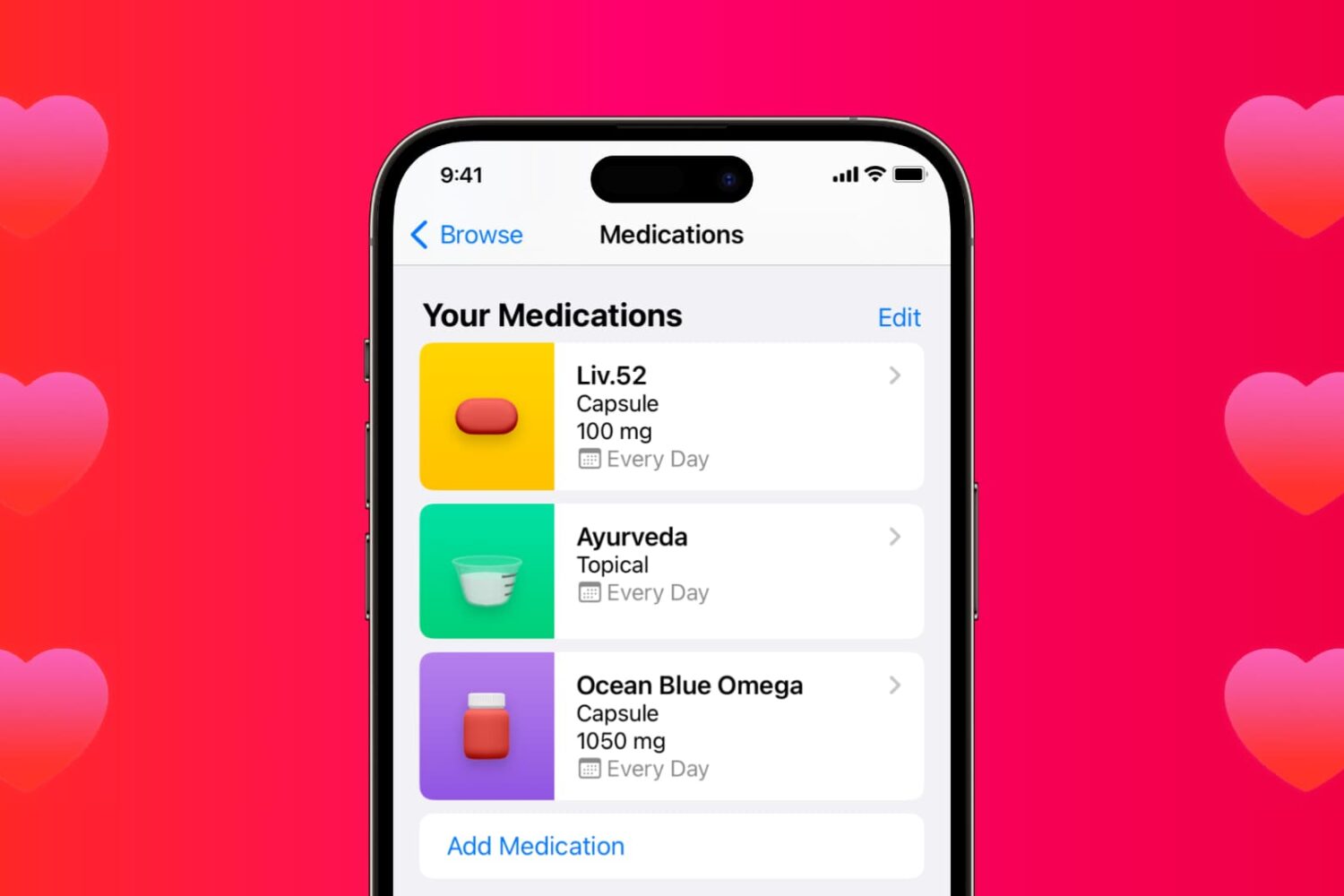
Learn how to use the Medications feature in the iPhone and iPad Health app to keep track of your medications and be reminded to take them on time.
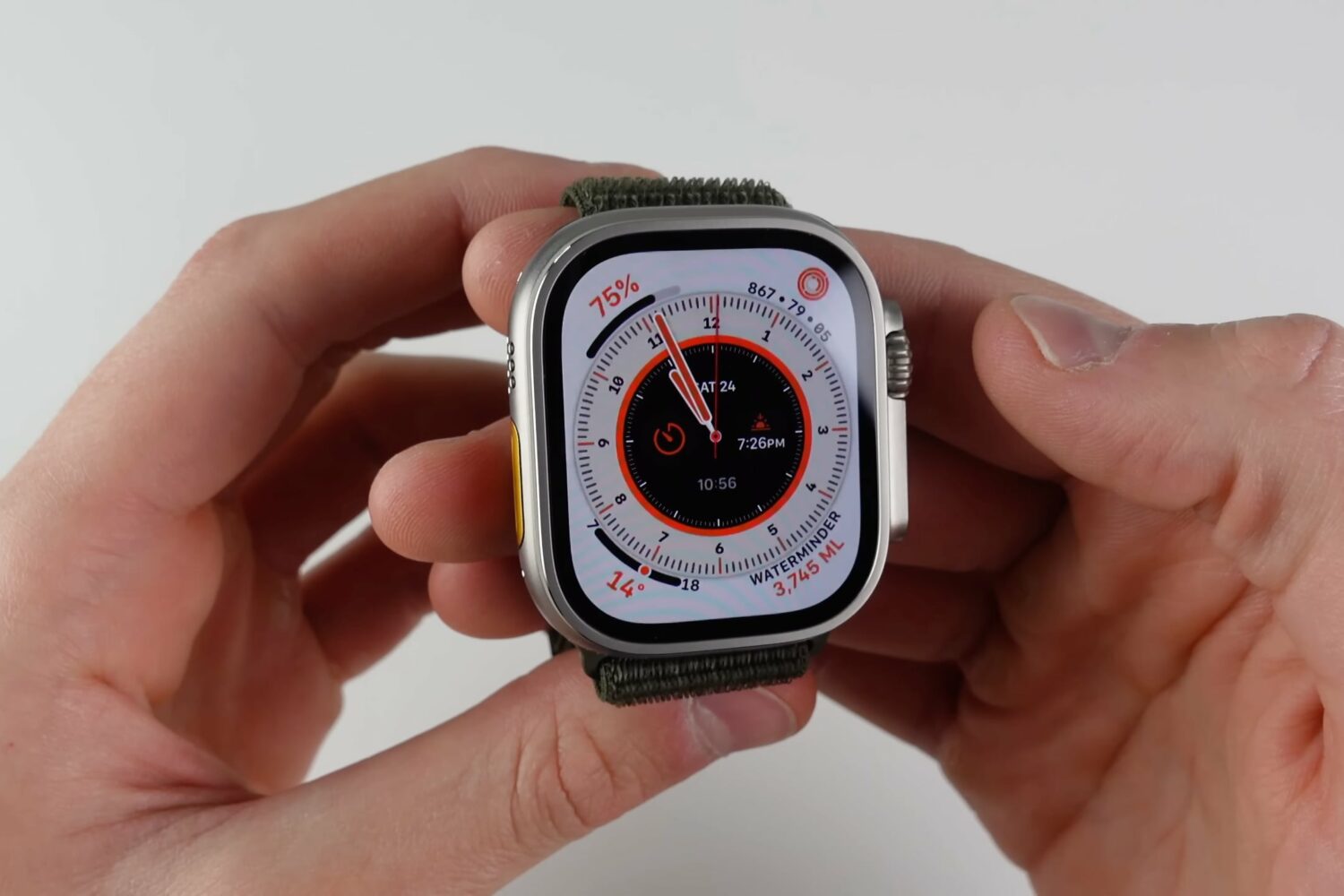
Watch our video tips and tricks to learn how to use the 10 best features of Apple Watch Ultra in watchOS 9, including hidden and secret ones.
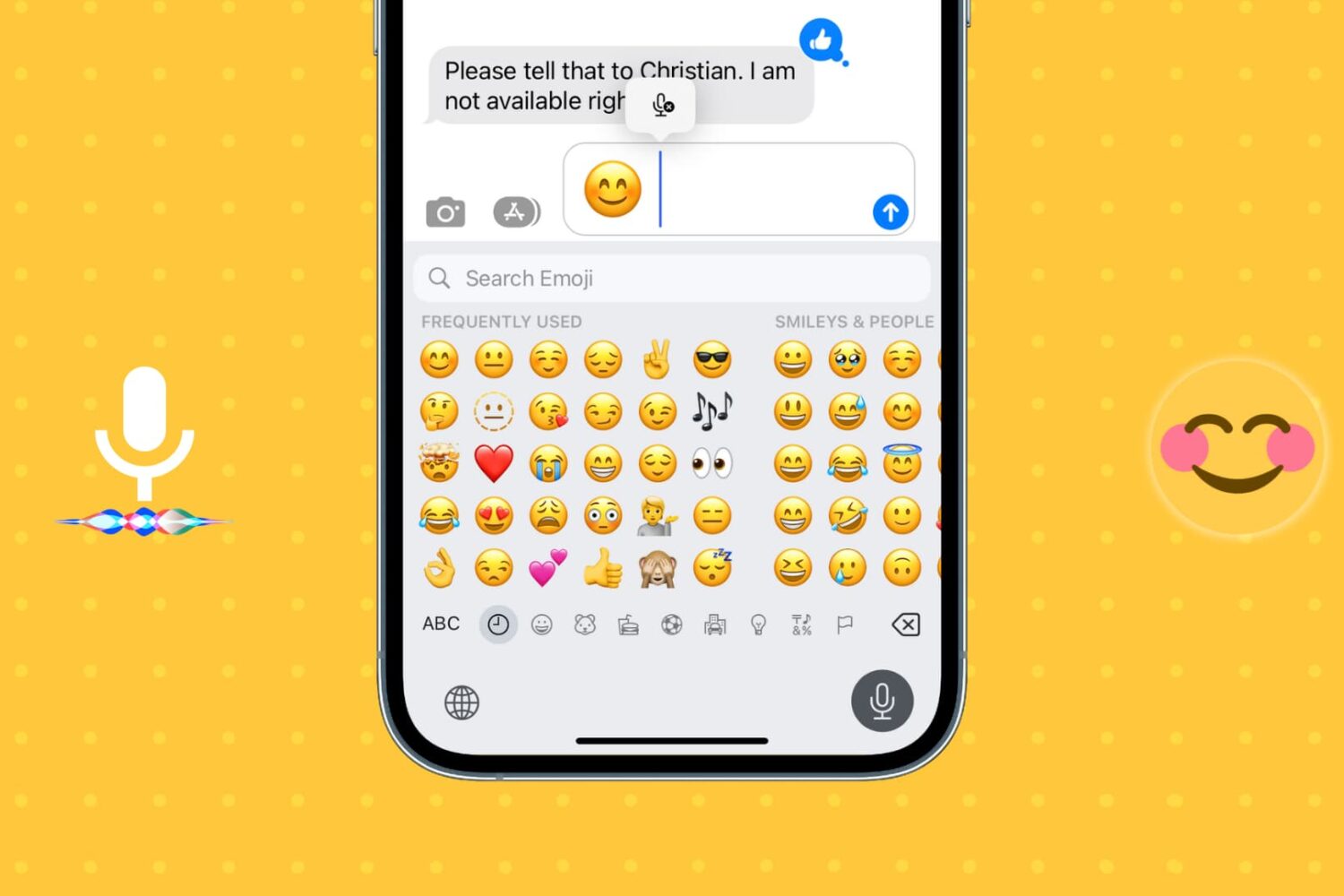
Learn how to insert emojis into your text via voice using Dictation or Siri so you can be more expressive without having to switch to the emoji pane of the on-screen keyboard.
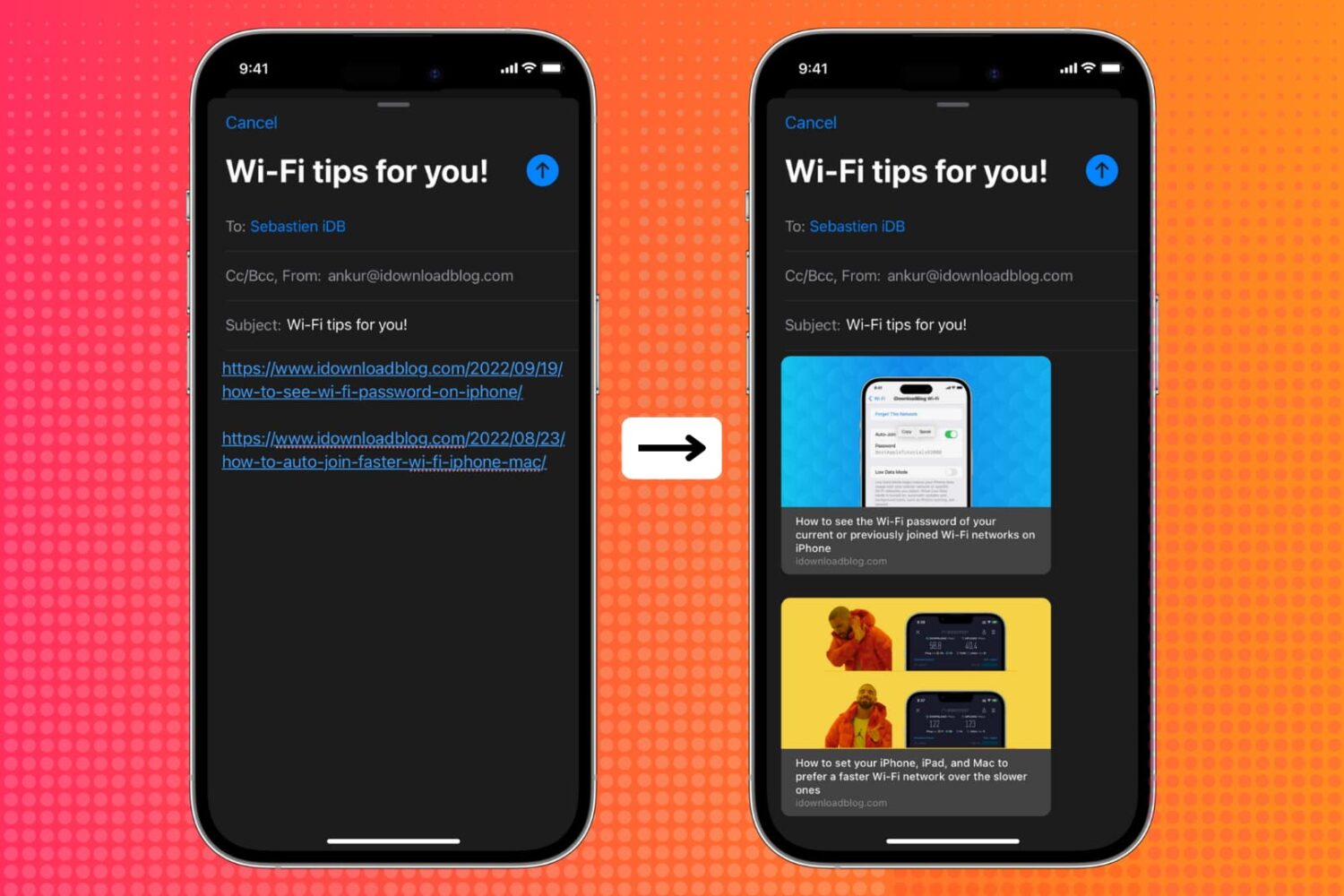
Learn how to show link previews by converting plain URLs into rich links in the Apple Mail app on iPhone, iPad, and Mac.
iOS 16 is now available for all iPhone users who have an iPhone 8 or later. In most cases, the update should download and install within minutes.
However, when updating an iPhone to iOS 16 or one of its incremental versions, such as iOS 16.0.2 or 16.1, you may face problems such as your iPhone staying stuck on the Apple logo, or the screen turning black/blue/white with no progress bar. It's also possible that your iPhone keeps rebooting more than it should, ultimately leading to a failed iOS 16 update.
To get you out of these situations, PhoneRescue by iMobie can be a helpful companion! It's a piece of software for your Mac and Windows PC that can fix most iOS 16 update issues.
So, if you're unable to update your iPhone from iOS 15 to iOS 16 or iOS 16 to one of its future versions, read along and learn how to fix this.

We previously showed our readers how they could install TrollStore on a jailbroken iOS or iPadOS 14.0-14.8.1 device, but as we’ve said many times over in other posts, TrollStore also supports non-jailbroken iOS 15.0-15.1.1 devices. The only question, then, is how can you install it on a non-jailbroken device? Well, we intend to show you in today’s tutorial.
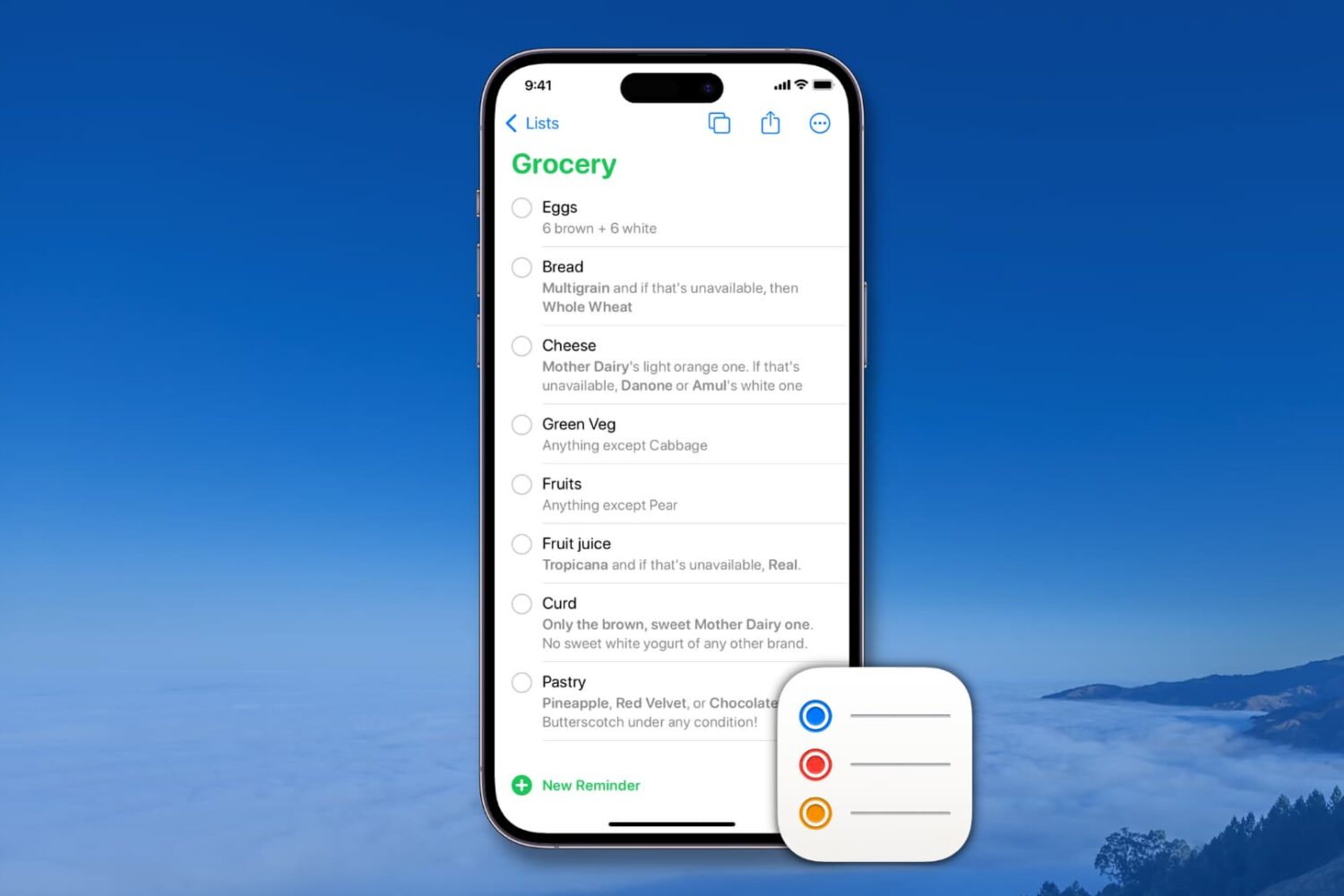
Learn how to create and manage reusable reminder templates on your iPhone, iPad, Mac, and Apple Vision Pro to quickly create new to-dos and save time.
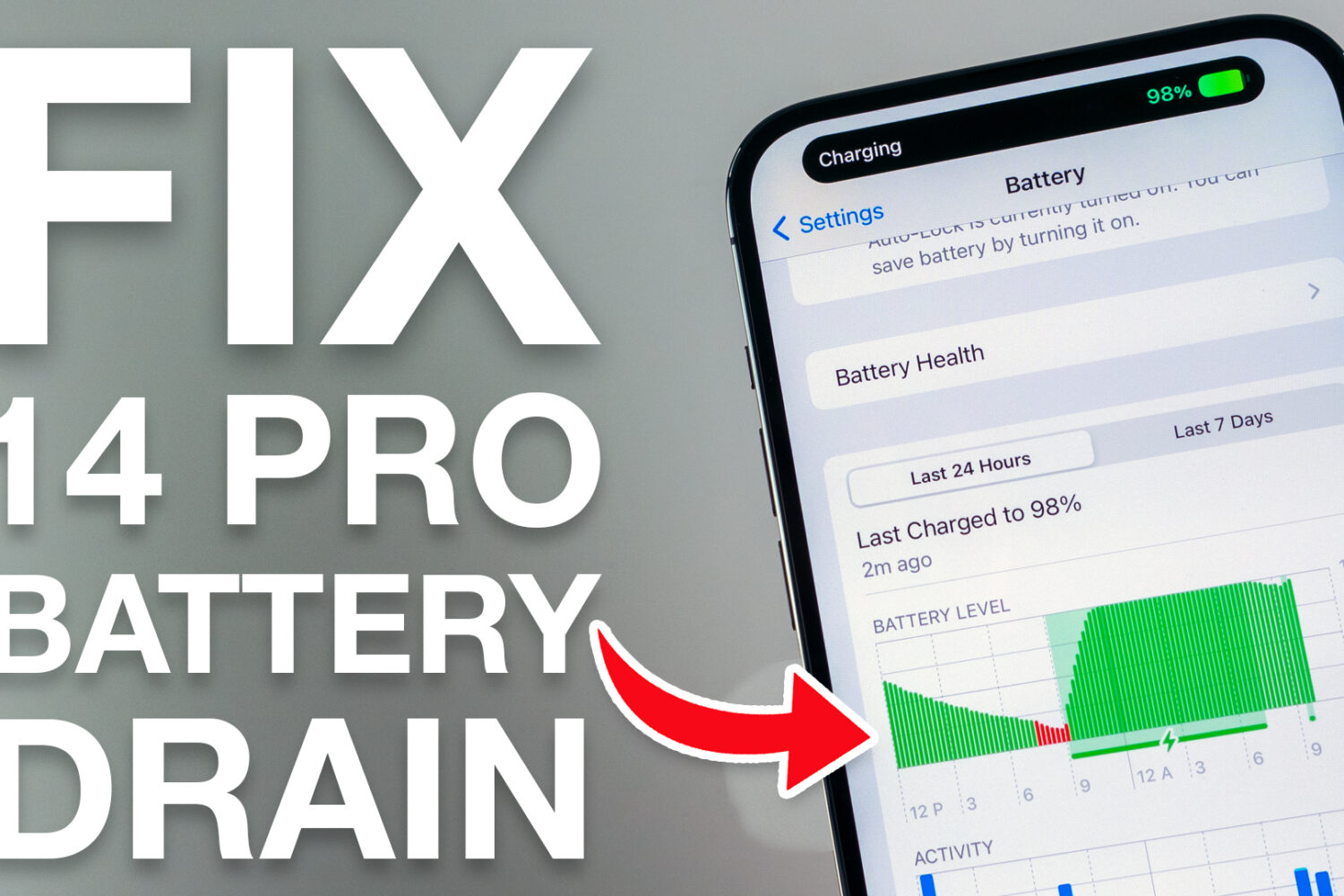
If you’ve just acquired a shiny new Apple iPhone 14 Pro or 14 Pro Max, and you’re coming from last year’s iPhone 13 Pro or 13 Pro Max, then you might be in for a slight surprise when it comes to battery life, despite Apple’s claims that the newer handset should be capable of better battery life.
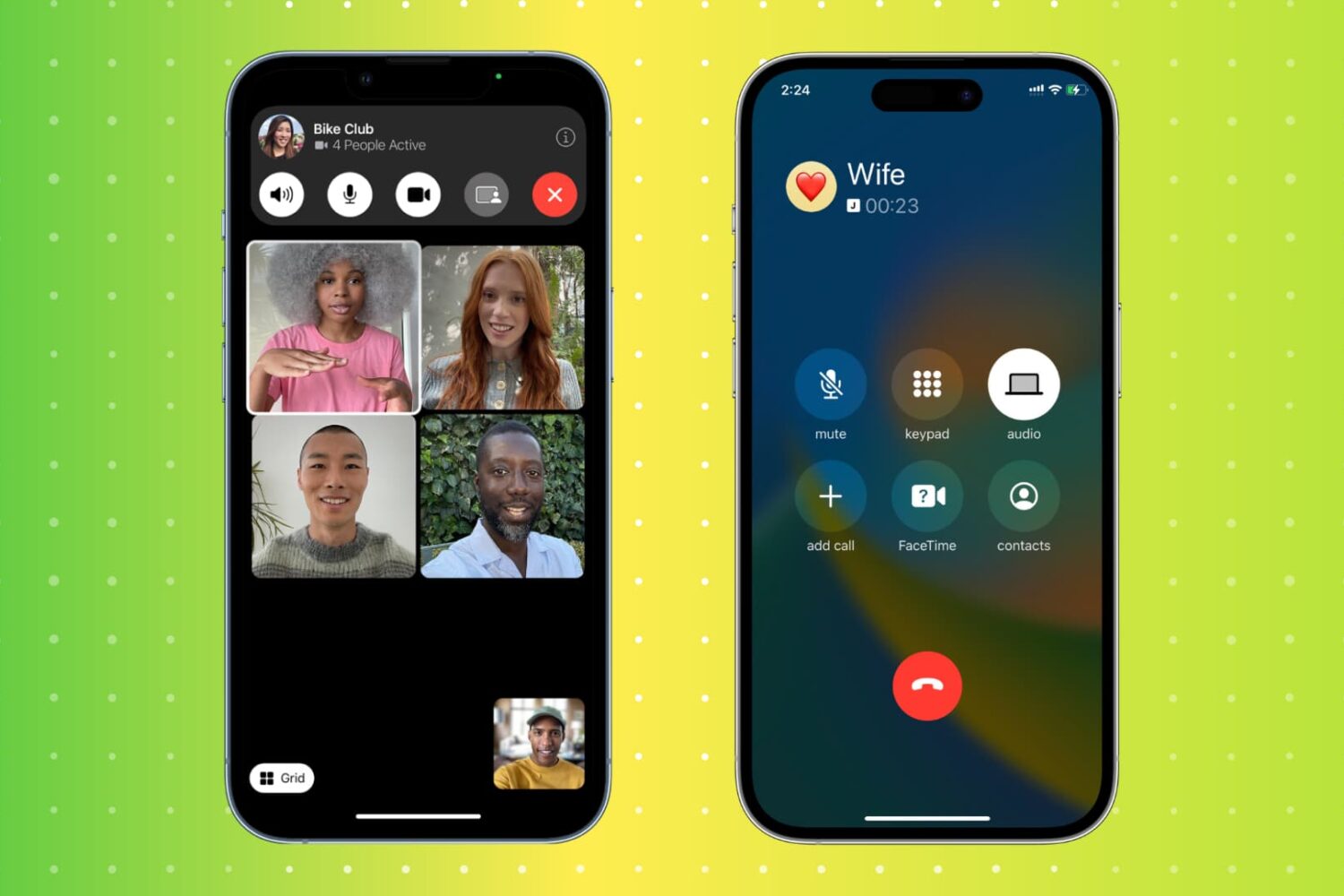
Hanging up a call on an iPhone is a simple task, but there are actually multiple ways to do it. From the traditional red hangup button to more unconventional methods, this article will explore 11 different ways to end a call on an iPhone. Whether you're looking for a faster way to hang up or simply want to try something new, this guide has got you covered.