In this guide, we explore three easy ways to transfer files from Google Drive, Dropbox, and Microsoft OneDrive to iCloud Drive using your iPhone, iPad, Mac, or Windows PC.
Transfer files from Google Drive, OneDrive, Dropbox to iCloud Drive
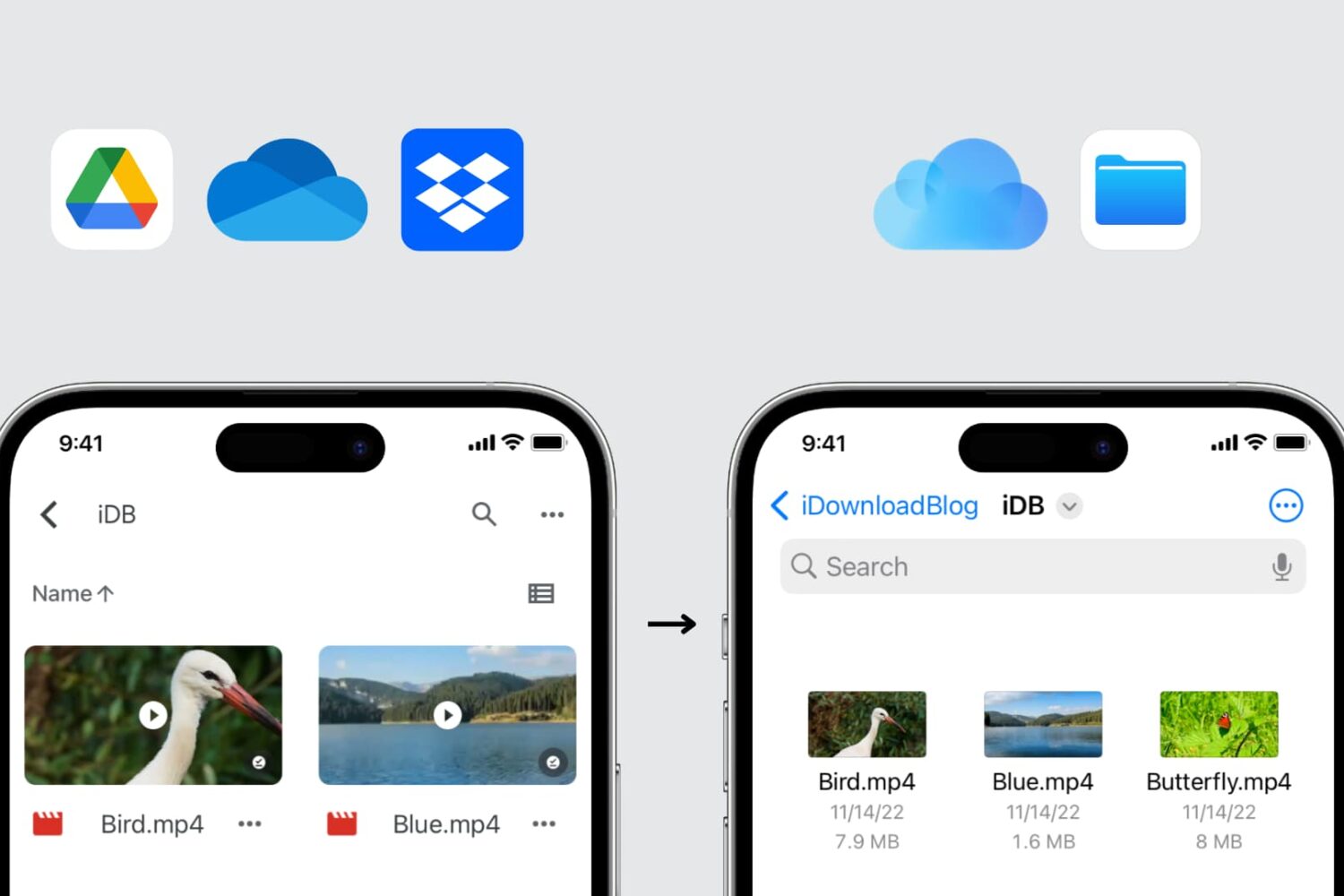
In this guide, we explore three easy ways to transfer files from Google Drive, Dropbox, and Microsoft OneDrive to iCloud Drive using your iPhone, iPad, Mac, or Windows PC.
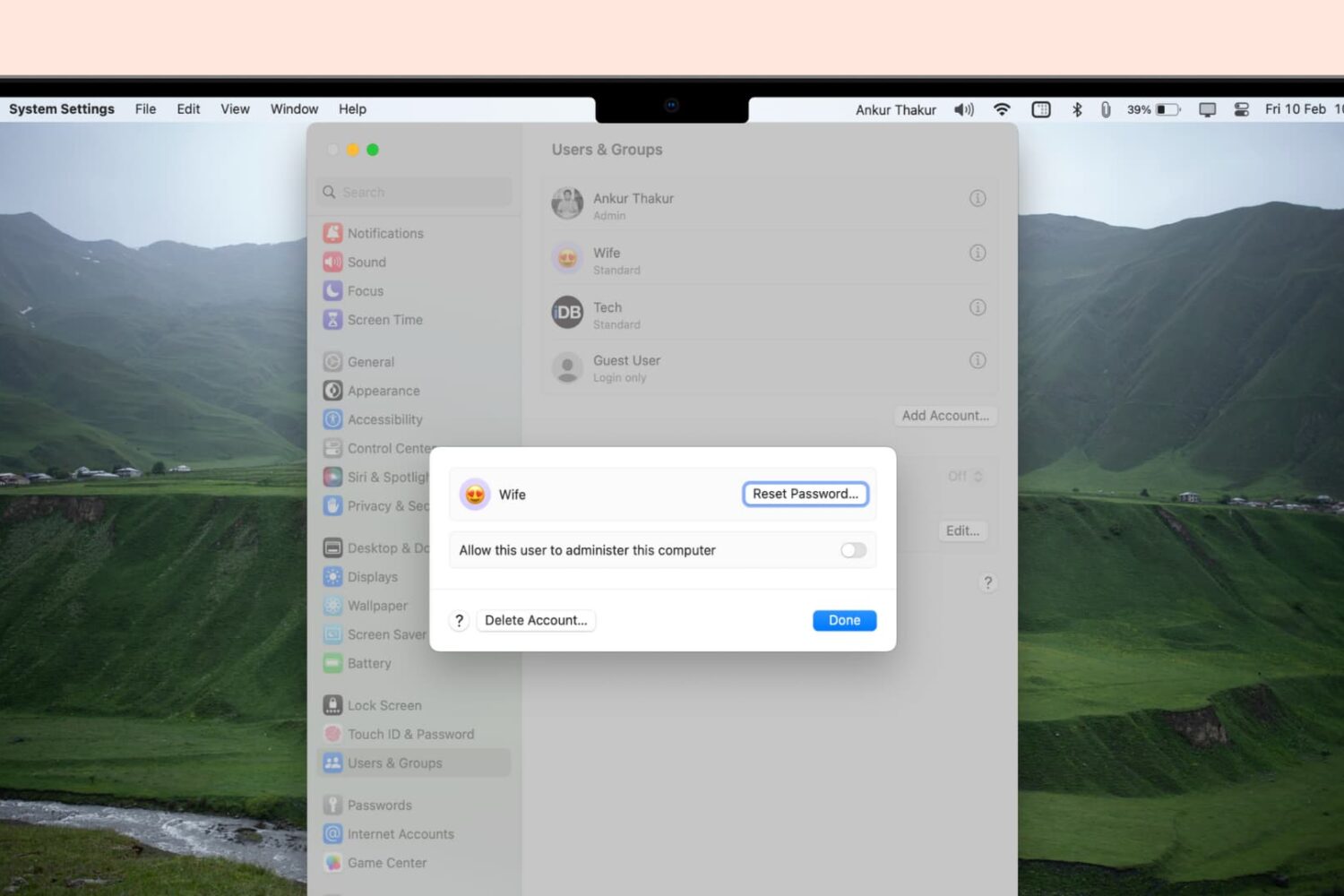
Whether you’re looking to free up space on your device or simply organize your accounts, this guide will walk you through the steps to delete user accounts on your Mac, including admin accounts.

In this step-by-step tutorial, we show you how to capture screenshots and make video recordings of your Apple TV screen running a recent version of tvOS. Aside from your TV, all you need is a little help from your Mac.

This tutorial will show you how to customize the Lock Screen and login screen wallpapers of your Mac in macOS Ventura, including steps to set different pictures as the desktop and Lock Screen backgrounds.
Try these troubleshooting tips to fix AirPlay audio not working on your HomePod speaker from an iPhone, iPad, Mac, or AppleTV.

Learn how to create separate user accounts on your Mac, allowing each user to customize their settings and keep their files and documents private and secure.
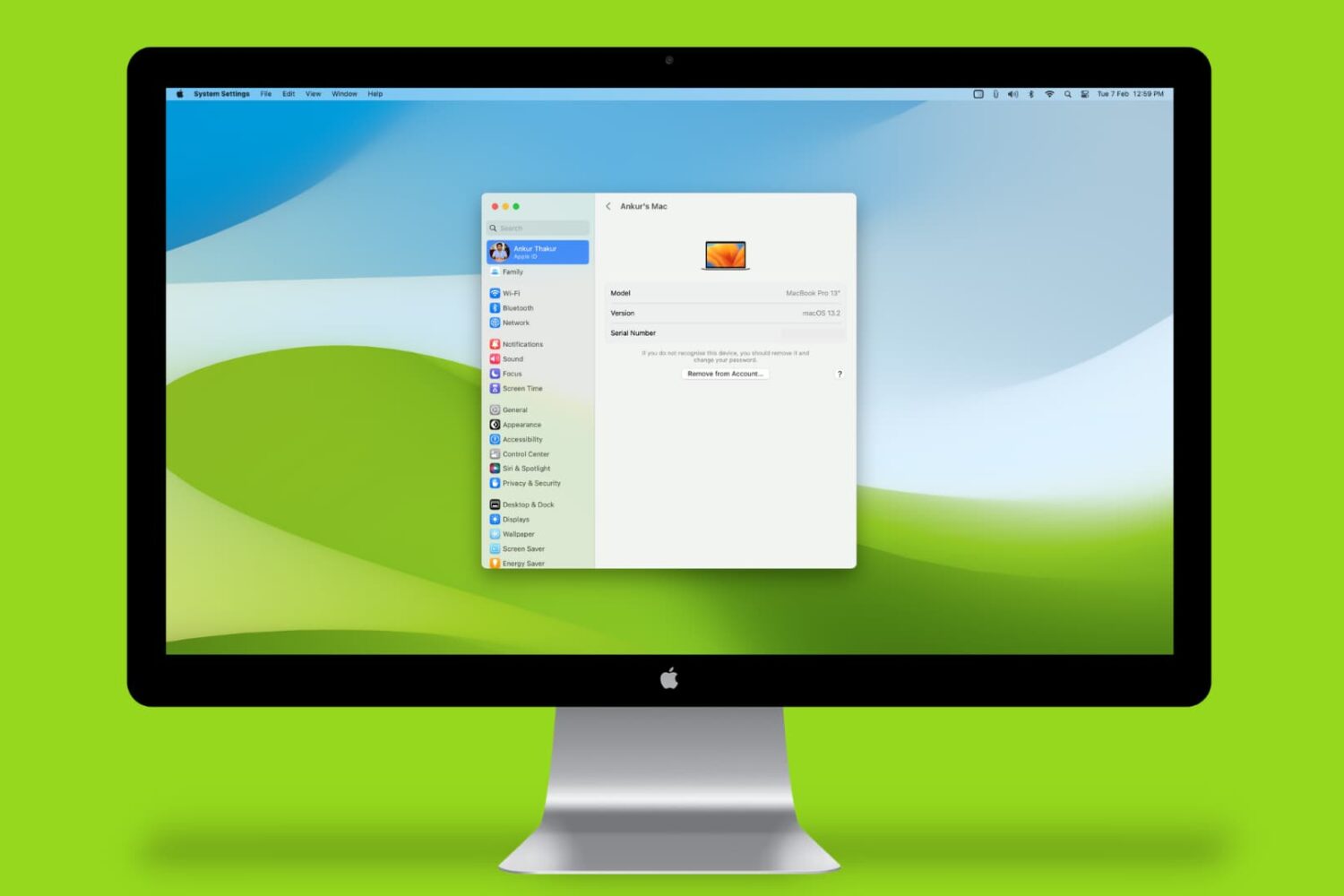
Learn how to find your Mac’s serial number, model number, part number, model name, and launch year, and why you might need this information.
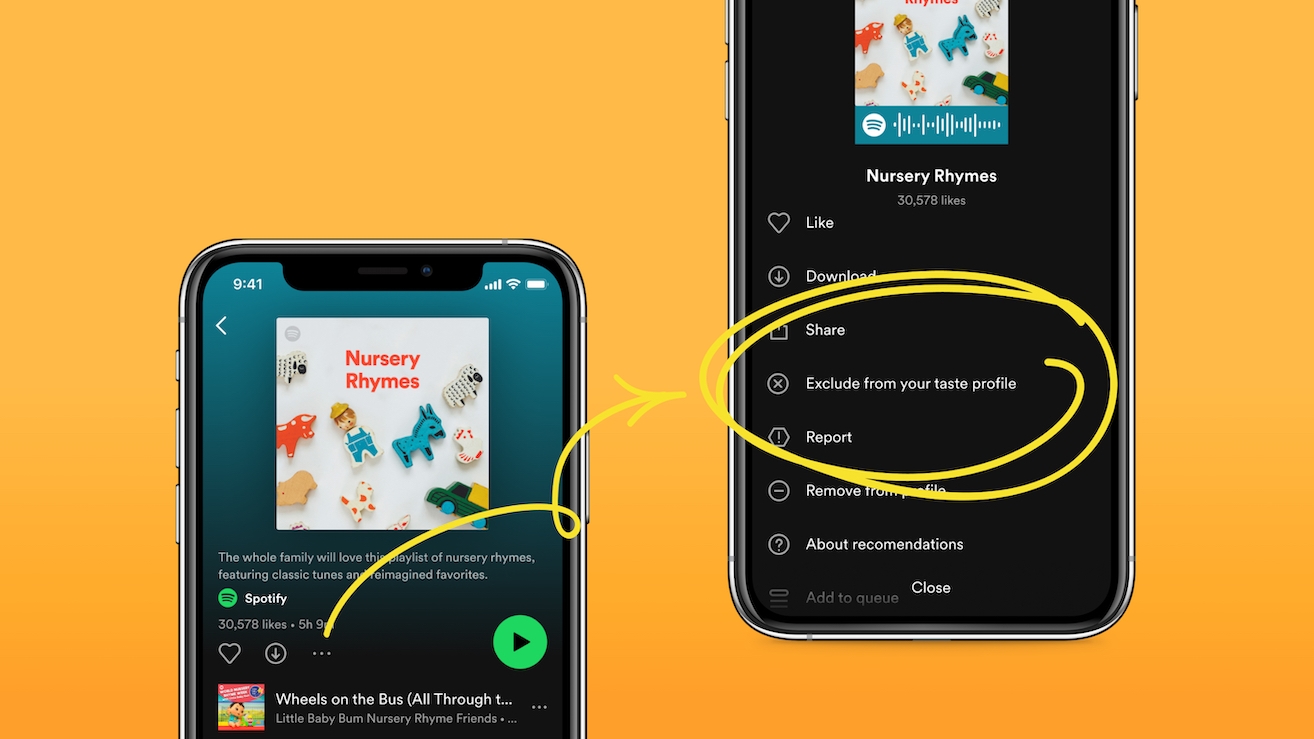
Learn how to exclude specific Spotify playlists, such as your favorite workout tracks, from your taste profile to prevent them from affecting your personalized recommendations.
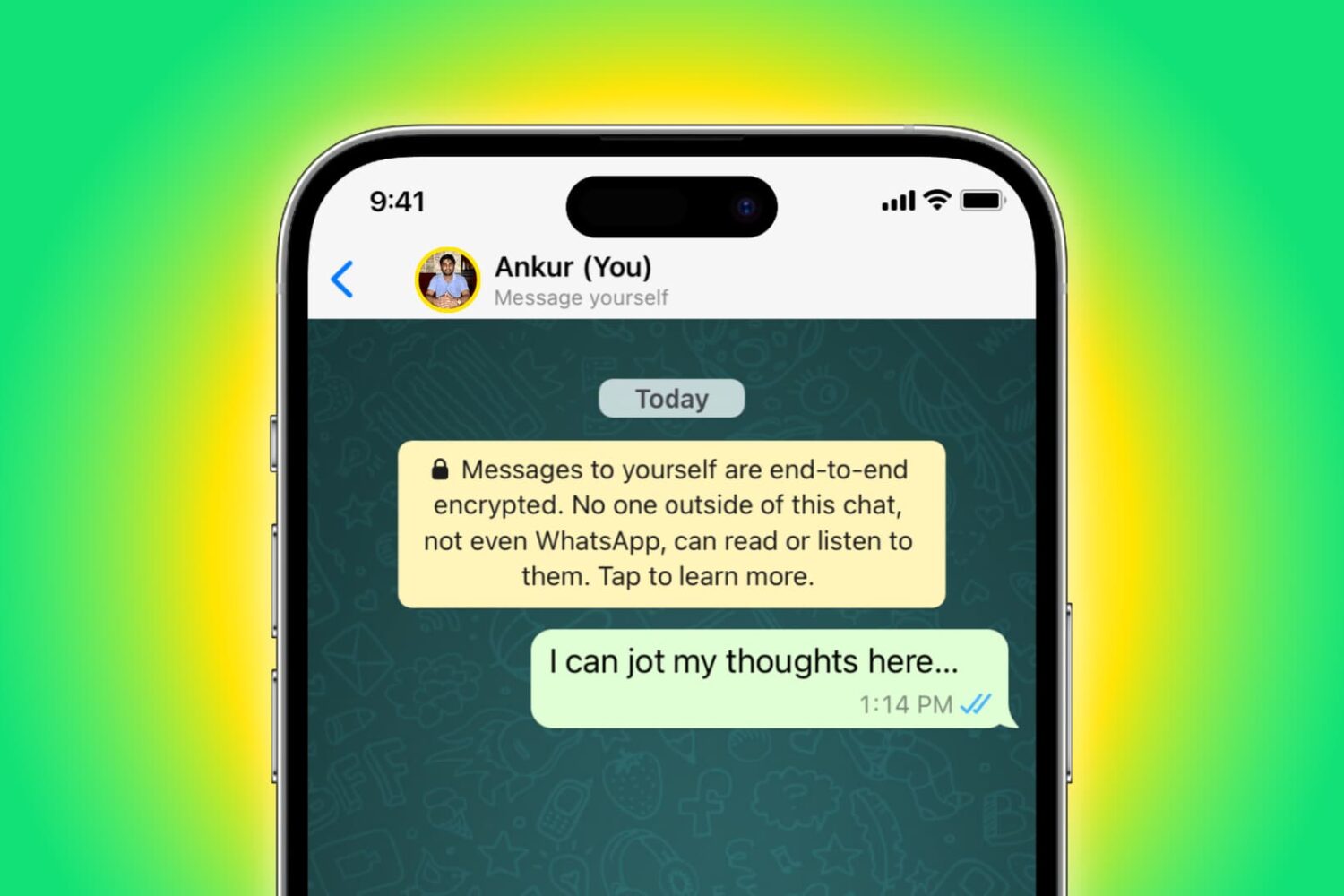
Learn about two ways to message yourself on WhatsApp for creating quick shopping lists, to-dos, storing documents, and more.
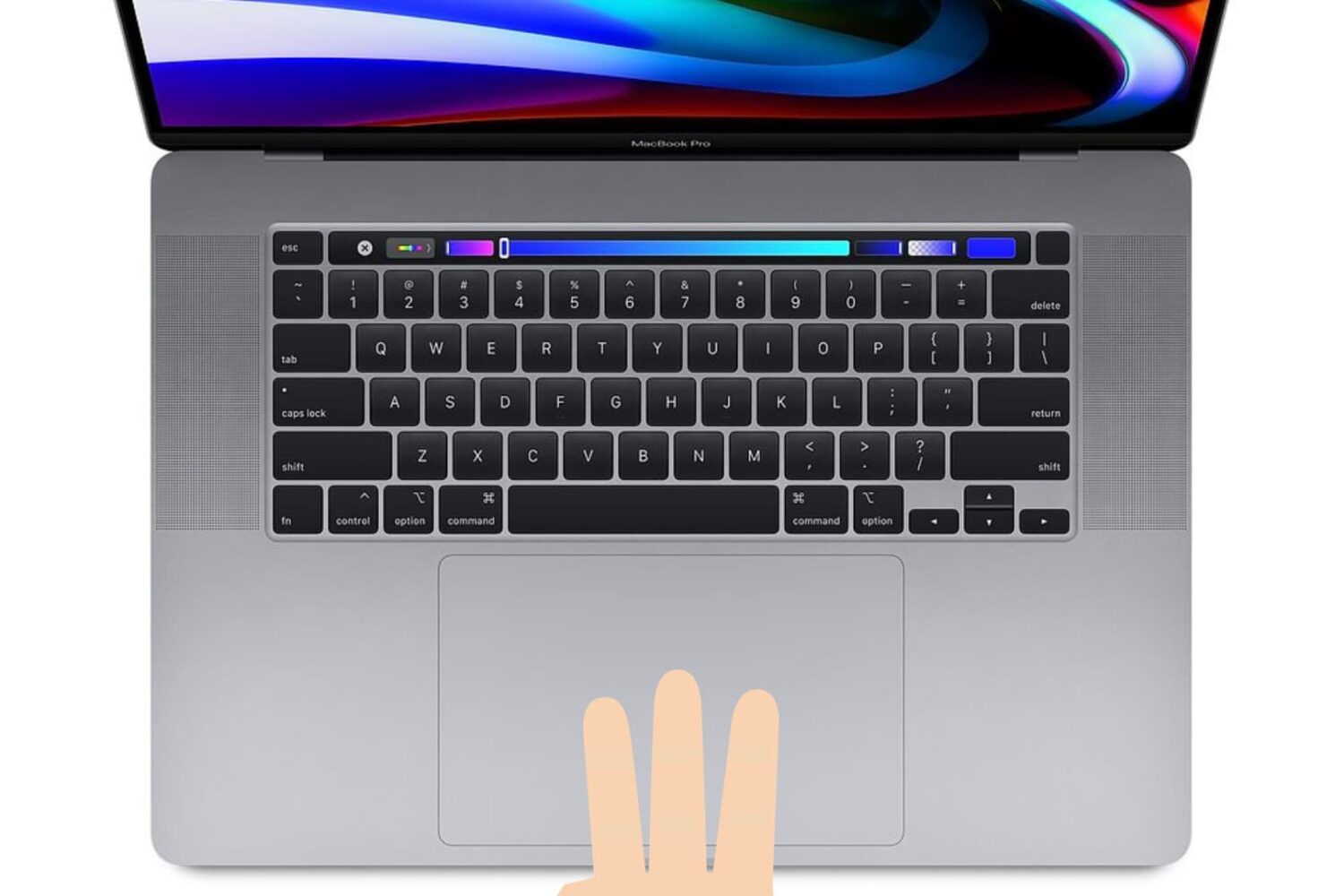
Learn how to enable three-finger drag on your MacBook’s built-in trackpad or a Magic Trackpad to make it easier to move windows and select text.
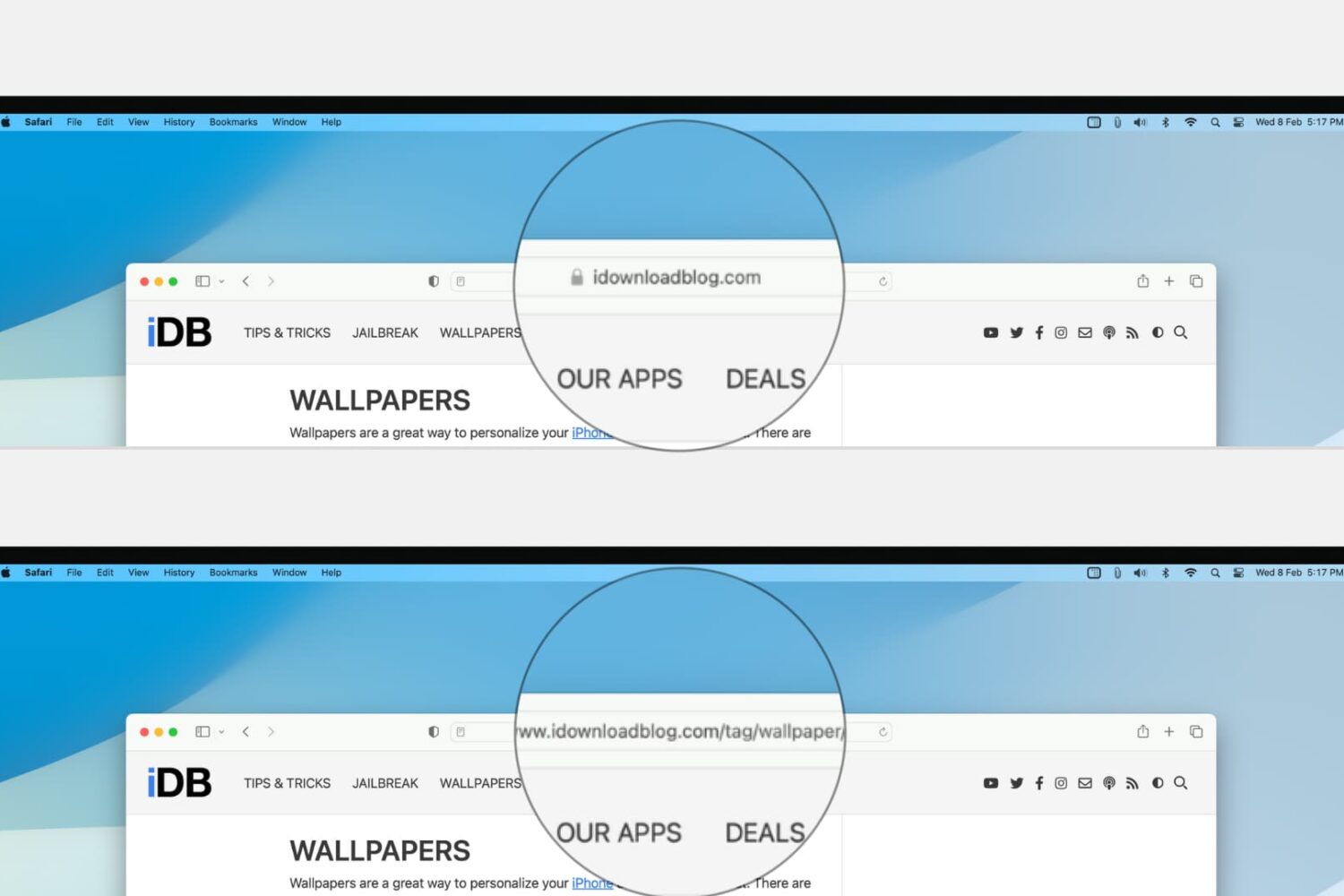
Learn how to configure Safari on your Mac to display the full website URL in the address bar, making it easier to distinguish between open tabs.

So you’ve just removed the palera1n jailbreak from your iPhone or iPad, only to find that the rootfs restore left behind some unwanted icons on your Home Screen; namely Sileo and Substitute, which are the package manager and tweak injection apps that are installed by palera1n when you jailbreak your handset with it.